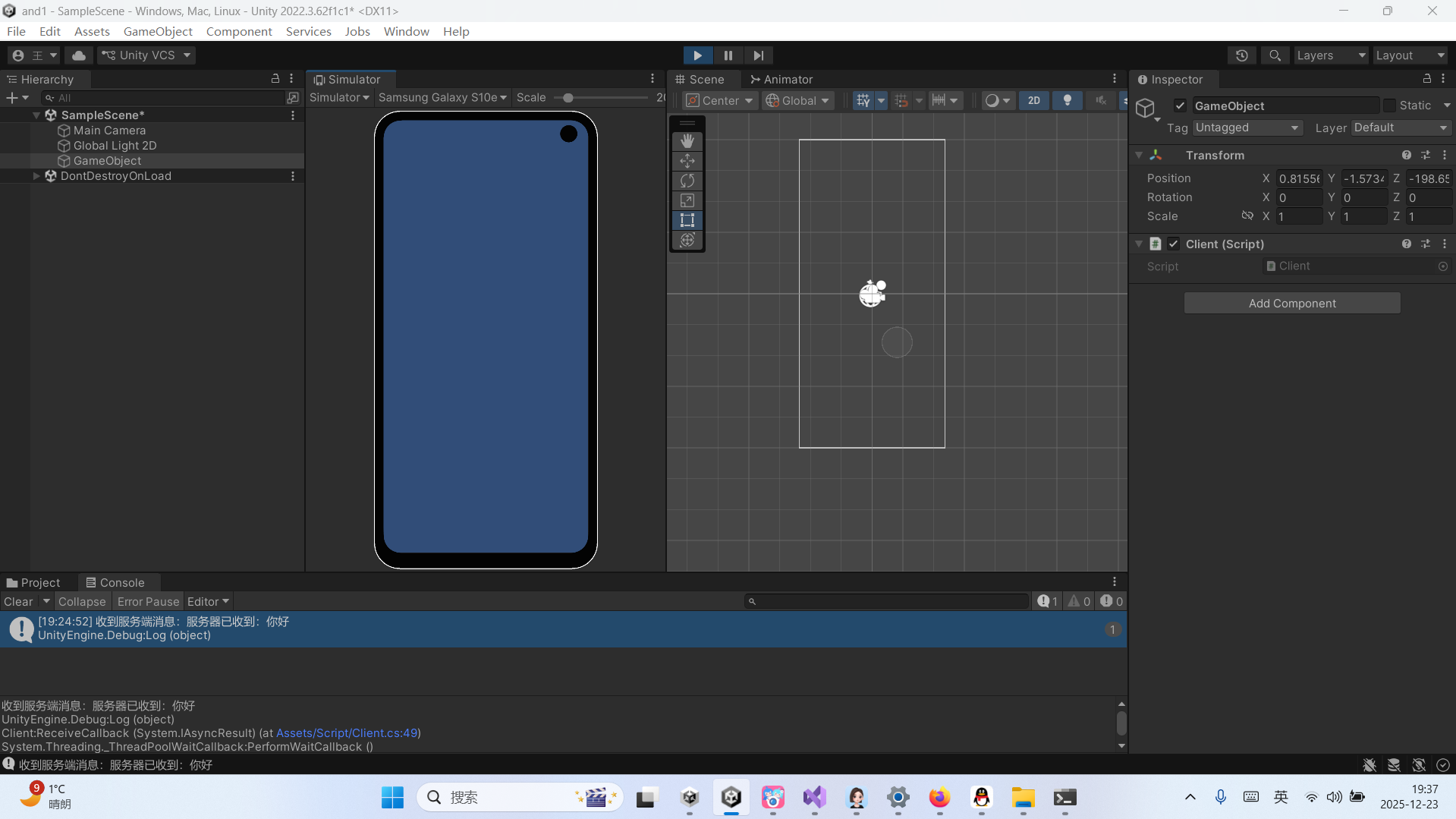
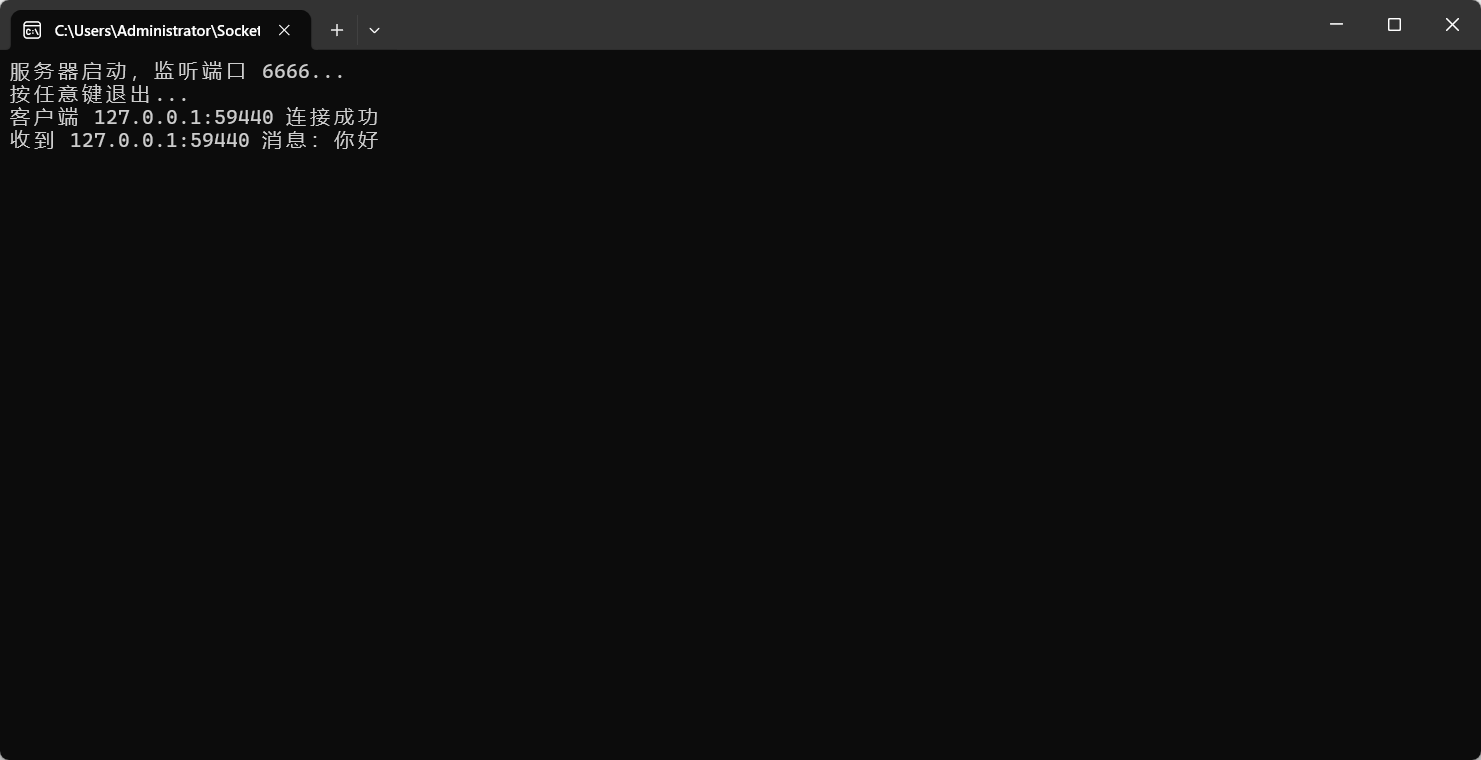
c# socket控制台程序
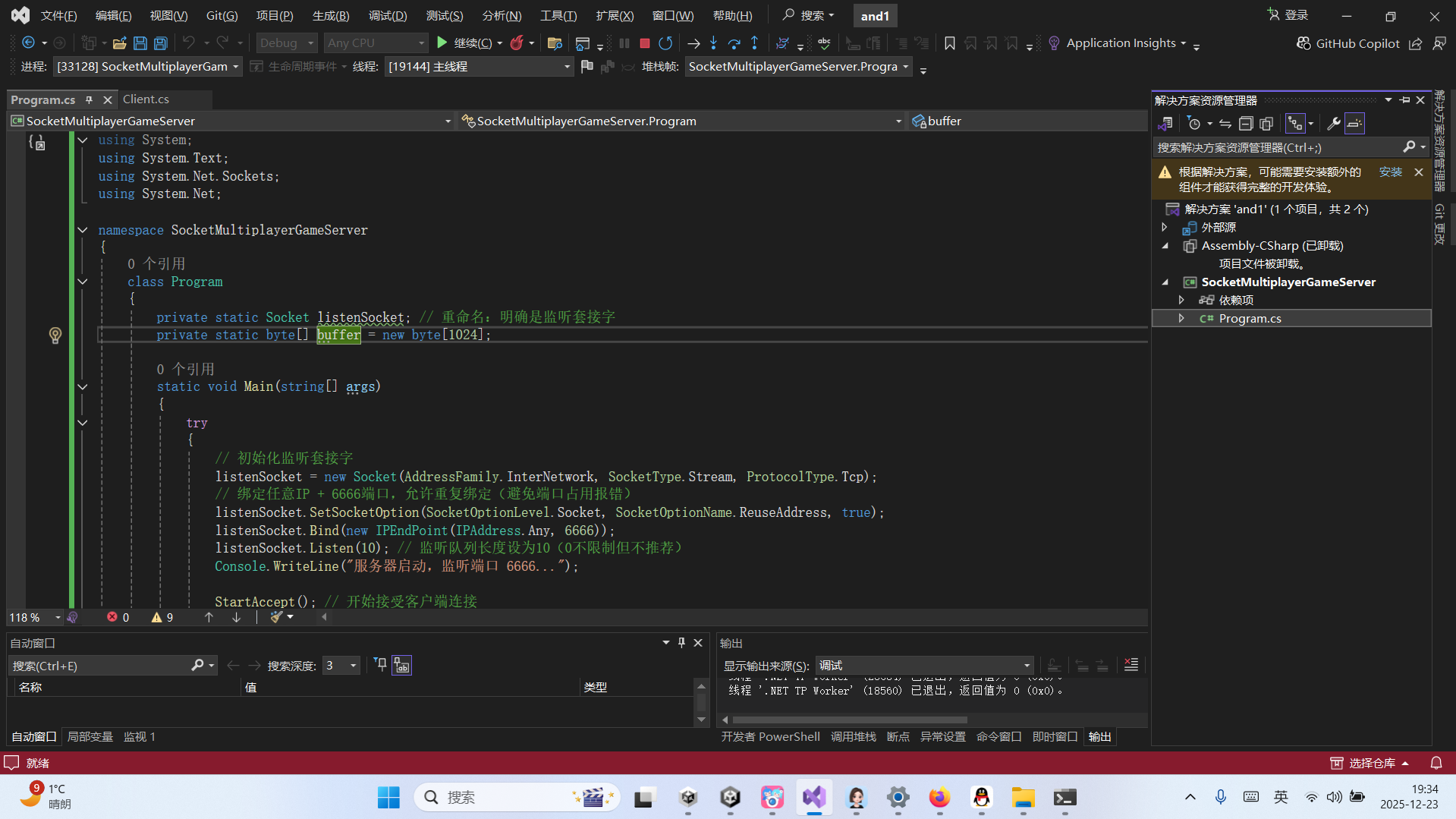
服务端
cs
using System;
using System.Text;
using System.Net.Sockets;
using System.Net;

namespace SocketMultiplayerGameServer
{
    class Program
    {
        private static Socket listenSocket; // 重命名:明确是监听套接字
        private static byte[] buffer = new byte[1024];

        static void Main(string[] args)
        {
            try
            {
                // 初始化监听套接字
                listenSocket = new Socket(AddressFamily.InterNetwork, SocketType.Stream, ProtocolType.Tcp);
                // 绑定任意IP + 6666端口,允许重复绑定(避免端口占用报错)
                listenSocket.SetSocketOption(SocketOptionLevel.Socket, SocketOptionName.ReuseAddress, true);
                listenSocket.Bind(new IPEndPoint(IPAddress.Any, 6666));
                listenSocket.Listen(10); // 监听队列长度设为10(0不限制但不推荐)
                Console.WriteLine("服务器启动,监听端口 6666...");

                StartAccept(); // 开始接受客户端连接
                Console.WriteLine("按任意键退出...");
                Console.ReadKey();

                // 程序退出时关闭监听套接字
                listenSocket?.Close();
            }
            catch (Exception ex)
            {
                Console.WriteLine("服务器初始化失败:" + ex.Message);
            }
        }

        // 异步接受客户端连接
        static void StartAccept()
        {
            if (listenSocket == null || !listenSocket.IsBound) return;

            try
            {
                listenSocket.BeginAccept(AcceptCallback, null);
            }
            catch (Exception ex)
            {
                Console.WriteLine("接受连接异常:" + ex.Message);
            }
        }

        // 连接接受回调
        static void AcceptCallback(IAsyncResult iar)
        {
            try
            {
                // 完成客户端连接接受
                Socket client = listenSocket.EndAccept(iar);
                if (client == null) return;

                // 打印客户端信息
                IPEndPoint clientEP = client.RemoteEndPoint as IPEndPoint;
                Console.WriteLine($"客户端 {clientEP.Address}:{clientEP.Port} 连接成功");

                // 开始接收该客户端的消息
                StartReceive(client);
                // 继续接受新的客户端连接
                StartAccept();
            }
            catch (Exception ex)
            {
                Console.WriteLine("接受客户端连接异常:" + ex.Message);
                // 异常后重新尝试监听
                StartAccept();
            }
        }

        // 异步接收客户端消息(关键修复:使用client而非listenSocket)
        static void StartReceive(Socket client)
        {
            if (client == null || !client.Connected) return;

            try
            {
                // 核心修复:调用客户端套接字的BeginReceive,而非监听套接字
                client.BeginReceive(buffer, 0, buffer.Length, SocketFlags.None, ReceiveCallback, client);
            }
            catch (Exception ex)
            {
                Console.WriteLine("开始接收消息异常:" + ex.Message);
                // 清理无效客户端连接
                CloseClient(client);
            }
        }

        // 接收消息回调
        static void ReceiveCallback(IAsyncResult iar)
        {
            Socket client = iar.AsyncState as Socket;
            if (client == null) return;

            try
            {
                // 完成消息接收
                int len = client.EndReceive(iar);

                // len=0 表示客户端正常断开连接
                if (len == 0)
                {
                    IPEndPoint clientEP = client.RemoteEndPoint as IPEndPoint;
                    Console.WriteLine($"客户端 {clientEP.Address}:{clientEP.Port} 正常断开");
                    CloseClient(client);
                    return;
                }

                // 解析并打印客户端消息
                string str = Encoding.UTF8.GetString(buffer, 0, len);
                IPEndPoint clientIp = client.RemoteEndPoint as IPEndPoint;
                Console.WriteLine($"收到 {clientIp.Address}:{clientIp.Port} 消息:{str}");

                // 可选:回复客户端(测试用)
                string replyMsg = "服务器已收到:" + str;
                client.Send(Encoding.UTF8.GetBytes(replyMsg));

                // 继续监听该客户端的下一条消息
                StartReceive(client);
            }
            catch (SocketException ex)
            {
                // 捕获套接字异常(客户端异常断开、网络错误等)
                IPEndPoint clientEP = client.RemoteEndPoint as IPEndPoint;
                Console.WriteLine($"客户端 {clientEP?.Address}:{clientEP?.Port} 异常断开:{ex.Message}");
                CloseClient(client);
            }
            catch (Exception ex)
            {
                Console.WriteLine("接收消息异常:" + ex.Message);
                CloseClient(client);
            }
        }

        // 关闭客户端连接(统一资源清理)
        static void CloseClient(Socket client)
        {
            if (client == null) return;

            try
            {
                if (client.Connected)
                {
                    client.Shutdown(SocketShutdown.Both); // 关闭发送/接收
                }
            }
            catch { }
            finally
            {
                client.Close(); // 释放套接字资源
            }
        }
    }
}
客户端
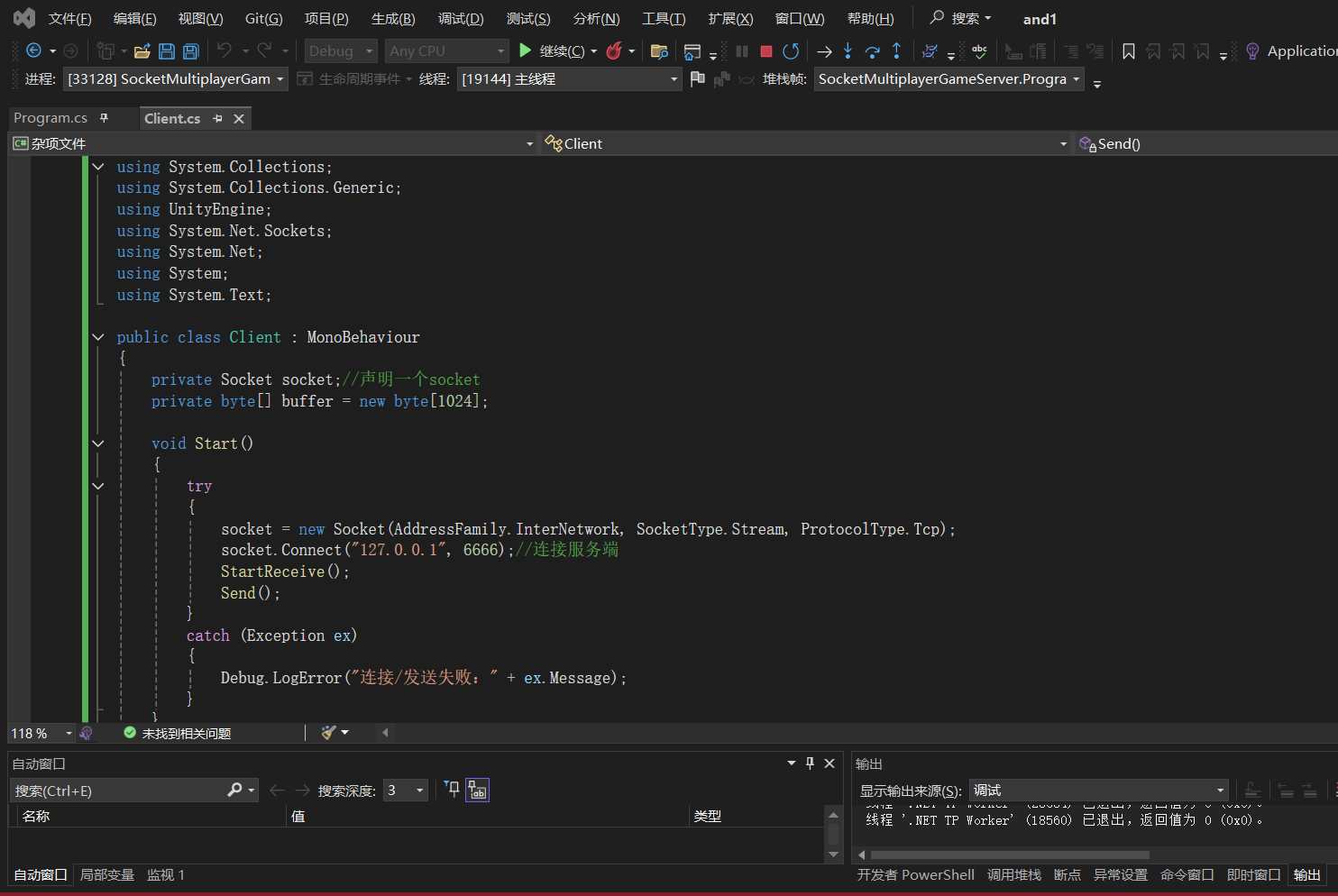
cs
using System.Collections;
using System.Collections.Generic;
using UnityEngine;
using System.Net.Sockets;
using System.Net;
using System;
using System.Text;

public class Client : MonoBehaviour
{
    private Socket socket;//声明一个socket
    private byte[] buffer = new byte[1024];

    void Start()
    {
        try
        {
            socket = new Socket(AddressFamily.InterNetwork, SocketType.Stream, ProtocolType.Tcp);
            socket.Connect("127.0.0.1", 6666);//连接服务端
            StartReceive();
            Send();
        }
        catch (Exception ex)
        {
            Debug.LogError("连接/发送失败:" + ex.Message);
        }
    }

    void StartReceive()
    {
        // 增加空引用判断,避免异常
        if (socket == null || !socket.Connected) return;
        socket.BeginReceive(buffer, 0, buffer.Length, SocketFlags.None, ReceiveCallback, null);
    }

    void ReceiveCallback(IAsyncResult iar)
    {
        try
        {
            int len = socket.EndReceive(iar);
            if (len == 0)
            {
                Debug.Log("服务端断开连接");
                socket.Close();
                return;
            }

            string str = Encoding.UTF8.GetString(buffer, 0, len);
            Debug.Log("收到服务端消息:" + str);
            StartReceive(); // 继续监听接收
        }
        catch (Exception ex)
        {
            Debug.LogError("接收消息异常:" + ex.Message);
        }
    }


    void Send()
    {
        if (socket == null || !socket.Connected) return;
        socket.Send(Encoding.UTF8.GetBytes("你好"));
    }

    void Update()
    {

    }

    // 销毁时关闭Socket,避免资源泄漏
    void OnDestroy()
    {
        socket?.Close();
        socket = null;
    }
}