
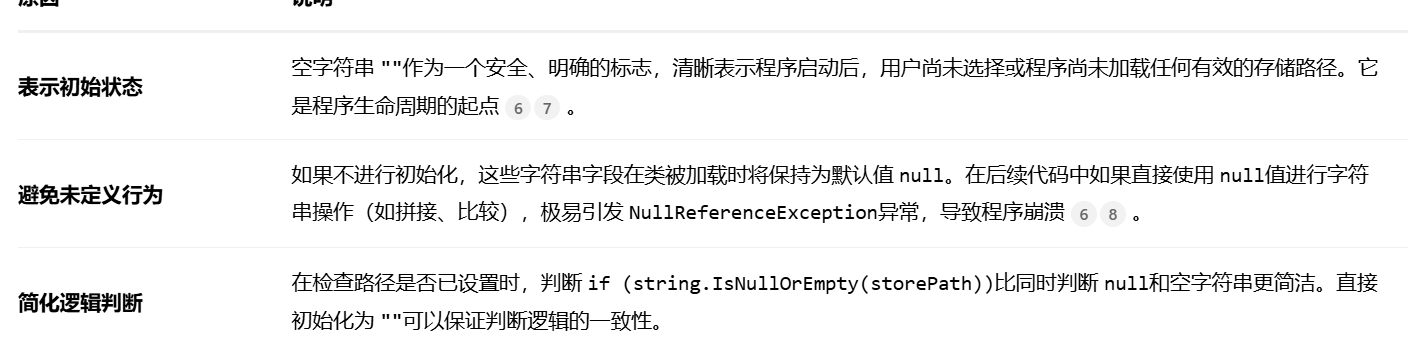
为什么CommonHelper的storePath itemPath会等于" "
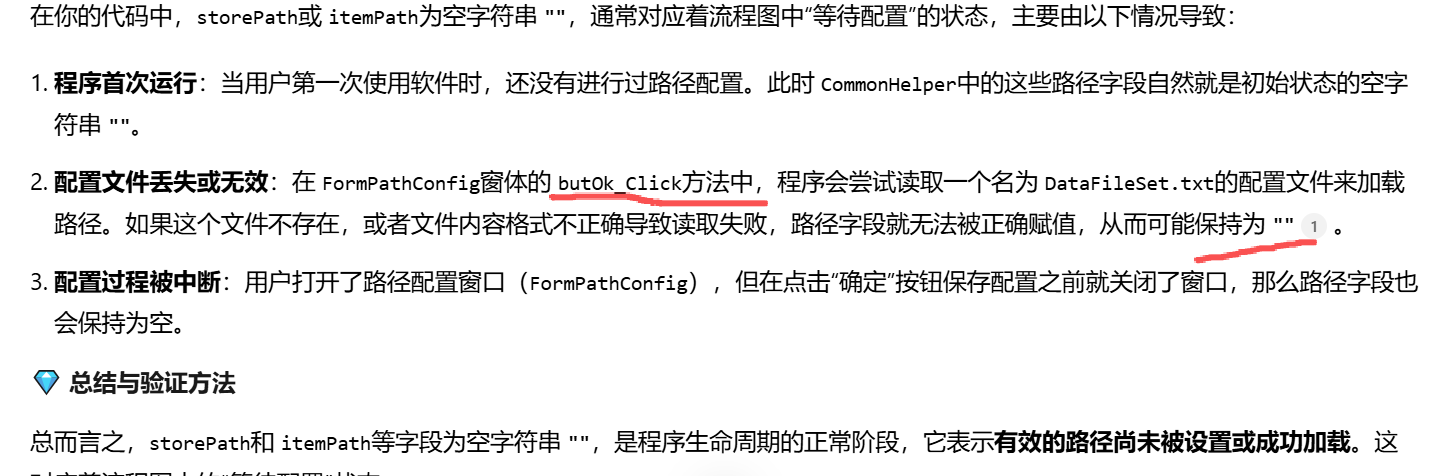
为什么要在commonhelper中设置storepath=" "

csharp
using System;
using System.Collections.Generic;
using System.Linq;
using System.Reflection;
using System.Text;
using System.Threading.Tasks;
using System.Xml;

namespace WinBookKeeping.Utility
{
    /// <summary>
    /// app.Config文件中appSettings节点读写
    /// </summary>
    public class AppHelper
    {
        /// <summary>
        /// 设置节点的值,若该节点不存在,则创建一个新appSetting的节点。
        /// </summary>
        /// <param name="key"></param>
        /// <param name="value"></param>
        /// <returns></returns>
        public static bool SetValue(string key, string value)
        {
            XmlDocument cfgDoc = new XmlDocument();
            //这行代码创建了一个 XmlDocument对象的实例。
            //这个类是 .NET Framework 中用于处理 XML 文档的核心类,它提供了加载、解析、修改和保存 XML 数据的能力
            string path = ((Assembly.GetEntryAssembly()).GetName()).Name + ".exe.config";
            //这个方法获取当前执行的应用程序的入口程序集(即启动应用程序的 .exe文件所在的程序集)
            //path变量就是指向与你的可执行文件在同一目录下的同名 .config文件
            cfgDoc.Load(path);
            //这行代码指示刚才创建的 XmlDocument对象 (cfgDoc) 从指定的 path路径加载并解析 XML 配置文件
            XmlElement root = cfgDoc.DocumentElement;
            //在 XML 文档被加载后,这行代码获取该文档的根元素。
            //对于一个标准的 .NET 应用程序配置文件来说,根元素通常是 <configuration>节点
            XmlNode node = cfgDoc.SelectSingleNode("//appSettings");
            //这行代码使用 XPath 表达式 //appSettings在整个 XML 文档中查找名为 appSettings的节点

            if (node == null)
            {
                node = cfgDoc.CreateElement("appSettings");
                root.AppendChild(node);

            }
            XmlElement addElem = (XmlElement)node.SelectSingleNode("//add[@key='" + key + "']");
            if (addElem != null)
            {
                addElem.SetAttribute("value", value);
            }
            else
            {
                XmlElement entry = cfgDoc.CreateElement("add");
                entry.SetAttribute("key", key);
                entry.SetAttribute("value", value);
                node.AppendChild(entry);
            }
            cfgDoc.Save(path);
            return true;
        }
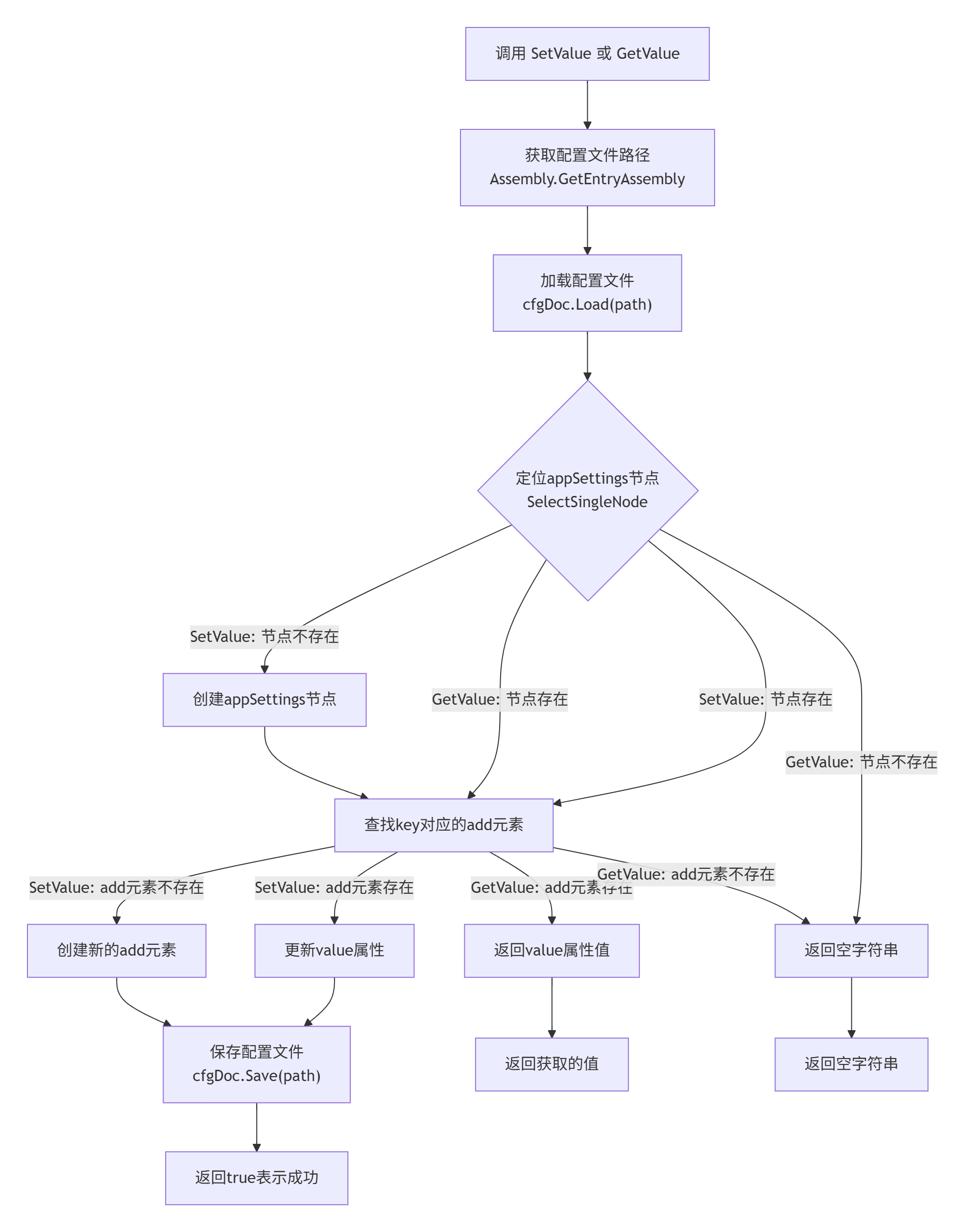
        //该方法的核心逻辑是:将配置文件当作标准的 XML 文件进行解析和修改。其工作流程可以清晰地通过下图展示:
        //mermaid图片代码

        /// <summary>
        /// 获取appSettings中节点的值
        /// </summary>
        /// <param name="key"></param>
        /// <returns></returns>
        public static string GetValue(string key)
        {
            XmlDocument cfgDoc = new XmlDocument();
            string path = ((Assembly.GetEntryAssembly()).GetName()).Name + ".exe.config";
            cfgDoc.Load(path);
            XmlElement root = cfgDoc.DocumentElement;
            XmlNode node = cfgDoc.SelectSingleNode("//appSettings");
            if (node != null)
            {
                XmlElement addElem = (XmlElement)node.SelectSingleNode("//add[@key='" + key + "']");
                if (addElem != null)
                {
                    return addElem.GetAttribute("value");
                }
            }
            return "";
        }
    }
}
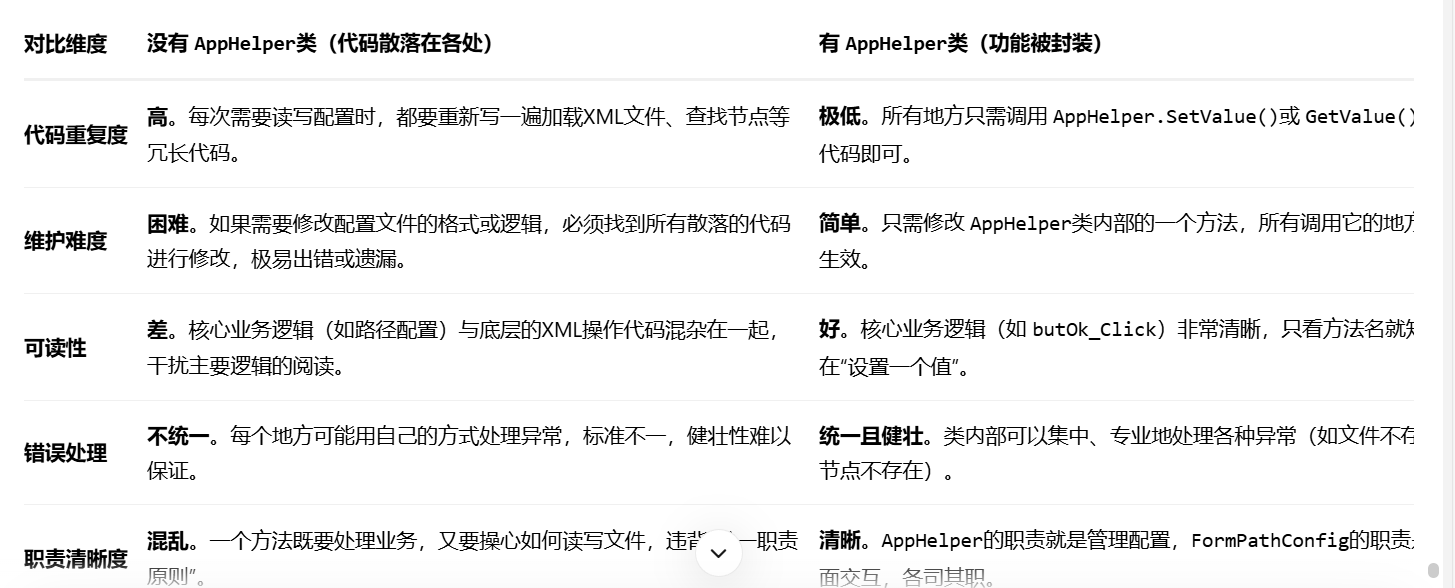
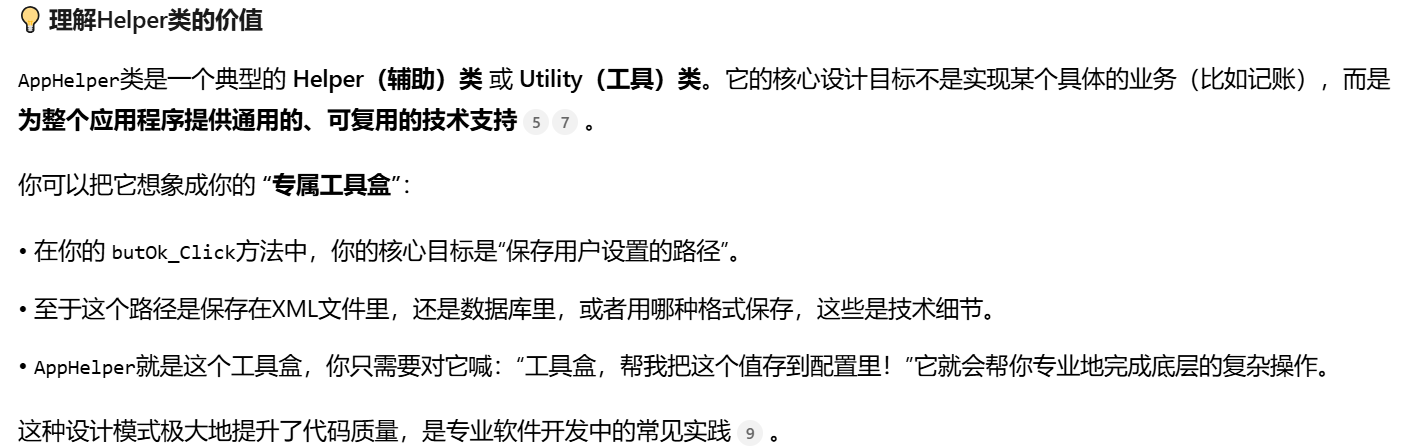
为什么要有这个类?没有行不行
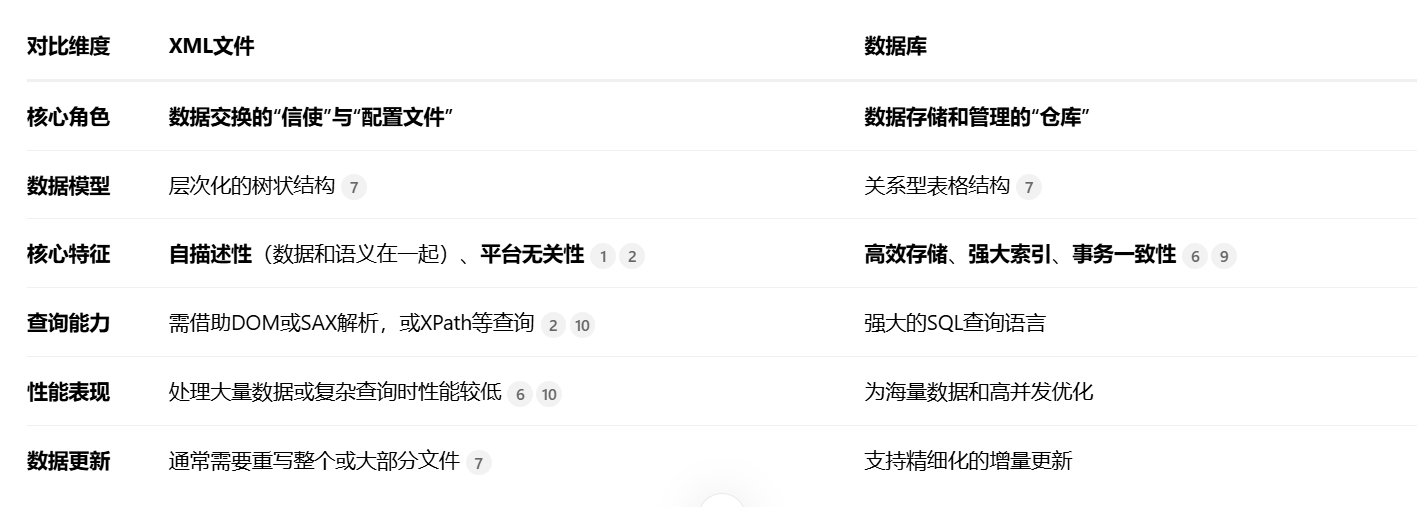
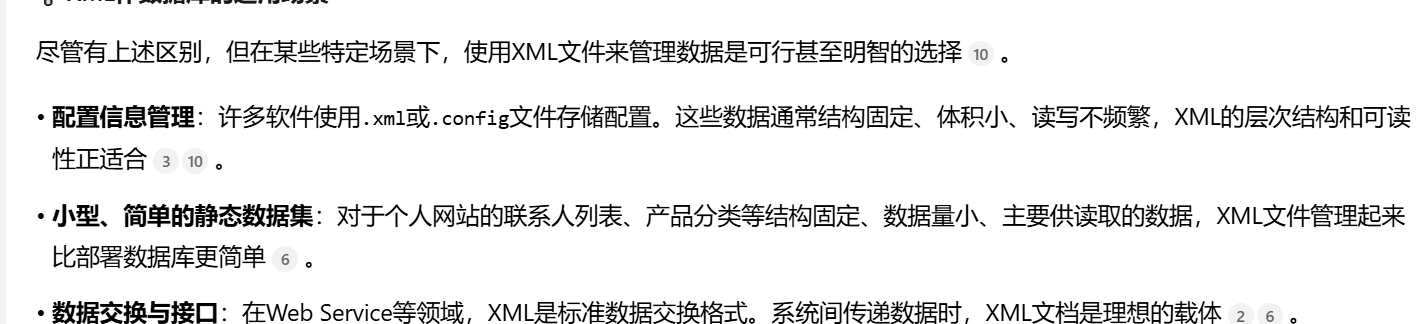
什么是xml文件,和数据库有什么区别,可以把xml文件当做数据库吗?
cfgDoc.Load(path);
为什么可以解析到内存,cfgDog不是一个xml对象吗?和内存有什么关系 path是一个路径 怎么理解对象加载一个路径
cfgDoc(XmlDocument对象) 一个空的、功能强大的"文件架"
它是一个存在于内存中的对象,被设计用来表示整个XML文档的结构。在调用Load之前,它是"空"的。
Load方法 专业的"文件归档员" 执行具体工作:1. 根据path找到文件;2. 读取文件内容;3. 解析XML结构;4.
在内存中cfgDoc对象内重建完整的节点树
可以说cfgDoc代表内存吗?是xml实例化后 存在于内存中的对象,可以把path保存在cfgDoc中
当你执行 cfgDoc.Load(path)后,XML文件的内容就被加载到内存中,并解析成一个树形结构,这就是文档对象模型(DOM)。cfgDoc(XmlDocument对象)就是这个树形结构在内存中的总代表和管理者
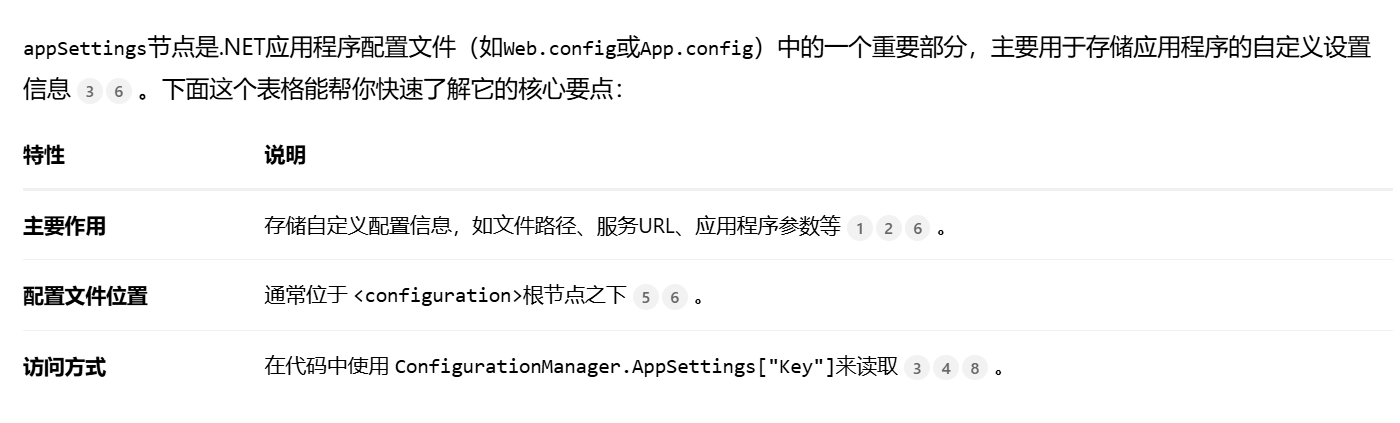
什么是appseting节点
csharp
if (comboBoxFItems.Items.Count > 0)
            {
                comboBoxFItems.SelectedIndex = 0;
            }
            else
            {
                comboBoxFItems.Text = "";
            }
为什么在LoadRecordList方法中,又要
csharp
todayIn = 0.00M;
todayEx = 0.00M;
todayInEx = 0.00M;
highestEx = 0.00M;
lowestEx = 0.00M;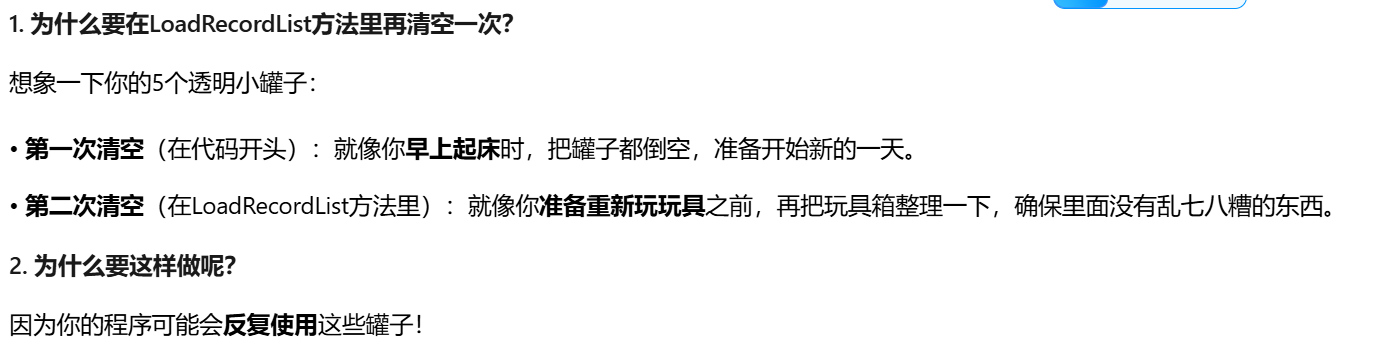
csharp
private void LoadRecordList()
        {
            //  throw new NotImplementedException();
            todayIn = 0.00M;
            todayEx = 0.00M;
            todayInEx = 0.00M;
            highestEx = 0.00M;
            lowestEx = 0.00M;
            recordList = CommonHelper.GetAllRecordList();
        } //为什么需要做:todayIn = 0.00M;
          //  todayEx = 0.00M;
          //  todayInEx = 0.00M;
            //highestEx = 0.00M;
            //lowestEx = 0.00M; CommonHelper.GetAllRecordList();中并没用到这些元素吧todayEx,todayInEx,highestEx,lowestEx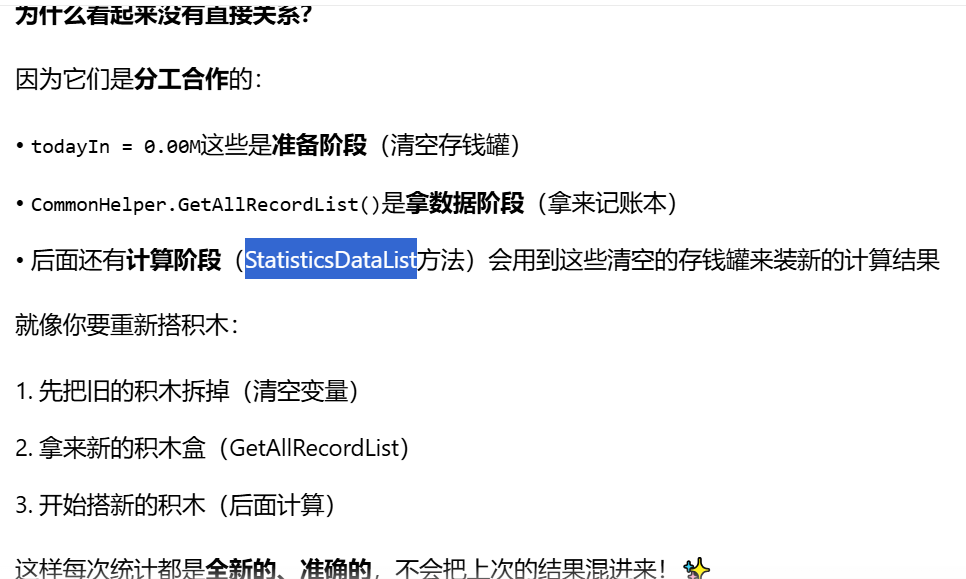
为什么周报月报路径,需要检查是否为空 其他不用检查,收入路径、支出路径等 if (!string.IsNullOrEmpty(lines6.Split(' ')1))
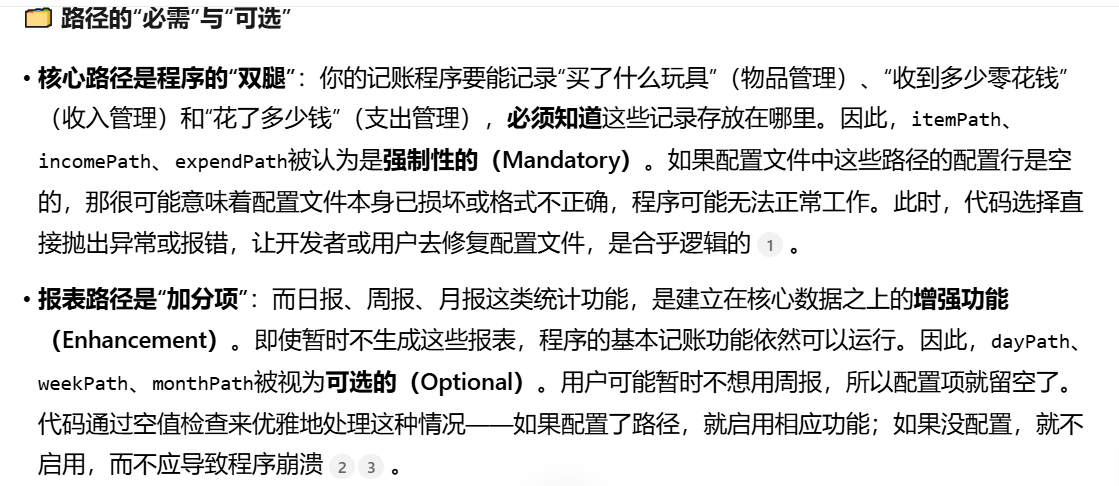
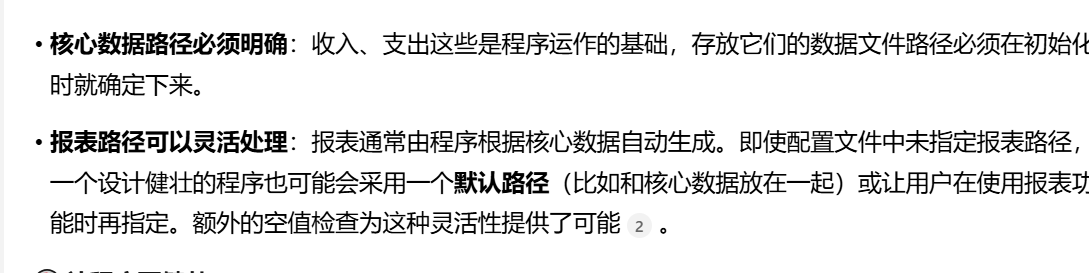
怎么理解对关键路径采取快速失败原则,对可选功能则采取宽容处理策略。
csharp
 if (!string.IsNullOrEmpty(lines[6].Split(' ')[1]))

 {

     CommonHelper.monthPath = lines[6].Split(' ')[1];

 }
为什么要进行空值检查,如果为空,为什么不将路径赋给monthpath

MDI容器是什么
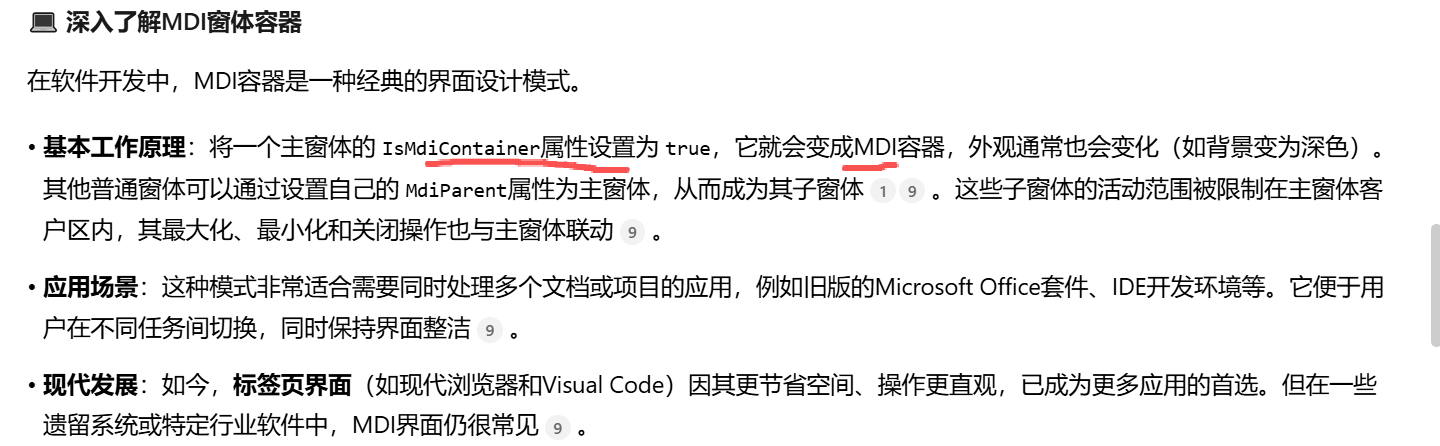
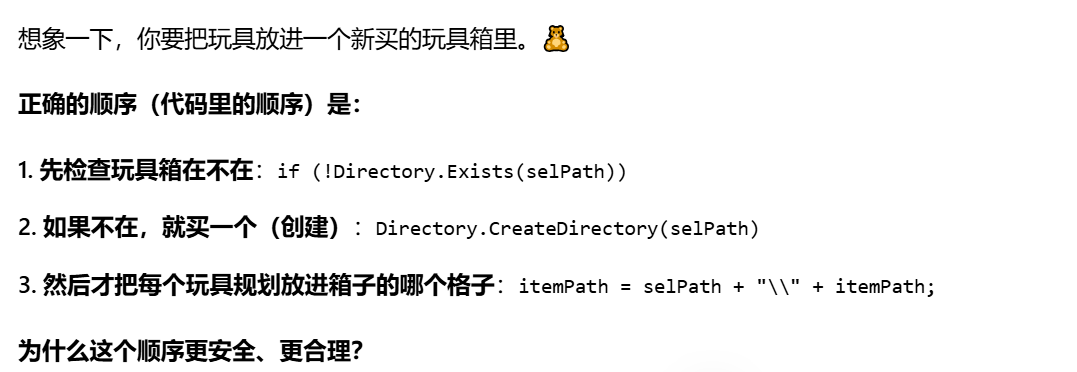
为什么if (!Directory.Exists(selPath))//检查传入的路径字符串 selPath所指向的目录在磁盘上是否真实存在
{
Directory.CreateDirectory(selPath);//会创建 selPath路径中指定的所有目录和子目录}不写在 itemPath = selPath + "\" + itemPath;
之前
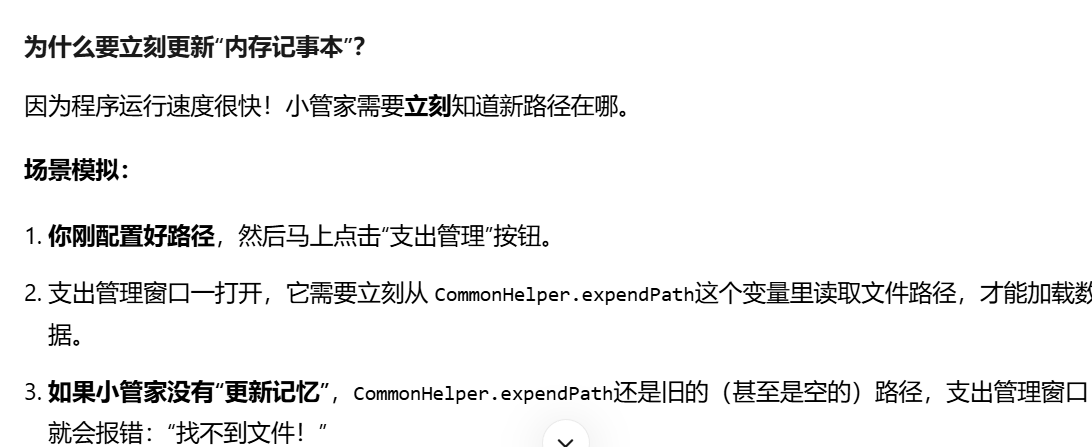
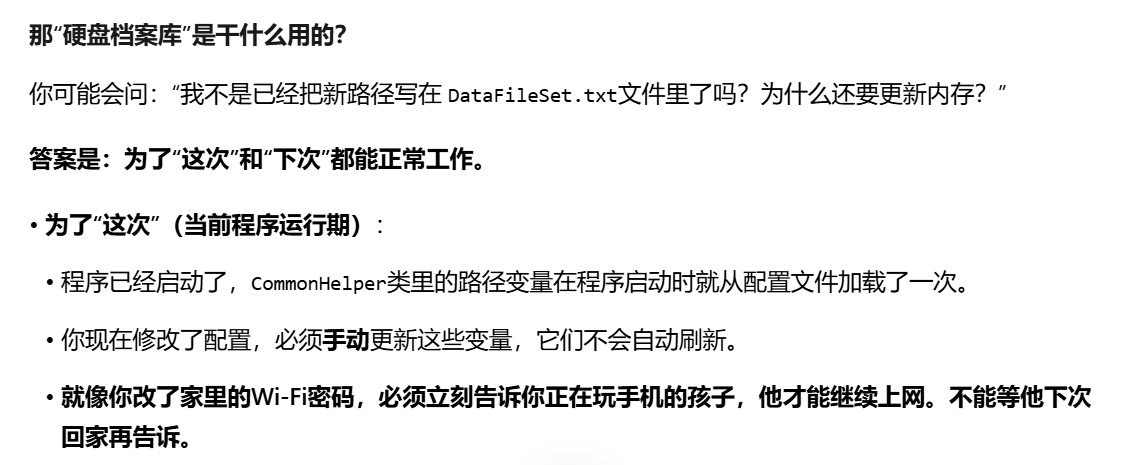
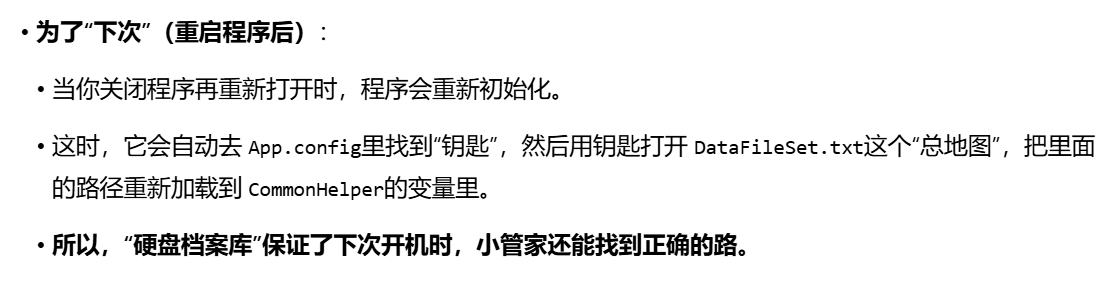
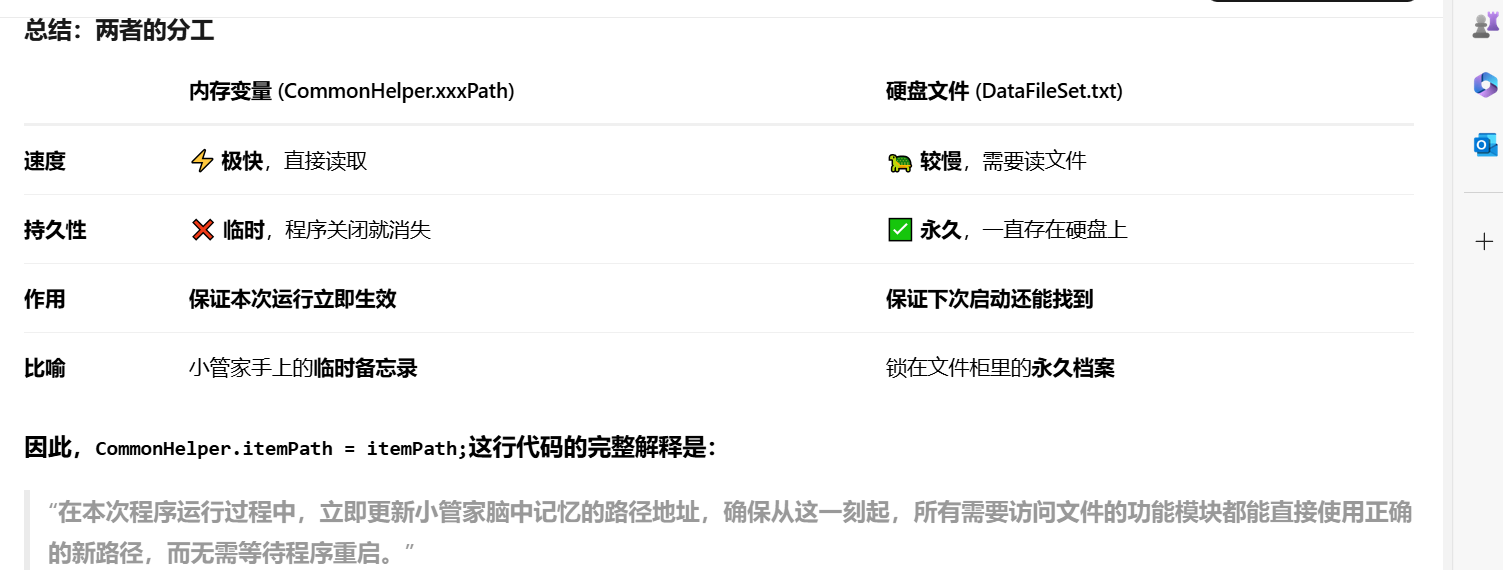
怎么理解:更新小管家的记忆:
代码:CommonHelper.itemPath = itemPath;等。
行动:小管家立刻把新的路径记在心里,这样在这次使用中,它就能直接去正确的位置读写文件了。 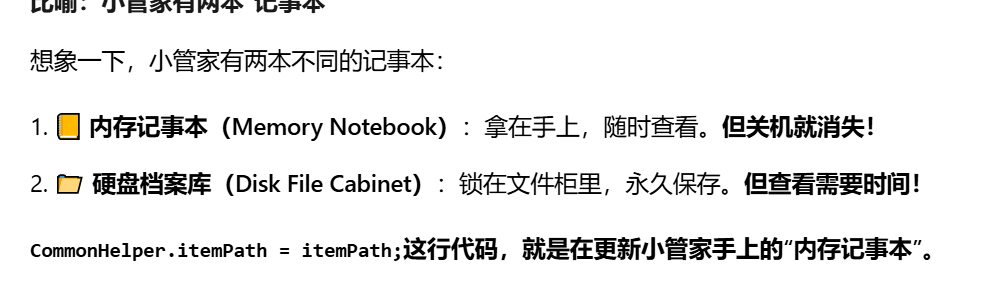
csharp
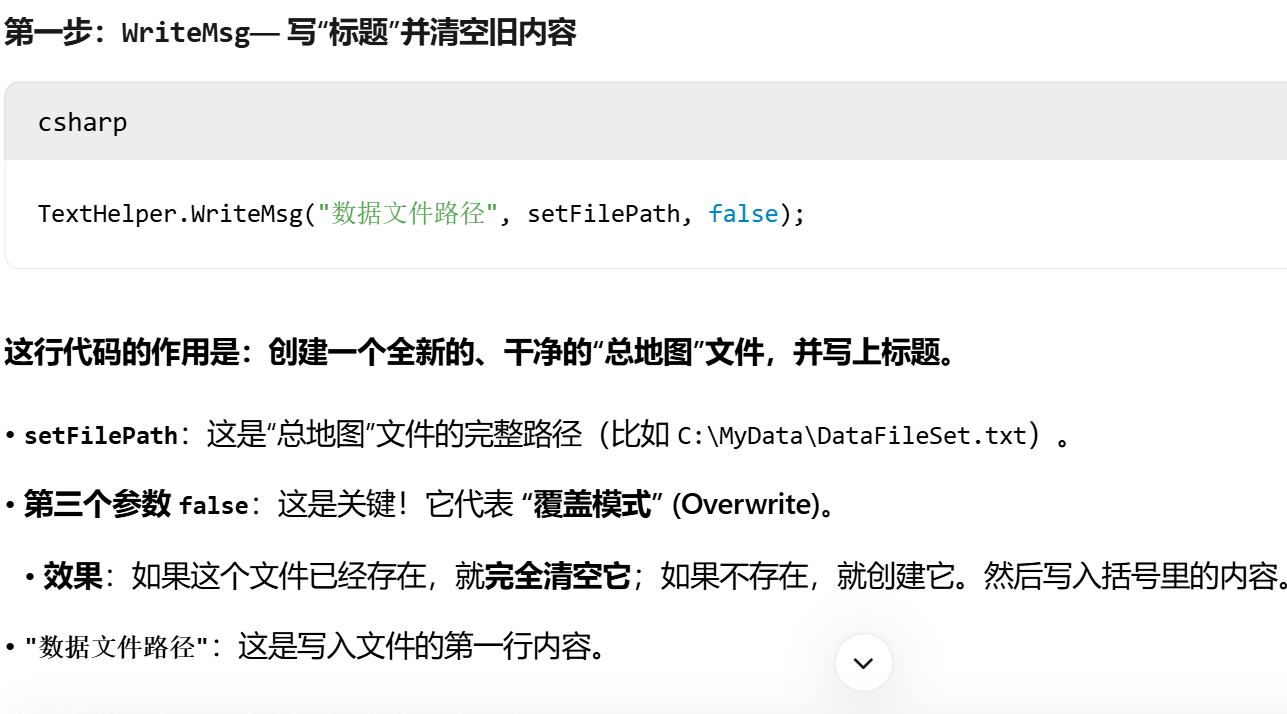
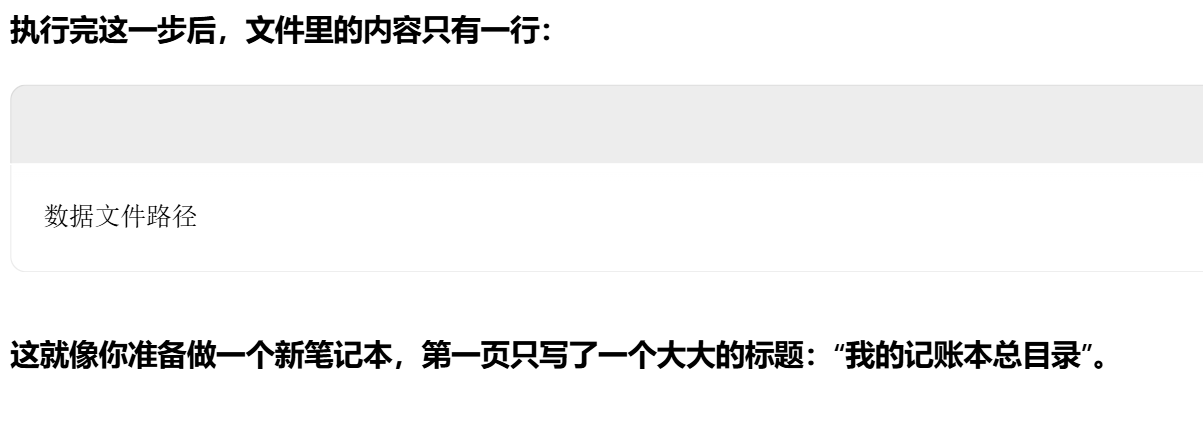
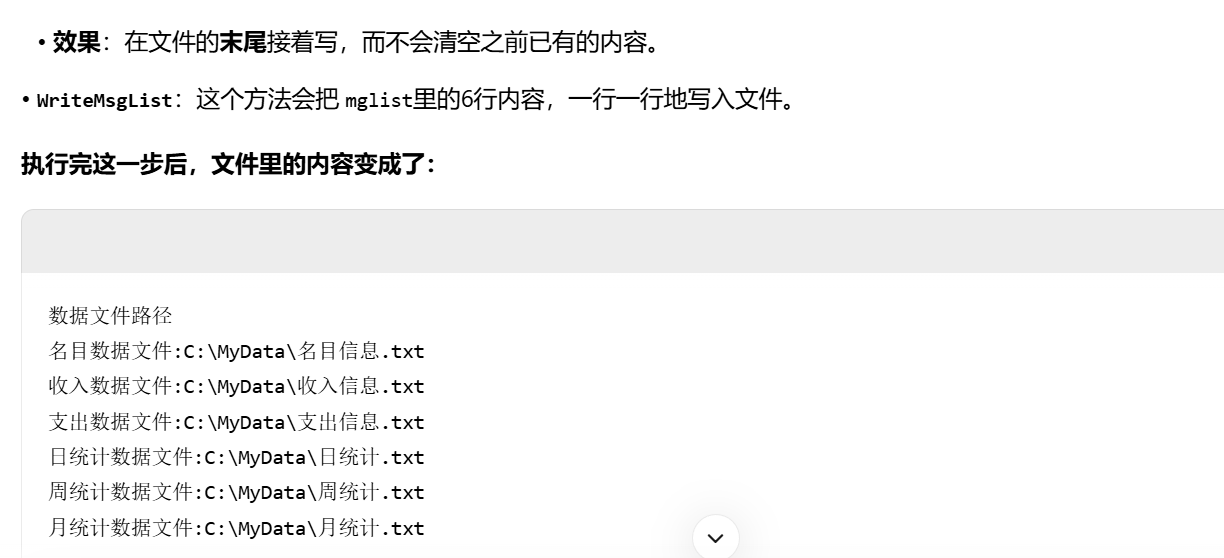
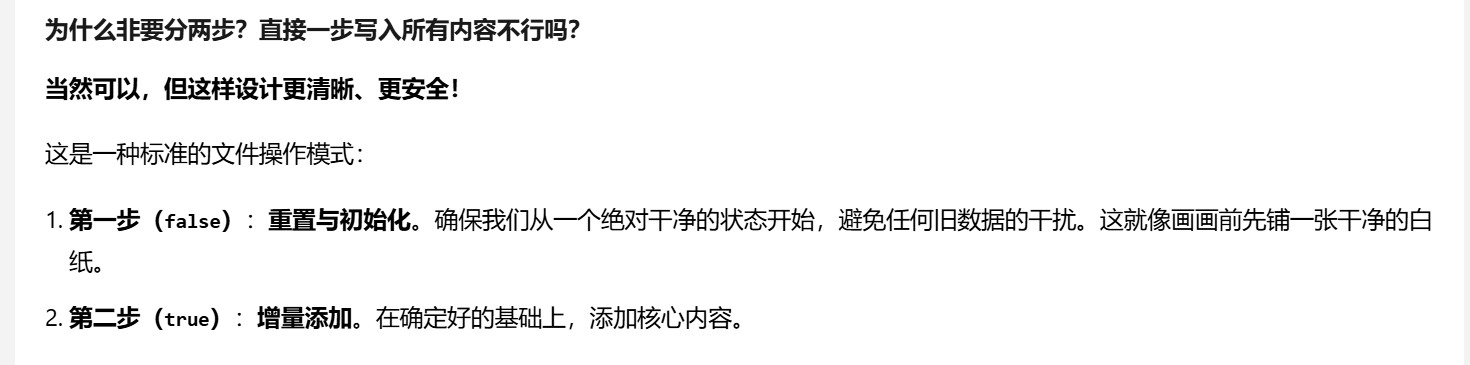
 TextHelper.WriteMsg("数据文件路径", setFilePath, false);
                //这行代码 TextHelper.WriteMsg("数据文件路径", setFilePath, false);
                //的作用是向指定文件写入一行文本,并且由于第三个参数是 false,它会清空目标文件的原有内容。

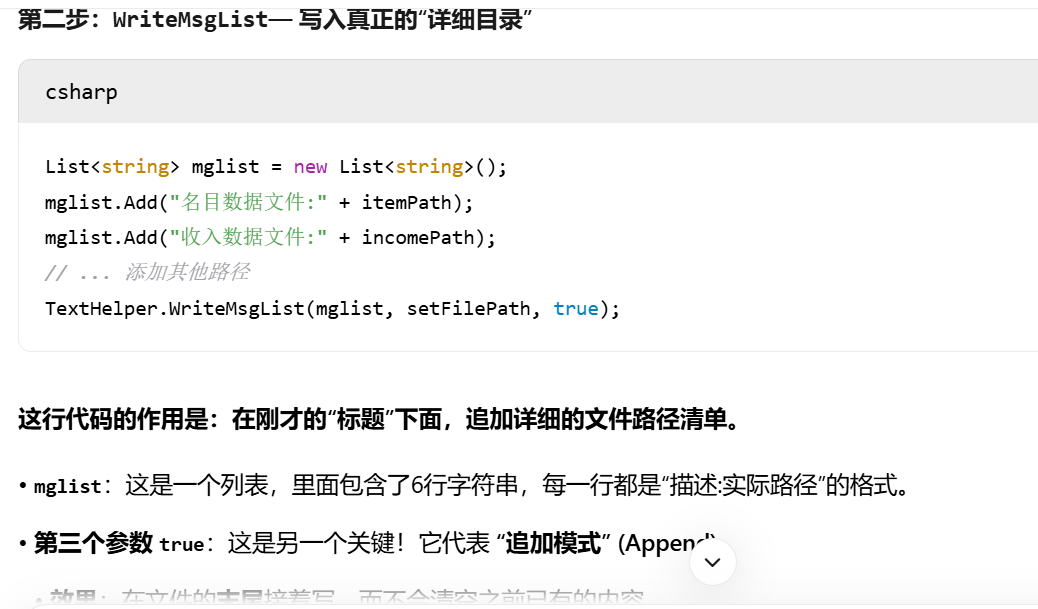
                List<string> mglist = new List<string>();
                mglist.Add("名目数据文件 " + itemPath);
                mglist.Add("收入数据文件 " + incomePath);
                mglist.Add("支出数据文件 " + expendPath);
                mglist.Add("日统计数据文件 " + dayPath);
                mglist.Add("周统计数据文件 " + weekPath);
                mglist.Add("月统计数据文件 " + monthPath);
                TextHelper.WriteMsgList(mglist, setFilePath, true);
                MessageHelper.Info("路径配置", "路径配置保存成功");
有什么用
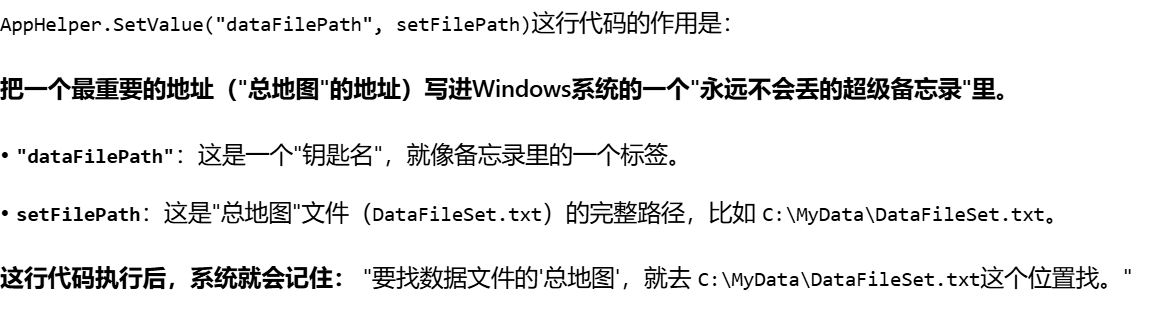
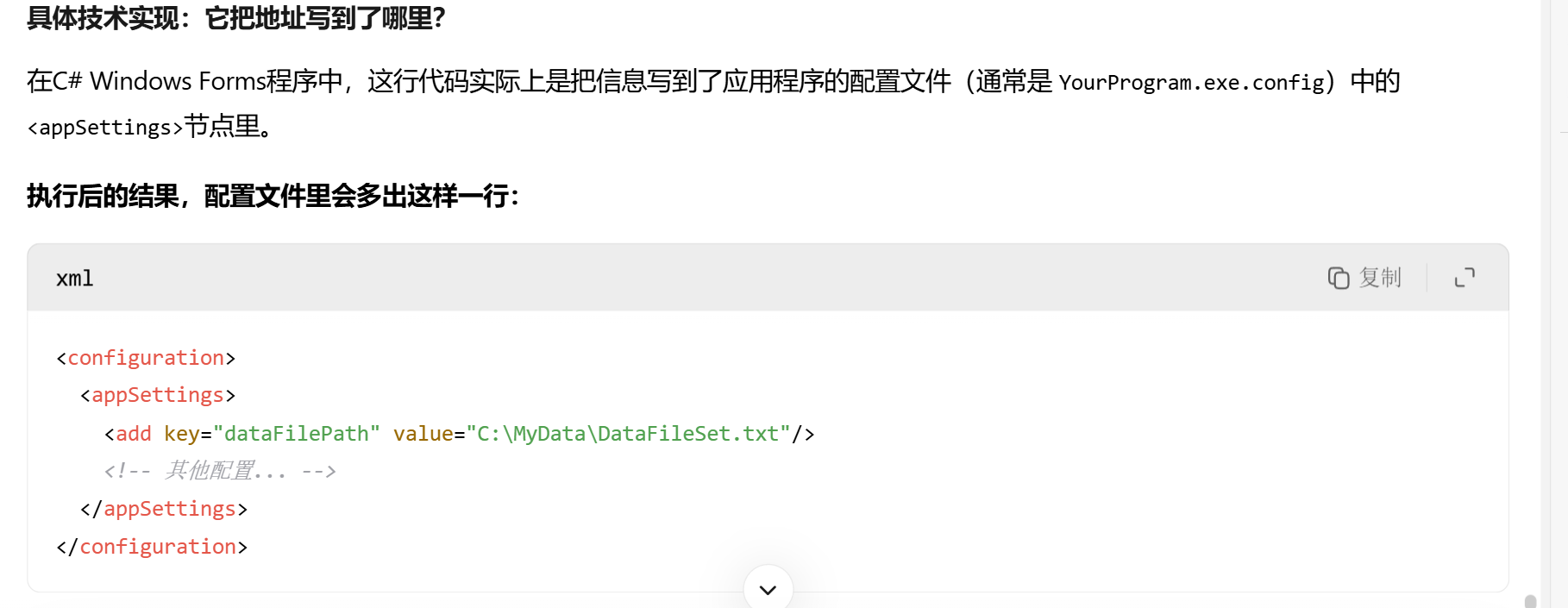
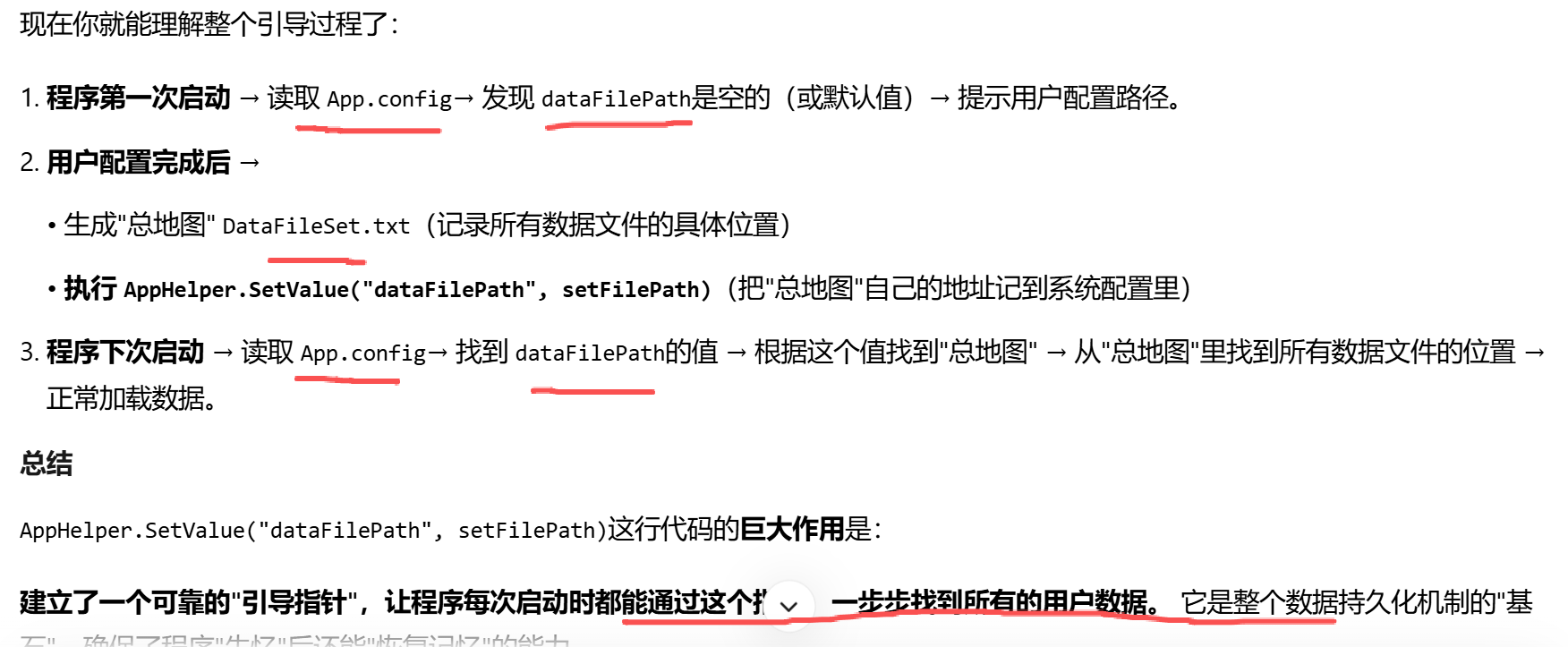
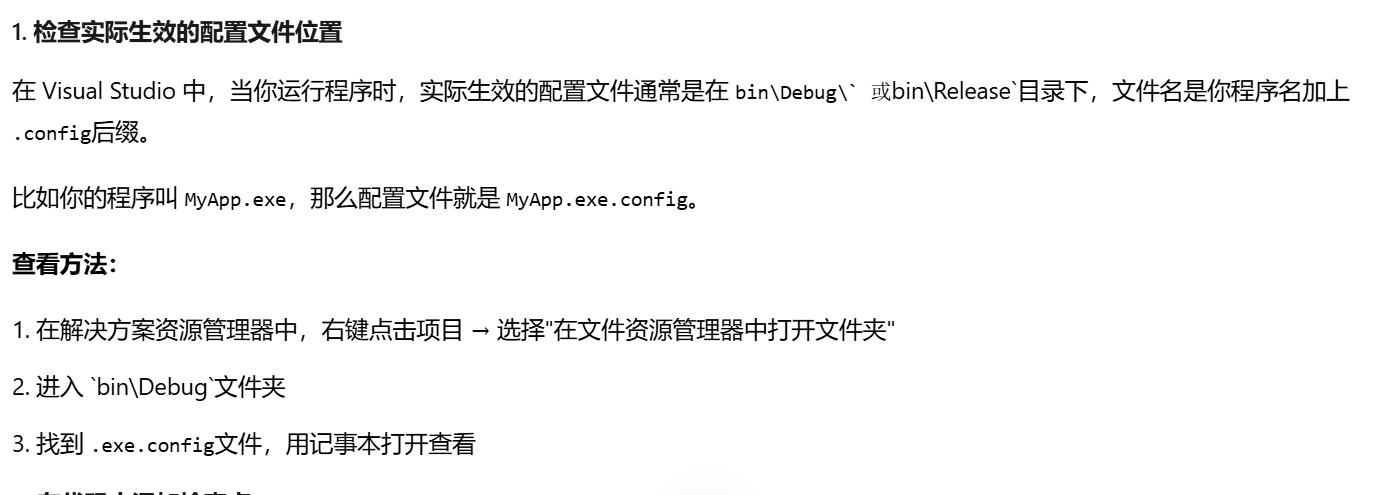
AppHelper.SetValue("dataFilePath", setFilePath);

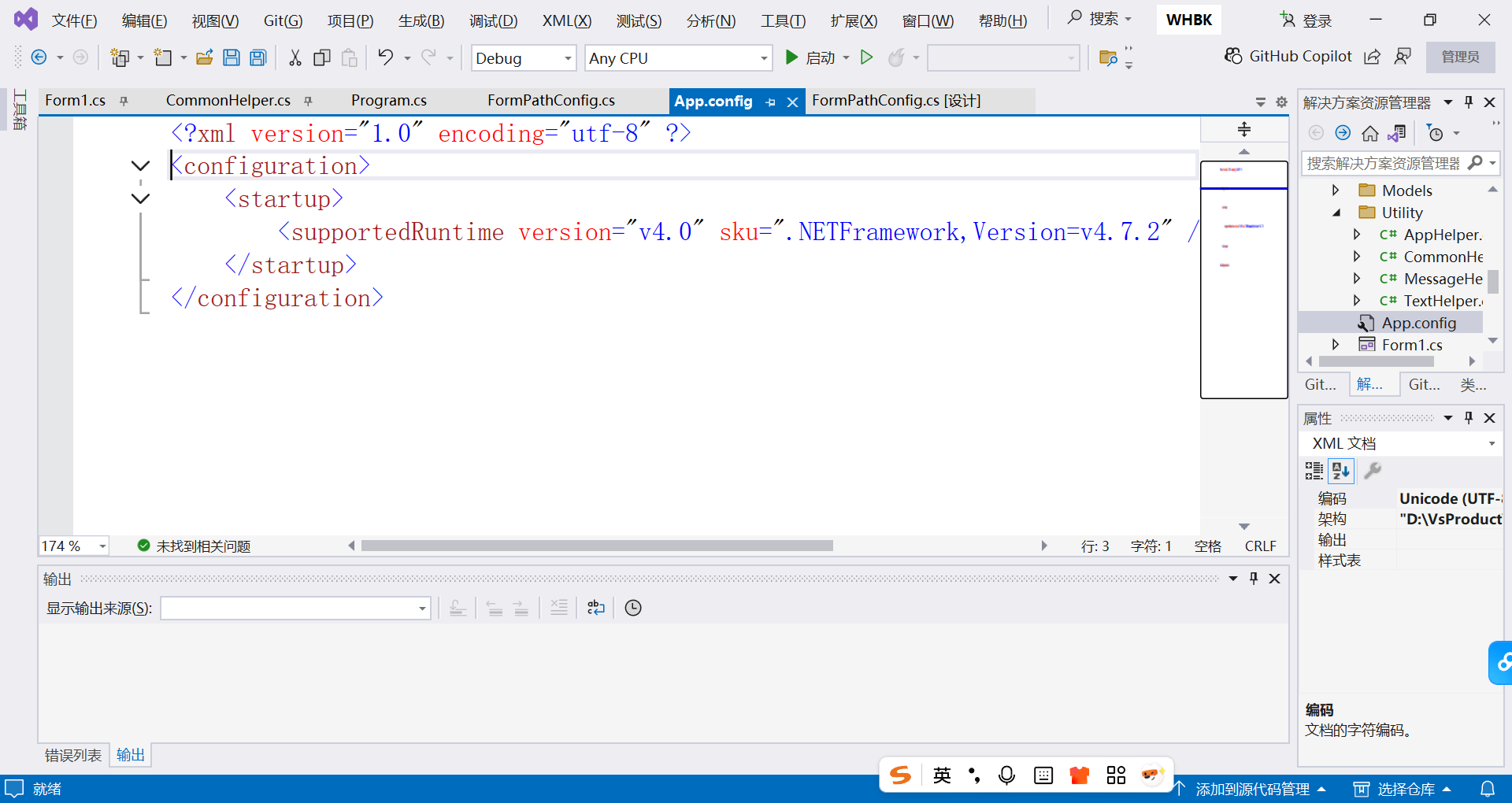
没有相关datafilepath
csharp
 if (string.IsNullOrEmpty(itemPath) || string.IsNullOrEmpty(filePath))
{
    MessageHelper.Error("支出加载", "文件路径并没有配置");
作用
如果没有这个检查,当程序尝试访问不存在的文件路径时,会抛出异常导致程序崩溃: