为 SwitchCompat自定义样式,主要有直接设置颜色和完全自定义 Drawable 两种核心思路
直接设置颜色
通过样式(Style)统一设置
在 res/values/styles.xml文件中定义一个样式,可以统一应用到多个开关上
XML
<style name="CustomSwitch" parent="Widget.AppCompat.CompoundButton.Switch">
    <!-- 滑块颜色 -->
    <item name="thumbTint">@color/your_thumb_color</item>
    <!-- 滑道颜色 -->
    <item name="trackTint">@color/your_track_color</item>
    <!-- 开关最小宽度 -->
    <item name="switchMinWidth">60dp</item>
</style>
在布局文件中应用此样式:
XML
<androidx.appcompat.widget.SwitchCompat
    ...
    style="@style/CustomSwitch" />
完全自定义 Drawable 样式
如果你需要打造与众不同的开关外观,这就需要通过自定义 Drawable 来完全控制 thumb(滑块)和 track(滑道)的样式。
以下是AndroidX原生SwitchCompat样式


往往原生的样式无法满足UX设计,必须通过自定义xml文件以达到UX设计稿的效果
1.自定义滑块thumb
创建一个选择器(selector)Drawable,为开关的不同状态指定不同的形状或颜色 。
文件:res/drawable/switch_thumb.xml
XML
<?xml version="1.0" encoding="utf-8"?>
<selector xmlns:android="http://schemas.android.com/apk/res/android">
    <item android:state_checked="true" android:drawable="@drawable/switch_thumb_on" />
    <item android:drawable="@drawable/switch_thumb_off" />
</selector>
然后分别创建开启和关闭状态下滑块的形状,例如一个圆形:
文件:res/drawable/switch_thumb_on.xml
XML
<?xml version="1.0" encoding="utf-8"?>
<shape xmlns:android="http://schemas.android.com/apk/res/android" android:shape="oval">
    <solid android:color="@color/thumb_color_on" />
    <!-- 注意这里的宽高保持和SwitchCompat 的高度一致 -->
    <size android:width="18dp" android:height="18dp" />
    <!-- 透明边框技巧,可使滑块视觉上小于滑道 [1](@ref) -->
    <stroke android:width="2dp" android:color="#00000000" />
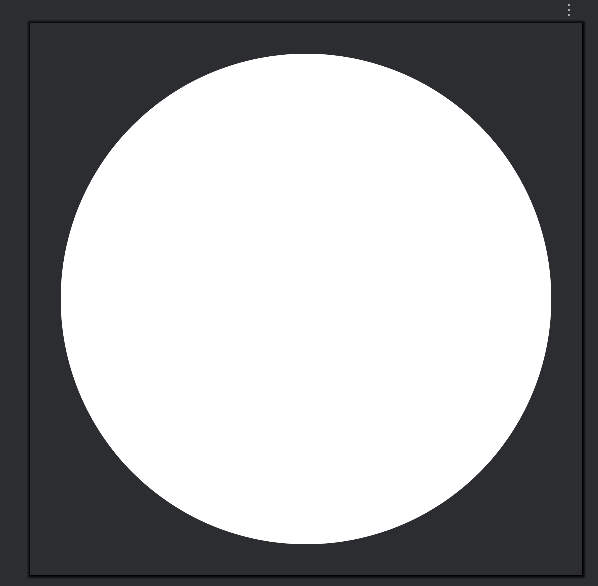
</shape>注意通过size标签控制滑块的大小,stroke标签设置背景色为#00000000是为了让滑块视觉上置于滑轨内,xml的效果图可以看到圆形滑块视觉上置于正方形内
2.自定义滑道(track)
同样为滑道创建一个选择器,对应开关的两种状态
文件:res/drawable/switch_track.xml
XML
<?xml version="1.0" encoding="utf-8"?>
<selector xmlns:android="http://schemas.android.com/apk/res/android">
    <item android:state_checked="true" android:drawable="@drawable/switch_track_on" />
    <item android:drawable="@drawable/switch_track_off" />
</selector>
滑道的形状通常是一个矩形圆角。对于更复杂的效果(如带边框的"镂空"感),可以使用 layer-list进行图层叠加
文件:res/drawable/switch_track_on.xml
XML
<?xml version="1.0" encoding="utf-8"?>
<shape xmlns:android="http://schemas.android.com/apk/res/android" android:shape="rectangle">
    <solid android:color="#FF0099FF" />
    <size android:width="36dp" android:height="18dp" />
    <corners android:radius="9dp" />
</shape>文件:res/drawable/switch_track_off.xml
XML
 <shape xmlns:android="http://schemas.android.com/apk/res/android"
       android:shape="rectangle">

       <solid android:color="#FFE7E7E9" />
       <size android:width="36dp" android:height="18dp"/>
       <corners android:radius="9dp"/>

</shape>
3.在布局中应用
在SwitchCompat控件中分别设置thumb和track属性
XML
    <androidx.appcompat.widget.SwitchCompat
            android:id="@+id/switch_vibration_feedback"
            android:layout_width="36dp"
            android:layout_height="18dp"
            android:layout_marginStart="10dp"
            android:layout_marginEnd="16dp"
            android:checked="true"
            android:thumb="@drawable/shape_switch_thumb"
            app:track="@drawable/selector_switch_track" />
开合效果如下:


(由于ux效果开合thumb都是一个圆形,这里thumb属性只做了一个shape,源码如下:)
XML
<?xml version="1.0" encoding="utf-8"?>
<shape xmlns:android="http://schemas.android.com/apk/res/android"
    android:shape="oval">
    <solid android:color="@color/white" />
    <size android:width="18dp" android:height="18dp" />
    <!-- 透明边框技巧,可使滑块视觉上小于滑道  -->
    <stroke
        android:width="2dp"
        android:color="#00000000" />
</shape>