按钮移动div
html
<!DOCTYPE html>
<html lang="en">
<head>
    <meta charset="UTF-8">
    <title>按钮移动div</title>
    <style>
        *{
            margin: 0;
            padding: 0;
        }
        #box {
            height: 100px;
            width: 100px;
            background-color: red;
            border: solid;
            position: absolute;
            left: 0;
        }
    </style>
    <script>
        window.onload = function () {
            var box = document.getElementById("box");
            var butt = document.getElementsByTagName("button")[0];
            var timer;
            butt.onclick = function () {

                clearInterval(timer);
                timer = setInterval(function () {
                    var oldValue = parseInt(getStyle(box, "left"));
                    var newValue = oldValue + 10;

                    if(newValue>1600){
                        newValue =1600;
                    }

                    box.style.left = newValue + "px";

                    if (newValue >= 1600) {
                        clearTimeout(timer)
                    }
                }, 30)

            };


        };

        function getStyle(obj, name) {
            if (window.getComputedStyle) {
                return getComputedStyle(obj, null)[name];
            } else {
                return obj.currentStyle[name];
            }
        }
    </script>
</head>
<body>
<button>点击按钮向右移动</button>
<br/><br/>
<div id="box"></div>
<div id="line" style="border: 1px solid;height: 10000px;width: 0px;position: absolute;left: 1600px; top: 0px"></div>
</body>
</html>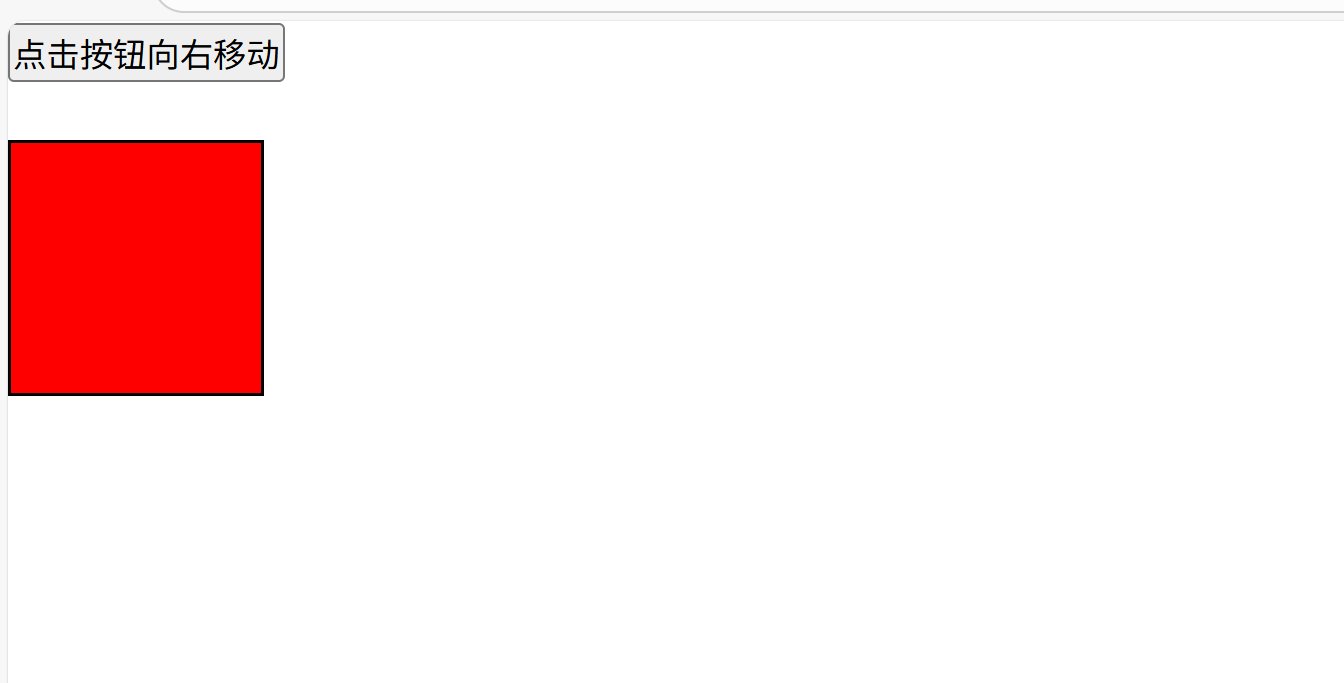
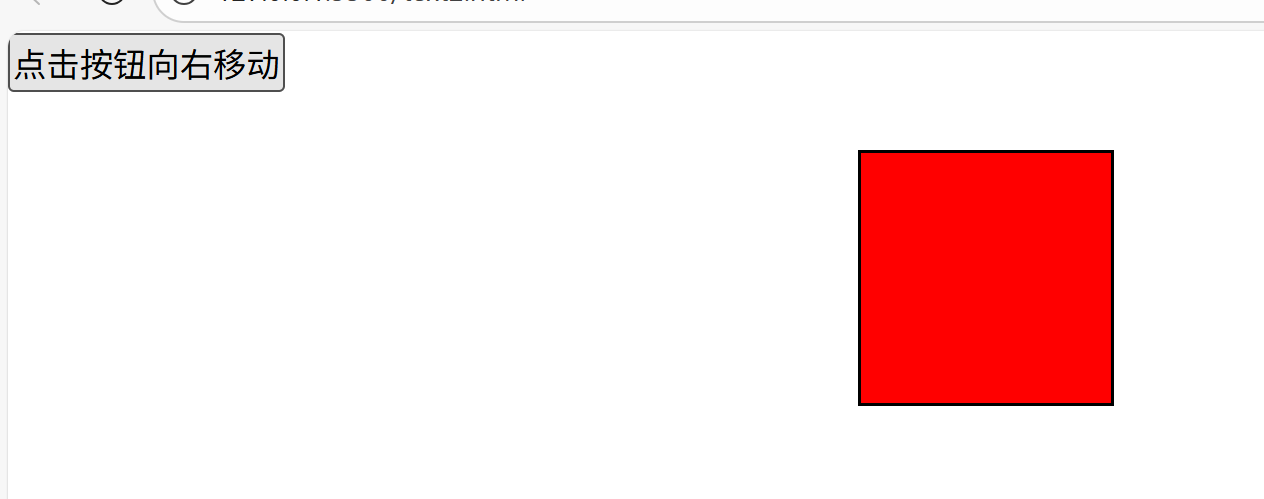
按钮移动div·进阶
但是这个方法现在也是有安全隐患的,定时器的变量是全局变量,他们共用这个定时器,当你想两个事件同时进行的话,那便办不到,原因是你开启第二个事件的定时器时,第一个就被关闭了。
html
<!DOCTYPE html>
<html lang="en">
<head>
    <meta charset="UTF-8">
    <title>按钮移动div·进阶</title>
    <style>
        *{
            margin: 0;
            padding: 0;
        }
        #box{
          left: 0;
          height:100px ;
          width: 100px;
          position: absolute;
          border: solid;
          background-color: red;
        }
    </style>
    <script>
        var timer;
        window.onload =function () {
          var butt1 =document.getElementsByTagName("button")[0];
          var butt2 =document.getElementsByTagName("button")[1];
          var box =document.getElementById("box");

            butt1.onclick = function () {
            move(box,800,10);
            };

          butt2.onclick =function (){
              move(box,0,10);
          };
        };

        /**
         * 参数:
         * @param obj 要执行动画的对象
         * @param target 执行动画的目标位置
         * @param speed 移动的速度(正数向右移动,负数向左移动)
         */
        function move(obj,target,speed){
            clearInterval(timer);
            var current =parseInt(getStyle(obj,"left"));
            /*
            判断速度的正负值
            如果从0向1600移动,speed为正
            如果从1600向0移动,则speed为负
             */
            if(current>target){
                //此时速度应为赋值
                speed =-speed;
            }
            timer =setInterval(function () {
                var oldValue =parseInt(getStyle(obj,"left"));
                var newValue =oldValue+speed;
                //向左移动时,需要判断newValue是否小于target
                //向右移动时,需要判断newValue是否大于target
                if(speed<0 && newValue<target || speed>0 && newValue>target){
                    newValue =target;
                }
                obj.style.left =newValue+"px";
                if(newValue ==1600){
                    clearInterval(timer)
                }

            },30)
        }
        function getStyle(obj,name) {
            if(window.getComputedStyle){
                return getComputedStyle(obj,null)[name];
            }else {
                return  obj.currentStyle[name];
            }
        }
    </script>
</head>
<body>
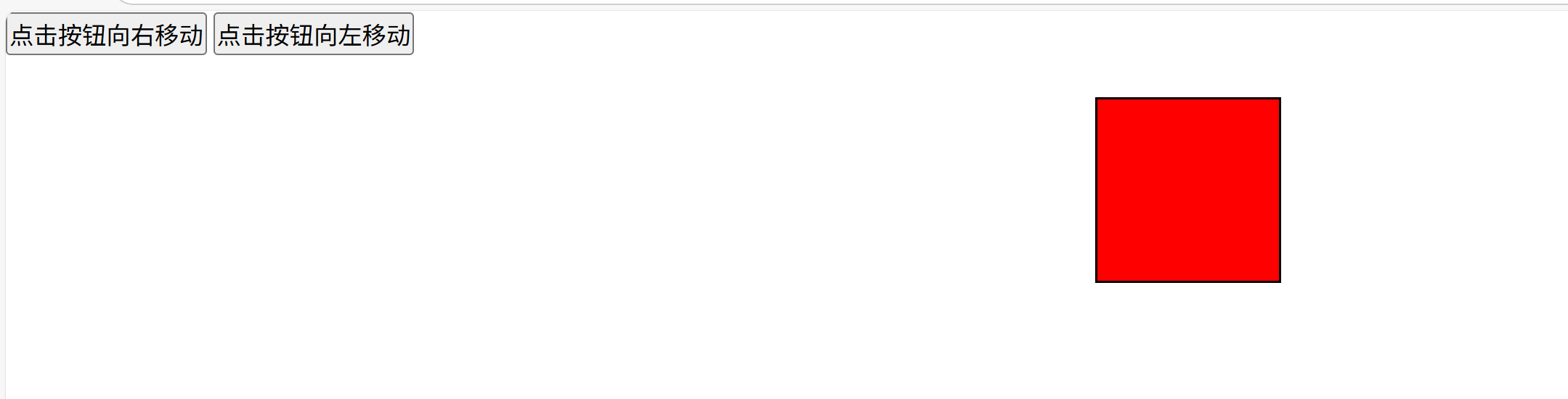
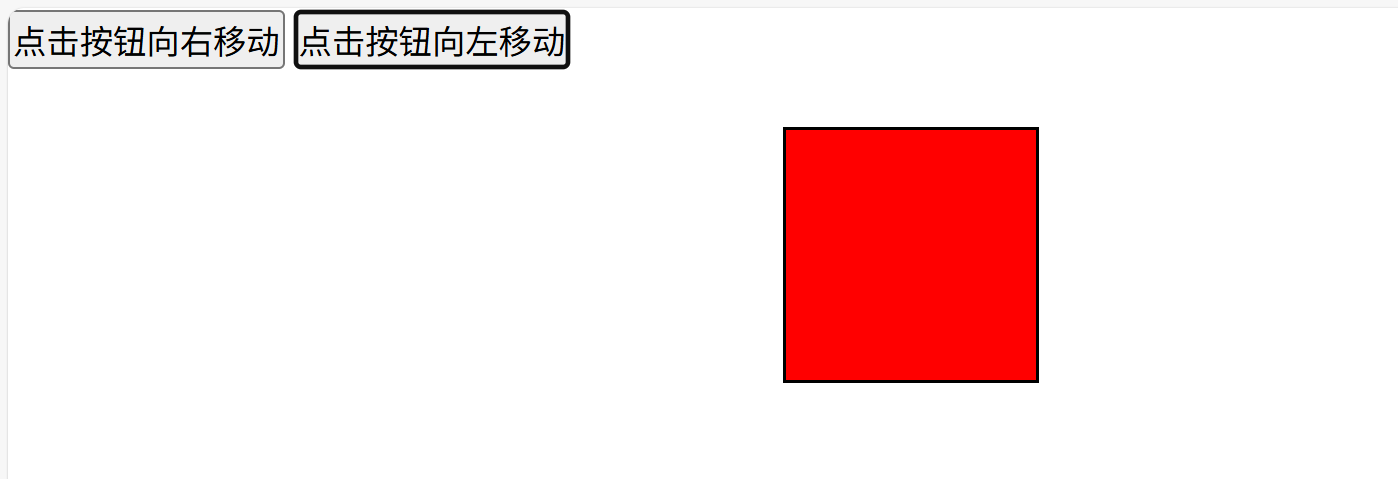
<button id="butt1">点击按钮向右移动</button>
<button id="butt2">点击按钮向左移动</button>
<br/><br/>
<div id="box"></div>
<div id="line" style="border: 1px solid;height: 10000px;width: 0px;position: absolute;left: 1600px; top: 0px"></div>
</body>
</html>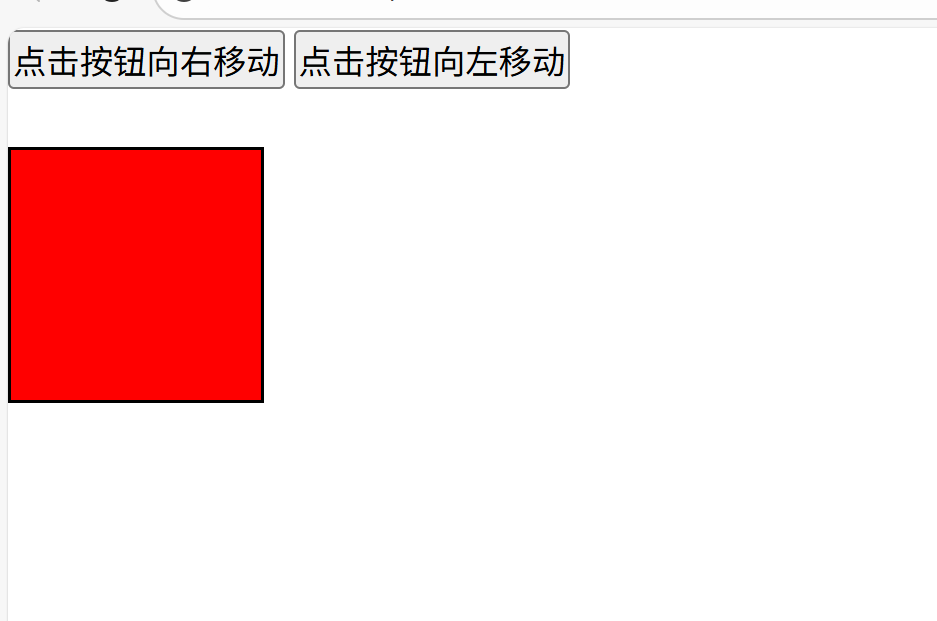
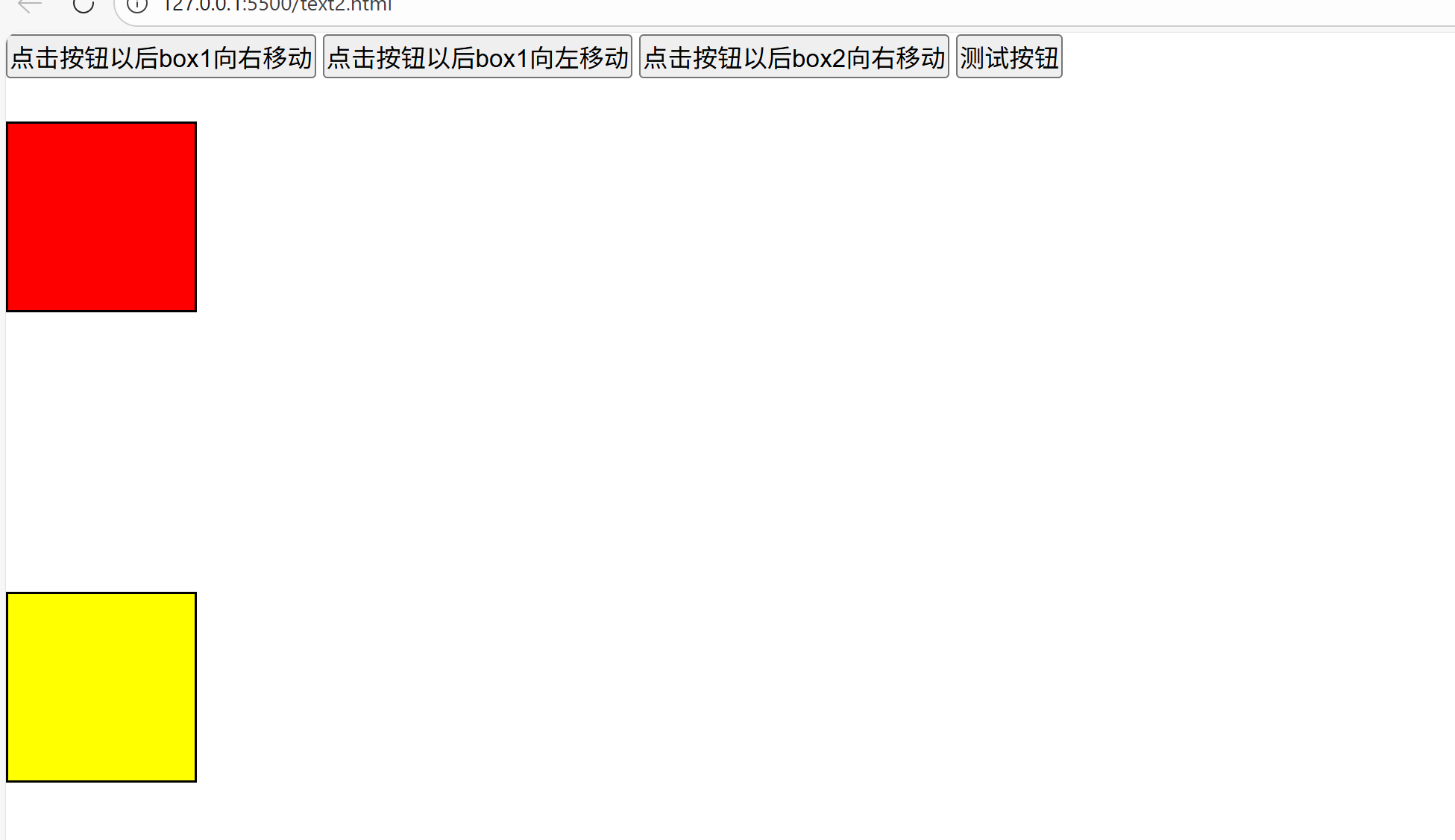
按钮变换div
html
<!DOCTYPE html>
<html lang="en">
<head>
    <meta charset="UTF-8">
    <title>按钮演播div</title>
    <style>
        *{
            margin: 0;
            padding: 0;
        }

        #box1{
            width: 100px;
            height: 100px;
            background-color: red;
            position: absolute;
            left: 0;
            border: solid;
        }

        #box2{
            width: 100px;
            height: 100px;
            background-color: yellow;
            position: absolute;
            left: 0;
            top:300px;
            border: solid;
        }
    </style>
    <script src="tool.js"></script>
    <script>
        window.onload =function () {
            var box1 = document.getElementById("box1");
            var box2 = document.getElementById("box2");
            var butt1 = document.getElementById("butt1");
            var butt2 = document.getElementById("butt2");
            var butt3 = document.getElementById("butt3");
            var butt4 = document.getElementById("butt4");
            butt1.onclick = function () {
                move(box1, "left", 1600, 20);
            }
            butt2.onclick = function () {
                move(box1, "left", 0, 10);
            }
            butt3.onclick = function () {
                move(box2, "left", 1600, 10);
            }
            butt4.onclick = function () {
                move(box2, "width", 1600, 10, function () {
                    move(box2, "height", 800, 10, function () {
                        move(box2, "top", 0, 10, function () {
                            move(box2, "width", 100, 10, function () {
                                confirm("漂亮吧!");
                            });
                        });
                    });
                });

            };
        };

    </script>
</head>
<body>
<button id="butt1">点击按钮以后box1向右移动</button>
<button id="butt2">点击按钮以后box1向左移动</button>
<button id="butt3">点击按钮以后box2向右移动</button>
<button id="butt4">测试按钮</button>

<br /><br />

<div id="box1"></div>
<div id="box2"></div>

<div id="line" style="position: absolute;width: 0;height: 1600px;left: 1600px;border: solid;top:0"></div>
</body>
</html>