目录
YAML
YAML是⼀种数据序列化语⾔,⽤于以⼈类可读的形式存储信息。它最初代表"Yet Another Markup Language",但后来更改为"YAML Ain't Markup Language"(YAML不是⼀种标记语⾔),以区别于真正的标记语⾔。
它类似于XML和JSON⽂件,但使⽤更简洁的语法。
特点:
YAML 是⼀种⾮常简单的基于⽂本的⼈类可读的语⾔,⽤于在⼈和计算机之间交换数据。
YAML 是不是⼀种编程语⾔。它主要⽤于存储配置信息。
YAML 的缩进就像 Python 的缩进⼀样优雅。
YAML 还减少了 JSON 和 XML ⽂件中的⼤部分"噪⾳"格式,例如引号、⽅括号和⼤括号。
注意:
YAML 是区分⼤⼩写。
YAML 不允许使⽤制表符 Tab 键,(你之所按下 Tab YAML 仍能使⽤,是因为编辑器被配置为按下 Tab 键会导致插⼊适当数量的空格)。
YAML 是遵循严格缩进的。
YAML常用就是储存文件和读取文件
YAML介绍
YAML ⽂件的后缀名是 .yaml 或 .yml ,本着能少写不多写的原则,我们常⽤的是 .yml 。yaml 中⽀持不同数据类型,但在写法上稍有区别:
python
//简单标量值
//YAML
key: value

//JSON
{
 "key": "value"
}
python
//整型和浮点数
//YAML
int_key: 123
float_key:
123.456

//JSON
{
 "int_key": 123,
 "float_key": 123.456
}
python
//布尔值
//YAML
bool_key: true

//JSON
{
 "bool_key": true
}
python
//字符串
//YAML
string_key: "This is a string"  //也可以不带双引号

//JSON
{
 "string_key": "This is a string"
}
python
//列表
//YAML
list_key:
 - item1
 - item2
 - item3


//JSON
{
 "list_key": ["item1", "item2",
"item3"]
}
python
映射(字典)
//YAML
map_key:
 sub_key1:
sub_value1
 sub_key2:
sub_value2

//JSON
{
 "map_key": {
 "sub_key1": "sub_value1",
 "sub_key2": "sub_value2"
 }
}
python
嵌套结构
//YAML
nested_key:
 list_key:
 - item1
 - item2
 map_key:
 sub_key1:
sub_value1
 sub_key2:
sub_value2


//JSON
{
 "nested_key": {
 "list_key": ["item1",
"item2"],
 "map_key": {
 "sub_key1": "sub_value1",
 "sub_key2": "sub_value2"
 }
 }
}
可以借助工具进行转换,:如json转yaml
https://www.jashtool.com/json/to-yaml
YAML的使⽤
yaml ⽂件通常作为配置⽂件来使⽤,可以使⽤ yaml 库来读取和写⼊ YAML ⽂件
安装yaml库
python
pip install PyYAML==6.0.1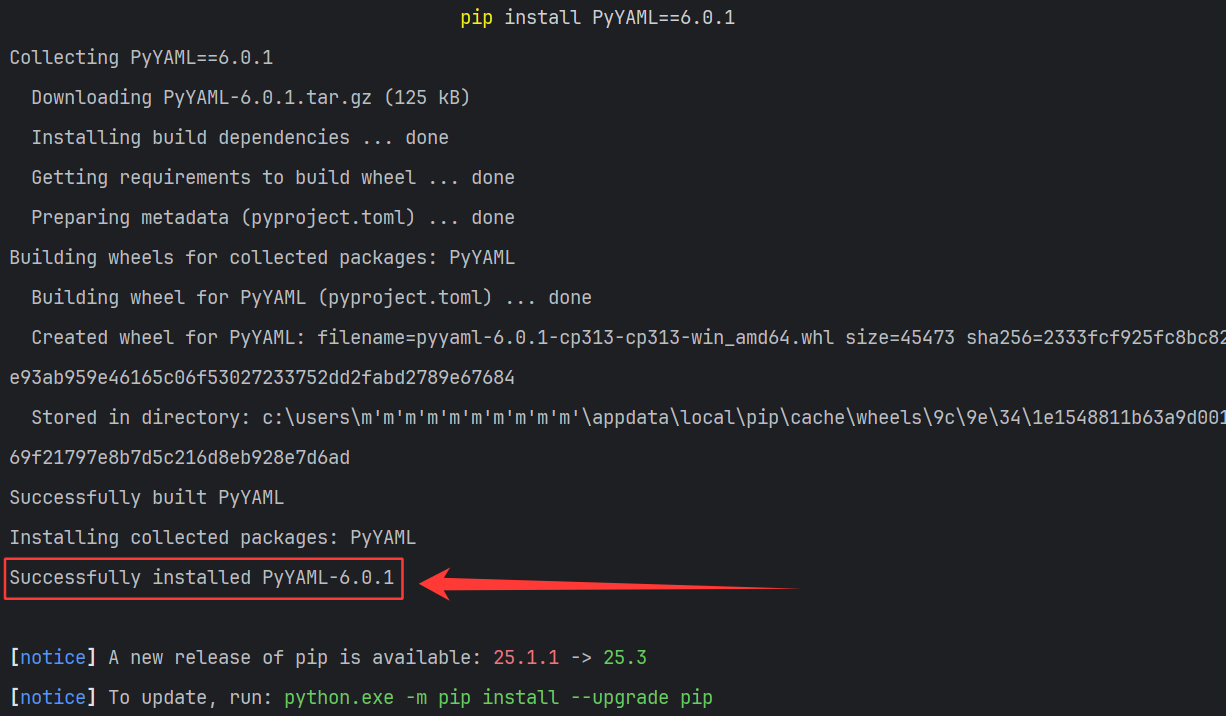
创建yaml⽂件 test.yml
读取和写⼊yaml⽂件
python
import yaml
import pytest

#追加写入
def write_yaml(filename, data):
    #with的意思是打开一个文件之后,自动关闭文件
    #as f的意思是将打开文件的句柄赋值给f
    with open(filename, encoding="utf-8", mode="a+") as f:
        #yaml.dump 以yaml的格式向文件中写入数据
        yaml.dump(data, stream=f)

# 读取
def read_yaml(filename, key):
    with open(filename, encoding="utf-8", mode="r") as f:
        # yaml.safe_load 向yaml配置文件中读取配置信息
        data = yaml.safe_load(f)
        return data[key]

#清空
def clear_yaml(filename):
    with open(filename, encoding="utf-8", mode="w") as f:
        f.truncate()

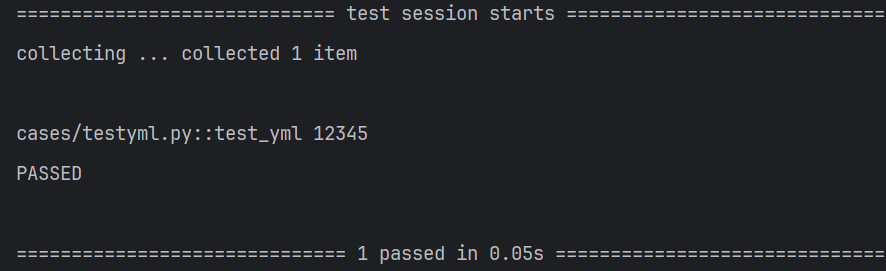
def test_yml():
    #将data中的数据写到test.yml中去
    data={"str":"12345"}
    write_yaml("test.yml", data)

    #读取test.yml文件中的数据
    ret=read_yaml("test.yml", "str")
    print(ret)

    clear_yaml("test.yml")