传送门==>B站黑马python入门教程
目录
Mysql之前在学习Java时已完成学习
Python关联数据库
基础案例
pymysql
处理使用图形化工具之外,也可以使用编程语言执行SQL操作数据库,
在Python中,可使用pymysql完成对mysql数据库的操作
pip install pymysql
创建到mysql的数据库链接
python
from pymysql import Connection

# 创建链接
conn = Connection(host="localhost",port=3306,user="root",password="123456",
                  database="python_study",charset="utf8")

# 链接数据库版本信息;
print (conn.get_server_info())

# 关闭
conn.close()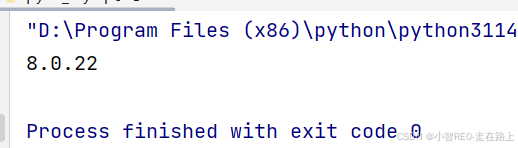
案例:测试非查询类型的SQL语句
powershell
from pymysql import Connection

# 创建链接
conn = Connection(host="localhost",port=3306,user="root",password="123456",
                  database="python_study",charset="utf8")

# 链接数据库版本信息;
print (conn.get_server_info())

#获取游标对象
cursor = conn.cursor()
# 创建数据表
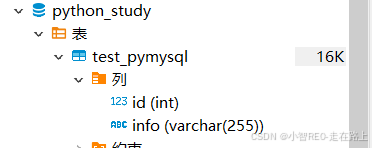
sql = "CREATE TABLE test_pymysql(id INT , info VARCHAR(255))"
cursor.execute(sql)

# 关闭
conn.close()
在数据库客户端查看,数据表已创建
案例:测试查询类型的SQL语句
python
from pymysql import Connection

# 创建链接
conn = Connection(host="localhost",port=3306,user="root",password="123456",
                  database="python_study",charset="utf8")

# 链接数据库版本信息;
print (conn.get_server_info())

#获取游标对象
cursor = conn.cursor()
# 创建数据表
sql = "select * from test_pymysql"
cursor.execute(sql)

# 获取结果
results : tuple = cursor.fetchall()
for result in results:
    print(result)

# 关闭
conn.close()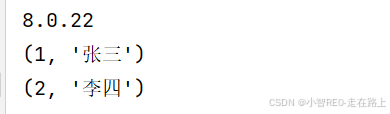
案例:链接数据库且插入数据
python
from pymysql import Connection

# 创建链接
conn = Connection(host="localhost",port=3306,user="root",password="123456",
                  database="python_study",charset="utf8")

#获取游标对象
cursor = conn.cursor()
# 创建数据表
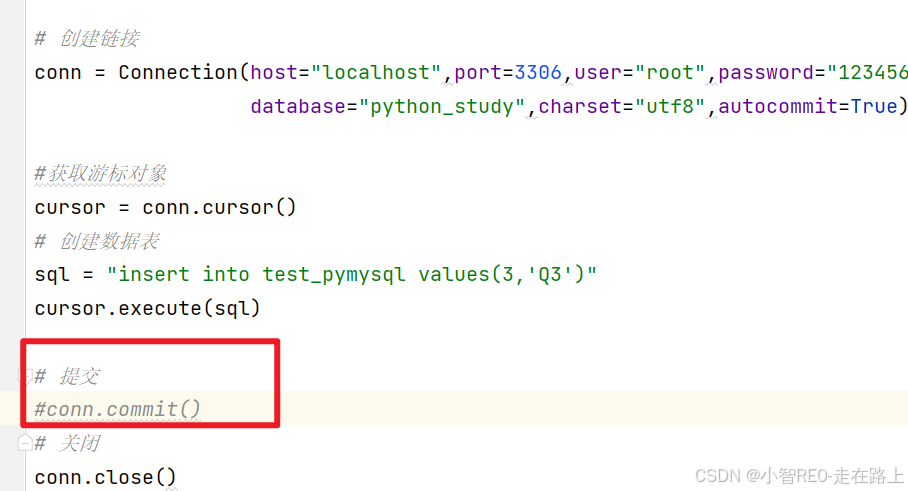
sql = "insert into test_pymysql values(3,'Q3')"
cursor.execute(sql)

# 提交
conn.commit()
# 关闭
conn.close()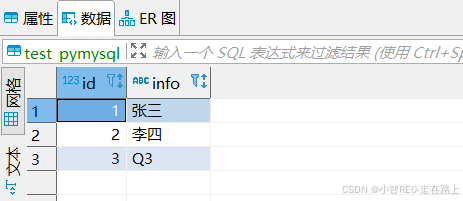
若在链接参数中指定
autocommit=True自动提交开启,则不用在代码中执行 commit手动提交
综合案例
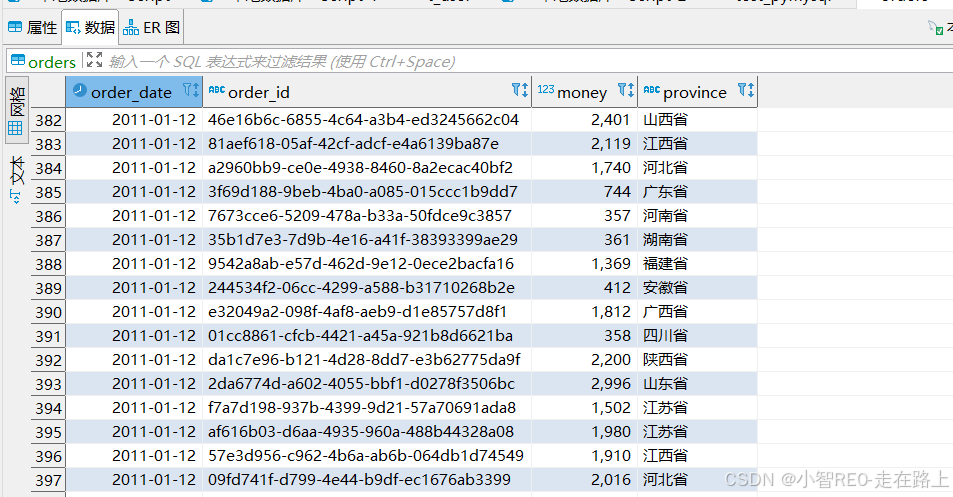
创建数据库
sql
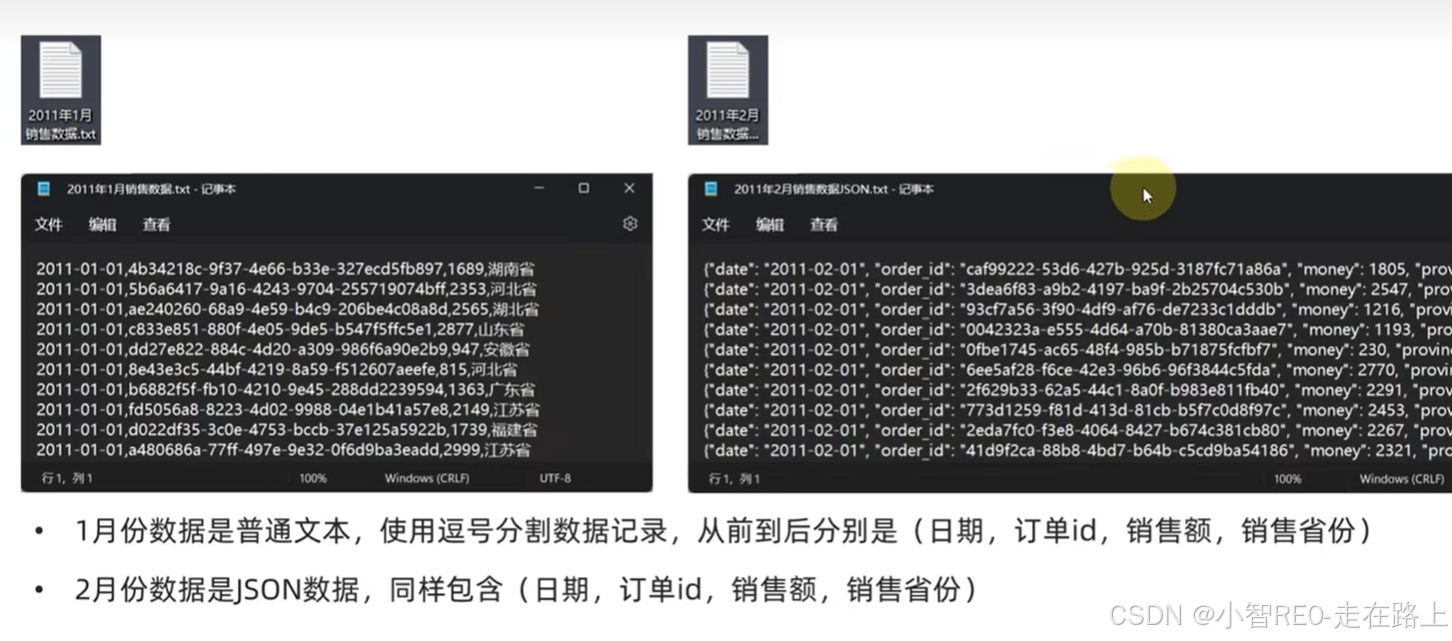
create table orders(
	order_date DATE,
	order_id VARCHAR(255),
	money INT,
	province VARCHAR(10)
)
python
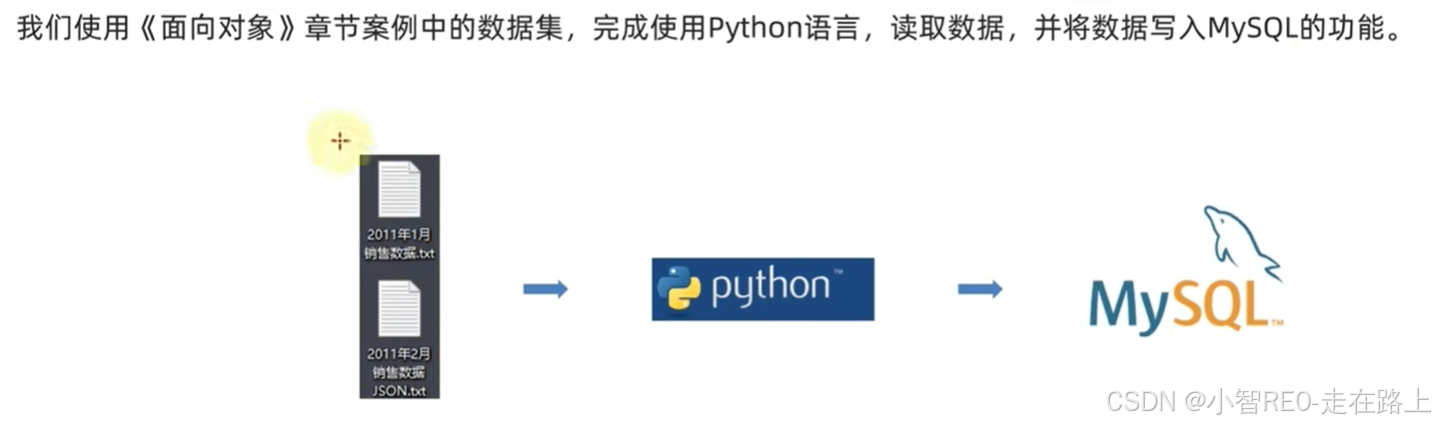
from file_define import TextFileReader, JsonFileReader
from data_define import Record
from pymysql import Connection

text_file_reader = TextFileReader("F:/pythonworkspace/startDemo/fileDemopath/2011年1月销售数据.txt")
json_file_reader = JsonFileReader("F:/pythonworkspace/startDemo/fileDemopath/2011年2月销售数据JSON.txt")

jan_data: list[Record] = text_file_reader.read_data()
feb_data: list[Record] = json_file_reader.read_data()
# 将2个月份的数据合并
all_data: list[Record] = jan_data + feb_data

# 构建MySQL链接对象
conn = Connection(
    host="localhost",
    port=3306,
    user="root",
    password="123456",
    database="python_study",
    autocommit=True
)
# 获得游标对象
cursor = conn.cursor()
# SQL
for record in all_data:
    sql = f"insert into orders(order_date, order_id, money, province) " \
          f"values('{record.date}', '{record.order_id}', {record.money}, '{record.province}')"
    # 执行SQL语句
    cursor.execute(sql)

# 关闭链接
conn.close()