上周在ubuntu上根据AI一通安装,总是不能从windows远程。放弃了。
本周末重新开机,顺利登录,原来时缺少一个重启。但是我的实验小程序gtk4写的slock无法运行。继续提问AI,给出的答复是设置display,设置哪个呢?如下命令:
/gelabs/gtk$ ps aux | grep -E "X.*:"
gdm 2545 0.0 1.2 1070848 93828 tty1 Sl+ 11:09 0:00 /usr/bin/Xwayland :1024 -rootless -noreset -accessx -core -auth /run/user/122/.mutter-Xwaylandauth.JIZEI3 -listenfd 4 -listenfd 5 -displayfd 6 -initfd 7 -byteswappedclients
zzz 4080 1.2 1.7 352072 134728 ? Rl 11:17 0:28 /usr/lib/xorg/Xorg :11 -auth .Xauthority -config xrdp/xorg.conf -noreset -nolisten tcp -logfile .xorgxrdp.%s.log
zzz 13330 0.0 0.0 12300 2304 pts/1 S+ 11:56 0:00 grep --color=auto -E X.*:
上面标识红色的为关键信息。
说明:
-
显示编号是
:11(不是:0或:10) -
这是xrdp启动的Xorg服务器
-
认证文件是
.Xauthority(在当前目录d
设置正确的display: export DISPLAY=:11
其他没有动,就能正确显示了:
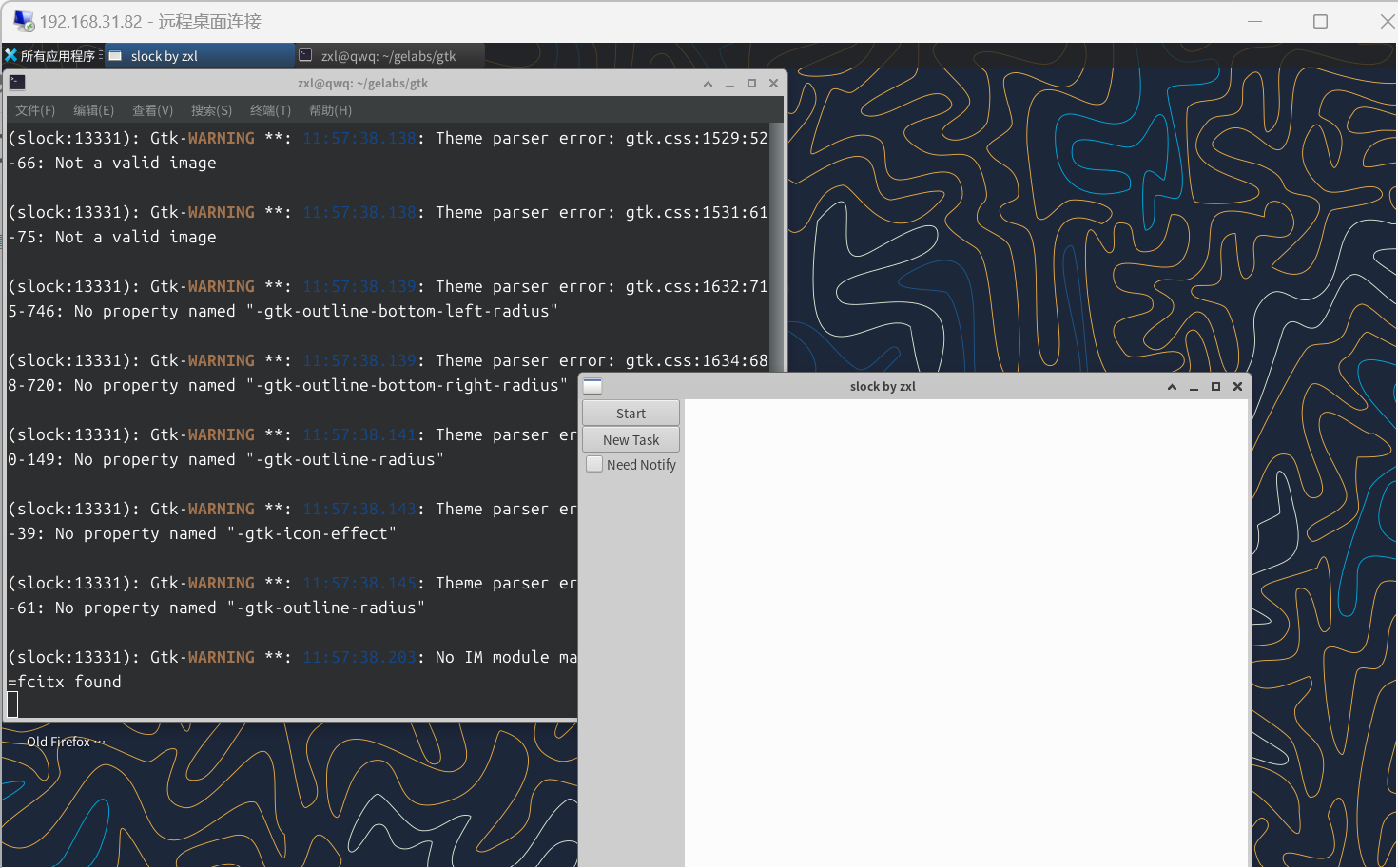
效果蛮不错的。
试试复杂的JAVA编程界面,idea也可用运行
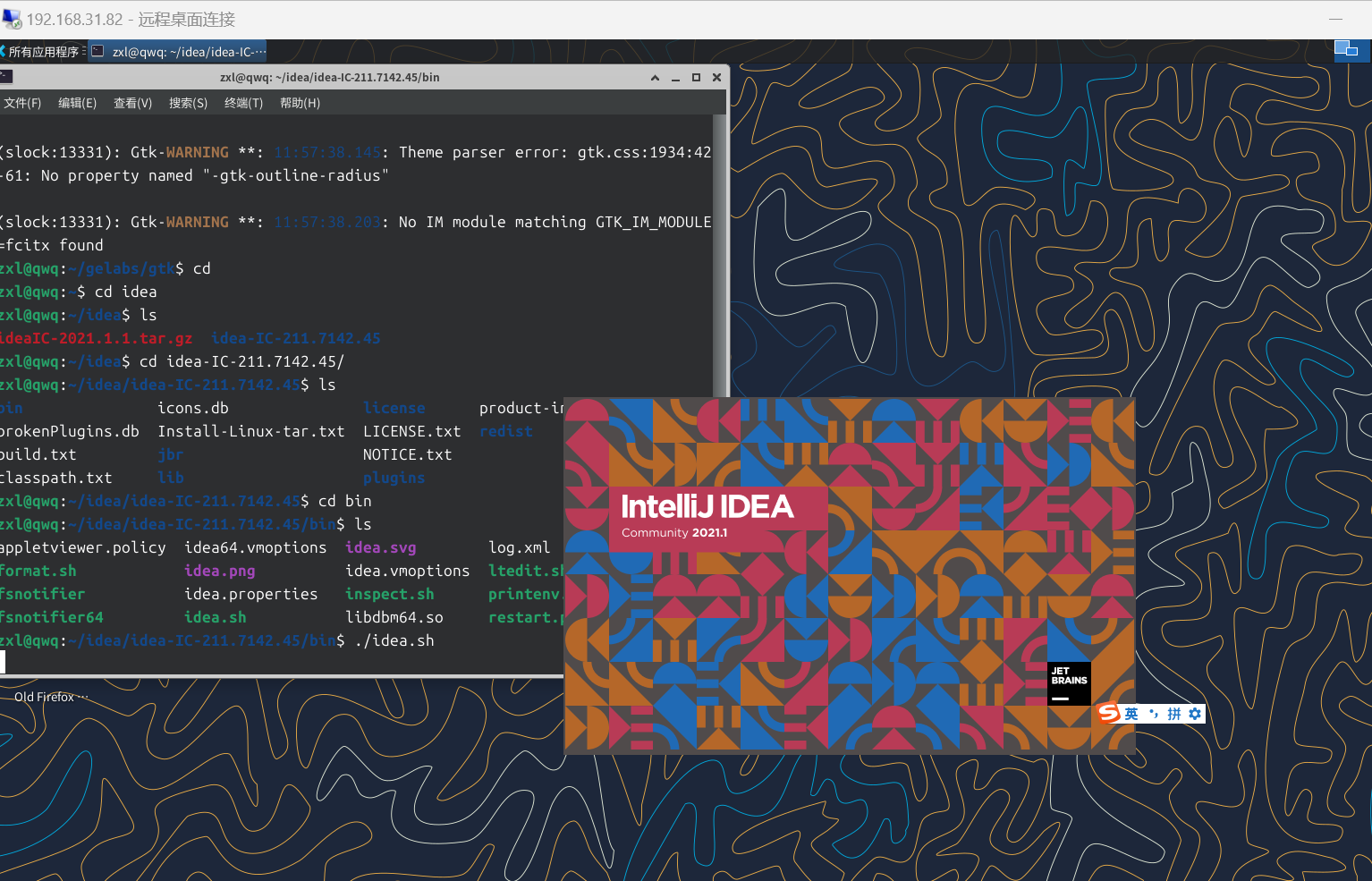
方便多了。不用搞windows,ubuntu两个机器上来回了,在Windows加远程就行了。