目录
- 1.简述
- [2.创建一个spring-web项目,并且显示Hello World)](#2.创建一个spring-web项目,并且显示Hello World))
- 3.@RequestMapping
- 4.常用注解
- 5.文件上传,接口获取文件
- 6.HttpEntity
- 7.原生API
- 8.文件下载
1.简述
SpringMVC是Spring的web模块,用来开发Web应用,并最终作为B/S、C/S模式下的Server端,核心是用来处理Http请求响应。
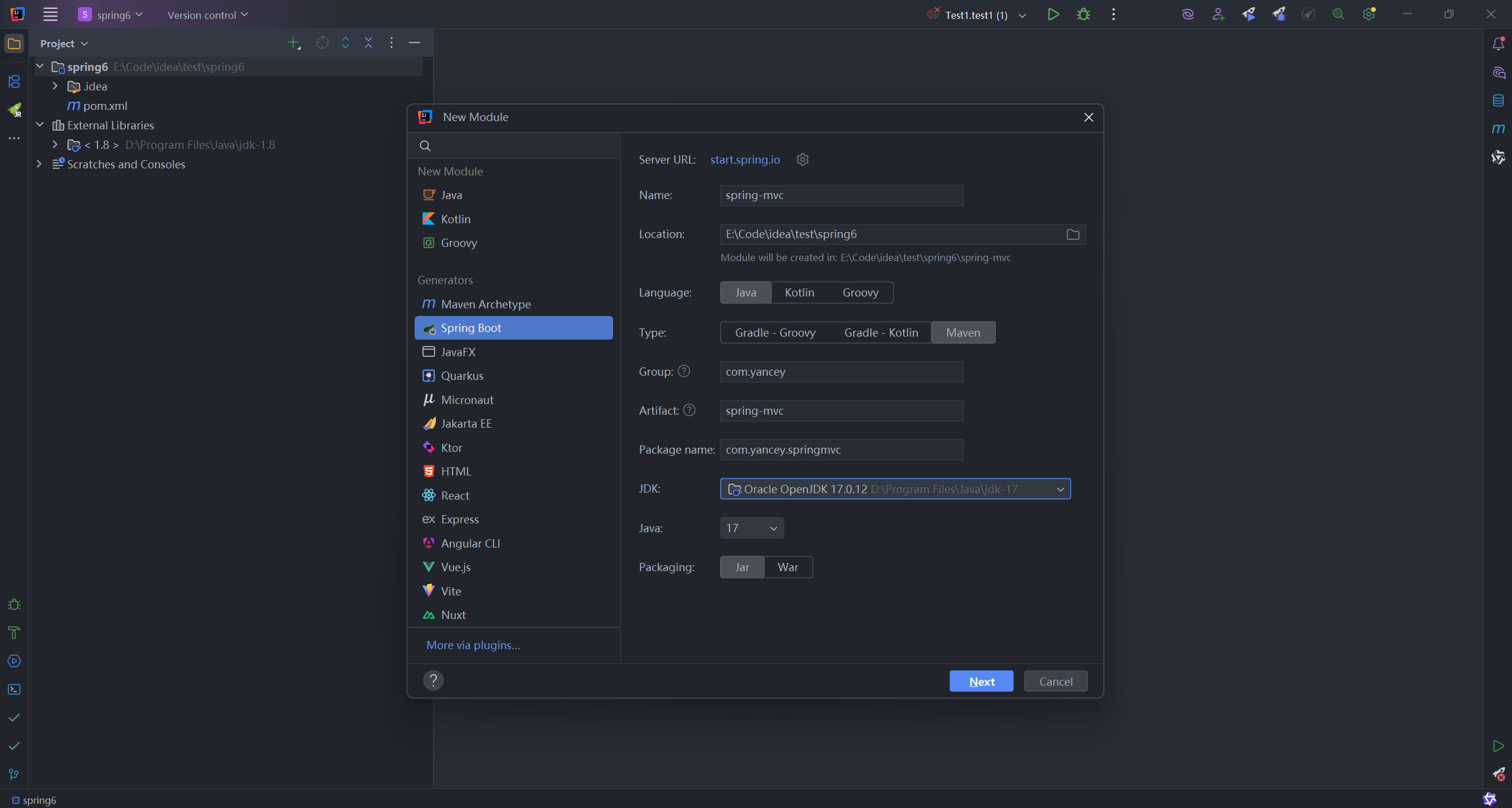
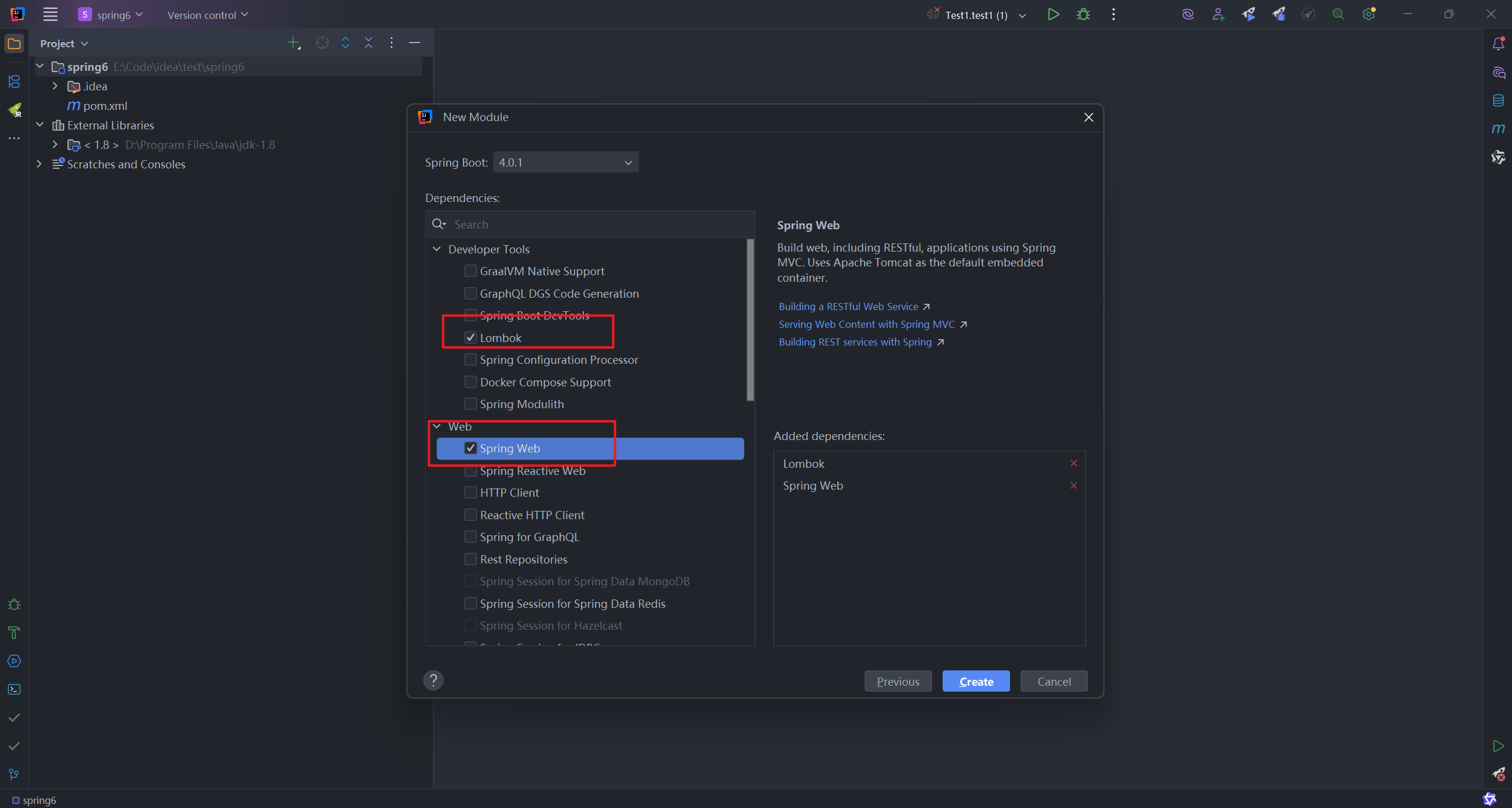
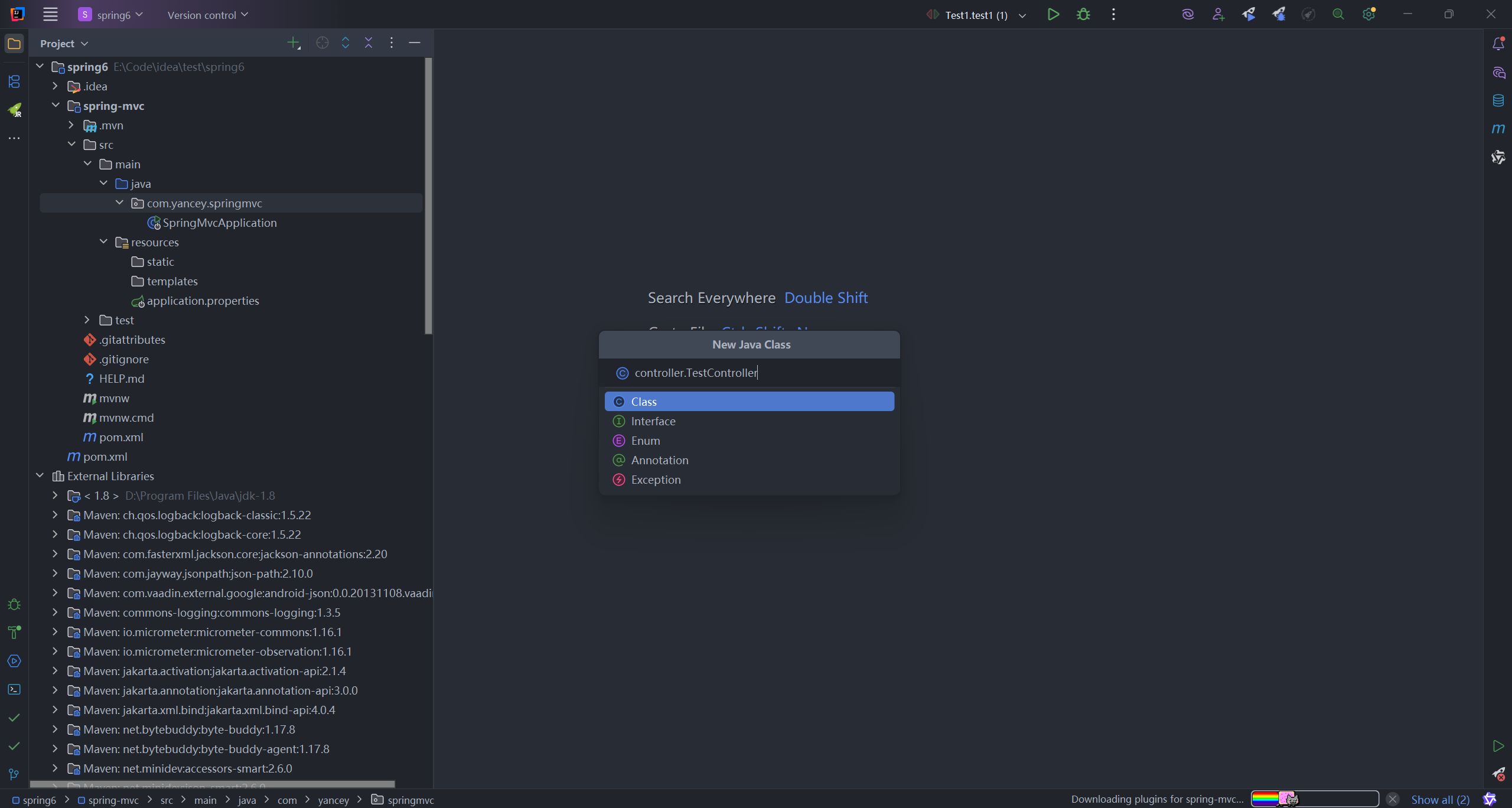
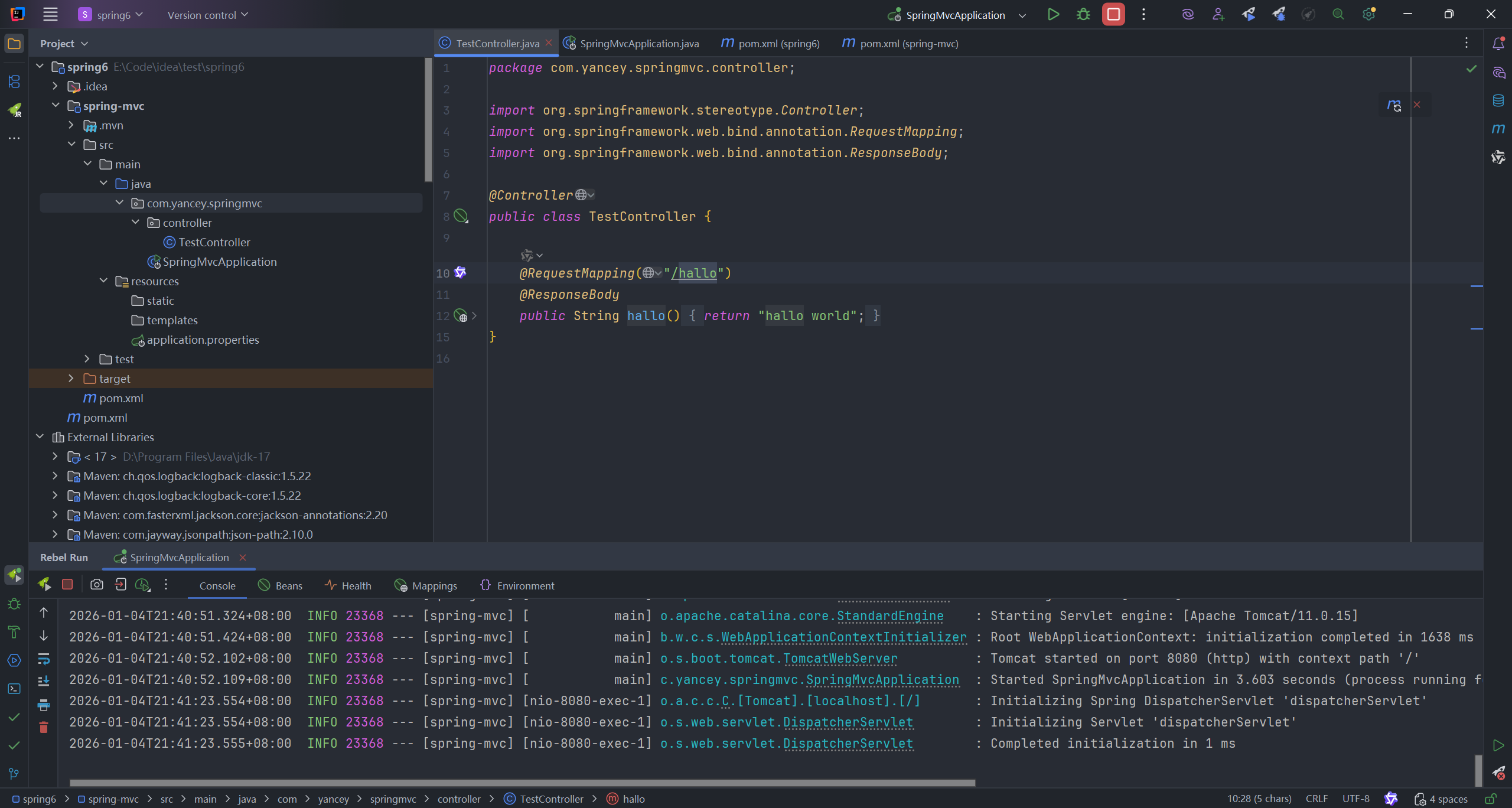
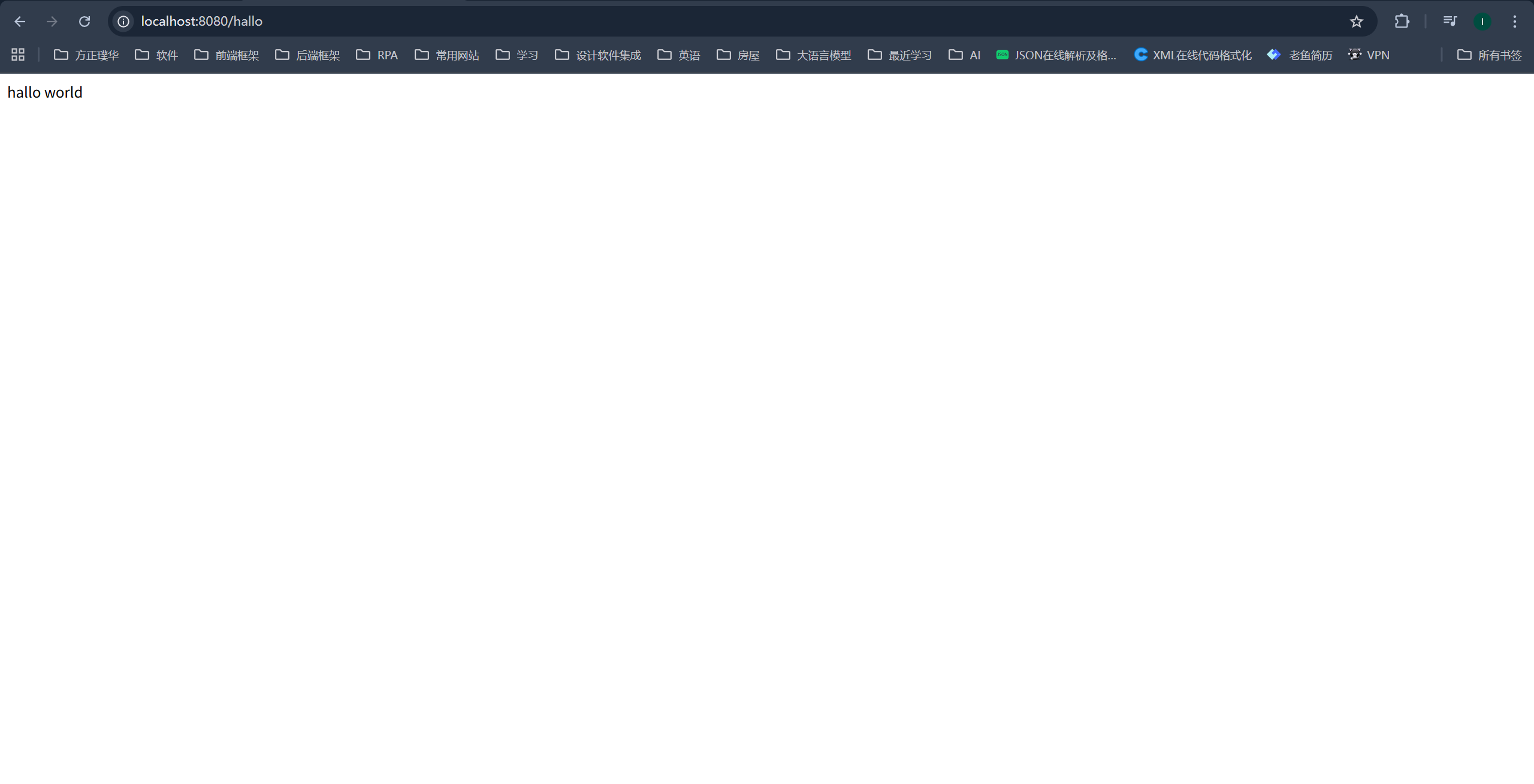
2.创建一个spring-web项目,并且显示Hello World)
3.@RequestMapping
3.1通配符
- *:匹配任意多个字符(0-N),不能匹配多个路径
- **:匹配任意多层路径
- ?:匹配任意单个字符
多个路径匹配的优先级:
精确匹配 > ? > * > **
3.2请求限定
java
//
// Source code recreated from a .class file by IntelliJ IDEA
// (powered by FernFlower decompiler)
//

package org.springframework.web.bind.annotation;

import java.lang.annotation.Documented;
import java.lang.annotation.ElementType;
import java.lang.annotation.Retention;
import java.lang.annotation.RetentionPolicy;
import java.lang.annotation.Target;
import org.springframework.aot.hint.annotation.Reflective;
import org.springframework.core.annotation.AliasFor;

@Target({ElementType.TYPE, ElementType.METHOD})
@Retention(RetentionPolicy.RUNTIME)
@Documented
@Mapping
@Reflective({ControllerMappingReflectiveProcessor.class})
public @interface RequestMapping {
    String name() default "";

    @AliasFor("path")
    String[] value() default {};

    @AliasFor("value")
    String[] path() default {};
    // 方法限定,主要限定Http请求的访问协议
    RequestMethod[] method() default {};
	  // 参数限定,例如params = {"age=18"}限定请求参数的age必须等于18
    String[] params() default {};
    // 请求投限定,例如header = {"haha!=1"}请求投haha不等于1
    String[] headers() default {};
    // 指定请求类型,例如consumes = "application/json"用来指定当前资源类型是json
    String[] consumes() default {};
    // 指定当前接口生产类型,例如produces = "text/html;charset=utf-8"用来指定接口返回资源类型是html
    String[] produces() default {};

    String version() default "";
}
4.常用注解
| 注解 | 描述 |
|---|---|
| @ResponseBody | 将控制器方法的返回值直接作为HTTP响应体返回,因为Spring Boot自动配置了Jackson,而现代Web开发中JSON是事实标准,所以Spring智能地选择了最常用的JSON格式。 |
| @RestController | @ResponseBody+@Controller |
| @RequestParam | 设置请求参数名称、默认值、是否必须携带 |
| @RequestHeader | 获取请求头 |
| @CookieValue | 获取Cookie的值 |
| @RequestBody | 将HTTP请求的JSON/XML数据自动绑定到Java对象上 |
| @RequestPart | 专门处理multipart/form-data中的复杂部分,支持JSON自动转换和文件上传 |
4.1@RequestParam和@RequestPart的区别
@RequestParam用于简单文件上传,@RequestPart用于文件+复杂数据混合上传(特别是JSON自动转换),并且可以验证content-type
5.文件上传,接口获取文件
java
@RequestMapping("/upload")
public String uploadFile(@RequestParam("file") MultipartFile file) {
    String fileName = file.getOriginalFilename();
    long size = file.getSize();
    byte[] content = file.getBytes();

    return "上传成功: " + fileName + ",大小: " + size + "字节";
}
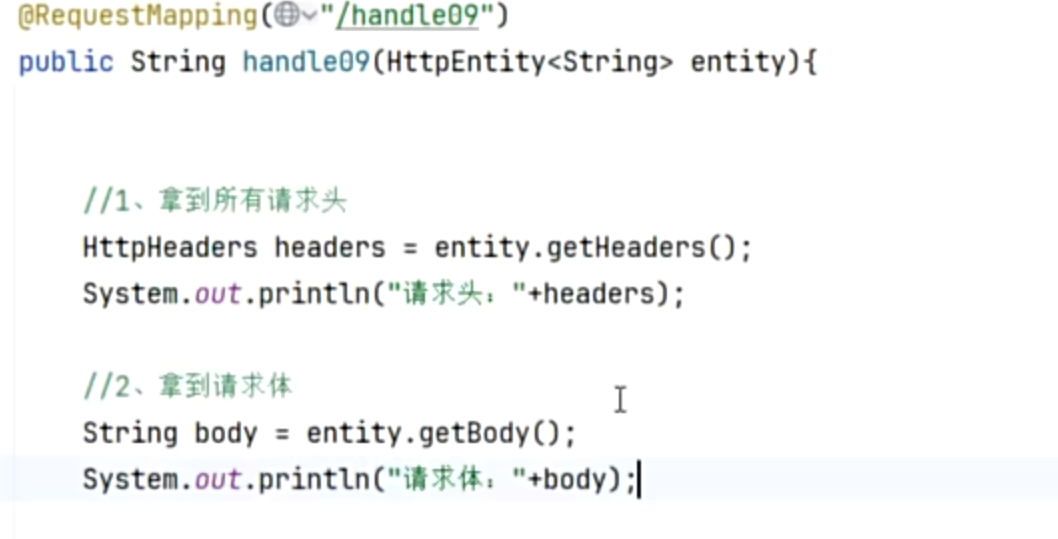
6.HttpEntity
同时用来获取当前请求的请求头和请求体
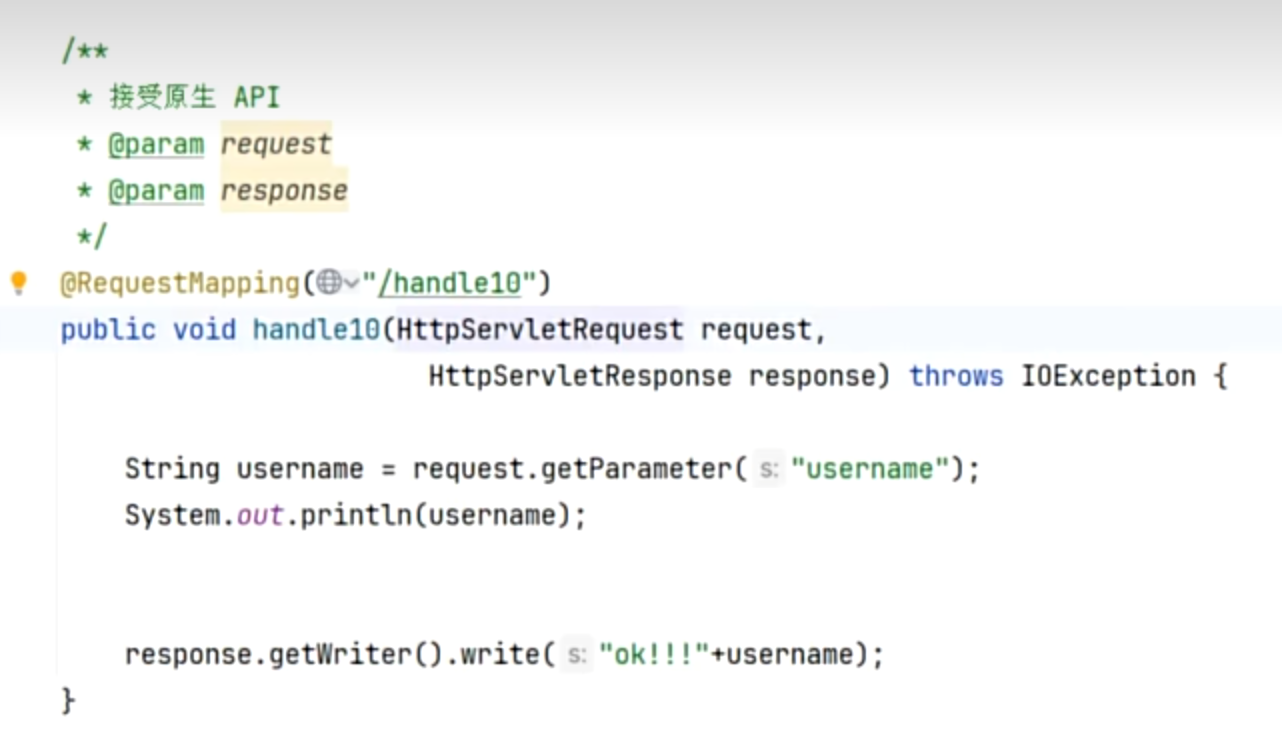
7.原生API
| 类别 | 类 | 作用 |
|---|---|---|
| 请求类别 | HttpServletRequest | 获取请求信息 |
| 响应相关 | HttpServletResponse | 控制响应 |
| 会话相关 | HttpSession | 会话管理 |
| 上下文管理 | ServletContext | 应用上下文 |
| 本地化相关 | Locale、TimeZone | 国际化 |
8.文件下载
java
import org.springframework.core.io.InputStreamResource;
import org.springframework.http.HttpHeaders;
import org.springframework.http.MediaType;
import org.springframework.http.ResponseEntity;
import org.springframework.web.bind.annotation.GetMapping;
import org.springframework.web.bind.annotation.RequestMapping;
import org.springframework.web.bind.annotation.RestController;
import java.io.File;
import java.io.FileInputStream;
import java.io.IOException;
import java.net.URLEncoder;
import java.nio.charset.StandardCharsets;

@RestController
@RequestMapping("/download")
public class FileDownloadController {

    @GetMapping
    public ResponseEntity<InputStreamResource> download() throws IOException {
        // 1. 文件路径
        String filePath = "C:\\Users\\53409\\Pictures\\Saved Pictures\\必应壁纸.jpg";
        File file = new File(filePath);

        if (!file.exists()) {
            return ResponseEntity.notFound().build();
        }

        // 2. 文件输入流
        FileInputStream fileInputStream = new FileInputStream(file);

        try {
            // 3. 文件名编码处理(解决中文乱码)
            String fileName = file.getName();
            String encodedFileName = URLEncoder.encode(fileName, StandardCharsets.UTF_8)
                    .replaceAll("\\+", "%20");  // 替换+为%20,兼容更多浏览器

            // 4. 创建资源
            InputStreamResource resource = new InputStreamResource(fileInputStream);

            // 5. 构建响应
            return ResponseEntity.ok()
                    // 内容类型:文件流
                    .contentType(MediaType.APPLICATION_OCTET_STREAM)
                    // 内容长度
                    .contentLength(file.length())
                    // Content-Disposition:让浏览器下载而不是预览
                    .header(HttpHeaders.CONTENT_DISposition,
                           "attachment; filename=\"" + fileName + "\"; " +
                           "filename*=UTF-8''" + encodedFileName)
                    .body(resource);

        } catch (Exception e) {
            fileInputStream.close();
            throw e;
        }
    }
}