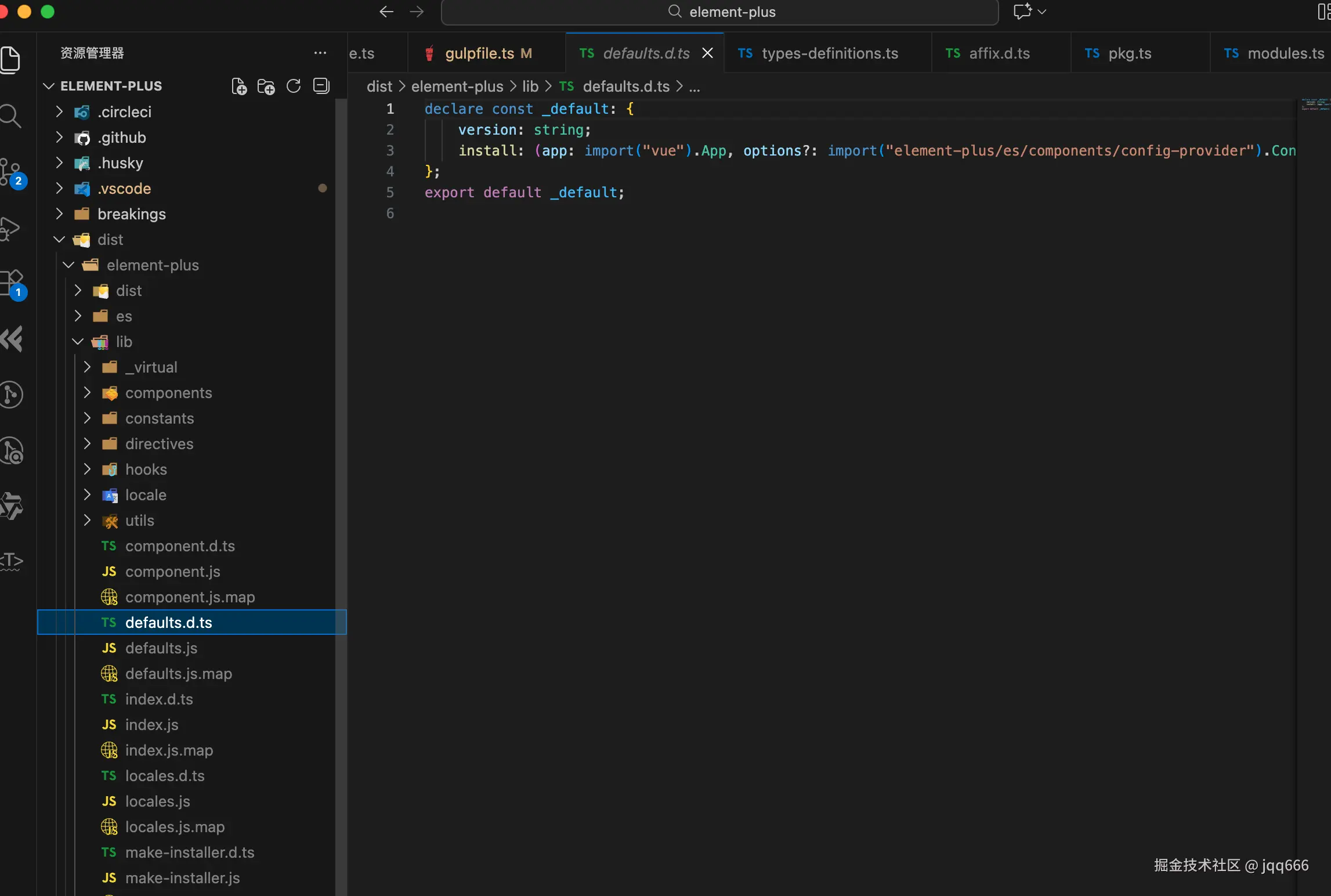
runTask('generateTypesDefinitions')
我们定位到相关的代码
javascript
import path from 'path'
import { readFile, writeFile } from 'fs/promises'
import glob from 'fast-glob'
import { copy, remove } from 'fs-extra'
import { buildOutput } from '@element-plus/build-utils'
import { pathRewriter, run } from '../utils'

export const generateTypesDefinitions = async () => {
  await run(
    'npx vue-tsc -p tsconfig.web.json --declaration --emitDeclarationOnly --declarationDir dist/types'
  )
  const typesDir = path.join(buildOutput, 'types', 'packages')
  const filePaths = await glob(`**/*.d.ts`, {
    cwd: typesDir,
    absolute: true,
  })
  const rewriteTasks = filePaths.map(async (filePath) => {
    const content = await readFile(filePath, 'utf8')
    await writeFile(filePath, pathRewriter('esm')(content), 'utf8')
  })
  await Promise.all(rewriteTasks)
  const sourceDir = path.join(typesDir, 'element-plus')
  await copy(sourceDir, typesDir)
  await remove(sourceDir)
}
打包类型文件
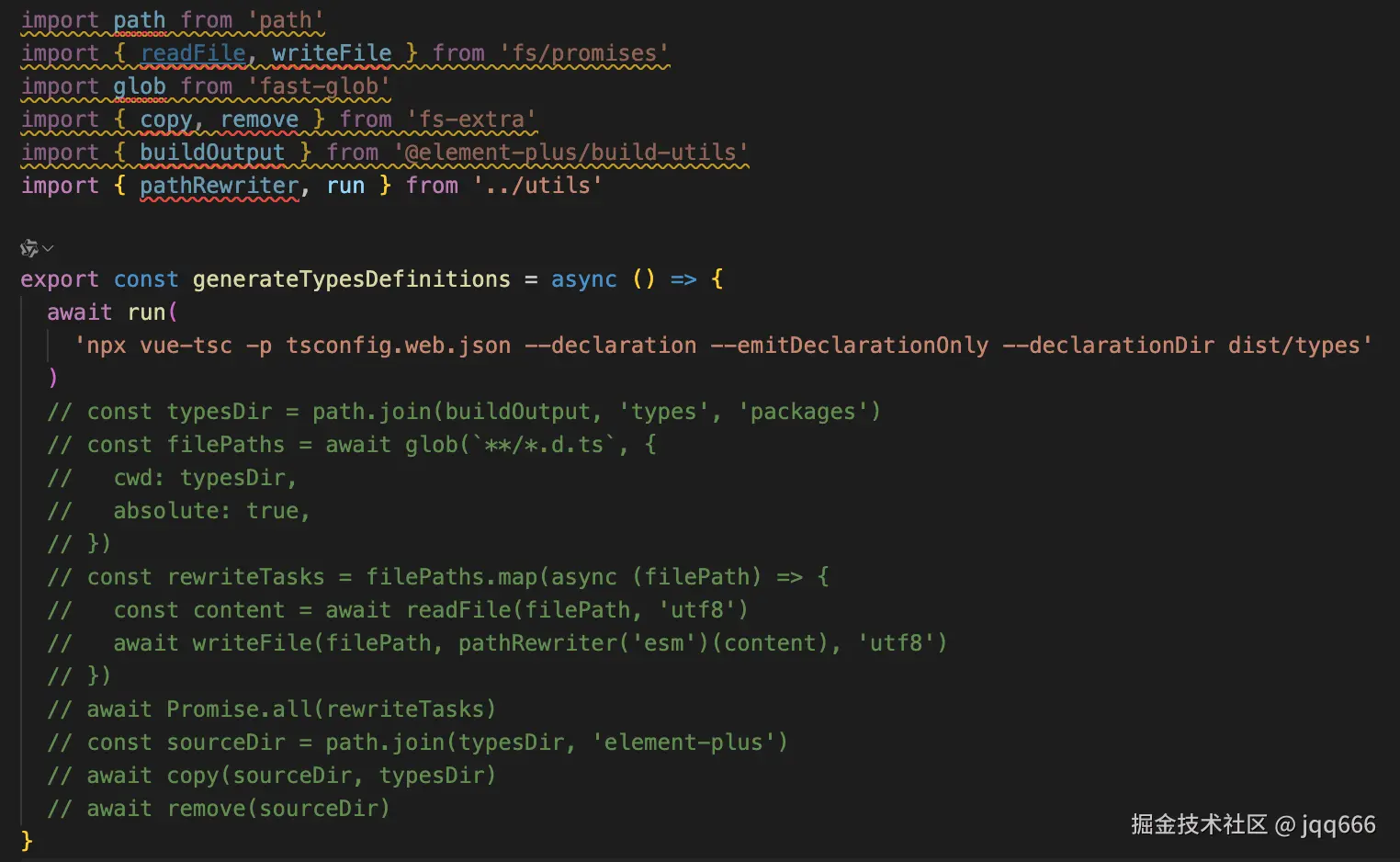
对于npx vue-tsc -p tsconfig.web.json --declaration --emitDeclarationOnly --declarationDir dist/types,-p tsconfig.web.json指定要使用的编译配置文件,--declaration 指定生成声明文件,--emitDeclarationOnly表示只生成声明文件不会进行代码编译,--declarationDir dist/types指定了输出目录
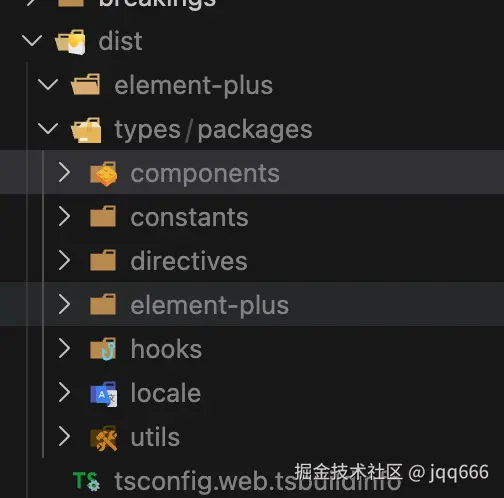
然后运行pnpm buid,可以看到生成了对应的类型文件
重写类型文件
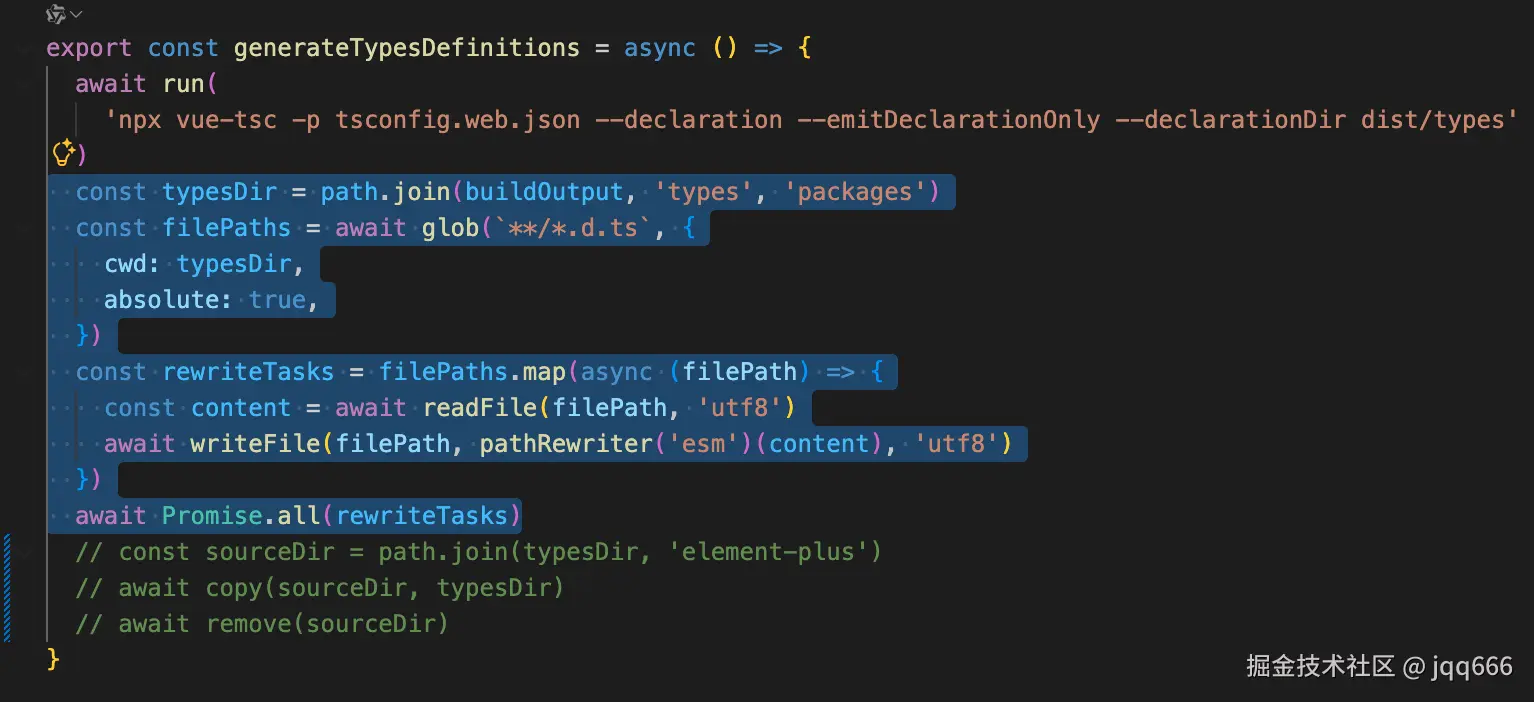
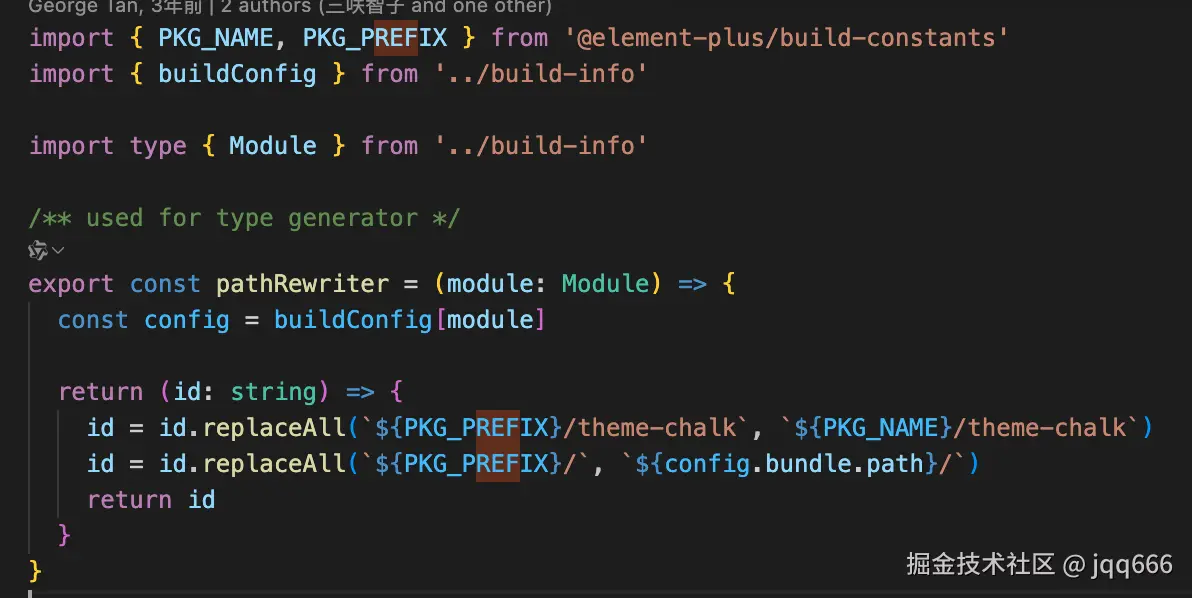
主要就是针对路径进行处理,把开发环境的路径处理成了打包之后的路径
重写类型文件之前  重写类型文件之后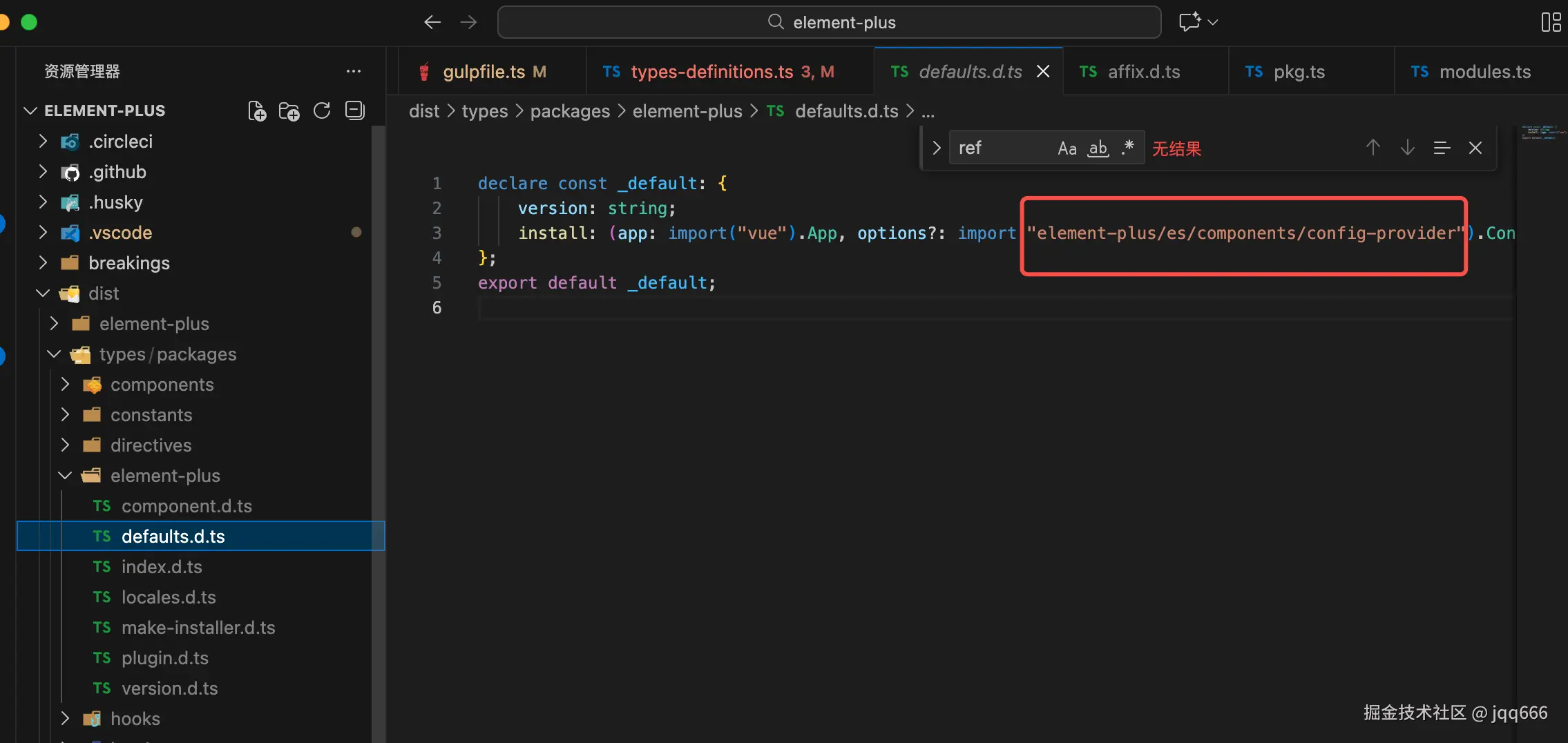
可以看到这里import的是es文件目录下的类型文件,之前打包的es下面并没有对应的类型啊???其实后面还有处理,会把types的相关类型移动到对应目录下,需要往后面看 copyTypesDefinitions
提升package/element-plus的类型文件到上层
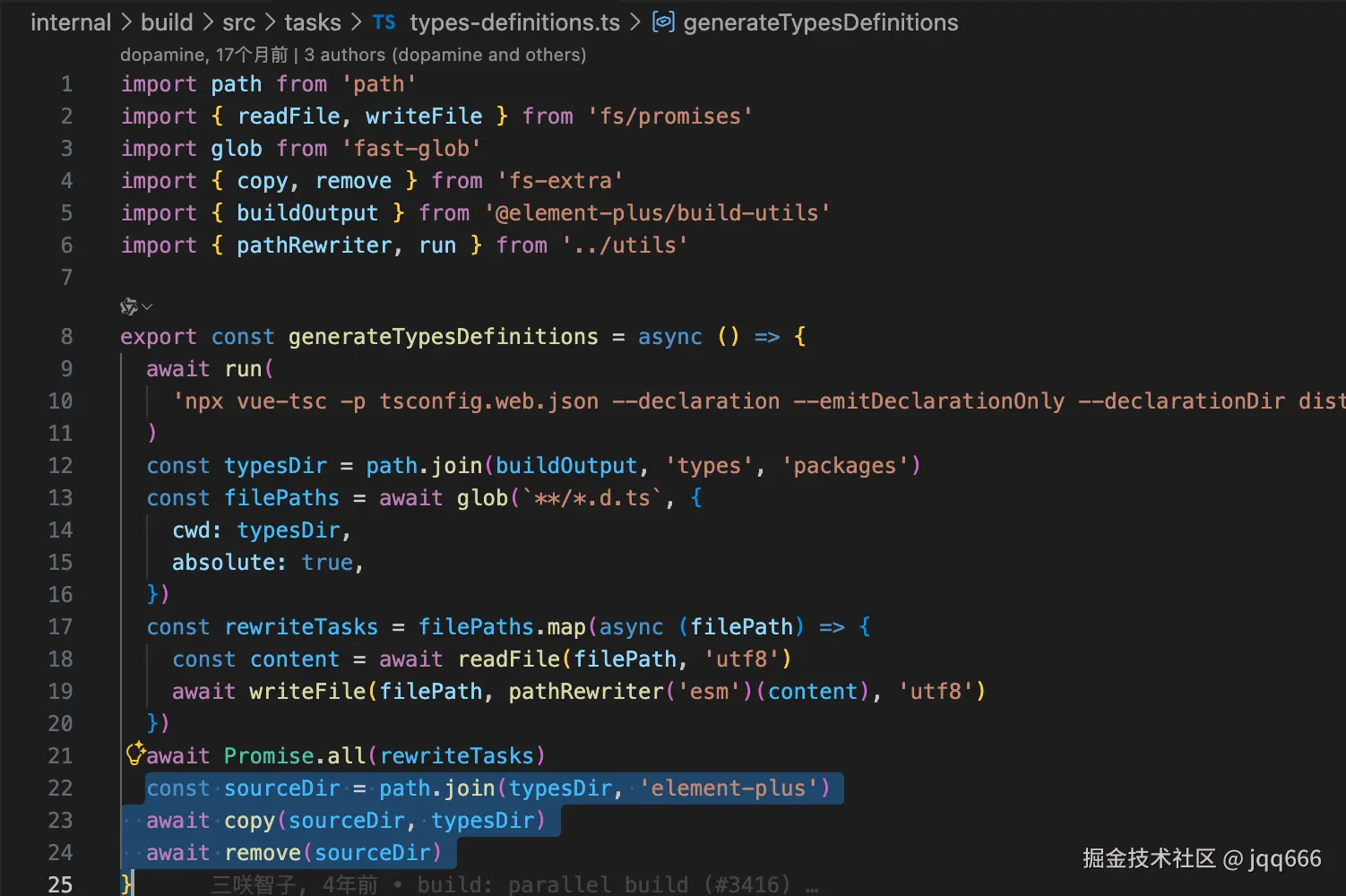
我们之前打包的配置 preserveModules 值为 true 时,不会有element-plus的目录结构了,下面的文件会提升到上层。
这里就是为了把类型提到上层,使得其和之前的组件打包的结构一致
提升前: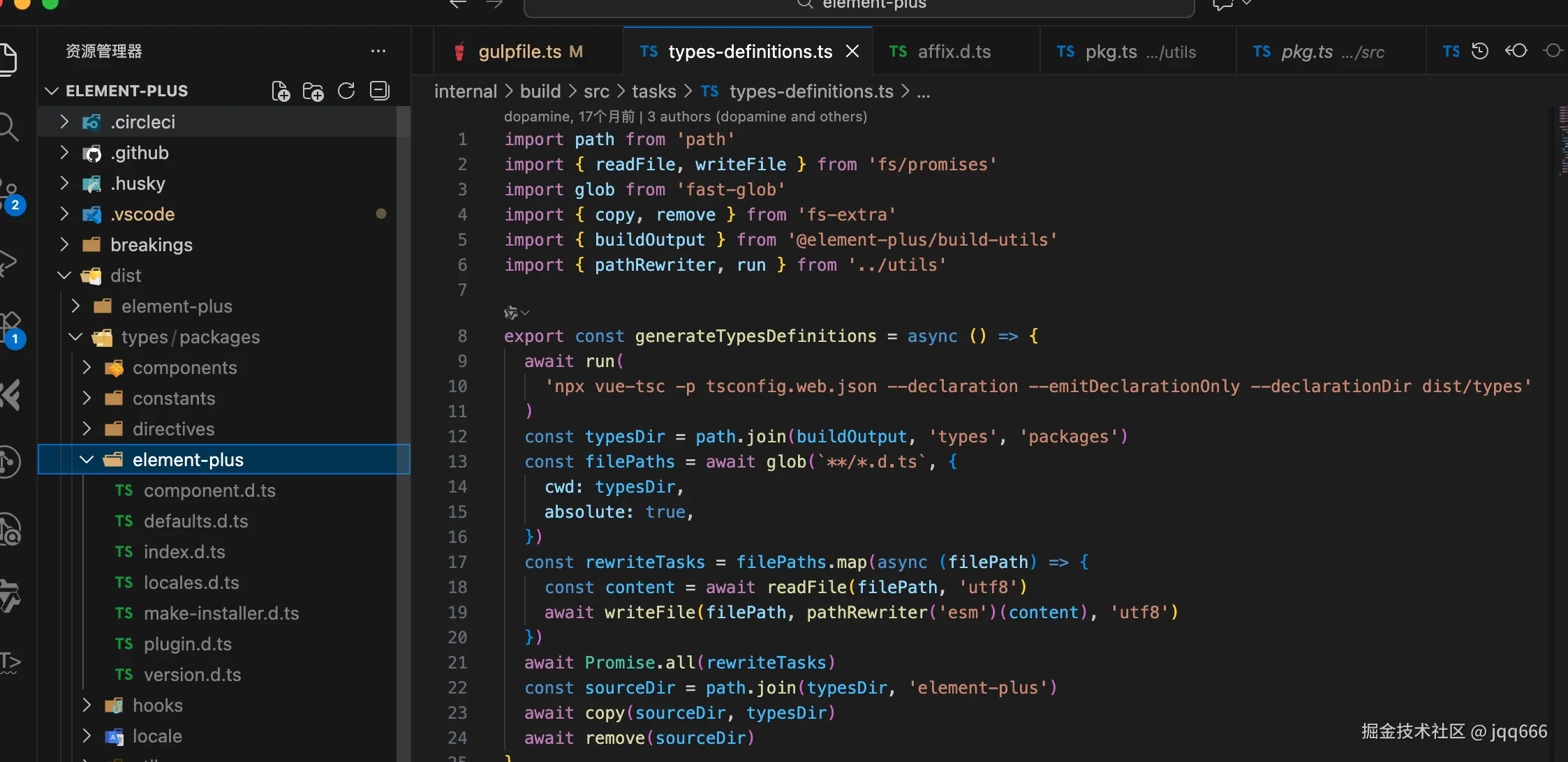
提升后: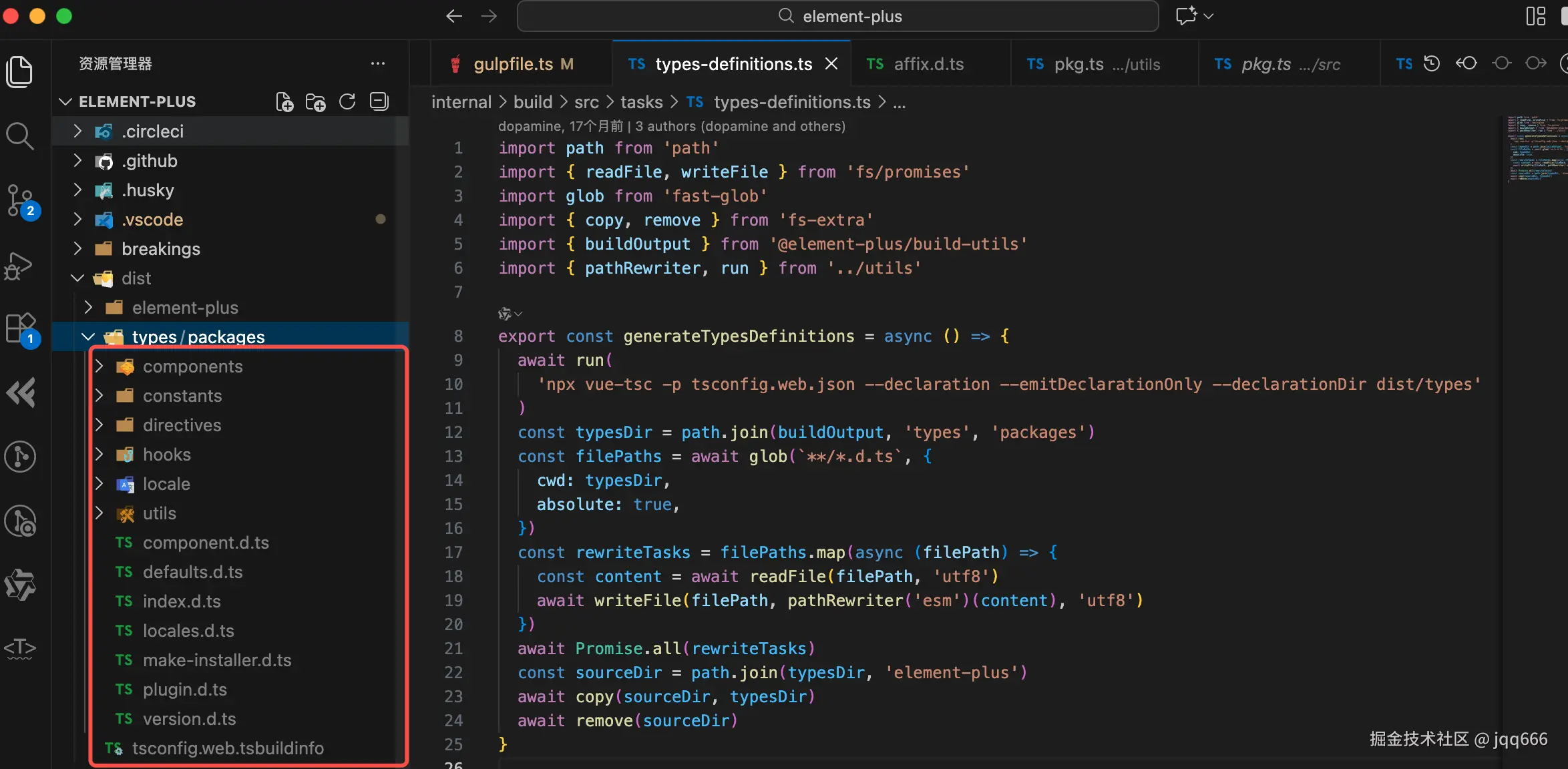
copyTypesDefinitions
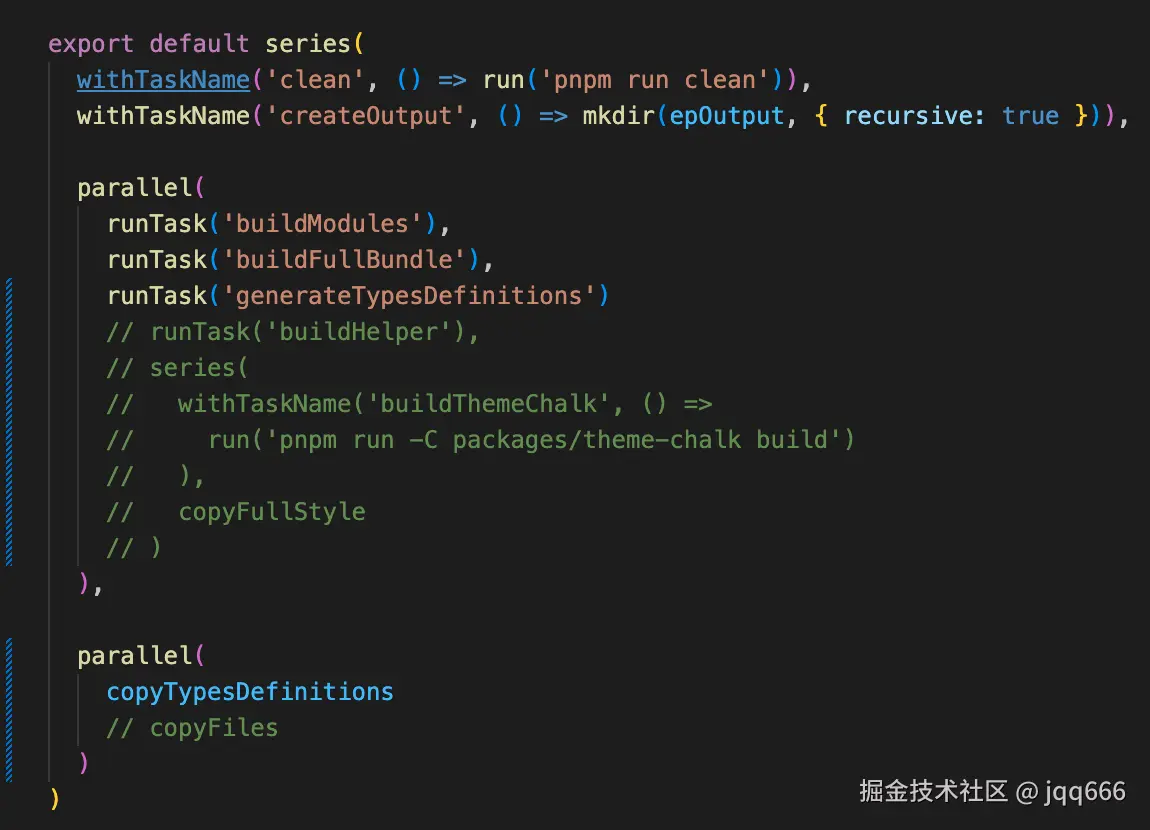
javascript
export const copyTypesDefinitions: TaskFunction = (done) => {
  const src = path.resolve(buildOutput, 'types', 'packages')
  const copyTypes = (module: Module) =>
    withTaskName(`copyTypes:${module}`, () =>
      copy(src, buildConfig[module].output.path, { recursive: true })
    )

  return parallel(copyTypes('esm'), copyTypes('cjs'))(done)
}
这是要把types下面的各种文件,copy到es和lib的相关文件下