🍅 点击文末小卡片,免费获取软件测试全套资料,资料在手,涨薪更快
一般情况下,我们是通过一个yaml文件进行关联实现
在根目录下新建一个文件yaml,通过上述conftest.py文件实现全局变量的更新:
1.首先需要建立一个读取、写入、清除yaml文件的工具类
如下:
import os

import yaml


class YamlUnit:
    def readAllYaml(self):
        with open(os.getcwd() + "/extract.yml", mode='r', encoding='utf-8') as f:
            value = yaml.load(stream=f, Loader=yaml.FullLoader)
            return value

    def readKeyYaml(self,key):
        with open(os.getcwd() + "/extract.yml", mode='r', encoding='utf-8') as f:
            value = yaml.load(stream=f, Loader=yaml.FullLoader)
            return value[key]

    def writeYaml(self, data):
        with open(os.getcwd() + "/extract.yml", mode='w', encoding='utf-8') as f:
            print(os.getcwd() + "/extract.yml")
            value = yaml.dump(data=data, stream=f, allow_unicode=True)

    def deleteYaml(self):
        with open(os.getcwd()+"/extract.yml",mode="w",encoding='utf-8') as f:
            f.truncate()
2.配合conftest.py文件+ fixture实现全局共享调用
# 实现部分前置
import pytest

from comment.yaml_unit import YamlUnit


@pytest.fixture(scope="function")
def conn_getbase():
    print("连接数据库成功")
    yield
    print("关闭数据库成功")


@pytest.fixture(scope="session", autouse=True)
def clear_yaml():
    YamlUnit().deleteYaml()


@pytest.fixture(scope="session", autouse=True)
def get_token():
    token = '';  # 获取token的代码请求
    return token
3.调用时只需传入方法函数名称即可
如:下面函数使用之前需要连接数据库,只需传入conftest.py文件里面的conn_getbase函数名即可
   def test_Login(self,conn_getbase):
        # post请求
        url = "xxxxxxx"
        # 参数
        data = {
            "captcha": "Gkak!@#2019",
            "checkKey": 1637811815838,
            "password": "123456",
            "remember_me": 1,
            "username": "admin"
        }
        rep = requests.request('post', url, json=data)
        statues = rep.json()["success"]
        message = rep.json()["message"]
        if statues:
            print(message )
        else:
            raise Exception(message)
最后感谢每一个认真阅读我文章的人,礼尚往来总是要有的,虽然不是什么很值钱的东西,如果你用得到的话可以直接拿走:
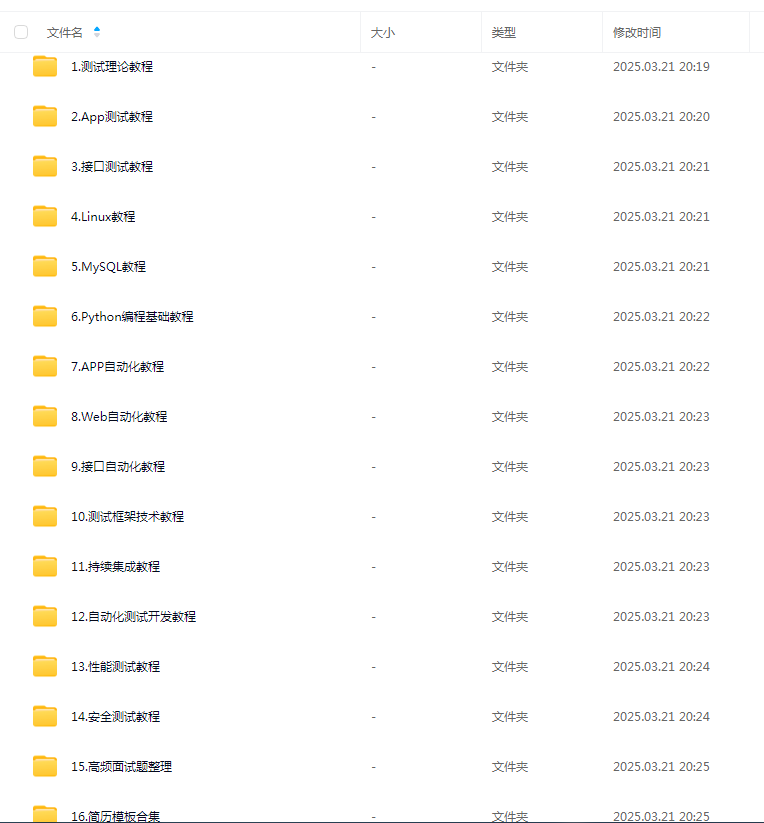
这些资料,对于做【软件测试】的朋友来说应该是最全面最完整的备战仓库,这个仓库也陪伴我走过了最艰难的路程,希望也能帮助到你!凡事要趁早,特别是技术行业,一定要提升技术功底。