准备好App:Apipost
编写测试类
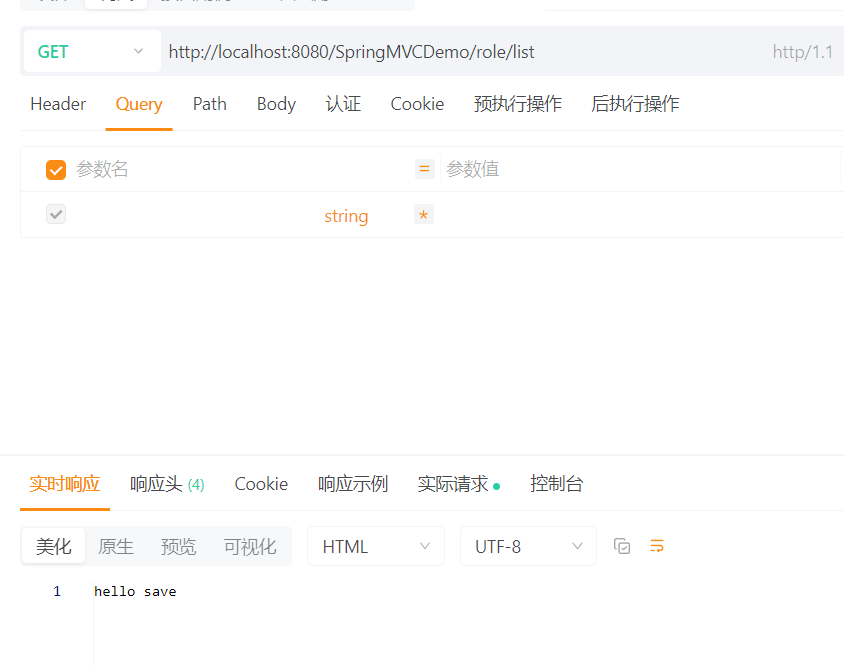
1.Get请求:
java
package com.qcby.controller;
import org.springframework.stereotype.Controller;
import org.springframework.web.bind.annotation.RequestMapping;
import org.springframework.web.bind.annotation.RequestMethod;
import org.springframework.web.bind.annotation.ResponseBody;
@Controller
@RequestMapping("/role")//一级目录
public class RoleController {
    //二级目录
    @RequestMapping(path = "/list", method = RequestMethod.GET)//默认为get请求
    @ResponseBody//告诉springmvc这是一个返回值  没有这个注解就要有对应的页面!!!
    public String list(){
        return "hello save";
    }
}
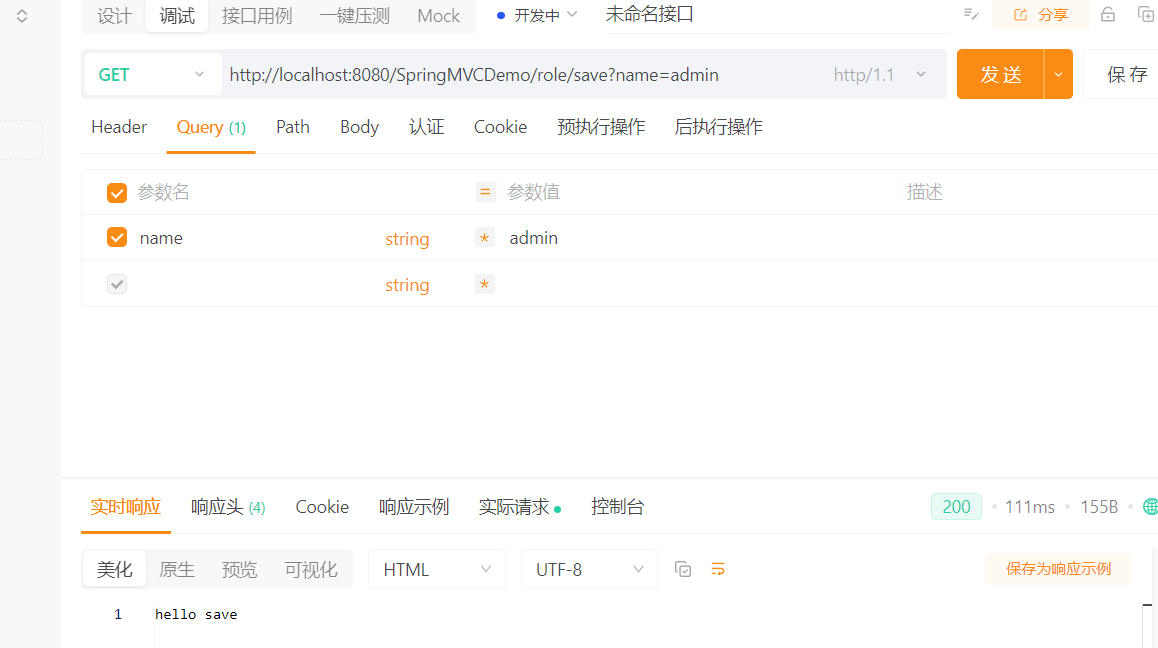
1.1 get请求发送数据
java
@RequestMapping(path = "/save", method = RequestMethod.GET)
@ResponseBody
public String save(String name){
    System.out.println(name);
    return "hello save";
}

1.2 多参数之间拼接就可以了
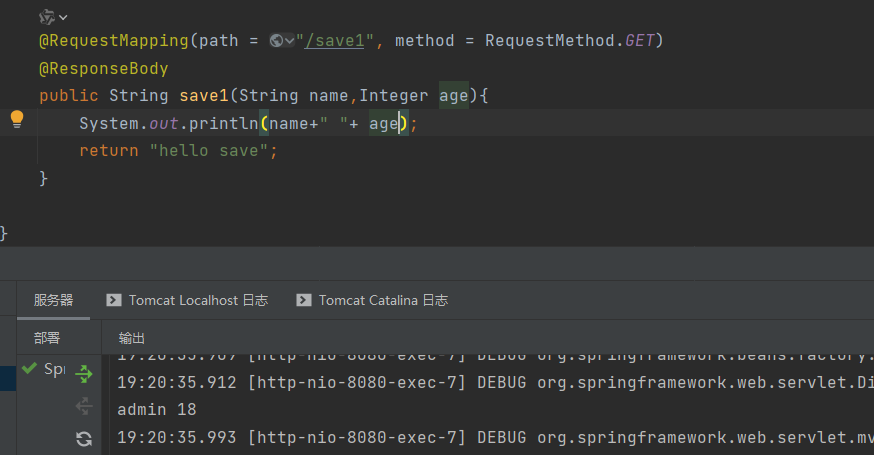
1.3 非常多的参数
创建一个model层
在model层里面创建类在类里面定义参数和Getter、Setter方法
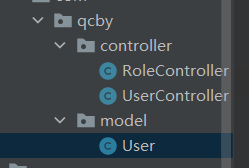
这里可以下pom文件中导入Lombok依赖使用@Data和@ToString注解方
java
package com.qcby.model;
public class User {
private Integer id;
private String username;
private String password;
private String address;
@Override
public String toString() {
    return "User{" +
            "id=" + id +
            ", username='" + username + '\'' +
            ", password='" + password + '\'' +
            ", address='" + address + '\'' +
            '}';
}

public Integer getId() {
    return id;
}

public void setId(Integer id) {
    this.id = id;
}

public String getUsername() {
    return username;
}

public void setUsername(String username) {
    this.username = username;
}

public String getPassword() {
    return password;
}

public void setPassword(String password) {
    this.password = password;
}

public String getAddress() {
    return address;
}

public void setAddress(String address) {
    this.address = address;
}

}
java
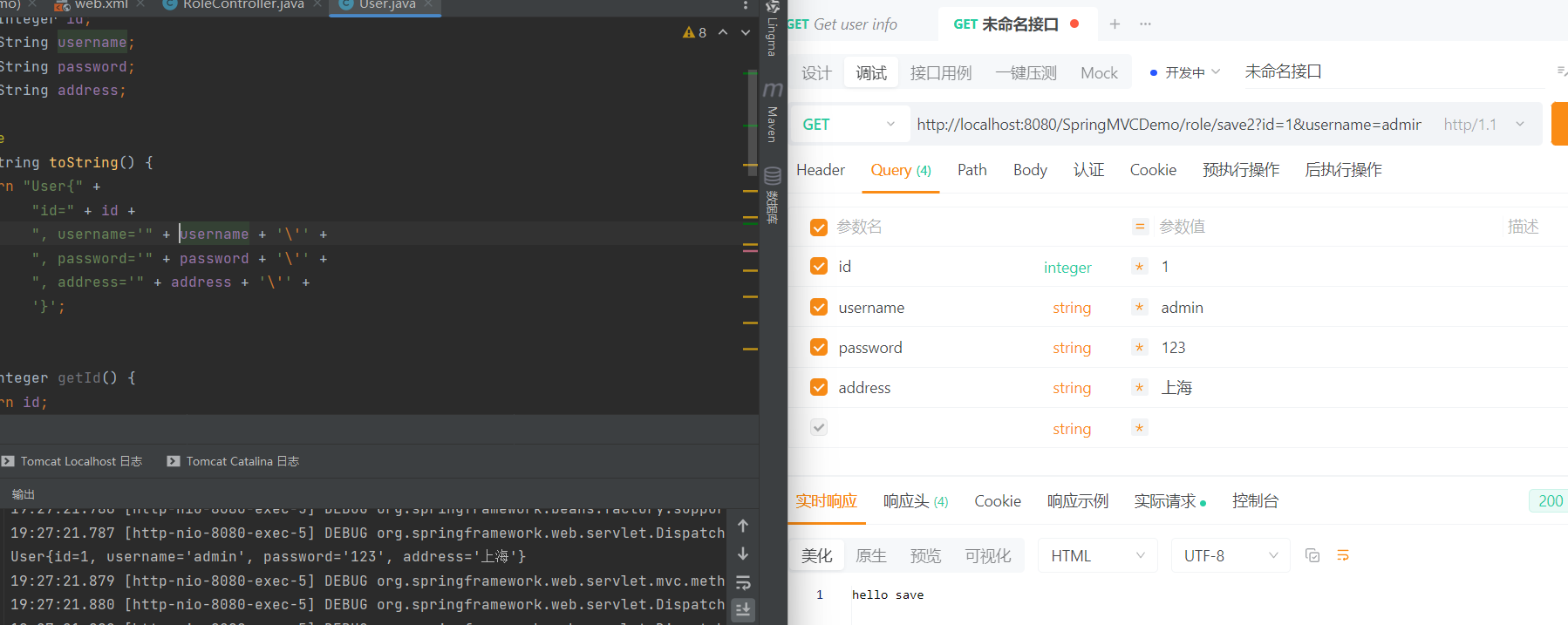
@RequestMapping(path = "/save2", method = RequestMethod.GET)
@ResponseBody
public String save2(User user){
    System.out.println(user);
    return "hello save";
}
2. post传值
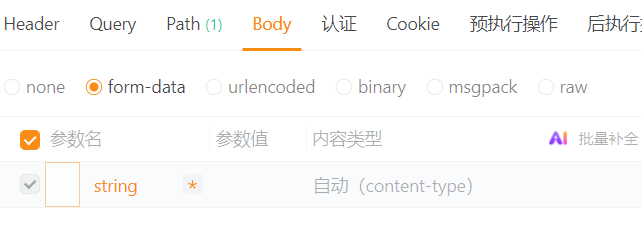
2.1 使用Body里面的form-data,只有几个数据
java
@RequestMapping(path = "/save3", method = RequestMethod.POST)
@ResponseBody
public String save3(String name,Integer age){
    System.out.println(name+" "+ age);
    return "hello save";
}
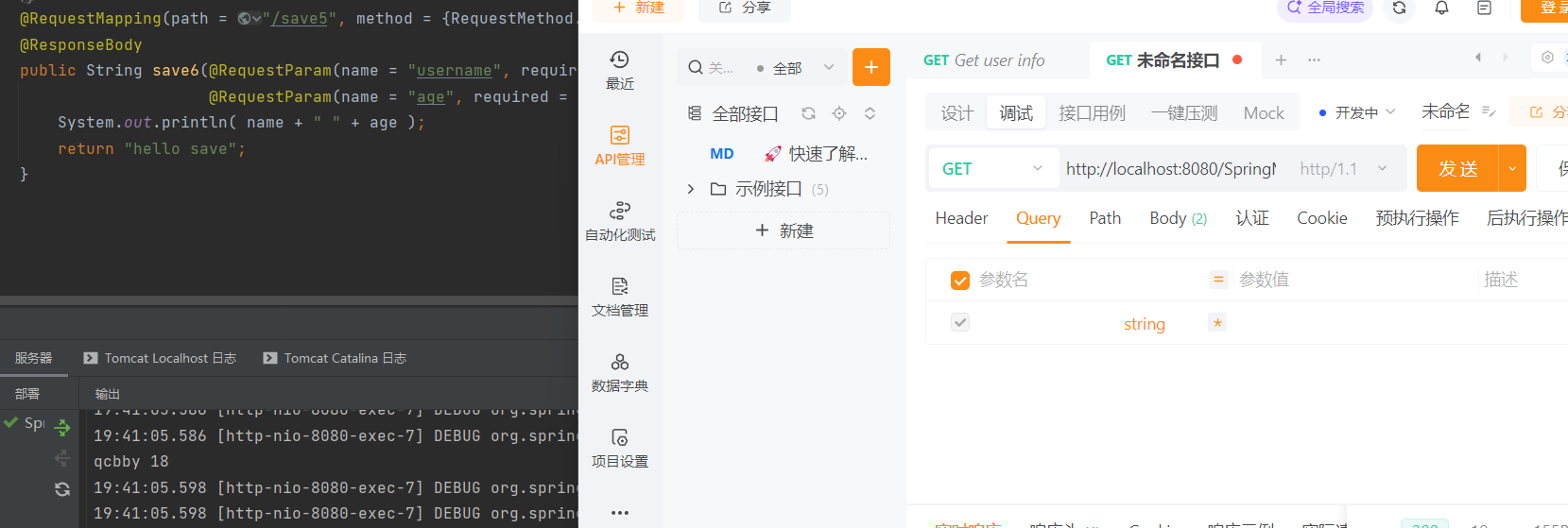
2.2 有默认值
required = false表示没有必要必须填值
java
//有默认值
@RequestMapping(path = "/save5", method = {RequestMethod.GET})
@ResponseBody
public String save6(@RequestParam(name = "username", required = false,defaultValue = "qcbby") String name,
                    @RequestParam(name = "age", required = false,defaultValue = "18") Integer age){
    System.out.println( name + " " + age );
    return "hello save";
}
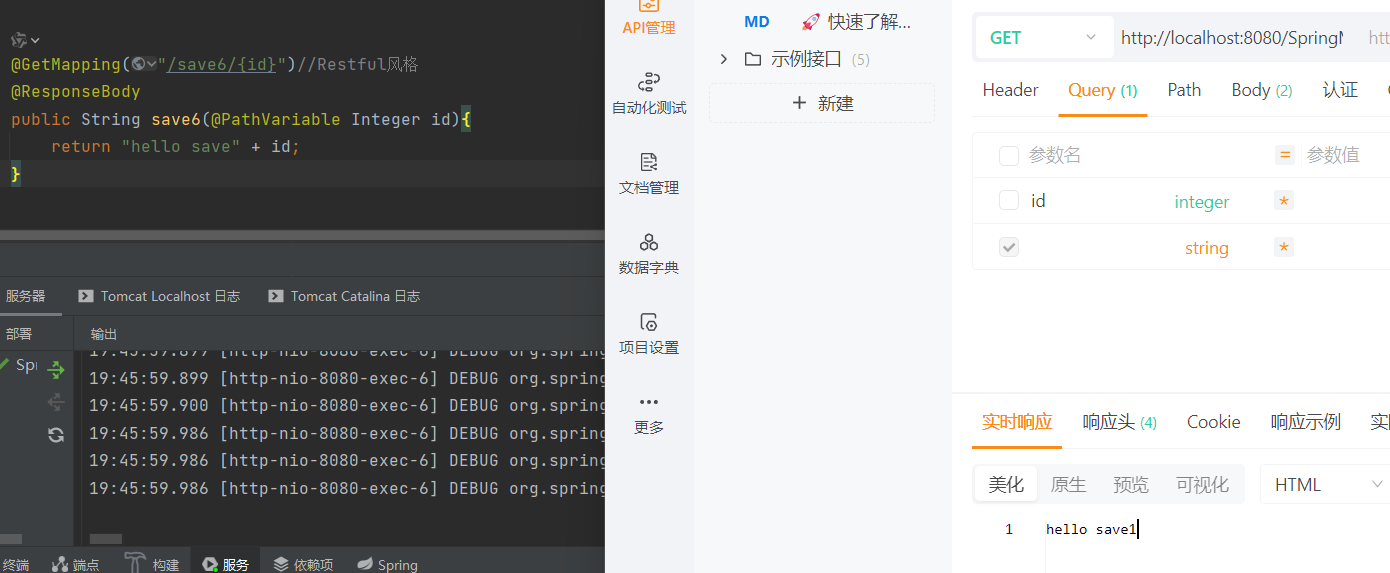
2.3 Restful风格
java
@GetMapping("/save6/{id}")//Restful风格
@ResponseBody
public String save6(@PathVariable Integer id){
    return "hello save" + id;
}
输入的时候这个id要在网址上写
2.4 使用ServletAPI
java
//使用ServletAPI
@RequestMapping("/list")
@ResponseBody
public String list(HttpServletRequest request, HttpServletResponse  response) throws IOException {
    String name = request.getParameter("name");
    response.getWriter().write("hello list"+name);
    return "hello list";
}
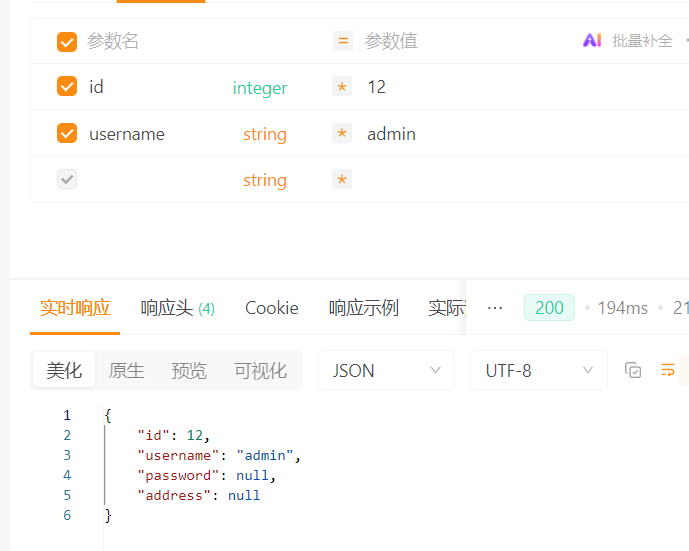
返回的是json数据
java
@RequestMapping("/save1")
@ResponseBody
public User save1(User user){
    return user;
}