一、几何体顶点位置数据和点模型对象Points
BufferGeometry是一个没有任何形状的空几何体
model.js
javascript
// 引入three.js
import * as THREE from 'three';
//创建一个空的几何体对象
const geometry = new THREE.BufferGeometry(); //创建一个几何体对象
//类型数组创建顶点数据
const vertices = new Float32Array([
    0, 0, 0, //顶点1坐标
    50, 0, 0, //顶点2坐标
    0, 100, 0, //顶点3坐标
    0, 0, 10, //顶点4坐标
    0, 0, 100, //顶点5坐标
    50, 0, 10, //顶点6坐标
]);
// 创建属性缓冲区对象,threejs的属性缓冲区对象BufferAttribute
const attribue = new THREE.BufferAttribute(vertices, 3); //3个为一组,表示一个顶点的xyz坐标
// 设置几何体attributes属性的位置属性
geometry.attributes.position = attribue;


// 点渲染模式
const material = new THREE.PointsMaterial({
    color: 0xffff00,
    size: 5.0 //点对象像素尺寸
});
const points = new THREE.Points(geometry, material); //点模型对象

export default points;
index.js
javascript
import  model  from './model.js';//模型对象

//场景
const scene = new THREE.Scene();
scene.add(model); //模型对象添加到场景中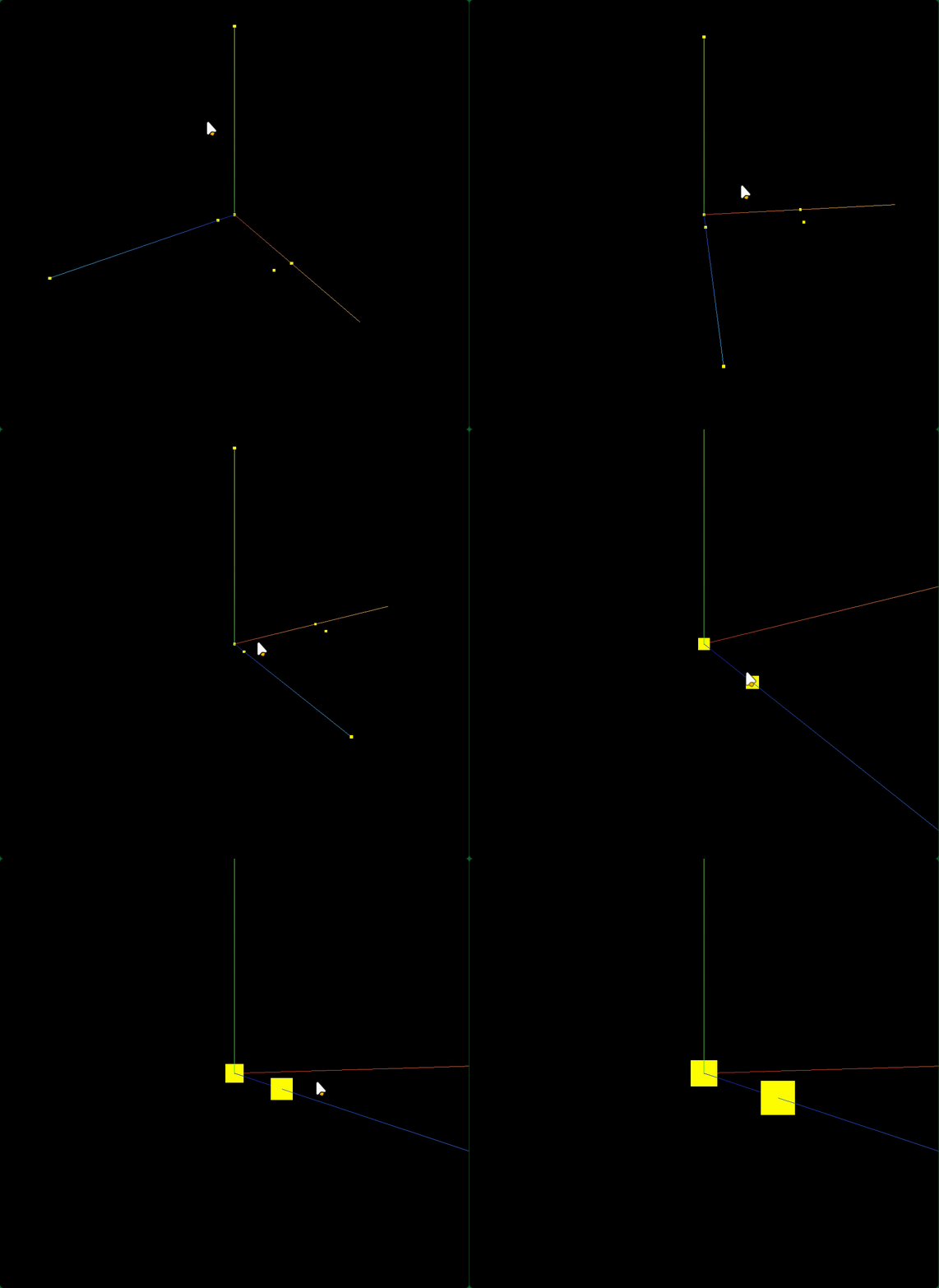
二、线模型渲染顶点数据
model.js
javascript
// 线条渲染模式
const material = new THREE.LineBasicMaterial({
    color: 0xffff00 //线条颜色
}); //材质对象
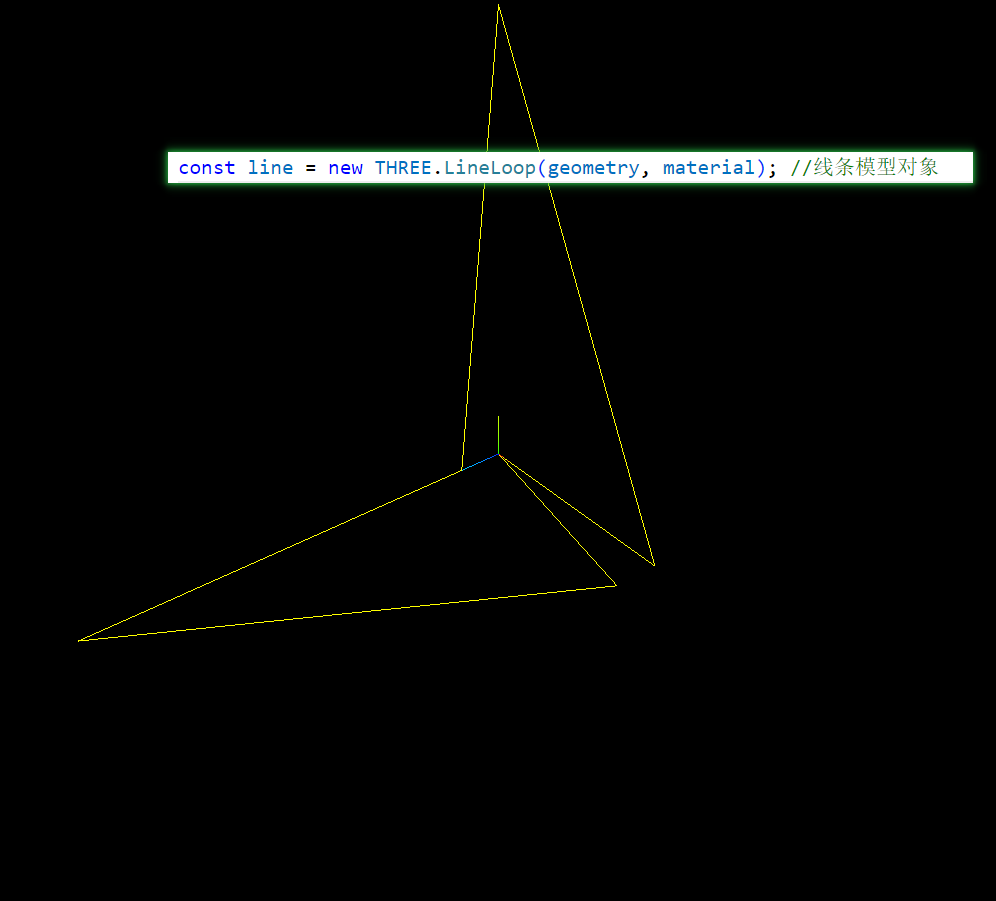
// 创建线模型对象   构造函数:Line、LineLoop、LineSegments
const line = new THREE.Line(geometry, material); //线条模型对象

export default line;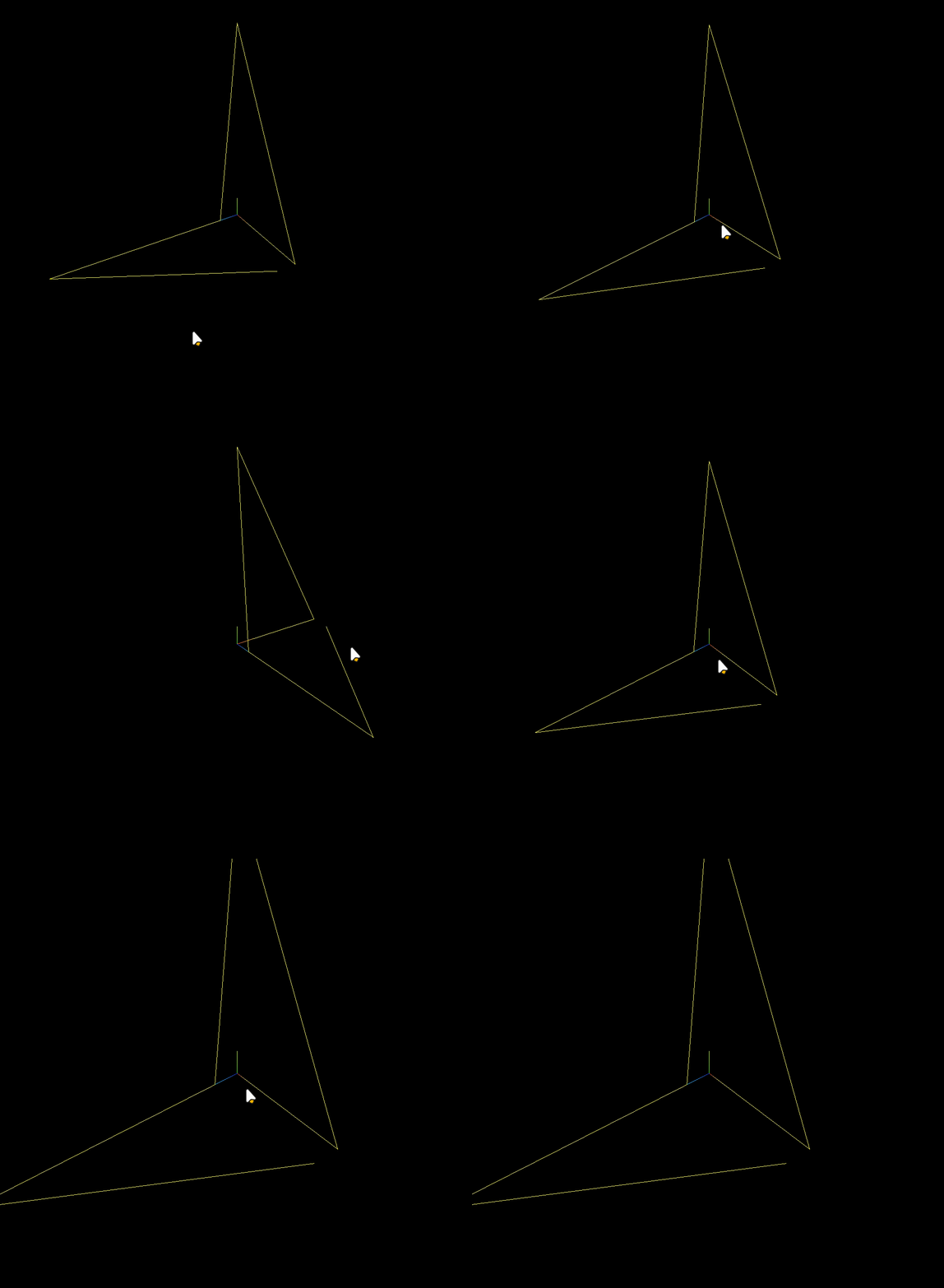
LineLoop
LineSegments

三、网格模型渲染顶点数据(三角形概念)
model.js
javascript
const material = new THREE.MeshBasicMaterial({
    color: 0xffffff, //材质颜色
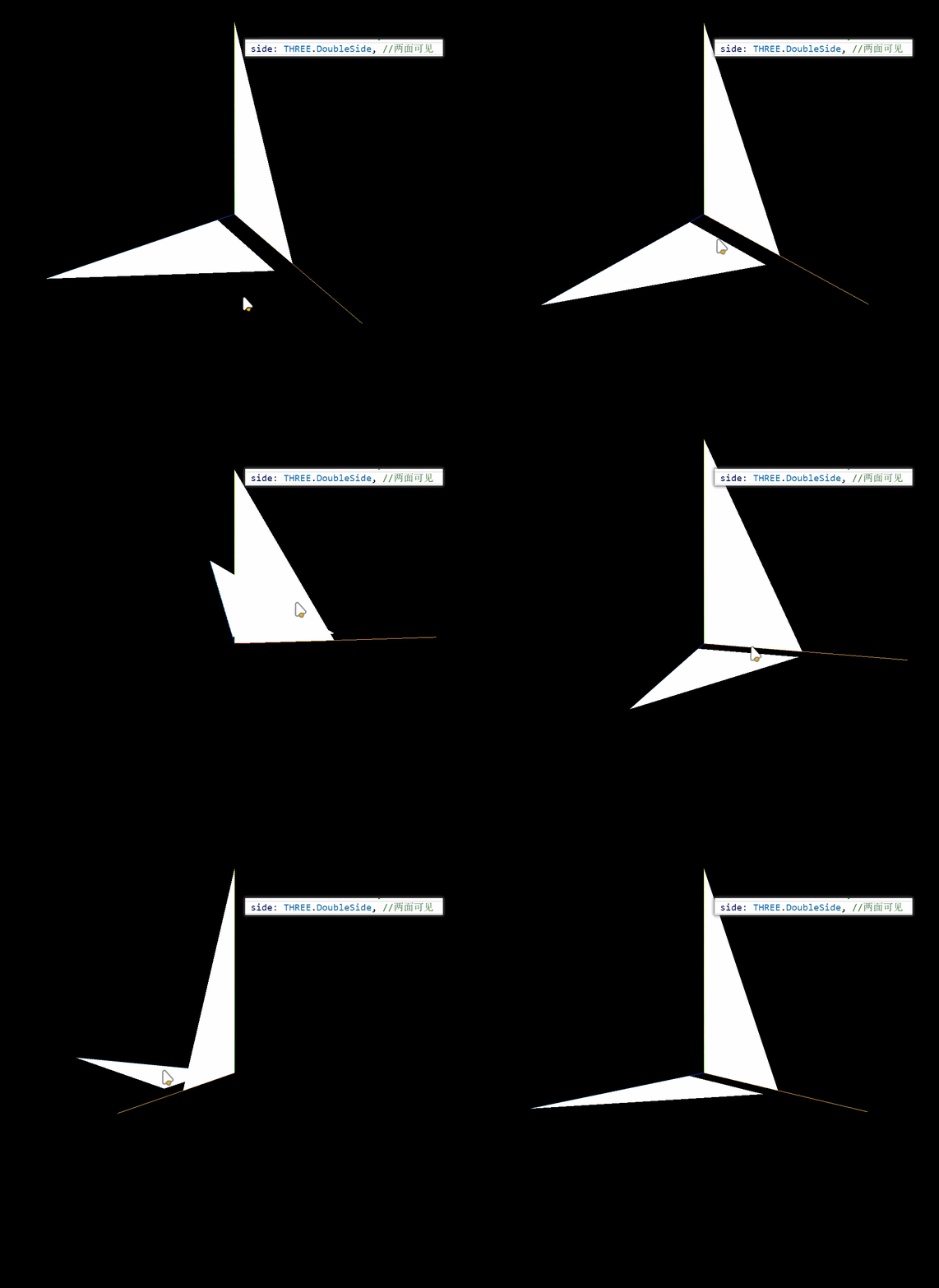
    side: THREE.FrontSide, //默认只有正面可见
    // side: THREE.BackSide, //设置只有背面可见
    // side: THREE.DoubleSide, //两面可见
});
// 网格模型本质:一个一个三角形(面)构成
const mesh = new THREE.Mesh(geometry, material); 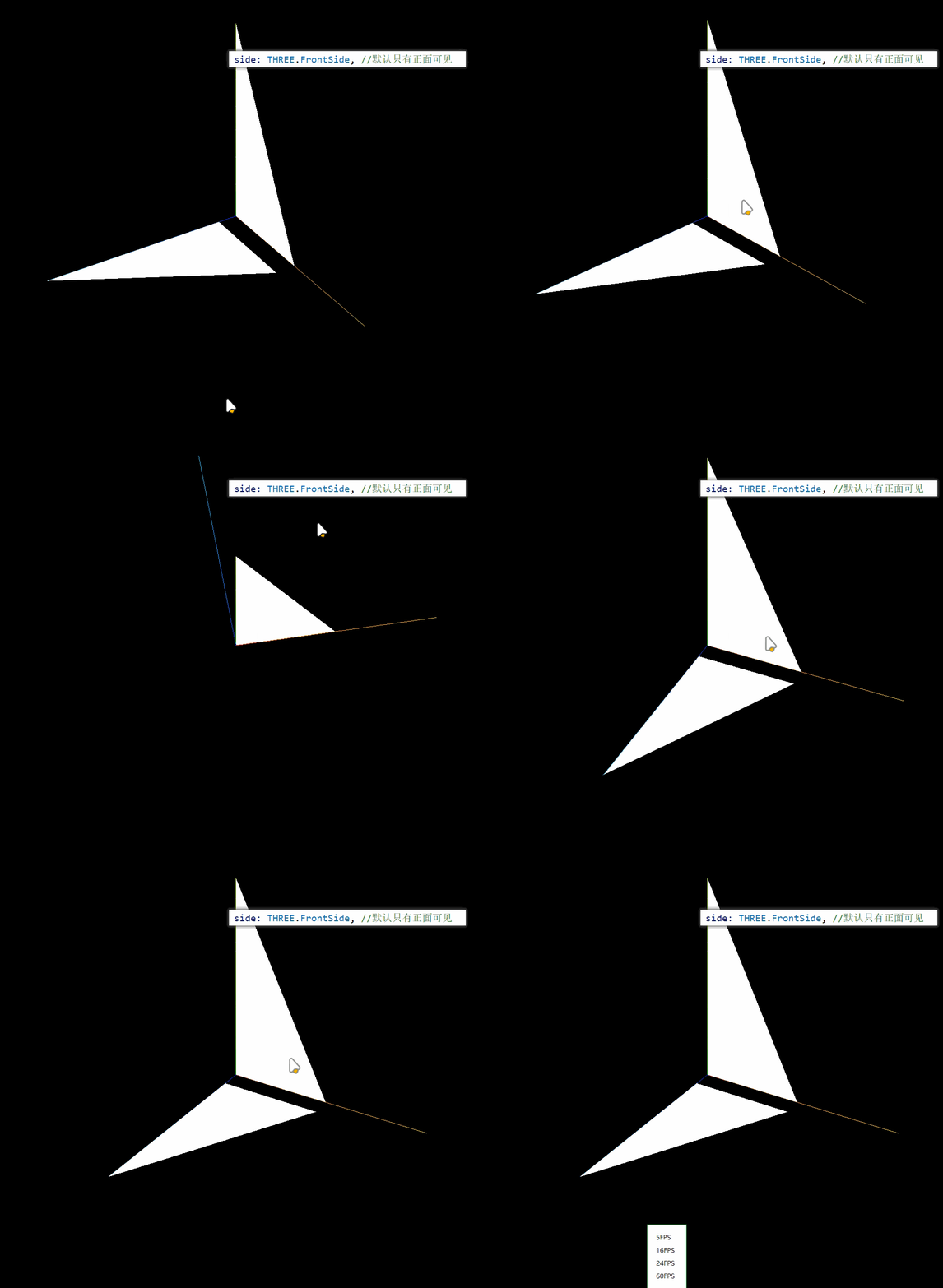

四、构建一个矩形平面几何体
javascript
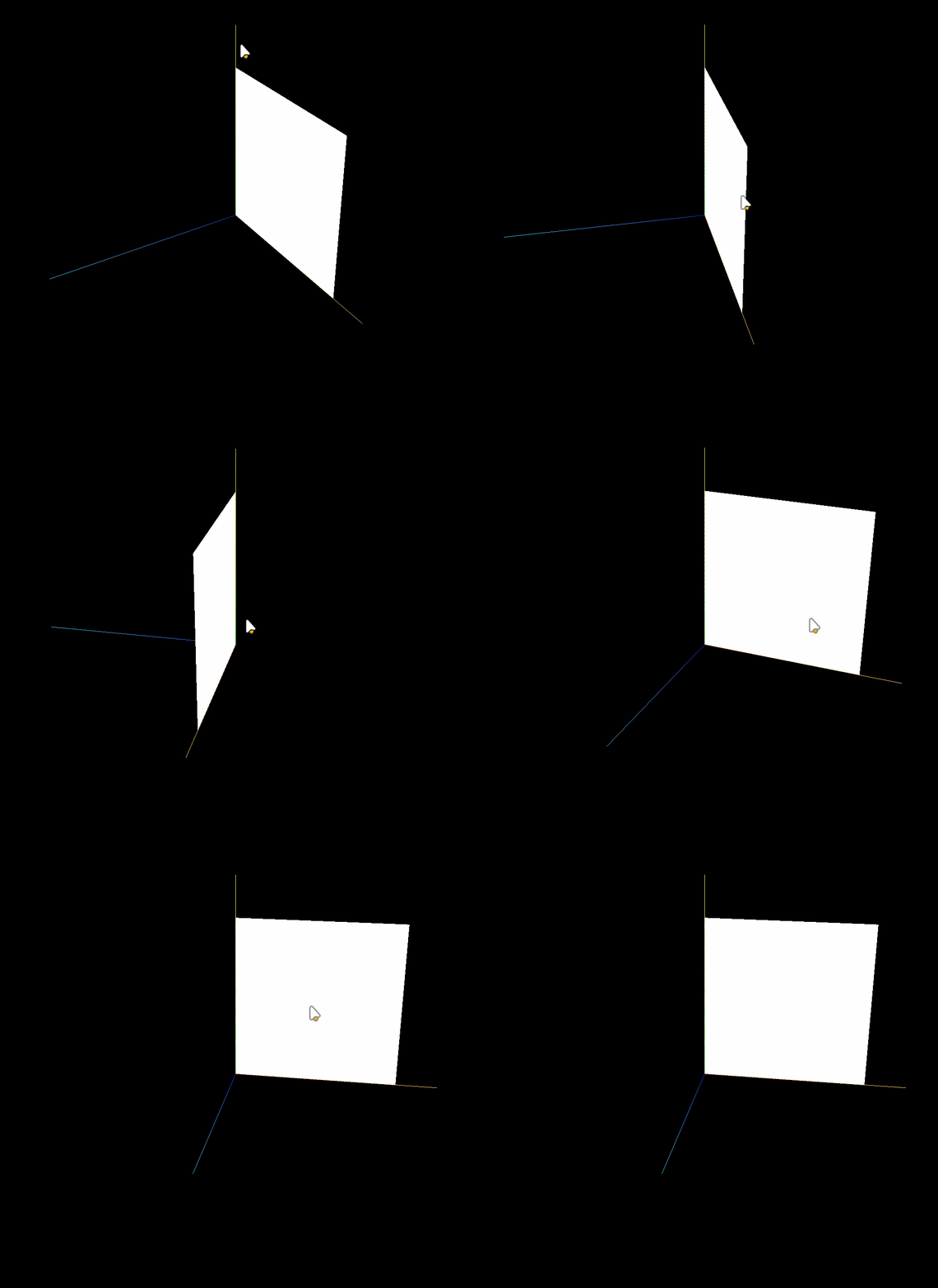
//类型数组创建顶点数据
const vertices = new Float32Array([
    0, 0, 0, //顶点1坐标
    80, 0, 0, //顶点2坐标
    80, 80, 0, //顶点3坐标

    0, 0, 0, //顶点4坐标   和顶点1位置相同
    80, 80, 0, //顶点5坐标  和顶点3位置相同
    0, 80, 0, //顶点6坐标
]);
五、几何体顶点索引数据
model.js
javascript
//类型数组创建顶点数据
const vertices = new Float32Array([
    0, 0, 0, //顶点1坐标
    80, 0, 0, //顶点2坐标
    80, 80, 0, //顶点3坐标
    0, 80, 0, //顶点4坐标
]);
// 创建属性缓冲区对象
const attribue = new THREE.BufferAttribute(vertices, 3); //3个为一组,表示一个顶点的xyz坐标
javascript
// Uint16Array类型数组创建顶点索引数据
const indexes = new Uint16Array([
    0, 1, 2, 0, 2, 3,
])
// BufferAttribute表示顶点索引属性的值
geometry.index = new THREE.BufferAttribute(indexes, 1); //1个为一组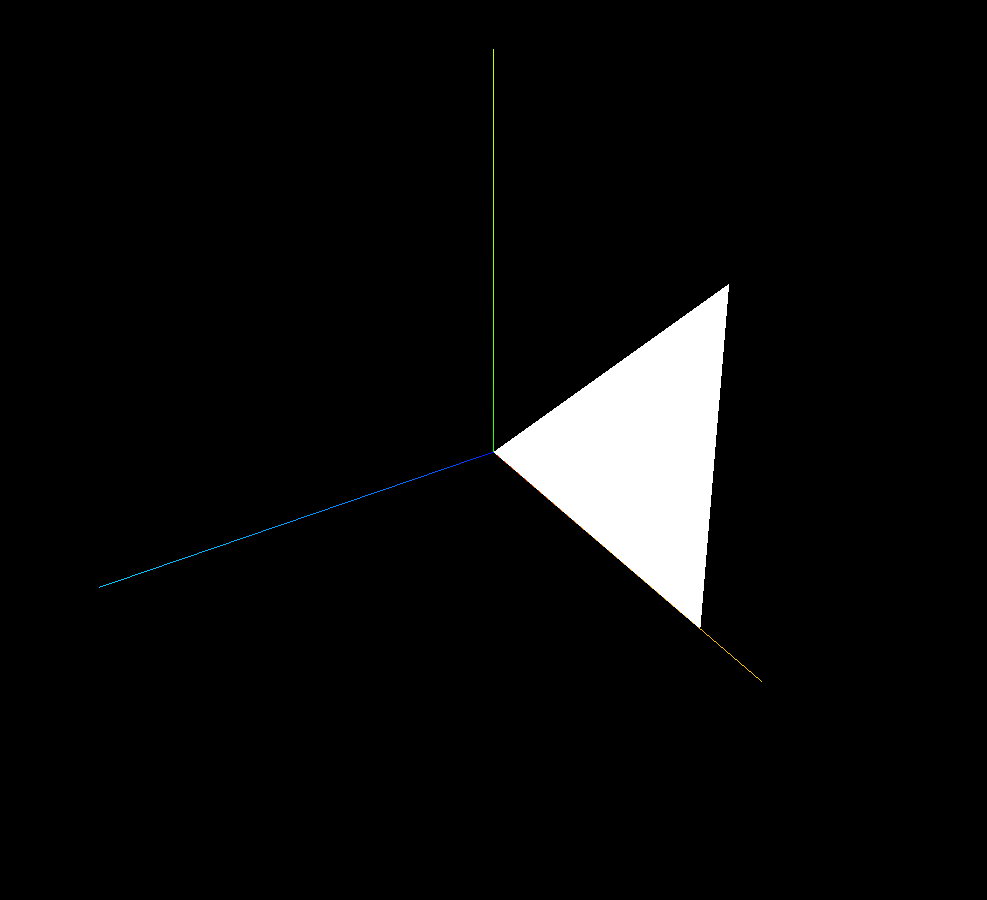
加上
javascript
// Uint16Array类型数组创建顶点索引数据
const indexes = new Uint16Array([
    0, 1, 2, 0, 2, 3,
])
// BufferAttribute表示顶点索引属性的值
geometry.index = new THREE.BufferAttribute(indexes, 1); //1个为一组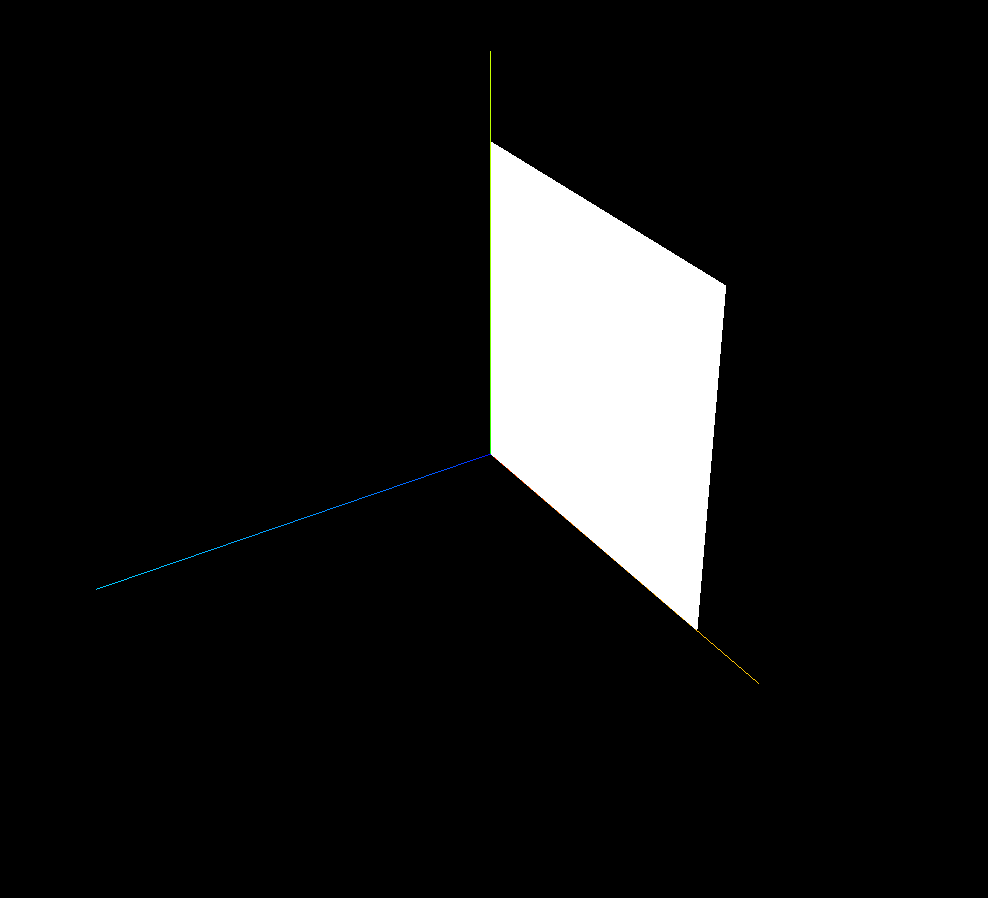
六、顶点法线数据
矩形平面
javascript
import * as THREE from 'three';

const geometry = new THREE.BufferGeometry(); //创建一个几何体对象
//类型数组创建顶点数据
const vertices = new Float32Array([
    0, 0, 0, //顶点1坐标
    80, 0, 0, //顶点2坐标
    80, 80, 0, //顶点3坐标
    0, 0, 0, //顶点4坐标   和顶点1位置相同
    80, 80, 0, //顶点5坐标  和顶点3位置相同
    0, 80, 0, //顶点6坐标
]);
// 创建属性缓冲区对象
const attribue = new THREE.BufferAttribute(vertices, 3); //3个为一组,表示一个顶点的xyz坐标
// 设置几何体attributes属性的位置属性
geometry.attributes.position = attribue;

// 每个顶点的法线数据和顶点位置数据一一对应
const normals = new Float32Array([
    0, 0, 1, //顶点1法线( 法向量 )
    0, 0, 1, //顶点2法线
    0, 0, 1, //顶点3法线
    0, 0, 1, //顶点4法线
    0, 0, 1, //顶点5法线
    0, 0, 1, //顶点6法线
]);
// 设置几何体的顶点法线属性.attributes.normal
geometry.attributes.normal = new THREE.BufferAttribute(normals, 3); //3个为一组,表示一个顶点的法线数据


// MeshBasicMaterial不受光照影响
// 使用受光照影响的材质,Geometry几何体需要定义顶点法线数据
const material = new THREE.MeshLambertMaterial({
    color: 0xffffff,
    side: THREE.DoubleSide, //两面可见
});
// 网格模型本质:一个一个三角形(面)构成
const mesh = new THREE.Mesh(geometry, material);

export default mesh;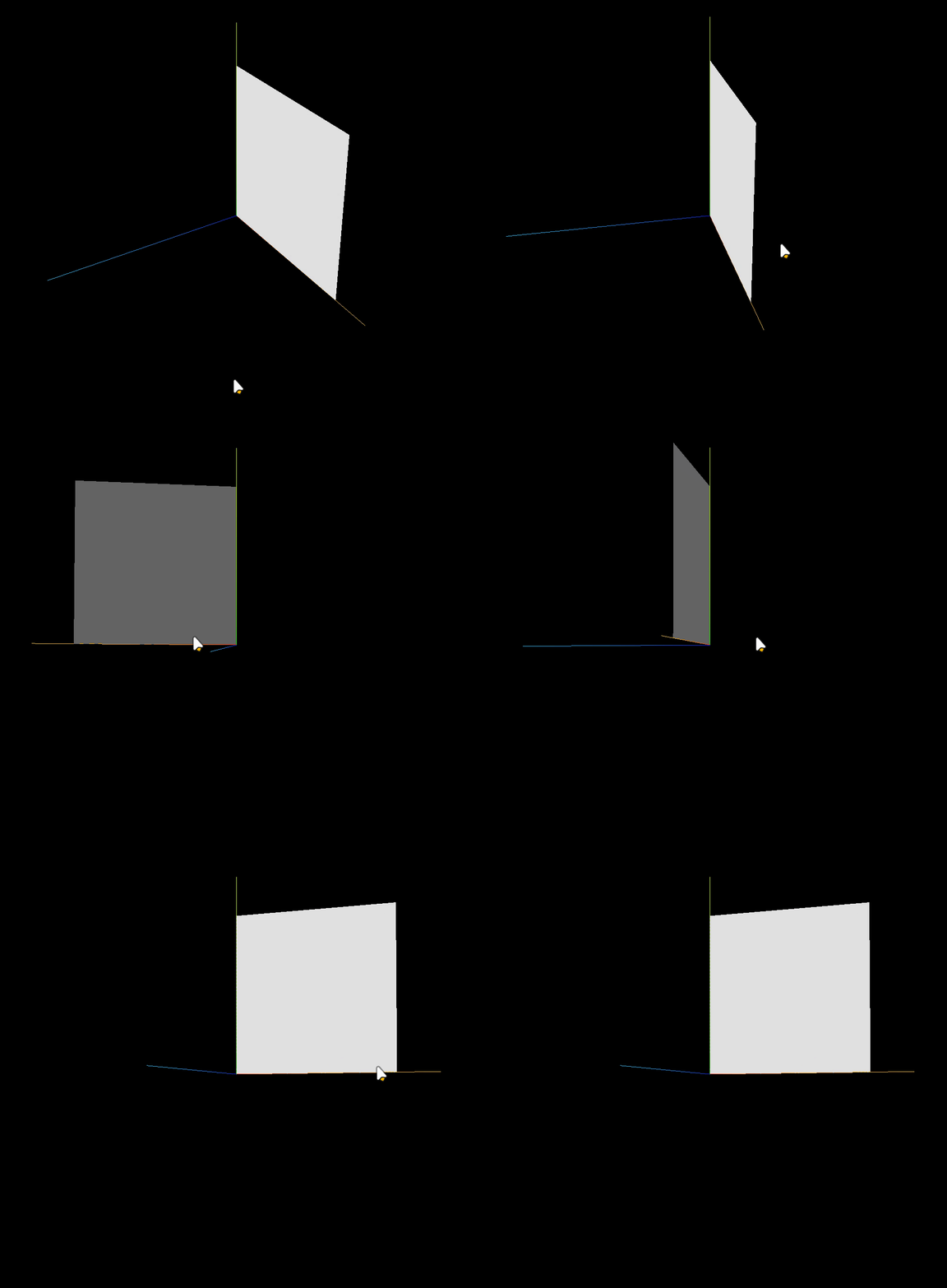
有索引矩形平面
javascript
import * as THREE from 'three';

const geometry = new THREE.BufferGeometry(); //创建一个几何体对象
//类型数组创建顶点数据
const vertices = new Float32Array([
    0, 0, 0, //顶点1坐标
    80, 0, 0, //顶点2坐标
    80, 80, 0, //顶点3坐标
    0, 80, 0, //顶点4坐标
]);
// 创建属性缓冲区对象
const attribue = new THREE.BufferAttribute(vertices, 3); //3个为一组,表示一个顶点的xyz坐标
// 设置几何体attributes属性的位置属性
geometry.attributes.position = attribue;

// 每个顶点的法线数据和顶点位置数据一一对应
const normals = new Float32Array([
    0, 0, 1, //顶点1法线( 法向量 )
    0, 0, 1, //顶点2法线
    0, 0, 1, //顶点3法线
    0, 0, 1, //顶点4法线
]);
// 设置几何体的顶点法线属性.attributes.normal
geometry.attributes.normal = new THREE.BufferAttribute(normals, 3); //3个为一组,表示一个顶点的法线数据

// Uint16Array类型数组创建顶点索引数据
const indexes = new Uint16Array([
    0, 1, 2, 0, 2, 3,
])
// 索引数据赋值给几何体的index属性
geometry.index = new THREE.BufferAttribute(indexes, 1); //1个为一组
const material = new THREE.MeshBasicMaterial({
    color: 0x0000ff,
    // side: THREE.FrontSide, //默认只有正面可见
    // side: THREE.BackSide, //设置只有背面可见
    side: THREE.DoubleSide, //两面可见
});
// 网格模型本质:一个一个三角形(面)构成
const mesh = new THREE.Mesh(geometry, material);

export default mesh;
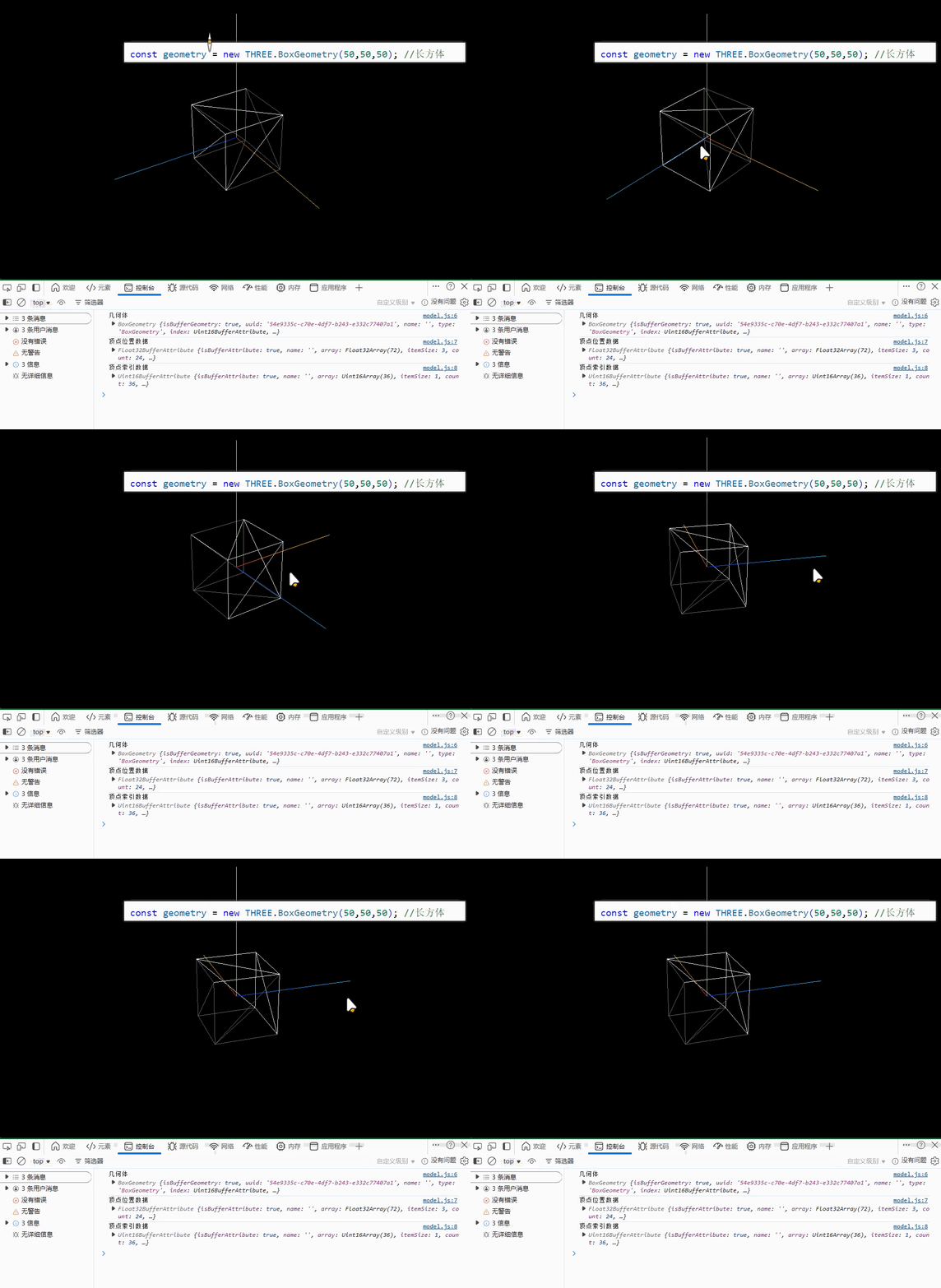
七、查看three.js自带几何体顶点结构
javascript
import * as THREE from 'three';

// const geometry = new THREE.BoxGeometry(50,50,50); //长方体
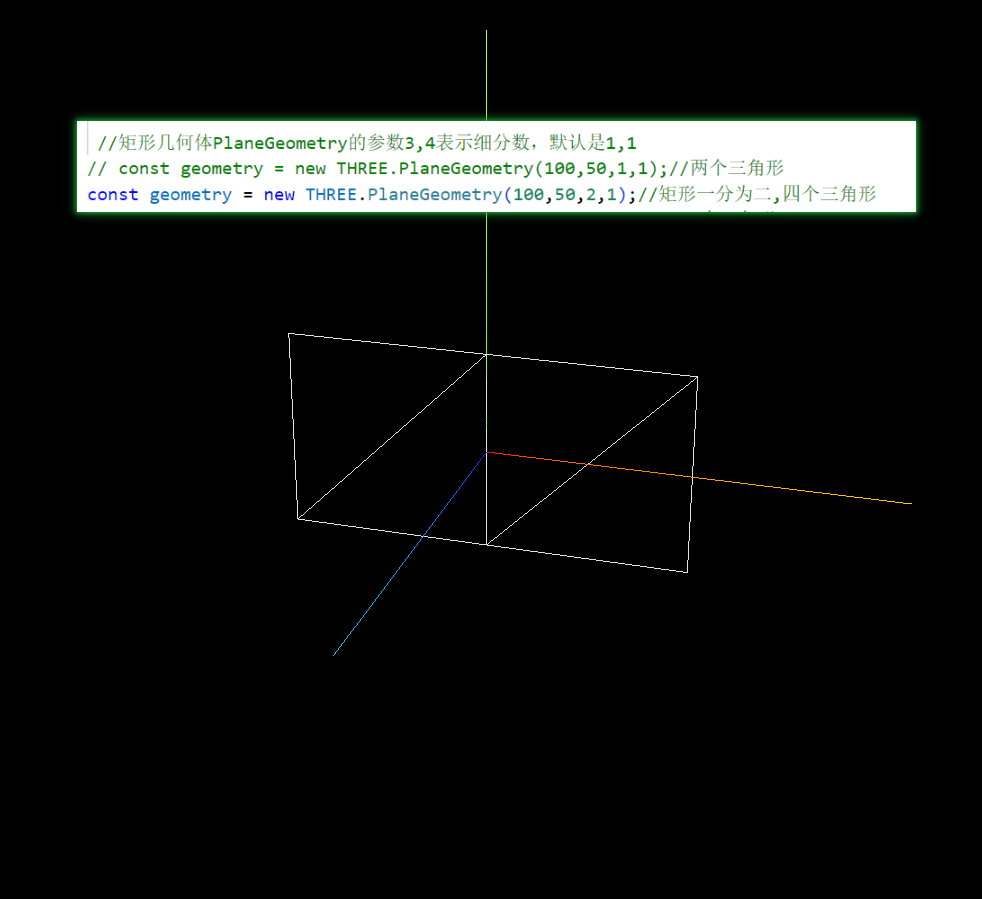
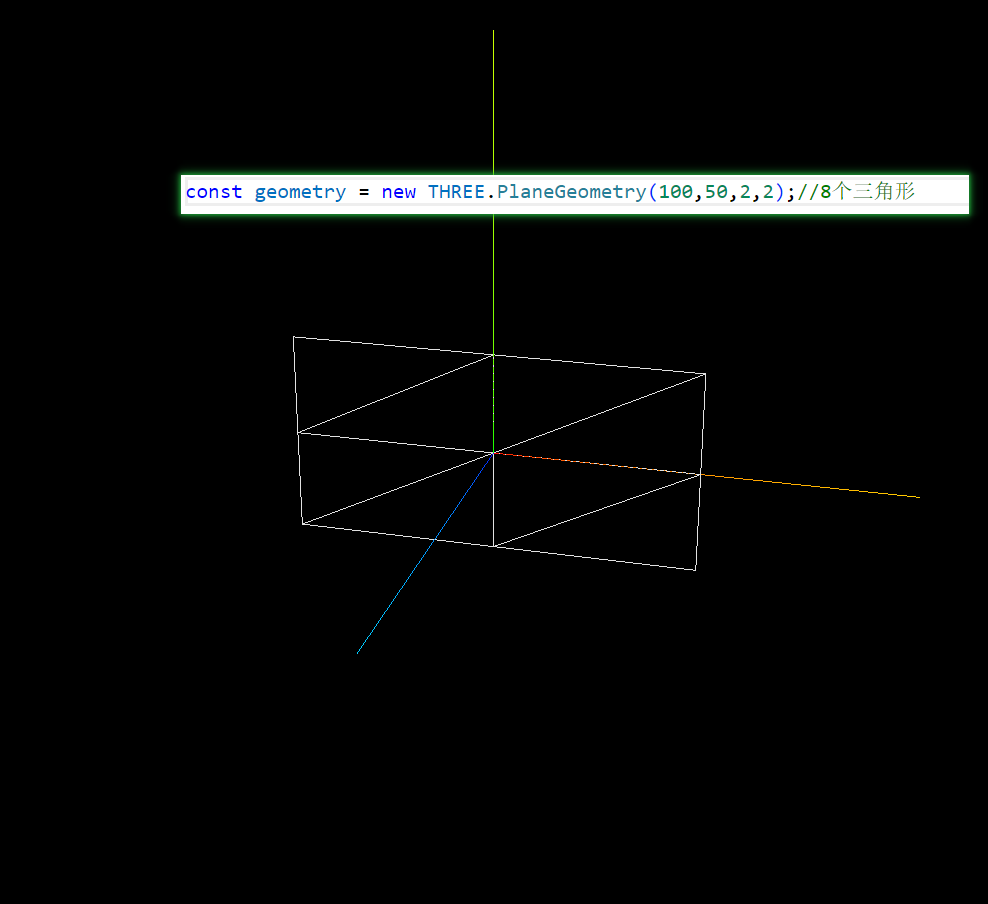
const geometry = new THREE.PlaneGeometry(100,50); //矩形平面几何体

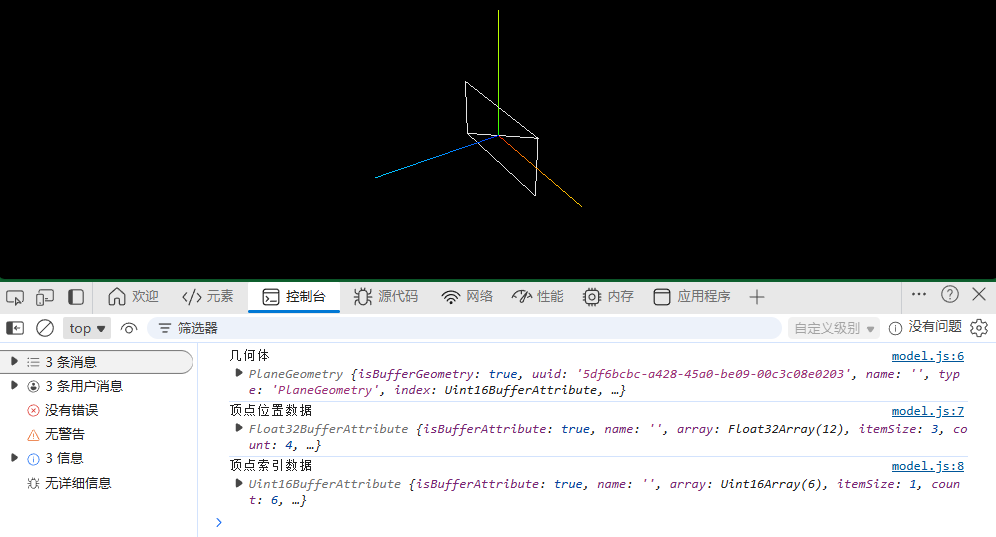
console.log('几何体',geometry);
console.log('顶点位置数据',geometry.attributes.position);
console.log('顶点索引数据',geometry.index);

const material = new THREE.MeshLambertMaterial({
    color: 0xffffff,
    wireframe:true,//线条模式渲染mesh对应的三角形数据
});
const mesh = new THREE.Mesh(geometry, material);

export default mesh;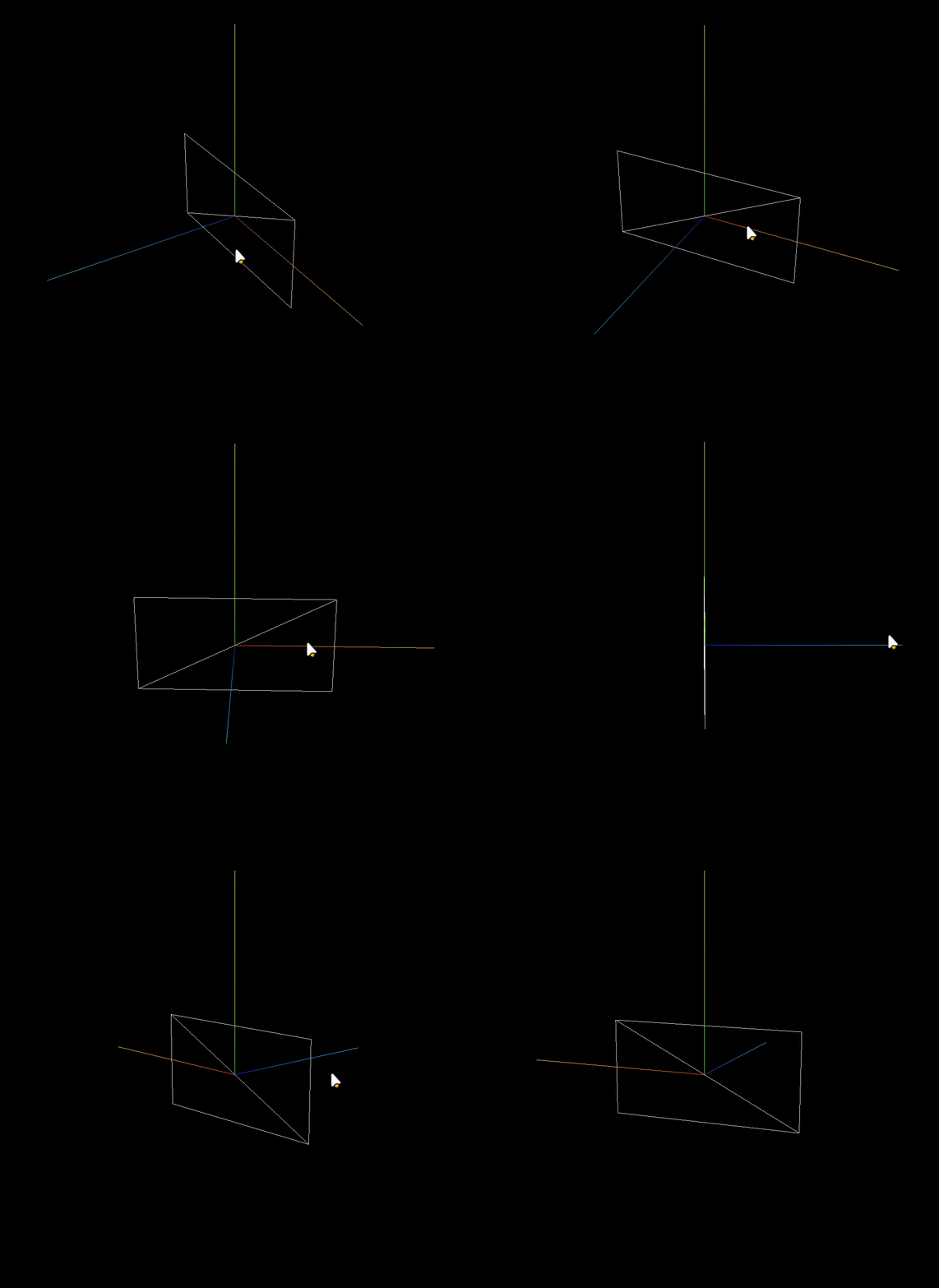
BoxGeometry
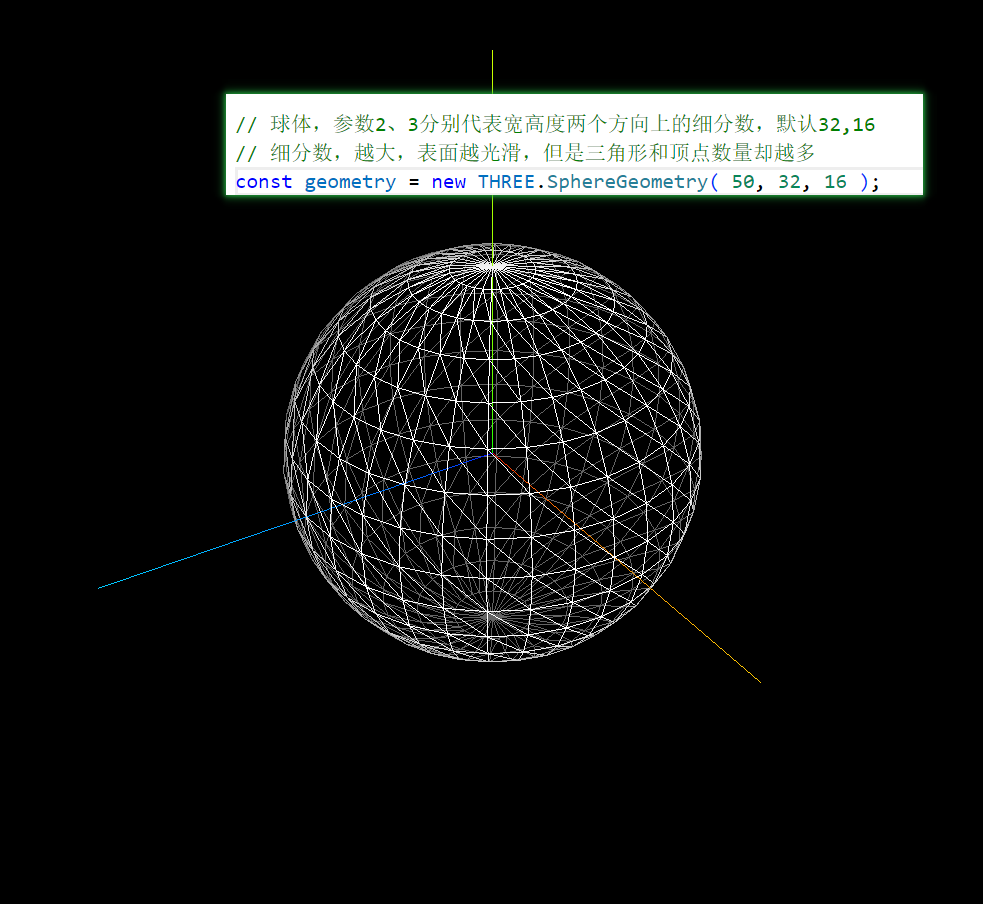
几何体细分数
矩形
球体
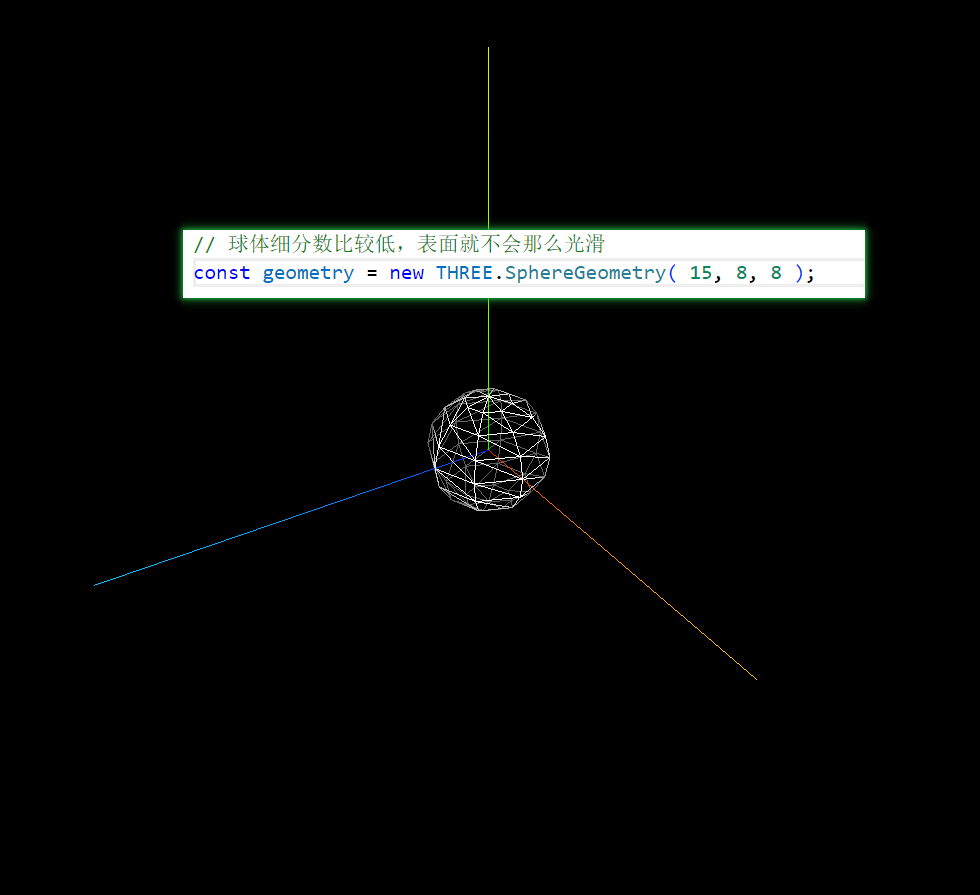

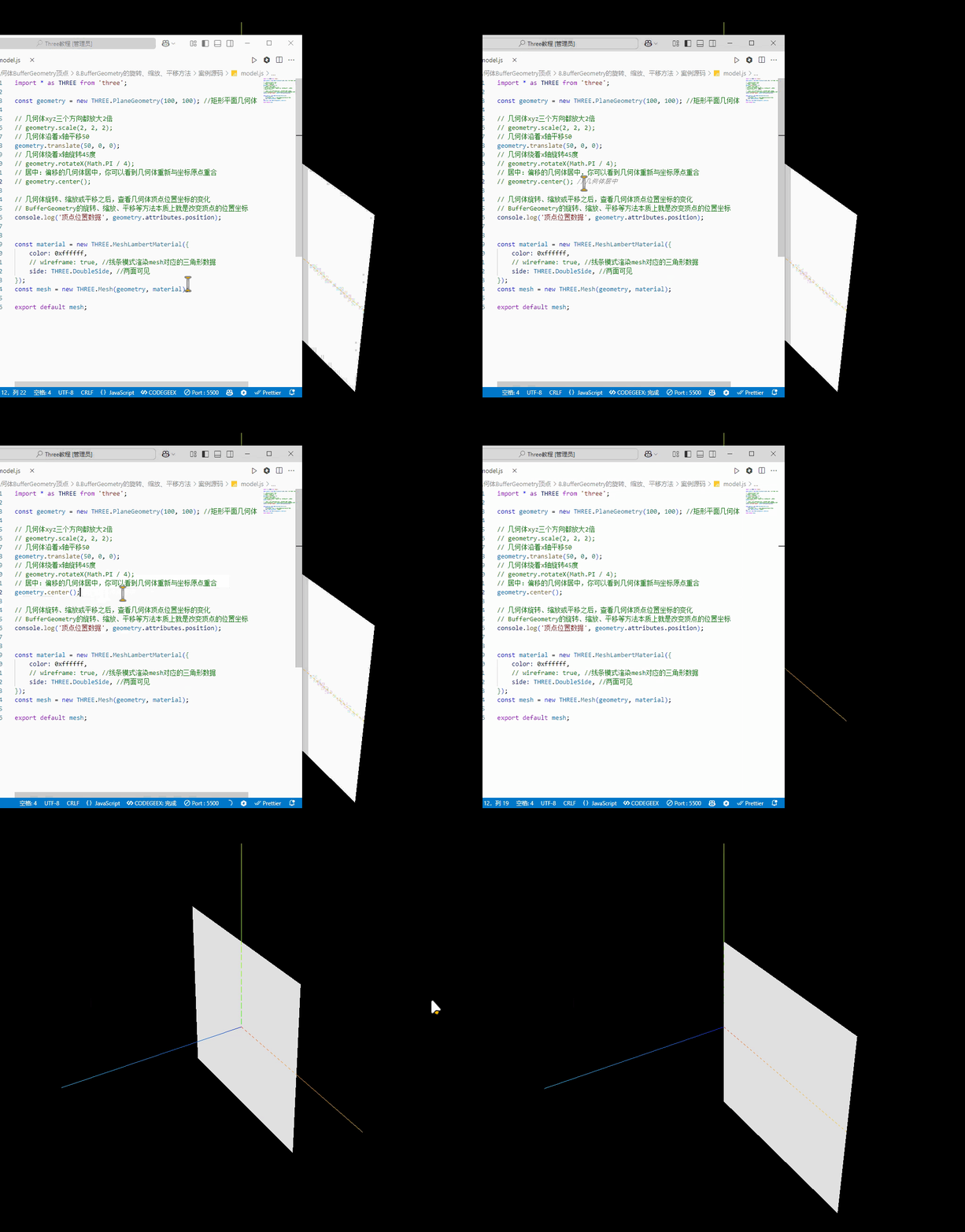
八、BufferGeometry的旋转、缩放、平移方法
javascript
const geometry = new THREE.PlaneGeometry(100, 100); //矩形平面几何体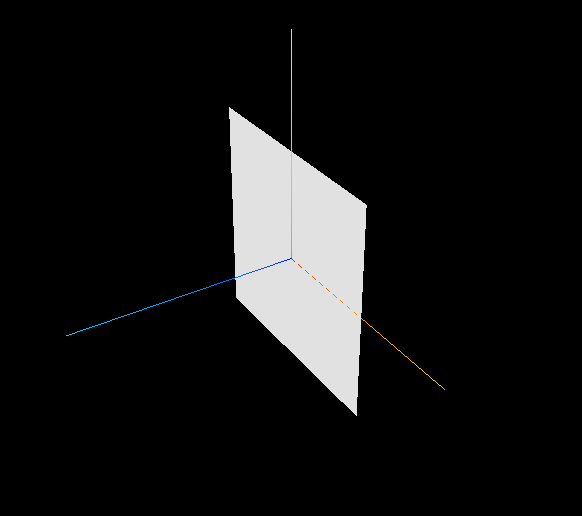
javascript
// 几何体xyz三个方向都放大2倍
geometry.scale(2, 2, 2);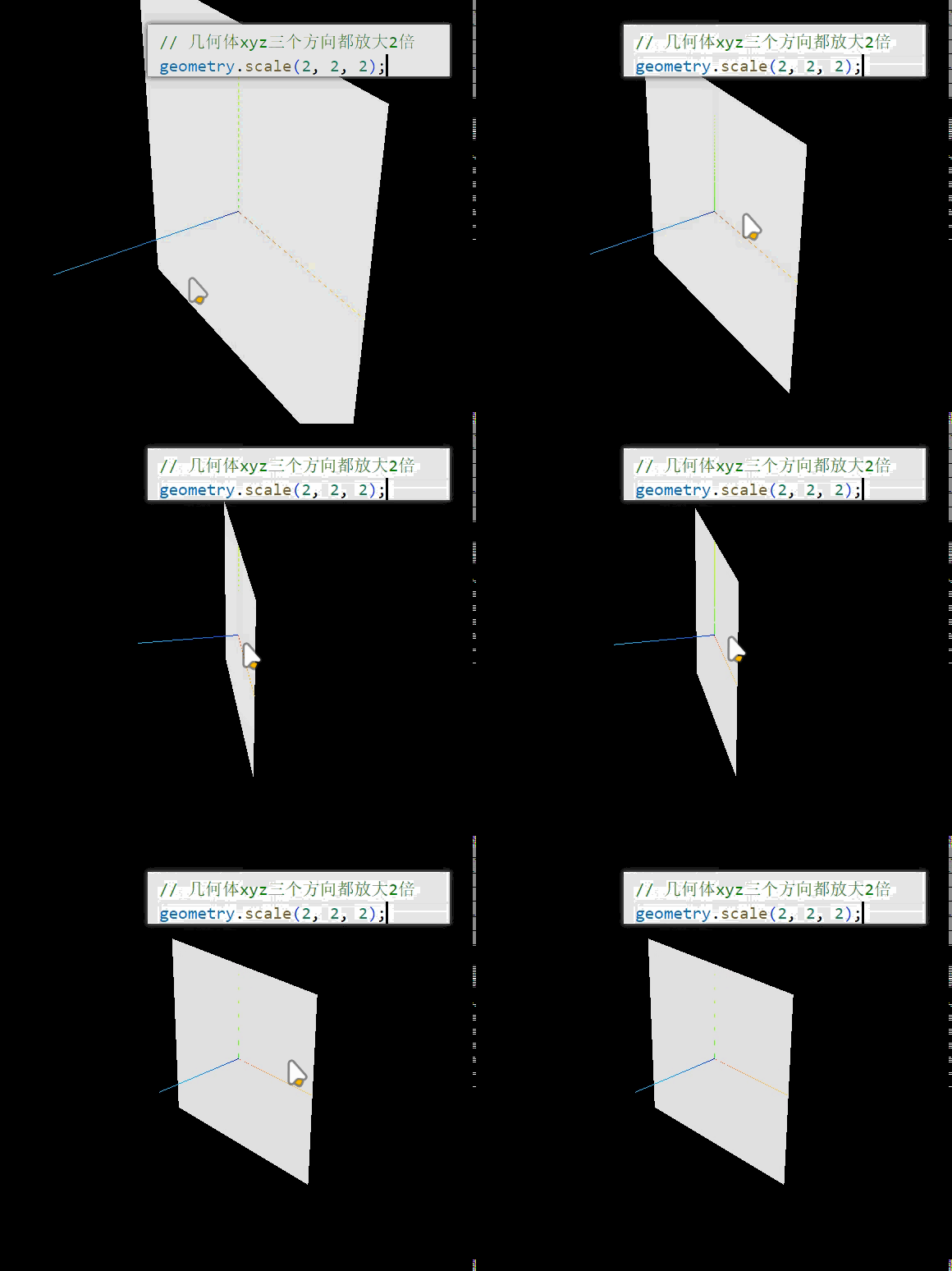
javascript
// 几何体沿着x轴平移50
geometry.translate(50, 0, 0);
javascript
// 几何体绕着x轴旋转45度
geometry.rotateX(Math.PI / 4);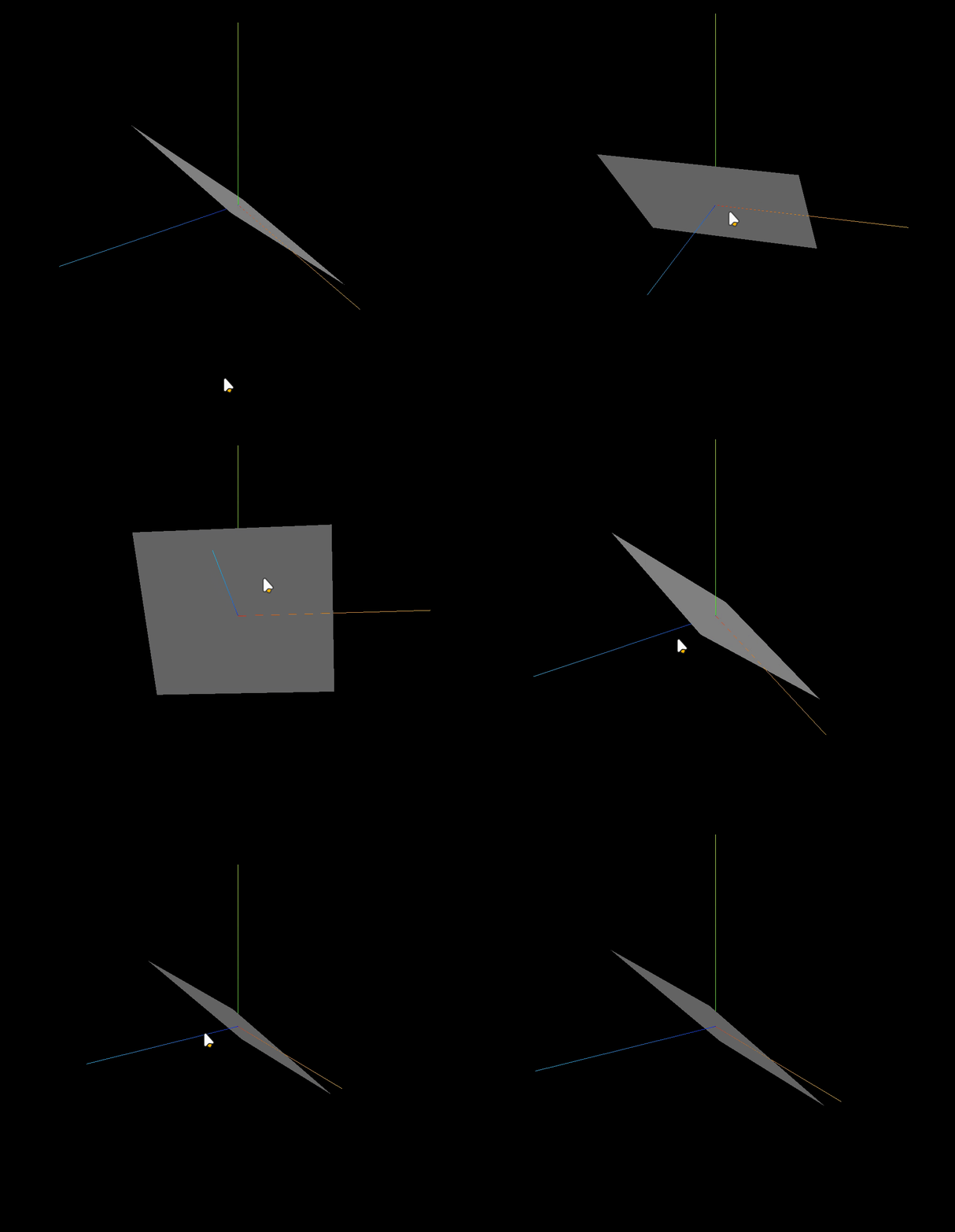
javascript
// 居中:偏移的几何体居中,你可以看到几何体重新与坐标原点重合
 geometry.center();