执行docker pull nginx:latest的报错信息
Error response from daemon: failed to resolve reference "docker.io/library/nginx:latest": failed to do request: Head "https://docker.mirrors.ustc.edu.cn/v2/library/nginx/manifests/latest?ns=docker.io": dialing docker.mirrors.ustc.edu.cn:443 container via direct connection because Docker Desktop has no HTTPS proxy: connecting to docker.mirrors.ustc.edu.cn:443: dial tcp: lookup docker.mirrors.ustc.edu.cn: no such host
解决方法:
-
执行以下指令拉取镜像
docker pull registry.cn-shenzhen.aliyuncs.com/amgs/nginx:latest
-
运行容器
docker run -d -p 8080:80 --name my-nginx registry.cn-shenzhen.aliyuncs.com/amgs/nginx:latest
-d:让容器在后台运行。 -p:Publish a container's port(s) to the host。-p 8080:80将主机的 8080 端口映射到容器的 80 端口 --name:Assign a name to the container。--name my-nginx将容器命名为 my-nginx registry.cn-shenzhen.aliyuncs.com/amgs/nginx:latest:要运行的镜像名称 -
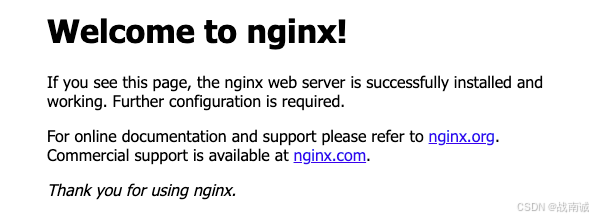
访问http://localhost:8080 可以看到nginx的欢迎界面