选择Linux Debian作为服务器操作系统和桌面操作系统最佳Linux的理由:
Linux Debian是面向程序员的最古老,最出色的Linux发行版之一,Linux Debian极度稳定性,更适合于作为服务器的操作系统,作为桌面操作系统也很出色,Linux Debian提供了具有.deb软件包管理兼容性的超稳定发行版,Linux Debian是开发人员友好的操作系统 ,对于系统管理员和高级程序员而言,Linux Debian是最好的选择。
Debian更适合于作为服务器的操作系统,它比Ubuntu要稳定得多。Debian整个系统基础核心非常小,不仅稳定,而且占用硬盘空间小,占用内存小。128M的VPS即可以流畅运行Debian,而Ubuntu则会略显吃力。
Linux Debian下载地址:
Debian官网:
bash
https://www.debian.org/阿里云镜像站:
bash
https://mirrors.aliyun.com/debian-cd/华为开源镜像站:
bash
https://mirrors.huaweicloud.com/debian-cd/Lnux Debian13安装后需要进行一些配置。
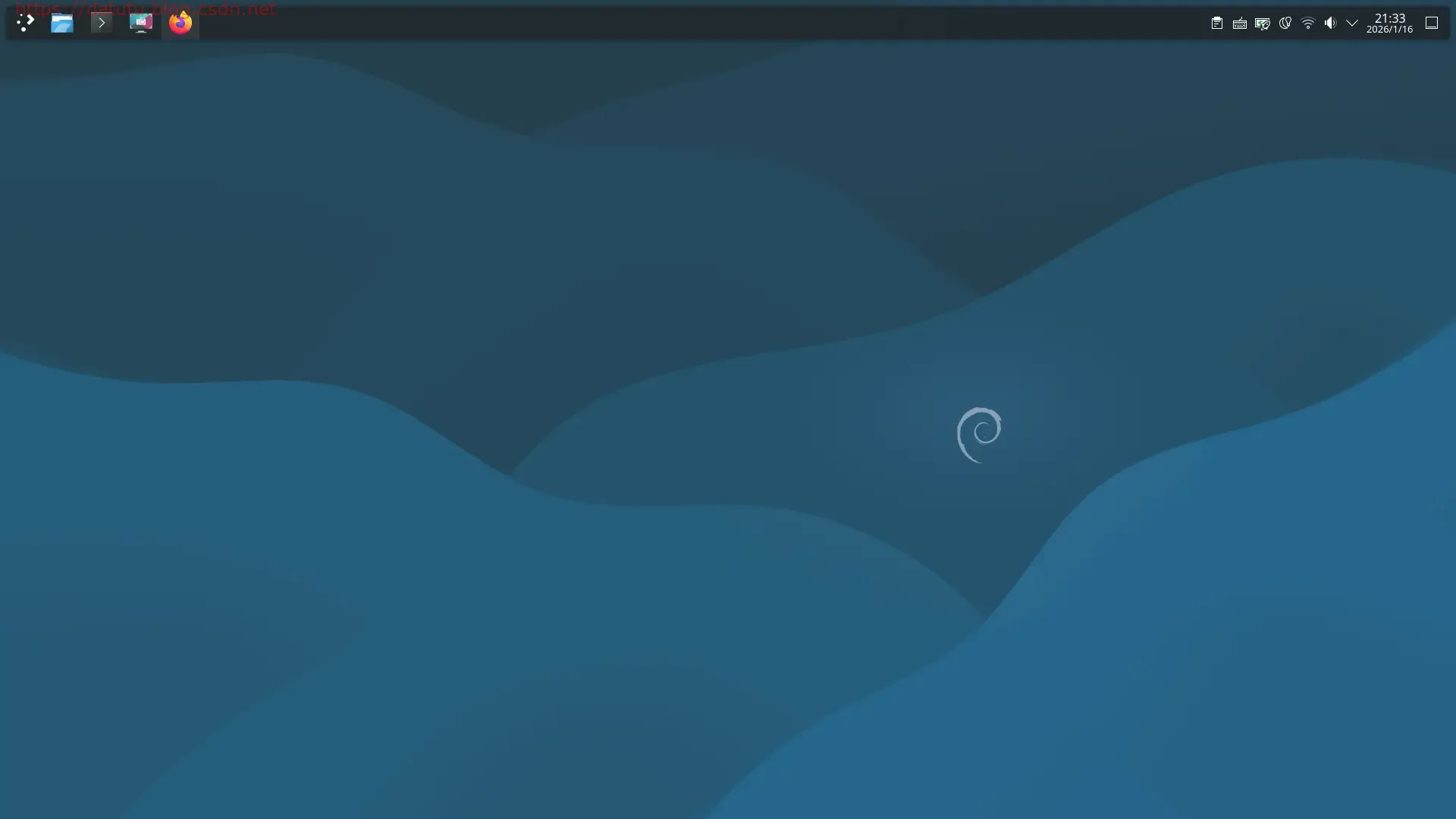
1.Linux Debian13切换root用户方法
输入su命令后再输入root密码
bash
su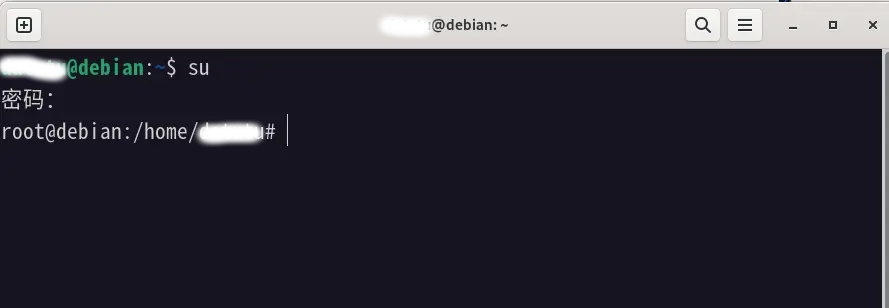
2.解决用户名不在sudoers文件中
出现这个提示,就是这个用户没法得到超级用户权限。怎么办?变成超级用户:
2.1切换到root用户
bash
su2.2编辑/etc/sudoers文件,添加用户名 ALL=(ALL:ALL) ALL
bash
vi /etc/sudoers在root ALL=(ALL:ALL) ALL下面添加:
bash
用户名 ALL=(ALL:ALL) ALL3.Linux Debian13镜像更新为国内镜像源
3.1切换到root用户
bash
su3.2备份当前镜像源文件
bash
cp /etc/apt/sources.list /etc/apt/sources.list.bak3.3编辑/etc/apt/sources.list文件
bash
vi /etc/apt/sources.list替换为国内镜像源站
阿里云镜像站
bash
deb https://mirrors.aliyun.com/debian/ trixie main contrib non-free non-free-firmware
deb-src https://mirrors.aliyun.com/debian/ trixie main contrib non-free non-free-firmware

deb https://mirrors.aliyun.com/debian-security/ trixie-security main contrib non-free non-free-firmware
deb-src https://mirrors.aliyun.com/debian-security/ trixie-security main contrib non-free non-free-firmware

deb https://mirrors.aliyun.com/debian/ trixie-updates main contrib non-free non-free-firmware
deb-src https://mirrors.aliyun.com/debian/ trixie-updates main contrib non-free non-free-firmware

deb https://mirrors.aliyun.com/debian/ trixie-backports main contrib non-free non-free-firmware
deb-src https://mirrors.aliyun.com/debian/ trixie-backports main contrib non-free non-free-firmware
3.4运行命令升级
bash
apt update #取回更新的软件包列表信息
bash
apt upgrade #进行一次升级
bash
apt clean #删除所有已下载的包文件