在发布android15以上的apk,如果手机采用的经典导航键,那么底部的按钮将会被安全区域遮挡。
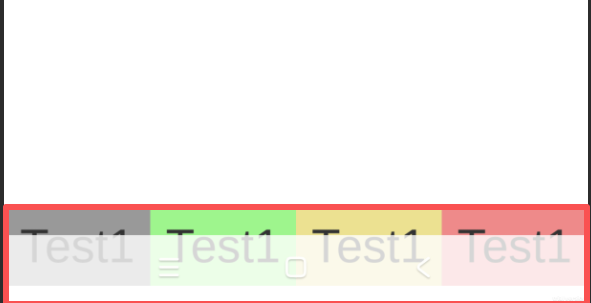
解决这个问题,有两种思路。
1.打开全屏模式
cs
private void FullScreen()
{
    // 强制设置全屏
    Screen.fullScreen = true;
    // 使用沉浸模式,隐藏底部的虚拟按键
    Screen.fullScreenMode = FullScreenMode.ExclusiveFullScreen;
}
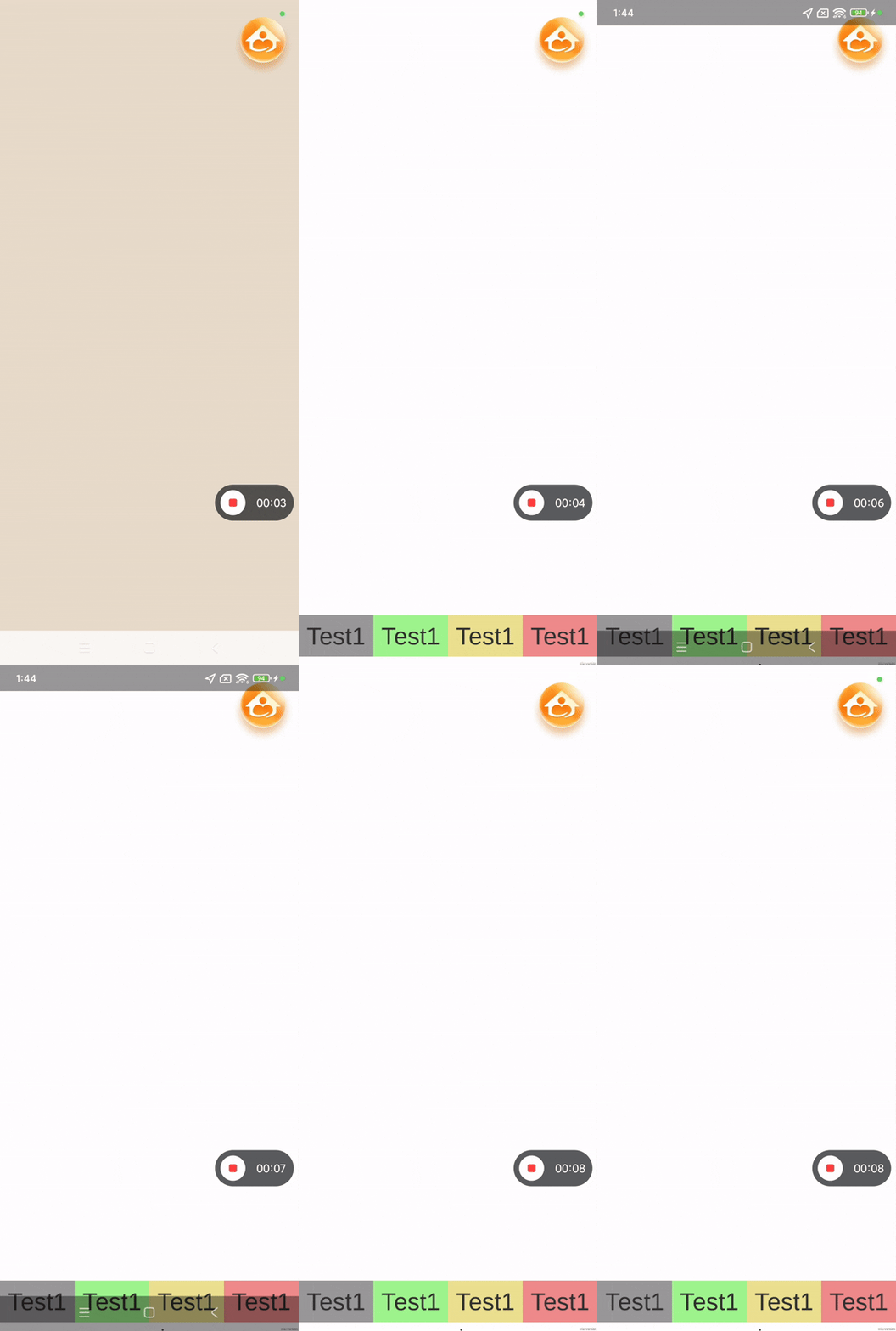
全屏下,导航栏会默认消失,但是你从底部下往上滑动的时候,导航栏会出现,一会后会自动消失
2.获取安全区域的高度,让UI的位置+安全区域的高度
cs
    private RectTransform rt;
    private Canvas canvas;

    private void ApplySafeOffset()
    {

        rt = GetComponent<RectTransform>();
        canvas = GetComponentInParent<Canvas>();
        if (rt == null || canvas == null) return;

        float bottomPixelHeight = 0;

        // 首先尝试原生接口
        if (Application.platform == RuntimePlatform.Android)
        {
            bottomPixelHeight = GetAndroidBottomInset();
            if (bottomPixelHeight > 0)
                Debug.Log($"[SafeAreaAdapter] 从 Android 底层获取到避让高度: {bottomPixelHeight}");
        }
        else
            return;


        if (bottomPixelHeight > 0)
        {
            float scaleFactor = canvas.scaleFactor;
            float offsetInCanvas = bottomPixelHeight / scaleFactor;

            Vector2 newPos = rt.anchoredPosition;
            newPos.y = offsetInCanvas; // 直接设置为偏移量,避免重复累加
            rt.anchoredPosition = newPos;
            Debug.Log($"[SafeAreaAdapter] 适配成功: {offsetInCanvas} Canvas单位");
        }
        else
        {
            Debug.Log("[SafeAreaAdapter] 所有检测均返回0,可能是全屏手势模式。");
        }
    }

    // 调用 Android 原生 API 获取真正的底部高度
    private float GetAndroidBottomInset()
    {
        try
        {
            using (var unityPlayer = new AndroidJavaClass("com.unity3d.player.UnityPlayer"))
            using (var activity = unityPlayer.GetStatic<AndroidJavaObject>("currentActivity"))
            using (var window = activity.Call<AndroidJavaObject>("getWindow"))
            using (var decorView = window.Call<AndroidJavaObject>("getDecorView"))
            using (var rootInsets = decorView.Call<AndroidJavaObject>("getRootWindowInsets"))
            {
                if (rootInsets != null)
                {
                    // 获取系统窗口插入高度 (包括导航栏)
                    return rootInsets.Call<int>("getSystemWindowInsetBottom");
                }
            }
        }
        catch (System.Exception e)
        {
            Debug.LogError("[SafeAreaAdapter] 获取原生 Insets 出错: " + e.Message);
        }
        return 0;
    }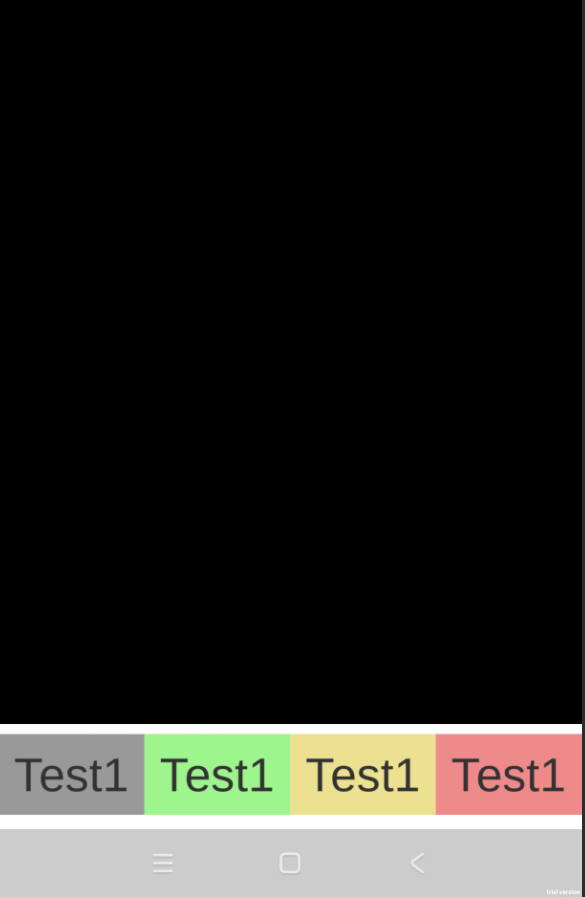
这里增加一个判断,要大于35的才能去抬高,因为在android15之前,是不用抬起的,这里不加判断设置android版本的话,只要有安全区域就会抬起,是有问题
    public int GetAndroidSDKVersion()
    {
#if UNITY_ANDROID && !UNITY_EDITOR
    using (var version = new AndroidJavaClass("android.os.Build$VERSION"))
    {
        // Android 15 对应的 SDK_INT 是 35
        return version.GetStatic<int>("SDK_INT");
    }
#endif
        return -1;
    }