目录标题
-
-
- [如何安装 `.whl` 文件(Python Wheel 包)](#如何安装
.whl文件(Python Wheel 包)) -
- [🛠 安装前提](#🛠 安装前提)
- [💻 安装方法(3种)](#💻 安装方法(3种))
- [方法 1:直接使用 pip 安装(推荐)](#方法 1:直接使用 pip 安装(推荐))
- [方法 2:先进入文件目录再安装](#方法 2:先进入文件目录再安装)
- [方法 3:使用绝对路径(适合脚本中调用)](#方法 3:使用绝对路径(适合脚本中调用))
-
- [⚠️ 常见问题解决](#⚠️ 常见问题解决)
- [问题 1:版本不兼容错误](#问题 1:版本不兼容错误)
- [问题 2:缺少依赖](#问题 2:缺少依赖)
- [问题 3:权限不足](#问题 3:权限不足)
-
- [🔍 验证安装](#🔍 验证安装)
- [💡 进阶技巧](#💡 进阶技巧)
- [如何安装 `.whl` 文件(Python Wheel 包)](#如何安装
-
如何安装 .whl 文件(Python Wheel 包)
.whl 文件是 Python 的 二进制分发格式(Wheel 格式),用于快速安装 Python 包。以下是详细的安装方法:
🛠 安装前提
-
确保已安装 Python 和 pip (Python 包管理器)
bashpython --version # 检查 Python 版本 pip --version # 检查 pip 是否可用 -
下载正确的
.whl文件:- 匹配你的操作系统(Windows/Linux/macOS)
- 匹配 Python 版本(如
cp38= Python 3.8) - 匹配系统架构(如
win_amd64= 64位 Windows)
💻 安装方法(3种)
方法 1:直接使用 pip 安装(推荐)
bash
pip install 文件路径/包名.whl示例:
bash
# Windows 示例
pip install C:\Downloads\torch-2.0.0-cp310-cp310-win_amd64.whl

# Linux/macOS 示例
pip install ~/Downloads/numpy-1.24.3-cp38-cp38-manylinux_2_17_x86_64.whl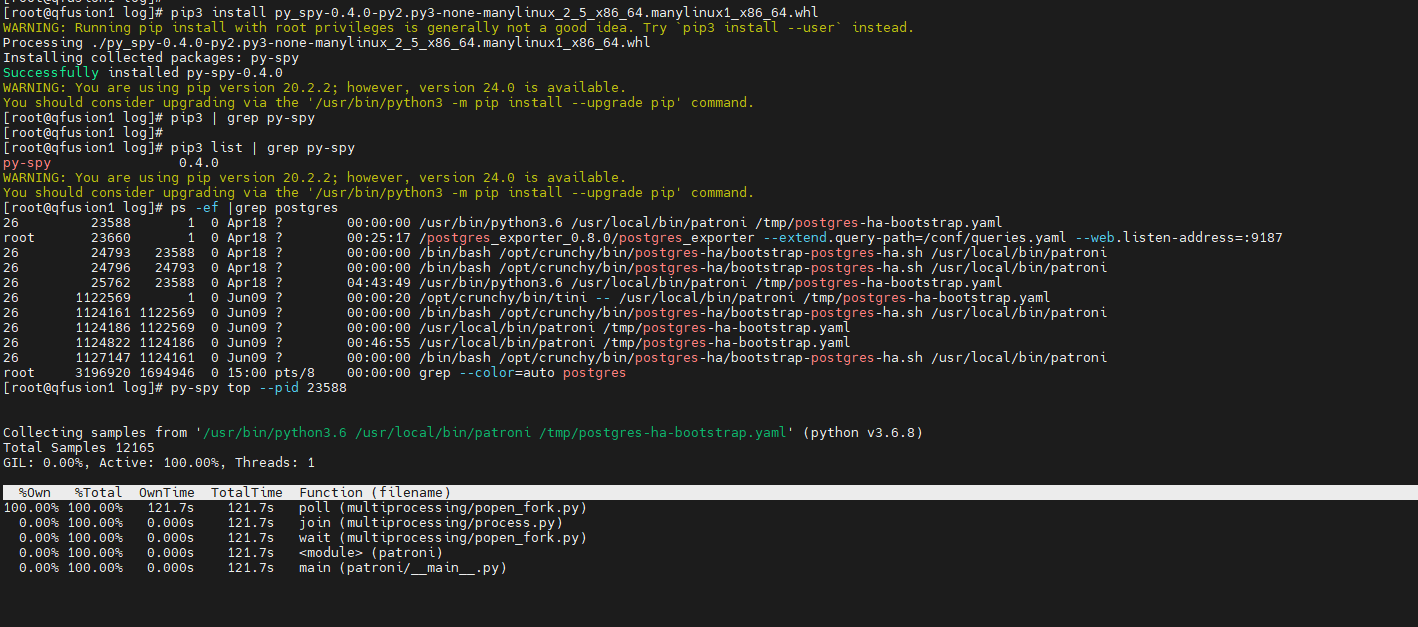
方法 2:先进入文件目录再安装
bash
cd 包含whl文件的目录
pip install 包名.whl示例:
bash
cd C:\Users\YourName\Downloads
pip install pandas-2.0.2-py3-none-any.whl
方法 3:使用绝对路径(适合脚本中调用)
bash
pip install /absolute/path/to/package.whl⚠️ 常见问题解决
问题 1:版本不兼容错误
ERROR: package.whl is not a supported wheel on this platform解决方案:
-
检查 Python 版本:
bashpython -c "import platform; print(platform.python_version())" -
下载匹配的 Wheel 文件:
- 文件名中的标识:
cp38→ Python 3.8win32→ 32位 Windowsmanylinux2014_x86_64→ 64位 Linux
- 文件名中的标识:
问题 2:缺少依赖
ERROR: Could not find a version that satisfies the requirement...解决方案:
-
先安装依赖:
bashpip install numpy # 示例:安装依赖包 -
重新安装 Wheel 文件
问题 3:权限不足
Permission denied: '/usr/local/lib/python3.8/site-packages'解决方案:
-
Windows:以管理员身份运行 CMD/PowerShell
-
Linux/macOS:
bashsudo pip install package.whl # 不推荐系统级安装 -
推荐方案 :使用虚拟环境
bashpython -m venv myenv # 创建虚拟环境 source myenv/bin/activate # 激活环境 (Linux/macOS) myenv\Scripts\activate # 激活环境 (Windows) pip install package.whl # 在虚拟环境中安装
🔍 验证安装
bash
pip list | grep 包名    # Linux/macOS
pip list | findstr 包名 # Windows

# 或在 Python 中测试
python -c "import 包名; print(包名.__version__)"
💡 进阶技巧
-
从 URL 直接安装:
bashpip install https://example.com/packages/package.whl -
安装到用户目录(避免权限问题):
bashpip install --user package.whl -
查看 Wheel 文件信息:
bashpip show package-name # 查看已安装包信息 unzip -l package.whl # 查看 Wheel 内容
💡 提示 :优先从 PyPI 官网 下载官方包,或使用
pip install 包名自动下载安装(无需手动处理 Wheel 文件)。