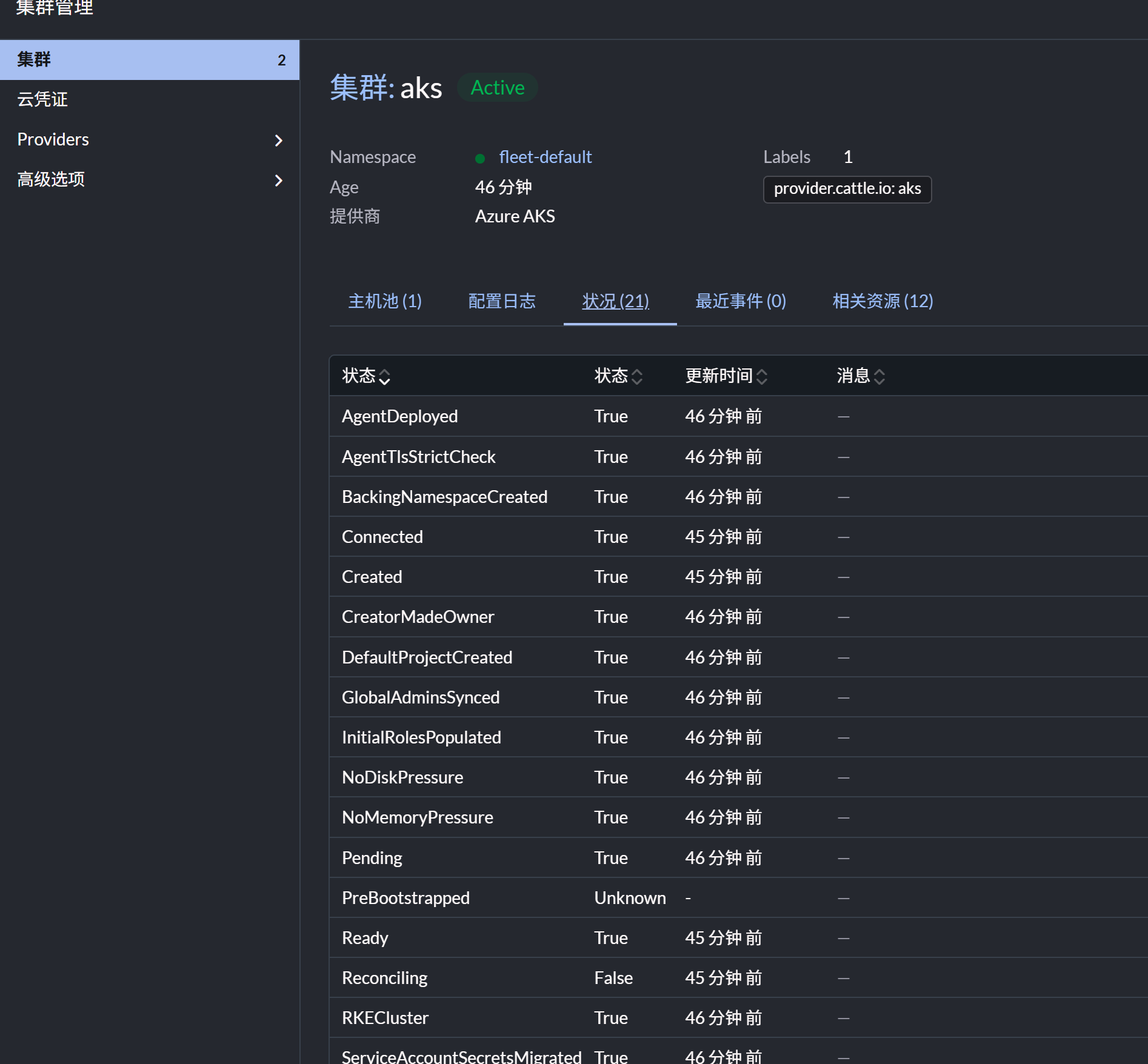
导入 Azure AKS 集群到 Rancher 指南
1. 创建服务主体(Service Principal)
获取以下信息,步骤参考
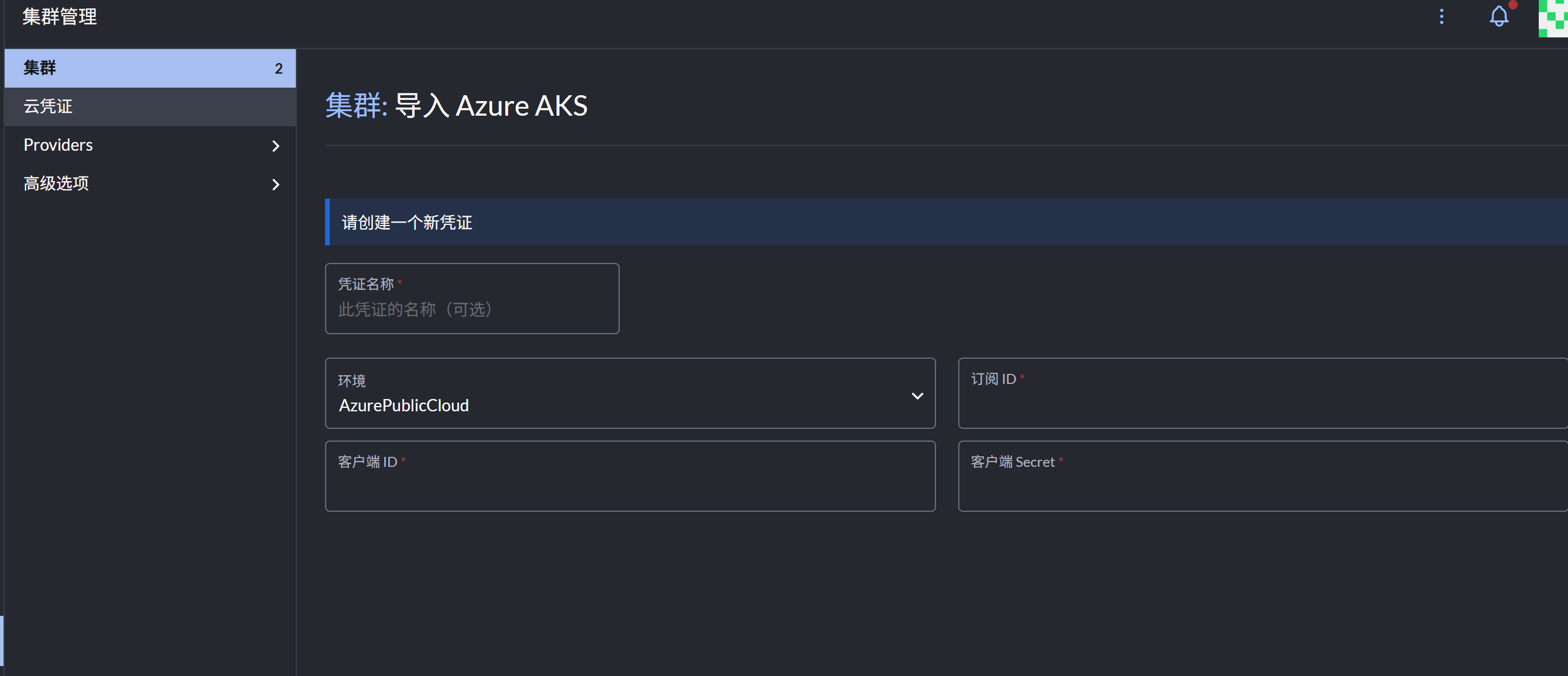
| 订阅ID | 客户端ID | Secret |
|---|---|---|
| AKS所在订阅 | 服务主体的ClientID | 服务主体的Secret |
2. 授权服务主体 RBAC 权限
AKS 会创建两个资源组:一个为用户自建,另一个为系统自动创建。请在你自建的资源组(或直接在订阅层面)为服务主体授予 参与者(Contributor) 权限。
3. 部署 Rancher(Docker 方式)
- 准备一台已安装 64 位 Ubuntu 20.04/18.04(或其他 Rancher 支持的 Linux 发行版)的主机,内存不少于 4GB。
- 安装 Rancher 支持的 Docker 版本。
- 执行以下命令启动 Rancher:
bash
sudo docker run --privileged -d --name rancher --restart=unless-stopped -p 80:80 -p 443:443 rancher/rancher:stable- 部署完成后,访问
https://<主机名或IP>,根据界面提示完成 Rancher 初始化设置。
4. 配置 Rancher 与 AKS 网络互通
- Rancher 入站端口:需开放 TCP 443。
- AKS API Server:需将 Rancher 的出口 IP 加入 AKS 的 Authorized IP ranges。
注意:Rancher 的 URL 必须能被 AKS 集群访问。
导入过程中,Rancher 会在 AKS 内部署 cattle-cluster-agent(及常见 operator),该 Agent 会主动连接 Rancher 的 HTTPS/WSS 地址建立反向隧道。因此,如果 Rancher 前有防火墙/WAF/Nginx/NSG,务必允许来自 AKS 出口 IP(负载均衡器前端 IP)到 Rancher 的 443 端口流量,否则 agent 无法连接。
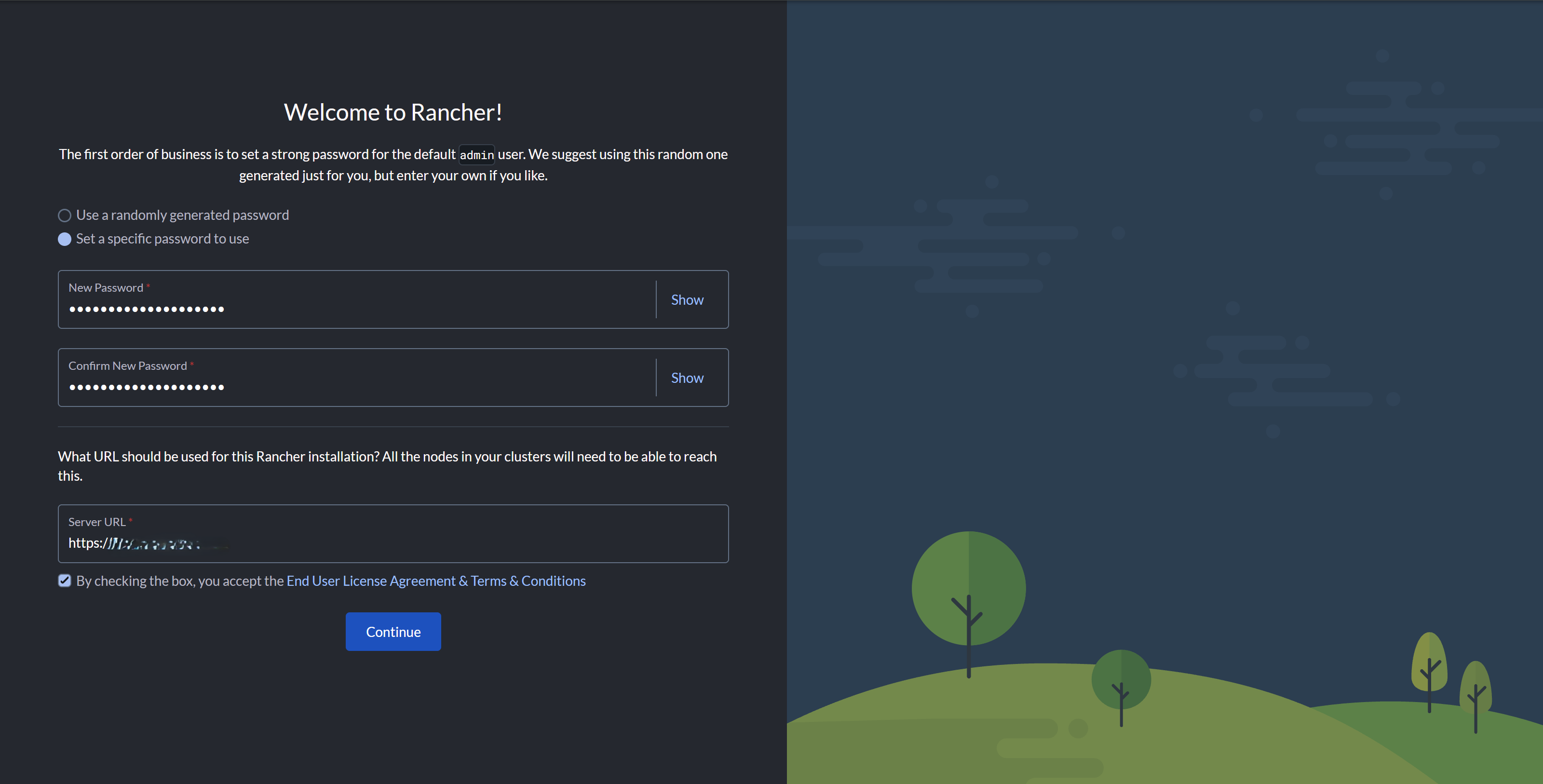
5. 导入 AKS 集群到 Rancher
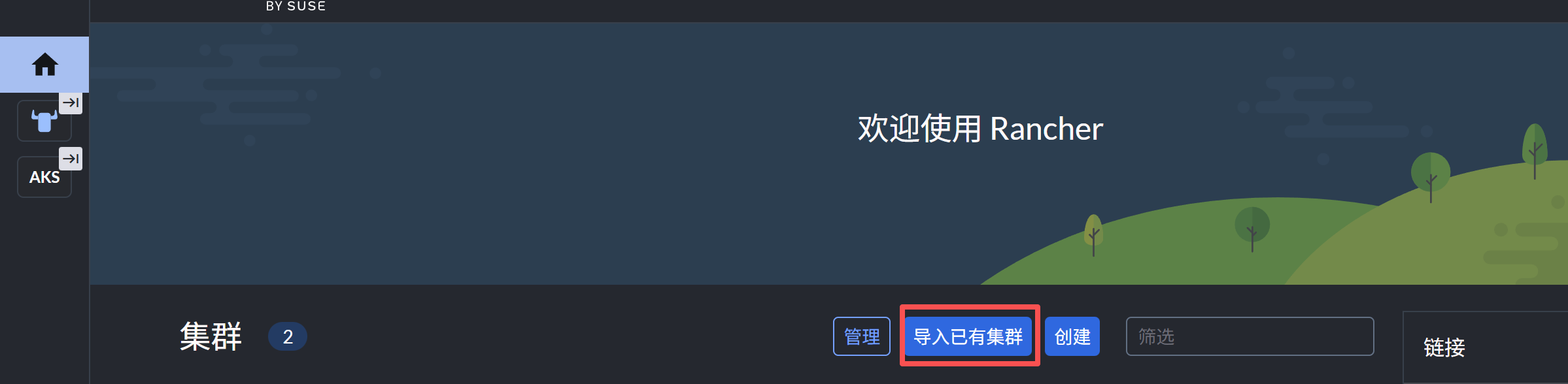
-
在 Rancher UI 选择"导入集群"。
-
填写前面创建的服务主体信息。

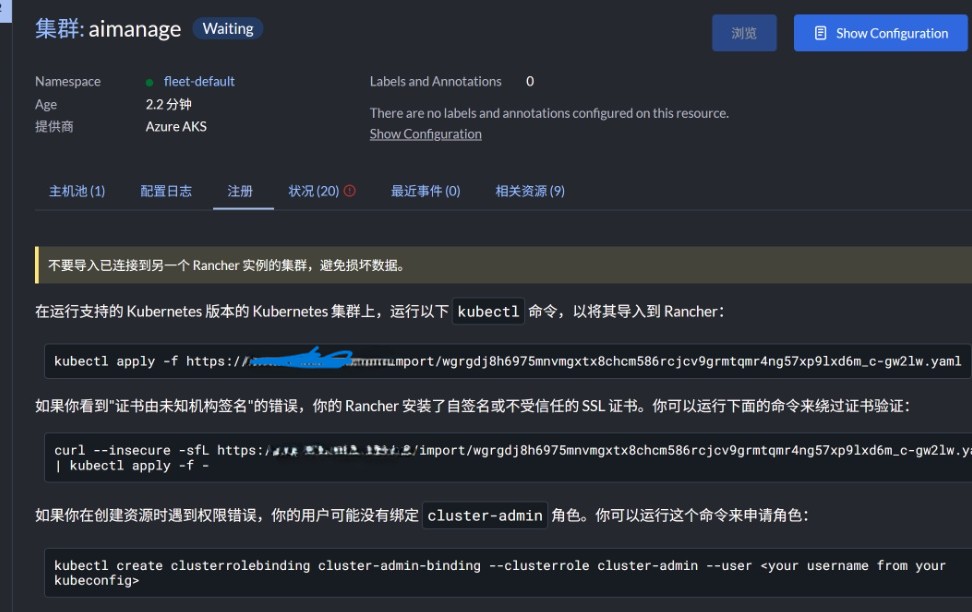
6. 注册 AKS 到 Rancher
- 连接并登录 AKS 集群
- 按照 Rancher 提示,复制第二行命令用 kubectl 执行。如果未放通 Rancher 的 443 入站,会报错。
7. 导入成功