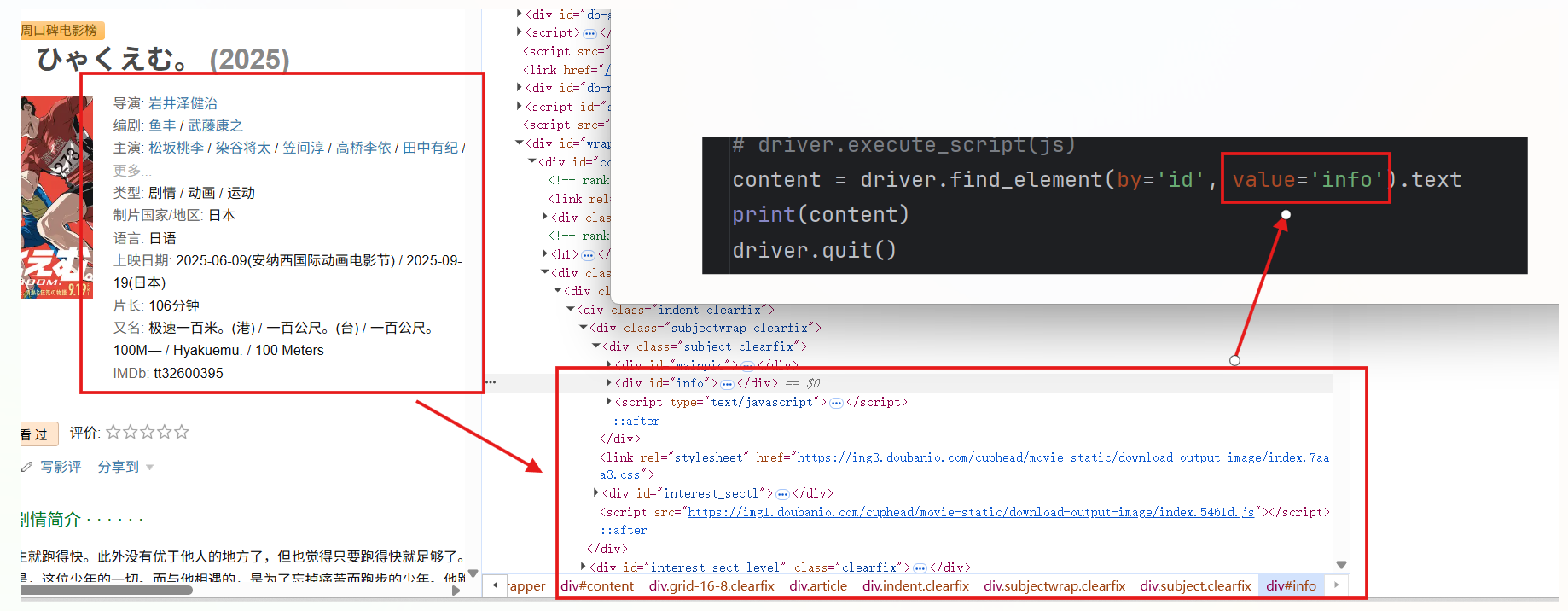
示例网页链接:https://movie.douban.com/subject/36907263/
BUG
浏览器开发者模式可以看到所需信息有对应的HTML显式结构
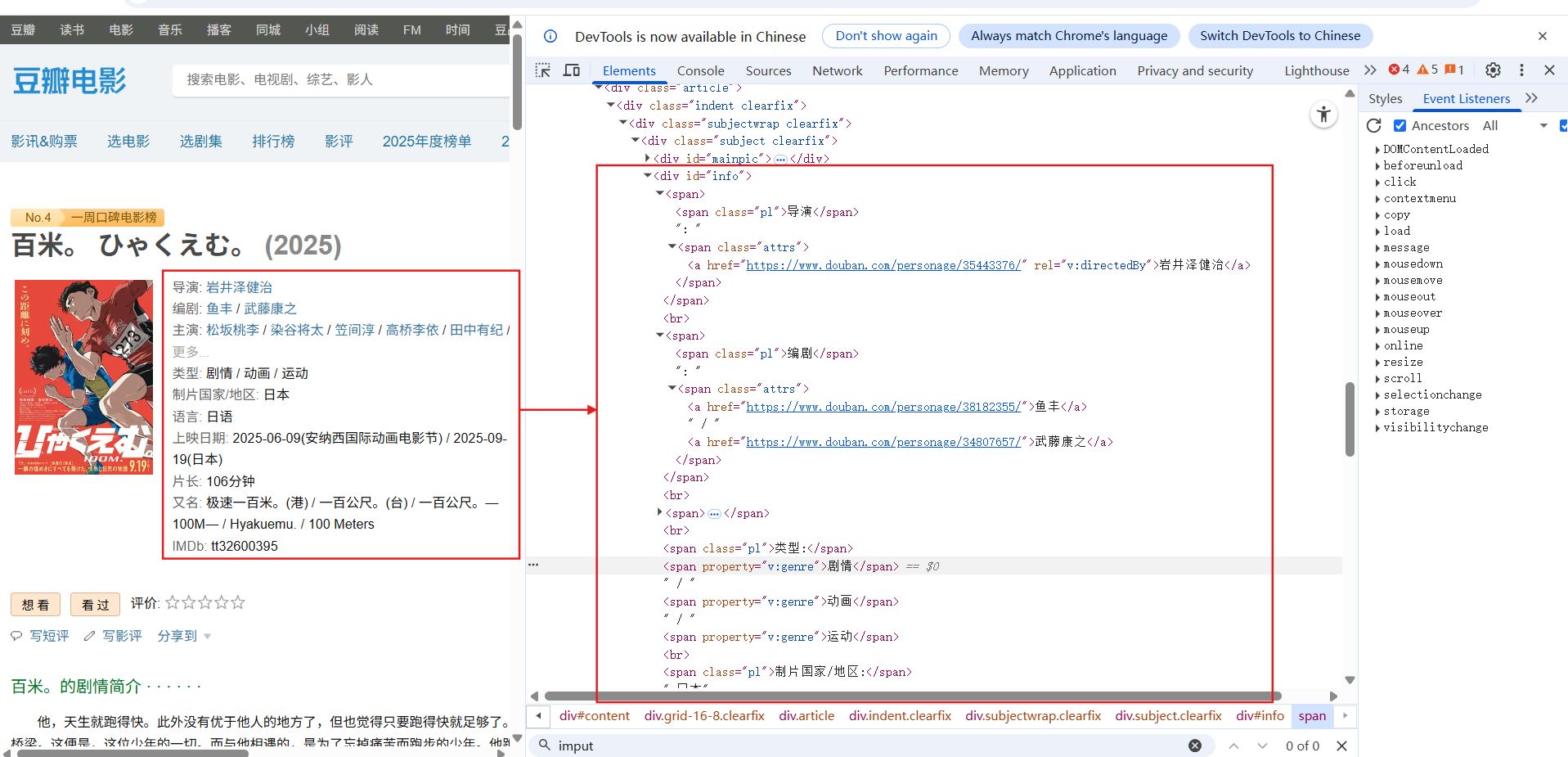
但代码爬取时发现结构被hidden,需要二次加载
python
import requests

url = 'https://movie.douban.com/subject/36907263/'
headers = {'User-Agent': 'Mozilla/5.0'}
response = requests.get(url, headers=headers)
print(response.text)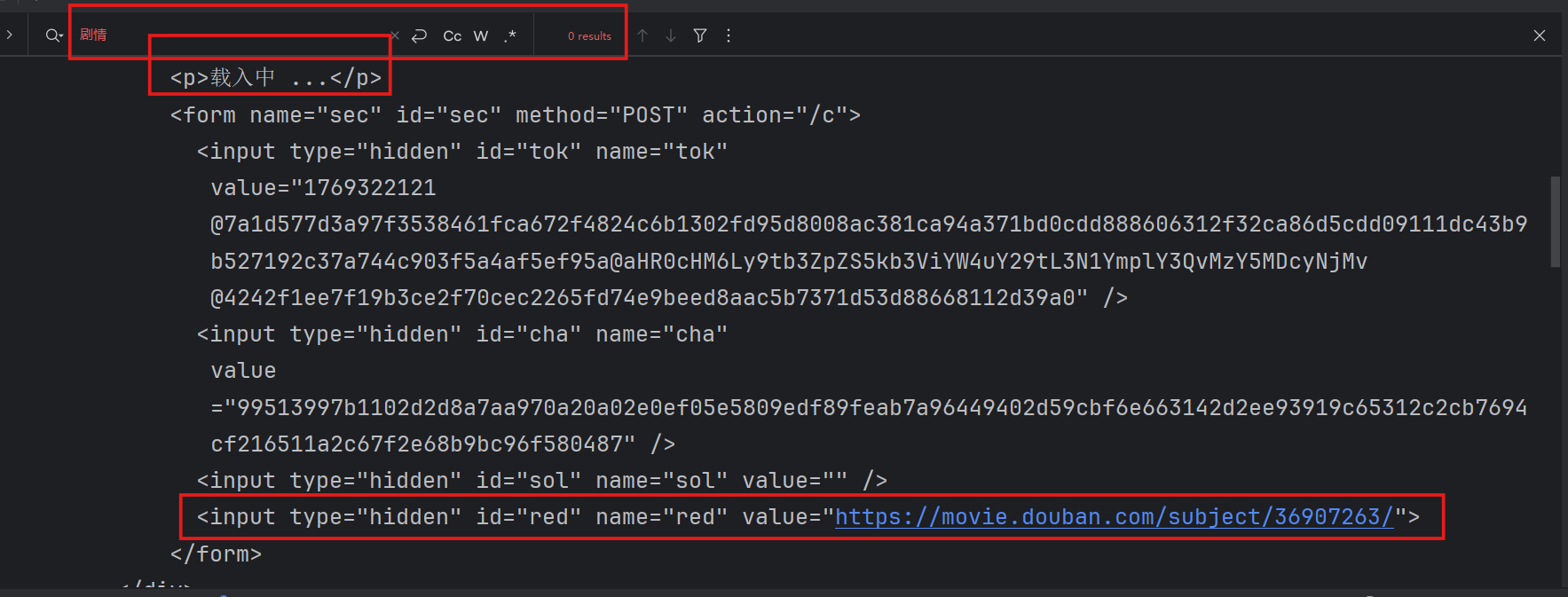
即便使用selenium将修改type属性,让其不隐藏,再取出被隐藏的数据,也不行
python
from selenium import webdriver

driver = webdriver.Chrome()
driver.get('https://movie.douban.com/subject/36907263/')
js="document.getElementById('red').type='text';"
driver.execute_script(js)
content = driver.find_element(by='id',value='red').text
print(content)
driver.quit()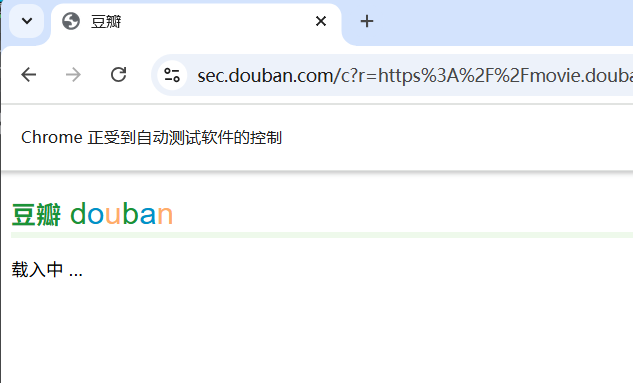
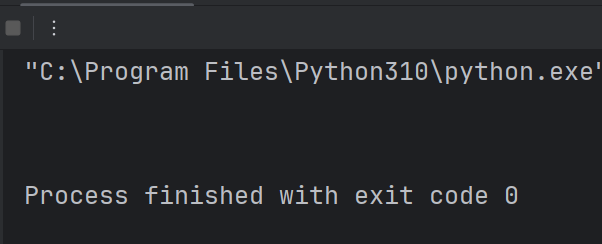
其实我觉得这个逻辑是对的,但结果非预期,求助是不是哪块代码没写对? T^T 想打印下修改后的HTML也没打印出来 o(╥﹏╥)o
DEBUG
Selenium 的核心功能是模拟用户在浏览器中的操作,所以只需要增加等待时间,等待页面全部加载出来即可。加载后的页面就是我们在浏览器开发者模式下看到的全部HTML结构。
python
from selenium import webdriver
import time

driver = webdriver.Chrome()
driver.get('https://movie.douban.com/subject/36907263/')
time.sleep(5)  # 等待页面加载
content = driver.find_element(by='id',value='info').text
print(content)
driver.quit()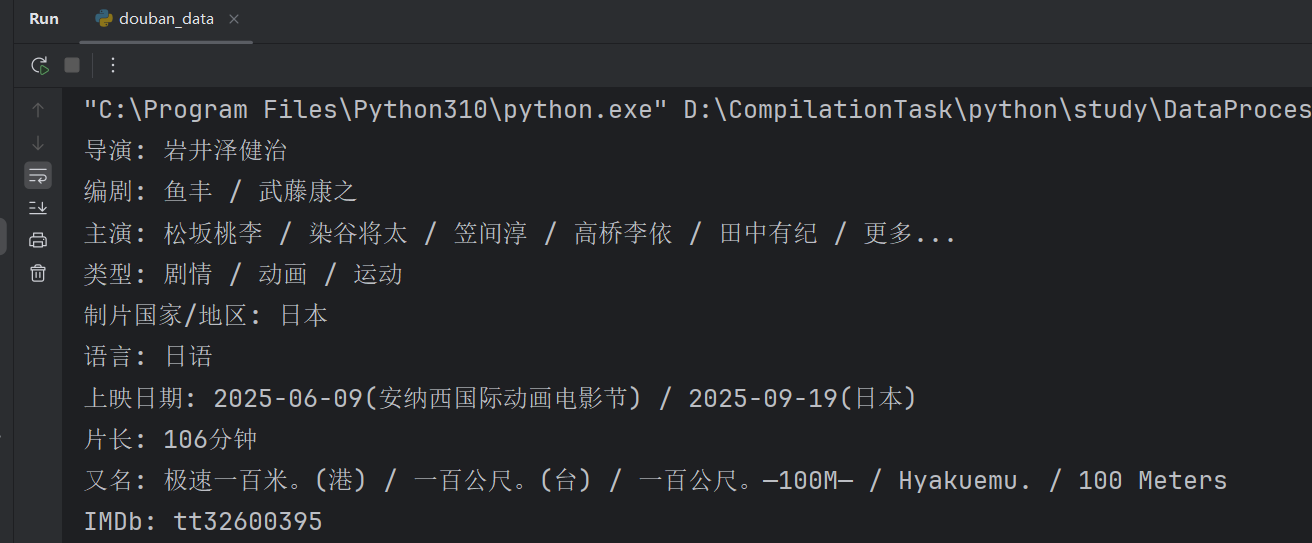
注意加载后要找的就是加载后的数据,即id=info,不再是之前的id=red。