线程中断
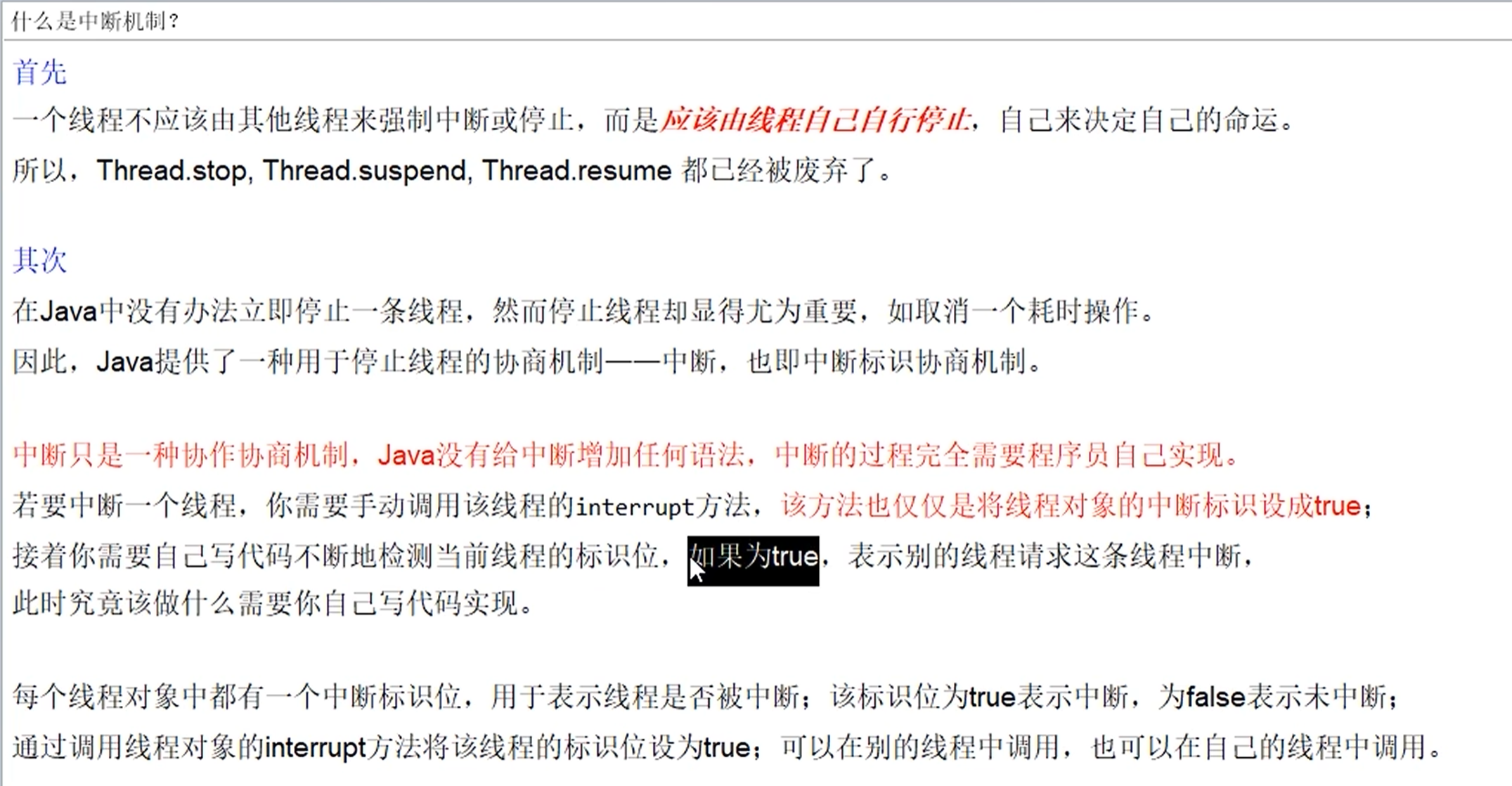
一个线程不应该由其他的线程来强制中断或停止,而是应该由线程自己自行停止,自己来决定自己的命运 。
中断只是一种协商机制,Java没有给中断增加任何语法,中断的过程完全需要程序员自己实现。
每个线程对象中都有一个中断标志位,用于表示线程是否被中断,该标志位为true表示中断,为false为未中断,通过调用线程对象的interrupt方法将该线程的标志位设为true;可以在别的线程中调用,也可以在自己的线程中调用。
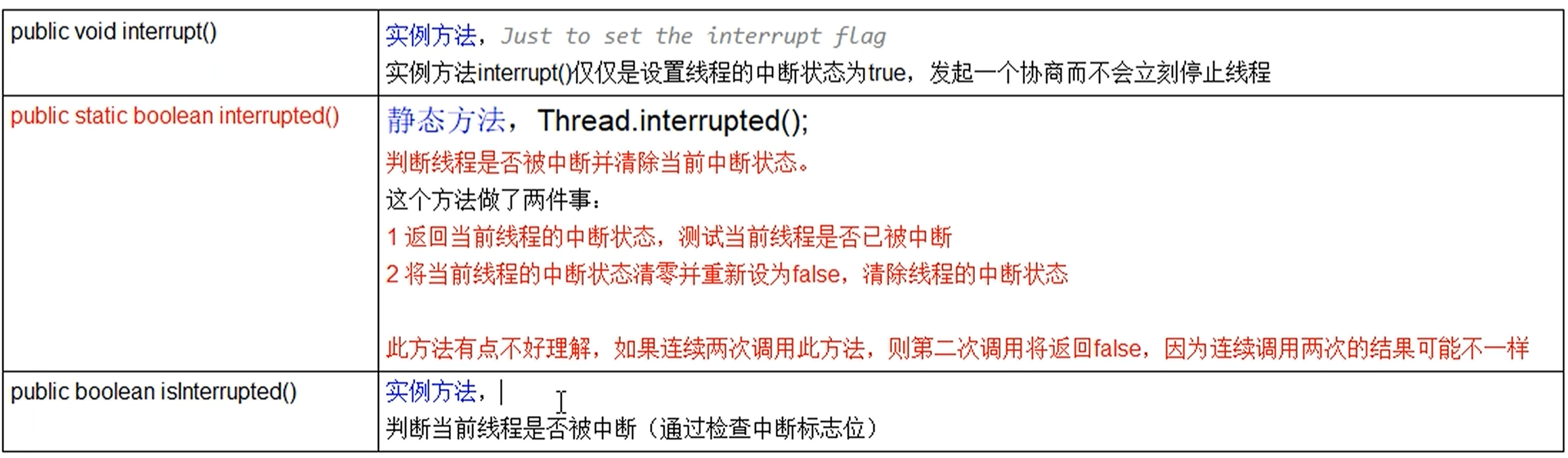
中断相关的API方法之三大方法说明
| 函数签名 | 相关作用 |
|---|---|
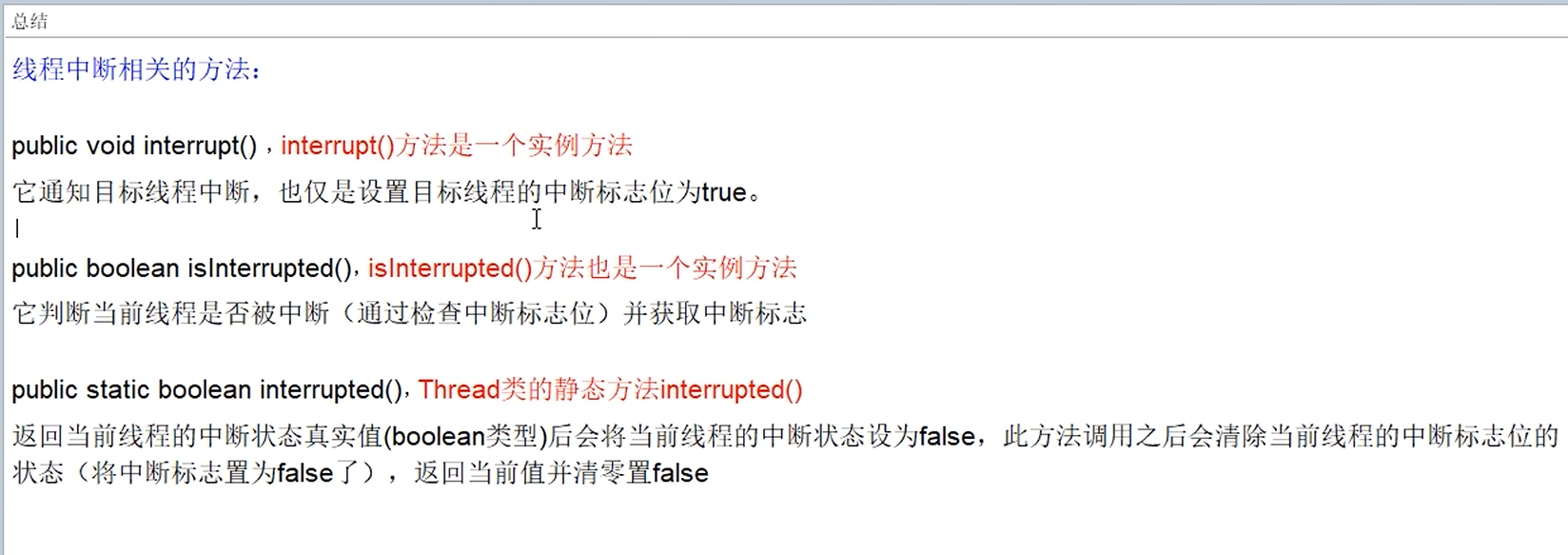
| public void interrupt() | 实例方法:仅仅是设置线程的中断状态为true,发起一个协商而不会立刻停止线程 |
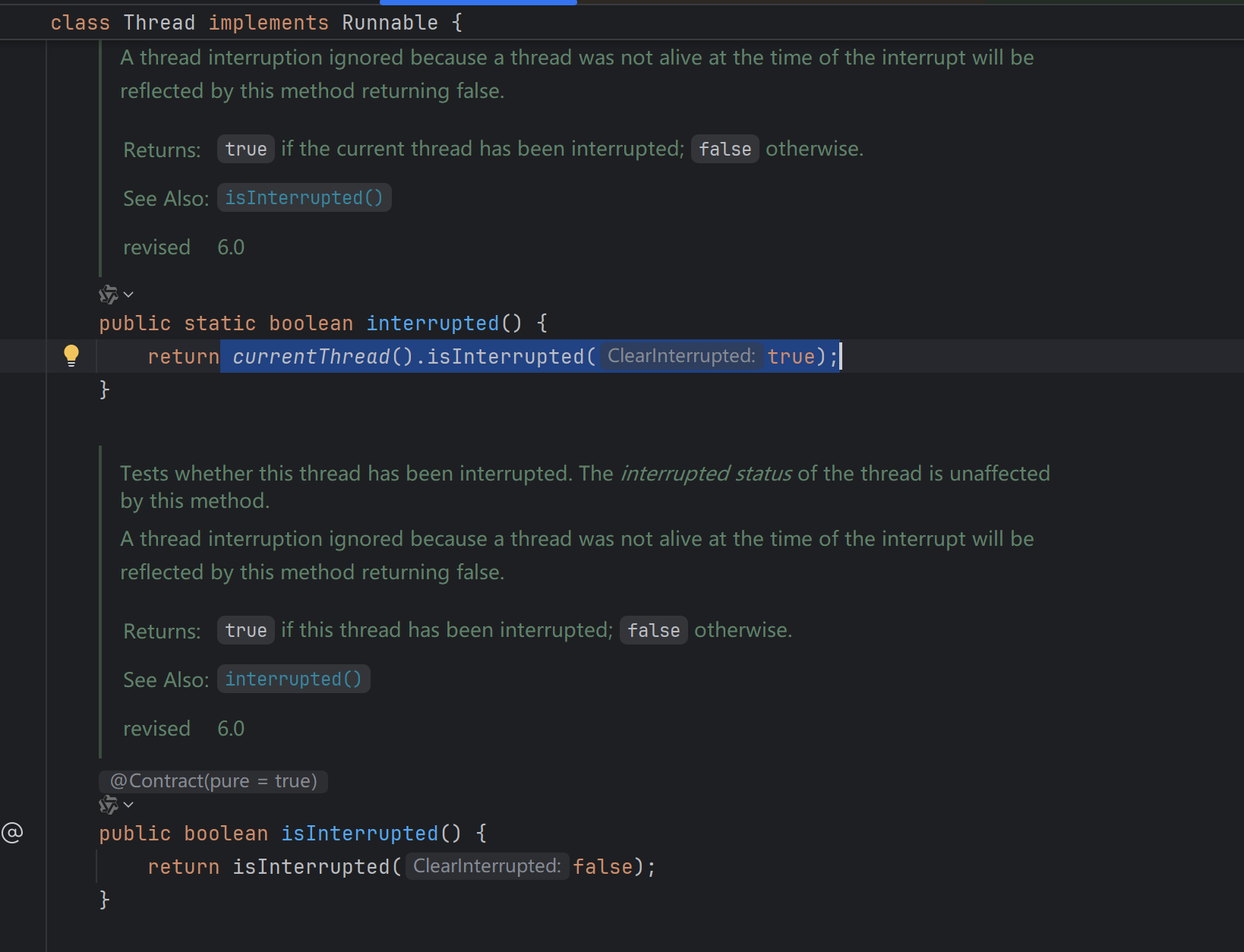
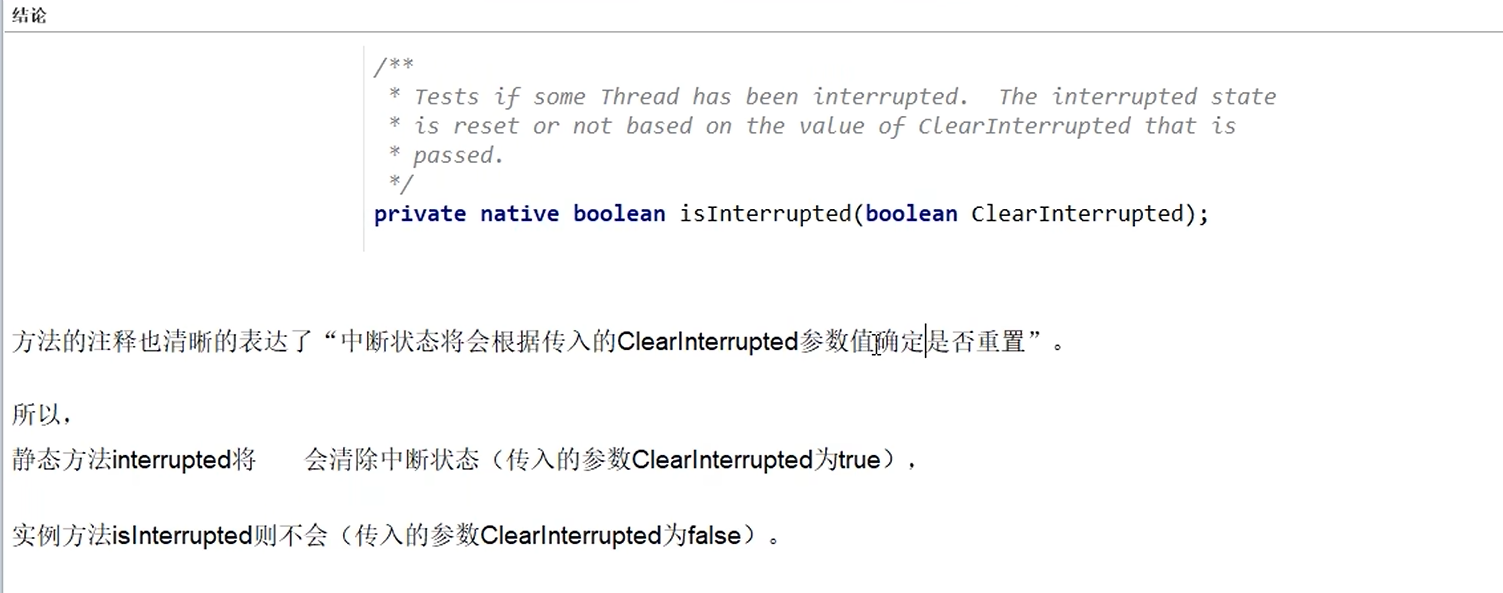
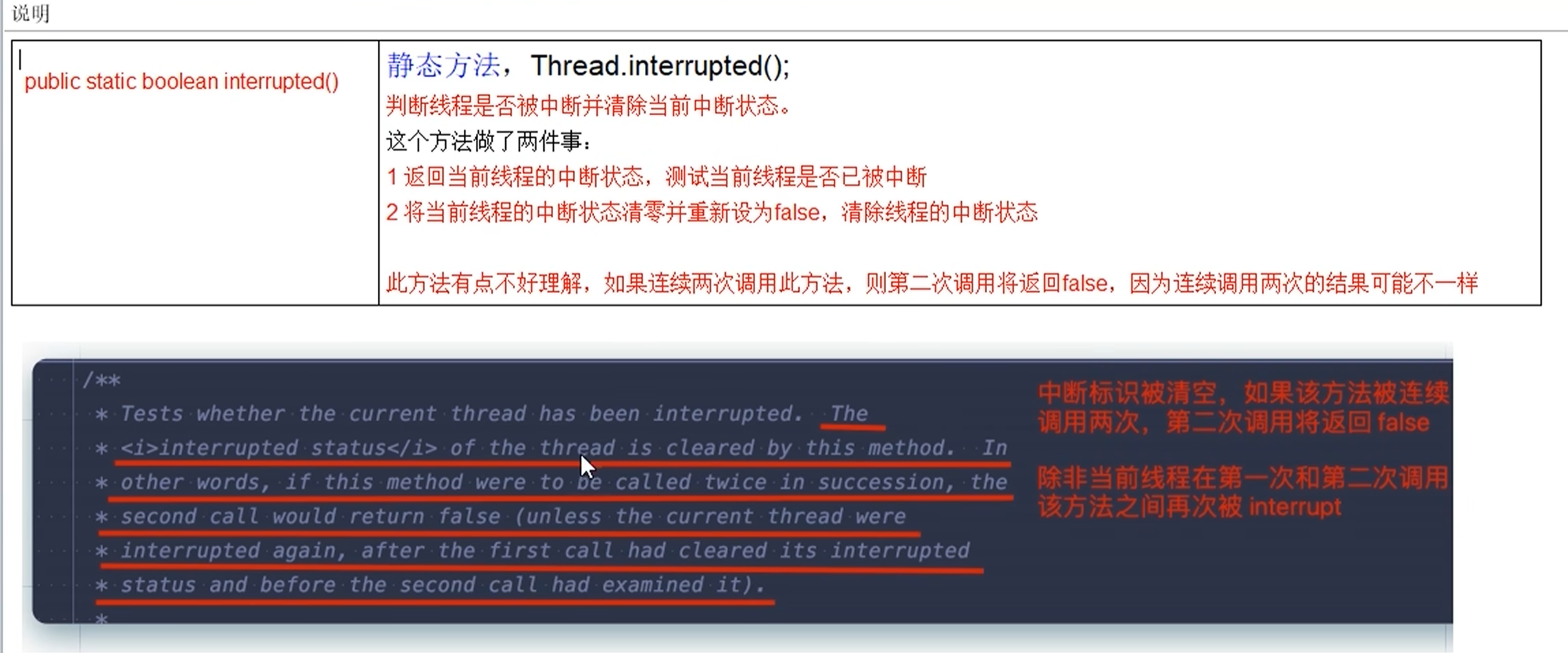
| public static boolean interrupted() | j静态方法:Thread.interrupted();判断线程是否被中断并清除当前的中断状态。这个方法主要干了两件事:1.返回当前线程的中断状态,测试当前线程是否已被中断;2.将当前线程的中断状态清零并重新设置为false,清除线程的中断状态 |
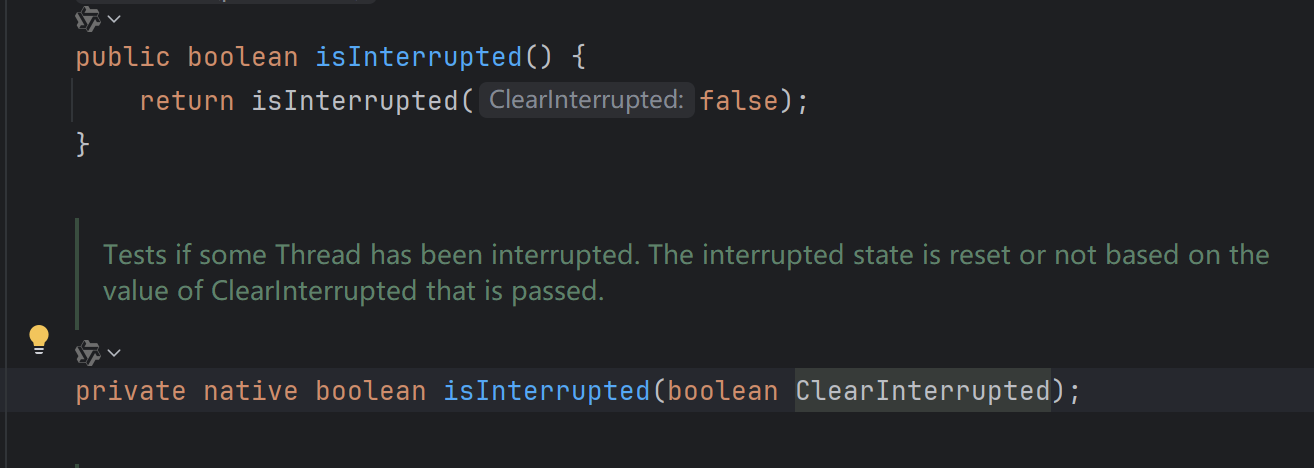
| public boolean isInterrupted() | 实例方法:判断当前线程是否被中断(通过检查中断标志位) |

如何停止中断运行中的线程?
通过一个volatile变量实现
java
package com.sgm.springboottest.demos.web;

import java.util.concurrent.TimeUnit;

/**
 * 线程中断demo演示
 */
public class InterruptedDemo {
    static volatile  boolean isStop=false;
    public static void main(String[] args) {

        new Thread(()->{
            while (true){
                if(isStop){
                    System.out.println(Thread.currentThread().getName()+"\t isStop的值被修改为true,程序停止");
                     break;
                }

                System.out.println("t1 ========hello volatile");
            }
        },"t1").start();

        //20毫秒睡眠
        try {
            TimeUnit.MILLISECONDS.sleep(20);
        } catch (InterruptedException e) {
            e.printStackTrace();
        }


        new Thread(()->{
           isStop=true;
        },"t2").start();


    }
}
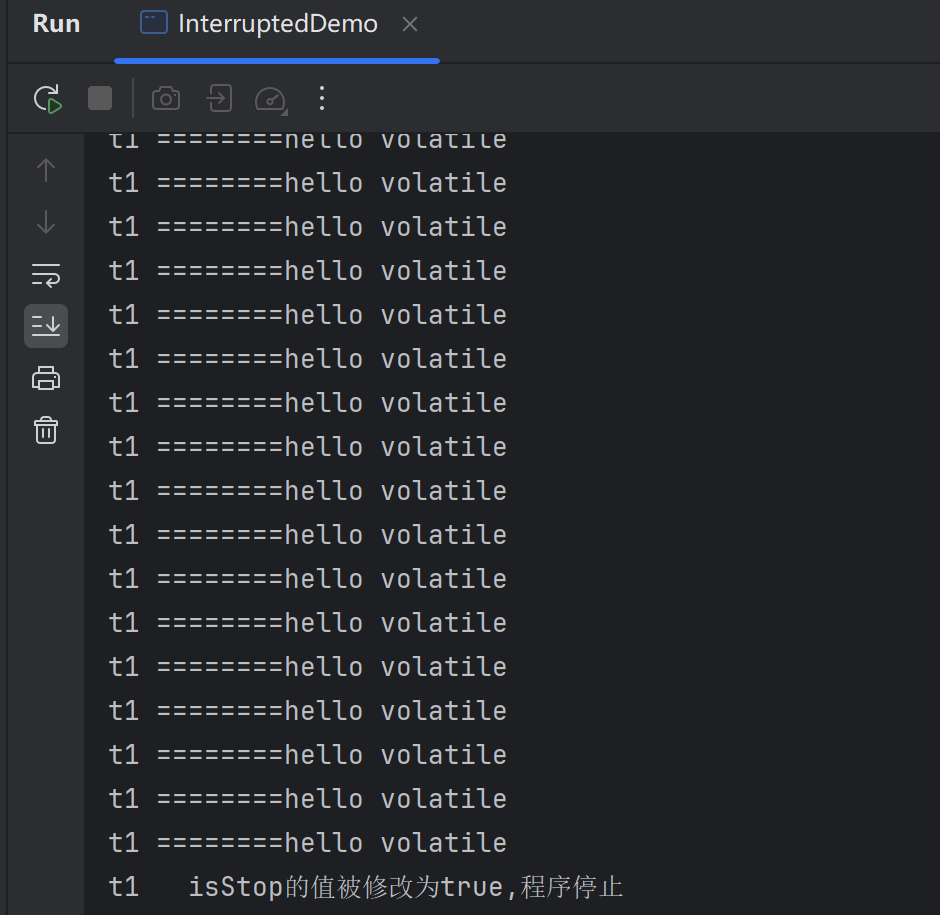
运行效果:
通过AtomicBoolean实现
java
package com.sgm.springboottest.demos.web;

import java.util.concurrent.TimeUnit;
import java.util.concurrent.atomic.AtomicBoolean;

/**
 * 线程中断demo演示
 */
public class InterruptedDemo {
    static volatile  boolean isStop=false;
    static AtomicBoolean  atomicBoolean=new AtomicBoolean(false);
    public static void main(String[] args) {

       //原子类实现
        new Thread(()->{
            while (true){
                if(atomicBoolean.get()){
                    System.out.println(Thread.currentThread().getName()+"\t isStop的值被修改为true,程序停止");
                    break;
                }

                System.out.println("t1 ========hello atomicBoolean");
            }
        },"t1").start();

        //20毫秒睡眠
        try {
            TimeUnit.MILLISECONDS.sleep(20);
        } catch (InterruptedException e) {
            e.printStackTrace();
        }


        new Thread(()->{
            atomicBoolean.set(true);
        },"t2").start();

    }

    /**
     * volatile 方法
     */
    private static void m1_volatile() {
        new Thread(()->{
            while (true){
                if(isStop){
                    System.out.println(Thread.currentThread().getName()+"\t isStop的值被修改为true,程序停止");
                     break;
                }

                System.out.println("t1 ========hello volatile");
            }
        },"t1").start();

        //20毫秒睡眠
        try {
            TimeUnit.MILLISECONDS.sleep(20);
        } catch (InterruptedException e) {
            e.printStackTrace();
        }


        new Thread(()->{
           isStop=true;
        },"t2").start();
    }
}
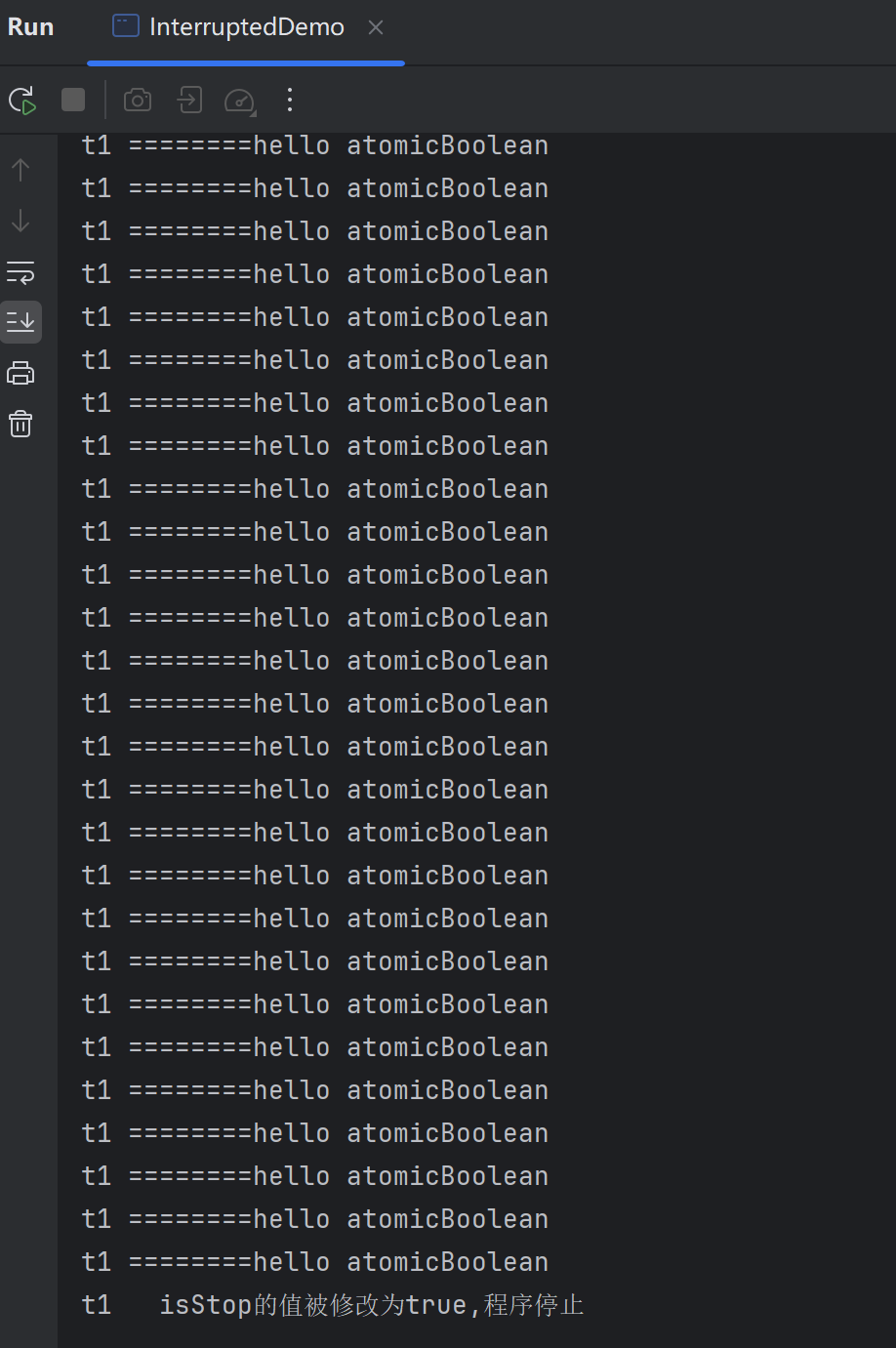
运行结果:
通过Thread类自带的中断API实例方法实现
在需要中断的线程中不断监听中断状态,一旦发生中断,就执行相应的中断处理业务逻辑stop线程
java
package com.sgm.springboottest.demos.web;

import java.util.concurrent.TimeUnit;
import java.util.concurrent.atomic.AtomicBoolean;

/**
 * 线程中断demo演示
 */
public class InterruptedDemo {
    static volatile  boolean isStop=false;
    static AtomicBoolean  atomicBoolean=new AtomicBoolean(false);
    public static void main(String[] args) {

       //thread中断API
        Thread t1 = new Thread(() -> {
            while (true) {
                if (Thread.currentThread().isInterrupted()) {
                    System.out.println(Thread.currentThread().getName() + "\t isInterrupted的值被修改为true,程序停止");
                    break;
                }

                System.out.println("t1 ========hello interrupt api");
            }
        }, "t1");
        t1.start();

        //20毫秒睡眠
        try {
            TimeUnit.MILLISECONDS.sleep(20);
        } catch (InterruptedException e) {
            e.printStackTrace();
        }

     new Thread(()->{
         t1.interrupt();
     },"t2").start();

    }


}
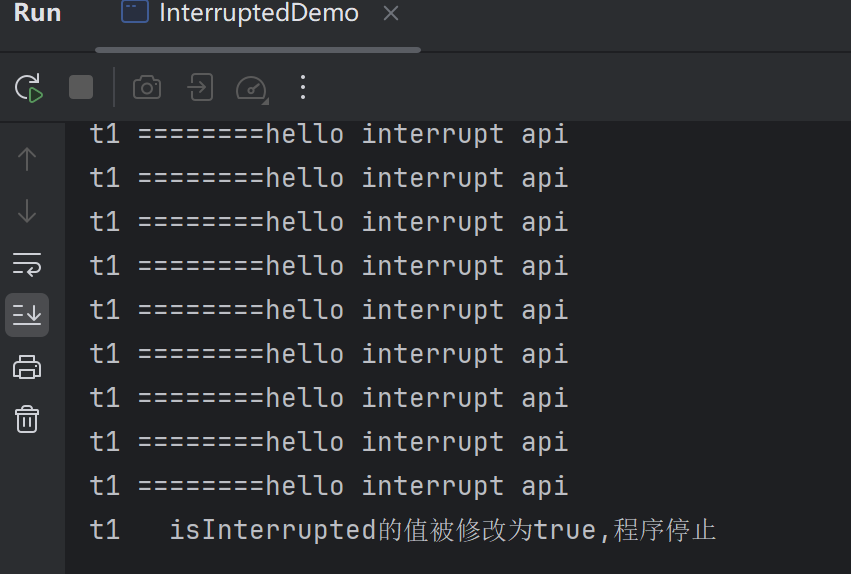
运行结果
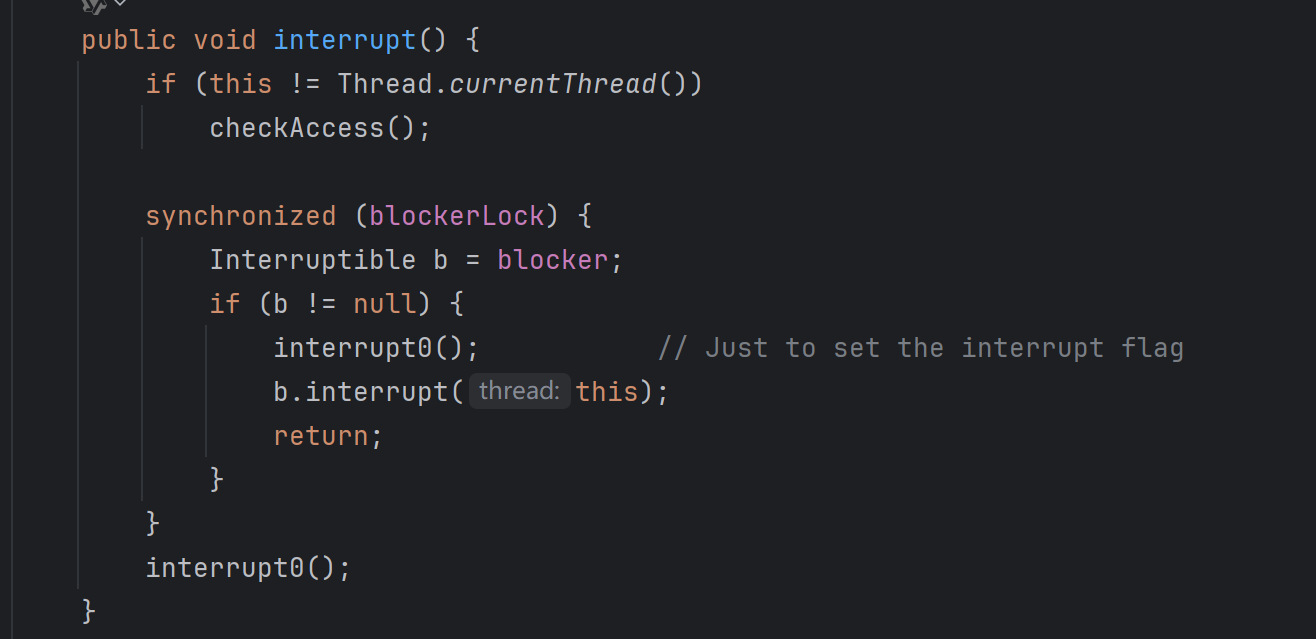
public void interrupt()的源码
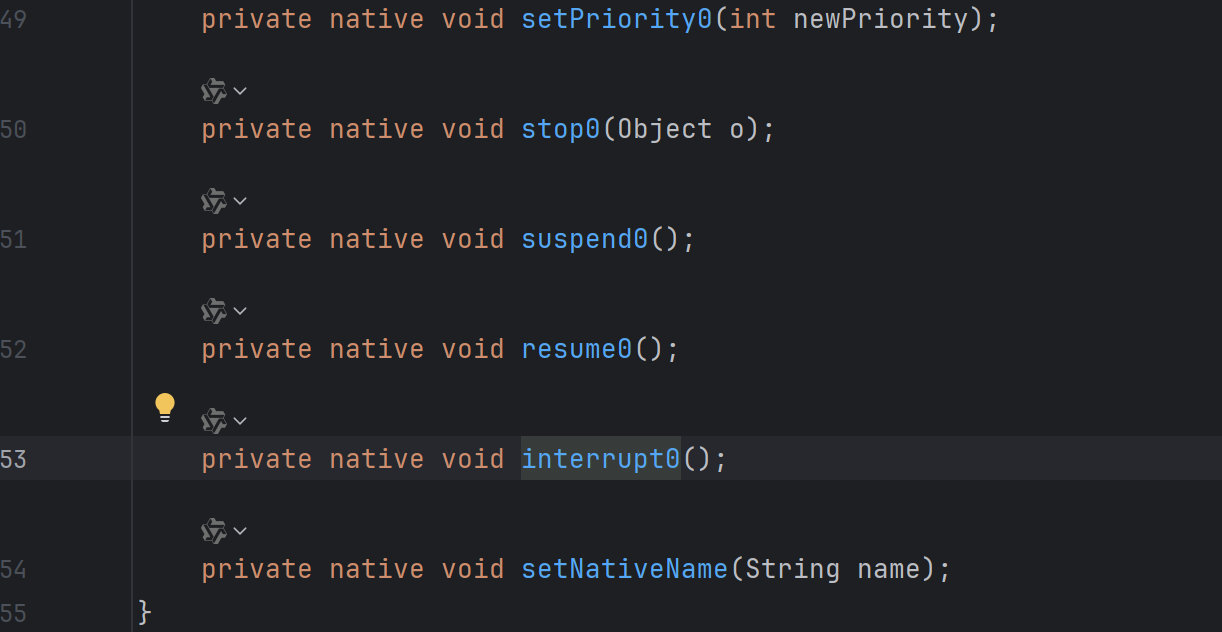
native方法 private native void interrupt0();
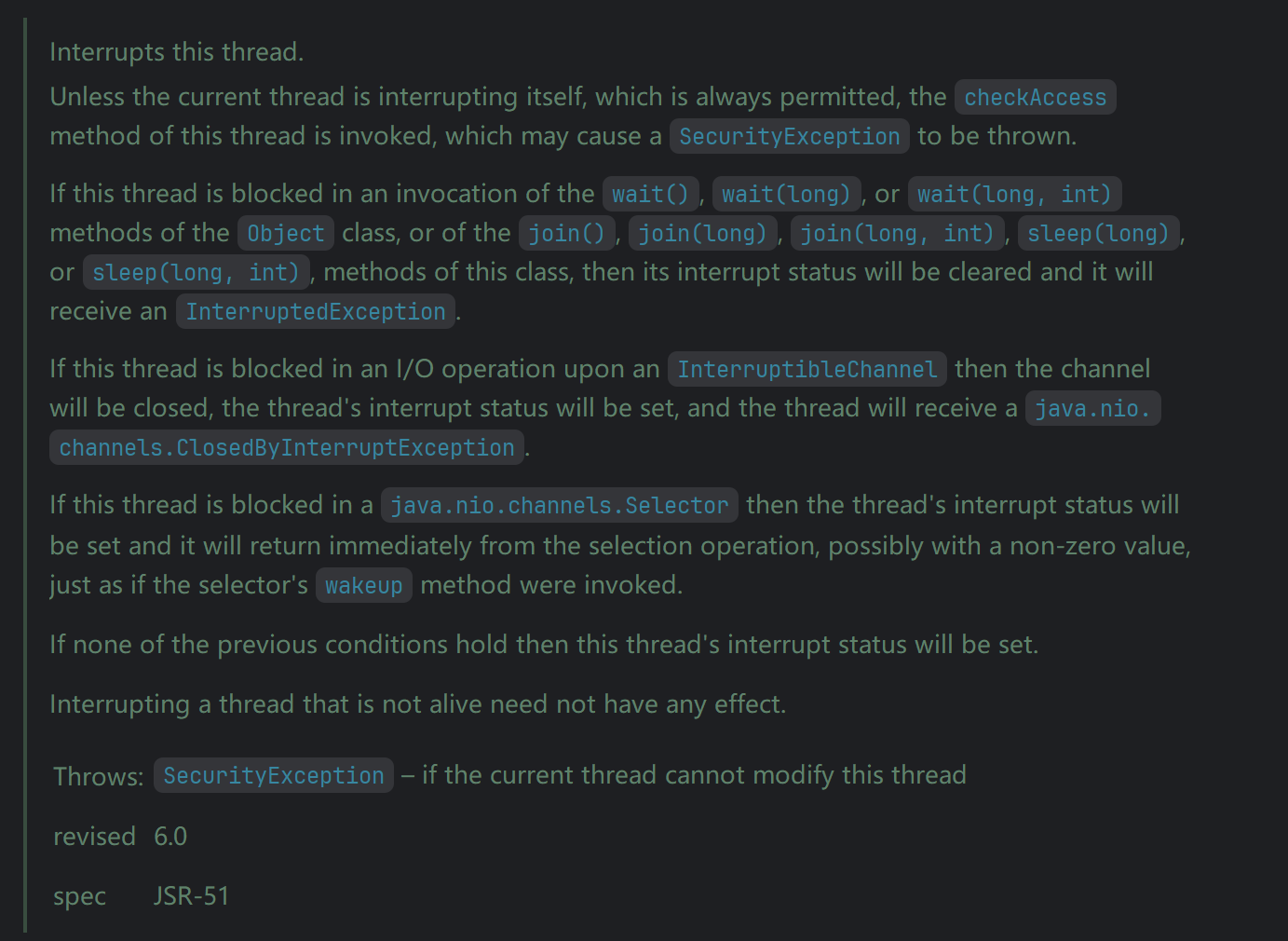
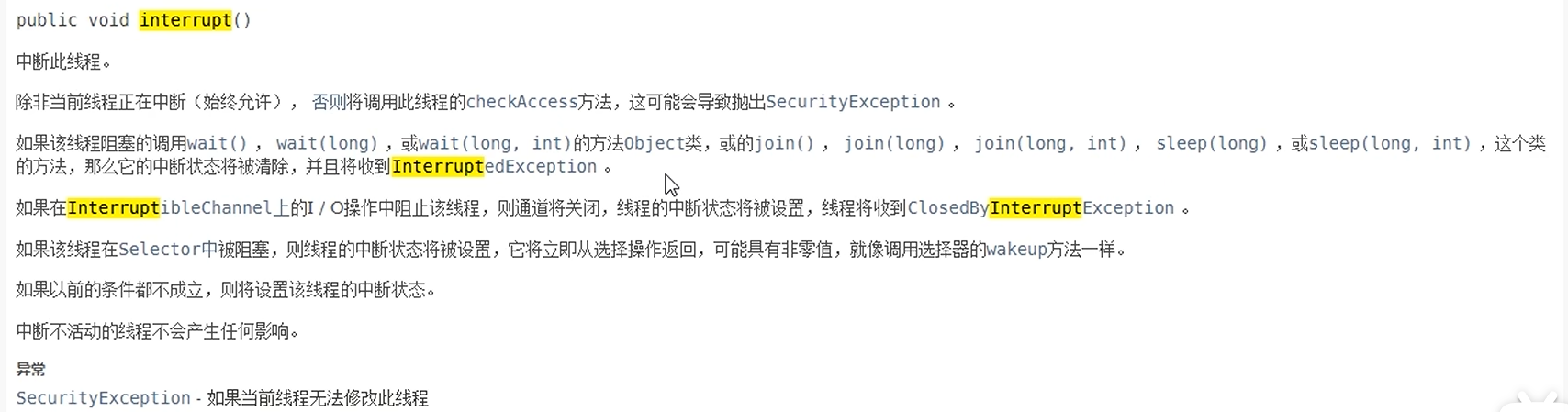
源码中解析这个方法的作用以及注意点
public boolean isInterrupted ()的源码说明
总结一下
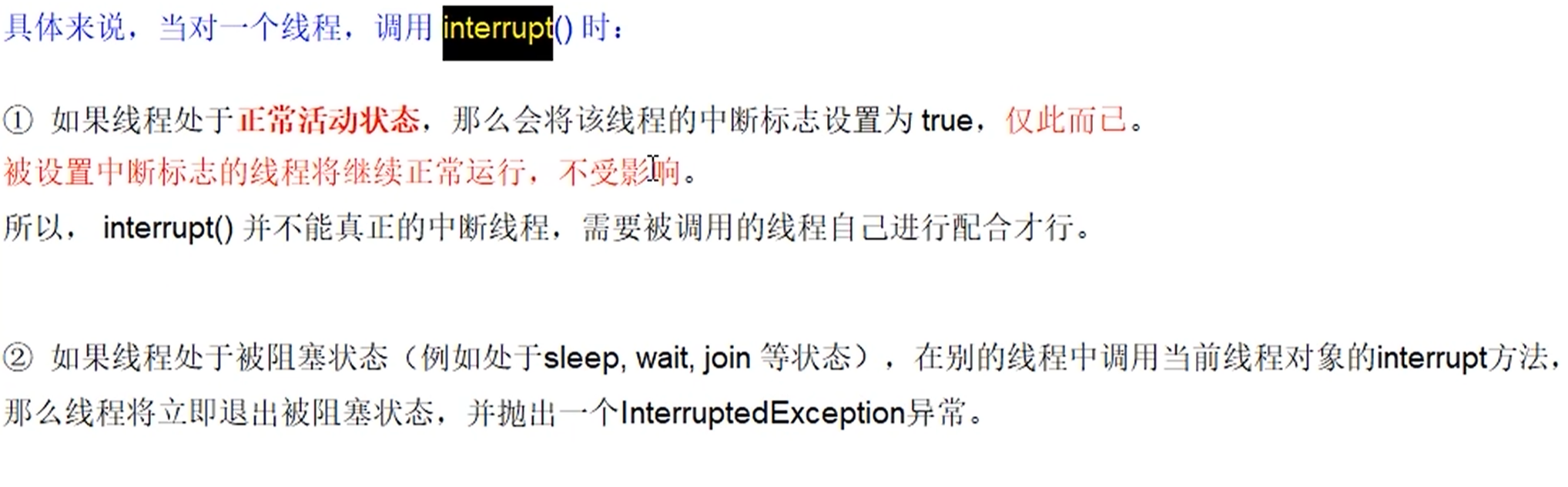
当前线程的中断标识为true,是不是线程立刻停止?
t1.interrupt() 实例方法仅仅是设置中断状态标志位为true,不会停止线程
代码
java
package com.sgm.springboottest.demos.web;

import java.util.concurrent.TimeUnit;
import java.util.concurrent.atomic.AtomicBoolean;

/**
 * 线程中断demo演示
 */
public class InterruptedDemo {
    static volatile  boolean isStop=false;
    static AtomicBoolean  atomicBoolean=new AtomicBoolean(false);
    public static void main(String[] args) {

       //t1.interrupt() 实例方法仅仅是设置中断状态标志位为true,不会停止线程
        Thread t1 = new Thread(() -> {
            for (int i = 0; i < 300; i++) {
                System.out.println("=========> "+i);
            }
            System.out.println("t1.interrupt()后的中断标志位02:"+Thread.currentThread().isInterrupted()); //true
        }, "t1");
        t1.start();
        System.out.println("t1的默认中断标志位:"+t1.isInterrupted()); //false
        //2毫秒睡眠
        try {
            TimeUnit.MILLISECONDS.sleep(2);
        } catch (InterruptedException e) {
            e.printStackTrace();
        }

        t1.interrupt();//true
        System.out.println("t1.interrupt()后的中断标志位01:"+t1.isInterrupted()); //true

        //2秒睡眠
        try {
            TimeUnit.MILLISECONDS.sleep(2*1000);
        } catch (InterruptedException e) {
            e.printStackTrace();
        }

        System.out.println("t1.interrupt()后的中断标志位03:"+t1.isInterrupted()); //false 中断不活跃的线程,不会有任何影响


    }


}
Thread.sleep() 睡眠对于中断的影响
没有说明时的效果
java
package com.sgm.springboottest.demos.web;

import java.util.concurrent.TimeUnit;
import java.util.concurrent.atomic.AtomicBoolean;

/**
 * 线程中断demo演示
 */
public class InterruptedDemo {
    static volatile  boolean isStop=false;
    static AtomicBoolean  atomicBoolean=new AtomicBoolean(false);
    public static void main(String[] args) {

        Thread t1 = new Thread(() -> {
          while (true){
              if(Thread.currentThread().isInterrupted()){
                  System.out.println(Thread.currentThread().getName()+"\t 中断标志位为:" +Thread.currentThread().isInterrupted()+",程序终止");
                  break;
              }
              System.out.println("====>hello");
          }
        }, "t1");
        t1.start();
        try {
            TimeUnit.SECONDS.sleep(1);
        } catch (InterruptedException e) {
            e.printStackTrace();
        }
        new Thread(()->{
            t1.interrupt();
        },"t2").start();


    }


}
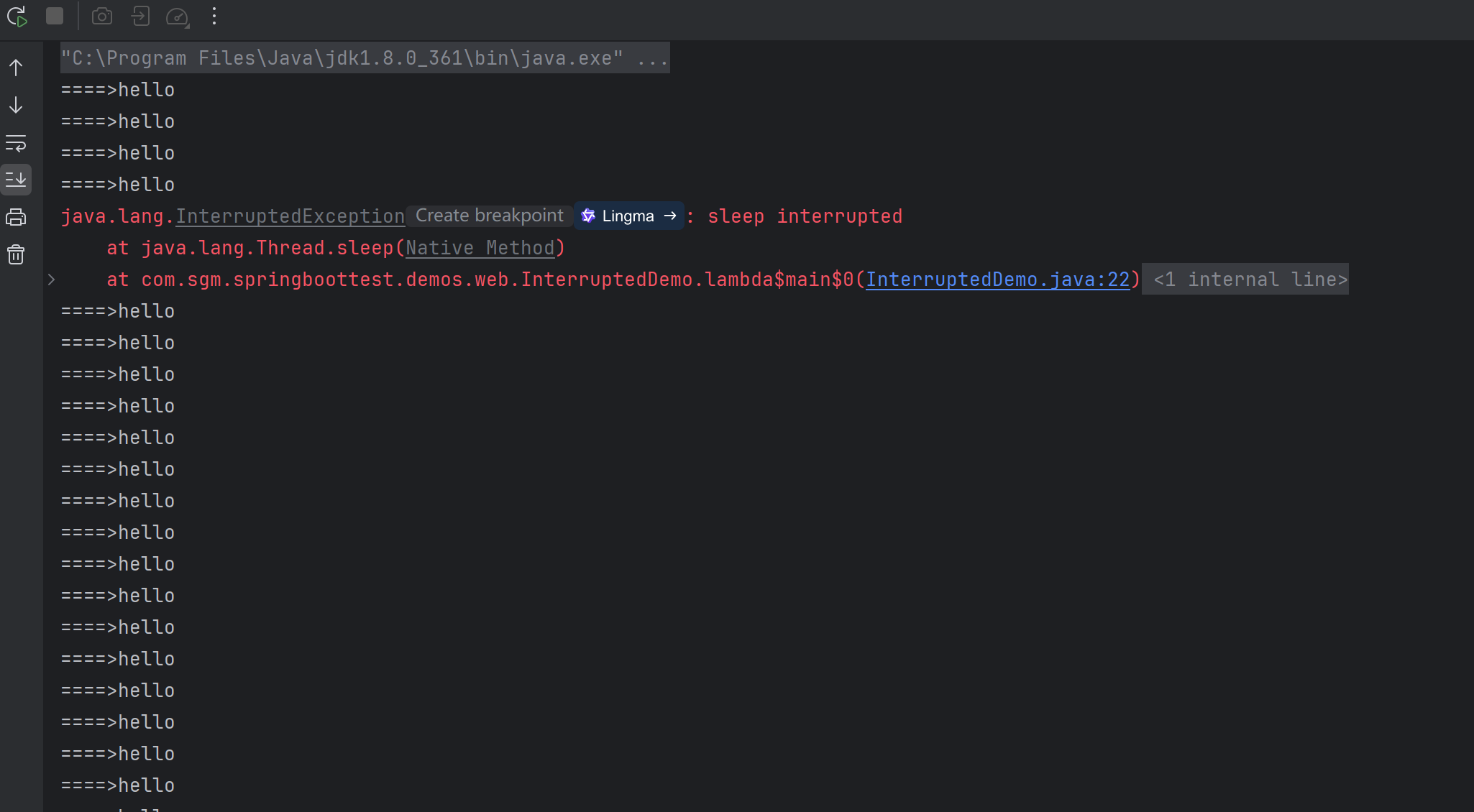
代码结果
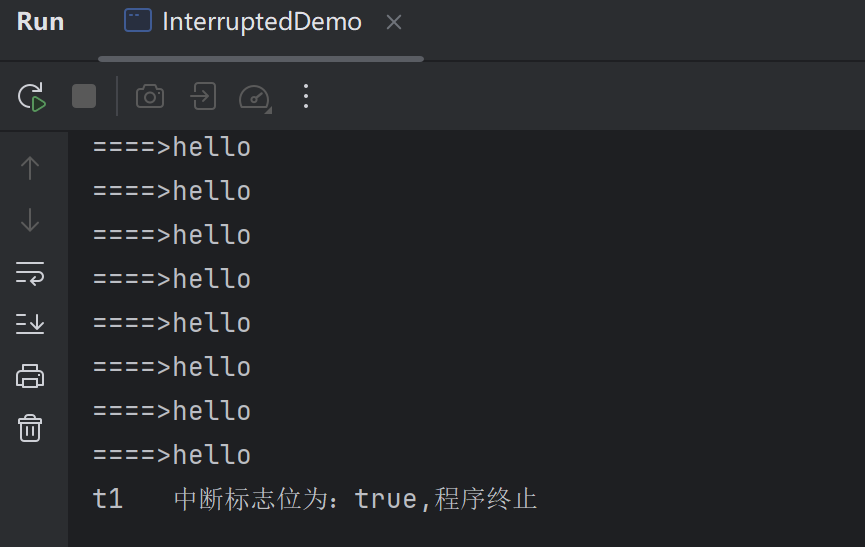
t1 线程引入睡眠后
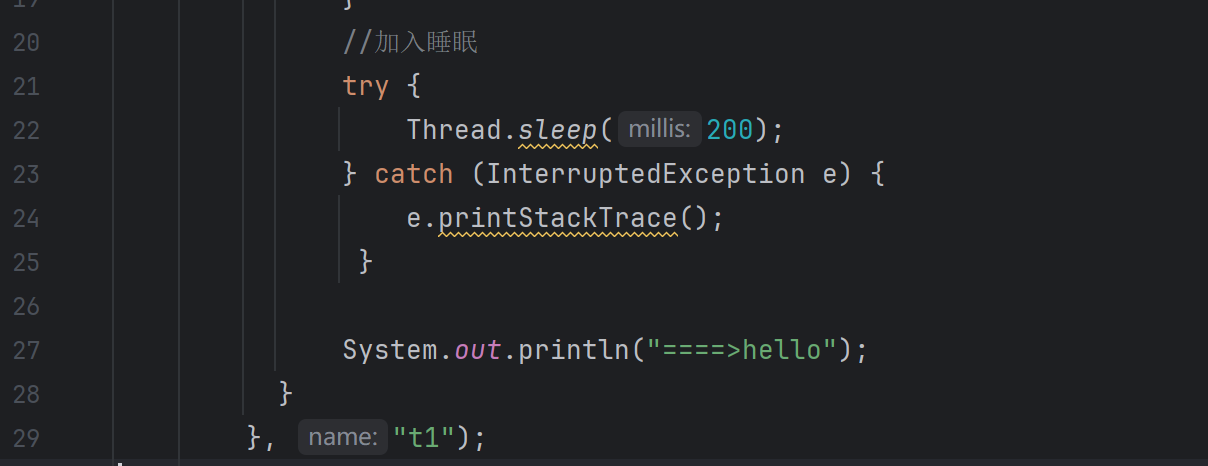
代码运行效果是没有终止,死循环的执行
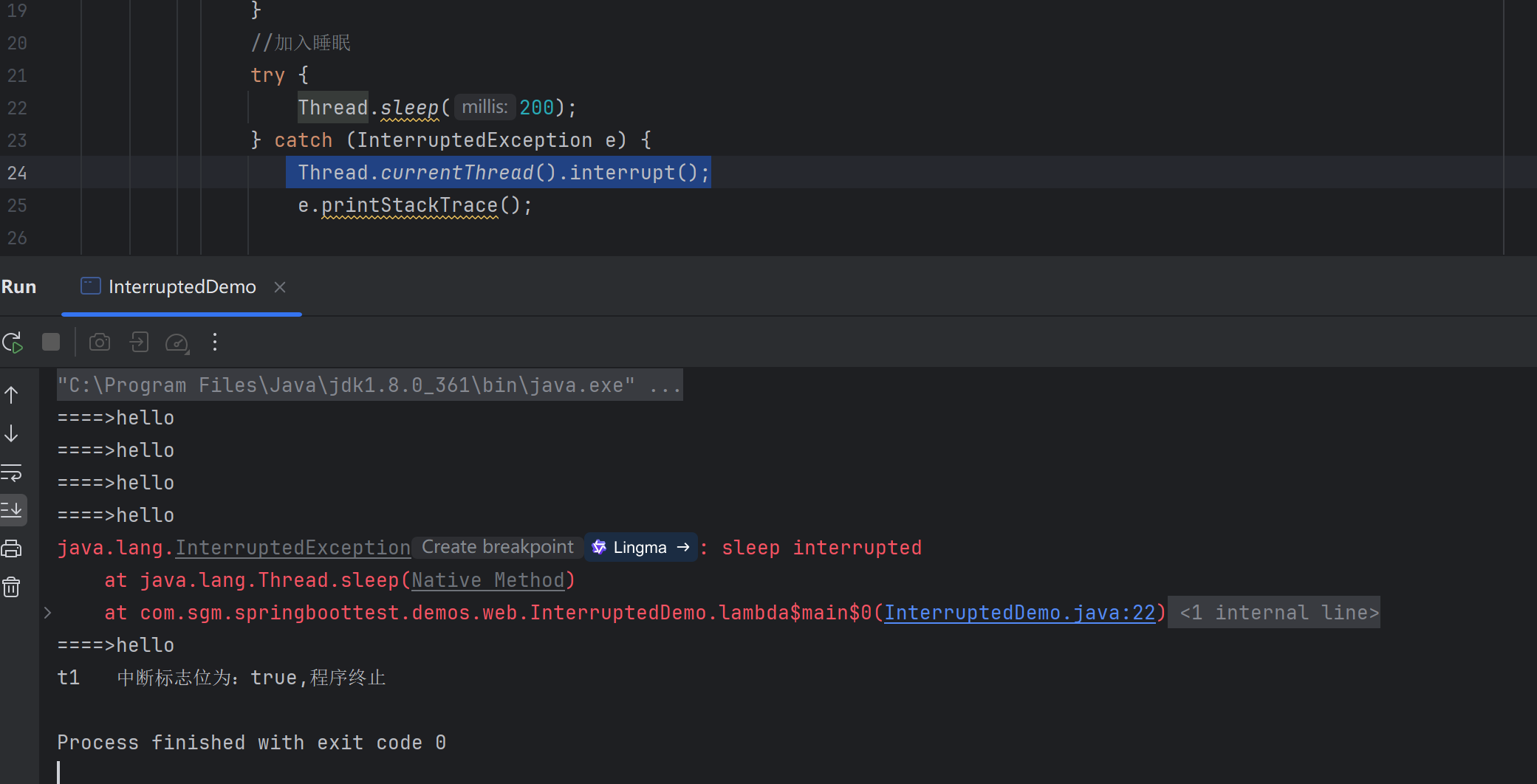
这种情况需要重新设置中断标志位
原因分析:

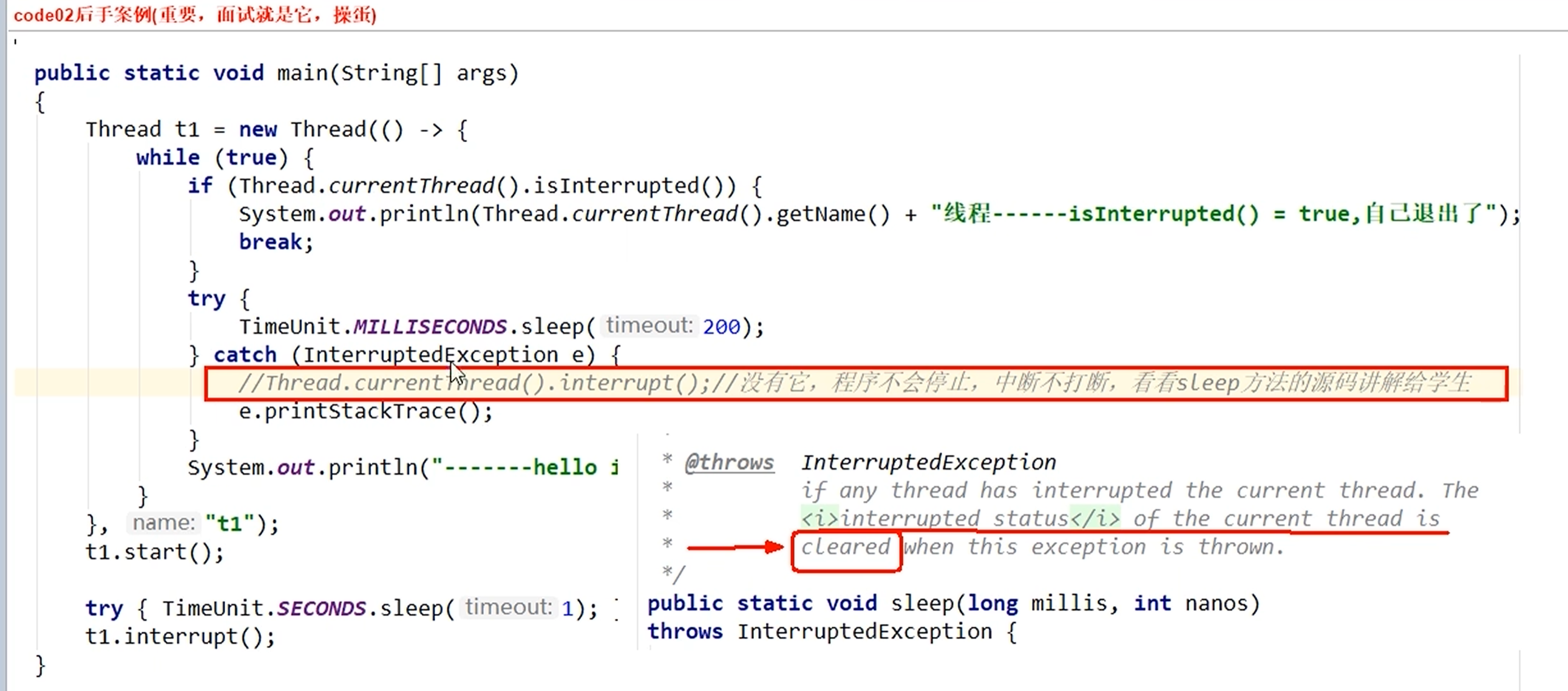
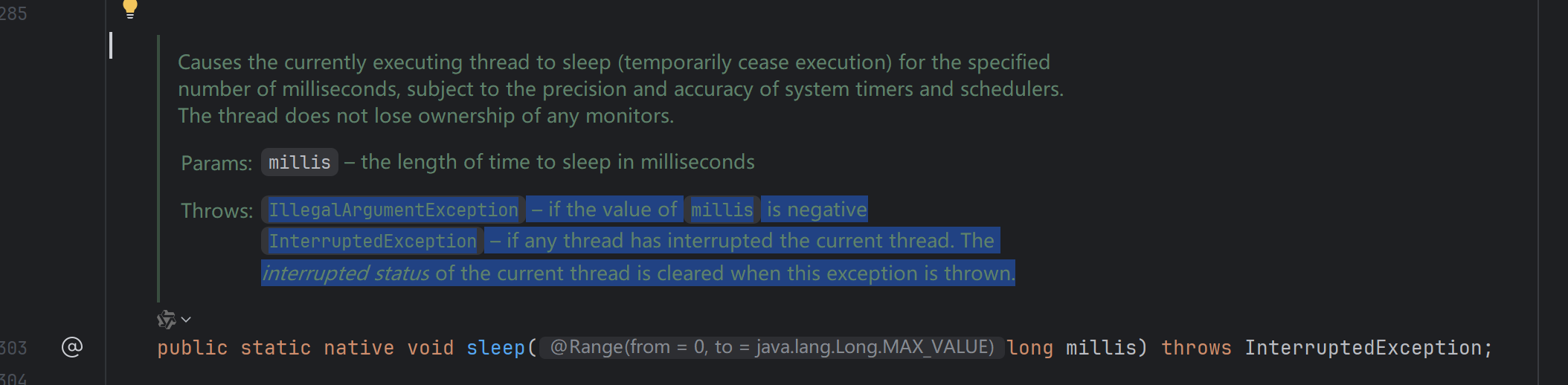
Thread.sleep() 源码 说明
InterruptedException -- if any thread has interrupted the current thread. The interrupted status of the current thread is cleared when this exception is thrown.
总结

中断只是一种协商机制,修改中断标志位仅此而已,不是立刻stop打断
静态方法Thread.interrupted(),谈谈你的理解。
代码演示
java
 public static void main(String[] args) {

        System.out.println(Thread.currentThread().getName()+"\t 中断标志位:" +Thread.interrupted());
        System.out.println(Thread.currentThread().getName()+"\t 中断标志位:" +Thread.interrupted());
        System.out.println("==>1");
        //执行静态中断
        Thread.currentThread().interrupt();
        System.out.println("==>2");
        System.out.println(Thread.currentThread().getName()+"\t 中断标志位:" +Thread.interrupted());
        System.out.println(Thread.currentThread().getName()+"\t 中断标志位:" +Thread.interrupted());


    }
执行结果
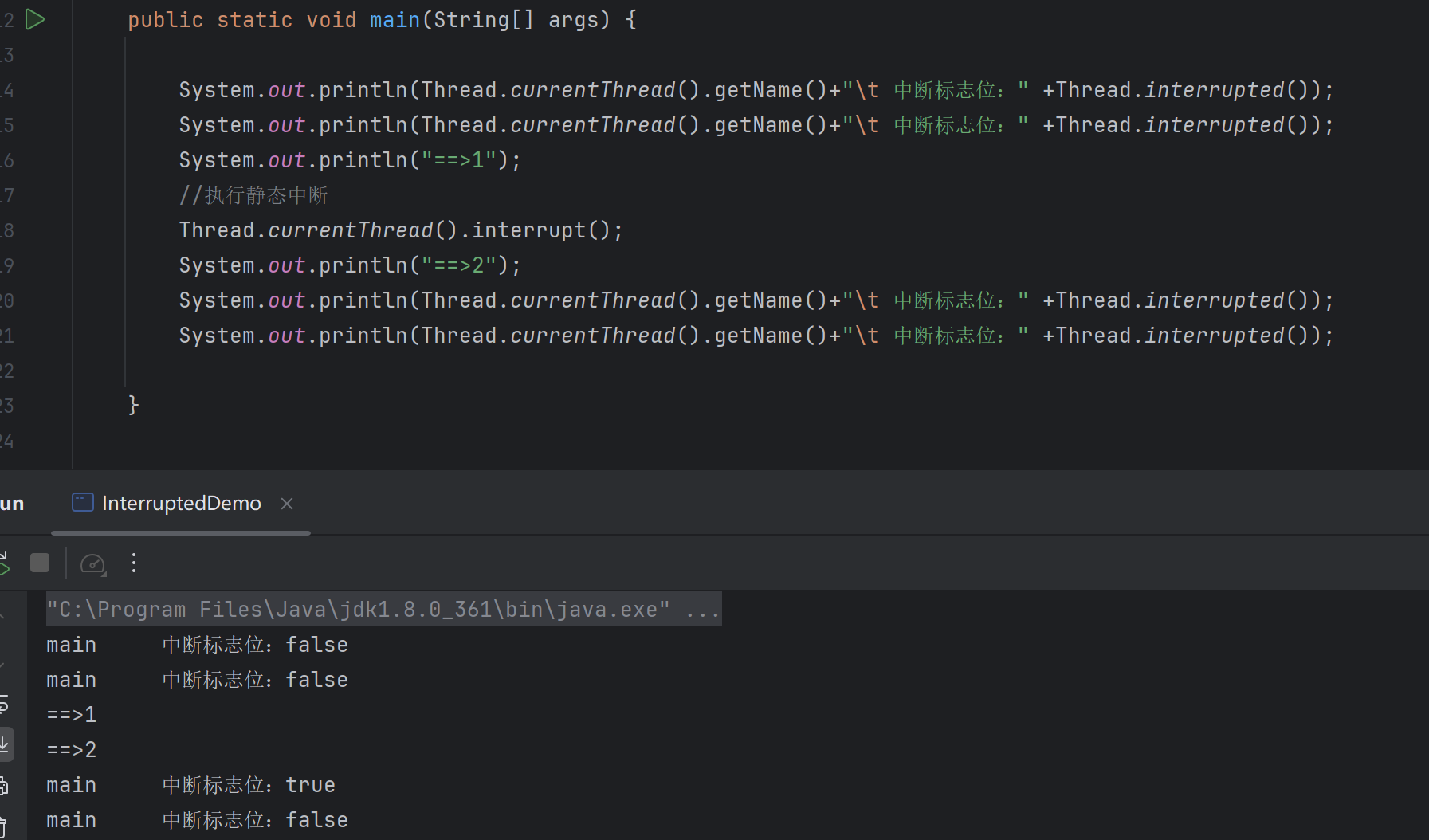
源码底层调用同一个方法,一个是true清除,一个是false