VsCode 插件安装
1、插件中安装 codex
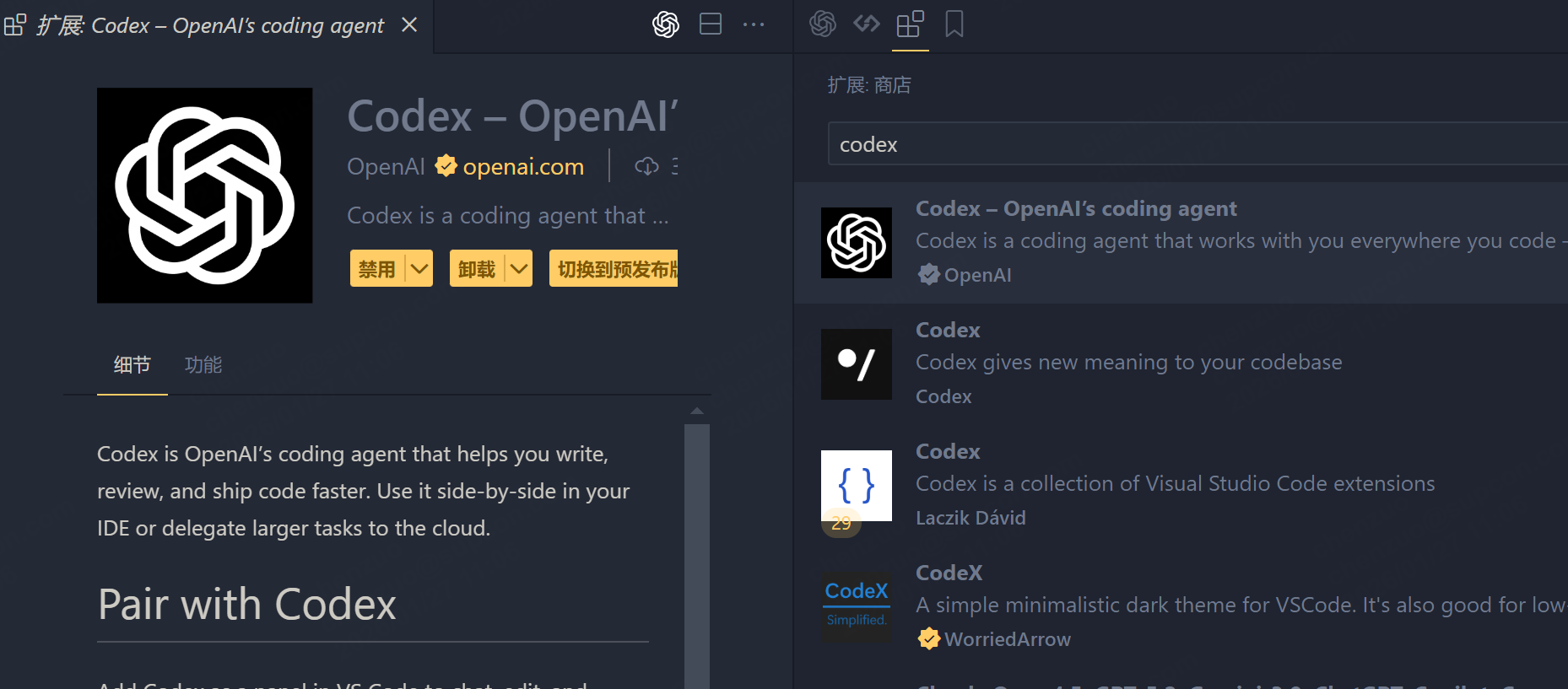
2、配置插件
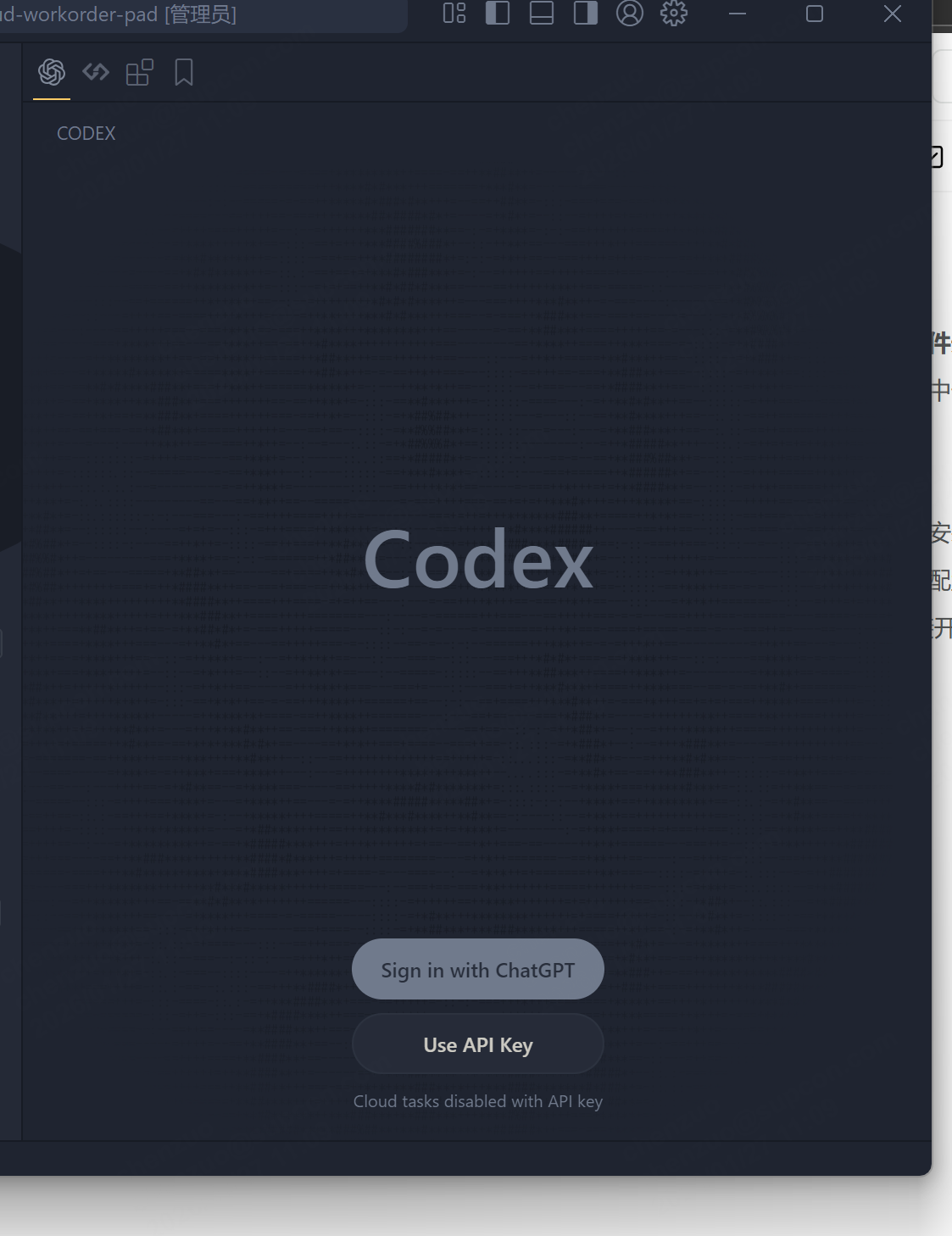
直接 _Use API Key _,输入你的 _API_KEY _确认即可,然后点击 设置=> Open config.toml
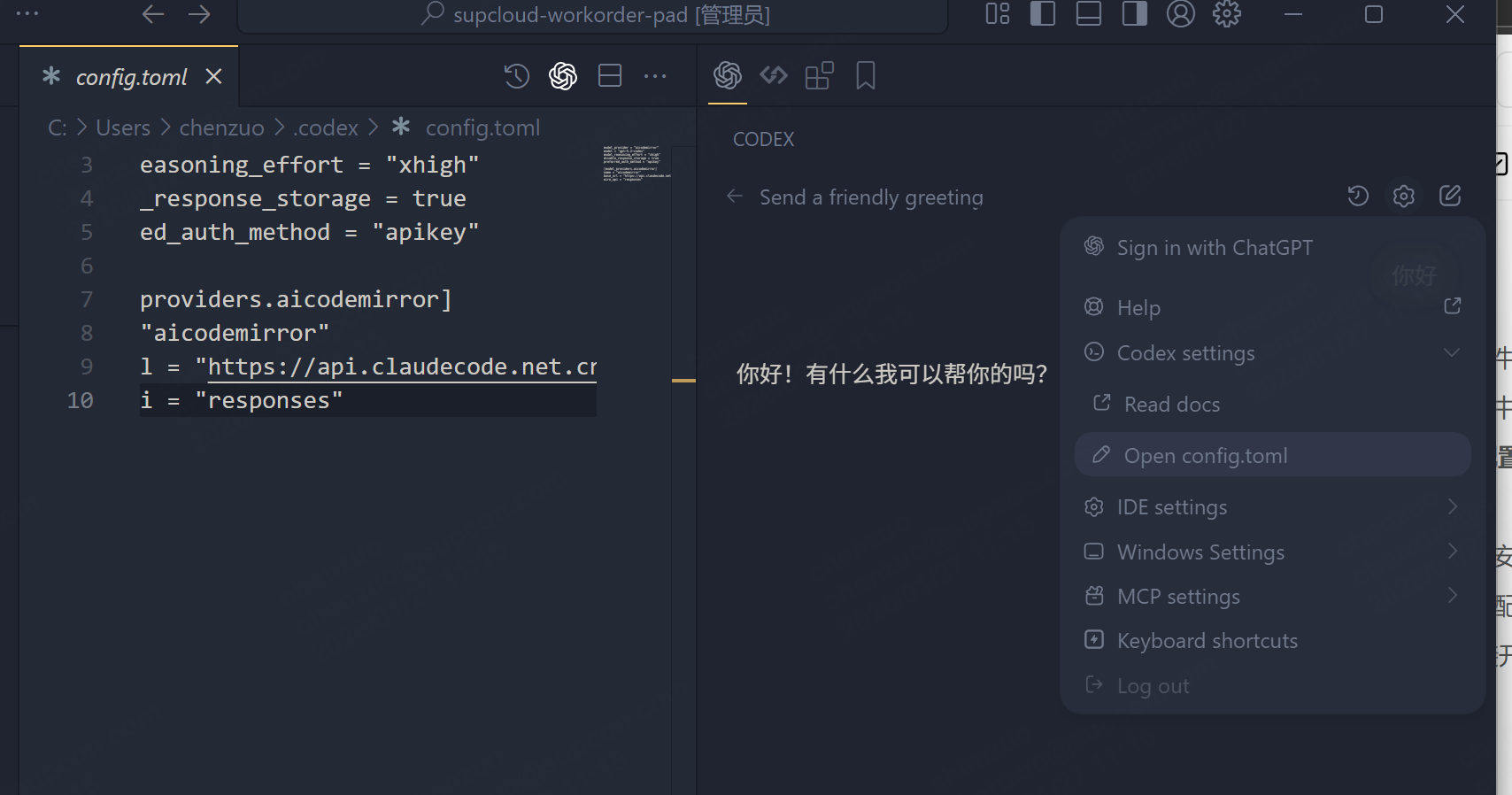
输入配置,不知道下面怎么配干嘛的直接问豆包
javascript
model_provider = "aicodemirror"
model = "gpt-5.2-codex"
model_reasoning_effort = "xhigh"
disable_response_storage = true
preferred_auth_method = "apikey"

[model_providers.aicodemirror]
name = "aicodemirror"
base_url = "https://api.claudecode.net.cn/api/codex/backend-api/codex"
wire_api = "responses"
3、 开始使用
Node 安装
1、全局安装 codex
使用 node环境安装,打开命令行输入
javascript
npm install -g @openai/codex2、全局配置
安装后可以看到系统路径下多了一个 .codex文件夹,我们可以在其中配置自己的 key,代理的地址等等
- 找到文件夹 C:\Users 当前 win 用户 .codex
- 配置 key: 文本打开 auth.json , 输入你的 API_KEY
javascript
{
  "OPENAI_API_KEY": "你的API_KEY"
}- 配置项:文本打开 config.toml ,输入以下配置,不知道下面怎么配干嘛的直接问豆包
javascript
model_provider = "aicodemirror"
model = "gpt-5.2-codex"
model_reasoning_effort = "xhigh"
disable_response_storage = true
preferred_auth_method = "apikey"

[model_providers.aicodemirror]
name = "aicodemirror"
base_url = "https://api.aicodemirror.com/api/codex/backend-api/codex"
wire_api = "responses"- 命令行验证安装结果,直接命令行输入
codex -V出现版本号则成功