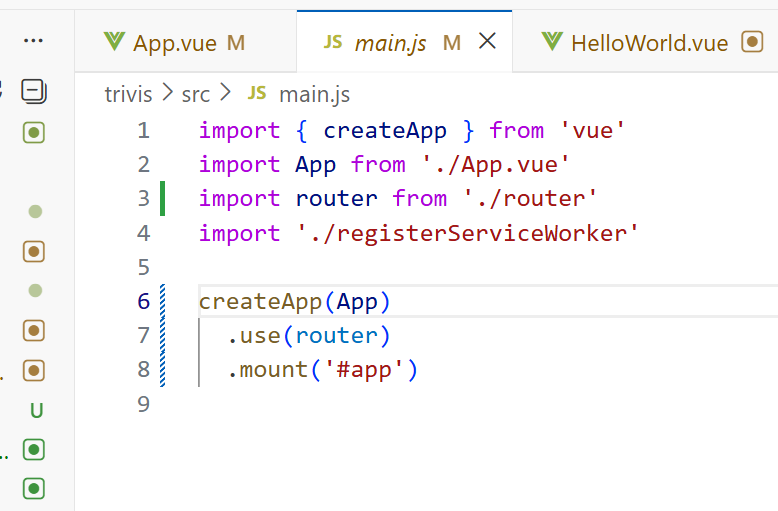
在Vue中,我们可以通过 vue-router 路由管理页面之间的关系Vue Router 是 Vue.js 的官方路由。它与 Vue.js 核心深度集成,让用 Vue.js 构建单页应用变得轻而易举。

单页面应用:整个系统只有一个页面,但是你就一个页面怎么实现跳转呀?这就是单页面应用的精髓。
import { createRouter, createWebHistory } from 'vue-router'
import HelloWorld from '../components/HelloWorld.vue'
import SemanticPolygonView from '../components/SemanticPolygonView.vue'
const routes = [
{
path: '/',
name: 'Home',
component: HelloWorld
},
{
path: '/polygon',
name: 'SemanticPolygonView',
component: SemanticPolygonView
}
]
const router = createRouter({
history: createWebHistory(process.env.BASE_URL),
routes
})
export default router
<template>
<div id="app">
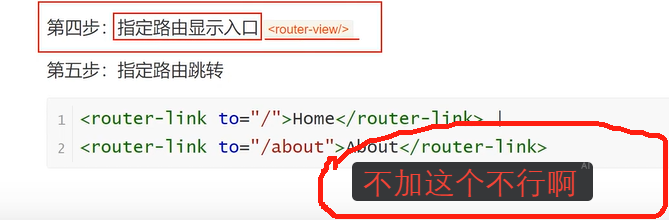
<router-view />
</div>
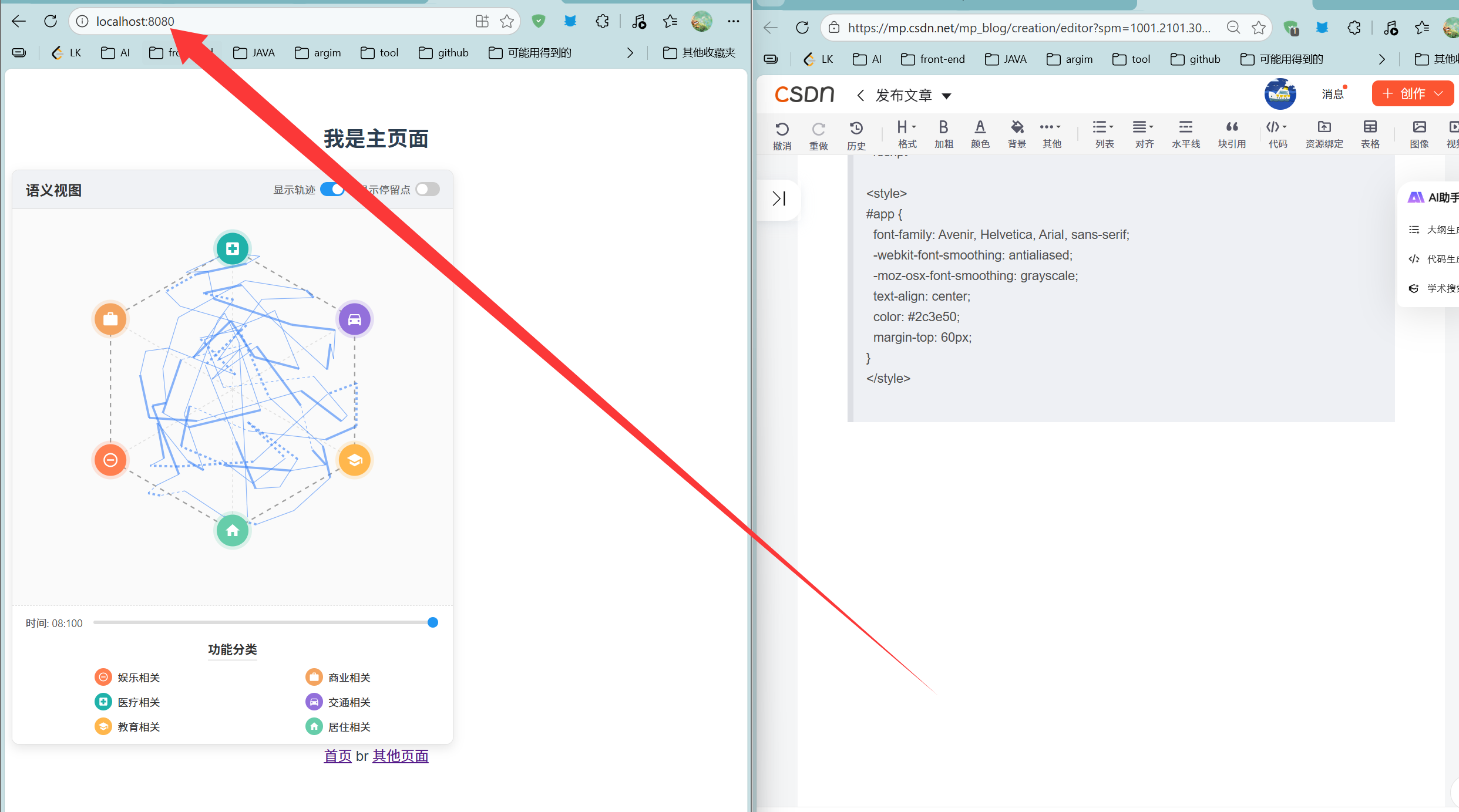
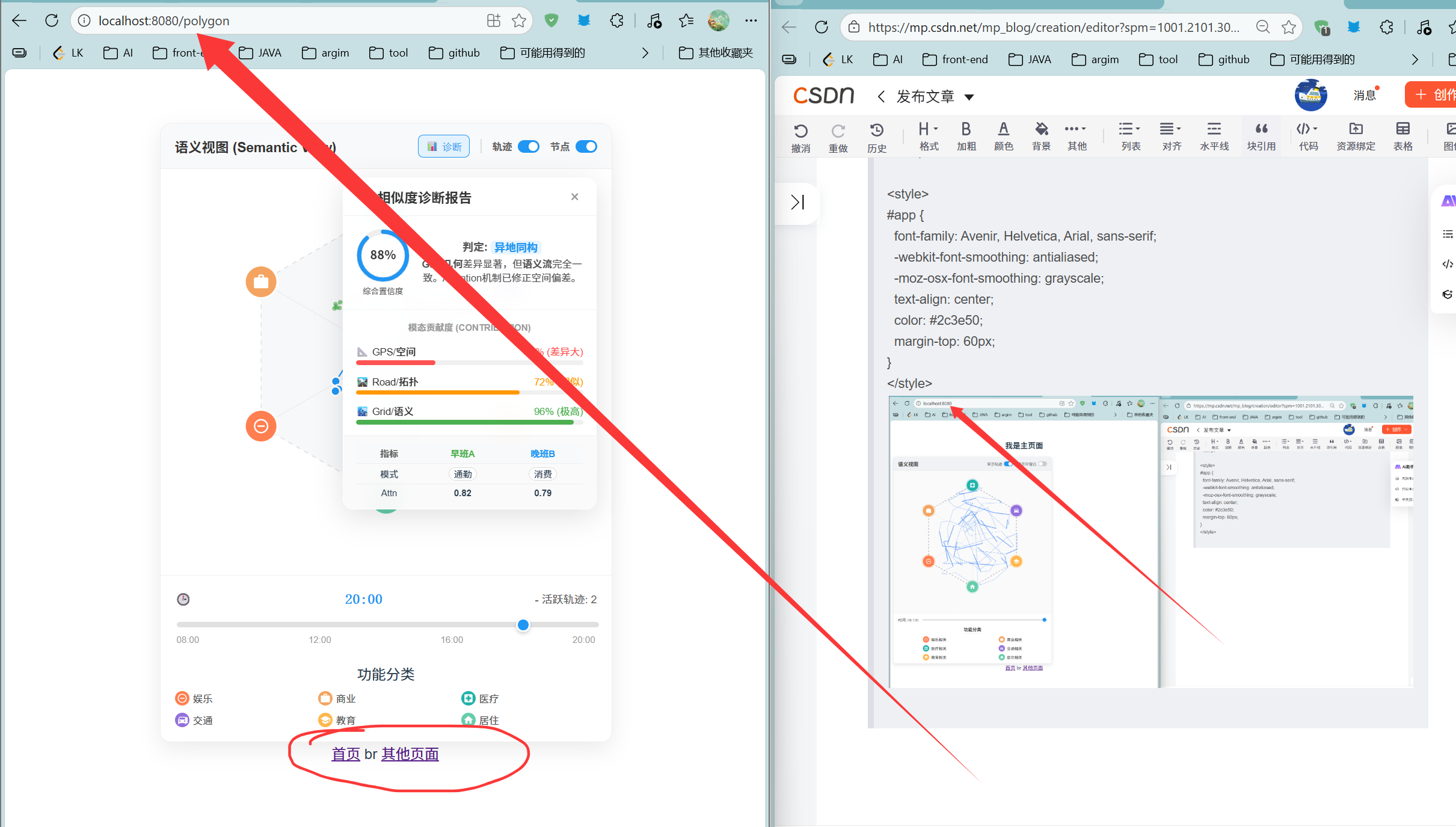
<router-link to="/">首页</router-link>
br
<router-link to="/polygon">其他页面</router-link>
</template>
<script>
export default {
name: 'App'
}
</script>
<style>
#app {
font-family: Avenir, Helvetica, Arial, sans-serif;
-webkit-font-smoothing: antialiased;
-moz-osx-font-smoothing: grayscale;
text-align: center;
color: #2c3e50;
margin-top: 60px;
}
</style>
面试tip:
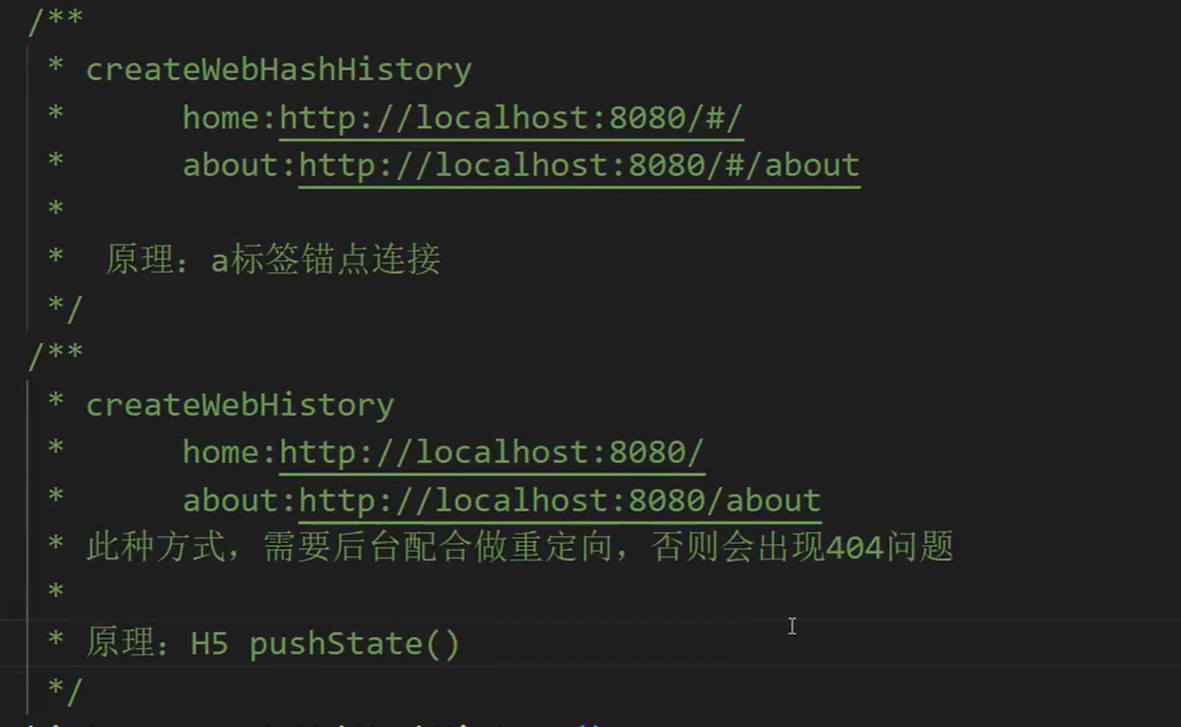
核心考点一:两者的基本区别与原理
这是最基础的,通常会要求你对比说明。
维度 Hash 模式 (createWebHashHistory) History 模式 (createWebHistory) URL 形态 带有 #,如localhost:8080/#/about正常路径,如 localhost:8080/about核心原理 监听 onhashchange事件调用 HTML5 History API(pushState,replaceState)对服务端要求 不需要服务端配合 必须服务端配合,否则刷新页面会 404 浏览器兼容性 支持到老版本浏览器 (IE8+) HTML5 之后才支持 (IE10+)
核心考点二:为什么 History 模式刷新会 404?(重点)
面试官最喜欢问:"为什么图中说 History 模式需要后台配合做重定向?"
原因:
Hash :
#后面的内容是给浏览器看的,不会发给服务器。你访问/#/about,服务器只收到index.html的请求,能正常返回。History :当你刷新
localhost:8080/about时,浏览器会真的去服务器找名为/about的文件。服务器上其实只有一个index.html,没有about文件或文件夹,所以直接报 404。解决方案:
- 后端(如 Nginx)需要配置:"不管用户请求什么路径,如果找不到文件,一律返回
index.html。" 让前端路由接管后续逻辑。
核心考点三:HTML5 History API 的细节
面试官可能会追问 API 的使用:
pushState和replaceState有什么区别?
pushState:增加一条历史记录。
replaceState:替换当前历史记录(点击返回键回不去前一个状态)。这两个 API 改变 URL 会触发页面刷新吗?
- 不会。这是 SPA 实现无刷新跳转的关键。
如何监听 History 路由的变化?
- 通过监听
popstate事件。但注意,手动调用pushState不会触发popstate,需要路由库自己封装逻辑。
核心考点四:应用场景选择
面试官可能会问:"你在项目中如何选择这两种模式?"
Hash 模式:
优点:简单,不需要后端改 Nginx 配置。
场景:内部后台管理系统、快速上线的 Demo。
History 模式:
优点:URL 漂亮(没有那个奇怪的
#),更符合 SEO(搜索引擎优化)习惯。场景:C 端官网、对品牌形象有要求的商业项目、需要服务端渲染(SSR)的项目。
💡 模拟面试连环炮
问:如果不配置 Nginx,History 模式第一次加载正常,点击跳转也正常,为什么刷新就不行了?
问 :
onhashchange和popstate分别是在什么时候被触发的?问 :如果我想在不支持 HTML5 的浏览器实现 History 模式的效果,该怎么办?(考察劫持
<a>标签点击事件的思路)

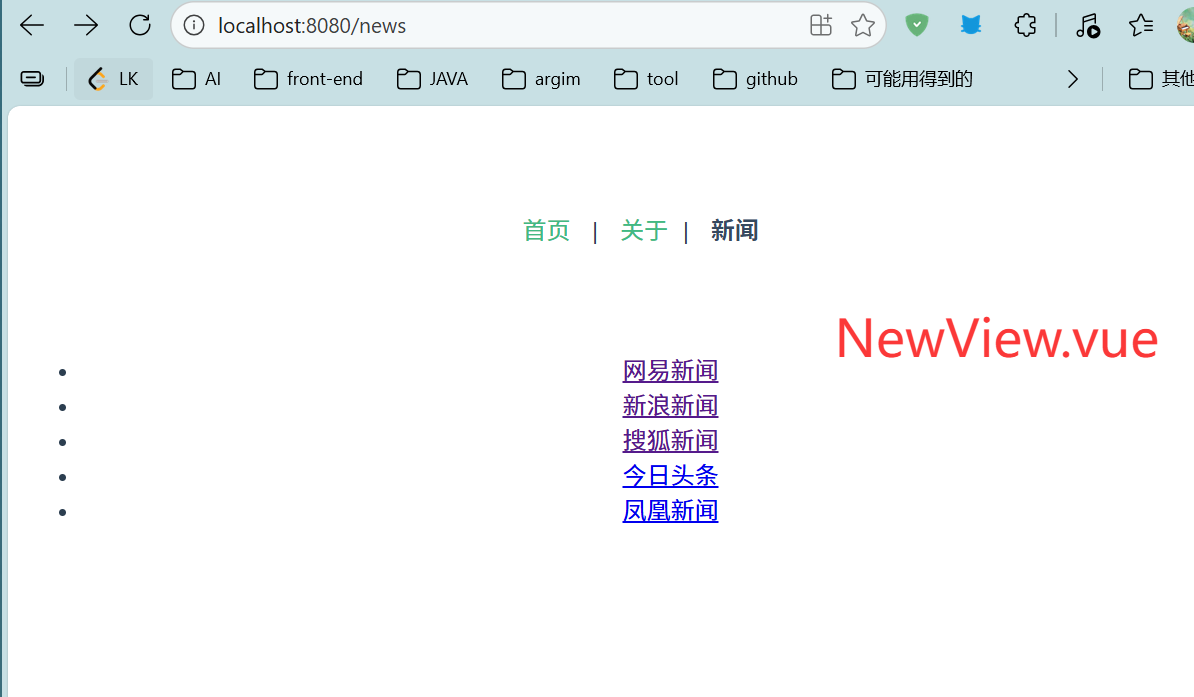
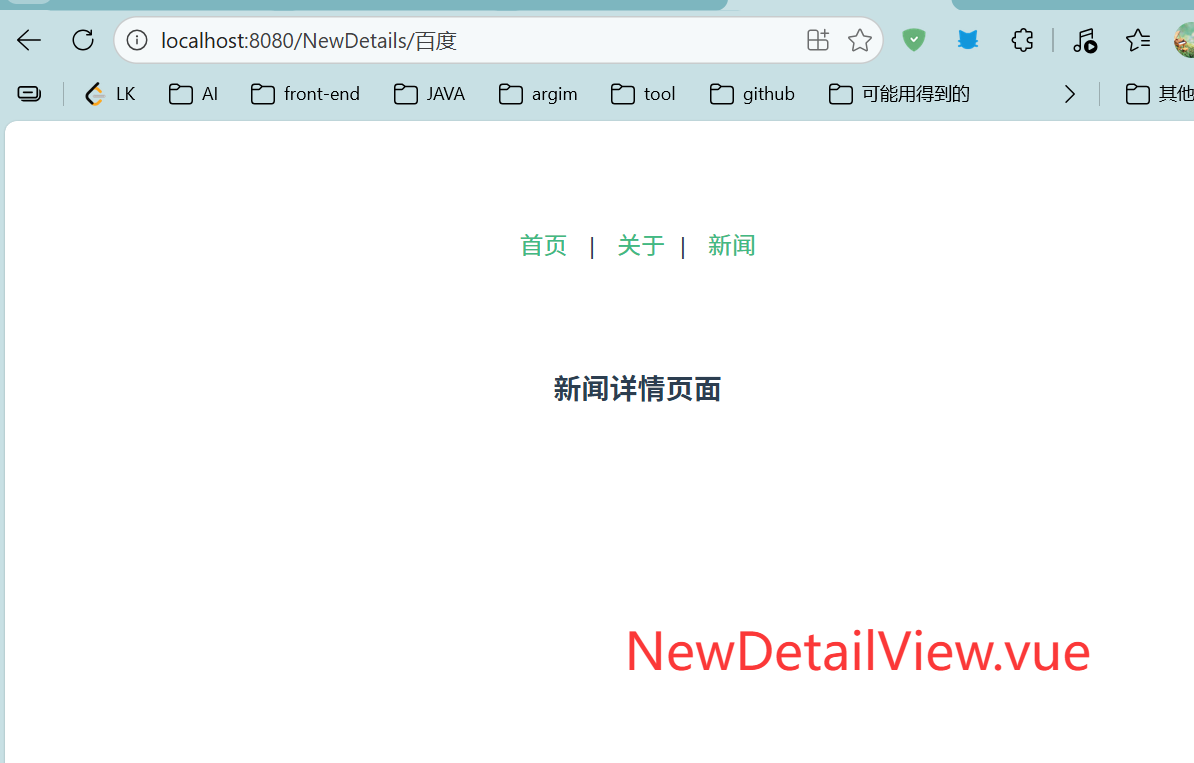
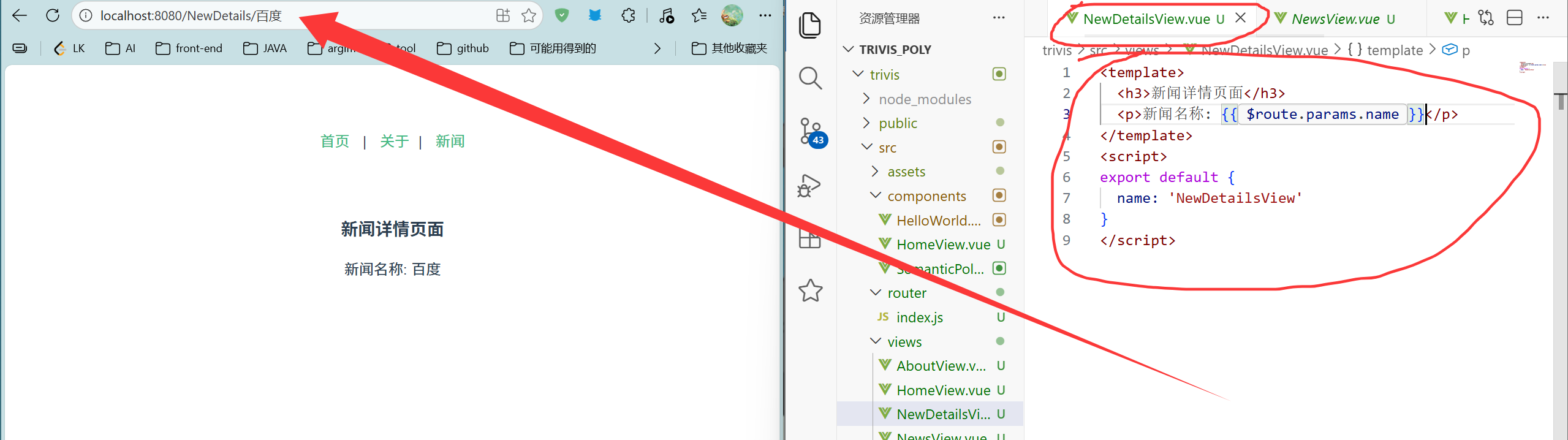
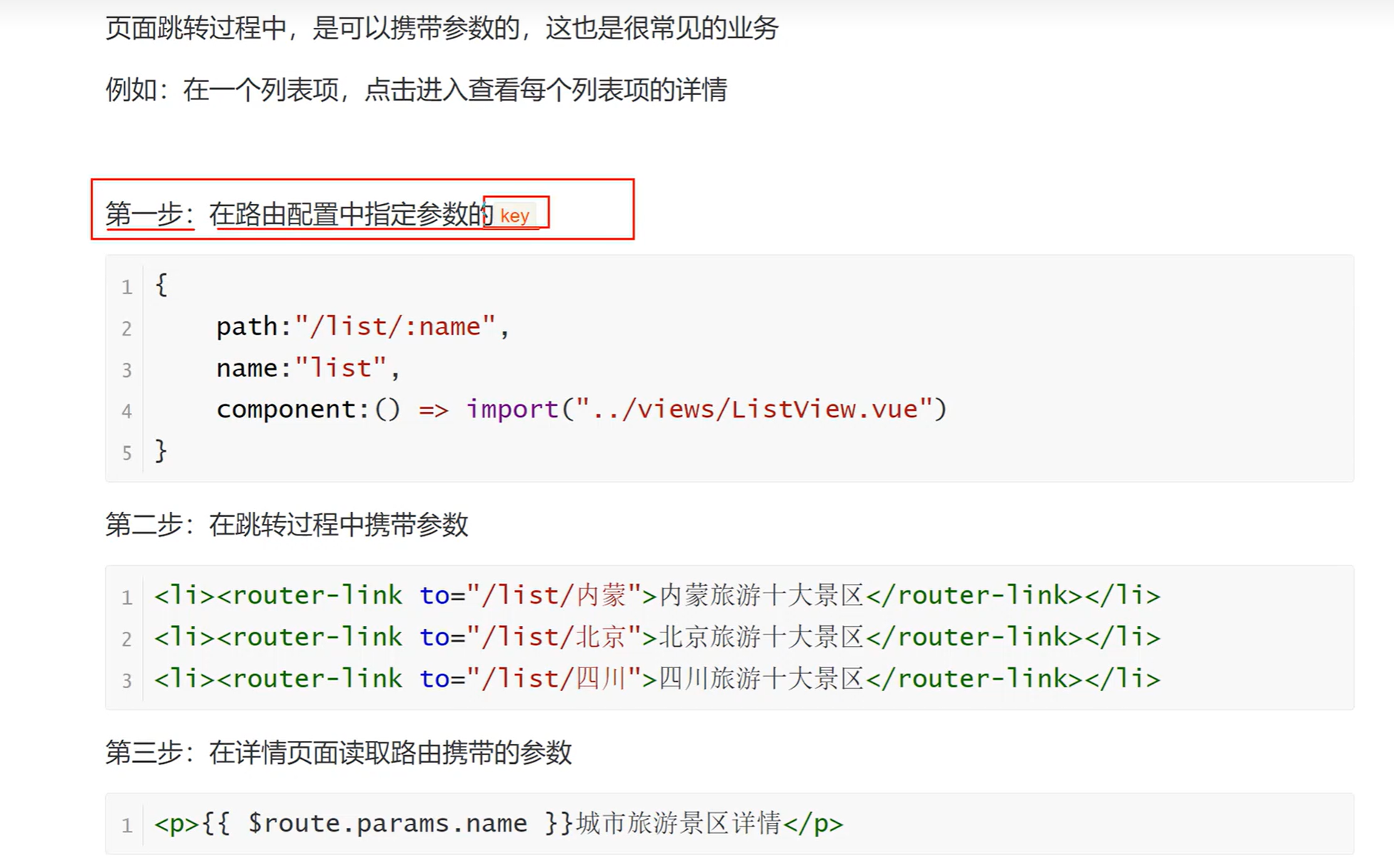
页面跳转过程中,是可以携带参数的,这也是很常见的业务例如:在一个列表项,点击进入查看每个列表项的详情
<template>
<nav>
<router-link to="/">首页</router-link> |
<router-link to="/about">关于</router-link>
</nav>
<div id="app">
<router-view />
</div>
</template>
<script>
export default {
name: 'App'
}
</script>
<style>
nav {
padding: 10px;
}
nav a {
margin: 0 10px;
text-decoration: none;
color: #42b983;
}
nav a.router-link-active {
color: #35495e;
font-weight: bold;
}
#app {
font-family: Avenir, Helvetica, Arial, sans-serif;
-webkit-font-smoothing: antialiased;
-moz-osx-font-smoothing: grayscale;
text-align: center;
color: #2c3e50;
margin-top: 60px;
}
</style>
import { createRouter, createWebHistory } from 'vue-router'
import HomeView from '@/components/HomeView.vue'
import AboutView from '@/components/AboutView.vue'
const routes = [
{
path: '/',
name: 'Home',
component: HomeView
},
{
path: '/about',
name: 'About',
component: AboutView
}
]
const router = createRouter({
history: createWebHistory(process.env.BASE_URL),
routes
})
export default router

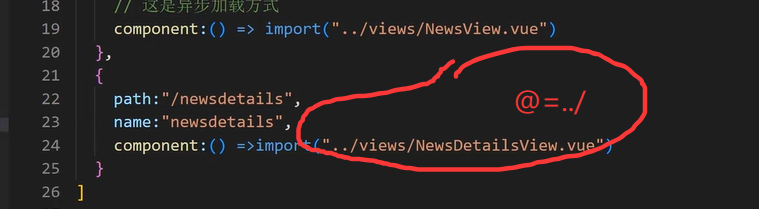
import { createRouter, createWebHistory } from 'vue-router'
import HomeView from '@/views/HomeView.vue'
import AboutView from '@/views/AboutView.vue'
import NewsView from '@/views/NewsView.vue'
const routes = [
{
path: '/',
name: 'Home',
component: HomeView
},
{
path: '/about',
name: 'About',
component: () => import('@/views/AboutView.vue')
},
{
path: '/news',
name: 'News',
//异步加载方式,只有在访问该路由时才加载该组件(页面加载完成后再加载该组件,否则不会执行这行代码,,可以防止卡顿)
component: () => import('@/views/NewsView.vue')
},
{
path: '/NewDetails/:name',
name: 'NewDetails',
component: () => import('@/views/NewDetailsView.vue')
}
]
const router = createRouter({
history: createWebHistory(process.env.BASE_URL),
routes
})
export default router
<template>
<h3>新闻详情页面</h3>
</template>
<script>
export default {
name: 'NewDetailsView'
}
</script>
<template>
<ul>
<li><router-link to="/NewDetails/百度">网易新闻</router-link></li>
<li><router-link to="/NewDetails/新浪">新浪新闻</router-link></li>
<li><router-link to="/NewDetails/搜狐">搜狐新闻</router-link></li>
<li><router-link to="/NewDetails/今日头条">今日头条</router-link></li>
<li><router-link to="/NewDetails/凤凰">凤凰新闻</router-link></li>
</ul>
</template>
<script>
import router from '@/router';
export default {
name: 'NewsView'
}
</script>
<style scoped>
</style>