Docker部署Next.js前端应用的DynamicServerError笔记
0. 背景
最近在尝试使用saleor这个开源项目,后台部署完成后,也想通过docker部署前端应用saleor-storefront,这是一个基于Next.js框架的前端应用。在使用Docker部署该Next.js前端应用时,遇到了DynamicServerError的问题。且翻阅了不少资料,该问题困扰了我半天了,今天得以解决。
1. 问题描述
这个应用生成后在云端采用pm2部署并管理,是没有任何问题的,但是,一旦使用docker部署,就会报DynamicServerError错误,具体表现为:
bash
[root@VM-16-4-opencloudos saleor-storefront]# docker logs saleor-storefront --tail 30
   ▲ Next.js 16.0.10
   - Local:         http://771383eea4a0:3000
   - Network:       http://771383eea4a0:3000

 ✓ Starting...
 ✓ Ready in 419ms
[Error: An error occurred in the Server Components render. The specific message is omitted in production builds to avoid leaking sensitive details. A digest property is included on this error instance which may provide additional details about the nature of the error.] {
  digest: 'DYNAMIC_SERVER_USAGE'
}
 ⨯ [Error: An error occurred in the Server Components render. The specific message is omitted in production builds to avoid leaking sensitive details. A digest property is included on this error instance which may provide additional details about the nature of the error.] {
  digest: 'DYNAMIC_SERVER_USAGE'
}
其在外部通过SSL及域名访问时,表现为307反复重定向错误,实际上内部的链接已经出现了500内部错误了:
bash
[root@VM-16-4-opencloudos saleor-storefront]# curl http://localhost:3000/default-channel
Internal Server Error
2. 问题分析与解决
通过查阅Next.js官方文档[2]及相关资料,发现DynamicServerError通常是由于在静态生成的页面中使用了动态数据或功能引起的。Next.js在构建时会尝试将页面静态化,如果页面中包含需要在运行时才能确定的数据(如数据库查询、API调用等),就会导致这个错误。
然而,我核对了很久,发现并没有该文档示例中的setTimer问题,于是我检索到了文档[1],发现动态路由的页面也可能导致这个错误的发生,我认真阅读了该开源项目的代码,发现确实有动态路由的页面,于是我决定将这些动态路由页面改为服务器端渲染(SSR),而不是静态生成(SSG)。
具体的页面是/src/app/[channel]/layout.tsx,我在该文件顶部添加了强制使用动态生成的代码:
typescript
// Docker version adds this export to disable static optimization
// to avoid the error as below:
//  ⨯ [Error: An error occurred in the Server Components render. The specific message is omitted in production builds to avoid leaking sensitive details. A digest property is included on this error instance which may provide additional details about the nature of the error.] {
//   digest: 'DYNAMIC_SERVER_USAGE'
// }
export const dynamic = "force-dynamic";

import { type ReactNode } from "react";
import { executeGraphQL } from "@/lib/graphql";
import { ChannelsListDocument } from "@/gql/graphql";
import { DefaultChannelSlug } from "@/app/config";

...
删除容器和镜像,重新生成镜像和容器:
bash
[root@VM-16-4-opencloudos saleor-storefront]# docker compose up -d
WARN[0000] /home/saleor/saleor-storefront/docker-compose.yml: the attribute `version` is obsolete, it will be ignored, please remove it to avoid potential confusion
Compose can now delegate builds to bake for better performance.
 To do so, set COMPOSE_BAKE=true.
[+] Building 72.3s (26/26) FINISHED                                                                  docker:default
 => [saleor-storefront internal] load build definition from Dockerfile                                         0.0s
 => => transferring dockerfile: 2.29kB                                                                         0.0s
 => [saleor-storefront internal] load metadata for docker.io/library/node:20-alpine                            3.0s
 => [saleor-storefront internal] load .dockerignore                                                            0.0s
 => => transferring context: 113B                                                                              0.0s
 => [saleor-storefront internal] load build context                                                            0.0s
 => => transferring context: 26.73kB                                                                           0.0s
 => [saleor-storefront base 1/1] FROM docker.io/library/node:20-alpine@sha256:09e2b3d9726018aecf269bd35325f46  0.0s
 => CACHED [saleor-storefront builder 1/5] WORKDIR /app                                                        0.0s
 => CACHED [saleor-storefront deps 1/6] RUN apk add --no-cache libc6-compat                                    0.0s
 => CACHED [saleor-storefront deps 2/6] RUN apk add --no-cache curl                                            0.0s
 => CACHED [saleor-storefront deps 3/6] WORKDIR /app                                                           0.0s
 => CACHED [saleor-storefront deps 4/6] RUN corepack enable                                                    0.0s
 => CACHED [saleor-storefront deps 5/6] COPY package.json pnpm-lock.yaml ./                                    0.0s
 => CACHED [saleor-storefront deps 6/6] RUN pnpm i --frozen-lockfile --prefer-offline                          0.0s
 => CACHED [saleor-storefront builder 2/5] COPY --from=deps /app/node_modules ./node_modules                   0.0s
 => [saleor-storefront builder 3/5] COPY . .                                                                   0.1s
 => [saleor-storefront builder 4/5] RUN corepack enable                                                        0.3s
 => [saleor-storefront builder 5/5] RUN pnpm build                                                            64.8s
 => CACHED [saleor-storefront runner 2/9] RUN apk add --no-cache curl                                          0.0s
 => CACHED [saleor-storefront runner 3/9] RUN addgroup --system --gid 1001 nodejs                              0.0s
 => CACHED [saleor-storefront runner 4/9] RUN adduser --system --uid 1001 nextjs                               0.0s
 => CACHED [saleor-storefront runner 5/9] COPY --from=builder /app/public ./public                             0.0s
 => CACHED [saleor-storefront runner 6/9] RUN mkdir .next                                                      0.0s
 => CACHED [saleor-storefront runner 7/9] RUN chown nextjs:nodejs .next                                        0.0s
 => [saleor-storefront runner 8/9] COPY --from=builder --chown=nextjs:nodejs /app/.next/standalone ./          0.3s
 => [saleor-storefront runner 9/9] COPY --from=builder --chown=nextjs:nodejs /app/.next/static ./.next/static  0.0s
 => [saleor-storefront] exporting to image                                                                     1.5s
 => => exporting layers                                                                                        1.5s
 => => writing image sha256:a3fd1e623c6efafb4fc999209444467e048ebb8b4b3808f27f766a2b5d82cdfb                   0.0s
 => => naming to docker.io/library/saleor-storefront-saleor-storefront                                         0.0s
 => [saleor-storefront] resolving provenance for metadata file                                                 0.0s
[+] Running 3/3
 ✔ saleor-storefront                         Built                                                             0.0s
 ✔ Network saleor-storefront_saleor_network  Created                                                           0.1s
 ✔ Container saleor-storefront               Started                                                           0.2s
重新访问,问题解决:
bash
[root@VM-16-4-opencloudos saleor-storefront]# curl http://localhost:3000/default-channel
<!DOCTYPE html><html lang="en" class="min-h-dvh"><head><meta charSet="utf-8"/><meta name="viewport" content="width=device-width, initial-scale=1"/><link rel="preload" as="image" imageSrcSet="/_next/image?url=https%3A%2F%2Fapi...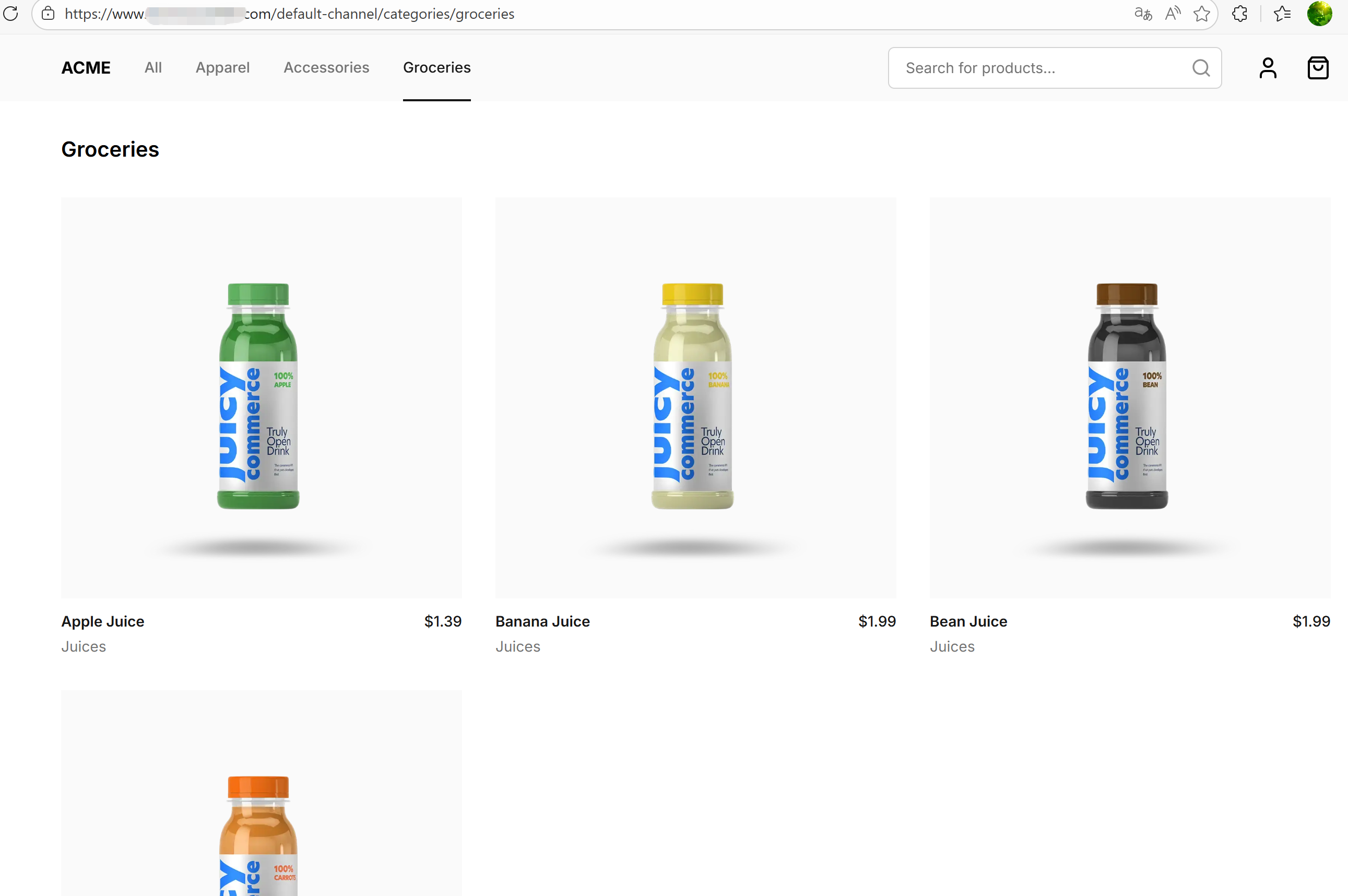
3. 其它设定
3.1 Dockerfile
除上面发现问题和修改代码外,为了便于使用curl进行调试(包括容器内和容器外),我还在Dockerfile中添加了curl的安装命令,同时,考虑到该前端应用在public目录下有静态资源文件,我还添加了对该目录的拷贝命令,完整的Dockerfile如下:
dockerfile
FROM node:20-alpine AS base

# Install dependencies only when needed
FROM base AS deps
# Check https://github.com/nodejs/docker-node/tree/b4117f9333da4138b03a546ec926ef50a31506c3#nodealpine to understand why libc6-compat might be needed.
RUN apk add --no-cache libc6-compat
RUN apk add --no-cache curl
WORKDIR /app

ENV PNPM_HOME="/pnpm"
ENV PATH="$PNPM_HOME:$PATH"
RUN corepack enable

COPY package.json pnpm-lock.yaml ./
RUN pnpm i --frozen-lockfile --prefer-offline

# Rebuild the source code only when needed
FROM base AS builder
WORKDIR /app
COPY --from=deps /app/node_modules ./node_modules
COPY . .

# Next.js collects completely anonymous telemetry data about general usage.
# Learn more here: https://nextjs.org/telemetry
# Uncomment the following line in case you want to disable telemetry during the build.
# ENV NEXT_TELEMETRY_DISABLED 1

ENV NEXT_OUTPUT=standalone
ARG NEXT_PUBLIC_SALEOR_API_URL
ENV NEXT_PUBLIC_SALEOR_API_URL=${NEXT_PUBLIC_SALEOR_API_URL}
ARG NEXT_PUBLIC_STOREFRONT_URL
ENV NEXT_PUBLIC_STOREFRONT_URL=${NEXT_PUBLIC_STOREFRONT_URL}
ARG NEXT_PUBLIC_DEFAULT_CHANNEL
ENV NEXT_PUBLIC_DEFAULT_CHANNEL=${NEXT_PUBLIC_DEFAULT_CHANNEL}

# Get PNPM version from package.json
ENV PNPM_HOME="/pnpm"
ENV PATH="$PNPM_HOME:$PATH"
RUN corepack enable

RUN pnpm build

# Production image, copy all the files and run next
FROM base AS runner
WORKDIR /app

ENV NODE_ENV production
# Uncomment the following line in case you want to disable telemetry during runtime.
# ENV NEXT_TELEMETRY_DISABLED 1

ARG NEXT_PUBLIC_SALEOR_API_URL
ENV NEXT_PUBLIC_SALEOR_API_URL=${NEXT_PUBLIC_SALEOR_API_URL}
ARG NEXT_PUBLIC_STOREFRONT_URL
ENV NEXT_PUBLIC_STOREFRONT_URL=${NEXT_PUBLIC_STOREFRONT_URL}

RUN apk add --no-cache curl
RUN addgroup --system --gid 1001 nodejs
RUN adduser --system --uid 1001 nextjs

COPY --from=builder /app/public ./public

# Set the correct permission for prerender cache
RUN mkdir .next
RUN chown nextjs:nodejs .next

# Automatically leverage output traces to reduce image size
# https://nextjs.org/docs/advanced-features/output-file-tracing
COPY --from=builder --chown=nextjs:nodejs /app/.next/standalone ./
COPY --from=builder --chown=nextjs:nodejs /app/.next/static ./.next/static

USER nextjs


CMD ["node", "server.js"]而.env文件等则按实际情况就行修改配置,在此就不做赘述了。
4. 总结
通过这次解决Next.js应用在Docker部署时遇到的DynamicServerError(DYNAMIC_SERVER_USAGE)问题,我深刻体会到理解框架的渲染机制和数据获取方式对于解决实际问题的重要性。Next.js提供了多种渲染方式(静态生成、服务器端渲染等),选择合适的方式对于应用的性能和用户体验都有显著影响。在未来的项目中,我将更加注重代码的结构设计和渲染策略的选择,以避免类似的问题再次发生。
该问题也让我困扰了半天,特记录下来备忘。