Installation of MPLAB Softwares:xc8 C Compiler, xIDE, and peripheral Library
相关安装说明总结,差不多都是下一步,若遇到选择框的话可以参考,可以根据个人项目需求去选择。祝一切顺利。
Programs Required:
No 1: XC8 C compiler version v1.35
Folder C:\Program Files (x86)\Microchip\xc8\v1.35
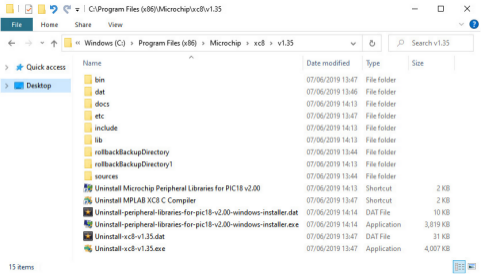
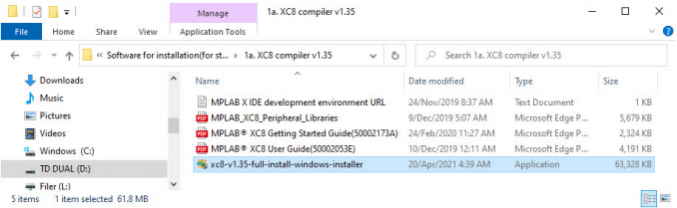
Program Filename: xc8-v1.35-full-install-windows-installer.exe
No 2: MPLAB xIDE version v3.15
C:\Program Files (x86)\Microchip\MPLABX\v3.15
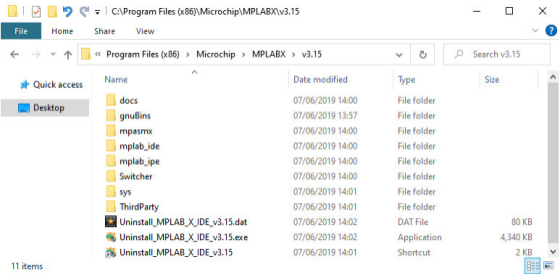
Program Filename: MPLABX-v3.15-windows-installer.exe
No3: Install Microchip Peripheral Library (plib) for PIC18 (MCU) version v2.00rc3
Folder: C:\Program Files (x86)\Microchip\xc8\v1.35
Program Filename: peripheral-libraries-for-pic18-v2.00rc3- windows-installer.exe
Installation of xc8 C Compiler
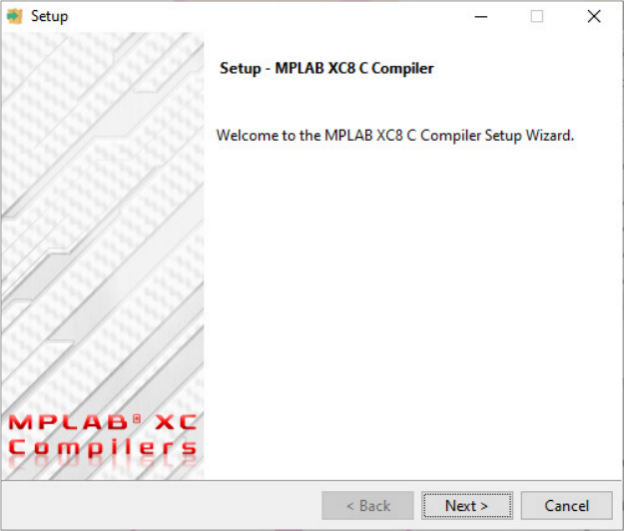
Click accept license agreement
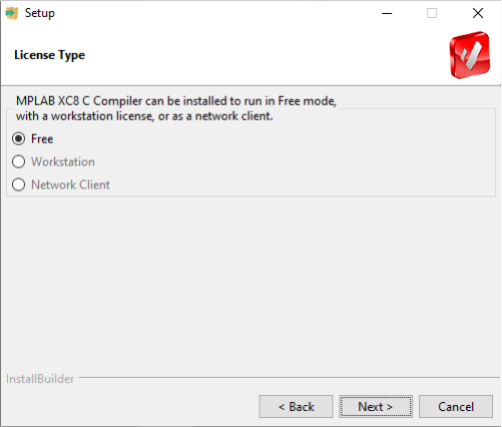
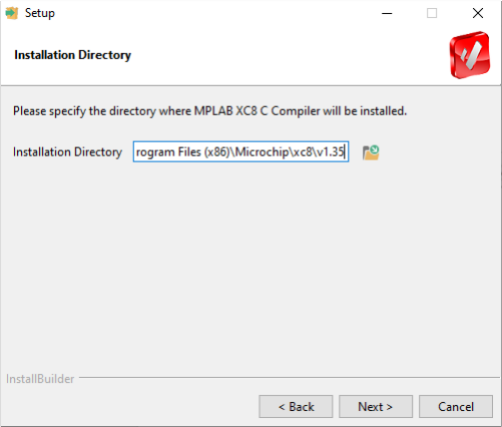
C:\Program Files (x86)\Microchip\xc8\v1.35
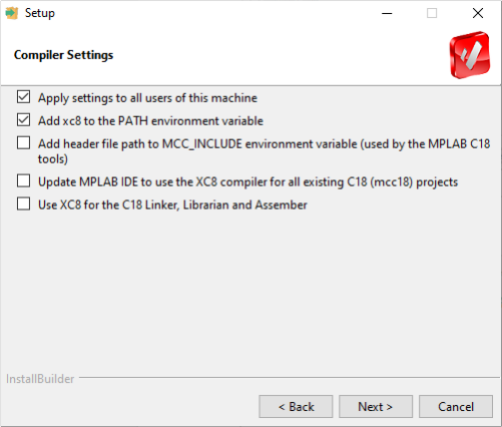
If you have existing C18 (mcc18) c codes, consider tick the last three settings.
For new code created for xc8 then it becomes optional.
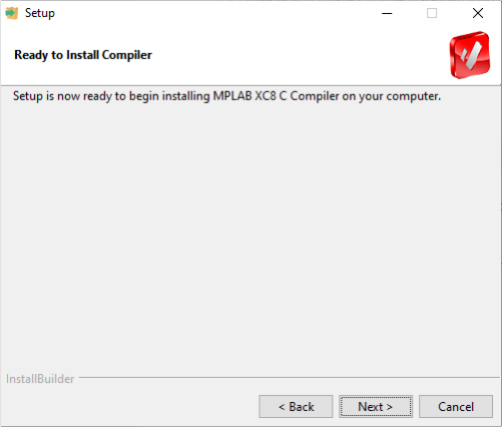
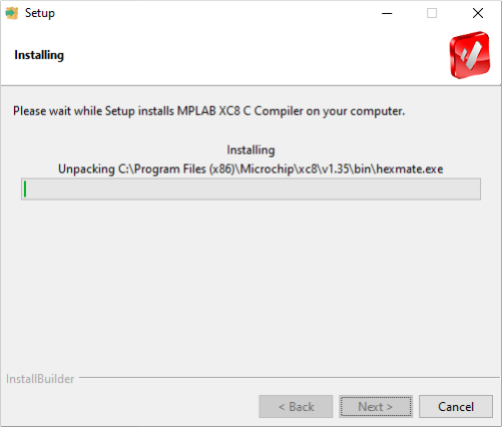
Installation in progress
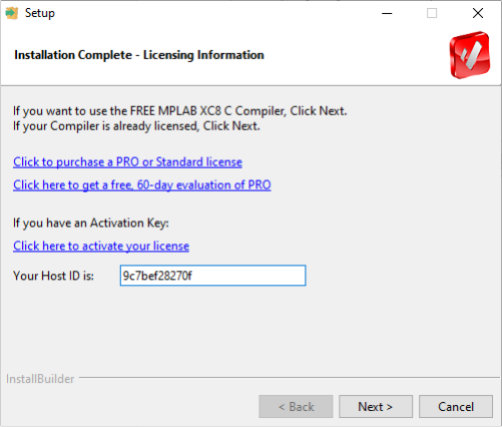
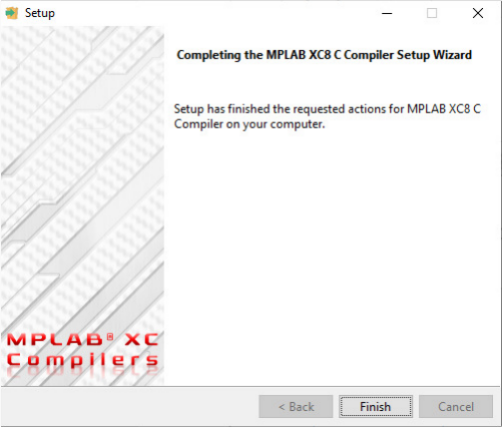
Next is to install the MPLAB xIDE
Installation of MPLAB xIDE (Integrated Development Environment)
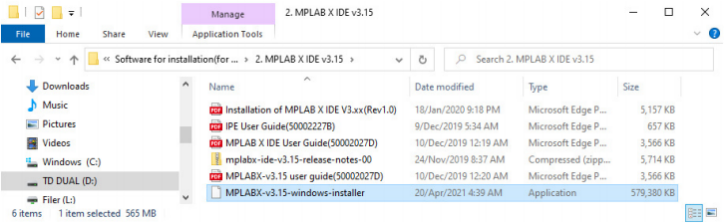
After the first screen "MPLABX" the below screen will appear.
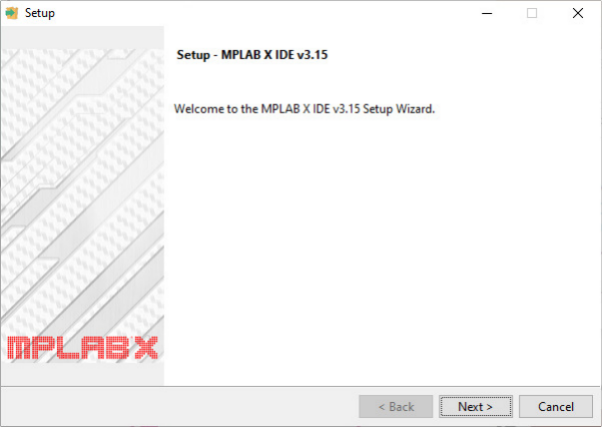
Click accept license agreement
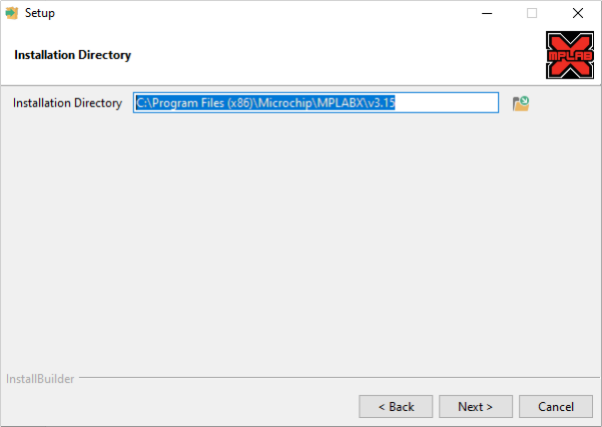
C:\Program Files (x86)\Microchip\MPLABX\v3.15
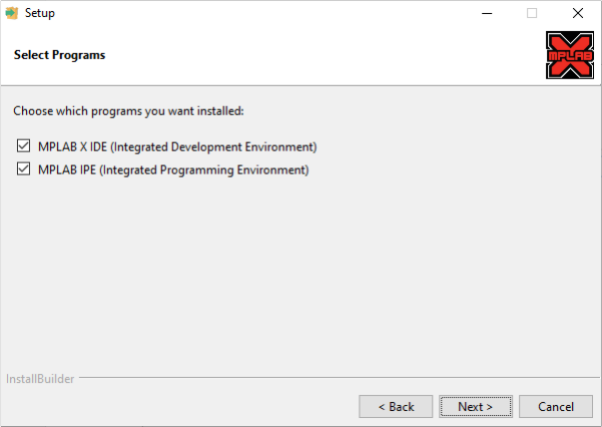
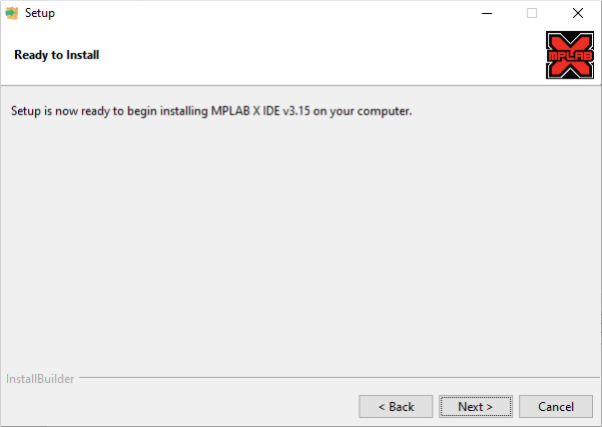
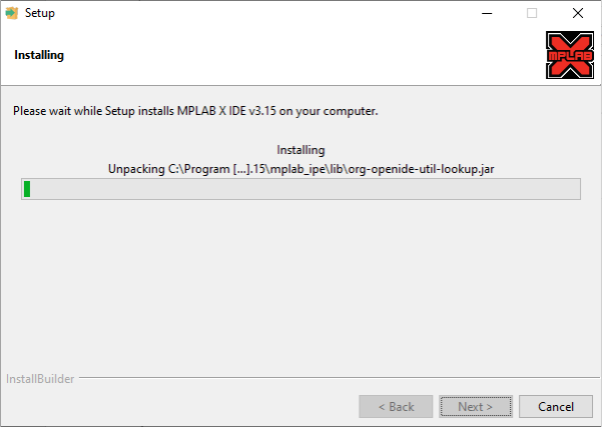
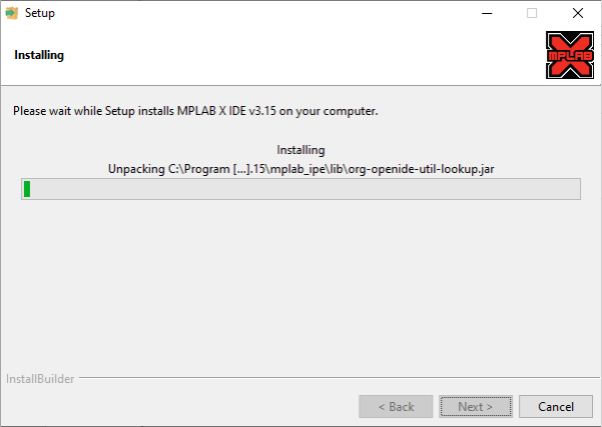
Next install the peripheral library
Installation of the Peripheral Library
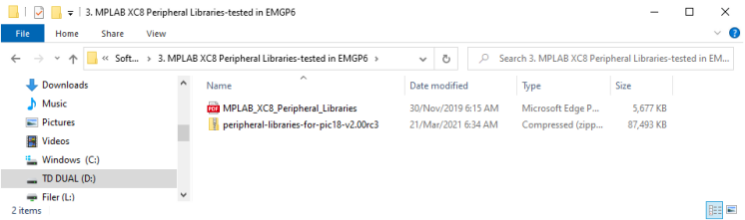
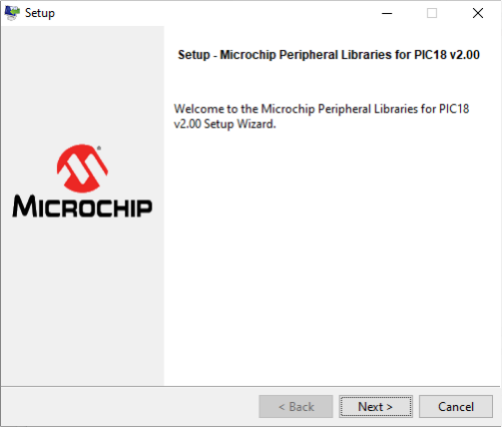
Click accept license agreement
C:\Program Files (x86)\Microchip\xc8
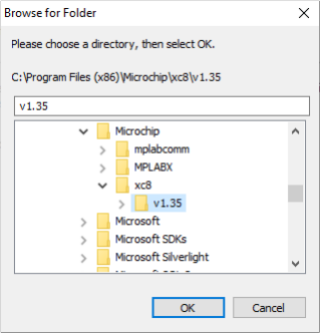
Select ...\xc8\v1.35
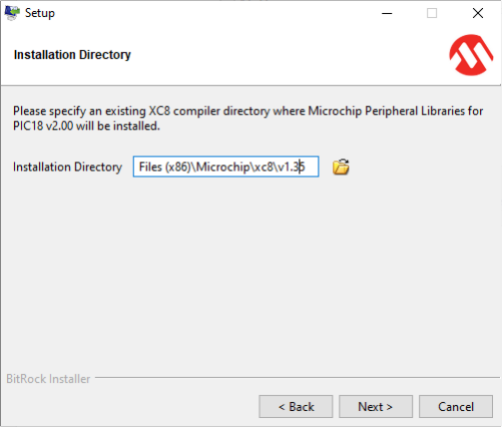
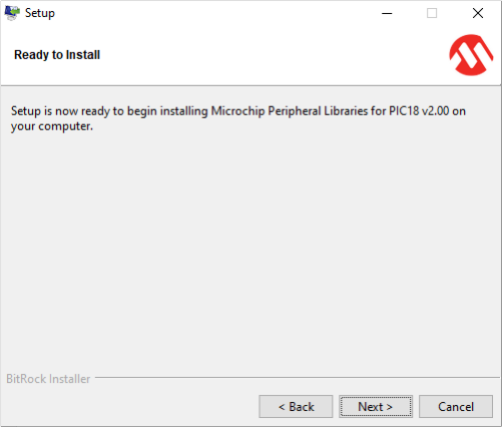
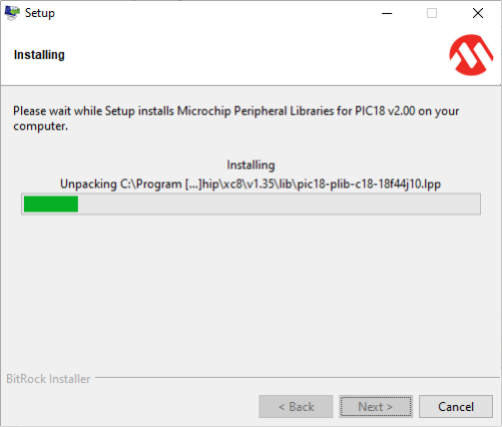
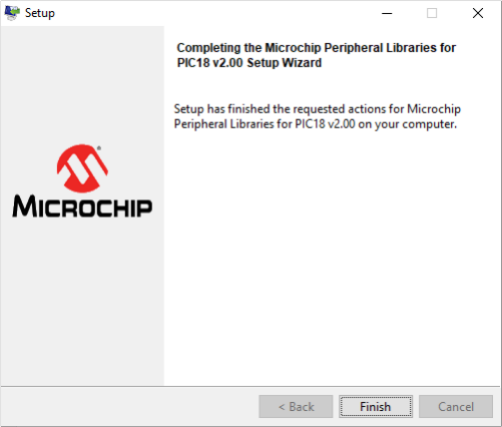
Installation of the three software completed.
To start your development work, please refer to the Topic MPLAB xIDE slides
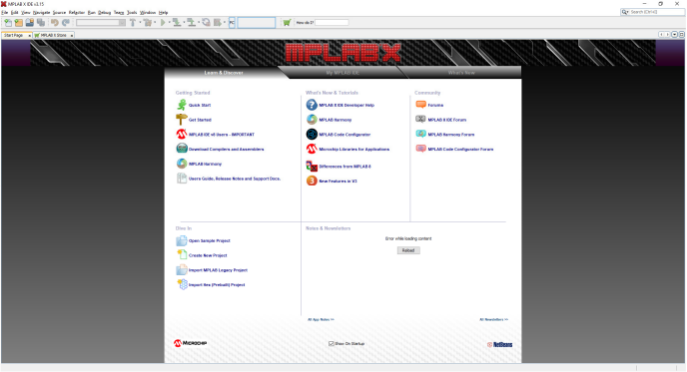
恭喜你,完成了,有其他安装问题等都可以关注私信我。
语言可以选择英文安装或者中文安装。网上有很多中文安装,若有英文需求的可以参考这个。