一.ref创建基本类型的响应式数据
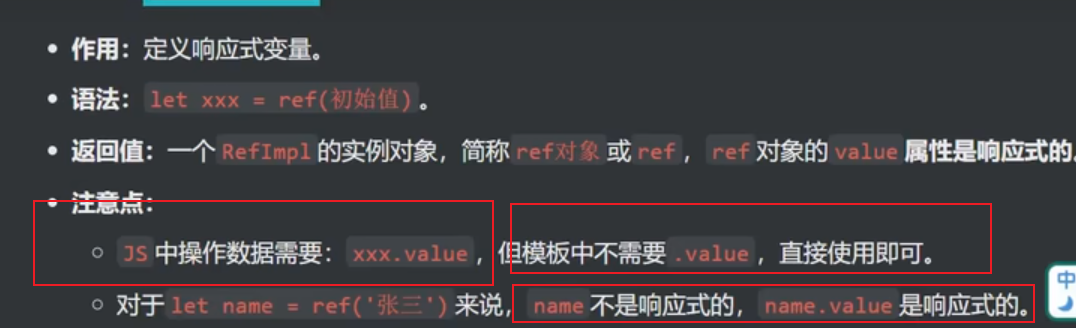
1.ref的返回值
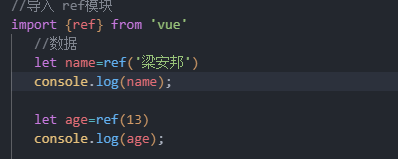
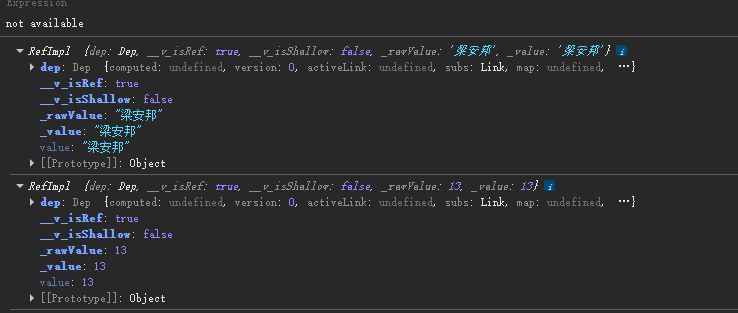
这里我们可以看到refimpl实例对象中我们模板中的name实际应该是name.value,不过模板已经帮我们做好了只需要name即可,但是操作dom的时候还是需要些name.value
html
<template>
   <div>
      <div class="person">
      <h2>姓名:{{name}}</h2>
      <h2>年龄:{{ age }}</h2>
      <button @click="changeName">修改名字</button>
      <button @click="changeAge">修改年龄</button>
      <button @click="showTel">查看联系方式</button>
      </div>
   </div>
</template>
<script setup>
   defineOptions({
  name: 'Person234',      // 组件名
  inheritAttrs: false,    // 其他选项
  // ...
})
//导入 ref模块
import {ref} from 'vue'
   //数据
   let name=ref('梁安邦')
   console.log(name);

   let age=ref(13)
   console.log(age);

   //方法
   function changeName(){
            name.value='赖全烙'
         }
    function changeAge(){
            age.value+=1;
         }
   function showTel(){
            alert(tel);
         }
</script>
<style lang="scss" scoped>
            .person {
               background-color: skyblue;
               box-shadow: 0 0 10px;
               border-radius: 10px;
               padding: 20px;
            }
            button {
               margin-right: 10px;
            }
</style>
二.reactive创建对象类型的响应式数据
html
<template>
      <div class="person">
      <h2>品牌:{{car.brand}}</h2>
      <h2>价格:{{car.price}}</h2>
      <button @click="changePrice">修改价格</button>
      <br>
      <h2>游戏列表:</h2>
      <ul>
         <li v-for="g in games":key='g.id'>{{ g.name }}</li>
      </ul>
      <button @click="changeFirstname">修改第一个名字</button>
   </div>
</template>
<script setup>
   defineOptions({
  name: 'Person234',      // 组件名
  inheritAttrs: false,    // 其他选项
  // ...
})
//导入 ref模块
   import {reactive} from 'vue'
   let car=reactive({brand:'奔驰',price:200})
   //数据
   let games=reactive([{id:1,name:'汪婉玉'},{id:2,name:'wyy是sb'},{id:3,name:'大傻逼'}])
   //方法
   function changePrice(){
      car.price+=10;
   }
   function changeFirstname(){
      games[0].name='wyy是超级sb '
   }
</script>
<style lang="scss" scoped>
            .person {
               background-color: skyblue;
               box-shadow: 0 0 10px;
               border-radius: 10px;
               padding: 20px;
            }
            button {
               margin-right: 10px;
            }
</style>
三.ref创建对象类型响应式数据
1.ref创建对象响应式数据
html
<template>
      <div class="person">
      <h2>品牌:{{car.brand}}</h2>
      <h2>价格:{{car.price}}</h2>
      <button @click="changePrice">修改价格</button>
      <br>
      <h2>游戏列表:</h2>
      <ul>
         <li v-for="g in games":key='g.id'>{{ g.name }}</li>
      </ul>
      <button @click="changeFirstname">修改第一个名字</button>
   </div>
</template>
<script setup>
   defineOptions({
  name: 'Person234',      // 组件名
  inheritAttrs: false,    // 其他选项
  // ...
})
//导入 ref模块
   import {reactive, ref} from 'vue'
   let car=ref({brand:'奔驰',price:200})
   console.log(car);
   let car2=reactive({brand:"宝马",price:300})
   console.log(car2);
   //数据
   let games=ref([{id:1,name:'文雅楠是超级sb'},{id:2,name:'wyy是sb'},{id:3,name:'大傻逼'}])
   //方法
   function changePrice(){
      car.value.price+=10;
   }
   function changeFirstname(){
      games.value[0].name='no久久超聪明的'
   }
</script>
<style lang="scss" scoped>
            .person {
               background-color: skyblue;
               box-shadow: 0 0 10px;
               border-radius: 10px;
               padding: 20px;
            }
            button {
               margin-right: 10px;
            }
</style>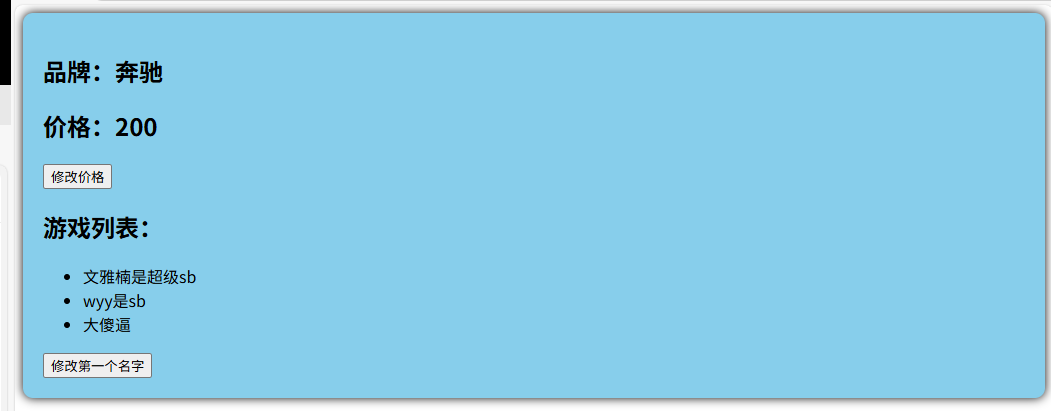
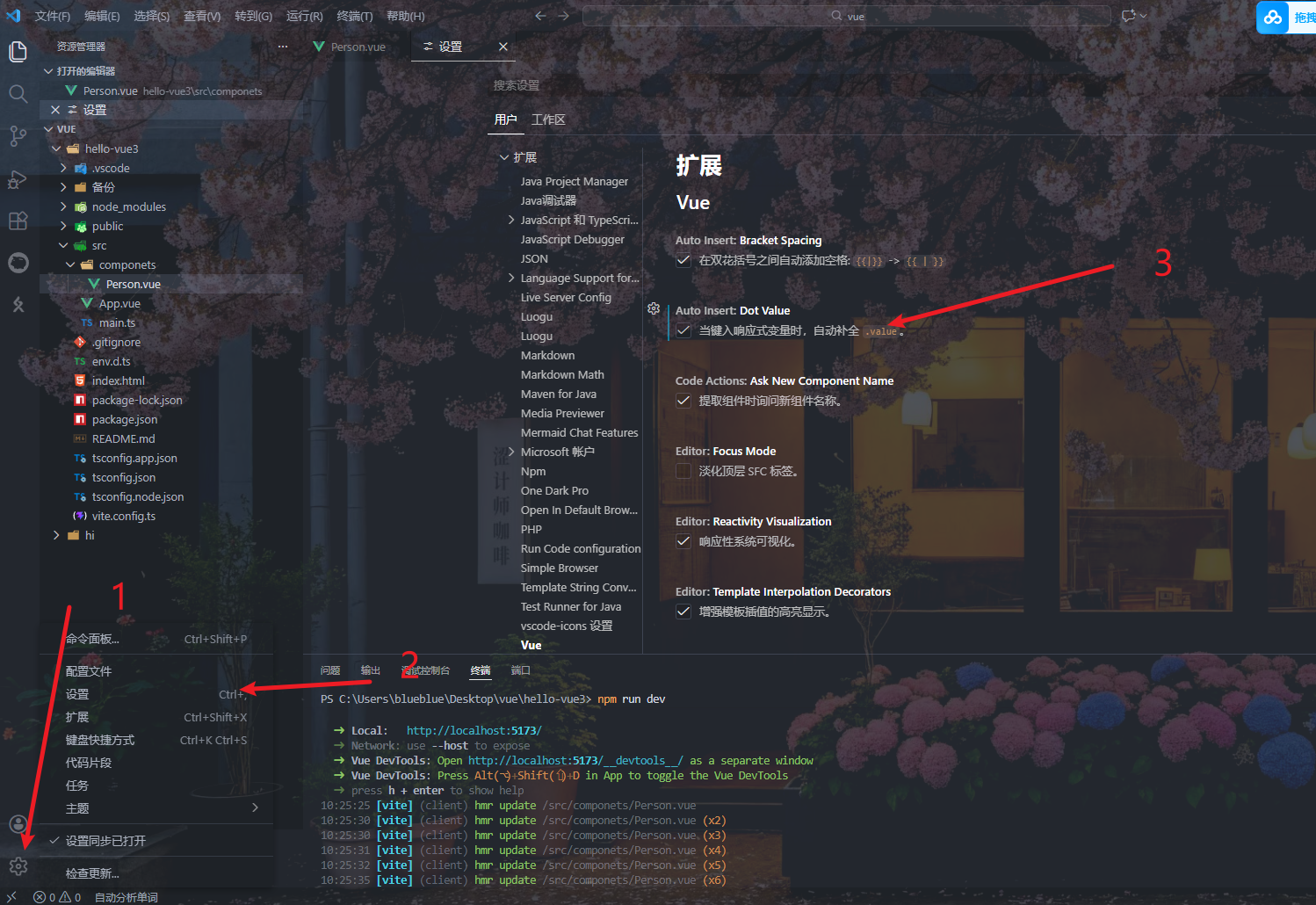
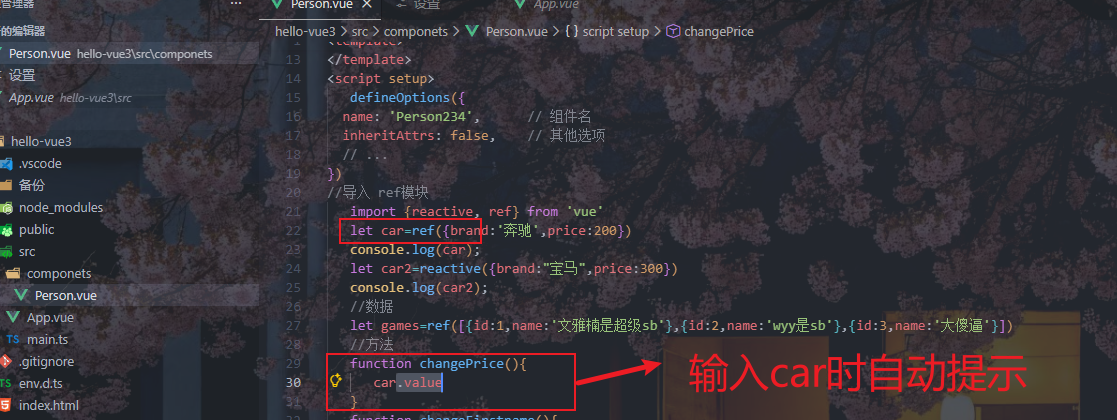
2.插件上的自动.value

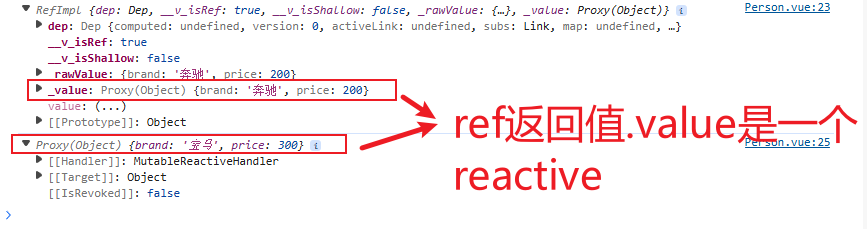
3.ref创建对象类型响应式数据的本质
4.ref与reactive的区别
1.reactive重新分配一个对象,会失去响应式
这里如果想要替换一整辆车
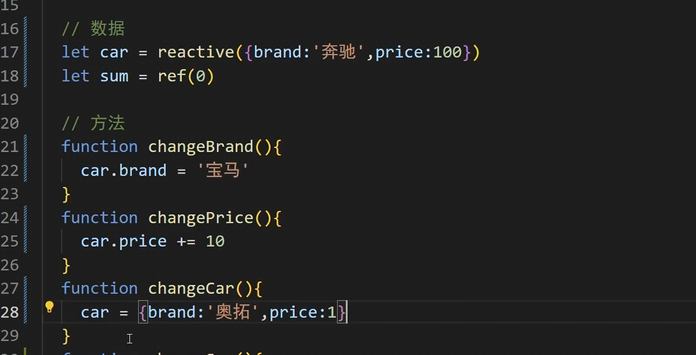
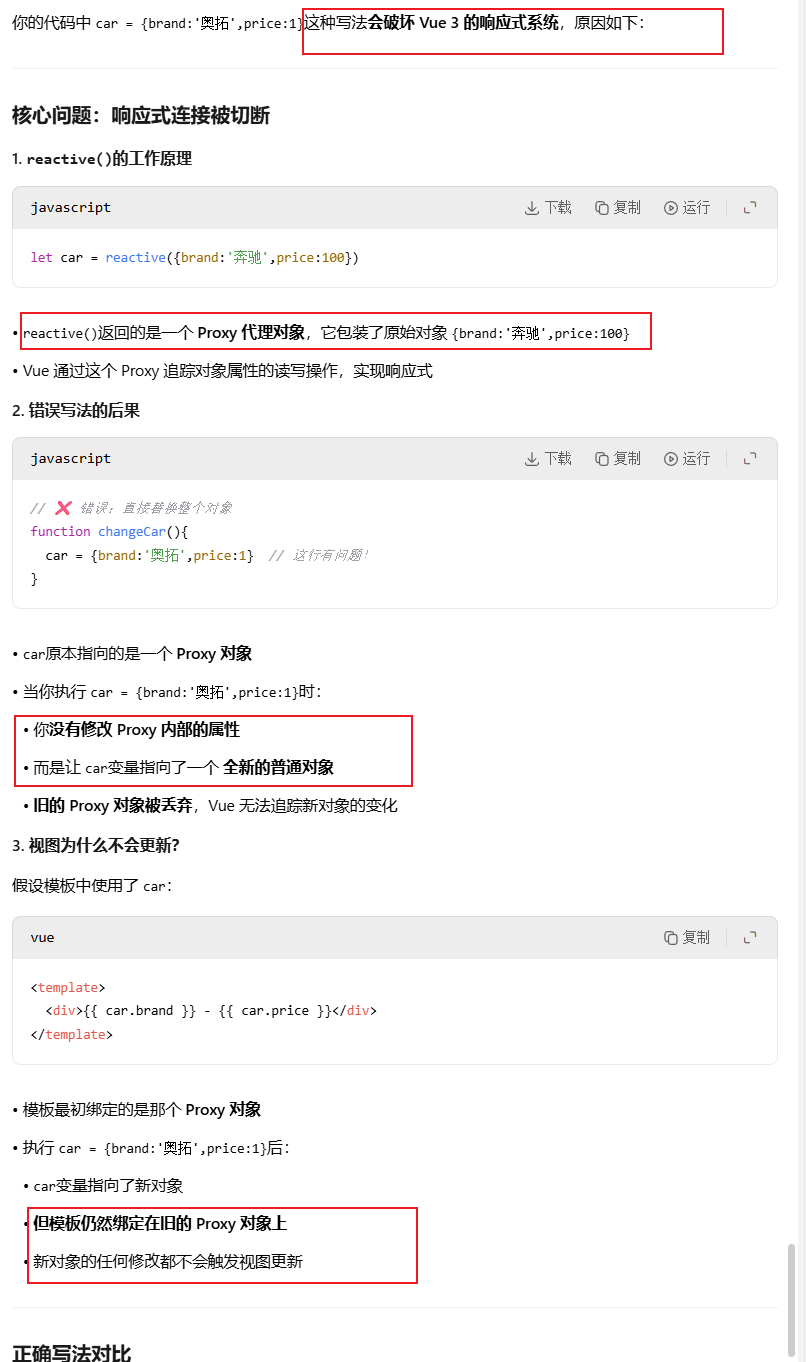
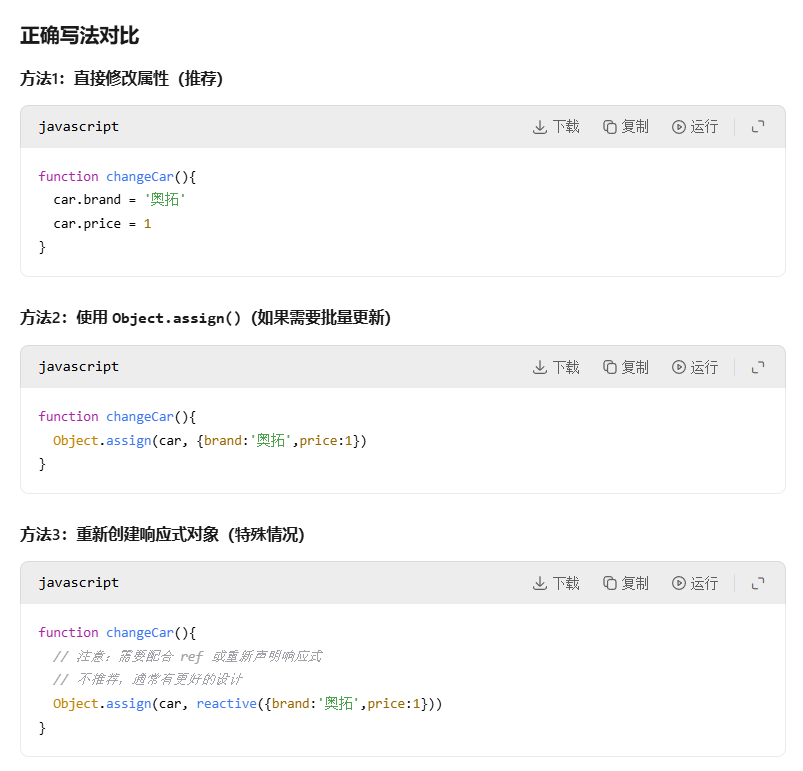
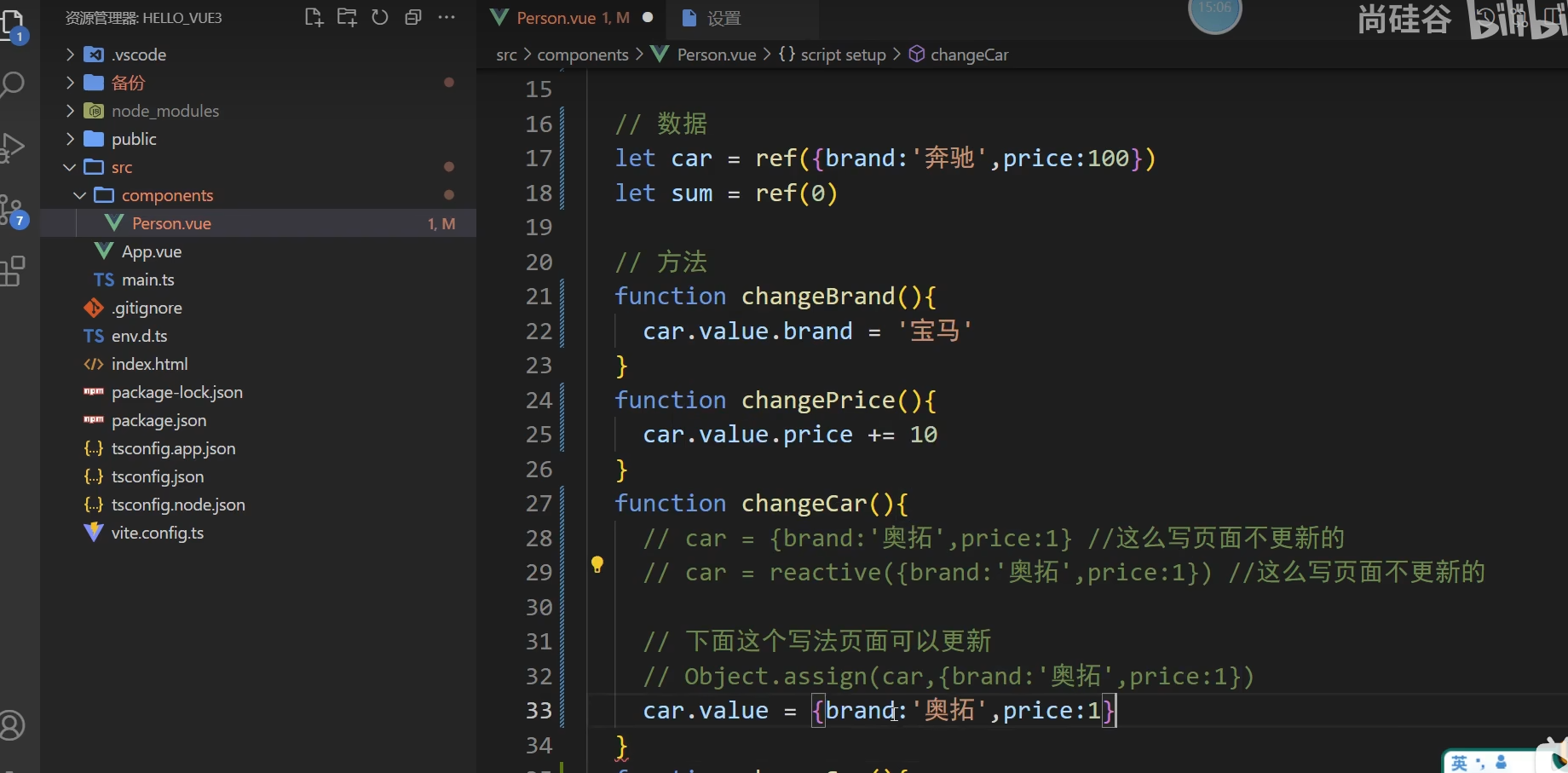
2.ref不会出现该问题
因为ref修改的是car.value,修改的是同一个对象的value属性,而reactive替换的是整个对象
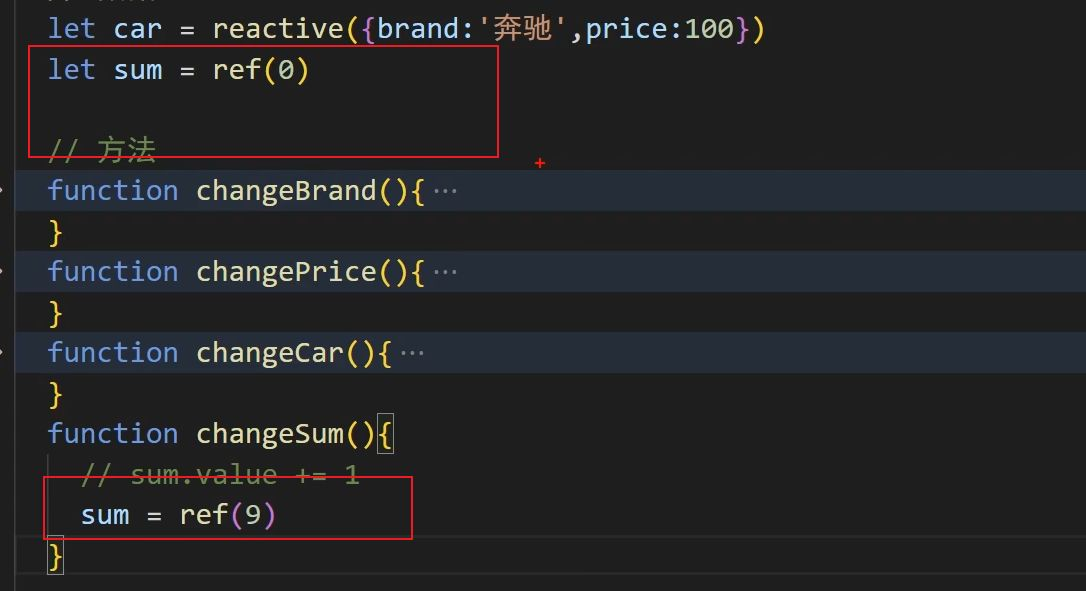
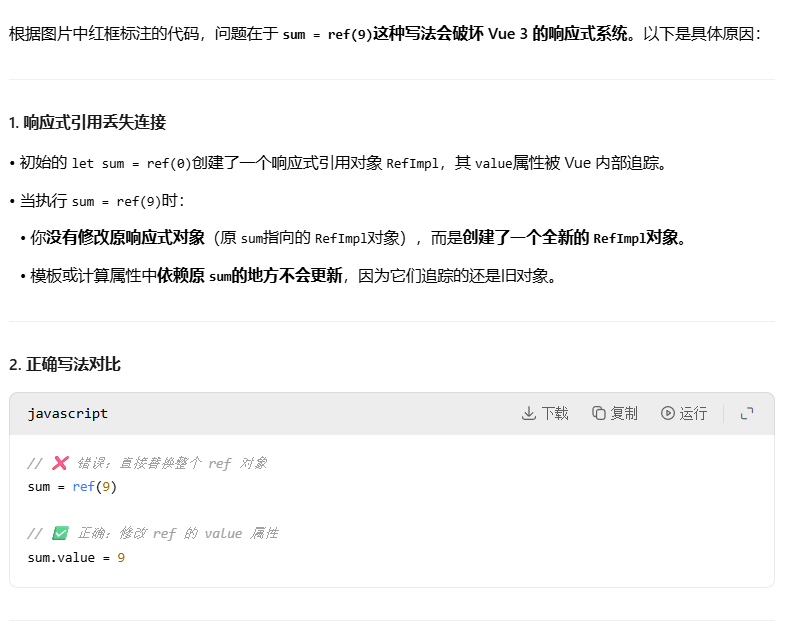
5.ref的注意点
四.torefs和toref
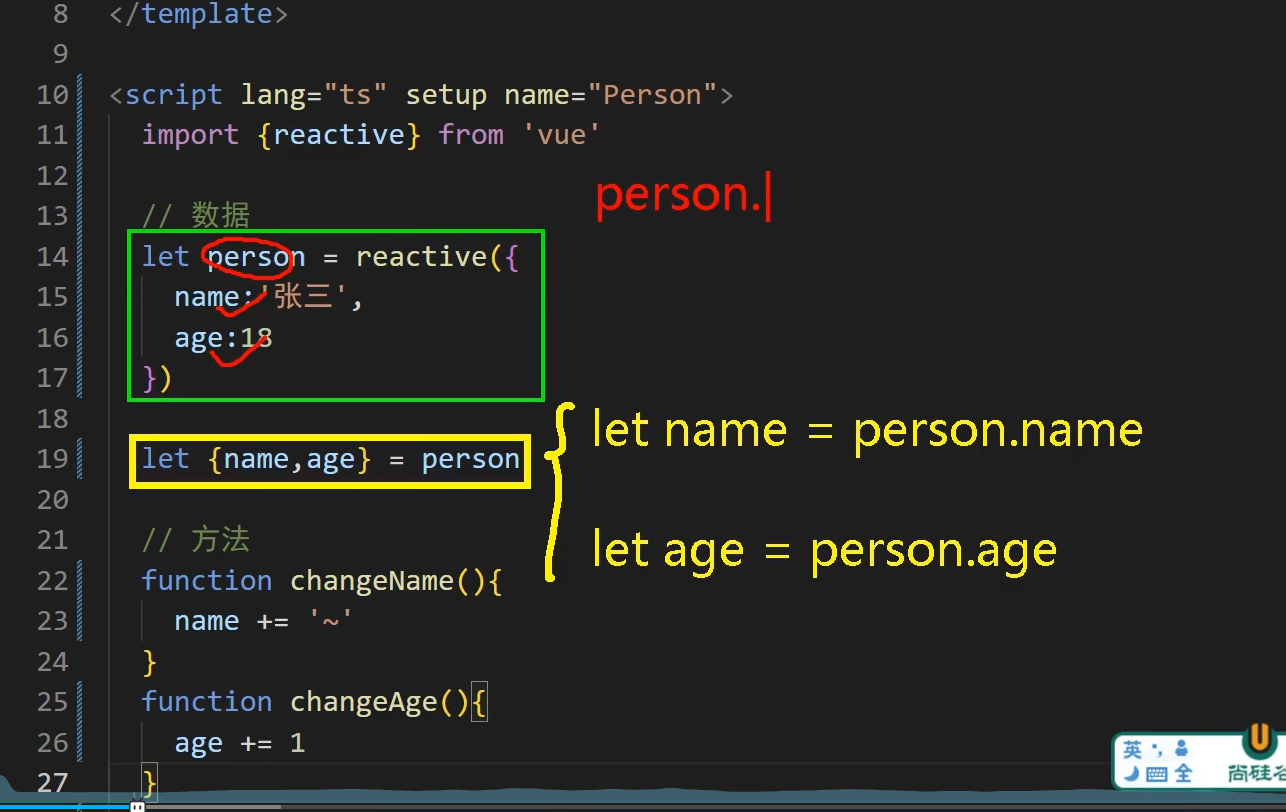
前言
当我们使用解构赋值的时候,js中变量一旦修改,就是在新的地址块开辟出一块新的内存,但是vue响应式追踪的是源对象的属性,所以页面不更新
1.使用torefs
torefs将两个属性都变成响应式对象了
html
<template>
      <div class="person">
      <h2>品牌:{{car.brand}}</h2>
      <h2>价格:{{car.price}}</h2>
      <button @click="changebrand">修改品牌</button>
      <button @click="changePrice">修改价格</button>
   </div>
</template>
<script setup>
   defineOptions({
  name: 'Person234',      // 组件名
  inheritAttrs: false,    // 其他选项
  // ...
})
//导入 ref模块
   import {reactive, ref, toRefs} from 'vue'
   let car=reactive({brand:'奔驰',price:200})
   let {brand,price}=toRefs(car)
   console.log(toRefs(car));
   function changePrice(){
     price.value+=10;
   }
   function changebrand(){
       brand.value='宝马';
   }
</script>
<style lang="scss" scoped>
            .person {
               background-color: skyblue;
               box-shadow: 0 0 10px;
               border-radius: 10px;
               padding: 20px;
            }
            button {
               margin-right: 10px;
            }
</style>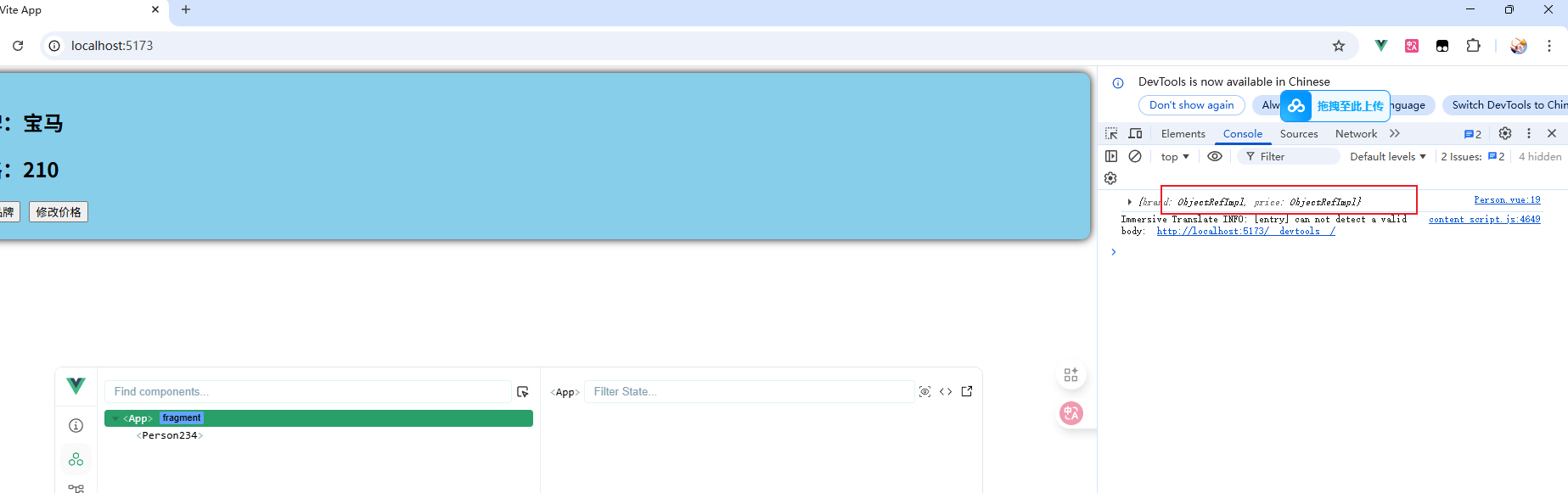
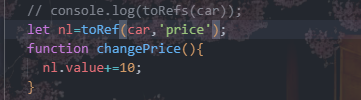
2.toref
toref就是一个一个取出来,不像torefs一样全部取出来