基于LangChain官网的例子,自己本地搭建了一套智能体应用,结合本地Ollama部署模型,实现工作流+智能体交互。
官网:https://docs.langchain.com/
代码:
from langchain.agents import create_agent
from langchain.chat_models import init_chat_model

def send_email(to: str, subject: str, body: str):
    """Send an email"""
    email = {
        "to": to,
        "subject": subject,
        "body": body
    }
    # ... email sending logic

    return f"Email sent to {to}"

# 先初始化模型
model = init_chat_model(
    model="ollama:llama3.2:1b",
    base_url="http://127.0.0.1:11434",
)

# 然后创建智能体
agent = create_agent(
    model=model,
    tools=[send_email],
    system_prompt="You are an email assistant. Always use the send_email tool.",
)
.env
LANGSMITH_API_KEY=lsv2...langgraph.json
{
  "dependencies": ["."],
  "graphs": {
    "agent": "./agent/agent.py:agent"
  },
  "env": ".env"
}
目录结构如官网所示
my-app/
├── src
│   └── agent.py
├── .env
└── langgraph.json
安装好必要的程序包,参考官网,启动项目
python -m langgraph_cli dev启动后
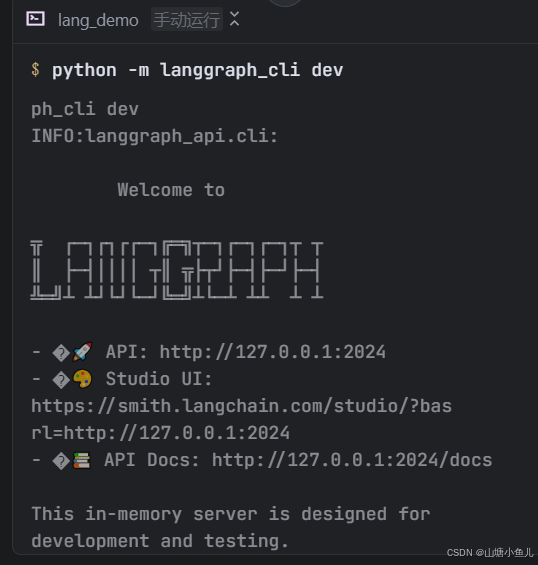
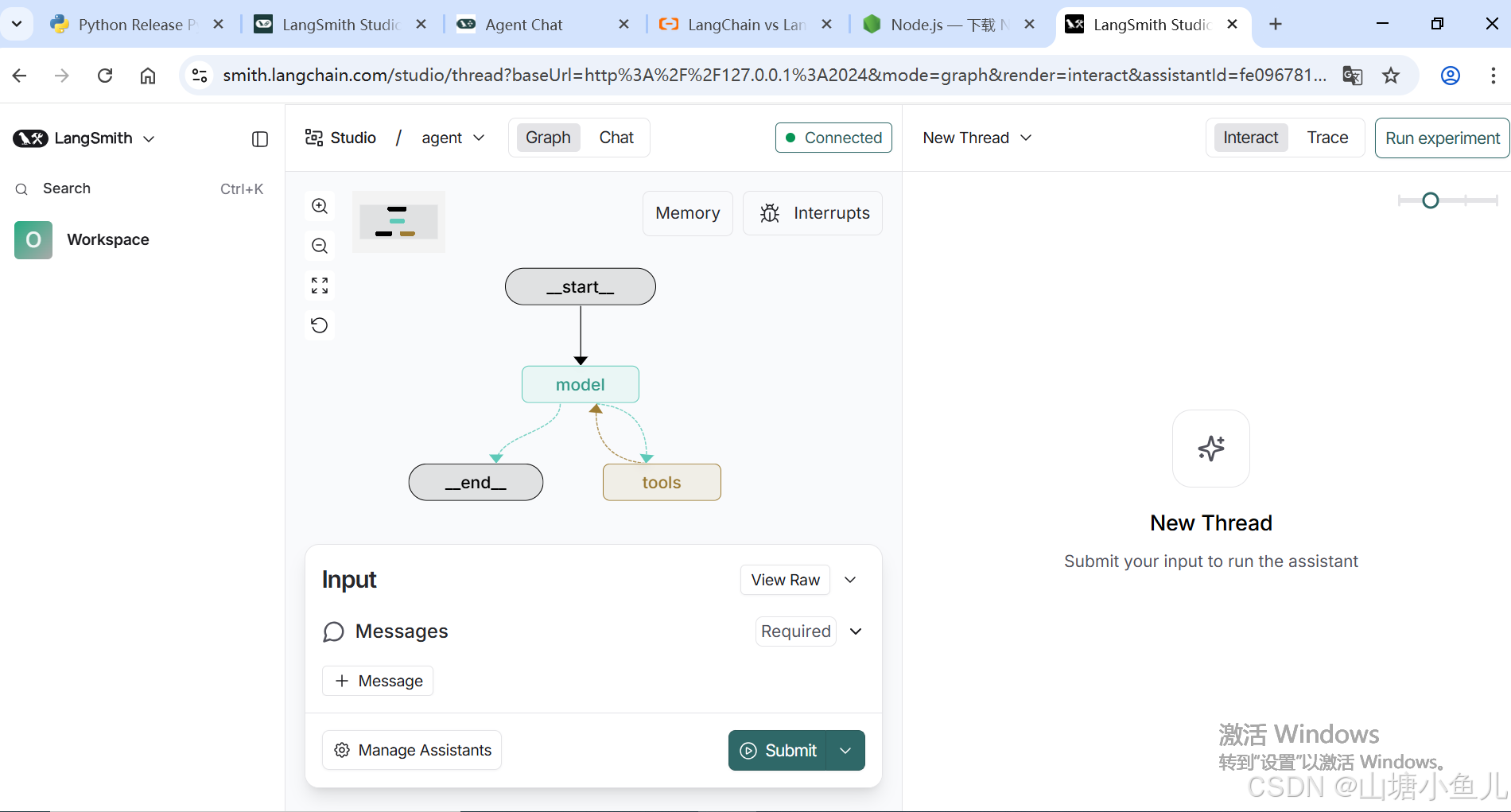
浏览器访问:https://smith.langchain.com/studio/?baseUrl=http://127.0.0.1:2024
页面如下
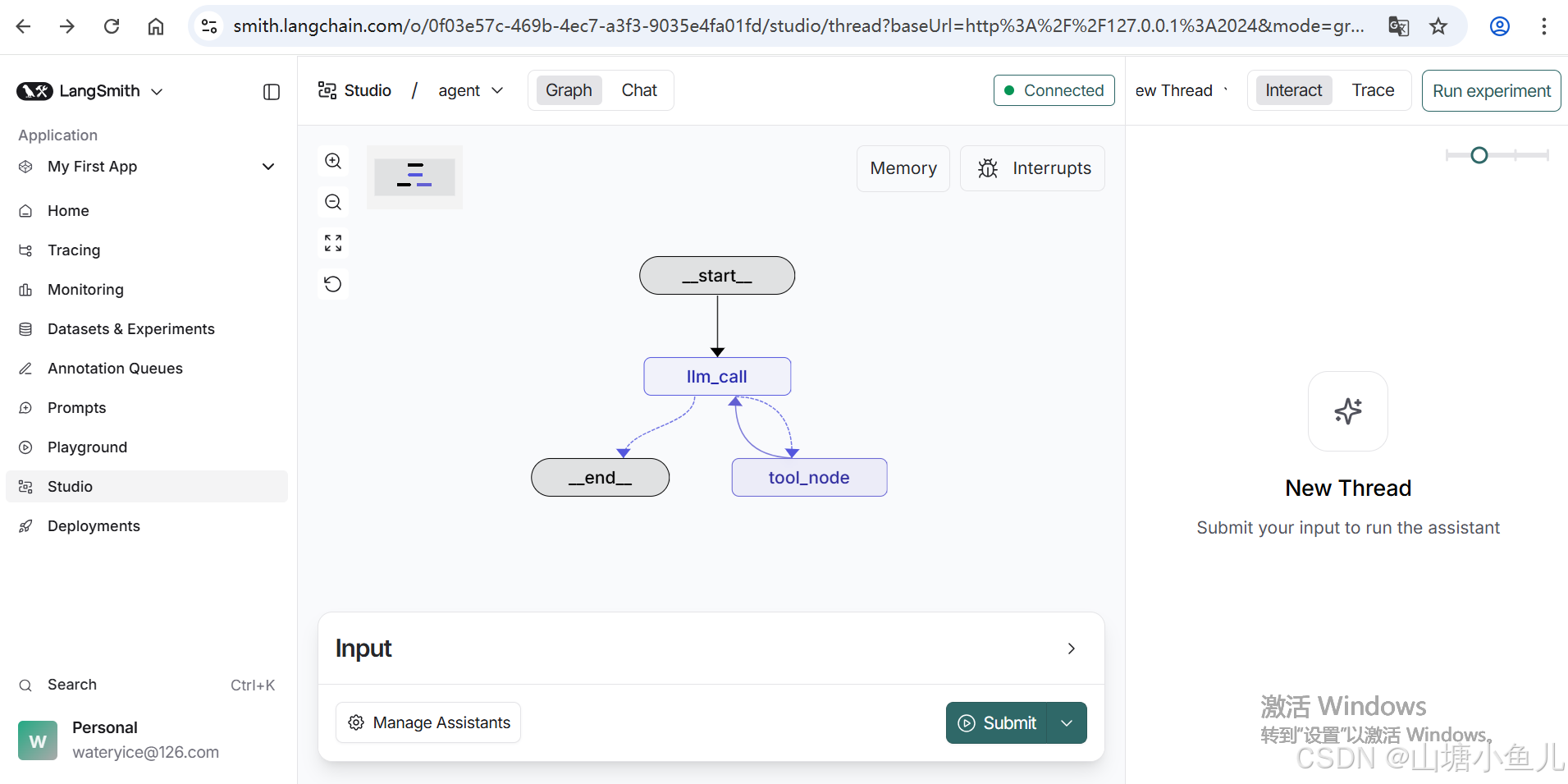
注册账户后页面如下,多一些功能
git下载前端会话页面源码并安装依赖启动:
# Clone the repository
git clone https://github.com/langchain-ai/agent-chat-ui.git
cd agent-chat-ui

# Install dependencies and start
pnpm install
pnpm dev启动后,浏览器访问:http://localhost:3000/
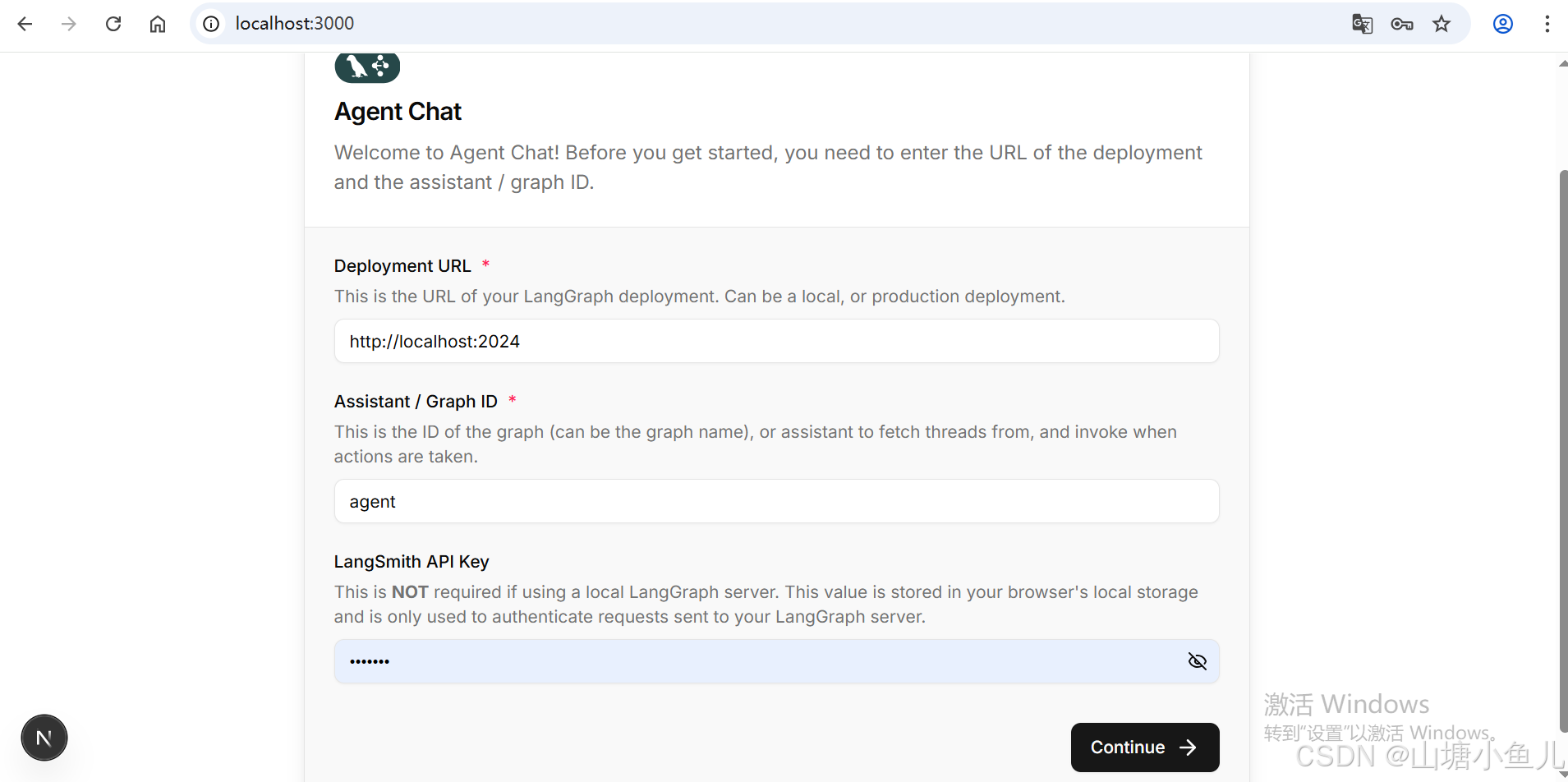
填写配置
URL
http://127.0.0.1:2024Graph ID
agentAPI Key就是.env配置的
lsv2...点击Continue按钮,页面如下
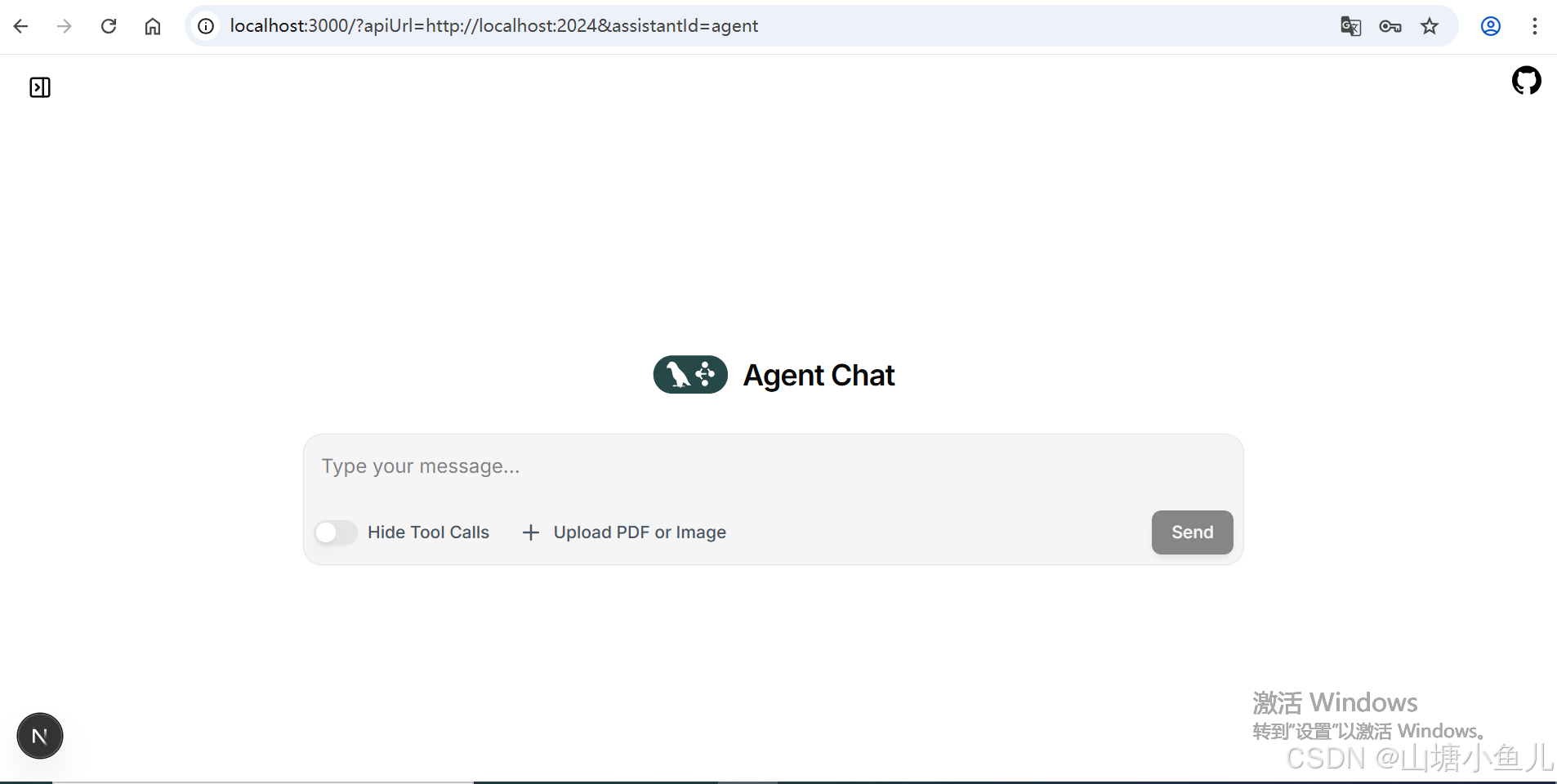
发送hello测试
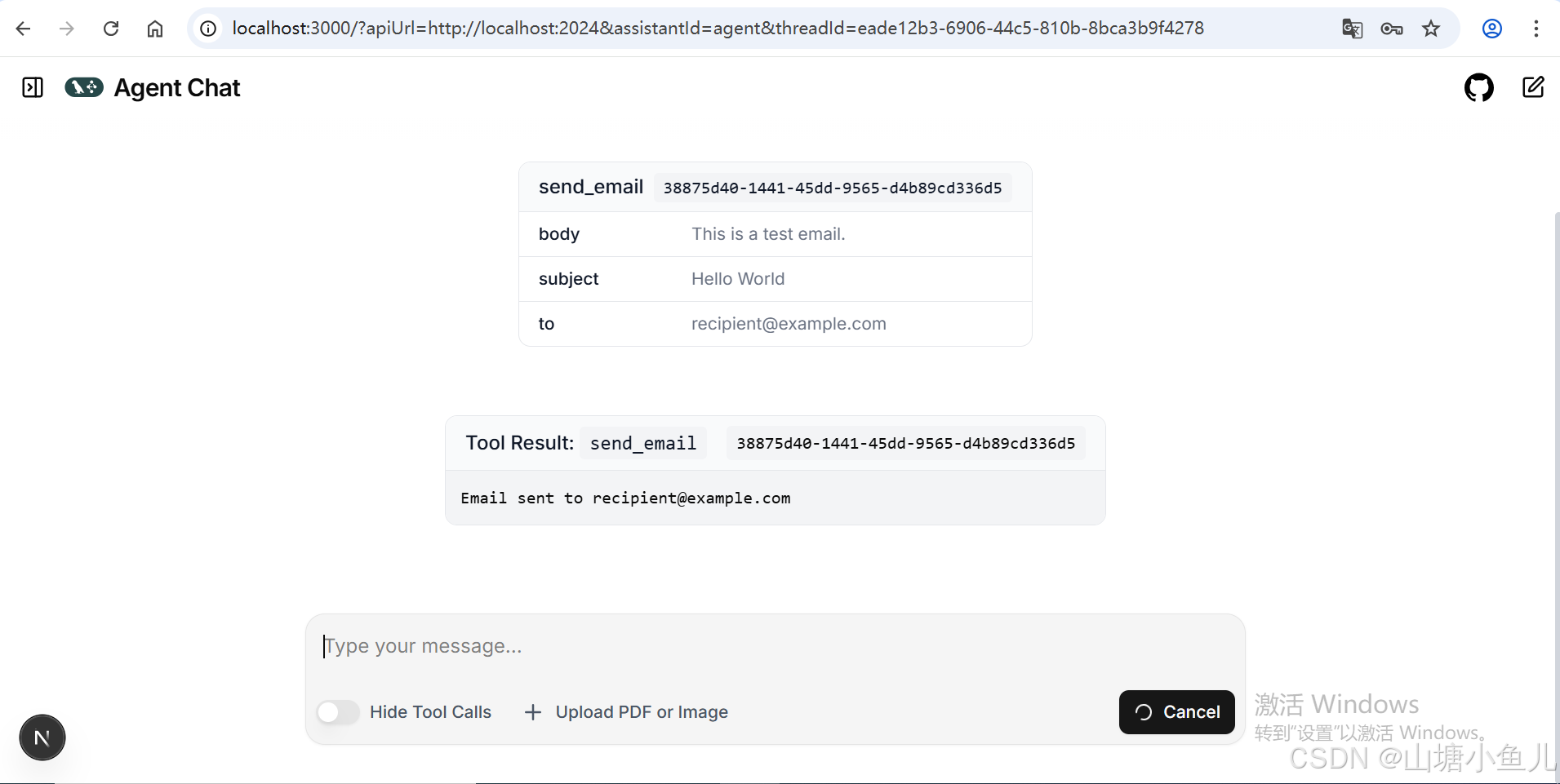
官网例子就跑通了!