meilisearch 文本搜索处理
meilisearch 安装
建议使用docker 安装,
官网:https://www.meilisearch.com/docs/home
demo 示例安装使用独立的文件进行处理,版本号:V1.35.0
下载url:https://github.com/meilisearch/meilisearch
直接双击下载的文件(meilisearch-windows-amd64.exe),找到master_key 的值,把值复制一下
准备启动
需要配置环境变量
set MEILI_MASTER_KEY 贴贴master_key 的值
再执行:meilisearch-windows-amd64.exe
登录后台管理
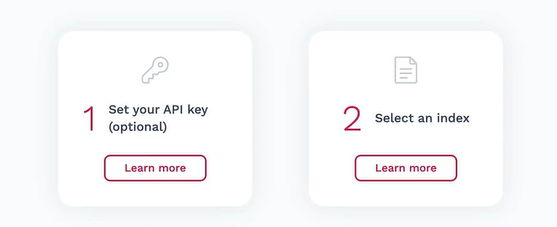
输入master-key

初始化一笔数据,
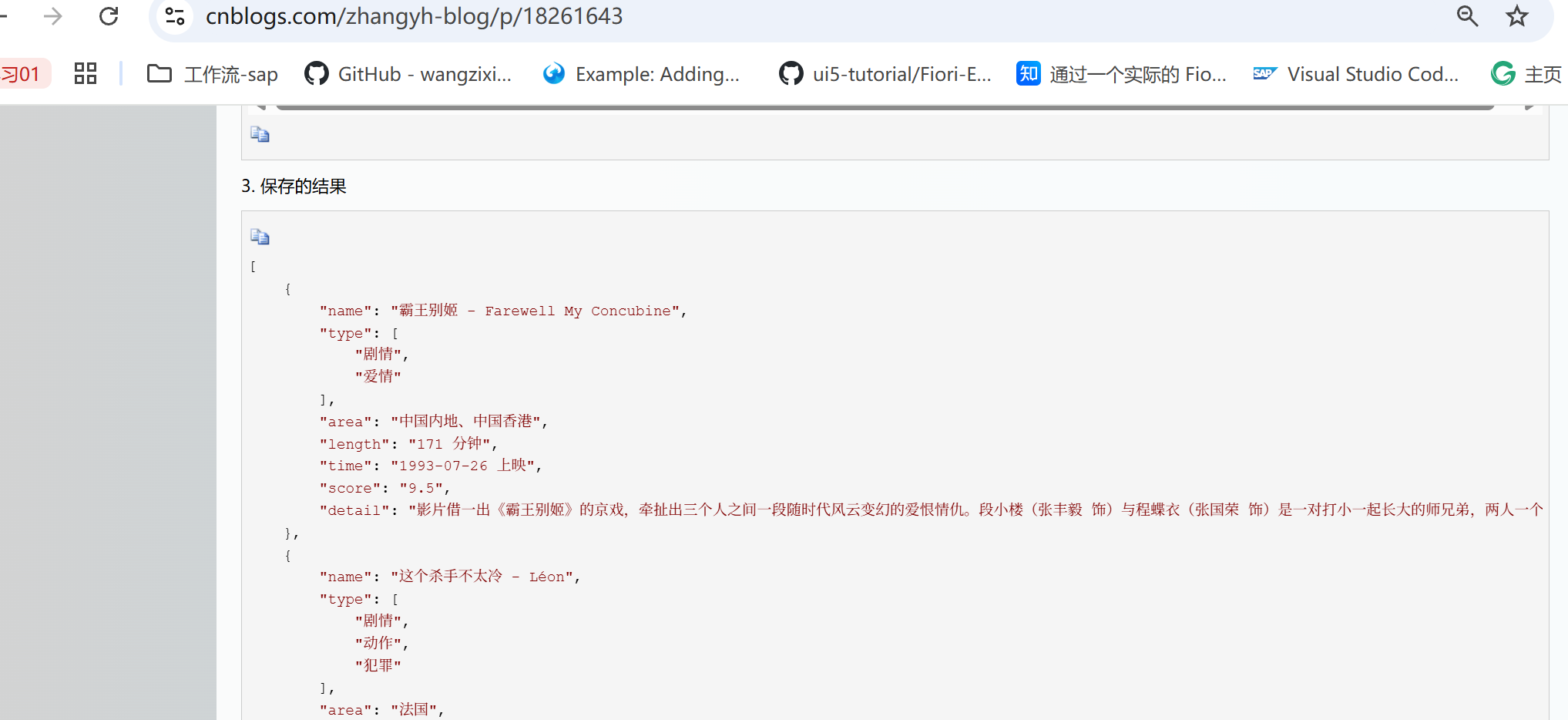
1.从网址复制数据JSON,单独保存到当前项目中文件moves.json,用于测试:
网址:https://www.cnblogs.com/zhangyh-blog/p/18261643
截图如下:
2.安装使用sdk
npm install meilisearch@0.55.0,版本:0.55.0
网址:https://github.com/meilisearch/meilisearch-js?tab=readme-ov-file#settings
https://github.com/meilisearch/meilisearch
3.准备代码
javascript
const { Meilisearch } = require('meilisearch');

(async () => {
    const client = new Meilisearch({
        host: 'http://localhost:7700',
        apiKey: 'aEd5TX5Iz8cAQUIUECoPhu6Tacx4b3uAhMPXMCA7eT8',//masterKey
    });

    const moviesIndex = await client.index('movies');

    // 用于搜索的字段
    await moviesIndex.updateSearchableAttributes(['name', 'detail']);

    // 自定义排序规则
   // await coursesIndex.updateSortableAttributes(['updatedAt', 'likesCount']);

    //生成10条这样的数据
    //加载json数据从movies.json 文件读取
    const documents = require('./moves.json');
    console.log(documents);

    const documents_n = documents.map((item,index) => {
        item.id = index + 1;
        return item;
    });
    let response = await moviesIndex.addDocuments(documents_n);
    console.log('Documents added successfully');
    console.log(response);
})();- 效果如下
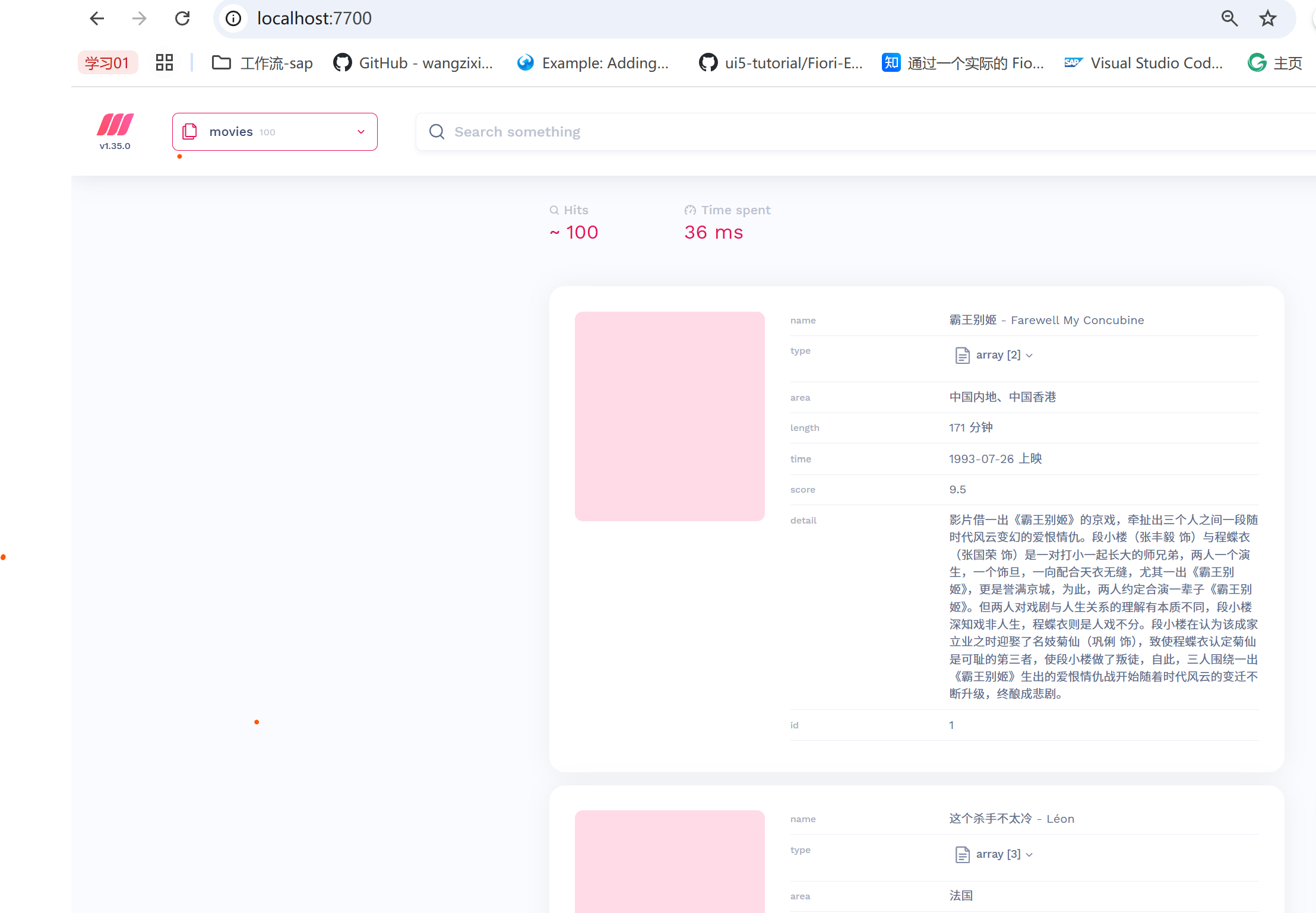
来搜一下,比如输入:里昂
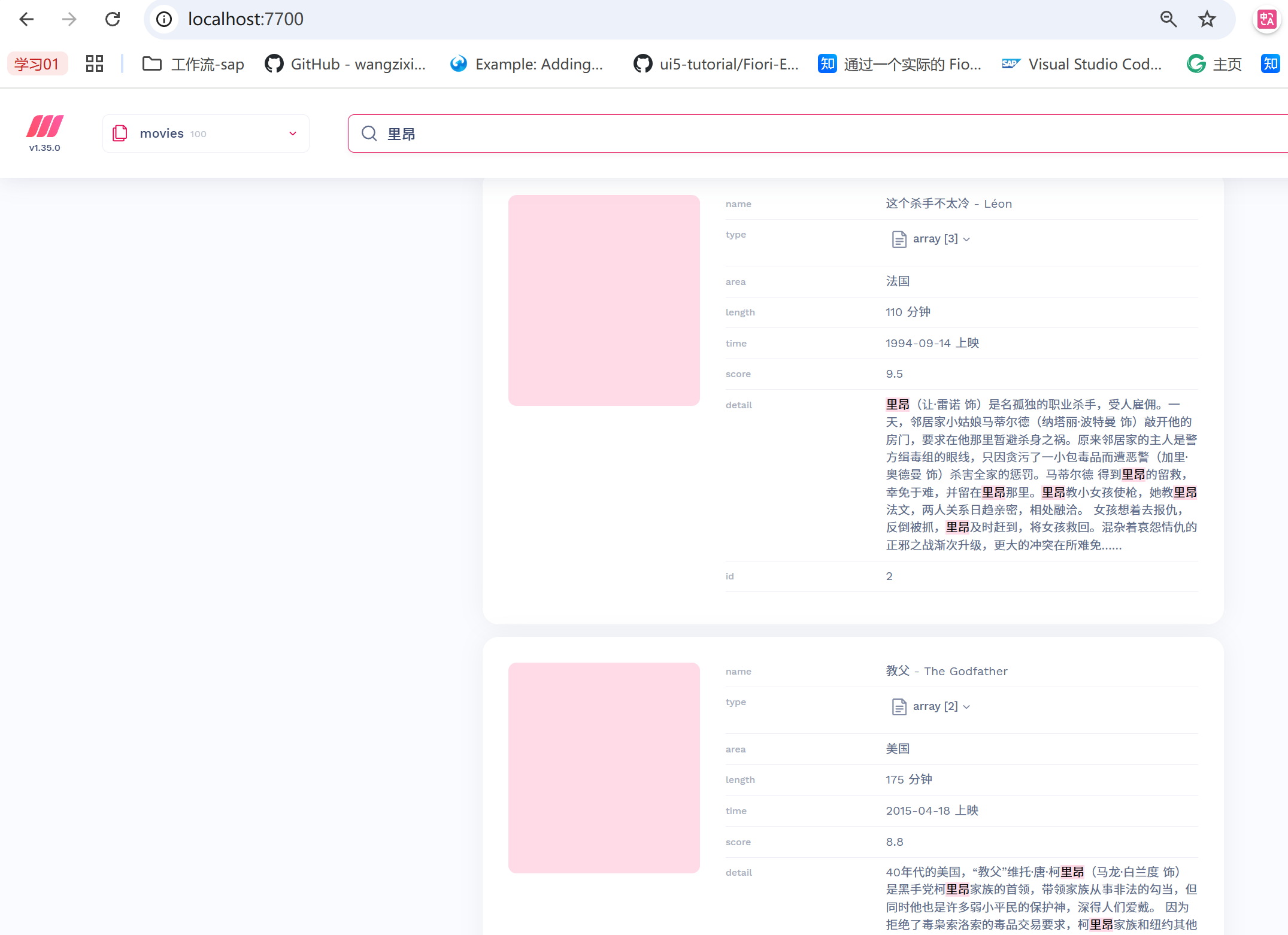
5.查询
代码如下:
javascript
const { Meilisearch } = require('meilisearch');

(async () => {
    const client = new Meilisearch({
        host: 'http://localhost:7700',
        apiKey: 'aEd5TX5Iz8cAQUIUECoPhu6Tacx4b3uAhMPXMCA7eT8',//masterKey
    });

    const moviesIndex = await client.index('movies');


    const response = await moviesIndex.search("里昂");
    console.log('Documents search successfully');
    console.log(response);
    //搜索到的结果
    const type = 'movies'
    const data = {};
    data[type] = response.hits;//获取数据结果
})();
6.检查任务:
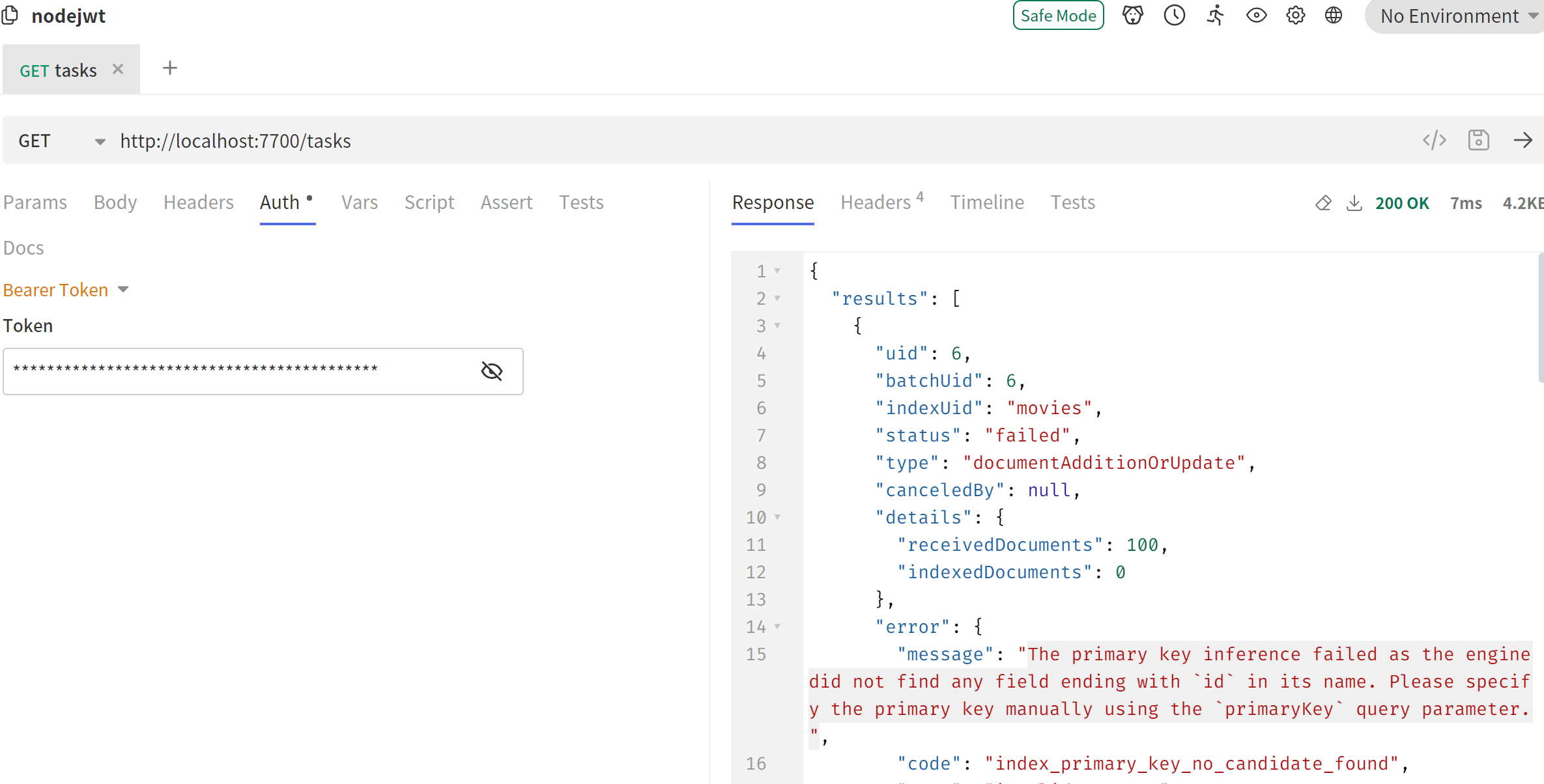
http://localhost:7700/tasks 需要使用auth bear ,master key
截图如下: