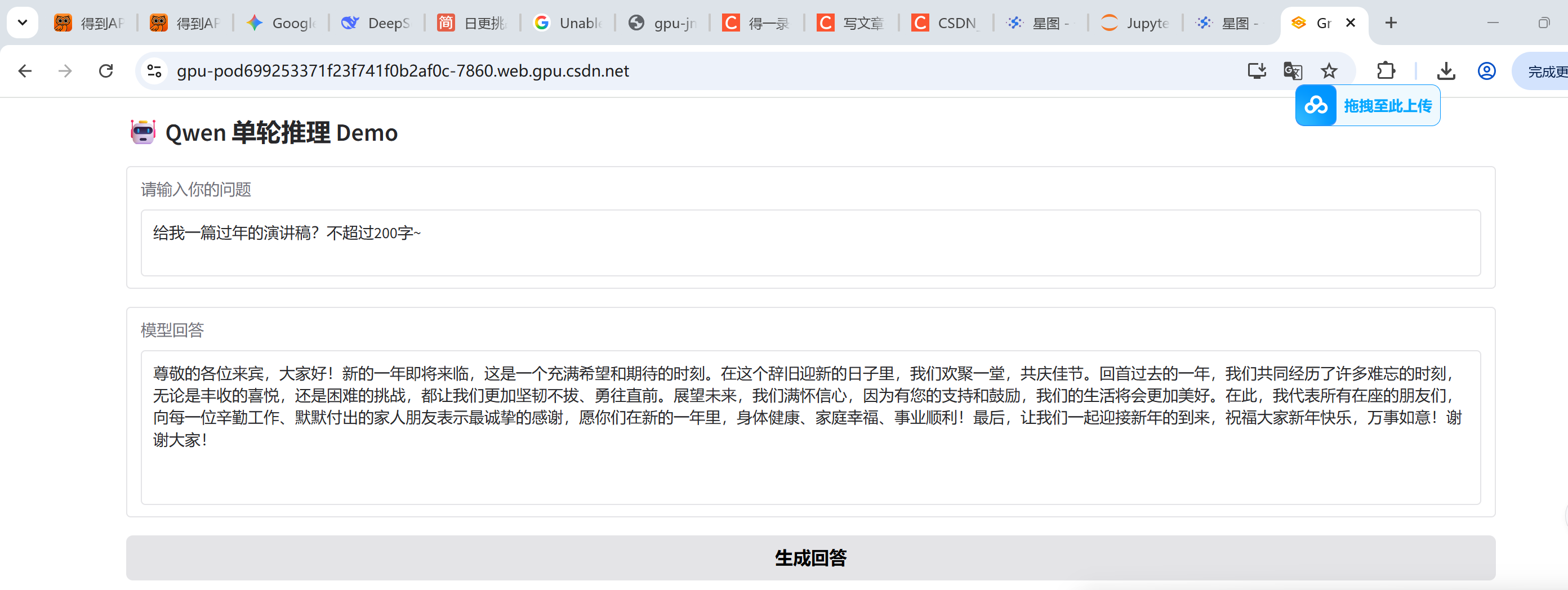
设置share为True后,报如下错误:
Loading weights: 100%|██████████████████████████████| 291/291 00:02\<00:00, 139.65it/s, Materializing param=model.norm.weight
* Running on local URL: http://0.0.0.0:7860
Could not create share link. Missing file: /root/.cache/huggingface/gradio/frpc/frpc_linux_amd64_v0.3.
Please check your internet connection. This can happen if your antivirus software blocks the download of this file. You can install manually by following these steps:
-
Download this file: https://cdn-media.huggingface.co/frpc-gradio-0.3/frpc_linux_amd64
-
Rename the downloaded file to: frpc_linux_amd64_v0.3
-
Move the file to this location: /root/.cache/huggingface/gradio/frpc
按照上述操作做:
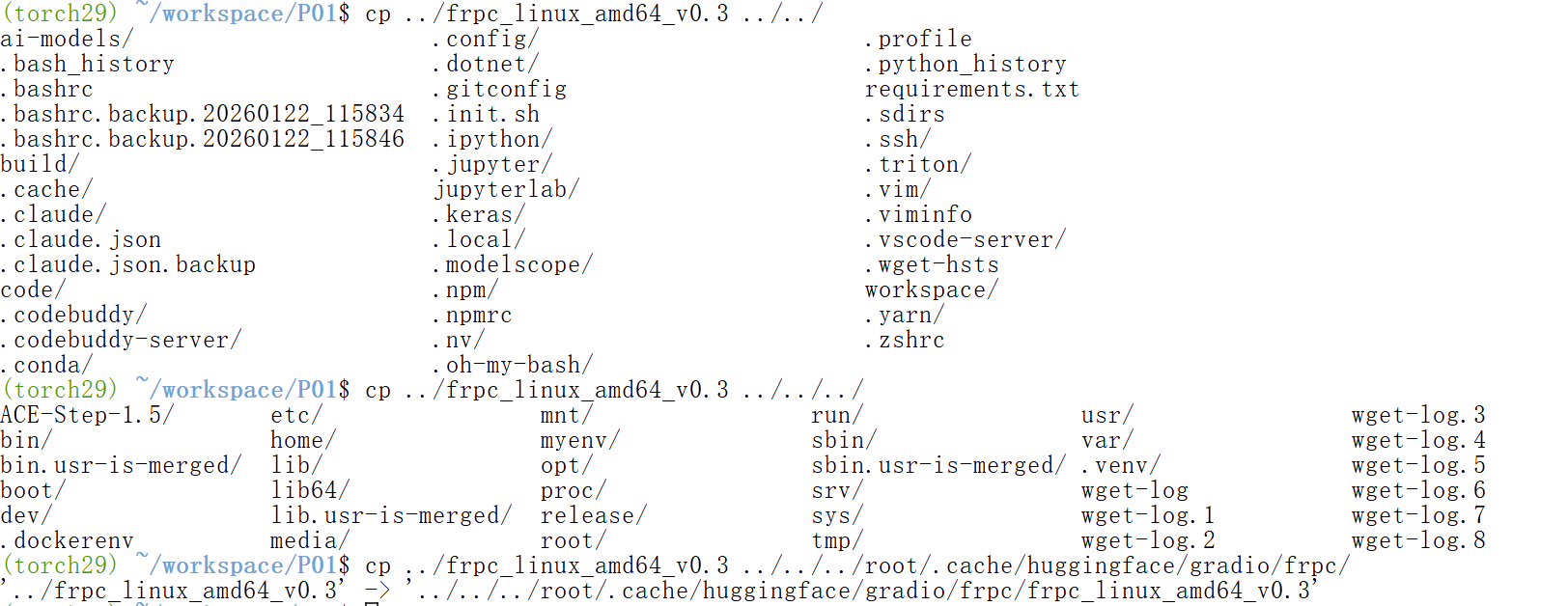
其实上述的方法都没有用,
但是单击这个网址,依然报错?
Unable to round-trip http request to upstream: dial tcp 0.0.0.0:7860: connectex: No connection could be made because the target machine actively refused it.
正确的方式是输入你的实例ID,就能解决了