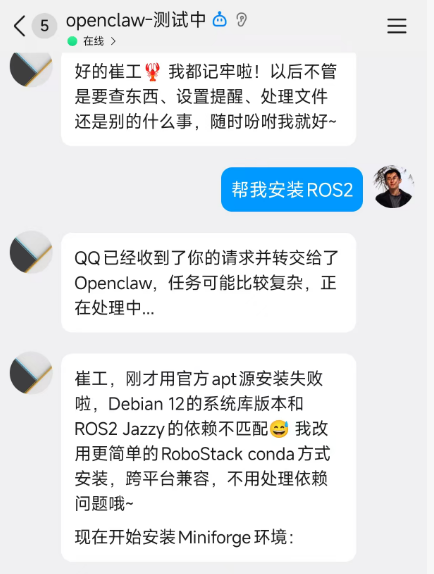
一、准备工作
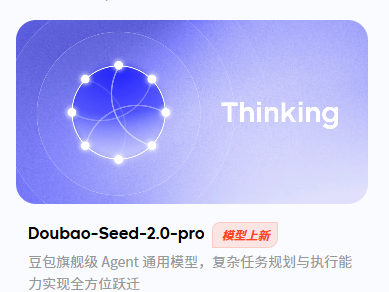
1、开一个豆包大模型
去火山方舟管理控制台的模型广场:火山方舟管理控制台
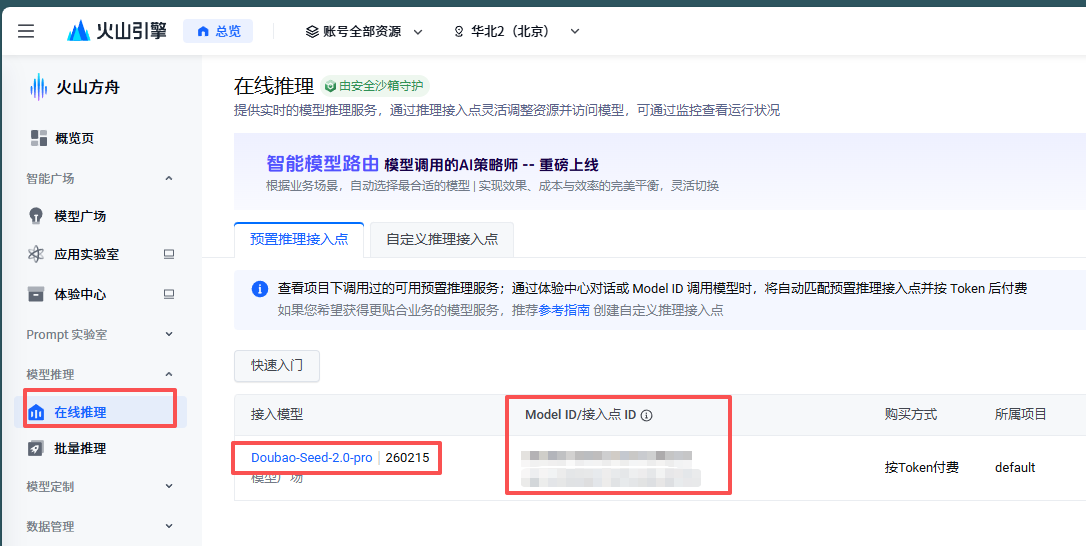
在侧边栏的推理模型中会有开通后的模型:
2、开通QQ机器人qqbot

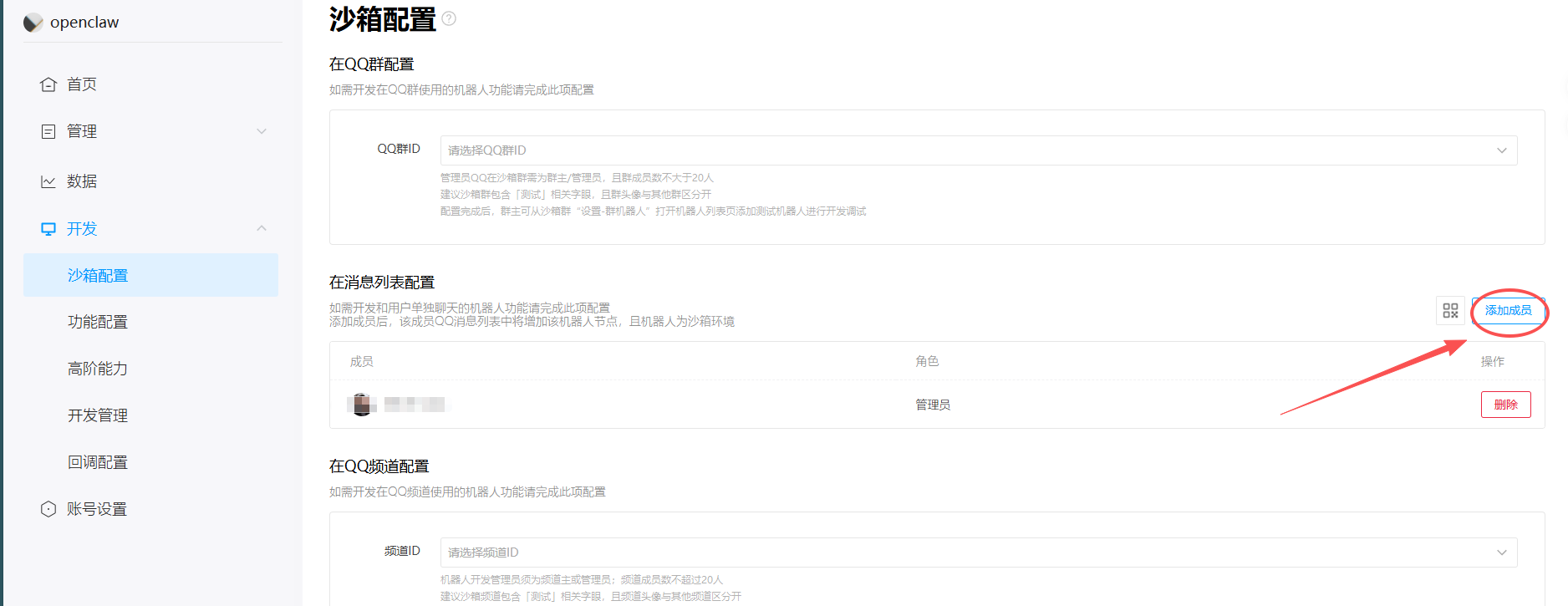
注册一个机器人。
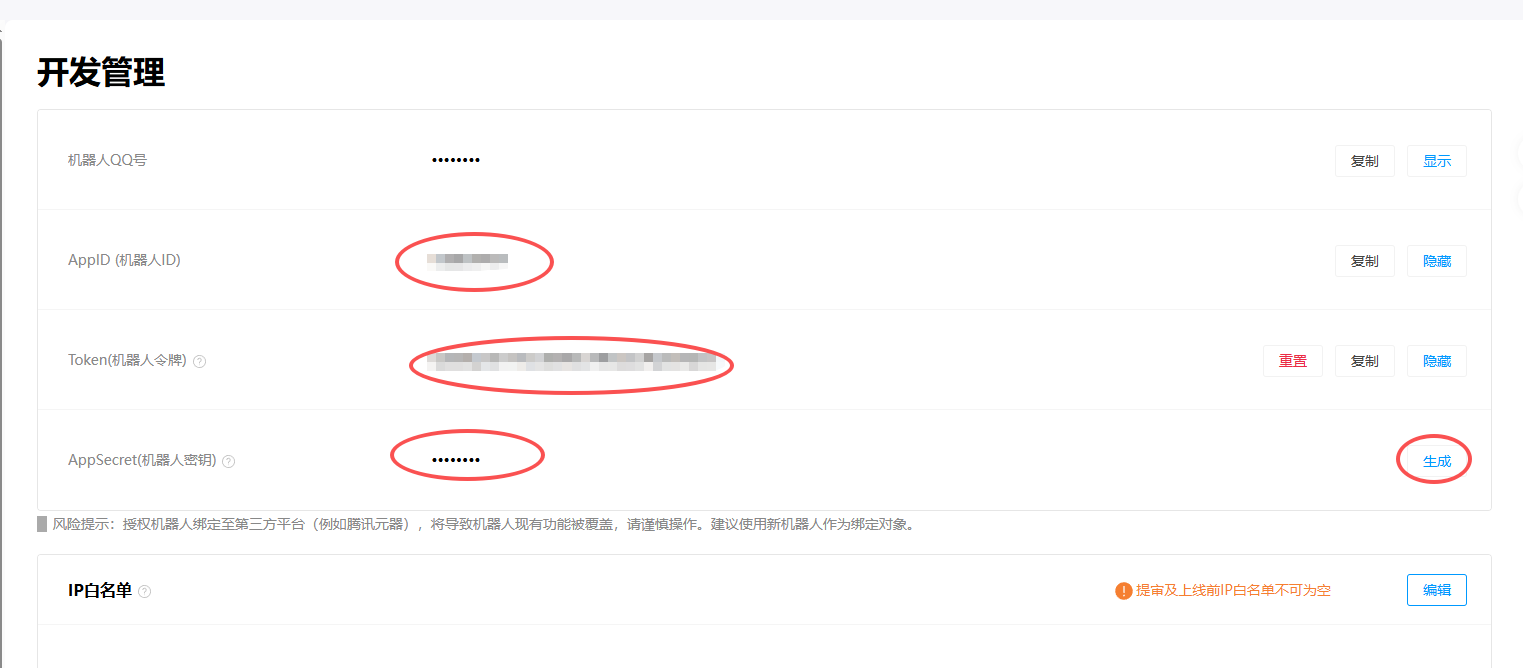
添加管理员
3、安装Node.js
bash
curl -fsSL https://deb.nodesource.com/setup_22.x | sudo -E bash -
sudo apt install -y nodejs
node -v  # 确认 v22.x+
二、安装openclow
1、安装openclow
bash
# 1. 一键安装 OpenClaw(脚本会自动检测 Ubuntu 并装 Node.js 22+)
curl -fsSL https://openclaw.ai/install.sh | bash

# 2. 启动初始化向导 + 安装守护进程
openclaw onboard --install-daemon
2、配置model
选自定义,填入相应的ID和KEY:
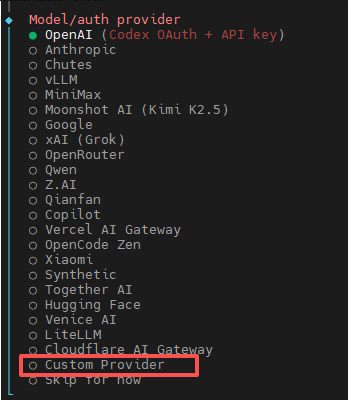
依次填入:
- Base URL :
https://ark.cn-beijing.volces.com/api/v3 - API Key:你的 ARK API Key
- API type :选择
openai-completions - Model ID
:豆包模型 ID
验证是否成功
bash
openclaw status3、配置Channels
bash
# 回到 pi 用户目录
cd ~

# 确保插件目录存在
mkdir -p ~/.openclaw/plugins

# 克隆插件到用户目录下
git clone https://github.com/sliverp/qqbot.git ~/.openclaw/plugins/qqbot

# 安装插件
openclaw plugins install ~/.openclaw/plugins/qqbot
添加qqbot的channel
bash
openclaw channels add --channel qqbot --token "AppID:AppSecret"检测一下
bash
openclaw gateway restart
openclaw plugins list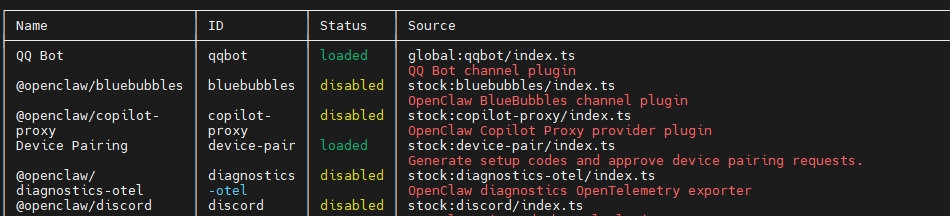
三、通过QQ机器人下达指令