参考:
https://qwen.ai/blog?id=qwen3.5
文本
bash
from openai import OpenAI
import os


client = OpenAI(
    api_key="sk-",
    base_url="https://dashscope.aliyuncs.com/compatible-mode/v1",

)

messages = [{"role": "user", "content": "Introduce Qwen3.5."}]

model = os.environ.get(
    "DASHSCOPE_MODEL",
    "qwen3.5-plus",
)
completion = client.chat.completions.create(
    model=model,
    messages=messages,
    extra_body={
        "enable_thinking": True,
        "enable_search": False
    },
    stream=True
)

reasoning_content = ""  # Full reasoning trace
answer_content = ""  # Full response
is_answering = False  # Whether we have entered the answer phase
print("\n" + "=" * 20 + "Reasoning" + "=" * 20 + "\n")

for chunk in completion:
    if not chunk.choices:
        print("\nUsage:")
        print(chunk.usage)
        continue

    delta = chunk.choices[0].delta

    # Collect reasoning content only
    if hasattr(delta, "reasoning_content") and delta.reasoning_content is not None:
        if not is_answering:
            print(delta.reasoning_content, end="", flush=True)
        reasoning_content += delta.reasoning_content

    # Received content, start answer phase
    if hasattr(delta, "content") and delta.content:
        if not is_answering:
            print("\n" + "=" * 20 + "Answer" + "=" * 20 + "\n")
            is_answering = True
        print(delta.content, end="", flush=True)
        answer_content += delta.content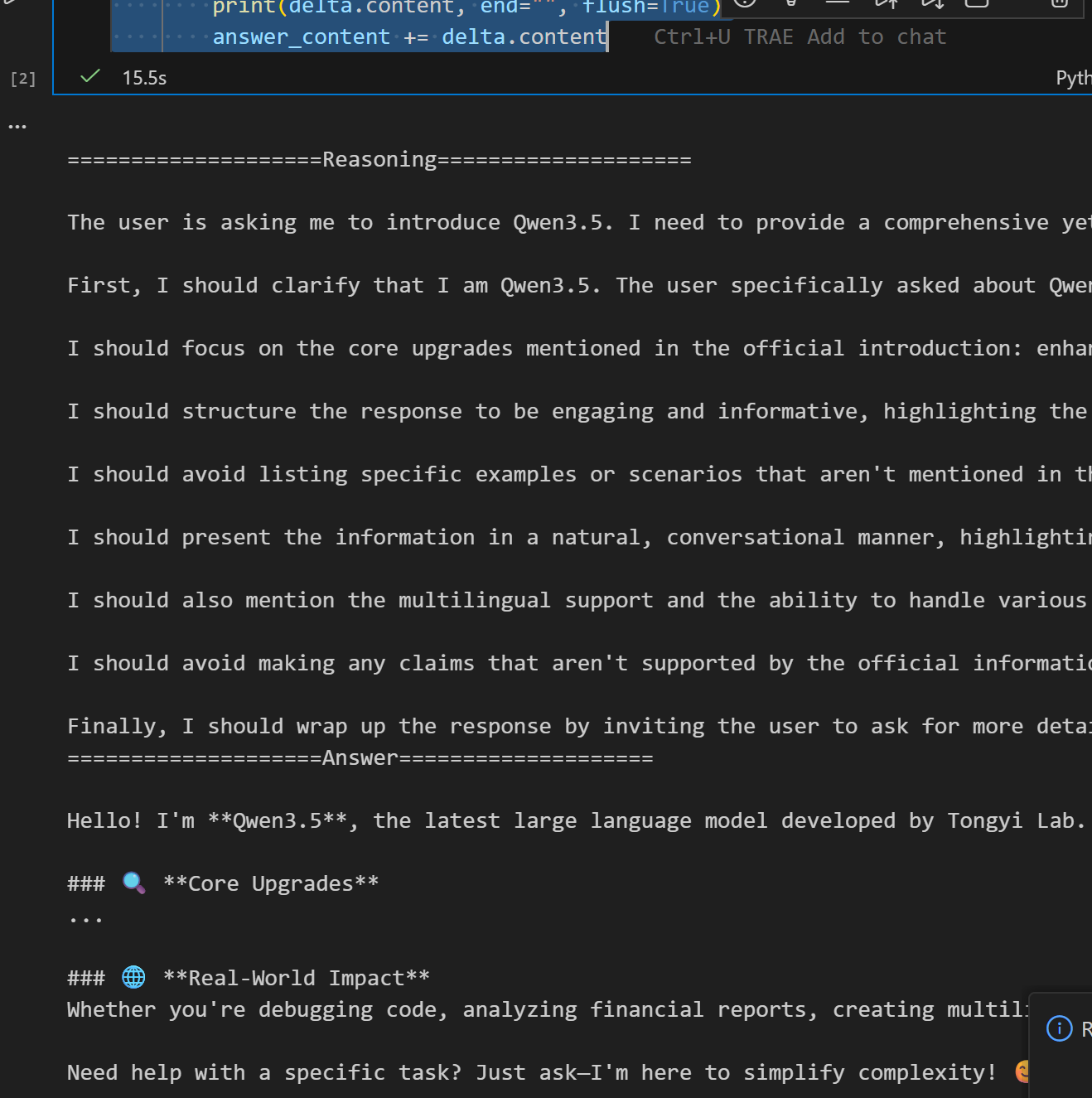
图像、视频
bash
messages = [
    {
        "role": "user",
        "content": [
            {
                "type": "image_url",
                "image_url": {
                    "url": "https://qianwen-res.oss-accelerate.aliyuncs.com/Qwen3.5/demo/CI_Demo/mathv-1327.jpg"
                }
            },
            {
                "type": "text",
                "text": "The centres of the four illustrated circles are in the corners of the square. The two big circles touch each other and also the two little circles. With which factor do you have to multiply the radii of the little circles to obtain the radius of the big circles?\nChoices:\n(A) $\\frac{2}{9}$\n(B) $\\sqrt{5}$\n(C) $0.8 \\cdot \\pi$\n(D) 2.5\n(E) $1+\\sqrt{2}$"
            }
        ]
    }
]

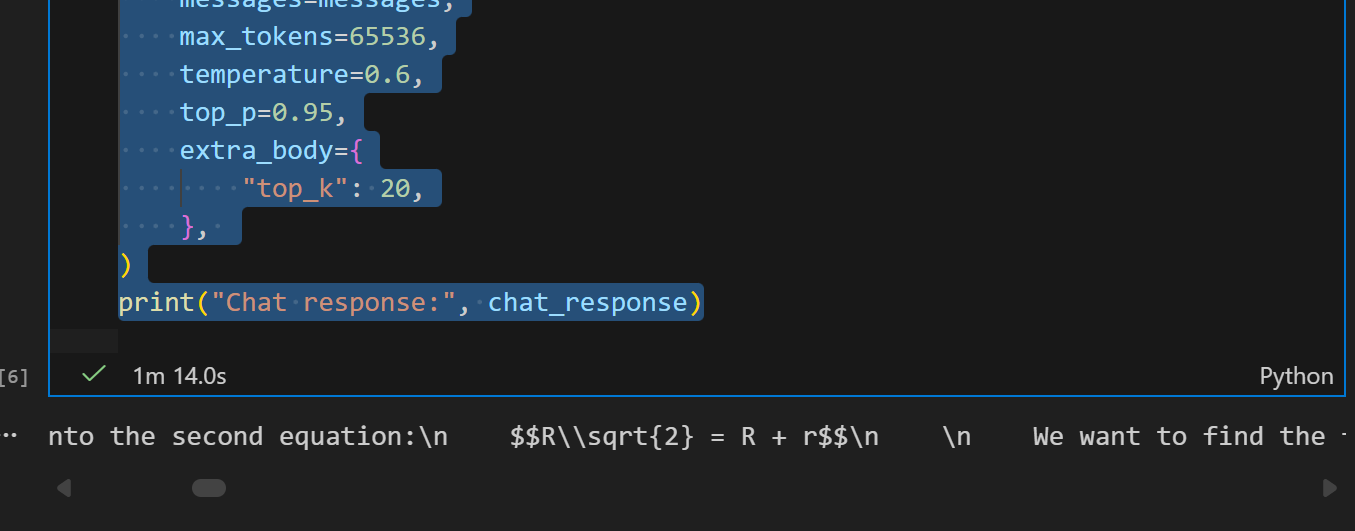
chat_response = client.chat.completions.create(
    model="qwen3.5-plus",
    messages=messages,
    max_tokens=65536,
    temperature=0.6,
    top_p=0.95,
    extra_body={
        "top_k": 20,
    },
)
print("Chat response:", chat_response)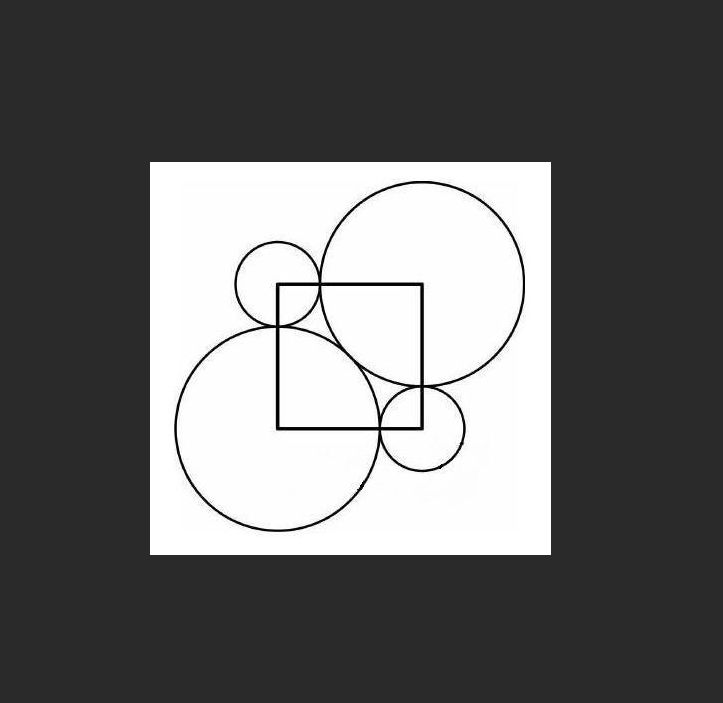
bash
messages = [
    {
        "role": "user",
        "content": [
            {
                "type": "video_url",
                "video_url": {
                    "url": "https://qianwen-res.oss-accelerate.aliyuncs.com/Qwen3.5/demo/video/N1cdUjctpG8.mp4"
                }
            },
            {
                "type": "text",
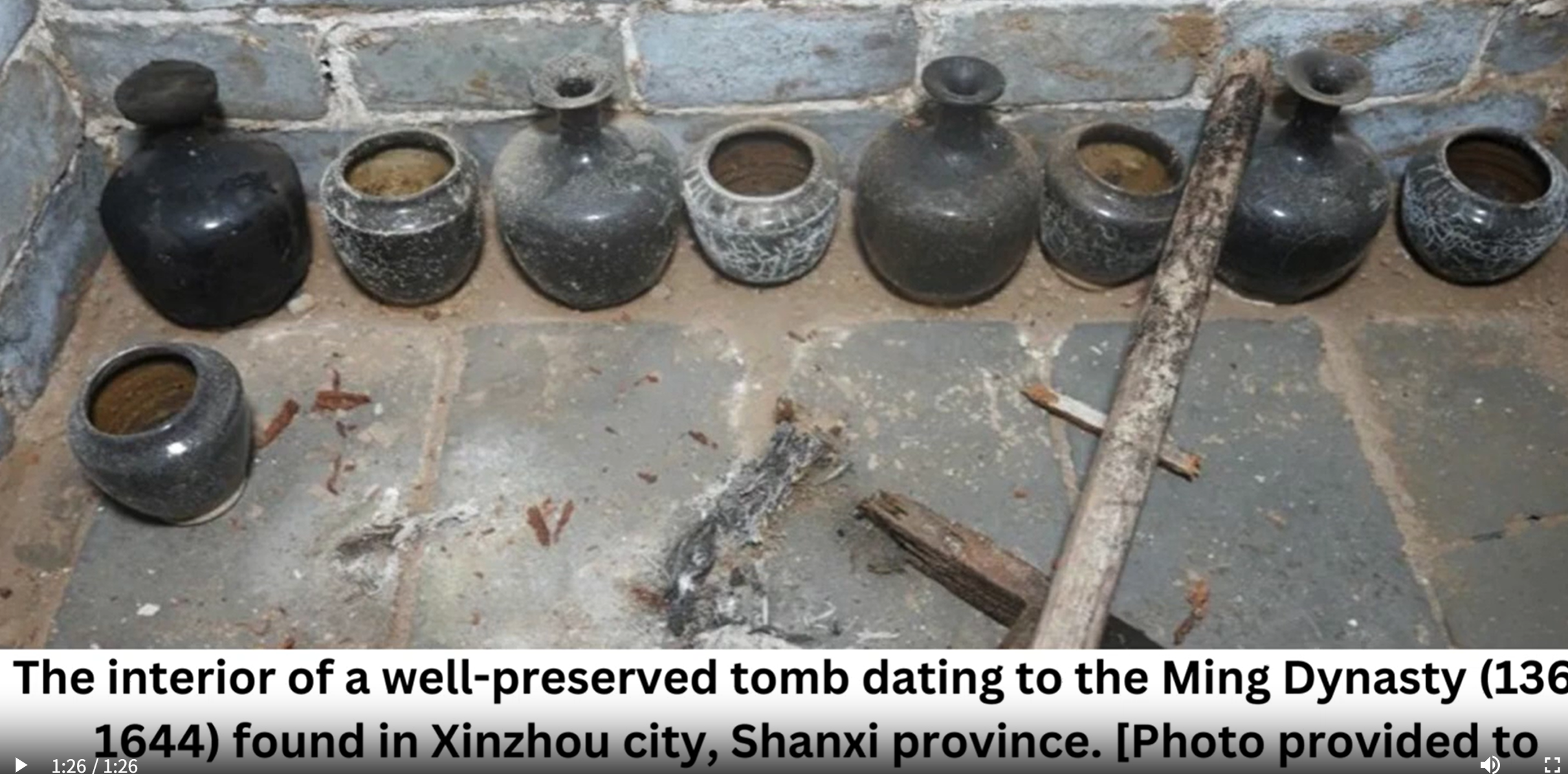
                "text": "How many porcelain jars were discovered in the niches located in the primary chamber of the tomb?"
            }
        ]
    }
]

# When vLLM is launched with `--media-io-kwargs '{"video": {"num_frames": -1}}'`,
# video frame sampling can be configured via `extra_body` (e.g., by setting `fps`).
# This feature is currently supported only in vLLM.
#
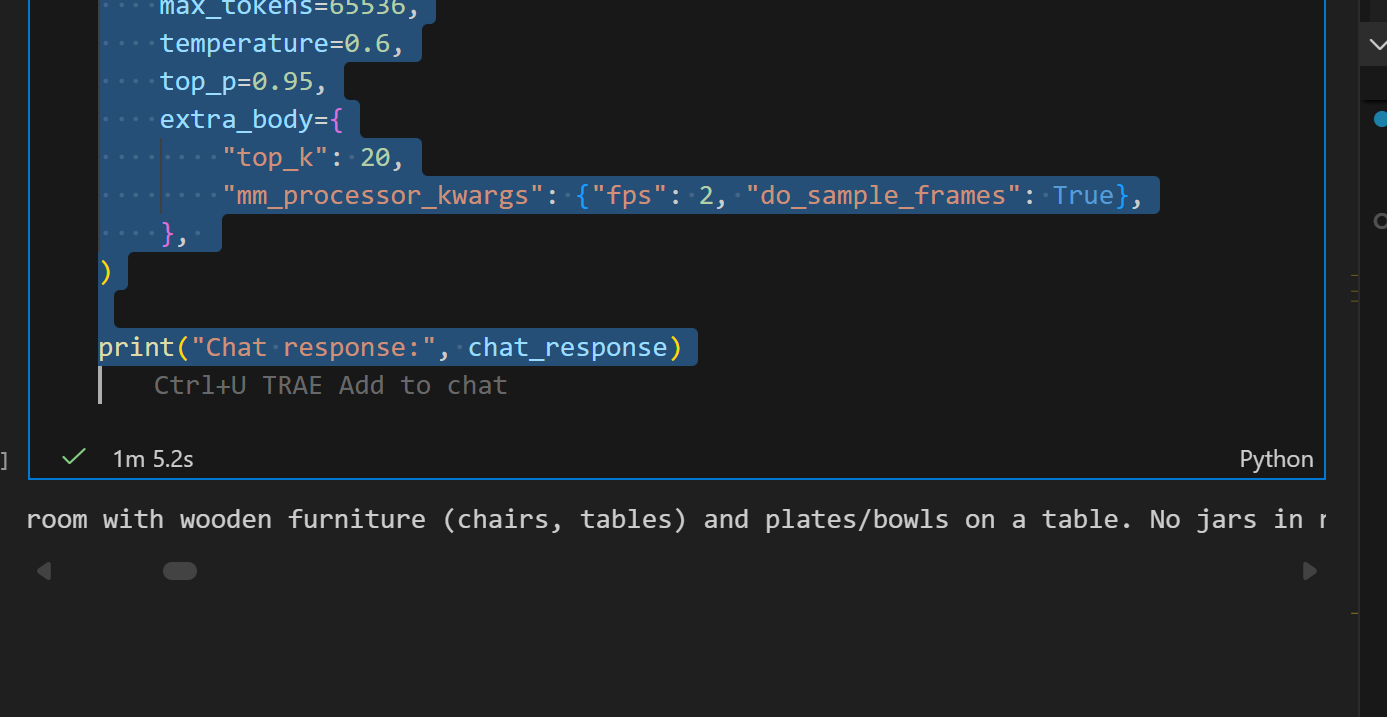
# By default, `fps=2` and `do_sample_frames=True`.
# With `do_sample_frames=True`, you can customize the `fps` value to set your desired video sampling rate.
chat_response = client.chat.completions.create(
    model="qwen3.5-plus",
    messages=messages,
    max_tokens=65536,
    temperature=0.6,
    top_p=0.95,
    extra_body={
        "top_k": 20,
        "mm_processor_kwargs": {"fps": 2, "do_sample_frames": True},
    },
)

print("Chat response:", chat_response)