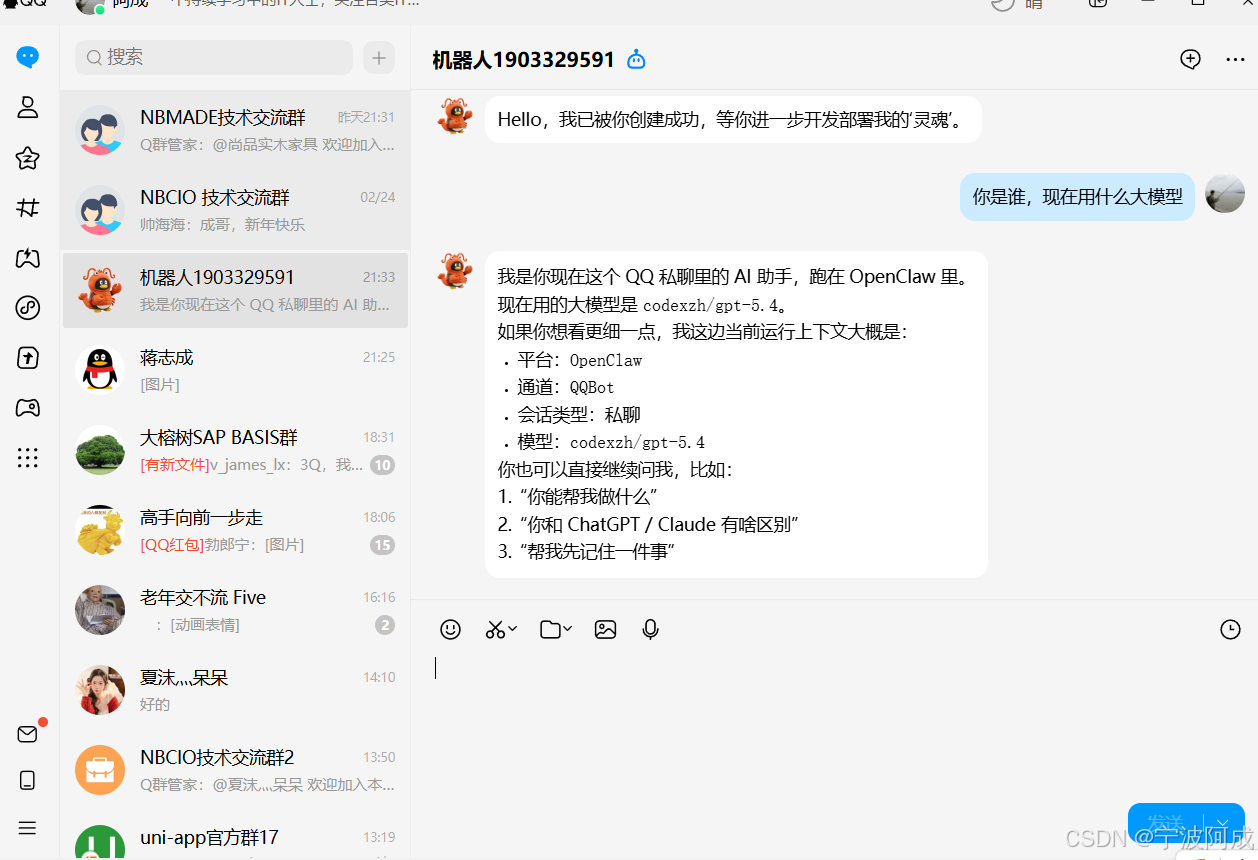
1、因为下载docker目前国内不支持,所以我先下载下来,在通过save方式来处理
root@localhost openclaw-in-docker# docker images
REPOSITORY TAG IMAGE ID CREATED SIZE
alpine/openclaw latest f9fbf34fba6b 2 days ago 2.69 GB
root@localhost openclaw-in-docker# docker ps
CONTAINER ID IMAGE COMMAND CREATED STATUS PORTS NAMES
b556e41e93c1 openclaw:local "docker-entrypoint..." 2 days ago Up 16 minutes (healthy) 0.0.0.0:18789-18790->18789-18790/tcp openclaw-in-docker-openclaw-gateway-1
2、另外opencalw.json需要修改成如下,我是用本地已经安装好的镜像来处理的:
XML
{
  "wizard": {
    "lastRunAt": "2026-03-08T13:18:34.581Z",
    "lastRunVersion": "2026.3.7",
    "lastRunCommand": "onboard",
    "lastRunMode": "local"
  },
  "agents": {
    "defaults": {
      "model": {
        "primary": "openai/gpt-5.2"
      },
      "models": {
        "openai/gpt-5.2": {}
      },
      "workspace": "/home/node/.openclaw/workspace",
      "compaction": {
        "mode": "safeguard"
      },
      "maxConcurrent": 4,
      "subagents": {
        "maxConcurrent": 8
      }
    }
  },
  "tools": {
    "profile": "coding"
  },
  "messages": {
    "ackReactionScope": "group-mentions"
  },
  "commands": {
    "native": "auto",
    "nativeSkills": "auto",
    "restart": true,
    "ownerDisplay": "raw"
  },
  "session": {
    "dmScope": "per-channel-peer"
  },
  "gateway": {
    "port": 18789,
    "mode": "local",
    "auth": {
      "mode": "token",
      "token": "05eed602596bd03274aa7fb740745545345017f24d8d3eec3e7cdea1fd48825b"
    },
    "tailscale": {
      "mode": "off",
      "resetOnExit": false
    },
    "bind": "loopback",
    "controlUi": {
      "allowedOrigins": [
        "http://localhost:18789",
        "http://127.0.0.1:18789"
      ],
    },
    "nodes": {
      "denyCommands": [
        "camera.snap",
        "camera.clip",
        "screen.record",
        "contacts.add",
        "calendar.add",
        "reminders.add",
        "sms.send"
      ]
    }
  },
  "skills": {
    "entries": {
      "goplaces": {
        "apiKey": "n"
      }
    }
  },
  "meta": {
    "lastTouchedVersion": "2026.3.7",
    "lastTouchedAt": "2026-03-08T13:18:34.601Z"
  }
}
3、期间出现时间问题,token问题等等都要处理
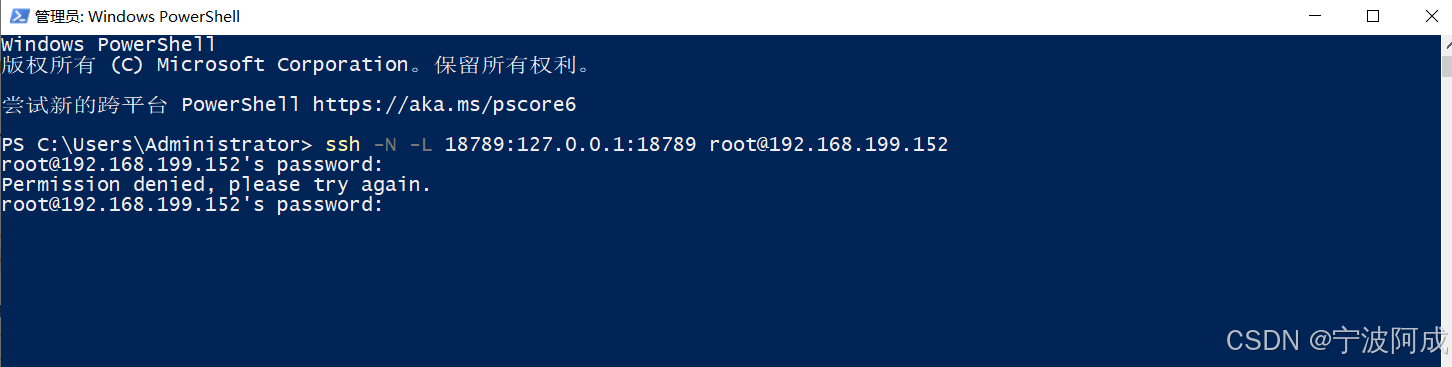
4、还需要进行ssh端口转发
ssh -N -L 18789:127.0.0.1:18789 root@192.168.199.152
5、出现设备配对问题
需要下面方式处理
cd openclaw-in-docker
docker-compose up -d openclaw-gateway
列出待配对设备(浏览器页面保持打开/刷新一次触发请求)
docker-compose exec -T openclaw-gateway openclaw devices list
批准最新一个
docker-compose exec -T openclaw-gateway openclaw devices approve --latest
比如:
bash
[root@localhost openclaw-in-docker]# cd openclaw-in-docker
-bash: cd: openclaw-in-docker: 没有那个文件或目录
[root@localhost openclaw-in-docker]# docker-compose up -d openclaw-gateway
WARN[0000] The "CLAUDE_AI_SESSION_KEY" variable is not set. Defaulting to a blank string.
WARN[0000] The "CLAUDE_WEB_SESSION_KEY" variable is not set. Defaulting to a blank string.
WARN[0000] The "CLAUDE_WEB_COOKIE" variable is not set. Defaulting to a blank string.
WARN[0000] The "CLAUDE_AI_SESSION_KEY" variable is not set. Defaulting to a blank string.
WARN[0000] The "CLAUDE_WEB_SESSION_KEY" variable is not set. Defaulting to a blank string.
WARN[0000] The "CLAUDE_WEB_COOKIE" variable is not set. Defaulting to a blank string.
[+] Running 1/1
 ✔ Container openclaw-in-docker-openclaw-gateway-1  Running                                                                                                                                                 0.0s
[root@localhost openclaw-in-docker]#
[root@localhost openclaw-in-docker]# # 列出待配对设备(浏览器页面保持打开/刷新一次触发请求)
[root@localhost openclaw-in-docker]# docker-compose exec -T openclaw-gateway openclaw devices list
WARN[0000] The "CLAUDE_AI_SESSION_KEY" variable is not set. Defaulting to a blank string.
WARN[0000] The "CLAUDE_WEB_SESSION_KEY" variable is not set. Defaulting to a blank string.
WARN[0000] The "CLAUDE_WEB_COOKIE" variable is not set. Defaulting to a blank string.
WARN[0000] The "CLAUDE_WEB_COOKIE" variable is not set. Defaulting to a blank string.
WARN[0000] The "CLAUDE_AI_SESSION_KEY" variable is not set. Defaulting to a blank string.
WARN[0000] The "CLAUDE_WEB_SESSION_KEY" variable is not set. Defaulting to a blank string.
Pending (1)
┌──────────────────────────────────────┬──────────────────────────────────┬──────────┬────────────┬──────────┬────────┐
│ Request                              │ Device                           │ Role     │ IP         │ Age      │ Flags  │
├──────────────────────────────────────┼──────────────────────────────────┼──────────┼────────────┼──────────┼────────┤
│ 93a793ce-5638-4142-9d47-c1c45a71517e │ f7039d25aeb15d83be8ef5101a517d7b │ operator │ 172.18.0.1 │ just now │        │
│                                      │ c78382761c0fb307612753f3c0e97861 │          │            │          │        │
└──────────────────────────────────────┴──────────────────────────────────┴──────────┴────────────┴──────────┴────────┘
Paired (1)
┌─────────────────────────────┬────────────┬────────────────────────────────────────────────┬────────────┬────────────┐
│ Device                      │ Roles      │ Scopes                                         │ Tokens     │ IP         │
├─────────────────────────────┼────────────┼────────────────────────────────────────────────┼────────────┼────────────┤
│ 0fdae74ee7e7412014d9f16fb79 │ operator   │ operator.admin, operator.read, operator.       │ operator   │            │
│ a3e8855dc6f5a104e49d2b0e818 │            │ write, operator.approvals, operator.pairing    │            │            │
│ f0d64184c5                  │            │                                                │            │            │
└─────────────────────────────┴────────────┴────────────────────────────────────────────────┴────────────┴────────────┘
[root@localhost openclaw-in-docker]#
[root@localhost openclaw-in-docker]# # 批准最新一个
[root@localhost openclaw-in-docker]# docker-compose exec -T openclaw-gateway openclaw devices approve --latest
WARN[0000] The "CLAUDE_AI_SESSION_KEY" variable is not set. Defaulting to a blank string.
WARN[0000] The "CLAUDE_WEB_SESSION_KEY" variable is not set. Defaulting to a blank string.
WARN[0000] The "CLAUDE_WEB_COOKIE" variable is not set. Defaulting to a blank string.
WARN[0000] The "CLAUDE_AI_SESSION_KEY" variable is not set. Defaulting to a blank string.
WARN[0000] The "CLAUDE_WEB_SESSION_KEY" variable is not set. Defaulting to a blank string.
WARN[0000] The "CLAUDE_WEB_COOKIE" variable is not set. Defaulting to a blank string.
Approved f7039d25aeb15d83be8ef5101a517d7bc78382761c0fb307612753f3c0e97861 (93a793ce-5638-4142-9d47-c1c45a71517e)
[root@localhost openclaw-in-docker]#
6、因为没有配置api,对话出下面错误
Agent failed before reply: No API key found for provider "openai". Auth store: /home/node/.openclaw/agents/main/agent/auth-profiles.json (agentDir: /home/node/.openclaw/agents/main/agent). Configure auth for this agent (openclaw agents add <id>) or copy auth-profiles.json from the main agentDir.
Logs: openclaw logs --follow
需要根据自己使用的api来进行openclaw.json配置
7、同时以root身份进入docker
docker exec -u 0 -it openclaw-in-docker-openclaw-gateway-1 sh
不过进入后最好还是切换到su - node来运行吧,因为都是这个权限来使用
8、安装需要的skills
XML
apt-get update && apt-get install -y jq ripgrep ffmpeg tmux git curl python3 python3-pip
npm i -g clawhub
apt-get update && apt-get install -y pipx
pipx install uv
9、OpenClaw原生接入流程
1.安装OpenClaw开源社区QQBot插件openclaw plugins install @tencent-connect/openclaw-qqbot@latest
2.配置绑定当前QQ机器人openclaw channels add --channel qqbot --token "1903329591:AAAAAAAAAAAAAAA"
3.重启本地OpenClaw服务
openclaw gateway restart