一、安装ants
1、解压缩
2、在配置文件编辑
export PATH=$PATH:/home/xiaoming/ants-2.6.5/bin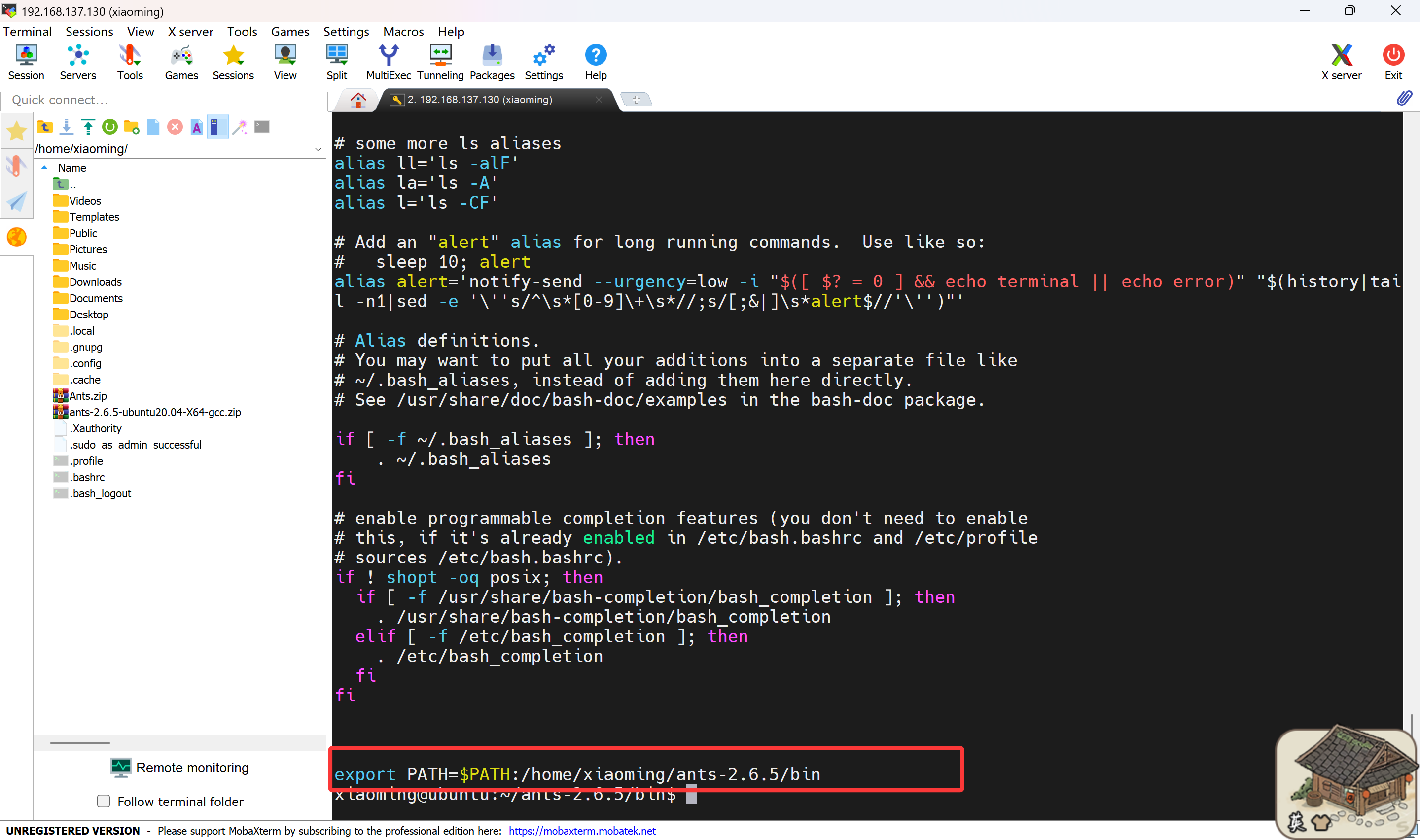
3、输入测试语句
antsRegistrationSyN.sh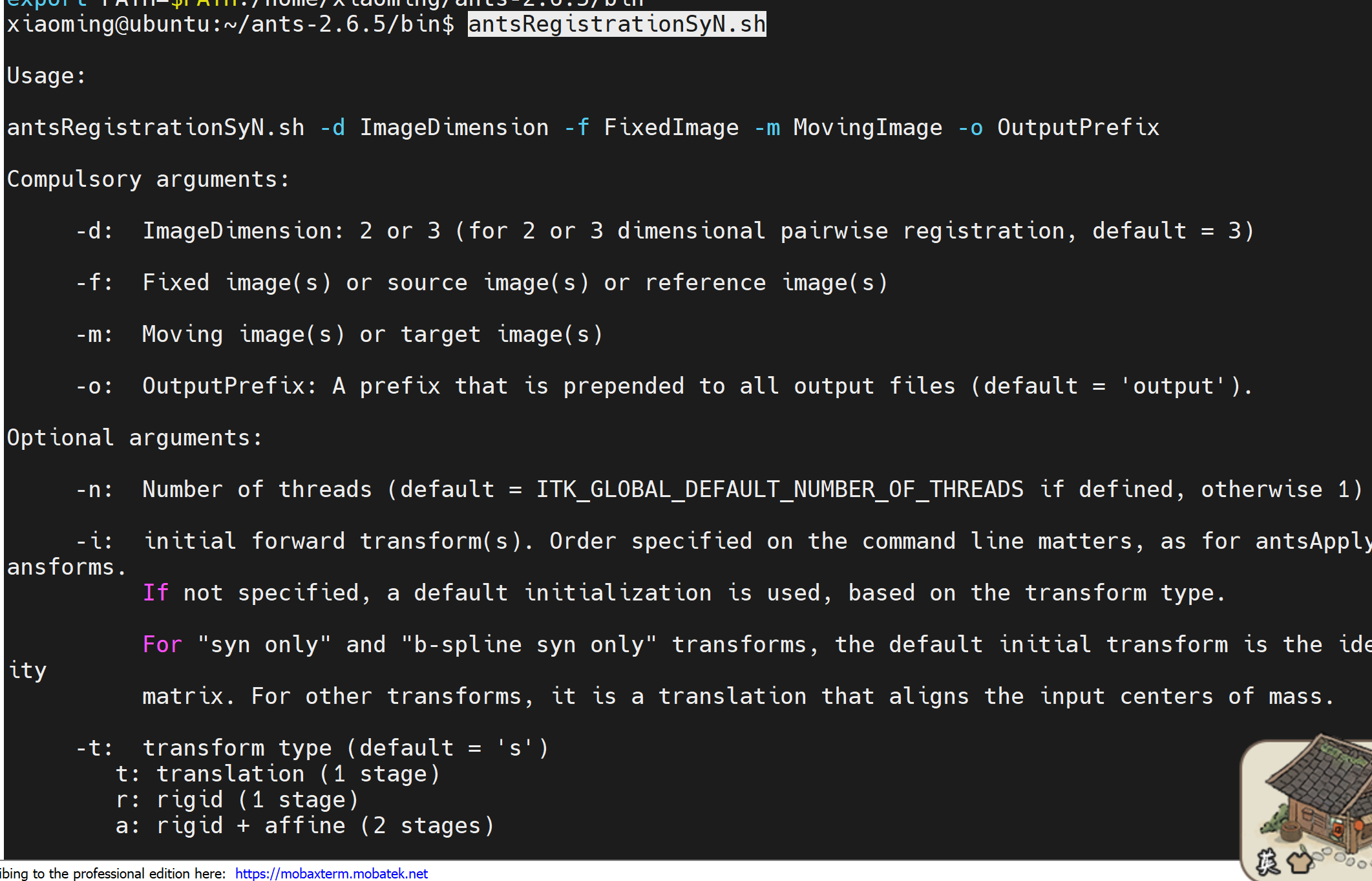
二、安装ANFI
cd
curl -O https://raw.githubusercontent.com/afni/afni/master/src/other_builds/OS_notes.linux_ubuntu_24_64_a_admin.txt
curl -O https://raw.githubusercontent.com/afni/afni/master/src/other_builds/OS_notes.linux_ubuntu_24_64_b_user.tcsh
curl -O https://raw.githubusercontent.com/afni/afni/master/src/other_builds/OS_notes.linux_ubuntu_24_64_c_nice.tcsh

sudo bash OS_notes.linux_ubuntu_24_64_a_admin.txt 2>&1 | tee o.ubuntu_24_a.txt
tcsh OS_notes.linux_ubuntu_24_64_b_user.tcsh 2>&1 | tee o.ubuntu_24_b.txt
tcsh OS_notes.linux_ubuntu_24_64_c_nice.tcsh 2>&1 | tee o.ubuntu_24_c.txt
安装过程时间比较长
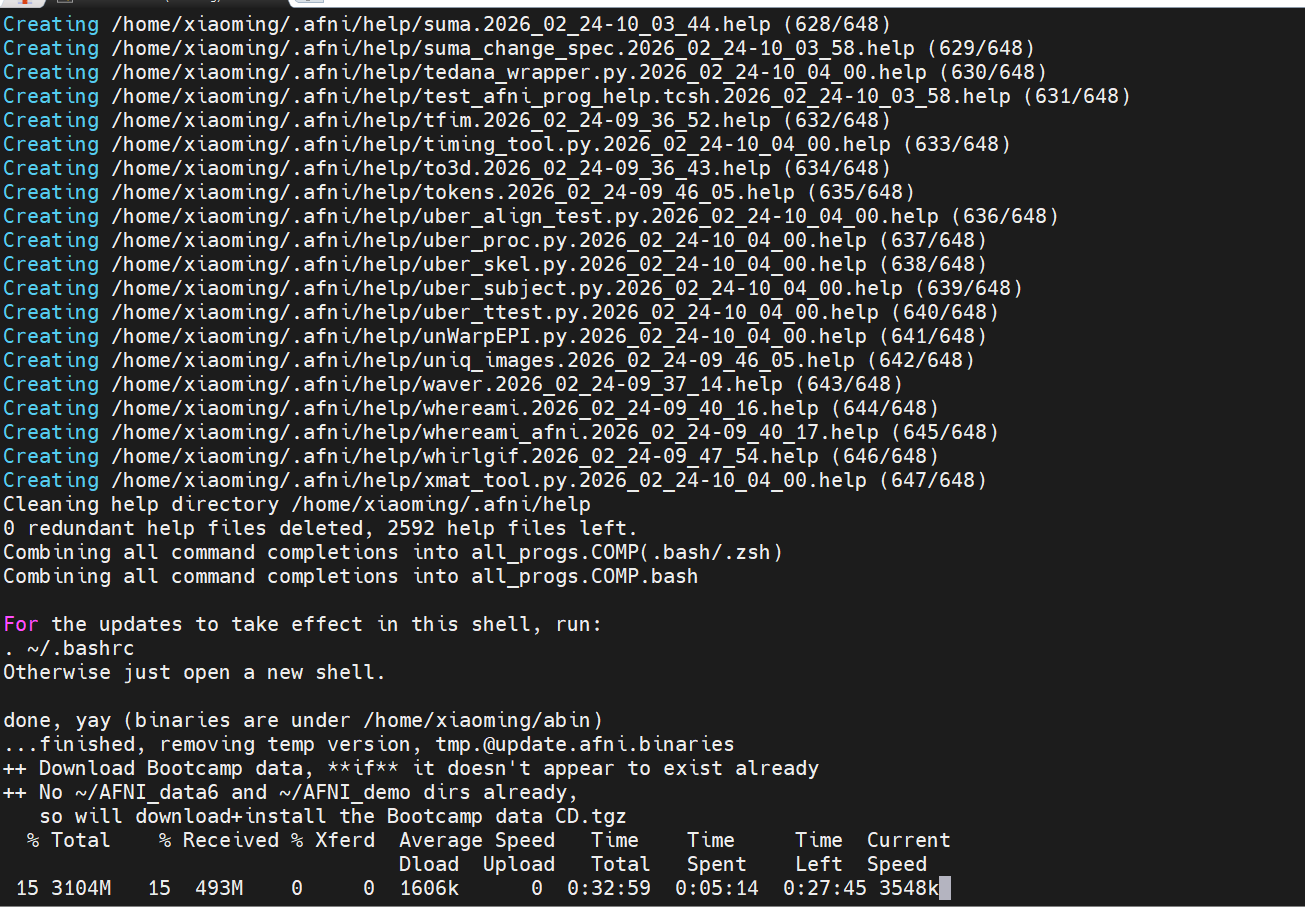
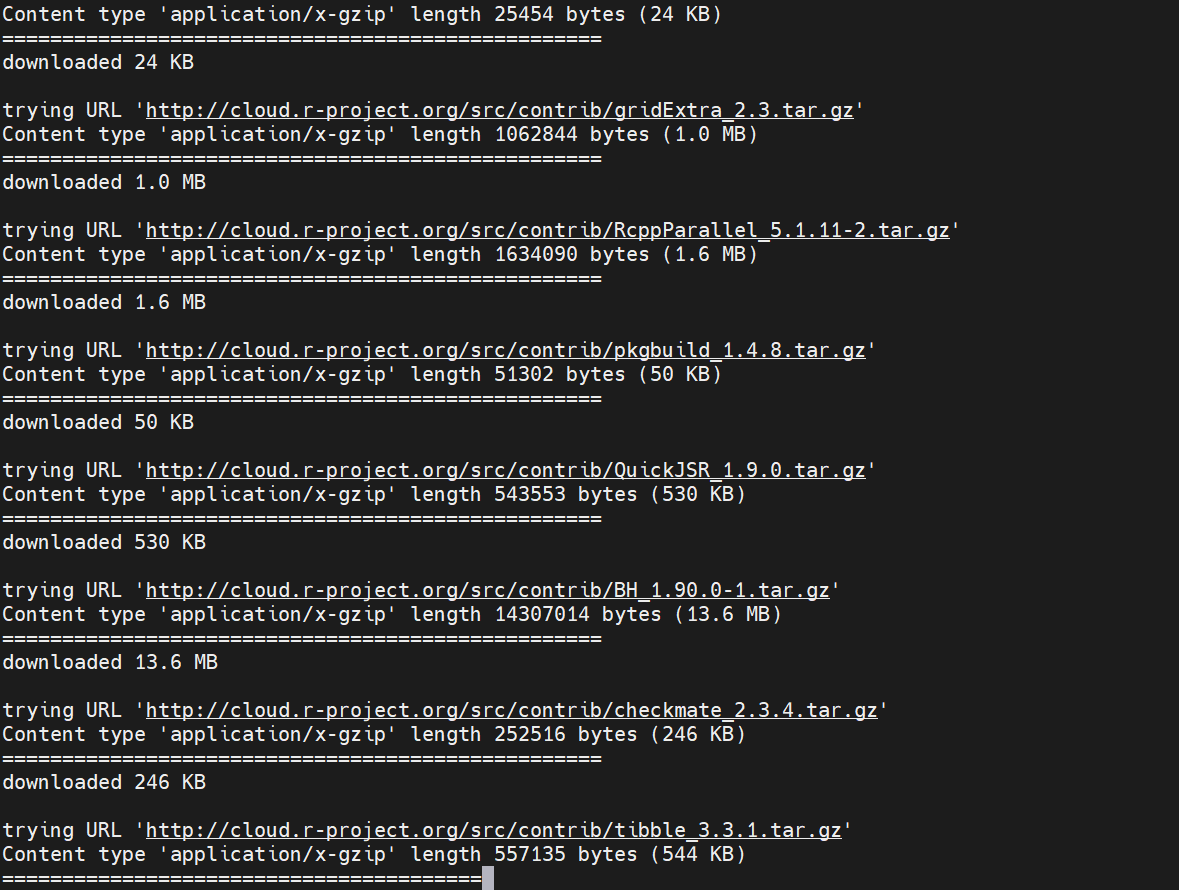
终于结束了
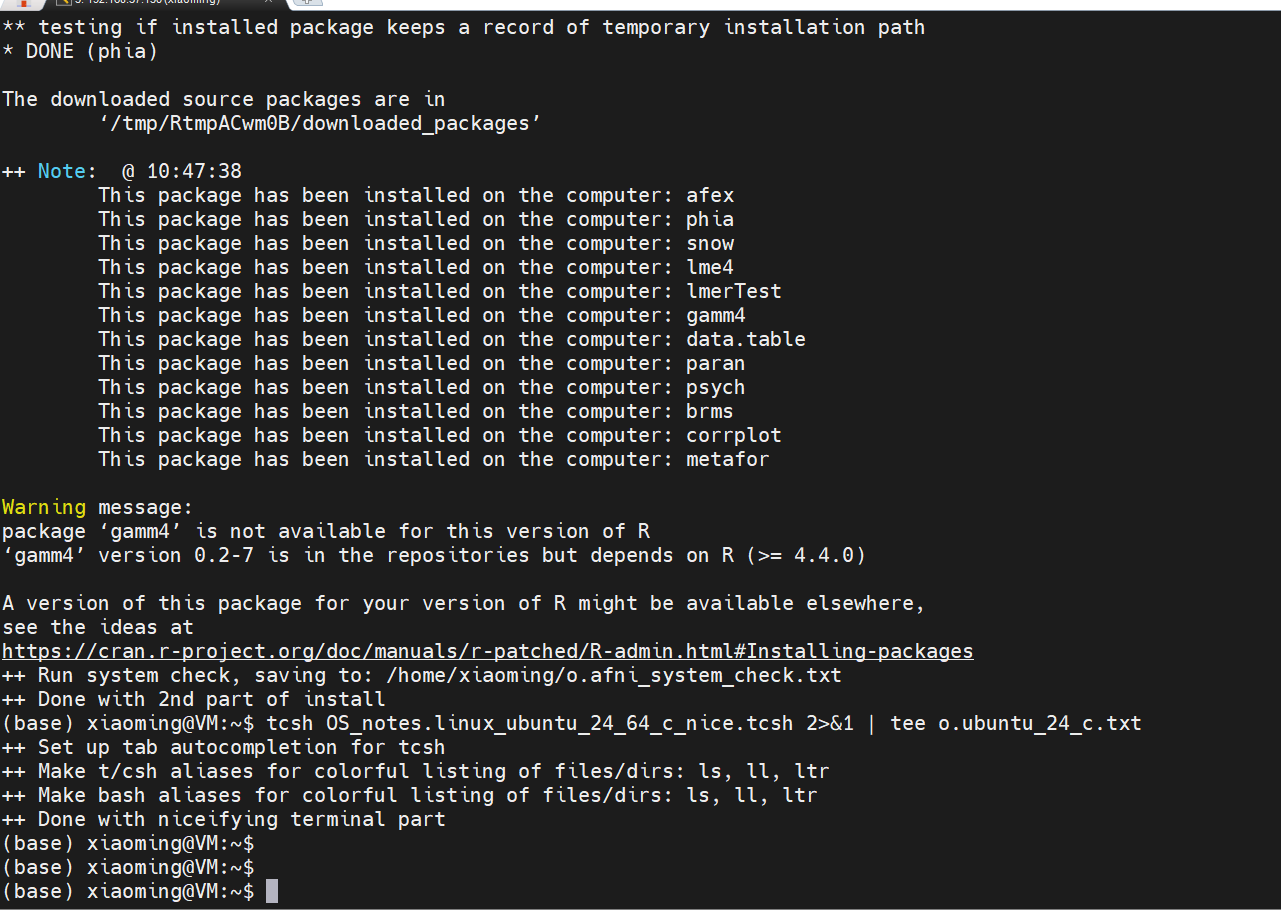
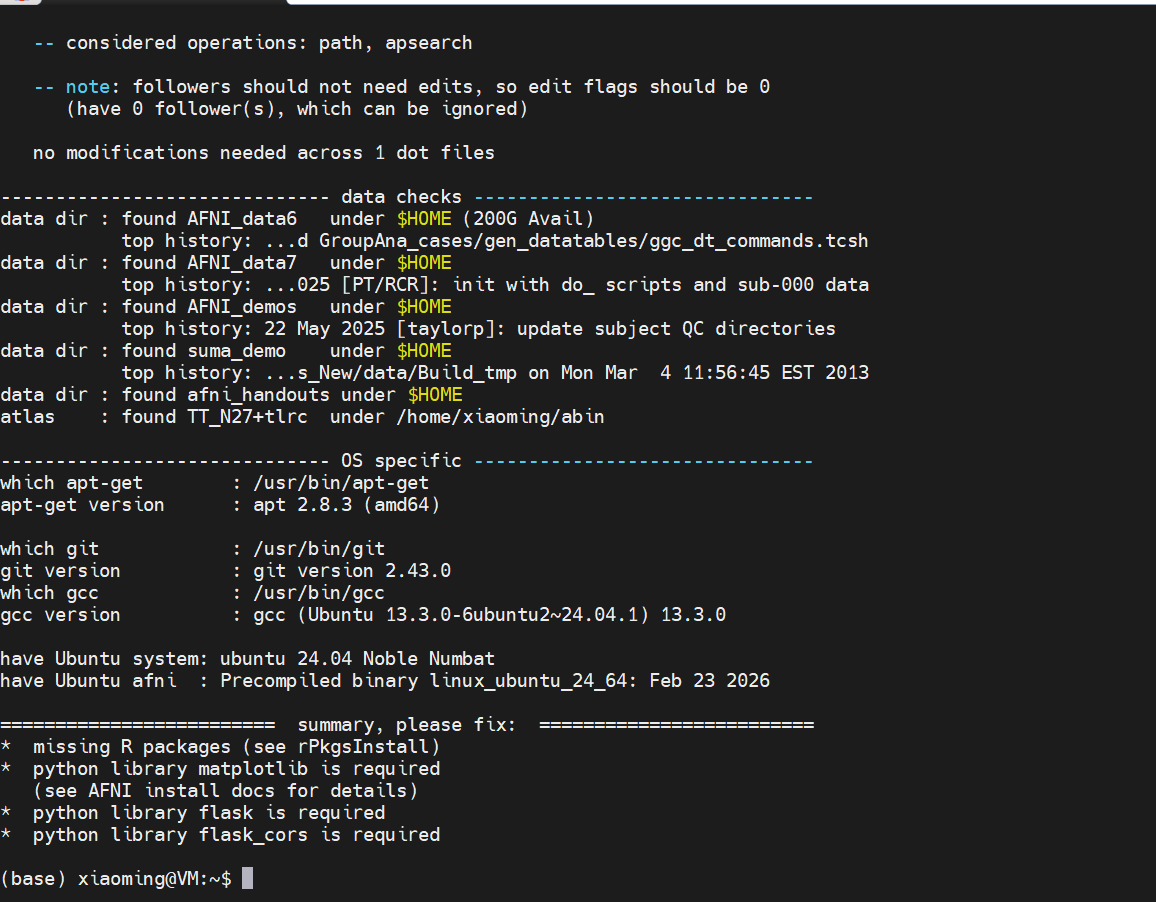
提示缺少一些对应的库,执行下面命令。
pip install matplotlib flask flask_cors

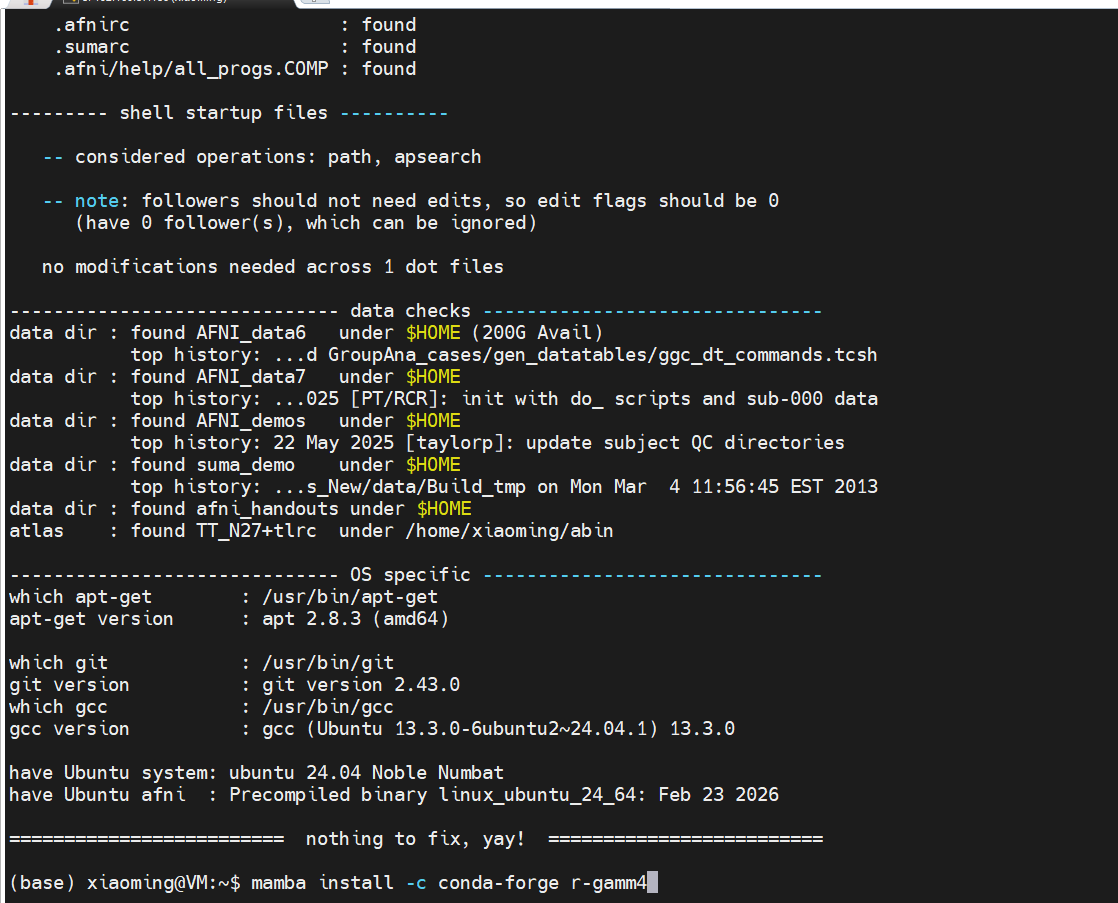
mamba install -c conda-forge r-gamm4
终于完成检查了
2、打开另一个终端
afni_system_check.py -check_all打开下面两个命令
#打开AFNI和SUMA的GUI,确保一切正常
afni
suma
输入afni的结果
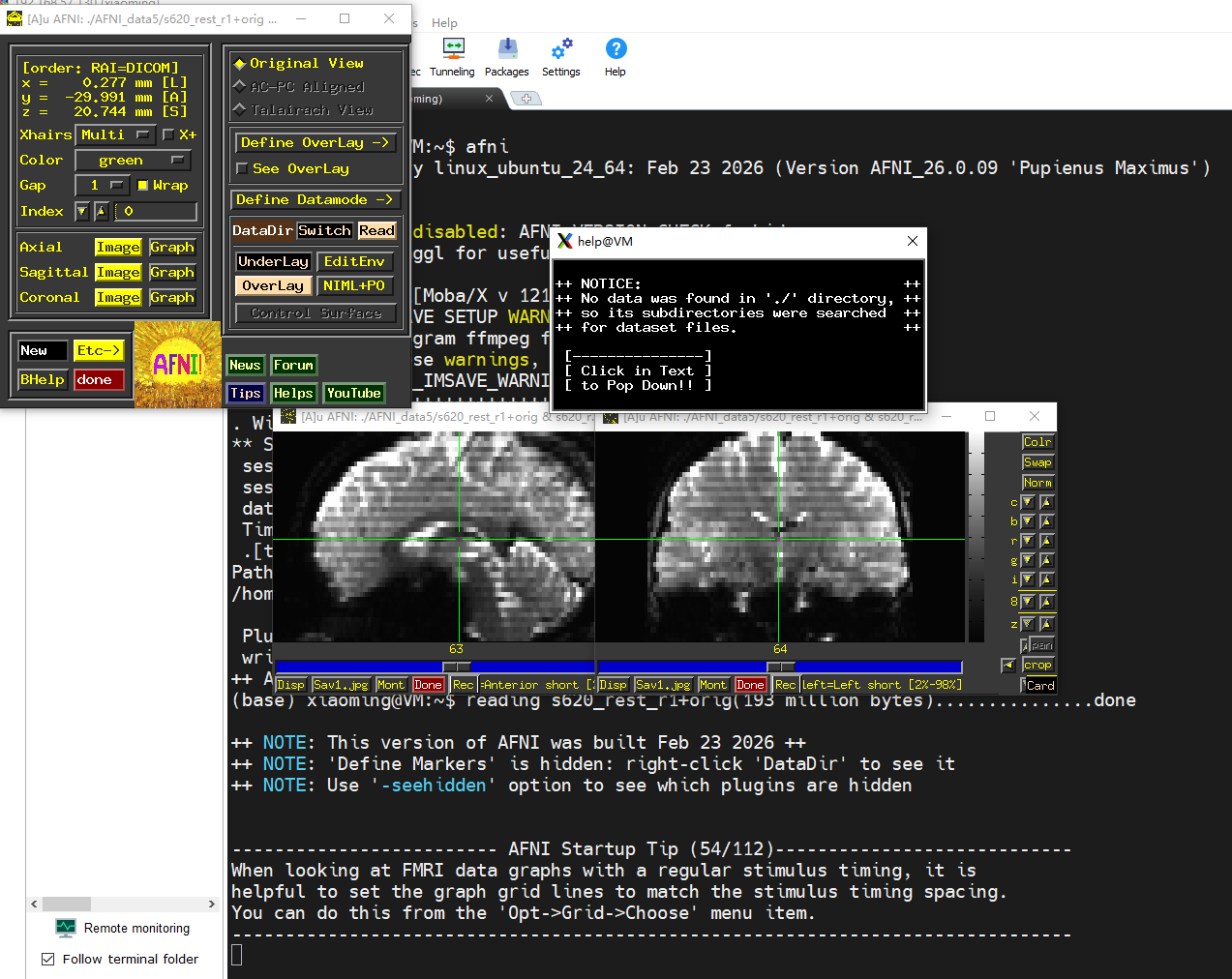
输入suma的结果
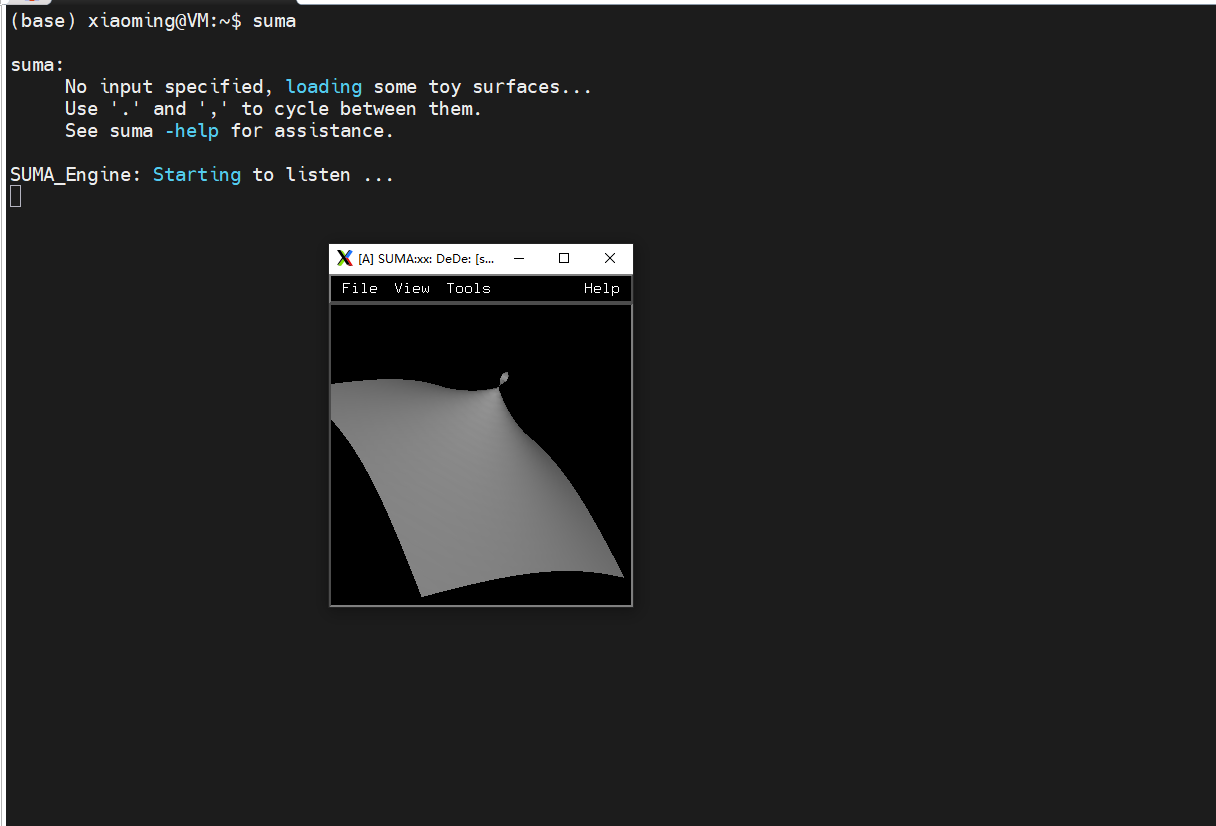
查看版本
afni -ver 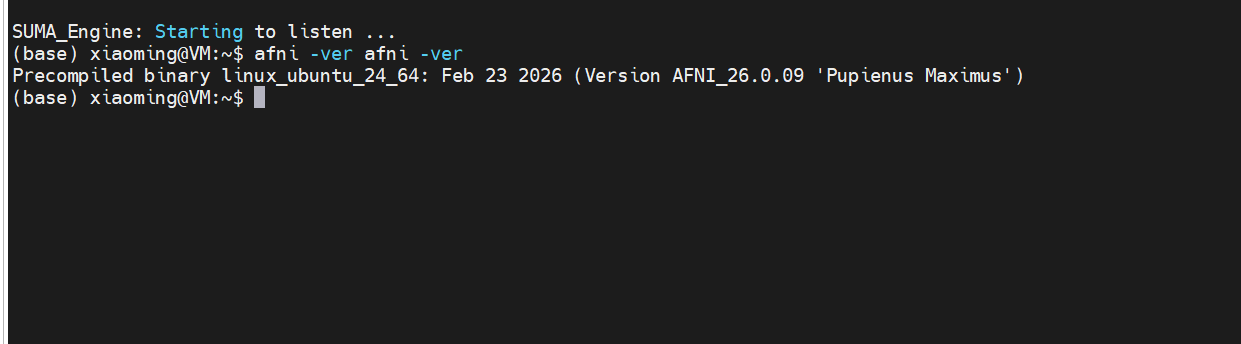
三、安装bids_validator
pip install bids_validator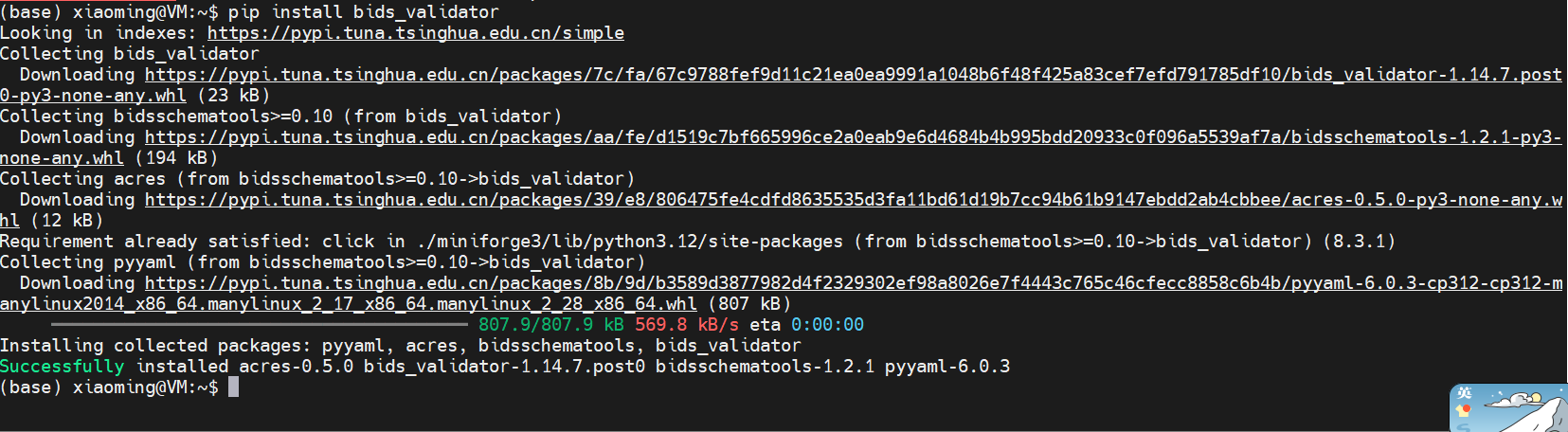
4、安装connectome-workbench
mamba install -c conda-forge Connectome Workbench5、安装xcp_d
pip install git+https://github.com/pennlinc/xcp_d.git安装成功
