nginx配置文件
bash
[root@VM-12-7-centos ~]# cat /opt/nginx-proxy/nginx.conf
# 定义Nginx用户和工作进程数
user  nginx;  # 以 nginx 用户运行 Nginx
worker_processes  auto;  # 根据CPU核心数量自动调整工作进程数

# 错误日志配置
error_log  /var/log/nginx/error.log notice;  # 错误日志路径和日志级别 (notice, warn, error等)
pid        /var/run/nginx.pid;  # 存放Nginx进程ID的文件

# 事件模块配置
events {
    worker_connections  4096;  # 每个工作进程允许的最大连接数
}

# HTTP模块配置
http {
    # 文件扩展名与MIME类型的映射
    include       /etc/nginx/mime.types;  # 包含MIME类型文件
    default_type  application/octet-stream;  # 设置默认的MIME类型

    # 日志格式定义
    log_format  main  '$remote_addr - $remote_user [$time_local] "$request" '
                      '$status $body_bytes_sent "$http_referer" '
                      '"$http_user_agent" "$http_x_forwarded_for" '
                      'request_time=$request_time upstream_response_time=$upstream_response_time';
    # 访问日志文件路径及使用的日志格式
    access_log  /var/log/nginx/access.log  main;

    # 性能优化配置
    sendfile        on;  # 使用sendfile系统调用发送文件,提高性能
    tcp_nopush      on;  # 在传输大文件时启用TCP_NOPUSH来优化网络性能
    keepalive_timeout  65;  # 保持连接的超时时间(秒)

    # gzip压缩配置
    gzip on;  # 启用gzip压缩
    gzip_min_length 10240;  # 压缩最小数据长度,超过10KB的数据才压缩
    gzip_types text/plain text/css application/json application/javascript text/xml application/xml application/xml+rss text/javascript;  # 定义哪些MIME类型的响应可以压缩
    gzip_proxied any;  # 针对代理请求,允许任何类型的响应进行压缩
    gzip_disable "msie6";  # 禁用对IE6的gzip压缩

    # 速率限制和连接限制配置
    limit_conn_zone $binary_remote_addr zone=addr:10m;  # 定义连接限制的区域,按IP地址划分
    limit_conn addr 10;  # 每个IP地址最多允许同时10个连接
    limit_rate 1m;  # 限制每个连接的传输速率为1MB/s

}
# 模块2:TCP/UDP代理模块
stream {
    # 定义日志格式
    log_format proxy '$remote_addr [$time_local] '
                    '$protocol $status $bytes_sent $bytes_received '
                    '$session_time "$upstream_addr"';

    access_log /var/log/nginx/tcp-proxy.log proxy buffer=32k;

    # 定义上游服务器
    upstream http_backend {
        server 43.128.231.36:80;
    }

    server {
        # 监听 443 端口,启用 SSL/TLS
        listen 443 ssl;

        # 可以同时监听 9923 作为备用端口
        # listen 9923 ssl;

        # SSL证书配置
        ssl_certificate "/etc/pki/nginx/www.hejiajun.asia_bundle.crt";
        ssl_certificate_key "/etc/pki/nginx/www.hejiajun.asia.key";

        # SSL安全配置
        ssl_protocols TLSv1.2 TLSv1.3;
        ssl_ciphers ECDHE-RSA-AES128-GCM-SHA256:ECDHE:ECDH:AES:HIGH:!NULL:!aNULL:!MD5:!ADH:!RC4;
        ssl_prefer_server_ciphers on;
        ssl_session_cache shared:SSL:10m;
        ssl_session_timeout 10m;

        # 启用SNI支持(如果需要多个服务)
        ssl_preread on;

        # 代理到后端
        proxy_pass http_backend;

        # TCP代理配置
        proxy_ssl off;  # 后端是明文Telnet
        proxy_connect_timeout 30s;
        proxy_timeout 300s;
        proxy_buffer_size 16k;

        # 代理超时控制
        proxy_responses 0;  # 不是 proxy_requests
    }
}
测试
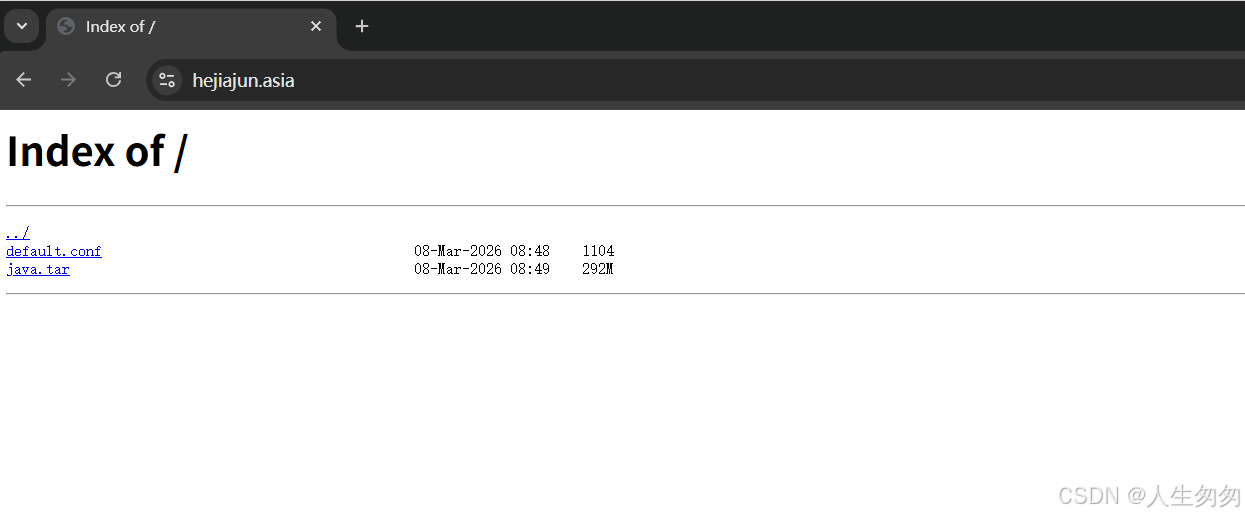
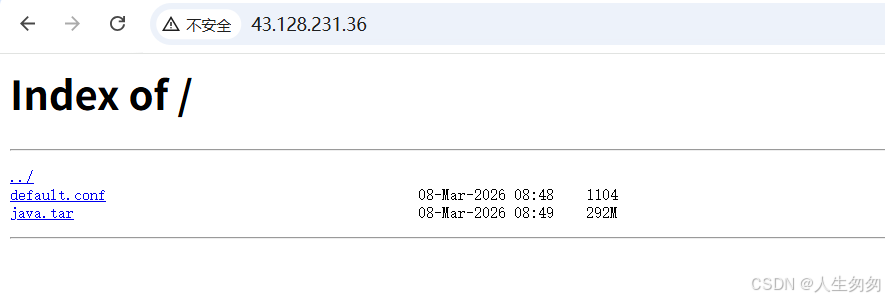
备注:我尝试过代理ssh出现https和SSH加密协议冲突,还有openvpn也是,谁有方法解决