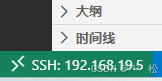
1 登录远程
1.1 点击左下角的连接符号
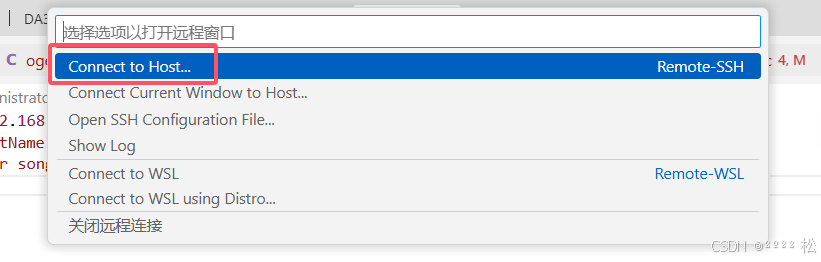
1.2 vs code顶部中间弹出的选项中选择连接到主机
1.3 选择配置主机
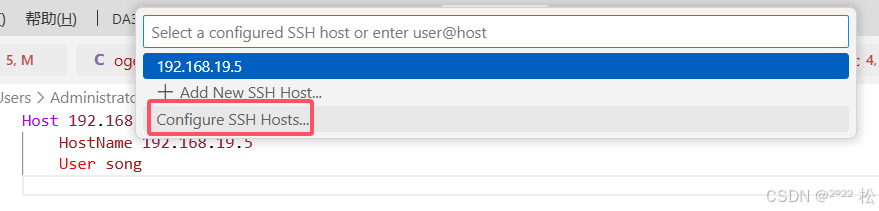
1.4 在配置中填写主机配置包括ip和用户
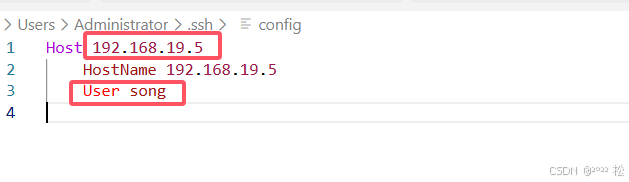
1.5 保存后再次点击

1.6 选择使用已经保存的配置
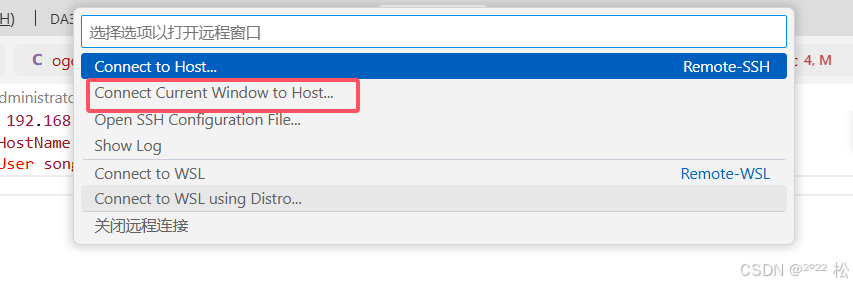
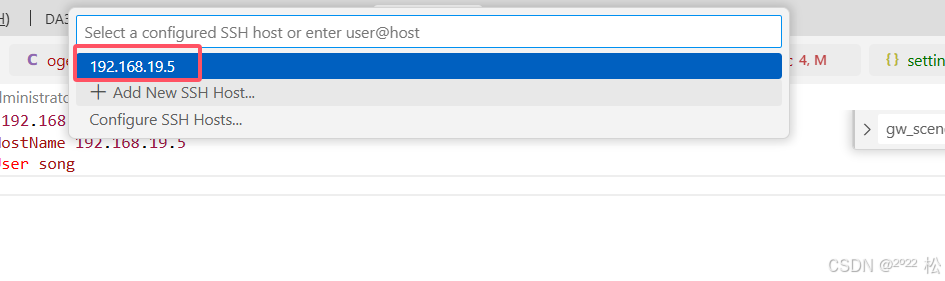
1.7 指定远程clang
在项目vs code设置文件setting.jsons中添加需要使用远程clang才能实现代码文件跳转
bash
  // 指定使用 esp-clang
"clangd.path": "/home/share/esp/v5.4.2/tools/esp-clang/esp-18.1.2_20240912/esp-clang/bin/clangd",

// clangd 参数
"clangd.arguments": [
    "--compile-commands-dir=${workspaceFolder}/build",
    "--background-index",
    "--query-driver=/home/song/.espressif/tools/xtensa-esp-elf/esp-14.2.0_20241119/xtensa-esp-elf/bin/xtensa-esp32s3-elf-g*"
],
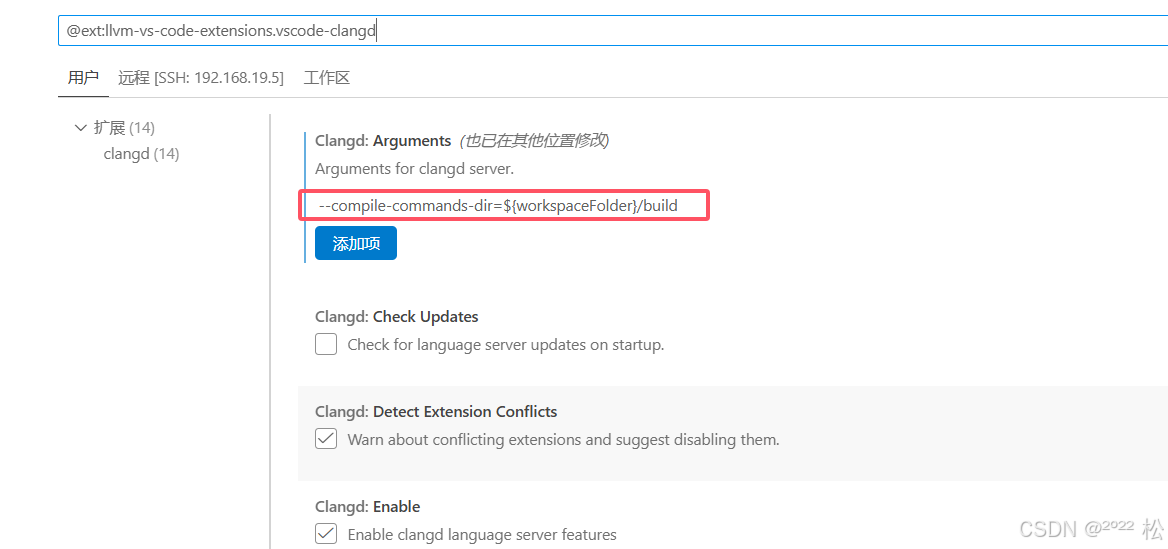
1.8 在远程扩展clang中添加 --compile-commands-dir=${workspaceFolder}/build