Get
bash
# Mac
brew install docker-desktop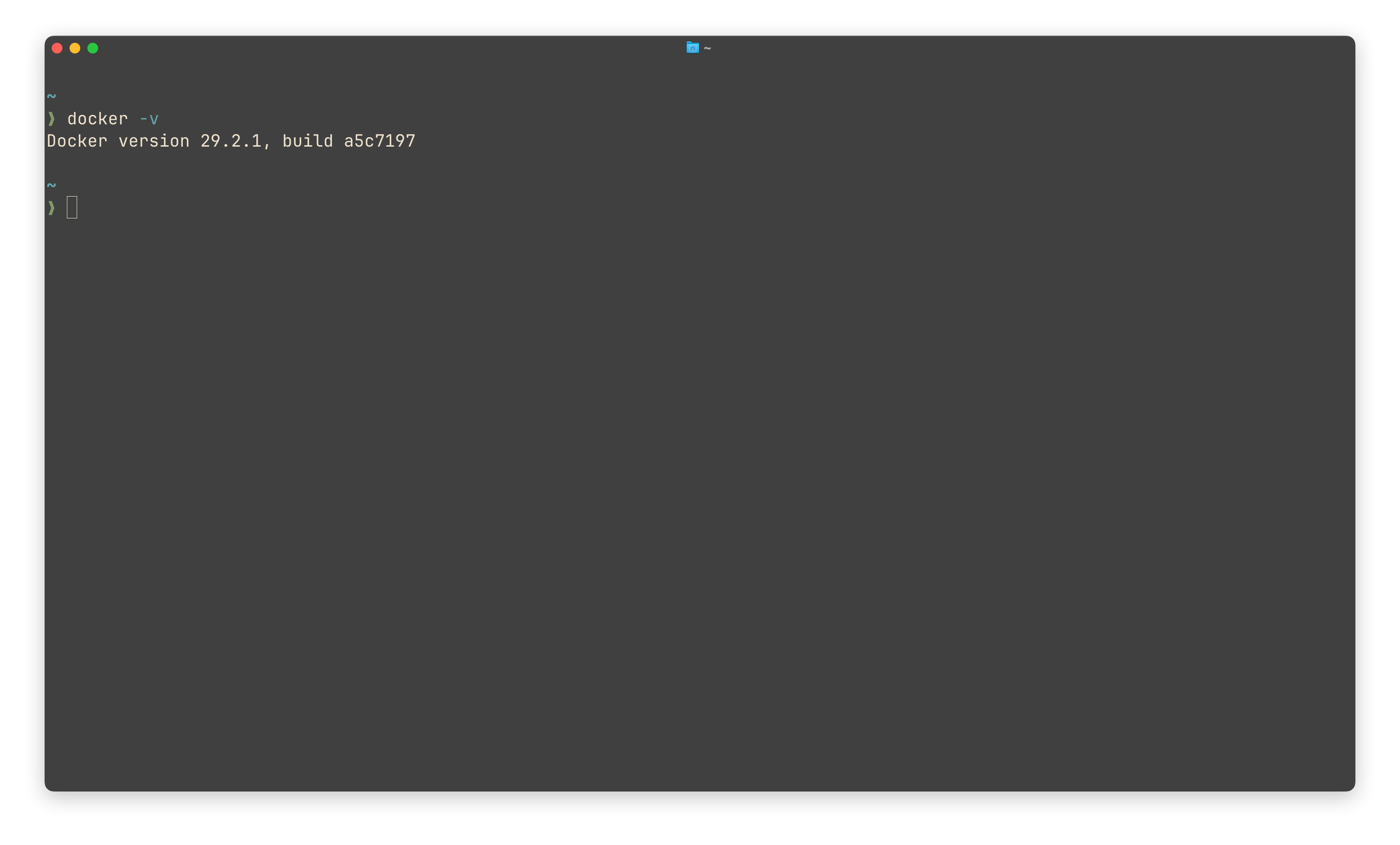
Image
sh
# pull(specific platform)
docker pull [--platform=xxx][image]

# query
docker images

# remove image
docker rmi [ID/NAME]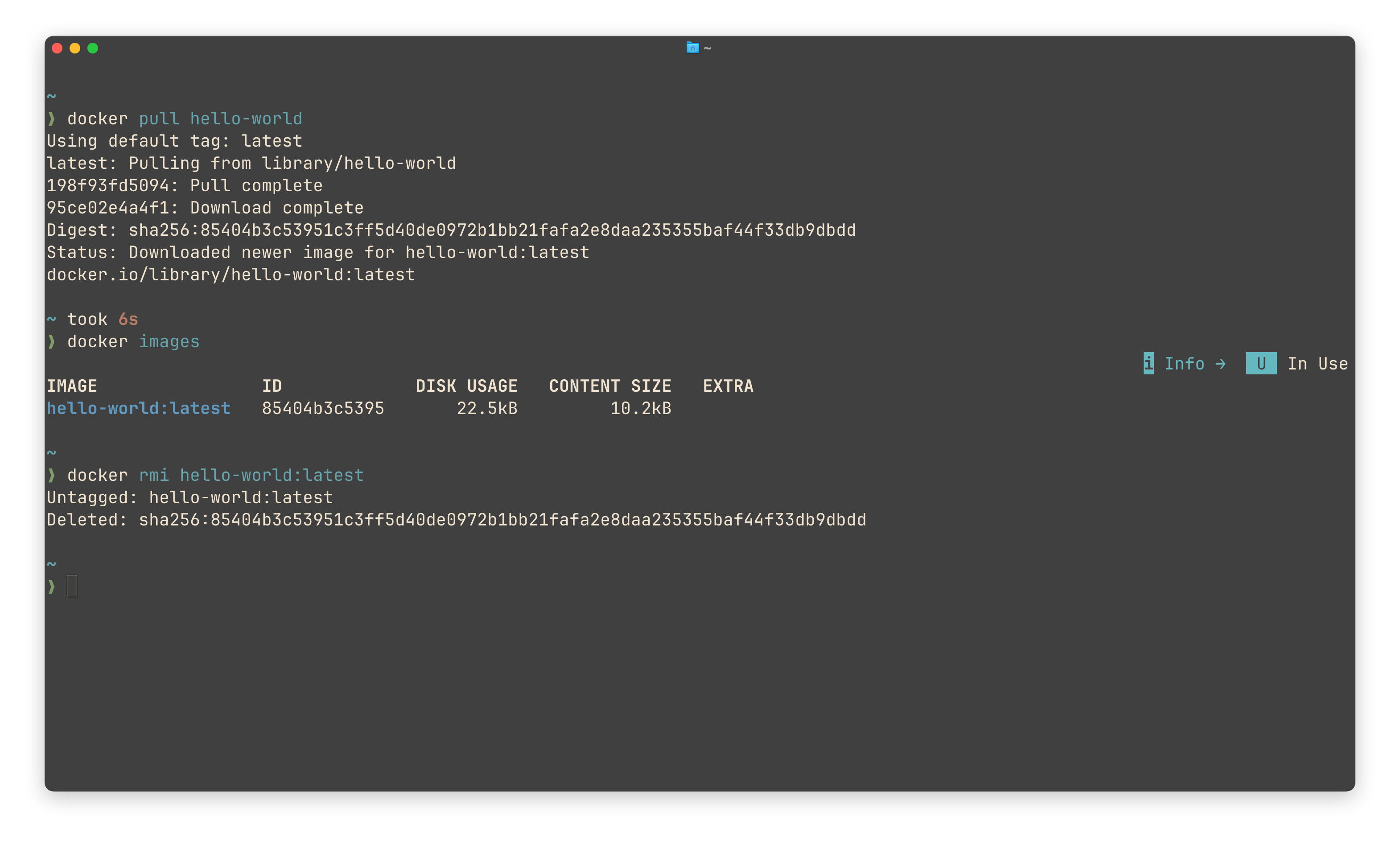
Container
sh
# run
docker run
[-d, detached mode]
[-p xx:xx, port mapping]
[-v /xx/xx:/xx/xx, volume mapping]
[-e, environment]
[--name xx, specify the name]
[-it --rm, enter container and remove it automatically after use]
[--restart always/unless-stopped, always restart & restart contrainer that were unexpected stopped but do not restart contatiner that were manually stopped]
[--network {host} xx]
[ID/NAME]

# process status (only running)
docker ps [-a, all containers]

# remove container
docker rm [-f, --force] [ID/NAME]

# volume
docker volume list
docker volume rm [NAME]
docker volume prune -a	# remove all local volumes not used by containers

# option
docker start [ID/NAME]
docker stop [ID/NAME]

# inspect, view container information.
docker inspect [ID/NAME]

# logs
docker logs [-f, --follow ] [ID/NAME]

# enter the interior of the container
docker exec -it [ID/NAME] /bin/sh

# run command on the interior of the container
docker exec [ID/NAME] [CMD]
P.S.
The usage of docker run -v
- Bind Mount, synchronous update
-v /host:/container[:ro, read-only] - Named volume, local data persistent
-v myvolume:/container
Docker file
sh
# Docker file
FROM [basic image]

WORKDIR [change a dir as the woking dir]

COPY [relative local dir] [relative image dir]

RUN [commands to install dependencies]

EXPOSE [port]

CMD [ ["xx", "xx"], the default command executed when the container start]
sh
# Build
docker build [-t {username/}xx{:version}, named image] [build dir]

# Push image to Docker Hub
docker login
docker push [username/imageName]
Network
sh
# Create Subnet
docker network create [NAME]

# remove
docker network rm

# list
docker network list
Docker Compose
sh
# docker-compose.yaml
services:
	serviceA:
		image: xx
		environment:
			xx: xx
		volumes:
			- /datadir:/data/db

	serviceB:
		iamge: xx
		ports:
			- 8081: 8081

# Start
docker compose [-f /dir/file, file] up [-d, detached mode]