文章目录
- 1.MySQL安装
-
- 1.卸载不要的环境
- 2.检查系统安装包
- 3.获取mysql官方yum源
- [4.安装mysql yum 源,对比前后yum源](#4.安装mysql yum 源,对比前后yum源)
1.MySQL安装
安装与卸载中,用户全部切换成为root,一旦 安装,普通用户能使用的
1.卸载不要的环境
shell
root@iZuf68hz06p6s2809gl3i1Z:~# ps ajx |grep mariadb
 480217  480237  480236  480217 pts/0     480236 R+       0   0:00 grep --color=auto mariadb
root@iZuf68hz06p6s2809gl3i1Z:~# systemctl stop mariadb.service
Failed to stop mariadb.service: Unit mariadb.service not loaded.
root@iZuf68hz06p6s2809gl3i1Z:~# ps axj |grep mariadb
 480217  480243  480242  480217 pts/0     480242 R+       0   0:00 grep --color=auto mariadb
这些命令表明我的系统上没有安装或运行MariaDB数据库服务,所以就不管了。
2.检查系统安装包
然后检测系统安装包
shell
root@iZuf68hz06p6s2809gl3i1Z:~# rpm -qa | grep mariadb我这边发现没什么安装包,就不管了,如果有的话就要试着sudo yum remove mariadb,把这些安装包卸载
3.获取mysql官方yum源
然后查看自己的系统版本
shell
root@iZuf68hz06p6s2809gl3i1Z:~# cat /etc/os-release
NAME="Ubuntu"
VERSION="20.04.6 LTS (Focal Fossa)"
ID=ubuntu
ID_LIKE=debian
PRETTY_NAME="Ubuntu 20.04.6 LTS"
VERSION_ID="20.04"
HOME_URL="https://www.ubuntu.com/"
SUPPORT_URL="https://help.ubuntu.com/"
BUG_REPORT_URL="https://bugs.launchpad.net/ubuntu/"
PRIVACY_POLICY_URL="https://www.ubuntu.com/legal/terms-and-policies/privacy-policy"
VERSION_CODENAME=focal
UBUNTU_CODENAME=focal
root@iZuf68hz06p6s2809gl3i1Z:~#
可以进入 http://repo.mysql.com/, 找一下和自己版本一致的资源下载到你的本地,然后上传到你的Linux服务器
注意:最好安装和自己系统一致的mysql版本,否则可能会存在软件兼容性问题
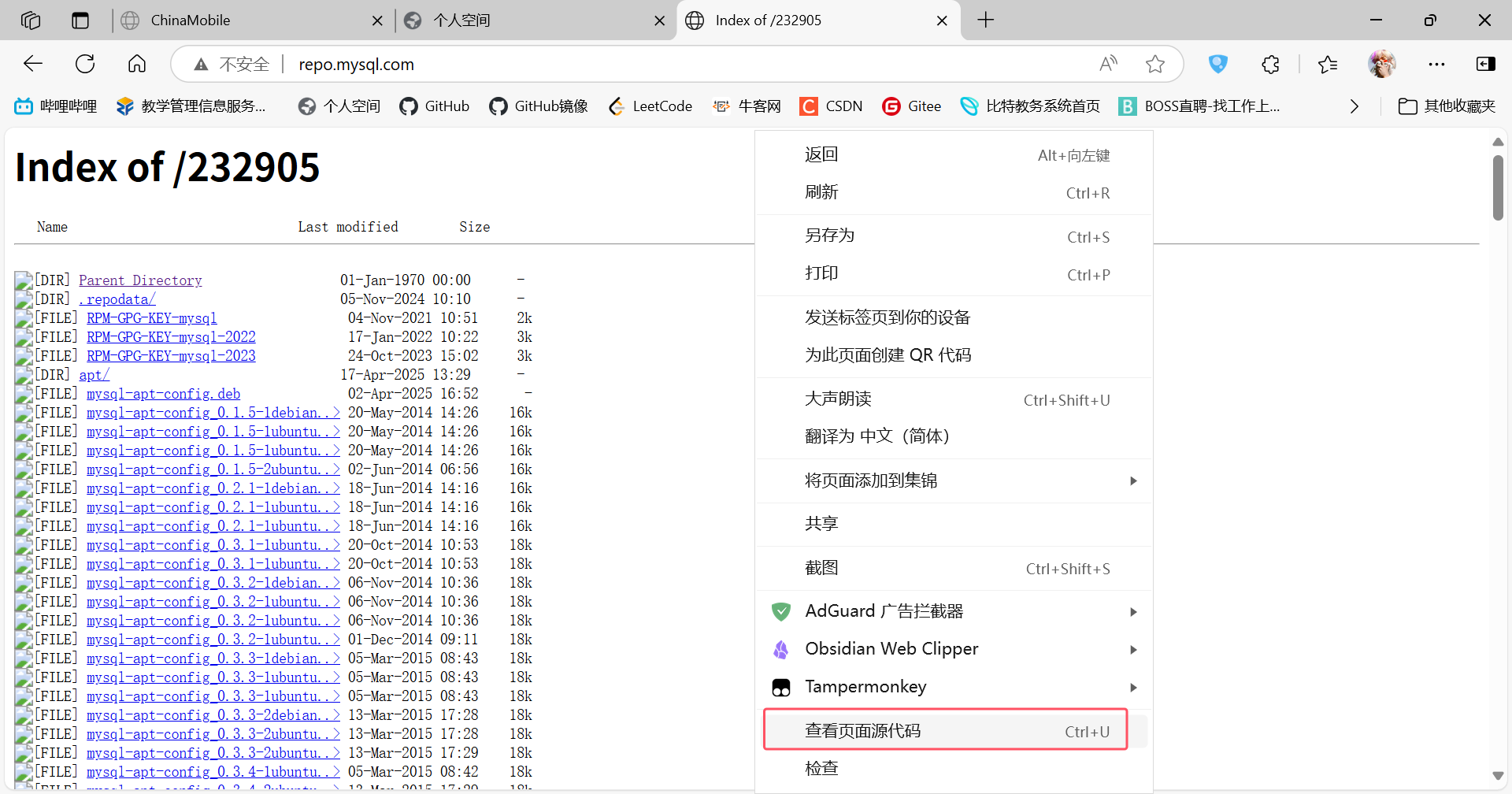
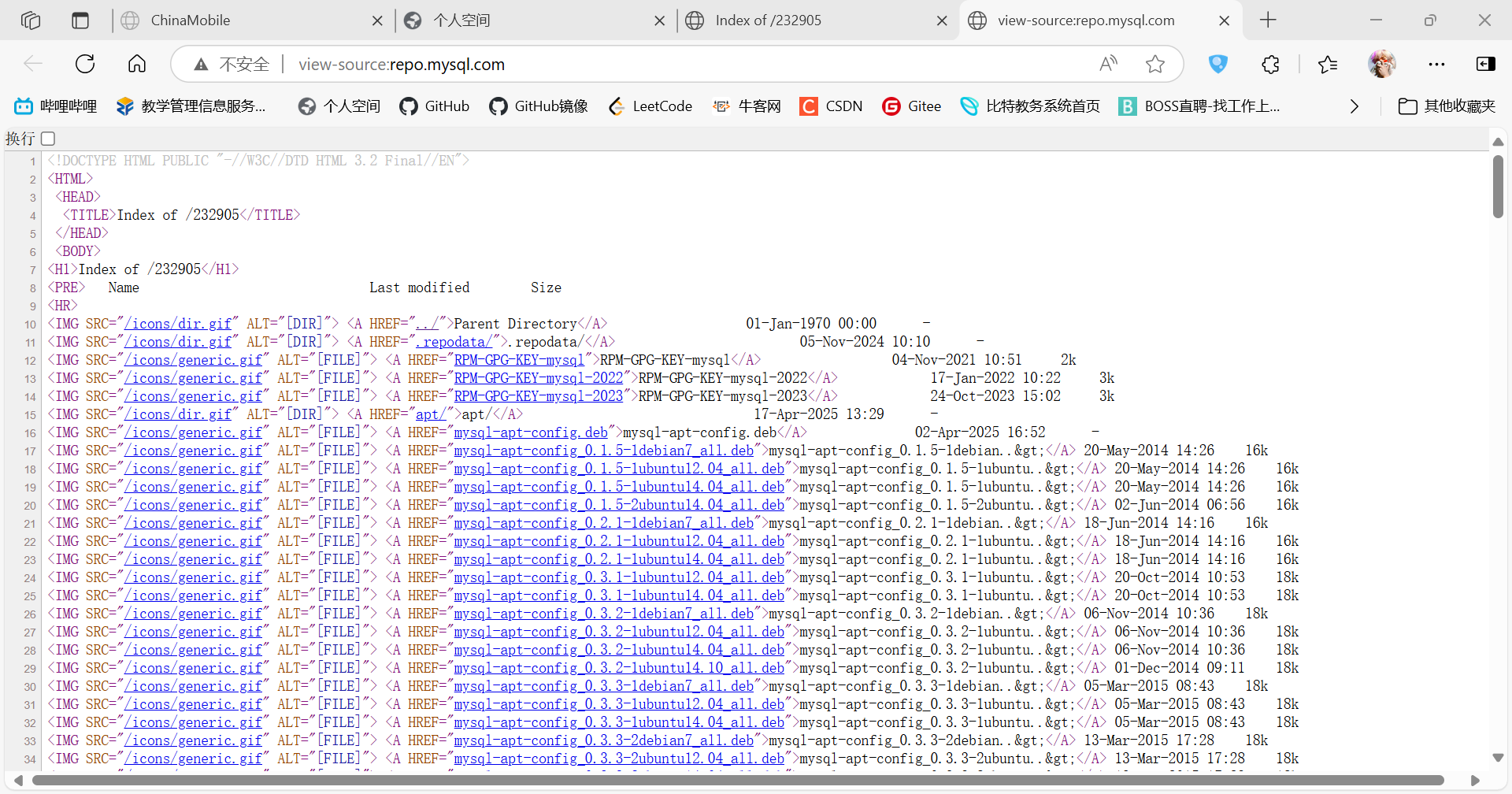
实在搞不准可以去把这些文字复制下来问ai
4.安装mysql yum 源,对比前后yum源
创建存放MySQL的文件夹
shell
root@iZuf68hz06p6s2809gl3i1Z:~# cd 108_class
root@iZuf68hz06p6s2809gl3i1Z:~/108_class# ls
abc  lesson3  newdir  test.txt
root@iZuf68hz06p6s2809gl3i1Z:~/108_class# mkdir MySQL
root@iZuf68hz06p6s2809gl3i1Z:~/108_class# cd MySQL
然后安装:
shell
root@iZuf68hz06p6s2809gl3i1Z:~/108_class/MySQL# wget https://dev.mysql.com/get/mysql-apt-config_0.8.34-1_all.deb
--2025-04-30 22:03:35--  https://dev.mysql.com/get/mysql-apt-config_0.8.34-1_all.deb
Resolving dev.mysql.com (dev.mysql.com)... 104.69.162.9
Connecting to dev.mysql.com (dev.mysql.com)|104.69.162.9|:443... connected.
HTTP request sent, awaiting response... 302 Moved Temporarily
Location: https://repo.mysql.com//mysql-apt-config_0.8.34-1_all.deb [following]
--2025-04-30 22:03:38--  https://repo.mysql.com//mysql-apt-config_0.8.34-1_all.deb
Resolving repo.mysql.com (repo.mysql.com)... 23.48.176.139, 2600:1413:5000:12a4::1d68, 2600:1413:5000:12a5::1d68
Connecting to repo.mysql.com (repo.mysql.com)|23.48.176.139|:443... connected.
HTTP request sent, awaiting response... 200 OK
Length: 18108 (18K) [application/x-debian-package]
Saving to: 'mysql-apt-config_0.8.34-1_all.deb.1'

mysql-apt-config_0.8.34-1_all.deb.1        100%[=======================================================================================>]  17.68K  --.-KB/s    in 0.006s

2025-04-30 22:03:39 (2.95 MB/s) - 'mysql-apt-config_0.8.34-1_all.deb.1' saved [18108/18108]

root@iZuf68hz06p6s2809gl3i1Z:~/108_class/MySQL# -
安装下载的APT配置包:
bashsudo dpkg -i mysql-apt-config_0.8.34-1_all.deb.1(注意文件名末尾有".1",这是wget在目标文件已存在时自动添加的)
在安装过程中,会出现一个配置对话框,您可以选择要安装的MySQL版本。默认选项通常是可以的,选择"Ok"继续。
-
更新软件包列表:
bashsudo apt update -
安装MySQL服务器:
bashsudo apt install mysql-server在安装过程中,您将被要求为MySQL root用户设置密码。输入密码后回车。
-
安装完成后,检查MySQL服务的状态:
bashsystemctl status mysql -
登录到MySQL以验证安装:
bashmysql -u root -p然后输入您在安装时设置的密码。
shell
root@iZuf68hz06p6s2809gl3i1Z:~/108_class/MySQL# mysql -u root -p
Enter password:
Welcome to the MySQL monitor.  Commands end with ; or \g.
Your MySQL connection id is 8
Server version: 8.0.42 MySQL Community Server - GPL

Copyright (c) 2000, 2025, Oracle and/or its affiliates.

Oracle is a registered trademark of Oracle Corporation and/or its
affiliates. Other names may be trademarks of their respective
owners.

Type 'help;' or '\h' for help. Type '\c' to clear the current input statement.

mysql>