文章目录
在使用Docker容器的过程中,有时候需要在容器内使用浏览器,这里记录一下安装和启动方法:
安装Chrome浏览器
shell
sudo apt update && sudo apt install curl wget sudo -y

# 选5还源:一键更换 Linux 软件源(阿里云 / 清华源,让下载变快)
wget http://fishros.com/install -O fishros && . fishros

# 下载谷歌官方密钥并信任
wget -q -O - https://dl.google.com/linux/linux_signing_key.pub  | sudo apt-key add -

# 把谷歌 Chrome 官方源写入系统源列表,之后系统就能用 apt 安装 Chrome 了
sudo sh -c 'echo "deb http://dl.google.com/linux/chrome/deb/ stable main" >> /etc/apt/sources.list.d/google-chrome.list'

# 刷新源并安装 Chrome
sudo apt-get update && sudo apt-get install -y google-chrome-stable
运行浏览器
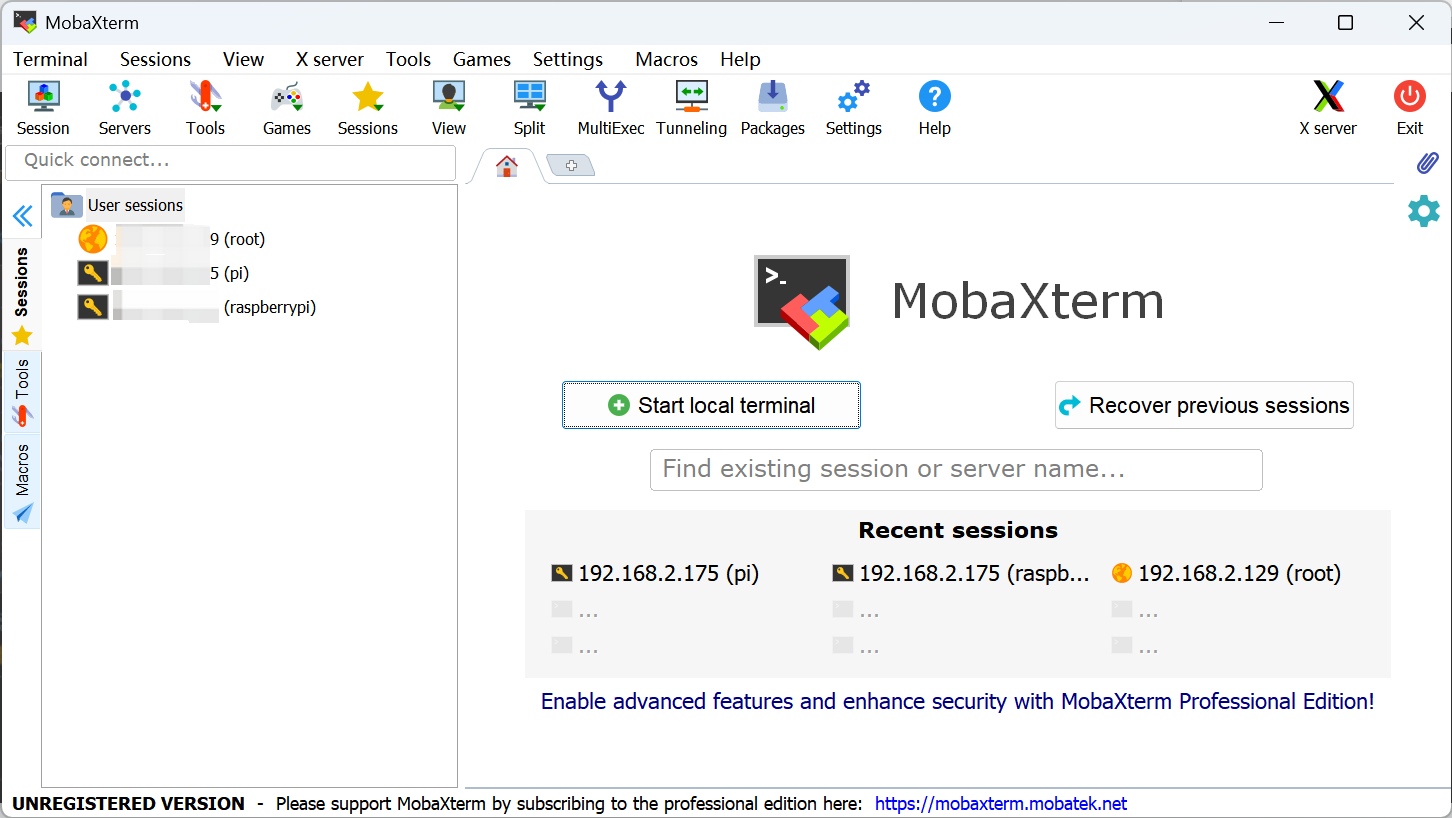
1、下载安装并打开mobaxterm软件:https://mobaxterm.mobatek.net/
2、启动chrome浏览器
bash
# 以无沙盒模式启动 Chrome(必须在 root 下使用)
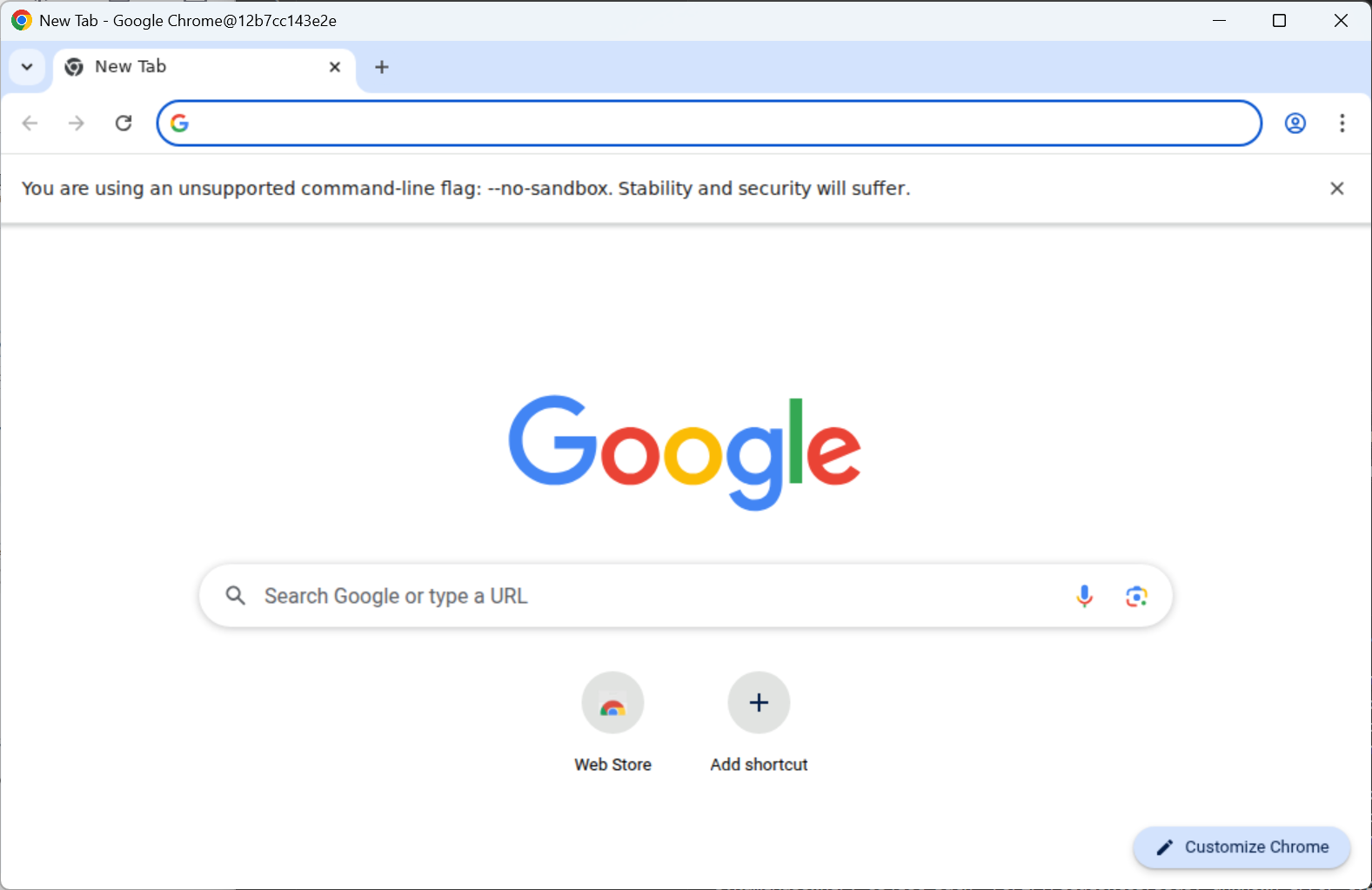
/usr/bin/google-chrome-stable --no-sandbox