【Claude Code】入门
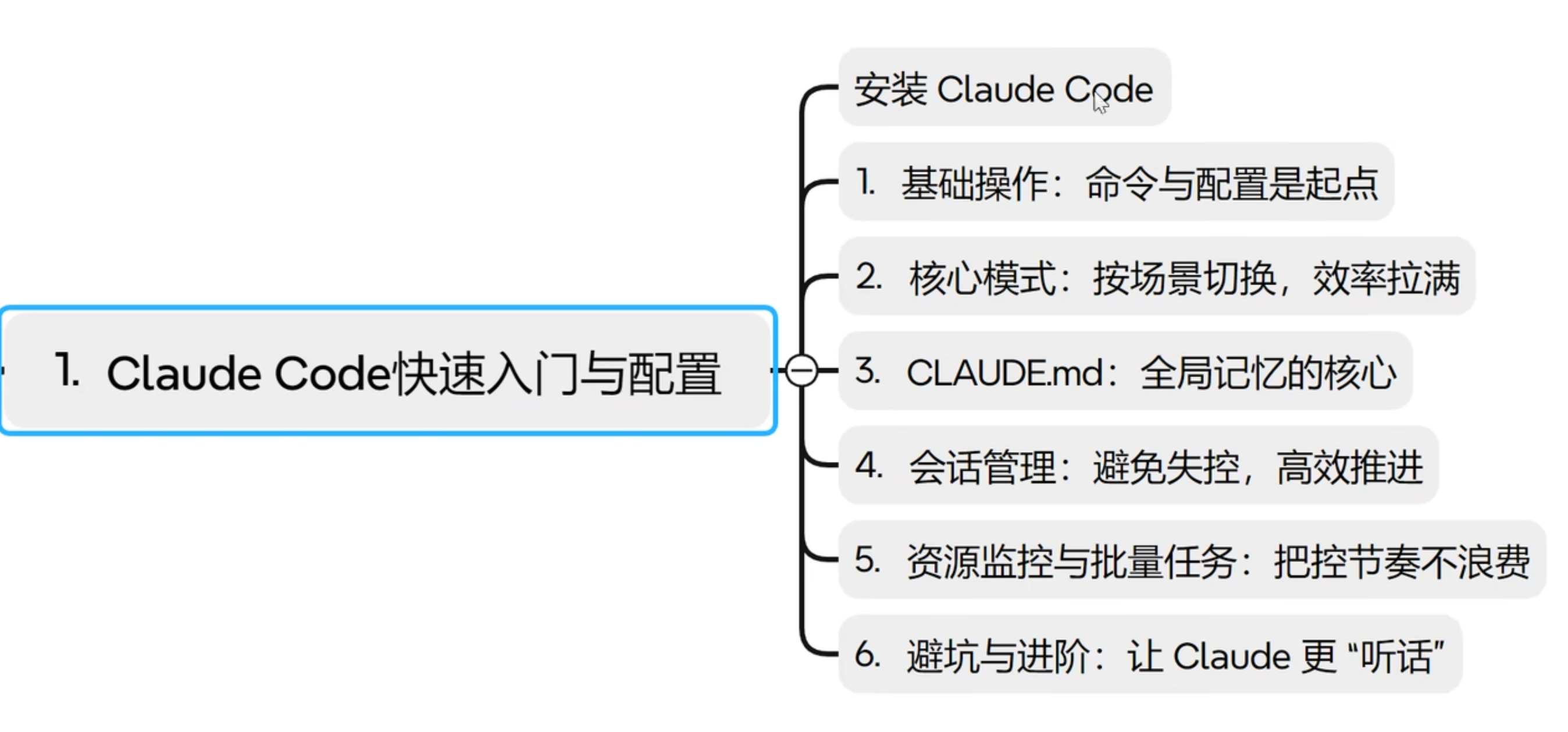
- [1.Claude Code快速入门与配置](#1.Claude Code快速入门与配置)
-
- [1.1 安装Node JS](#1.1 安装Node JS)
- [1.2 安装Claude Code](#1.2 安装Claude Code)
- [1.3 其他安装方式](#1.3 其他安装方式)
- [2. 常用命令](#2. 常用命令)
- [3. Claude Code API](#3. Claude Code API)
- 附录
1.Claude Code快速入门与配置
1.1 安装Node JS
bash
(FastAPI_first) ➜  Qwen nvm install v22.18.0
Downloading and installing node v22.18.0...
Downloading https://nodejs.org/dist/v22.18.0/node-v22.18.0-darwin-arm64.tar.xz...
################################################################################################################################################ 100.0%
Computing checksum with shasum -a 256
Checksums matched!
Now using node v22.18.0 (npm v10.9.3)

(FastAPI_first) ➜  Qwen node -v
v22.18.0

(FastAPI_first) ➜  Qwen npm -v
10.9.3
1.2 安装Claude Code
bash
(FastAPI_first) ➜  Qwen sudo npm install -g @anthropic-ai/claude-code
Password:

added 3 packages in 7s

2 packages are looking for funding
  run `npm fund` for details
(FastAPI_first) ➜  Qwen claude --version
2.1.87 (Claude Code)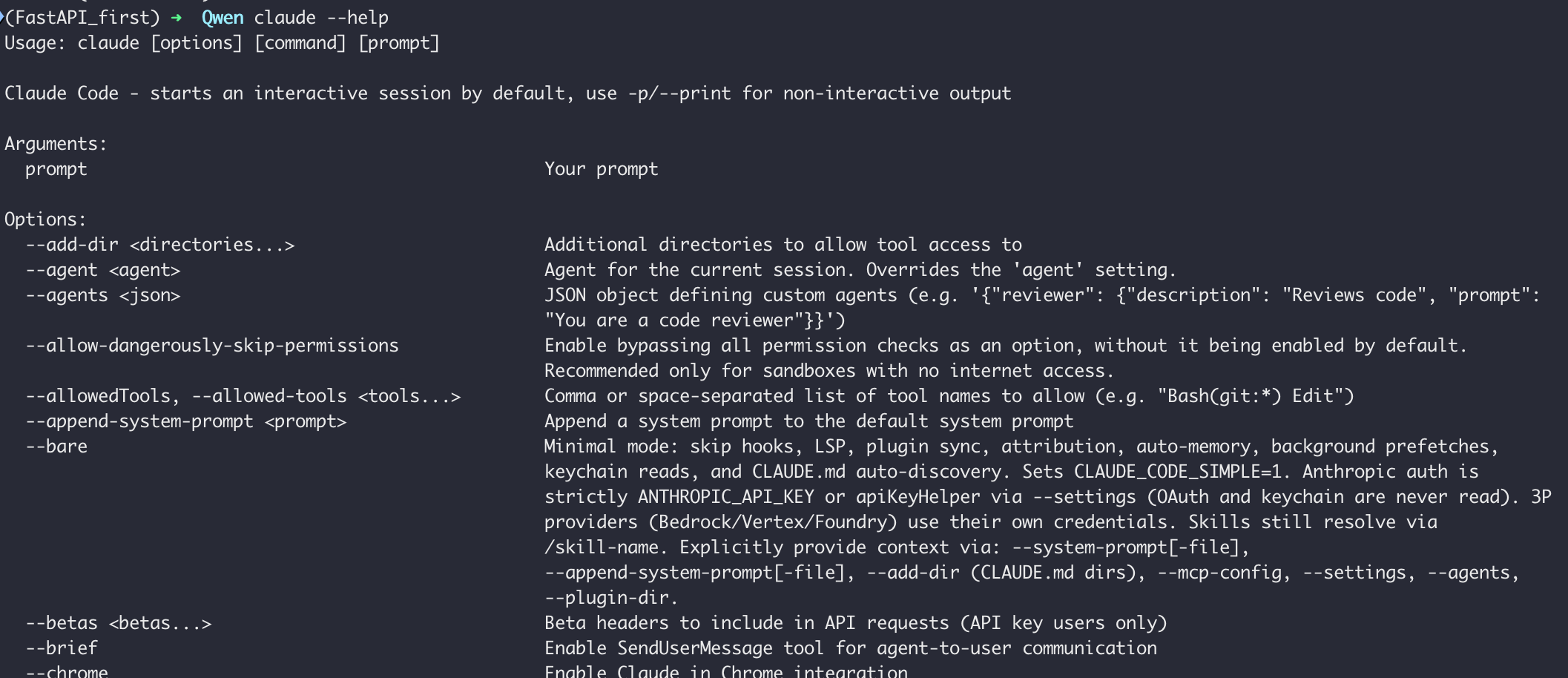
| 选项 | 说明 |
|---|---|
| --add-dir <directories...> | 允许工具访问的额外目录 |
| --agent | 当前会话使用的智能代理,覆盖配置中的 agent 设置 |
| --agents | 以 JSON 格式自定义代理 |
| --allow-dangerously-skip-permissions | 可选绕过所有权限校验,仅推荐无外网沙箱环境使用 |
| --allowed-tools <tools...> | 允许使用的工具列表,逗号 / 空格分隔 |
| --append-system-prompt | 在默认系统提示词后追加内容 |
| --bare | 极简模式,关闭钩子、LSP、插件同步等附加功能 |
| --betas <betas...> | API 请求中加入 Beta 功能头(仅 API Key 用户) |
| --brief | 启用代理与用户通信的消息工具 |
| --chrome | 启用 Claude 与 Chrome 集成 |
| -c, --continue | 继续当前目录最近一次对话 |
| --dangerously-skip-permissions | 直接绕过所有权限校验,仅推荐无外网沙箱 |
| -d, --debug filter | 开启调试模式,支持分类过滤 |
| --debug-file | 将调试日志写入指定文件 |
| --disable-slash-commands | 禁用所有技能(/ 命令) |
| --disallowed-tools <tools...> | 禁止使用的工具列表 |
| --effort | 会话思考 / 执行力度:low / medium / high / max |
| --fallback-model | 默认模型过载时自动切换备用模型(仅配合 --print) |
| --file <specs...> | 启动时预下载文件,格式:file_id:路径 |
| --fork-session | 恢复会话时新建会话 ID,不复用原 ID |
| --from-pr value | 通过 PR 编号 / URL 恢复关联会话 |
| -h, --help | 显示帮助信息 |
| --ide | 启动时自动连接到可用 IDE |
| --include-partial-messages | 实时输出部分消息块(仅配合 --print + 流式 JSON) |
| --input-format | 输入格式:text / stream-json(仅配合 --print) |
| --json-schema | 结构化输出校验用的 JSON Schema |
| --max-budget-usd | API 调用最大花费上限(美元,仅配合 --print) |
| --mcp-config <configs...> | 从 JSON 文件 / 字符串加载 MCP 服务配置 |
| --mcp-debug | 已废弃,改用 --debug,开启 MCP 调试 |
| --model | 指定使用的模型,支持别名如 sonnet / opus |
| -n, --name | 为会话设置显示名称 |
| --no-chrome | 关闭 Claude 与 Chrome 集成 |
| --no-session-persistence | 关闭会话持久化,不保存到磁盘(仅配合 --print) |
| --output-format | 输出格式:text / json / stream-json(仅配合 --print) |
| --permission-mode | 会话权限模式:acceptEdits / bypassPermissions / default 等 |
| --plugin-dir | 为本会话加载指定目录插件 |
| -p, --print | 打印结果后直接退出,适合管道调用 |
| --replay-user-messages | 回显用户输入消息(仅配合流式 JSON) |
| -r, --resume value | 通过会话 ID 恢复对话 |
| --session-id | 指定会话 UUID |
| --setting-sources | 配置来源列表:user / project / local |
| --settings | 从 JSON 文件 / 字符串加载额外配置 |
| --strict-mcp-config | 仅使用 --mcp-config 定义的 MCP 服务 |
| --system-prompt | 设置会话系统提示词 |
| --tmux | 为工作树创建 tmux 会话 |
| --tools <tools...> | 指定可用工具列表 |
| --verbose | 强制开启详细日志 |
| -v, --version | 显示版本号 |
| -w, --worktree name | 为会话创建新 git worktree |
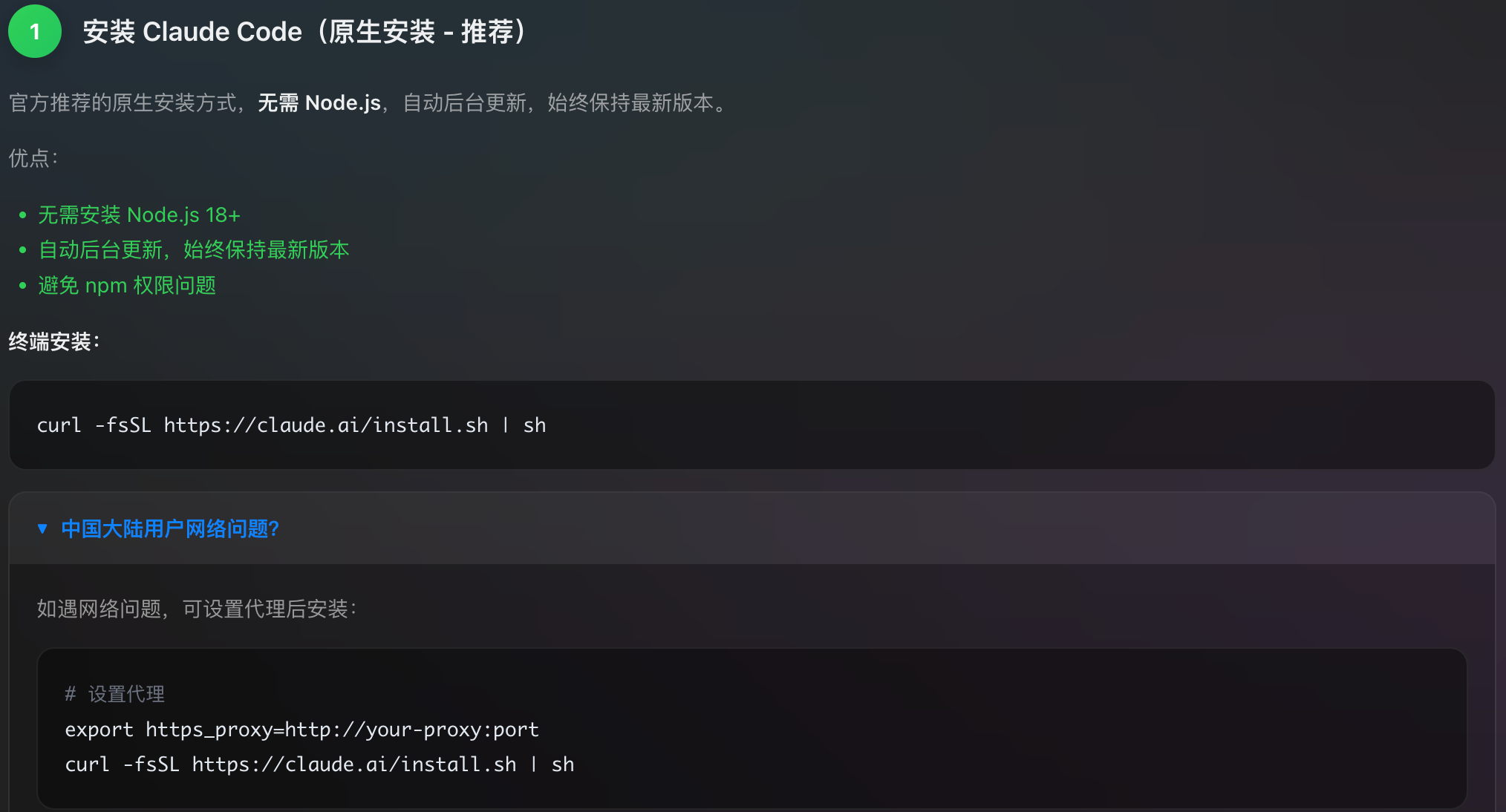
1.3 其他安装方式
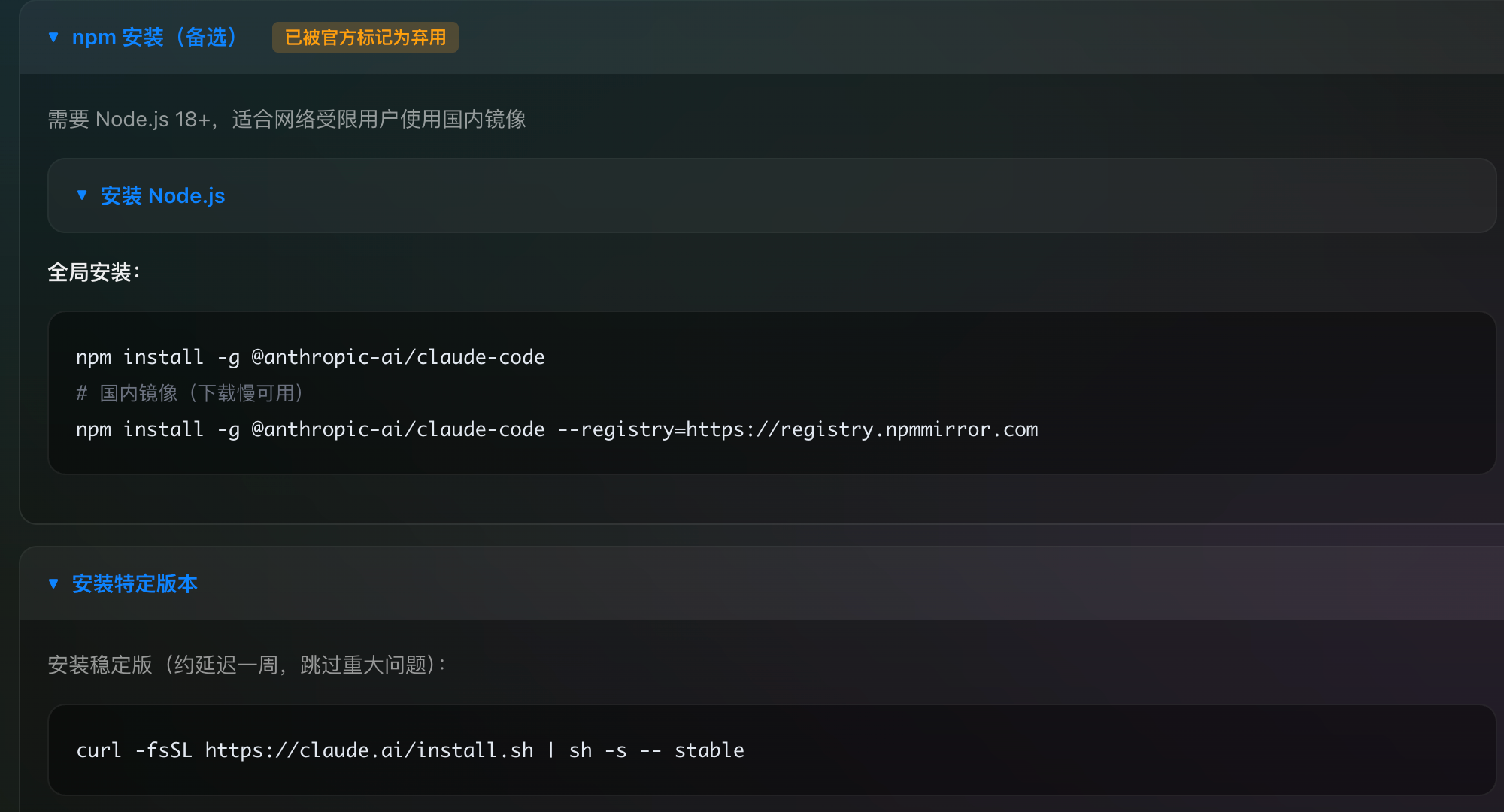
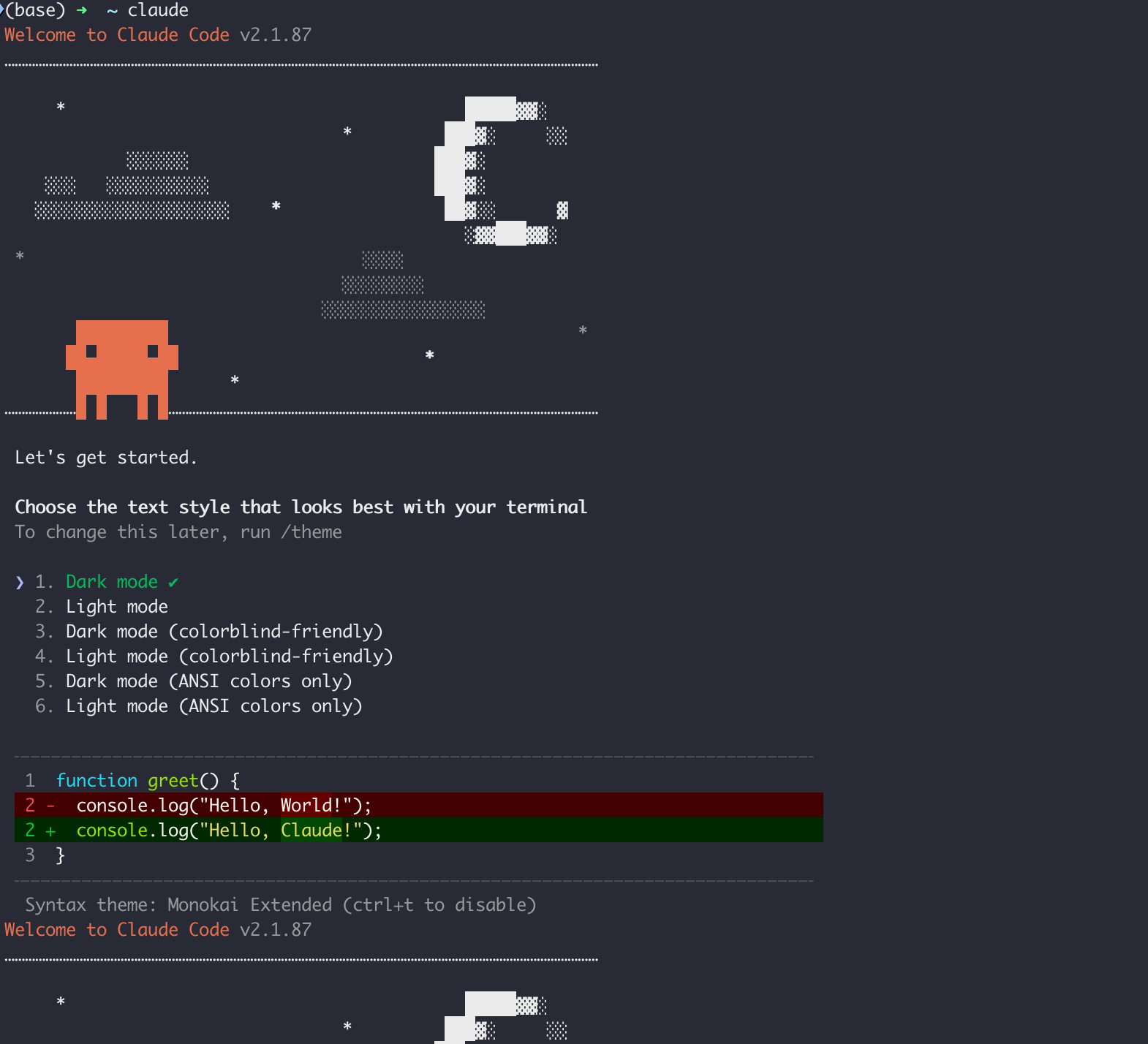
bash
curl -fsSL https://claude.ai/install.sh | sh

export https_proxy=http://your-proxy:port
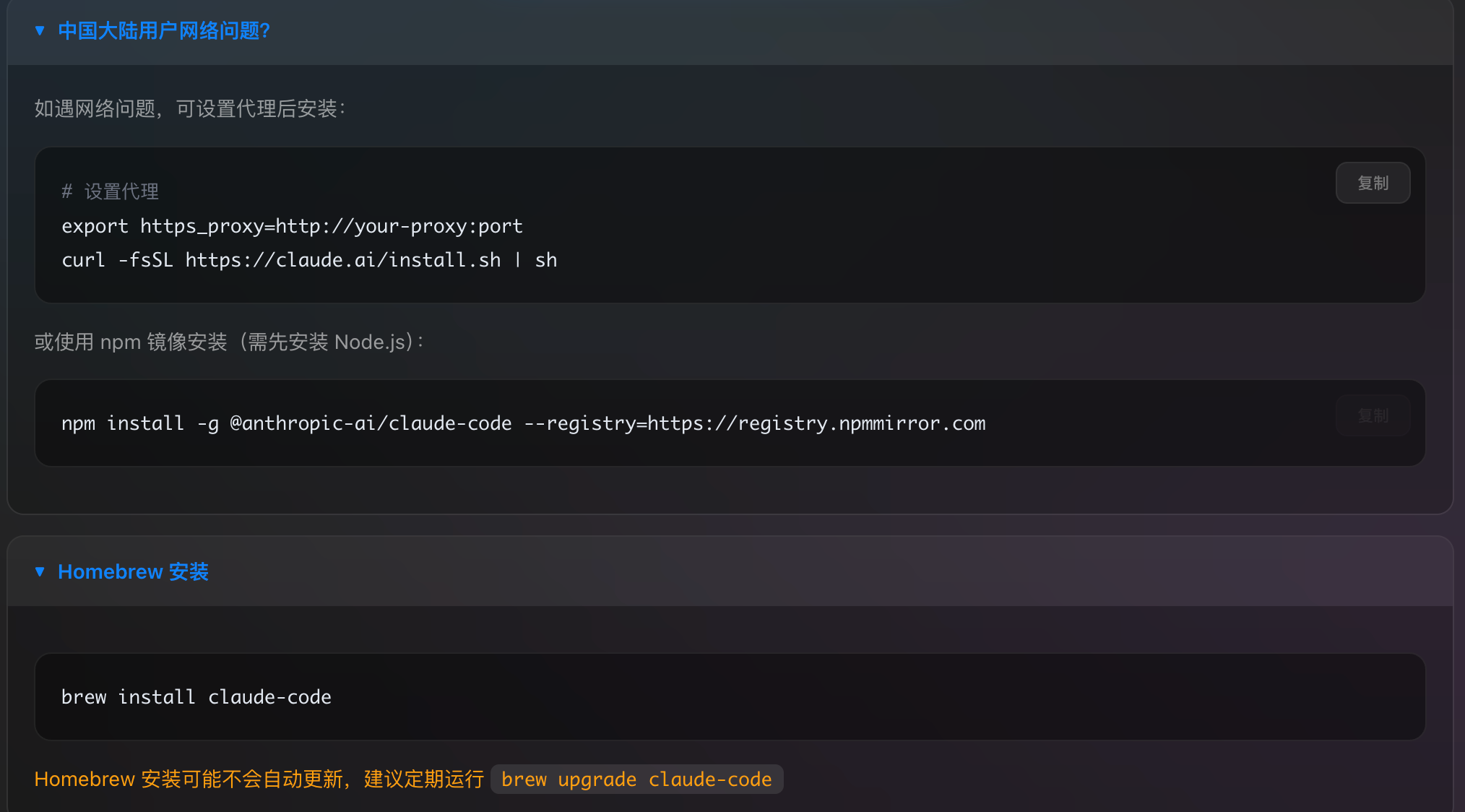
curl -fsSL https://claude.ai/install.sh | sh

npm install -g @anthropic-ai/claude-code --registry=https://registry.npmmirror.com

brew install claude-code

npm install -g @anthropic-ai/claude-code
npm install -g @anthropic-ai/claude-code --registry=https://registry.npmmirror.com
2. 常用命令
- 配置代理网络和Claude API Key
在当前项目的目录下创建.claude/settings.json
bash
{
    "env": {
        "HTTP_PROXY": "http://127.0.0.1:7890",
        "HTTPS_PROXY": "http://127.0.0.1:7890"
    }
}- 配置API Key环境变量
bash
# 设置API密钥(如果需要) 这是另一种登录方式,也可以通过官网的方式登录见下图
export ANTHROPIC_API_KEY=your_api_key

# 设置自定义模型
export ANTHROPIC_MODEL=claude-3-5-sonnet-20241022

# 设置基础URL(用于代理)
export ANTHROPIC_BASE_URL=https://your-proxy.com/v1
3. Claude Code API
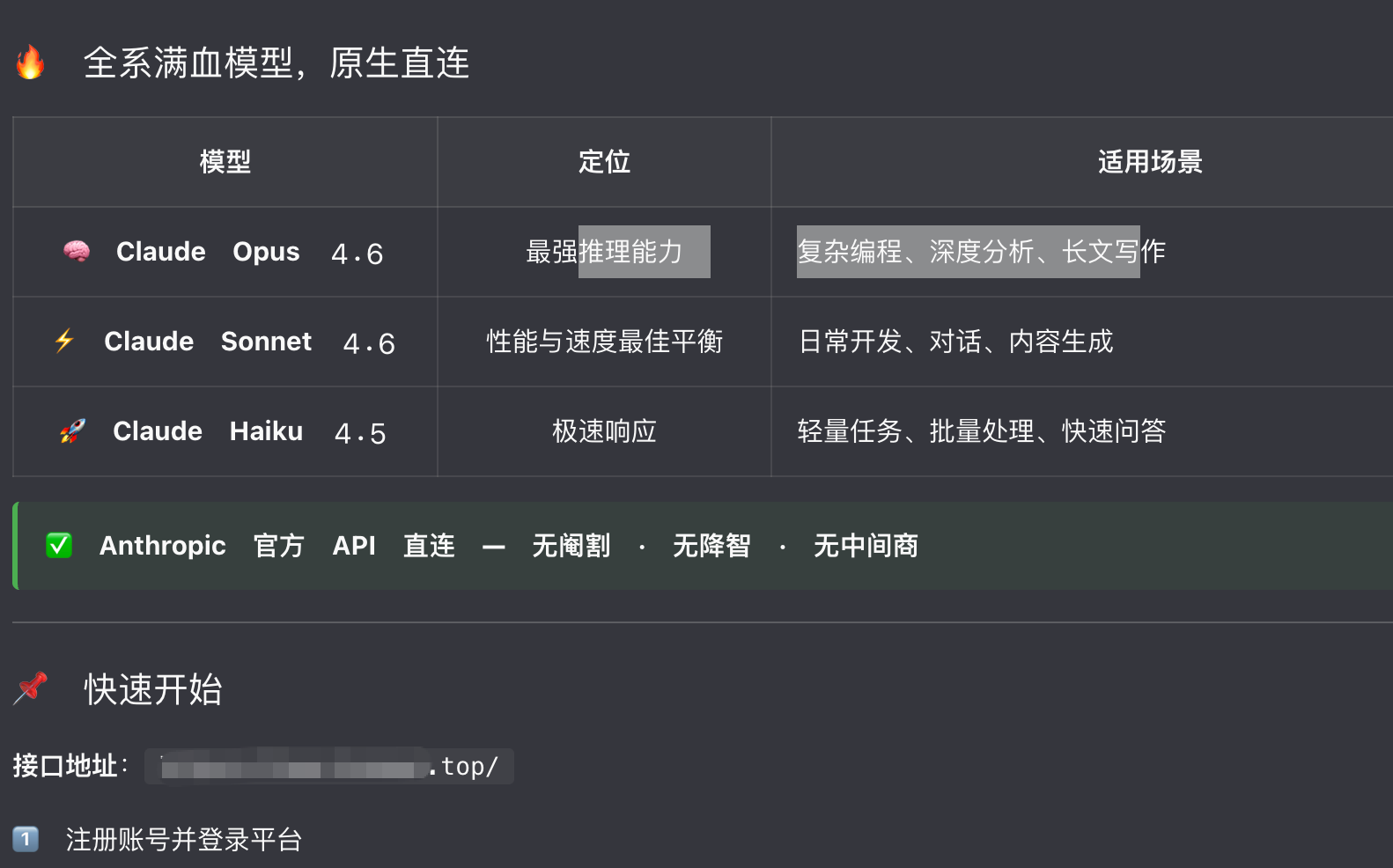

使用后效果
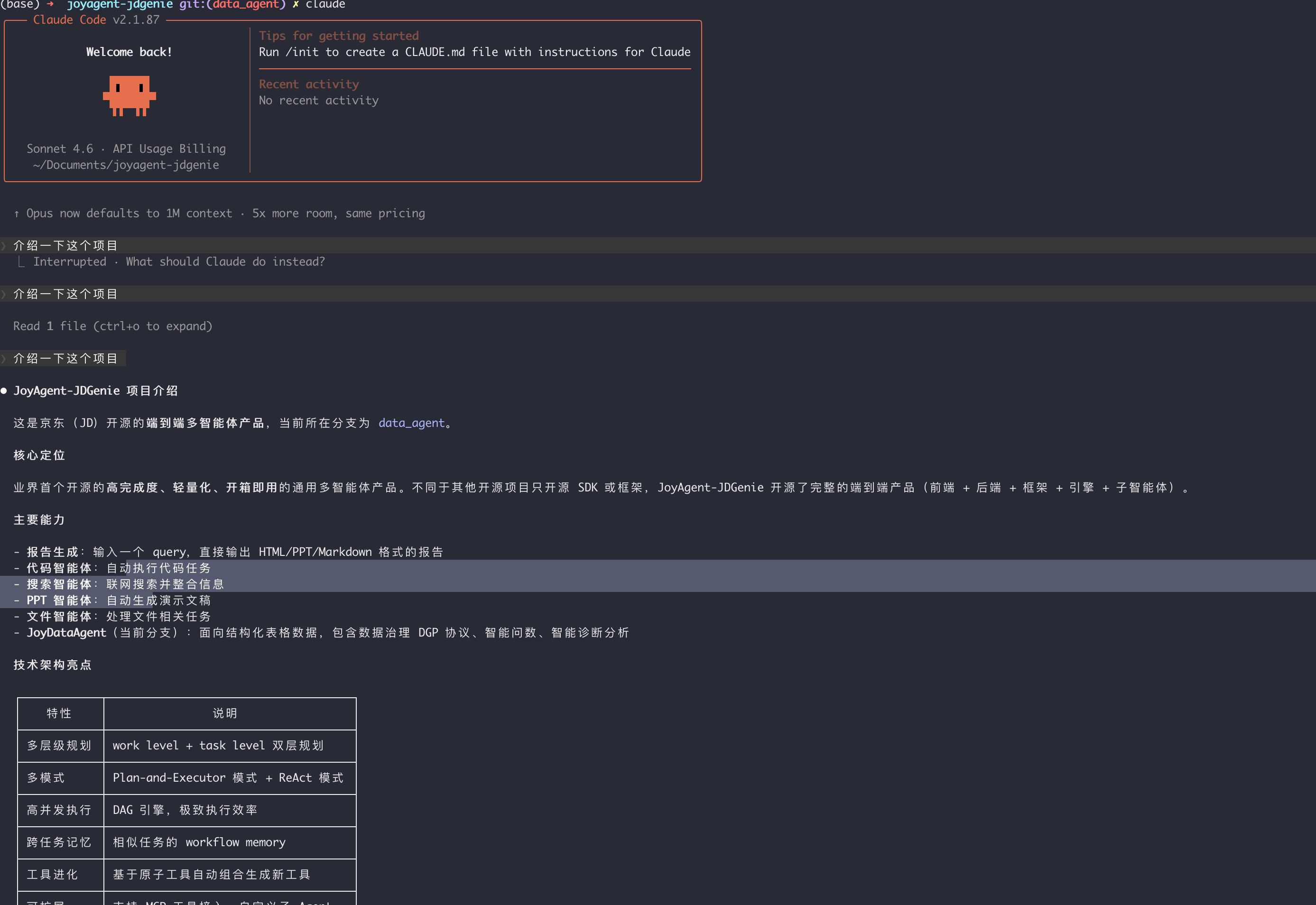
附录
- Claude Code 超详细完整指南(2026最新版) https://zhuanlan.zhihu.com/p/1971872808159141982
- Claude Code课程