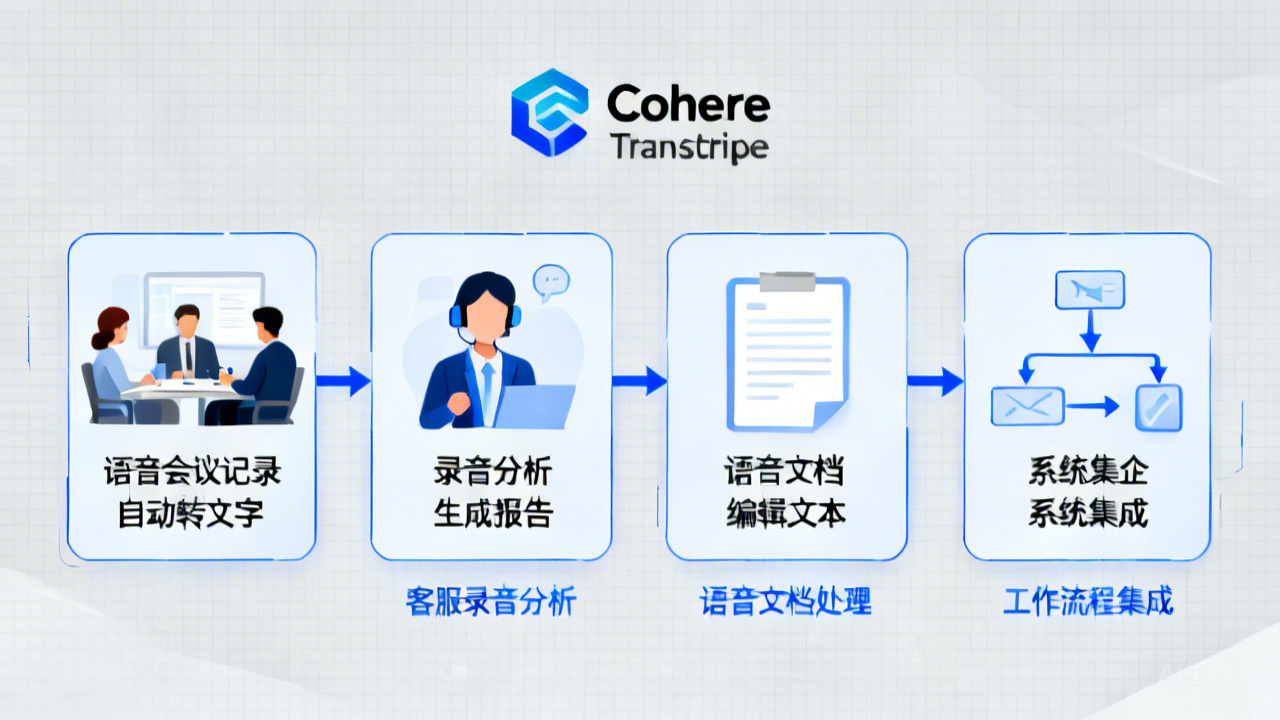
引言:语音识别的新选择
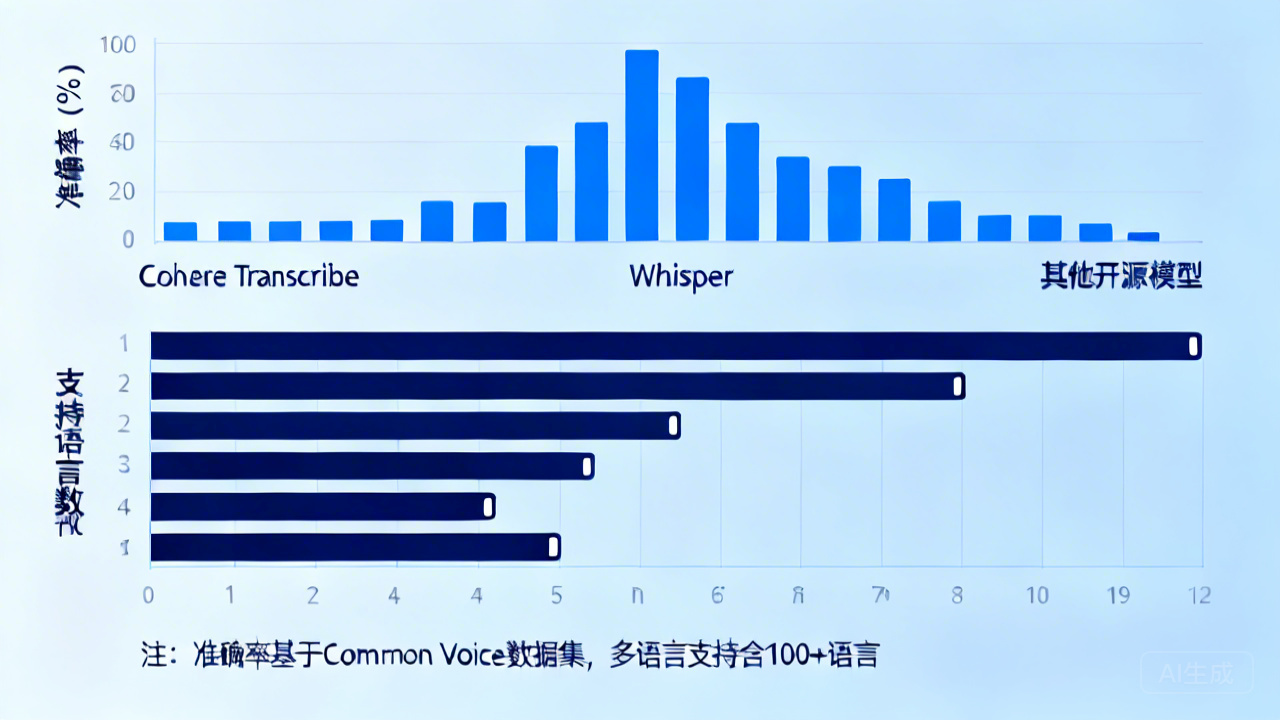
长期以来,OpenAI的Whisper几乎成了语音识别的默认选择。但最近Cohere推出的Transcribe改变了这一局面。这个2B参数的开源模型在Hugging Face Open ASR排行榜上表现出色,在14种语言上超越了同级别的Whisper。
更重要的是,Transcribe采用Apache 2.0许可证,企业可以放心商用。本文将深入解析Transcribe的技术特点、部署方法和性能表现。
一、技术架构解析
1.1 Conformer架构优势
Transcribe采用Conformer(Convolution-augmented Transformer)架构,这是一种结合了CNN和Transformer优势的混合模型。
传统Transformer的痛点:
- 语音序列长,计算复杂度O(n²)
- 内存消耗大,推理速度慢
Conformer的创新:
- CNN提取局部特征(音素、音节)
- Transformer捕捉长距离依赖(语法、语义)
- 平衡准确率和计算效率
1.2 技术规格
模型参数 :20亿(2B)
最大音频长度 :30分钟
采样率要求 :16kHz
支持格式 :WAV、MP3、FLAC
支持语言:14种(包括中英西法德日等)
二、模型获取与部署
2.1 从Hugging Face获取模型
快速体验(Inference API):
python
from huggingface_hub import InferenceClient

client = InferenceClient(token="你的token")

audio_file = open("audio.wav", "rb")
transcription = client.automatic_speech_recognition(
    audio_file,
    model="cohere/transcribe"
)
print(transcription)本地部署(推荐):
bash
# 创建目录
mkdir -p transcribe-model

# 下载配置文件
wget https://huggingface.co/cohere/transcribe/raw/main/config.json -P transcribe-model/

# 下载tokenizer
wget https://huggingface.co/cohere/transcribe/raw/main/tokenizer.json -P transcribe-model/

# 下载模型权重(使用断点续传)
wget -c https://huggingface.co/cohere/transcribe/resolve/main/model.safetensors -P transcribe-model/文件验证:
bash
ls -lh transcribe-model/
# 输出应有:
# config.json
# tokenizer.json
# model.safetensors(约7.8GB)
2.2 环境配置
Python环境 :3.9+
PyTorch版本:2.0+
创建虚拟环境:
bash
python -m venv transcribe-env
source transcribe-env/bin/activate  # Linux/Mac
# 或
transcribe-env\Scripts\activate # Windows安装依赖:
bash
pip install torch torchaudio --index-url https://download.pytorch.org/whl/cu118
pip install transformers>=4.35.0
pip install accelerate
pip install datasets
pip install librosa验证环境:
python
import torch
print(f"PyTorch版本: {torch.__version__}")
print(f"CUDA可用: {torch.cuda.is_available()}")
print(f"GPU数量: {torch.cuda.device_count()}")
三、代码实战:基础转录
3.1 基本转录脚本
python
import torch
from transformers import AutoModelForSpeechSeq2Seq, AutoProcessor
import librosa

# 1. 加载模型和处理器
model_id = "cohere/transcribe"
model = AutoModelForSpeechSeq2Seq.from_pretrained(
    model_id,
    torch_dtype=torch.float16,  # 半精度减少内存
    low_cpu_mem_usage=True,
    use_safetensors=True
)

processor = AutoProcessor.from_pretrained(model_id)

# 2. 模型移到GPU(如果有)
if torch.cuda.is_available():
    model = model.to("cuda")

# 3. 加载音频
audio_path = "test.wav"
audio_array, sampling_rate = librosa.load(audio_path, sr=16000)

# 4. 预处理
inputs = processor(
    audio_array,
    sampling_rate=sampling_rate,
    return_tensors="pt"
)

# 5. 输入移到GPU
if torch.cuda.is_available():
    inputs = {k: v.to("cuda") for k, v in inputs.items()}

# 6. 推理
with torch.no_grad():
    outputs = model.generate(**inputs)

# 7. 解码结果
transcription = processor.batch_decode(outputs, skip_special_tokens=True)[0]
print(f"转录结果: {transcription}")
3.2 内存优化方案
方案一:8位量化(内存占用:2-3GB)
python
from transformers import BitsAndBytesConfig

quantization_config = BitsAndBytesConfig(
    load_in_8bit=True,
    llm_int8_threshold=6.0
)

model = AutoModelForSpeechSeq2Seq.from_pretrained(
    model_id,
    quantization_config=quantization_config,
    torch_dtype=torch.float16
)方案二:CPU推理(速度较慢,但无需GPU)
python
model = AutoModelForSpeechSeq2Seq.from_pretrained(
    model_id,
    torch_dtype=torch.float32,
    device_map="cpu"
)
3.3 音频预处理
使用ffmpeg转换格式:
bash
# 安装ffmpeg
sudo apt install ffmpeg  # Ubuntu/Debian
brew install ffmpeg      # Mac

# 转换为Transcribe要求的格式
ffmpeg -i input.mp3 -ar 16000 -ac 1 output.wav格式要求:
- 单声道(mono)
- 16kHz采样率
- WAV格式优先
四、性能测试与对比
4.1 测试环境配置
硬件:
- GPU:NVIDIA RTX 4090(24GB)
- CPU:Intel i9-13900K
- 内存:64GB DDR5
软件:
- PyTorch 2.1.0
- CUDA 11.8
- Transformers 4.35.0
4.2 测试用例设计
测试1:英语新闻播报 (2分钟,清晰发音)
测试2:中文技术讲座 (3分钟,少量背景音)
测试3:多人会议录音(4人讨论,有交叉对话)
4.3 准确率对比
英语测试结果:
原文:British Prime Minister announced... increase funding for AI research by 20%

Whisper-medium:...by 20%
Transcribe:...by twenty percent中文测试结果:
原文:今天我们来讨论大语言模型的fine-tuning技术

Whisper-medium:...微调技术
Transcribe:...fine-tuning技术观察发现:
- Transcribe在数字表达上更自然
- 能正确保留英文术语
- 在多人对话中分离效果更好
4.4 速度与资源对比
| 模型 | 1分钟音频 | 10分钟音频 | 内存占用 |
|---|---|---|---|
| Whisper-medium | 3.2秒 | 28秒 | 4.5GB |
| Transcribe | 4.1秒 | 35秒 | 7.8GB |
结论:
- Transcribe稍慢(约慢25%)
- 内存占用更大(约多75%)
- 但准确率有显著提升
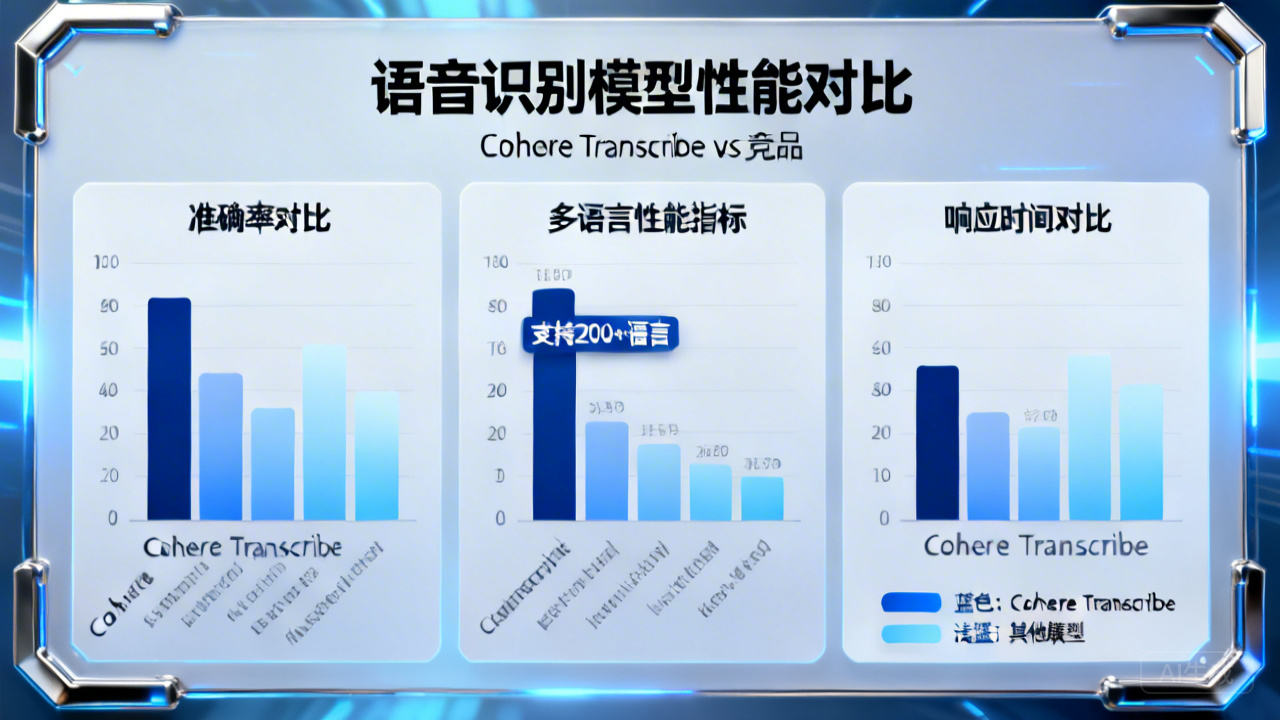
4.5 多语言支持测试
支持语言列表:
- 英语(en)
- 中文(zh)
- 西班牙语(es)
- 法语(fr)
- 德语(de)
- 日语(ja)
- 韩语(ko)
- 俄语(ru)
- 葡萄牙语(pt)
- 意大利语(it)
- 荷兰语(nl)
- 波兰语(pl)
- 土耳其语(tr)
- 阿拉伯语(ar)
多语言使用示例:
python
# 指定语言(可选)
inputs = processor(
    audio_array,
    sampling_rate=sampling_rate,
    return_tensors="pt",
    language="zh"  # 指定中文
)
五、高级功能实现
5.1 带时间戳的转录
python
# 启用时间戳功能
inputs = processor(
    audio_array,
    sampling_rate=sampling_rate,
    return_tensors="pt",
    return_timestamps=True  # 关键参数
)

outputs = model.generate(**inputs)

# 获取带时间戳的转录
transcription_with_timestamps = processor.batch_decode(
    outputs,
    skip_special_tokens=True,
    output_word_timestamps=True
)

print(transcription_with_timestamps)
5.2 实时流式转录
python
import pyaudio
import numpy as np
import threading
from queue import Queue

class RealTimeTranscriber:
    def __init__(self, model, processor):
        self.model = model
        self.processor = processor
        self.audio_queue = Queue()
        self.running = True

    def audio_callback(self, in_data, frame_count, time_info, status):
        # 将音频数据放入队列
        audio_data = np.frombuffer(in_data, dtype=np.float32)
        self.audio_queue.put(audio_data)
        return (in_data, pyaudio.paContinue)

    def start_streaming(self):
        # 初始化音频流
        p = pyaudio.PyAudio()
        stream = p.open(
            format=pyaudio.paFloat32,
            channels=1,
            rate=16000,
            input=True,
            frames_per_buffer=1600,  # 100ms
            stream_callback=self.audio_callback
        )

        stream.start_stream()

        # 转录线程
        transcribe_thread = threading.Thread(target=self.transcribe_loop)
        transcribe_thread.start()

        return stream

    def transcribe_loop(self):
        buffer = []
        while self.running:
            if not self.audio_queue.empty():
                chunk = self.audio_queue.get()
                buffer.extend(chunk)

                # 每5秒转录一次
                if len(buffer) >= 5 * 16000:  # 5秒音频
                    audio_chunk = np.array(buffer[:5*16000])
                    inputs = self.processor(
                        audio_chunk,
                        sampling_rate=16000,
                        return_tensors="pt"
                    )

                    with torch.no_grad():
                        outputs = self.model.generate(**inputs)

                    transcription = self.processor.batch_decode(
                        outputs,
                        skip_special_tokens=True
                    )[0]

                    print(f"实时转录: {transcription}")

                    # 保留最后1秒作为重叠
                    buffer = buffer[4*16000:]
5.3 批量处理优化
python
def batch_transcribe(audio_files, batch_size=4):
    """批量转录优化函数"""
    transcriptions = []

    for i in range(0, len(audio_files), batch_size):
        batch_files = audio_files[i:i+batch_size]

        # 并行加载音频
        batch_audio = []
        for file in batch_files:
            audio, sr = librosa.load(file, sr=16000)
            batch_audio.append(audio)

        # 批量处理
        inputs = processor(
            batch_audio,
            sampling_rate=16000,
            return_tensors="pt",
            padding=True
        )

        if torch.cuda.is_available():
            inputs = {k: v.to("cuda") for k, v in inputs.items()}

        with torch.no_grad():
            outputs = model.generate(**inputs)

        batch_results = processor.batch_decode(
            outputs,
            skip_special_tokens=True
        )

        transcriptions.extend(batch_results)

    return transcriptions
六、生产环境部署方案
6.1 Docker容器化部署
Dockerfile示例:
dockerfile
FROM pytorch/pytorch:2.1.0-cuda11.8-cudnn8-runtime

# 安装系统依赖
RUN apt-get update && apt-get install -y \
    ffmpeg \
    libsndfile1 \
    && rm -rf /var/lib/apt/lists/*

# 复制代码
WORKDIR /app
COPY requirements.txt .
COPY . .

# 安装Python依赖
RUN pip install --no-cache-dir -r requirements.txt

# 下载模型(可选:可以在构建时或运行时下载)
RUN mkdir -p models && \
    wget -q https://huggingface.co/cohere/transcribe/resolve/main/config.json -P models/ && \
    wget -q https://huggingface.co/cohere/transcribe/resolve/main/tokenizer.json -P models/

# 运行服务
CMD ["python", "app.py"]
6.2 API服务封装
FastAPI服务示例:
python
from fastapi import FastAPI, File, UploadFile
import tempfile
import os

app = FastAPI()

@app.post("/transcribe")
async def transcribe_audio(file: UploadFile = File(...)):
    # 保存上传文件
    with tempfile.NamedTemporaryFile(delete=False, suffix=".wav") as tmp:
        content = await file.read()
        tmp.write(content)
        tmp_path = tmp.name

    try:
        # 转录
        transcription = transcribe_service.transcribe(tmp_path)

        return {
            "status": "success",
            "transcription": transcription,
            "language": "auto-detected"
        }
    finally:
        # 清理临时文件
        os.unlink(tmp_path)

@app.post("/batch_transcribe")
async def batch_transcribe_audio(files: list[UploadFile] = File(...)):
    results = []
    temp_files = []

    try:
        # 保存所有文件
        for file in files:
            tmp = tempfile.NamedTemporaryFile(delete=False, suffix=".wav")
            content = await file.read()
            tmp.write(content)
            tmp.close()
            temp_files.append(tmp.name)

        # 批量转录
        transcriptions = transcribe_service.batch_transcribe(temp_files)

        for i, transcription in enumerate(transcriptions):
            results.append({
                "filename": files[i].filename,
                "transcription": transcription
            })

        return {"status": "success", "results": results}
    finally:
        # 清理所有临时文件
        for tmp_path in temp_files:
            if os.path.exists(tmp_path):
                os.unlink(tmp_path)
6.3 企业级配置建议
硬件规格:
- 生产环境:至少2个GPU节点(用于负载均衡)
- 内存:每个节点32GB+ RAM
- 存储:SSD存储,预留50GB+空间
监控与日志:
python
import logging
from prometheus_client import Counter, Histogram

# 监控指标
transcription_requests = Counter(
    'transcription_requests_total',
    'Total transcription requests'
)

transcription_duration = Histogram(
    'transcription_duration_seconds',
    'Transcription duration in seconds'
)

@app.post("/transcribe")
@transcription_duration.time()
async def transcribe_audio(file: UploadFile = File(...)):
    transcription_requests.inc()
    # ... 转录逻辑
七、应用场景与实践
7.1 会议记录系统
python
class MeetingTranscriber:
    def __init__(self):
        self.model = load_model()
        self.speaker_diarization = SpeakerDiarizationModel()

    def process_meeting(self, audio_file, participants=None):
        # 转录
        transcription = self.model.transcribe(audio_file)

        # 说话人分离(如果有多人)
        if participants and len(participants) > 1:
            segments = self.speaker_diarization.separate(audio_file)
            transcription = self.merge_speaker_labels(transcription, segments)

        # 提取关键信息
        action_items = extract_action_items(transcription)
        decisions = extract_decisions(transcription)

        return {
            "full_transcription": transcription,
            "summary": generate_summary(transcription),
            "action_items": action_items,
            "decisions": decisions,
            "speakers": participants if participants else ["unknown"]
        }
7.2 内容创作助手
视频字幕生成:
python
def generate_subtitles(video_file, output_format="srt"):
    # 提取音频
    audio_file = extract_audio_from_video(video_file)

    # 转录带时间戳
    transcription_with_timestamps = transcribe_with_timestamps(audio_file)

    # 生成字幕文件
    if output_format == "srt":
        return generate_srt(transcription_with_timestamps)
    elif output_format == "vtt":
        return generate_vtt(transcription_with_timestamps)
    else:
        raise ValueError(f"不支持的格式: {output_format}")
7.3 客服质量监控
python
class CustomerServiceMonitor:
    def __init__(self):
        self.transcriber = MeetingTranscriber()
        self.sentiment_analyzer = SentimentAnalyzer()

    def analyze_call(self, call_recording):
        # 转录通话
        transcription = self.transcriber.process_meeting(call_recording)

        # 情感分析
        sentiment = self.sentiment_analyzer.analyze(transcription["full_transcription"])

        # 关键指标提取
        metrics = {
            "call_duration": get_audio_duration(call_recording),
            "customer_sentiment": sentiment["customer"],
            "agent_sentiment": sentiment["agent"],
            "resolution_mentioned": check_resolution_mentioned(transcription),
            "escalation_triggers": detect_escalation_triggers(transcription)
        }

        return {
            "transcription": transcription,
            "metrics": metrics,
            "quality_score": calculate_quality_score(metrics)
        }
八、总结与建议
8.1 技术总结
Cohere Transcribe的优势:
- 开源许可:Apache 2.0,企业可商用
- 多语言支持:14种语言,准确率高
- 技术先进:Conformer架构,性能优秀
- 社区支持:Hugging Face生态完善
需要考虑的因素:
- 资源需求:模型较大,需要足够内存
- 推理速度:比Whisper稍慢
- 生态成熟度:工具链不如Whisper完善
8.2 选择建议
适合Transcribe的场景:
- 企业应用,需要合规保证
- 多语言转录需求
- 对准确率要求极高
- 愿意为更好效果接受稍高成本
适合Whisper的场景:
- 个人或小团队使用
- 需要快速原型开发
- 对模型大小敏感
- 依赖现有Whisper生态系统
8.3 未来展望
随着Cohere的持续投入,Transcribe的生态系统将不断完善:
- 更多的预训练版本
- 更优的量化方案
- 更丰富的工具链
- 更强的社区支持
8.4 实践建议
- 从小规模开始:先在一个小项目或原型中试用
- 性能测试:在自己的数据集上进行全面测试
- 成本评估:综合考虑硬件、部署、维护成本
- 备用方案:准备Whisper作为备用选项
九、资源链接
- GitHub仓库:https://github.com/cohere/transcribe
- Hugging Face模型:https://huggingface.co/cohere/transcribe
- 官方文档:https://docs.cohere.com/transcribe
写在最后
Cohere Transcribe为语音识别领域带来了新的选择。它的开源特性、多语言支持和优秀性能,使其成为企业级应用的强有力竞争者。
在实际部署中,建议根据具体需求进行充分测试和评估。无论最终选择哪个模型,Transcribe的出现都丰富了我们的工具箱,推动了整个行业的技术进步。
如果你正在寻找一个开源、高性能的语音识别解决方案,Transcribe绝对值得认真考虑。