一、每条命令详细解释(小白都能懂)
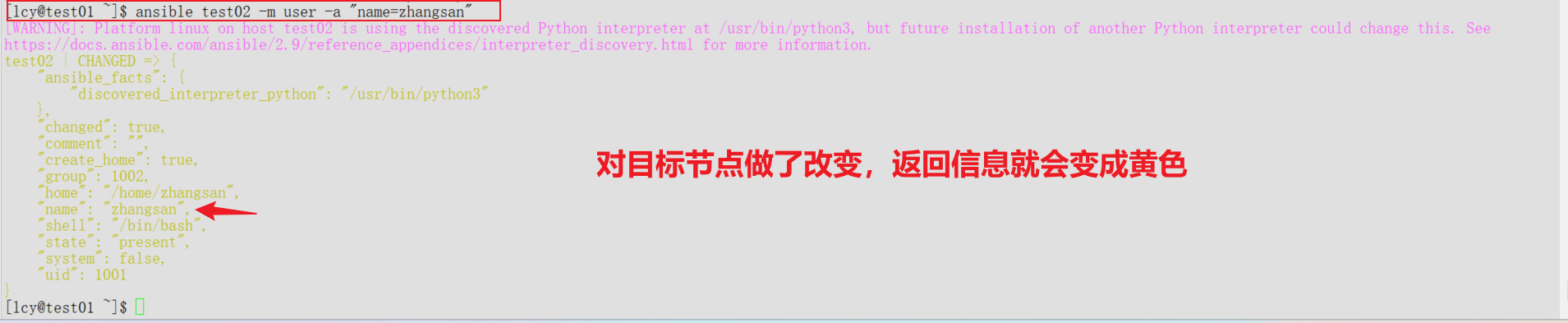
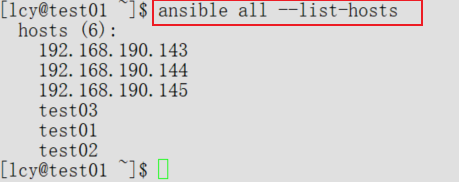
1. ansible all --list-hosts
作用:列出 all 组里所有被管理主机
all= 主机清单里[all]这个分组--list-hosts= 只显示主机列表,不执行任何操作
输出效果:
2. ansible mygroup --list-hosts
作用:列出 mygroup 组里所有主机
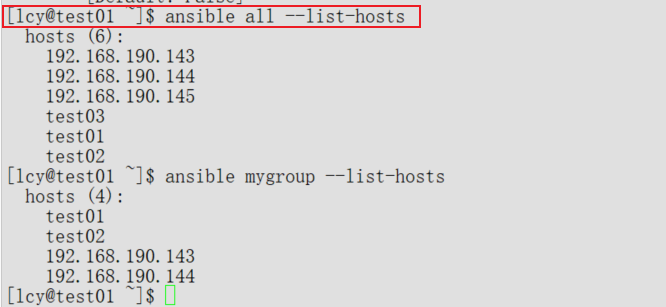
- 如果你清单里没有
[mygroup],就会报错:找不到主机
3. ansible test02 -m ping
作用:测试 test02 主机是否能被 Ansible 管理
-m ping= 使用 ping 模块- 不是网络 ping,是 SSH 连通性测试
- 返回
pong就代表成功 
成功输出:
plaintext
SUCCESS => { "ping": "pong" }4. ansible test02 -m ping -a "data=hahahaha"

作用
- 使用 Ansible 的 ping 模块 测试与
test02节点的连通性 -a "data=hahahaha":给 ping 模块传递自定义返回内容- 执行成功后,会把你写的
hahahaha原封不动返回给你
5. ansible --help
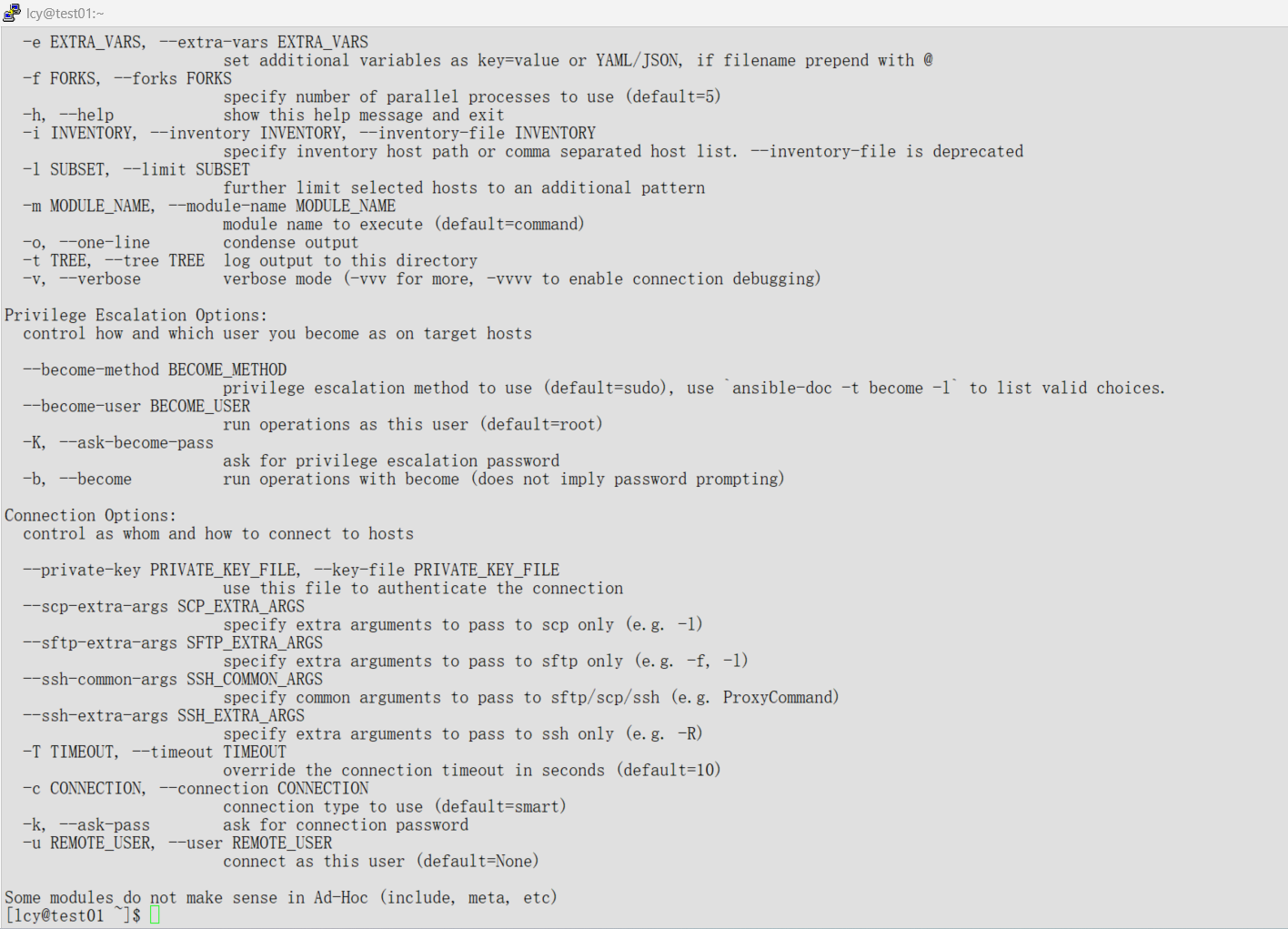
作用:查看 ansible 命令帮助
- 显示所有参数说明
- 新手必用
6. ansible test02 -m user -a "name=zhangsan"
作用:在 test02 上创建用户 zhangsan
-m user= 使用用户管理模块-a "name=zhangsan"= 指定用户名为 zhangsan- 具备幂等性(重复执行不会报错)
7. 幂等性(最重要概念)
一句话解释: 无论执行多少次,结果都一样,不会重复创建、重复修改。
例子:
- 第一次执行:创建用户 zhangsan ✅
- 第二次执行:发现用户已存在,不做任何操作 ✅
- 不会报错、不会重复创建
这就是 Ansible 最核心特性:幂等性
8. ansible test02 -m command -a "ls" -v

作用:在 test02 主机上执行 Linux 命令 ls
运行
ansible test02 -m command -a "ls" -v
ansible test02:对目标主机 test02 执行操作-m command:调用 command 模块,在远程执行 Shell 命令-a "ls":要执行的命令是 ls(列出当前目录文件)-v:verbose模式,显示更详细的执行过程
输出就是 test02 上的文件列表
二、8 条命令超级精简总结
1. ansible all --list-hosts        查看 all 组所有主机
2. ansible mygroup --list-hosts    查看 mygroup 组所有主机
3. ansible test02 -m ping          测试 test02 连通性
4. ansible test02 -m ping -a "data=xxx" 自定义返回内容
5. ansible --help                  查看帮助
6. ansible test02 -m user -a "name=zhangsan" 创建用户
7. 幂等性:重复执行结果不变,不重复创建
8. ansible test02 -m command -a "ls" 远程执行 ls 命令