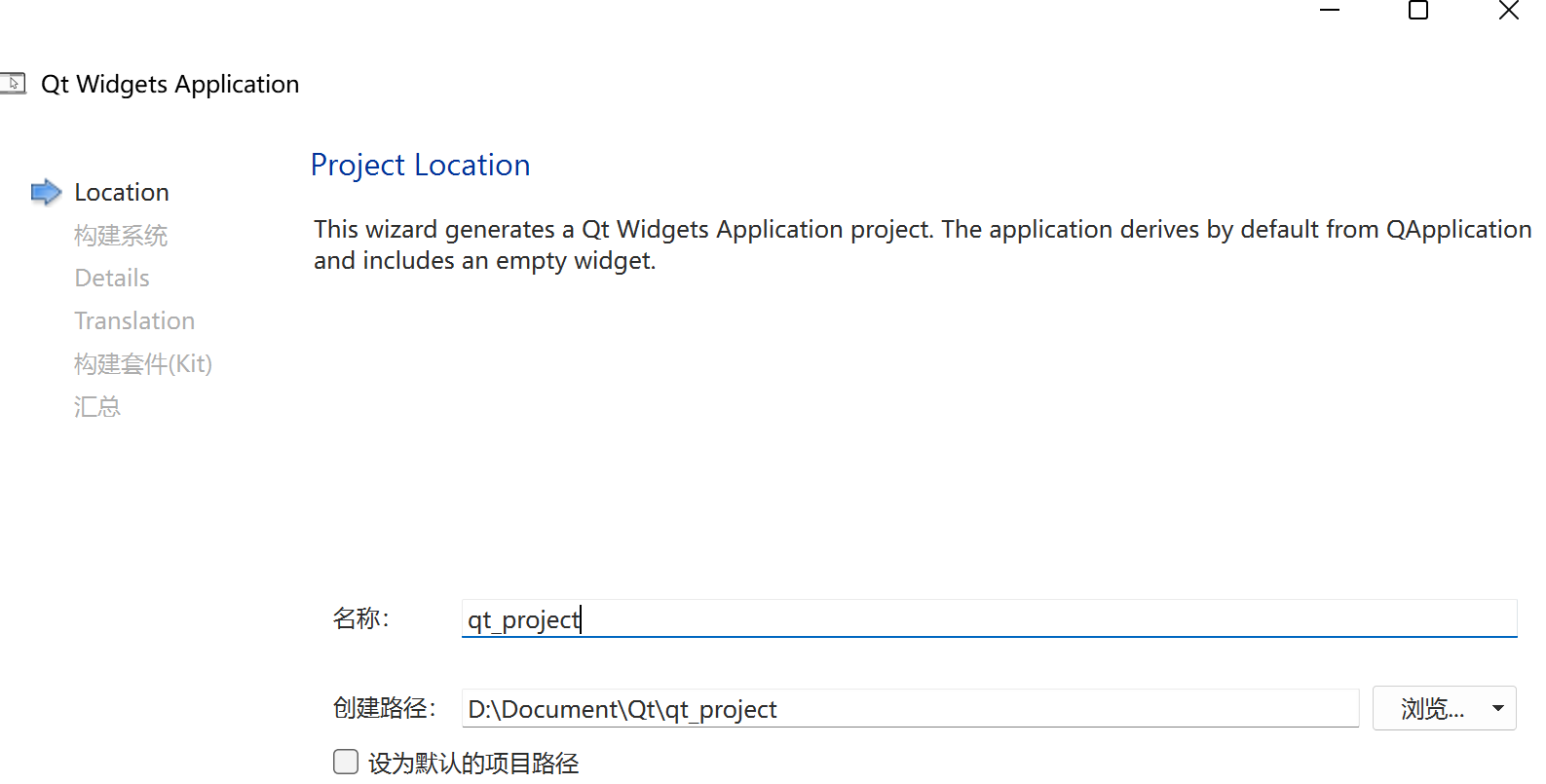
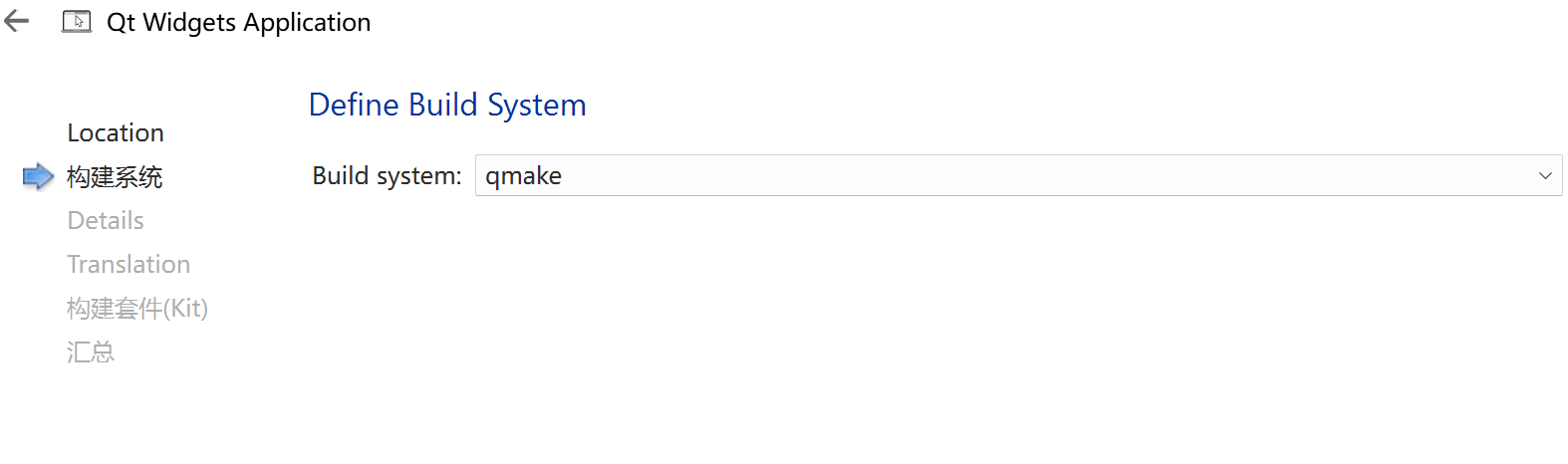
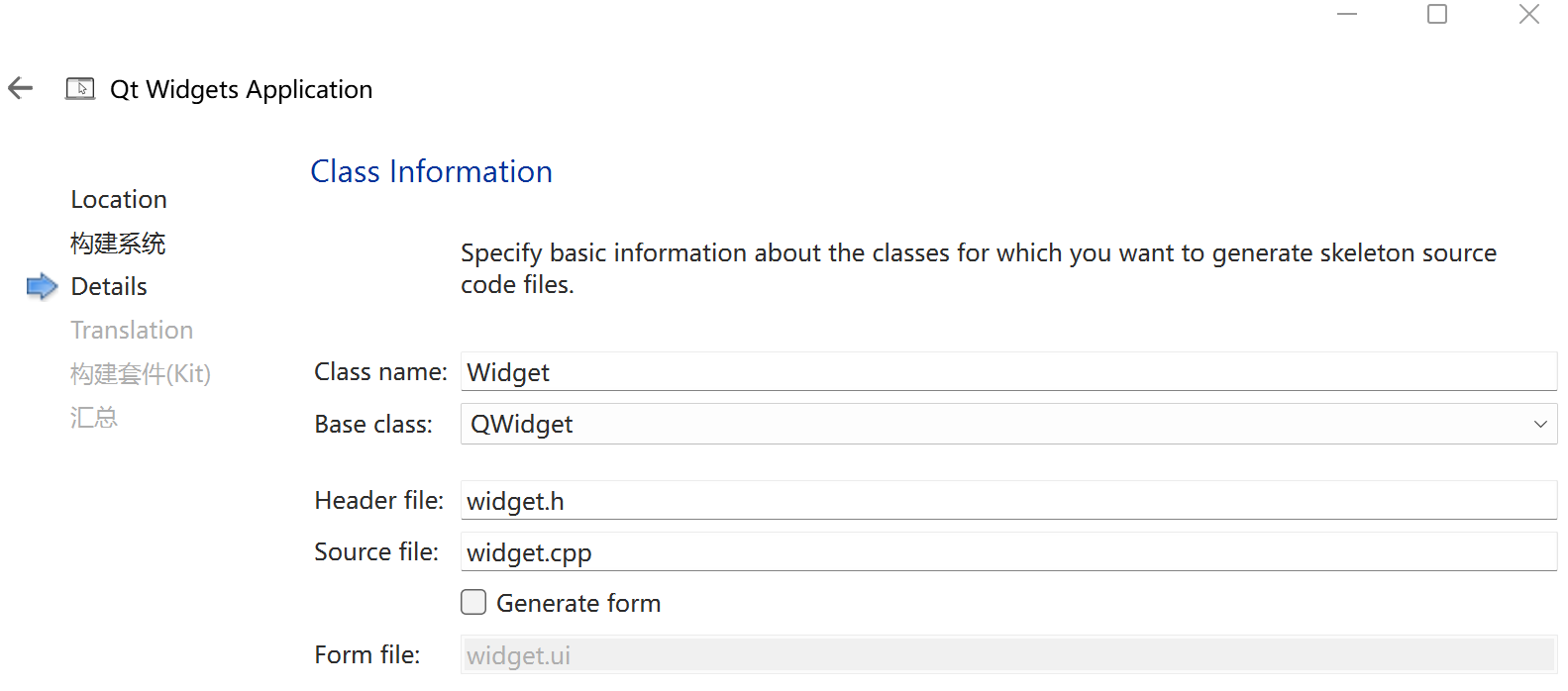
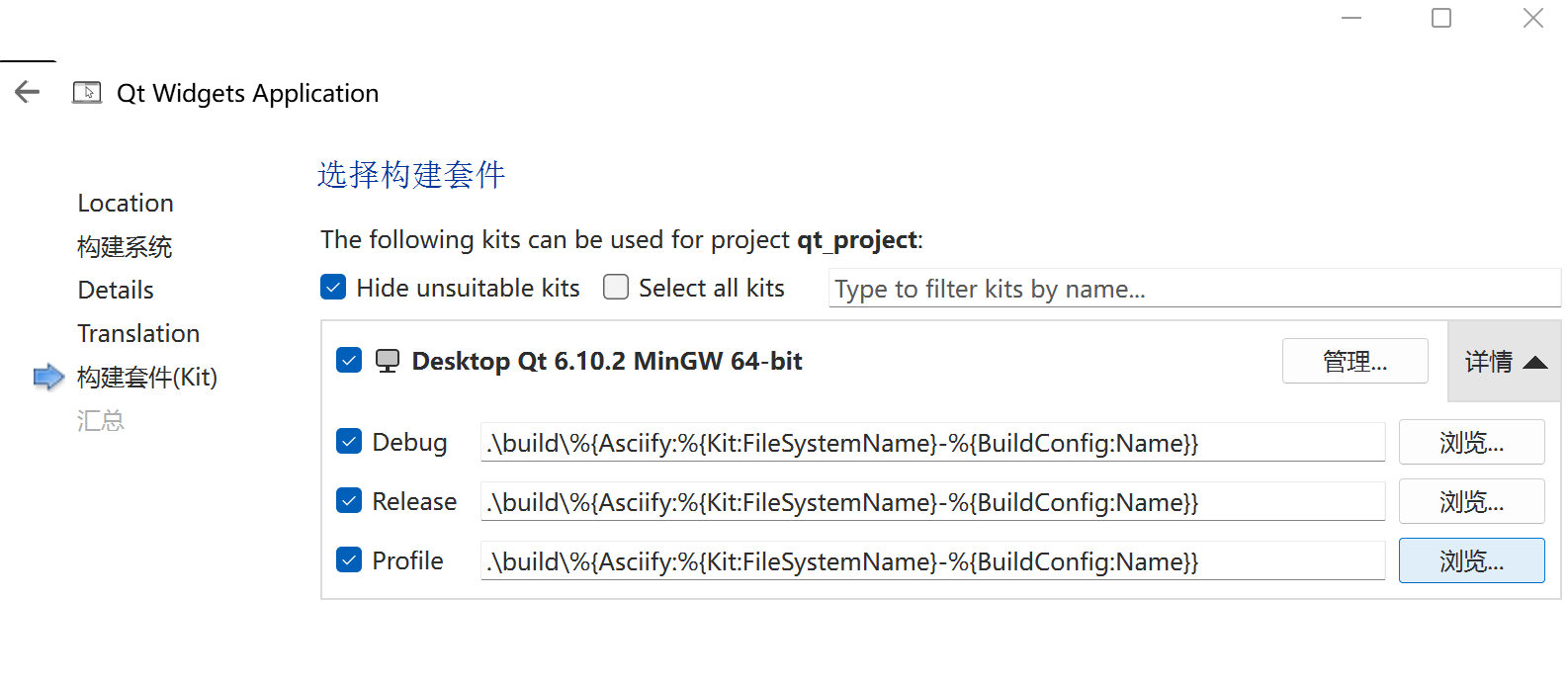
创建qt控件应用程序
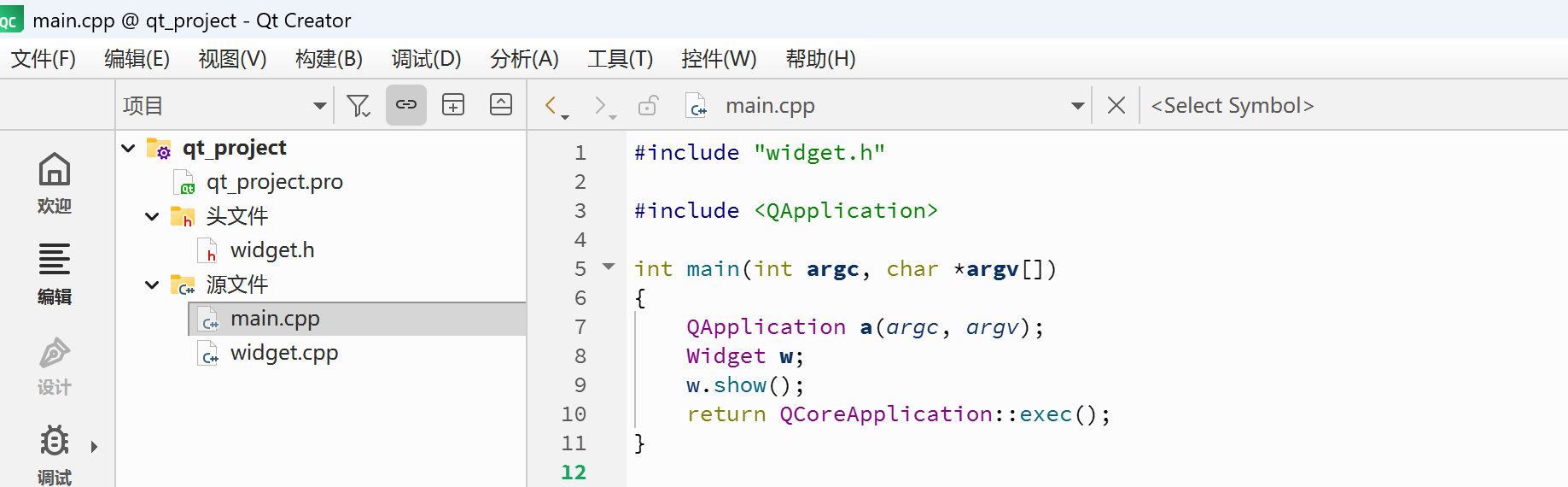
程序解读
main.cpp文件
cpp
// main.cpp
#include "widget.h"

// QT应用头文件
#include <QApplication>

// 主函数,argc命令行参数个数,argv命令行参数字符串数组(指针数组)
int main(int argc, char *argv[])
{
		// QApplication是应用程序类,a是对象,应用程序对象有且只有一个
		// 必须把main函数的参数(argc, argv)传递给a对象
    QApplication a(argc, argv);
    Widget w;	// 窗口类,Qt提供了一个QWidget类
    w.show();	// 显示窗口
    // 等同于return a.exec();即应用程序消息循环,相当于while循环
    return QCoreApplication::exec();
}
widget.h文件
cpp
// widget.h
#ifndef WIDGET_H
#define WIDGET_H

#include <QWidget>

// Widget 公有继承自 QWidget 类
class Widget : public QWidget
{
    Q_OBJECT	// 要使用信号与槽机制,必须包含该宏

public:
    explicit Widget(QWidget *parent = nullptr);// 构造函数,父类指针parent的默认值为nullptr
    ~Widget() override;// 析构函数
};
#endif // WIDGET_H
widget.cpp文件
cpp
// widget.cpp
#include "widget.h"

// 构造函数
Widget::Widget(QWidget *parent)
    : QWidget(parent) // 构造函数参数初始化列表
{}

// 析构函数
Widget::~Widget() = default;
项目文件(.pro)
c
# 项目编译的时候需要加载的模块
QT += widgets

# 配置:加上C++17才能在代码中使用C++17版本的特性
CONFIG += c++17

# 如果定义该宏,当项目中使用了过时的api(函数),将会被视为错误
# You can make your code fail to compile if it uses deprecated APIs.
# In order to do so, uncomment the following line.
#DEFINES += QT_DISABLE_DEPRECATED_BEFORE=0x060000    # disables all the APIs deprecated before Qt 6.0.0

# 项目中的源文件 .cpp文件
SOURCES += \
    main.cpp \
    widget.cpp

# 项目中头文件 .h文件
HEADERS += \
    widget.h

# qnx嵌入式、unix系统部署规则
# Default rules for deployment.
qnx: target.path = /tmp/$${TARGET}/bin
else: unix:!android: target.path = /opt/$${TARGET}/bin
!isEmpty(target.path): INSTALLS += target