Ubuntu-GitLab

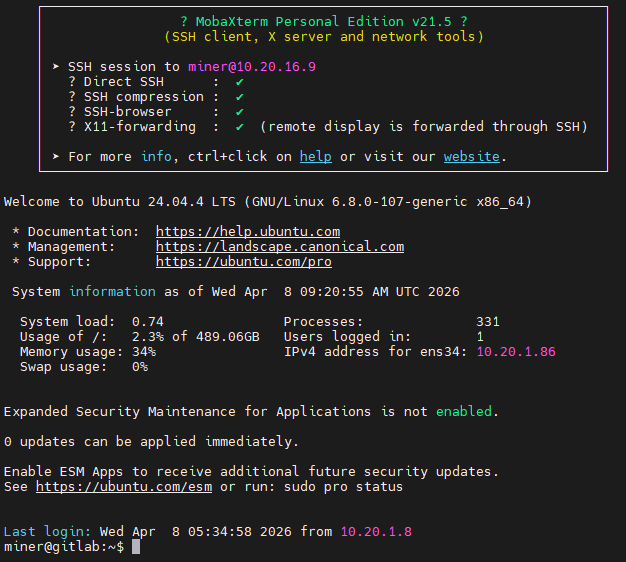
1、系统安装

apt update

apt upgrade

apt update

2、安装依赖

sudo apt update

sudo apt install -y curl openssh-server ca-certificates postfix

3、官方源安装

curl https://packages.gitlab.com/install/repositories/gitlab/gitlab-ce/script.deb.sh | sudo bash

sudo apt install gitlab-ce
4、配置端口

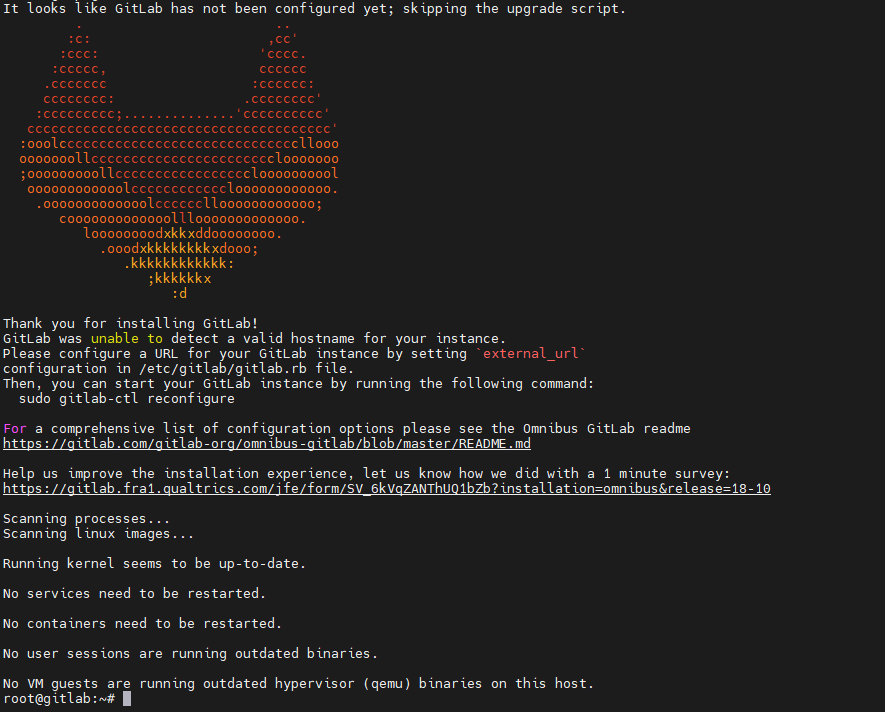
vi /etc/gitlab/gitlab.rb
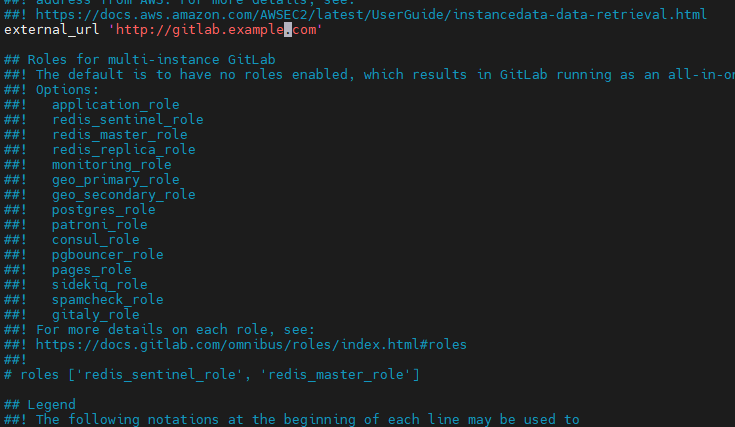
external_url 'http://gitlab.example.com'

external_url 'http://10.20.16.9'

5、应用配置并启动gitlab

sudo gitlab-ctl reconfigure
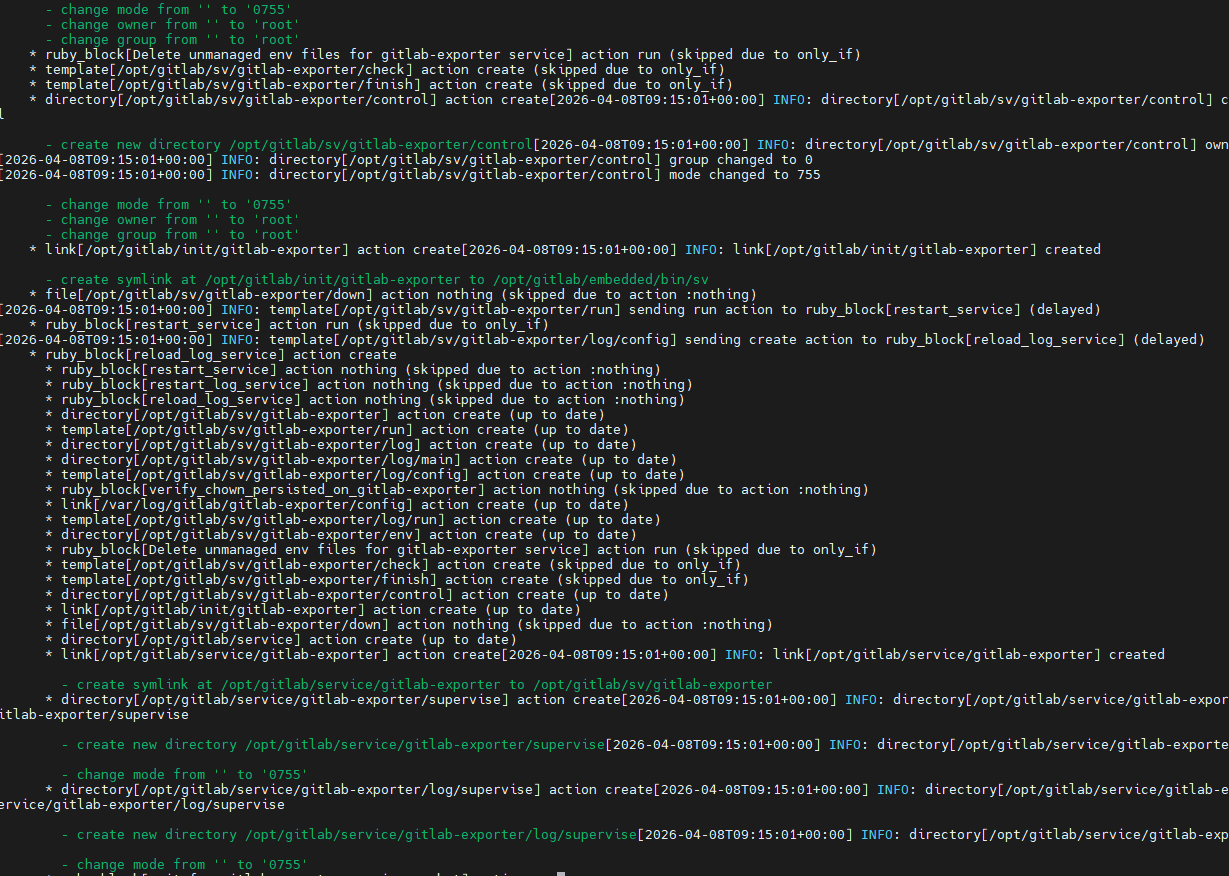
需要等待一段时间
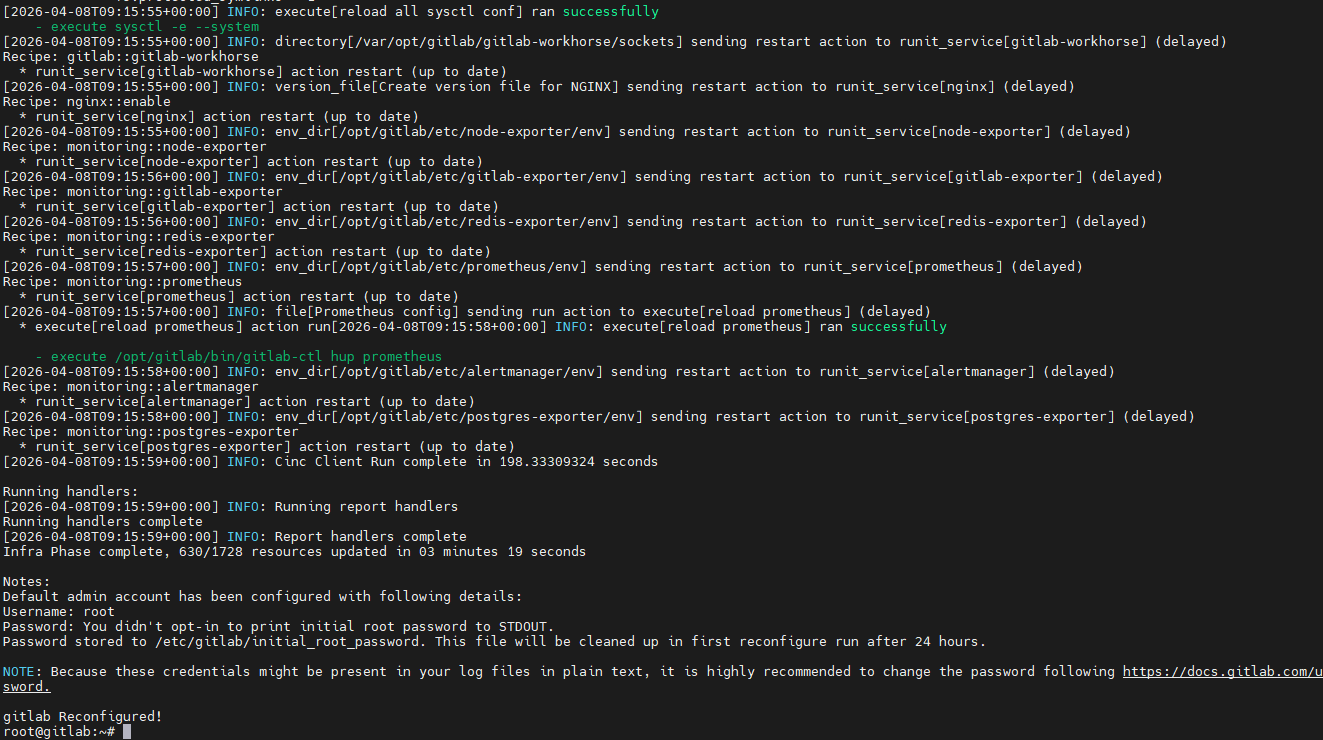
6、获取密码并登录

cat /etc/gitlab/initial_root_password
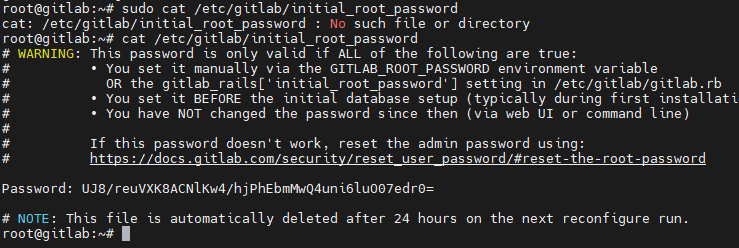
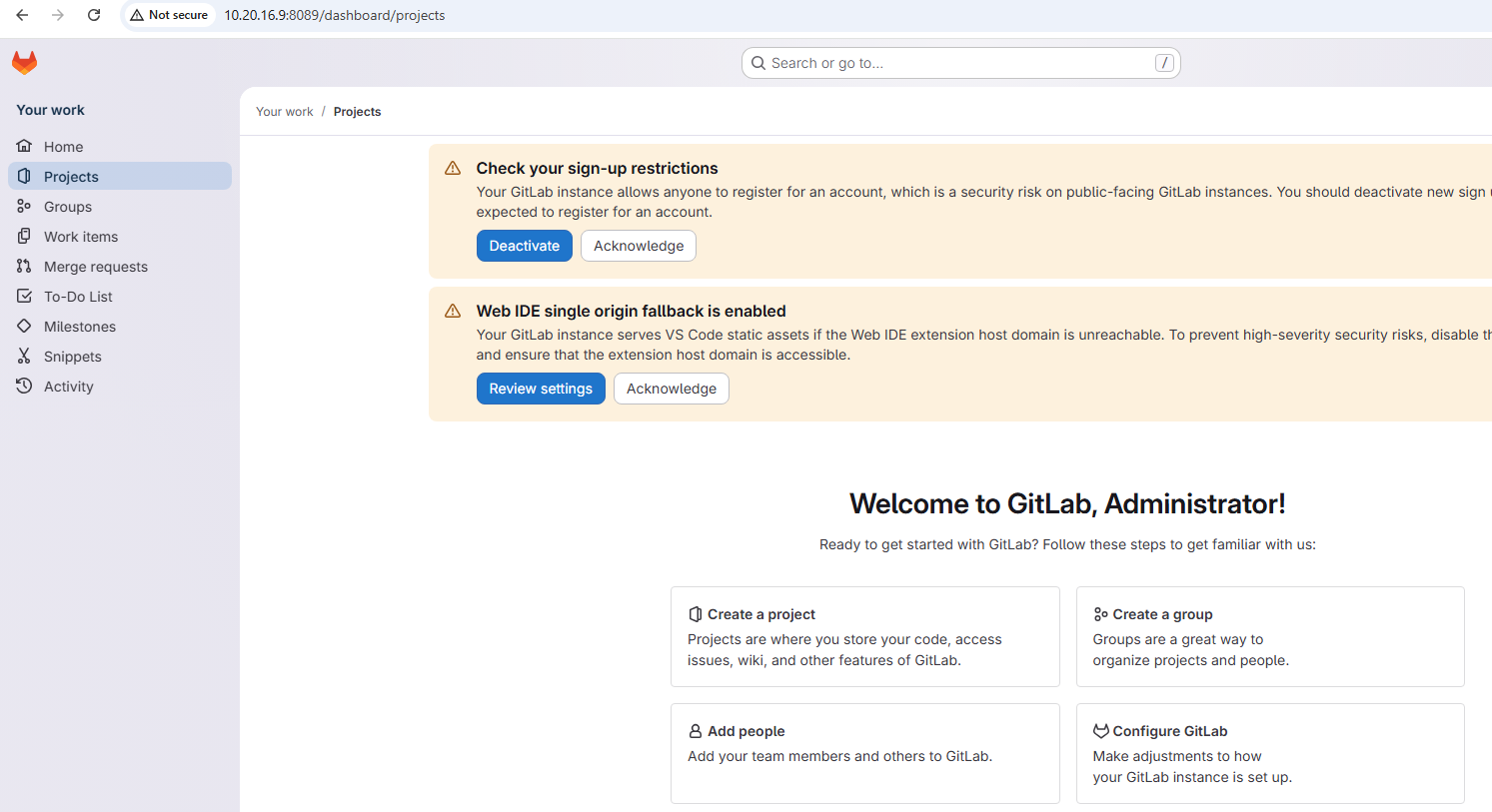
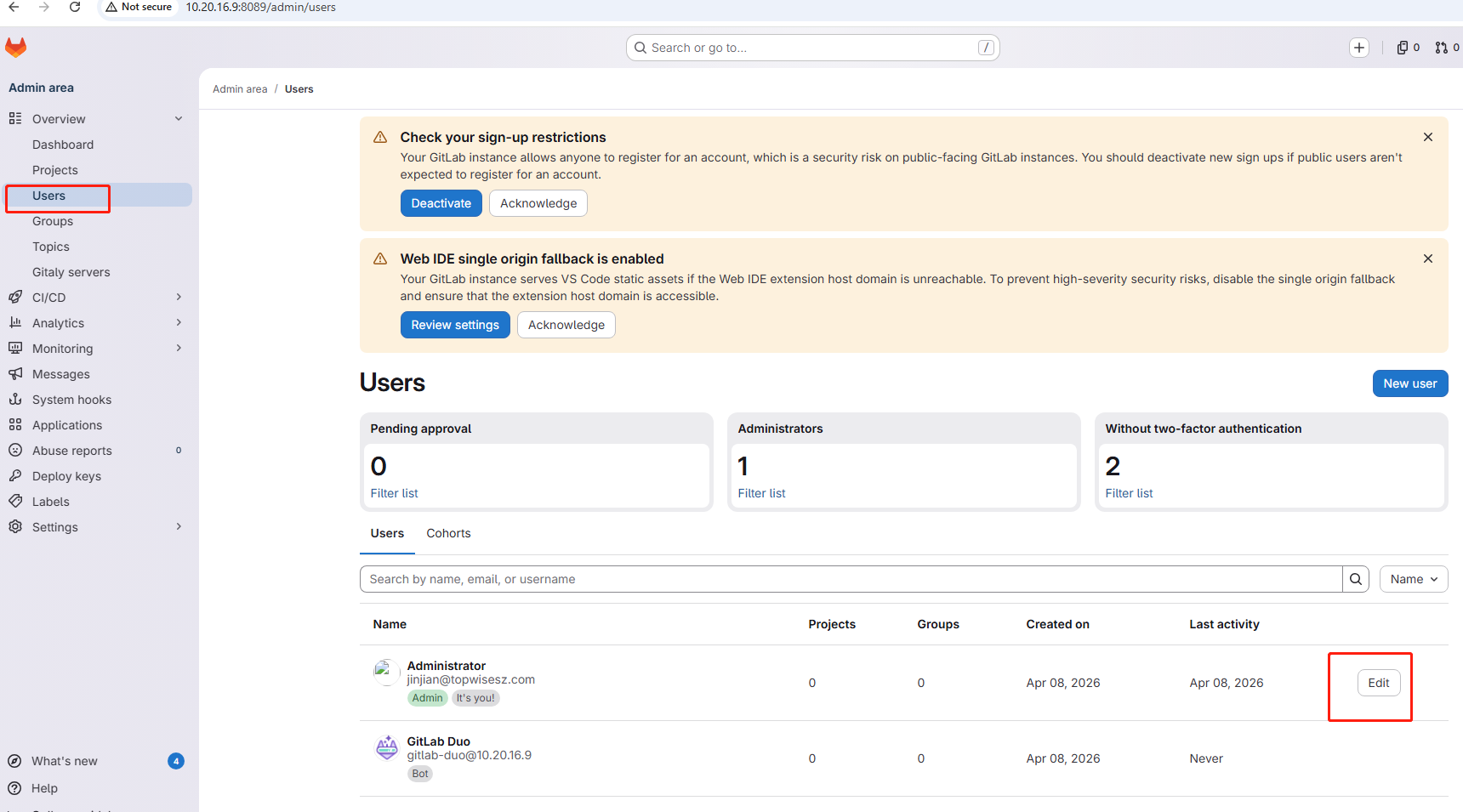
7、修改密码
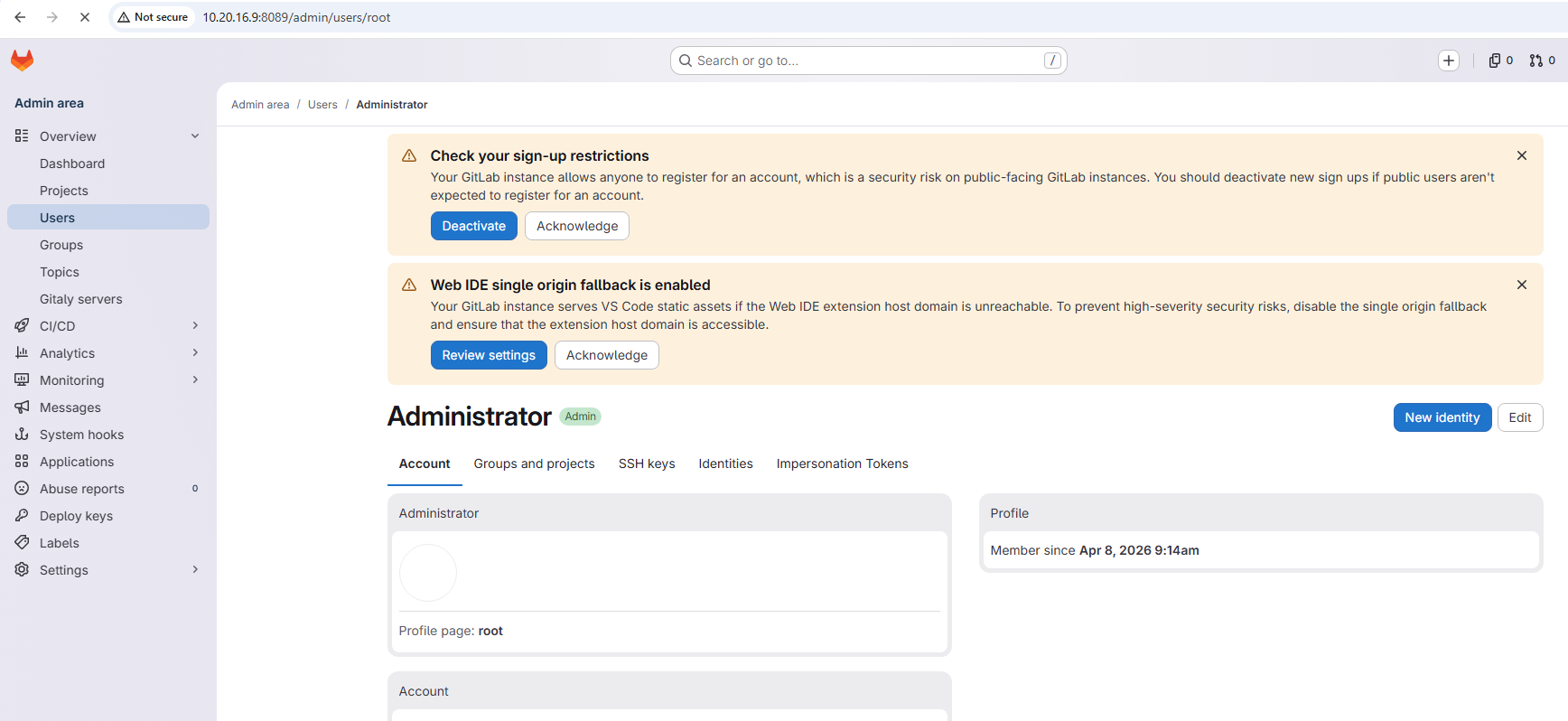
常用命令

sudo gitlab-ctl reconfigure

sudo gitlab-ctl restart

相关推荐
CodeOfCC2 小时前
Linux 嵌入式arm64安装openclaw
linux·运维·服务器
羑悻的小杀马特3 小时前
零成本搞定!异地访问 OpenClaw 最简方案:SSH 端口映射组网!
运维·服务器·人工智能·docker·自动化·ssh·openclaw
magrich3 小时前
安装NoMachine并解决无外接显示器桌面黑屏
linux·运维·服务器
fish_xk4 小时前
Linus基础指令
linux·服务器
用户34268877621964 小时前
Agent + Ollama 部署踩坑记录
ubuntu
宁波阿成4 小时前
在ubuntu22.04源码级安装sub2api
linux·运维·ubuntu·ai·api·token·中转站
Mortalbreeze5 小时前
软件包管理器yum和编辑器vim详解 —— 附带vim配置链接
linux·服务器
李日灐5 小时前
< 7 > Linux 开发工具:git 版本控制器 和 cgdb/gdb 调试器
linux·运维·服务器·开发语言·git·调试器·gdb/cgdb
青木9605 小时前
前后端开发调试运行技巧
linux·服务器·前端·后端·npm·uv
为美好的生活献上中指6 小时前
本地虚拟机部署redis集群
前端·redis·ubuntu·bootstrap·html·redis集群