Node.js路由知识
什么是路由?
用大白话说,当用户访问http://example.com是一个页面,但是例如http://example.com/123,那么服务器应该调用什么函数才给用户返回这个123的页面信息呢?这个就是路由的事情了,如果没有路由,不关你的页面是什么样子的,都会返回同样的信息;但是有了路由我们就可以根据不同路径和方法来执行不同的逻辑了;
Node.js路由基础
在现实世界中,我们大多数都会用express来实现我们的路由,因为会更加简单,更加清晰,这里我们仅仅演示原生Node.js的路由,后续会一起学习express的路由
- 回忆一下之前的代码
vue
const http = require('http');
const server = http.createServer((request,response) => {
    response.writeHead(200,{'Content-type':'text/html;charset=utf-8'})
    response.end('Hello!,这是我的第一个Node.js服务器')
})

server.listen(8000,'127.0.0.1',()=>{
    console.log('服务器正在运行,访问地址:http://127.0.0.1:8000');
})- 这里首先我们将引入url,我们看这个会返回什么
vue
const http = require('http');
const url = require('url')
const server = http.createServer((request,response) => {
    console.log(request.url)
......
这里直接返回了我们的路径
- 所以我们就可以使用if/else手写一个路由表
vue
const server = http.createServer((request,response) => {
    console.log(request.url)
    const pathName = request.url;
    const chatset = {'Content-type':'text/html;charset=utf-8'}
    if(pathName === '/' || pathName === '/overview'){
        response.writeHead(200,chatset);
        response.end('这个是主页');
    }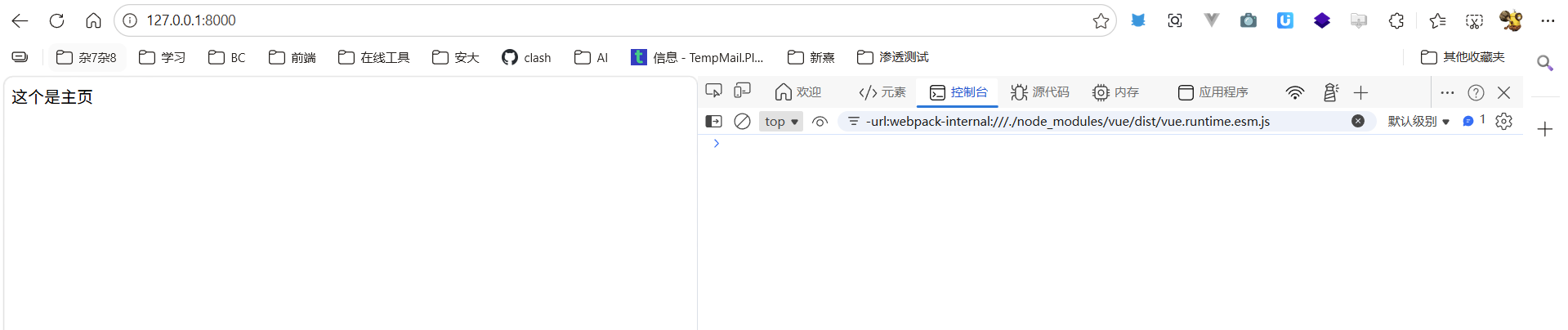
这个响应大家都能看懂,很坚韧,status.Code就是http的状态码
- 所以我们也可以加入产品页啥的
javascript
    const pathName = request.url;
    const chatset = {'Content-type':'text/html;charset=utf-8'}
    if(pathName === '/' || pathName === '/overview'){
        response.writeHead(200,chatset);
        response.end('这个是主页');
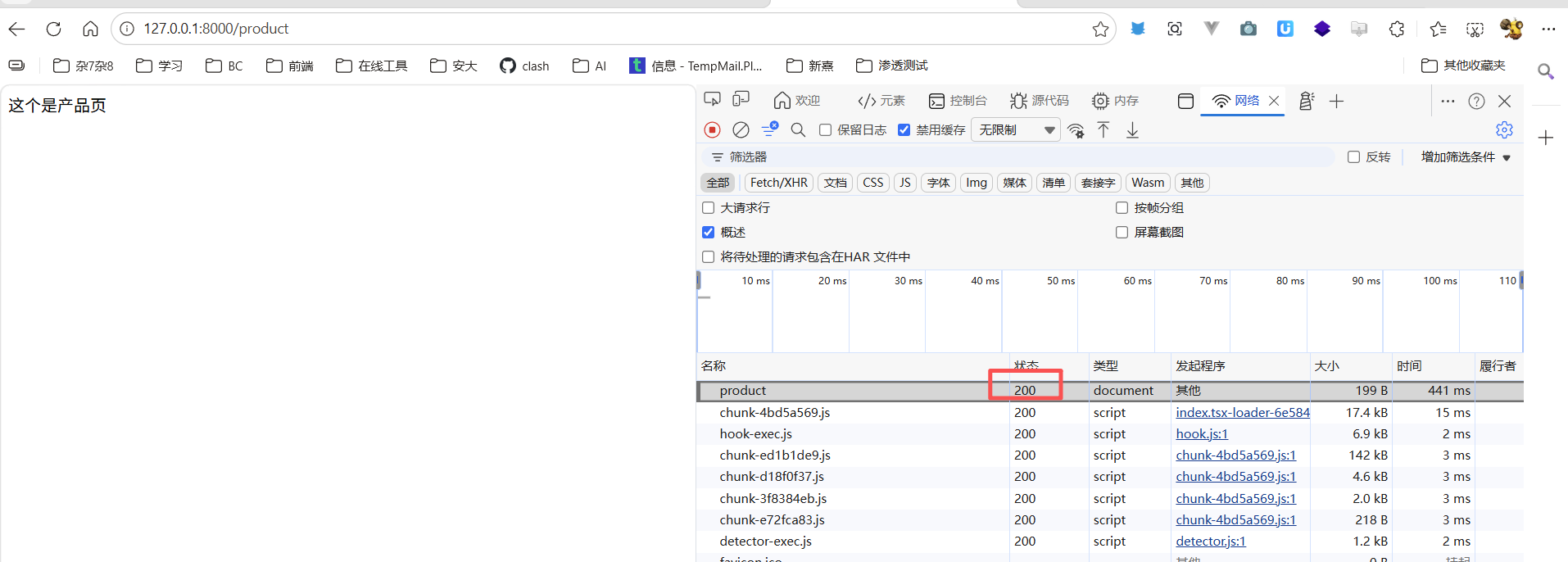
    } else if(pathName === '/product'){
        response.writeHead(200,chatset);
        response.end('这个是产品页');
    }
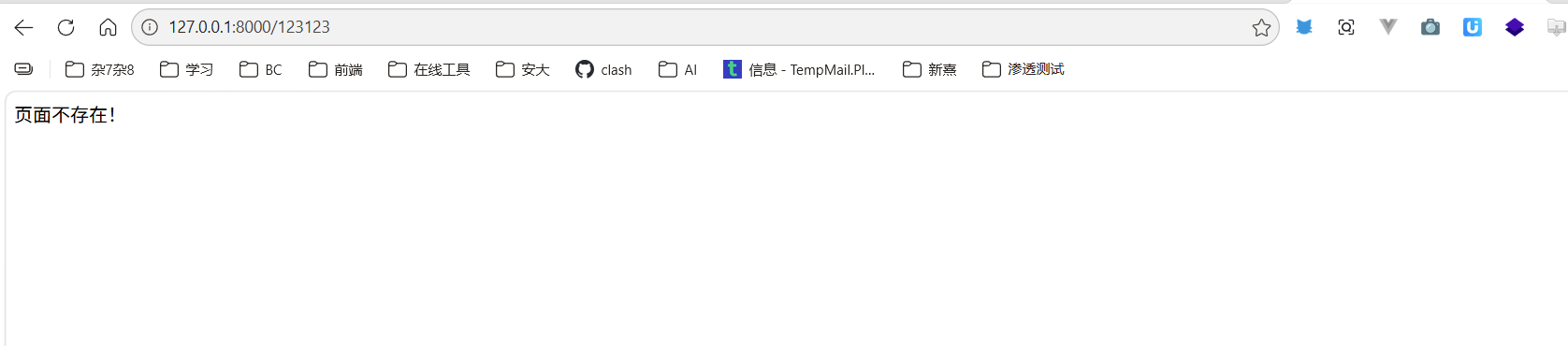
- 但是还有一个问题,例如我们输入一个并不再我们规则里面的,他会一直转圈等待,这时候,一般情况下都是由一个特殊的404页面,只要是找不到页面的都会规则到这个页面
vue
const server = http.createServer((request,response) => {
    console.log(request.url)
    const pathName = request.url;
    const chatset = {'Content-type':'text/html;charset=utf-8'}
    if(pathName === '/' || pathName === '/overview'){
        response.writeHead(200,chatset);
        response.end('这个是主页');
    } else if(pathName === '/product'){
        response.writeHead(200,chatset);
        response.end('这个是产品页');
    } else {
        response.writeHead(404,chatset);
        response.end('页面不存在!')
    }
})
缺点 :手动解析URL、参数、方法,代码很快变得臃肿。对于动态路径(如/users/123)需要正则或字符串分割,不适合生产环境。