依赖环境
启用WSL及虚拟机
# 启用WSL功能
dism.exe /online /enable-feature /featurename:Microsoft-Windows-Subsystem-Linux /all /norestart

# 启用虚拟机平台(WSL2依赖)
dism.exe /online /enable-feature /featurename:VirtualMachinePlatform /all /norestart
或者在程序和功能中开启
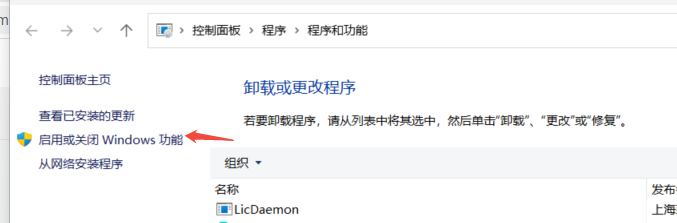
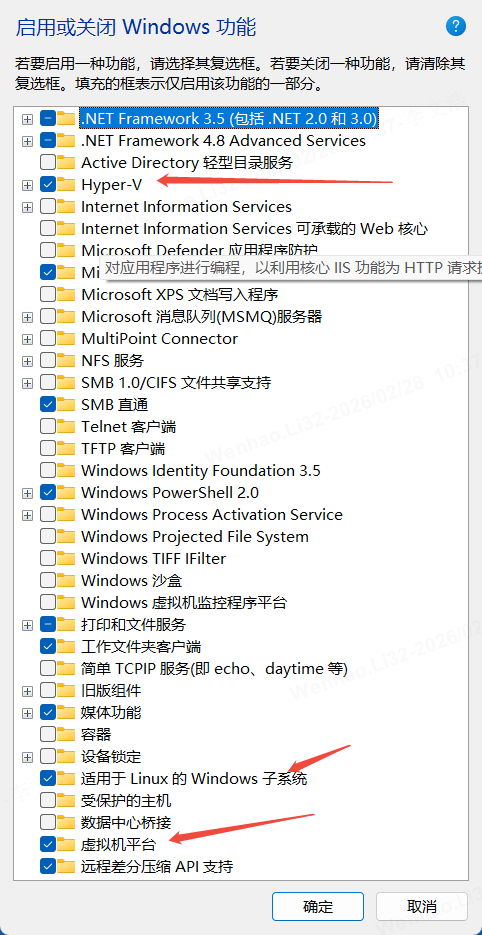
确保上面三个都开启
2.更新
使用下面命令更新
wsl --update我电脑更新会有问题,也可以直接下载最新程序进行安装https://wslstorestorage.blob.core.windows.net/wslblob/wsl_update_x64.msi
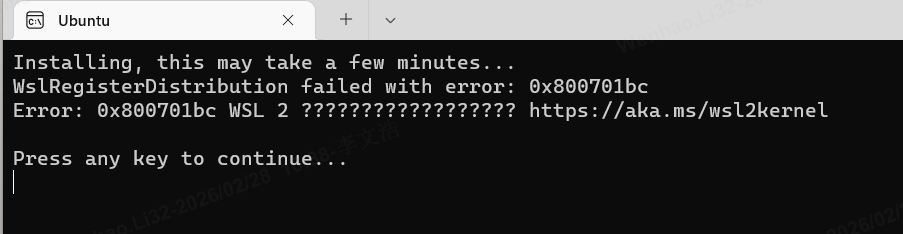
如果还有问题,可尝试重置 winsock
netsh winsock reset版本操作及发行版本安装
设置版本
wsl --set-default-version 2下载离线包
AppStore 中的会默认安装到c盘 推荐下载离线包
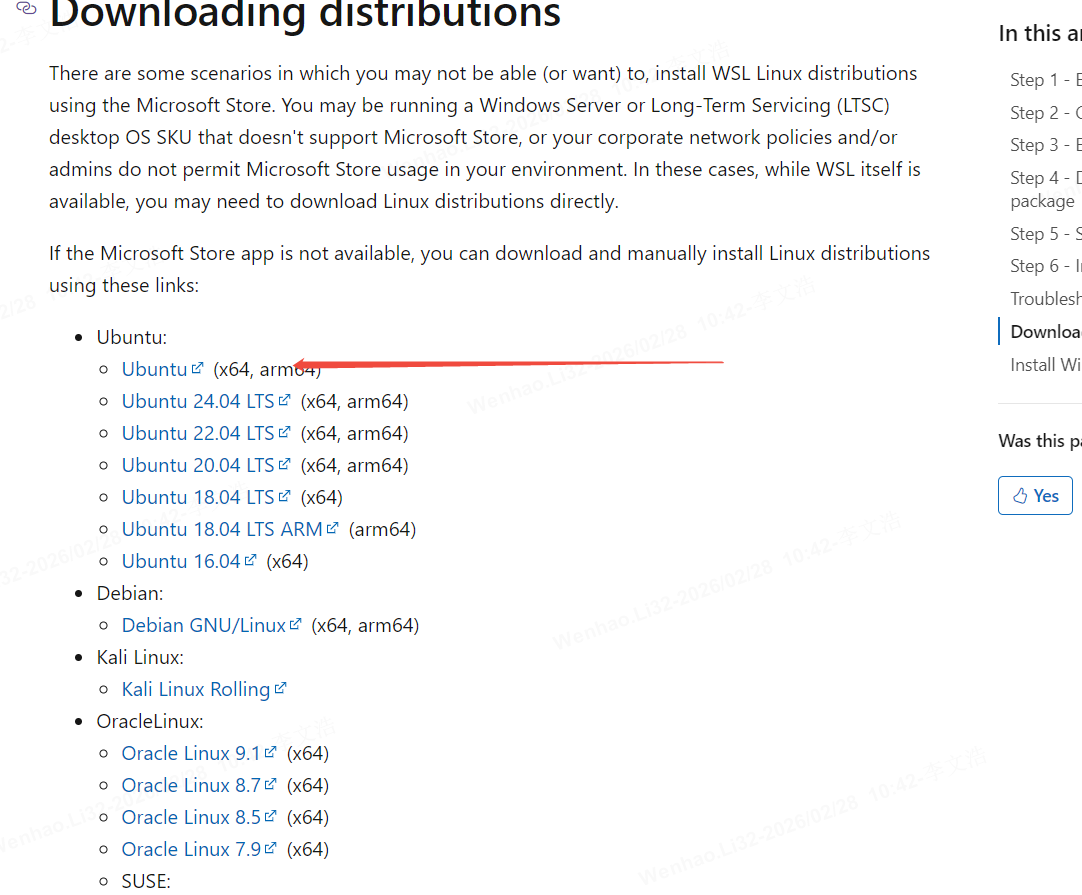
.AppxBundle安装包改名为zip文件,解压,找到文件名包含x64的.appx文件,再次改名为.zip文件, 解压到D盘比较好找的目录,如D:\Ubuntu 点击ubuntu.exe安装.