目录
1.环境准备
1.1虚机信息
|-------------|----------|---------------|-----------------------|
| IP地址 | 应用 | 操作系统版本 | 备注 |
| 10.9.254.72 | openclaw | Ubuntu24 | 已部署openclaw@2026.4.11 |
| 10.9.254.51 | mysql01 | Rockylinux8.7 | 已配置互联网软件源 |
| 10.9.254.52 | mysql02 | Rockylinux8.7 | 已配置互联网软件源 |
| 10.9.254.53 | mysql03 | Rockylinux8.7 | 已配置互联网软件源 |
1.2配置免密登录
配置openclaw到其它节点的免密登录,在openclaw服务器上操作,以10.9.254.51为例,其它节点相同。
|--------------------------------------------------------------------------------------------------------------------------------------------------------------------------------------------------------------------------------------------------------------------------------------------------------------------------------------------------------------------------------------------------------------------------------------------------------------------------------------------------------------------------------------------------------------------------------------------------------------------------------------------------------------------------------------------------------|
| root@openclaw:~# apt install openssh-client -y |
| Reading package lists... Done Building dependency tree... Done Reading state information... Done openssh-client is already the newest version (1:9.6p1-3ubuntu13.15). openssh-client set to manually installed. 0 upgraded, 0 newly installed, 0 to remove and 5 not upgraded. |
| root@openclaw:~# ssh-keygen -t ed25519 -C "openclaw-ai-maintenance" |
| Generating public/private ed25519 key pair. Enter file in which to save the key (/root/.ssh/id_ed25519): #直接回车使用默认路径 ~/.ssh/id_ed25519 Enter passphrase (empty for no passphrase): #直接回车留空(实现完全免密,适合自动化运维) Enter same passphrase again: #直接回车留空(实现完全免密,适合自动化运维) Your identification has been saved in /root/.ssh/id_ed25519 Your public key has been saved in /root/.ssh/id_ed25519.pub The key fingerprint is: SHA256:7v8i59WDyoV2ALG9O8/WFngcAeurLQD3vstTKz12IMo openclaw-ai-maintenance The key's randomart image is: +--ED25519 256--+ | . .. | | + .. | | o . . . | | . .. o . | | oS.o .o . | | .. o++++ | | ..+=+*=o. | | .E+B@* +. | | .=X@=+ | +----SHA256-----+ |
| root@openclaw:~# ssh-copy-id root@10.9.254.51 |
| /usr/bin/ssh-copy-id: INFO: Source of key(s) to be installed: "/root/.ssh/id_ed25519.pub" /usr/bin/ssh-copy-id: INFO: attempting to log in with the new key(s), to filter out any that are already installed /usr/bin/ssh-copy-id: INFO: 1 key(s) remain to be installed -- if you are prompted now it is to install the new keys root@10.9.254.51's password: #首次需输入对方root用户密码 Number of key(s) added: 1 Now try logging into the machine, with: "ssh 'root@10.9.254.51'" and check to make sure that only the key(s) you wanted were added. |
| root@openclaw:~# ssh root@10.9.254.51 |
| Last login: Fri Apr 17 10:11:47 2026 from 10.9.254.72 root@poc \~# |
2.使用openclaw自动化安装
确保openclaw能够访问互联网
2.1查找网络上关于xenon部署相关文档
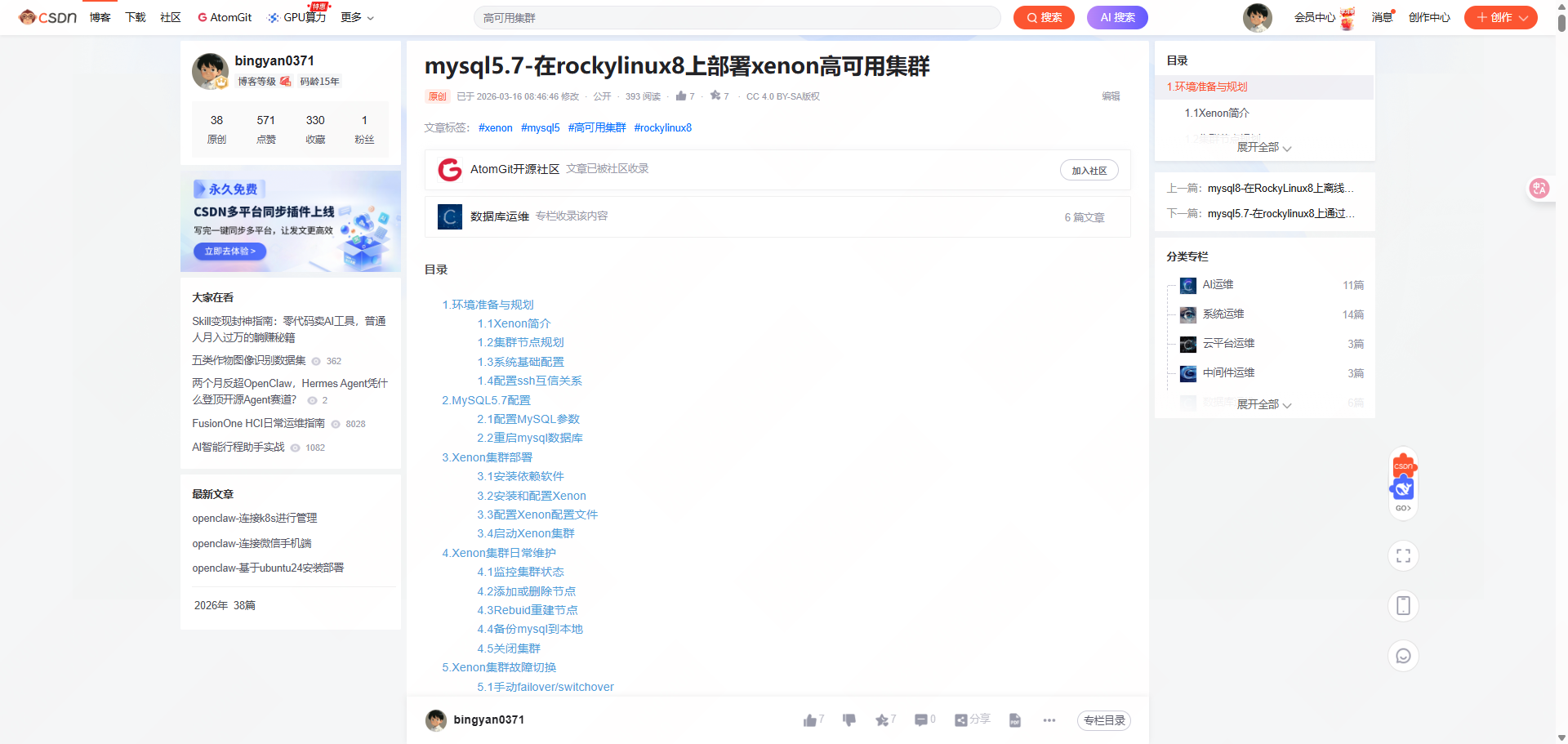
本实验已我个人博客为例
https://blog.csdn.net/bingyan0371/article/details/159086908?spm=1001.2014.3001.5501
2.2编辑提示词
https://blog.csdn.net/bingyan0371/article/details/159086908?spm=1001.2014.3001.5501
把这篇文章精读一下,然后深入理解核心内容,总结一下目前你自己的能力,是否能登录到局域网10.9.254.51、10.9.254.52、10.9.254.53三个主机,已配置免密登录。先回答我是否能进行安装部署,再让我决定要不要进行安装部署。
2.3聊天窗口执行
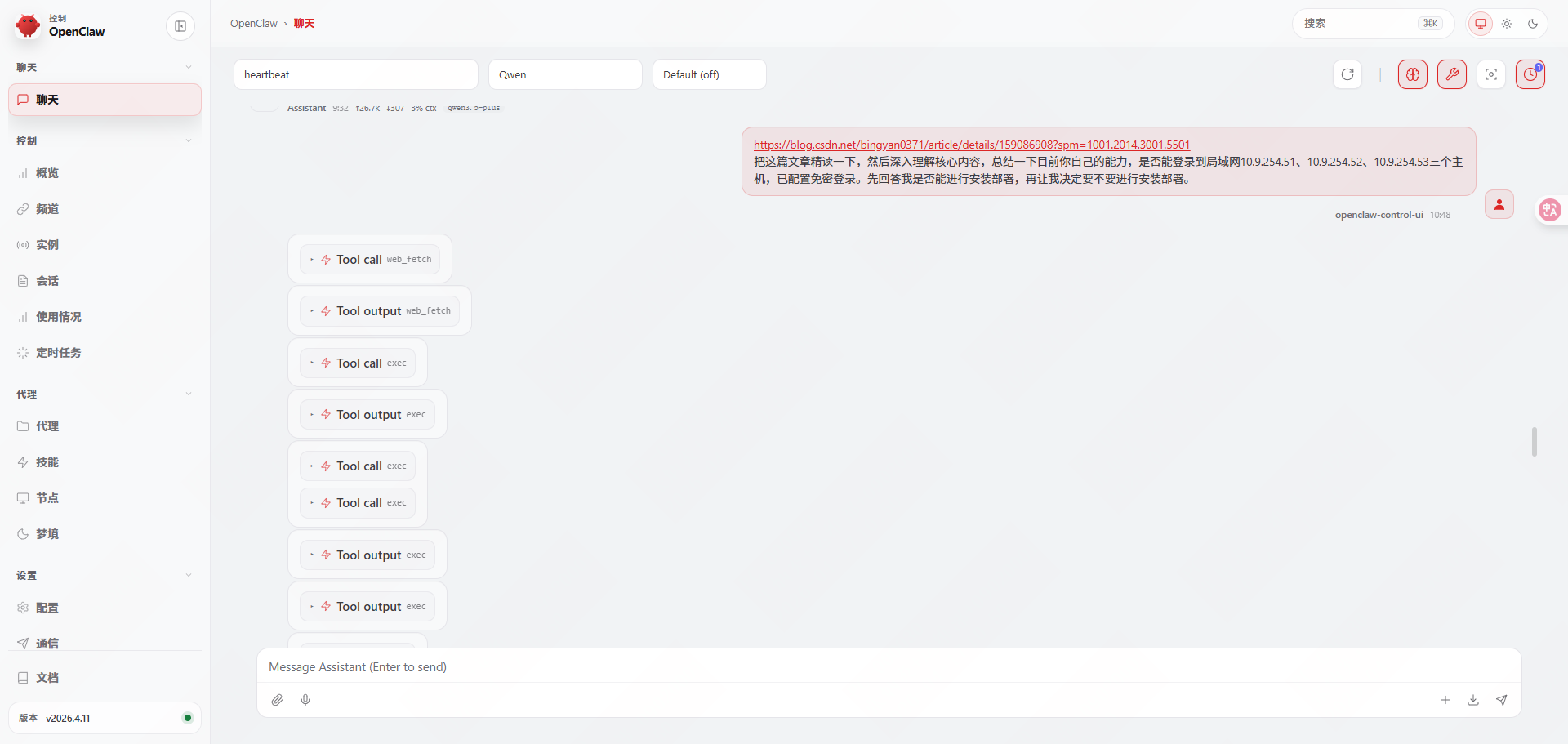
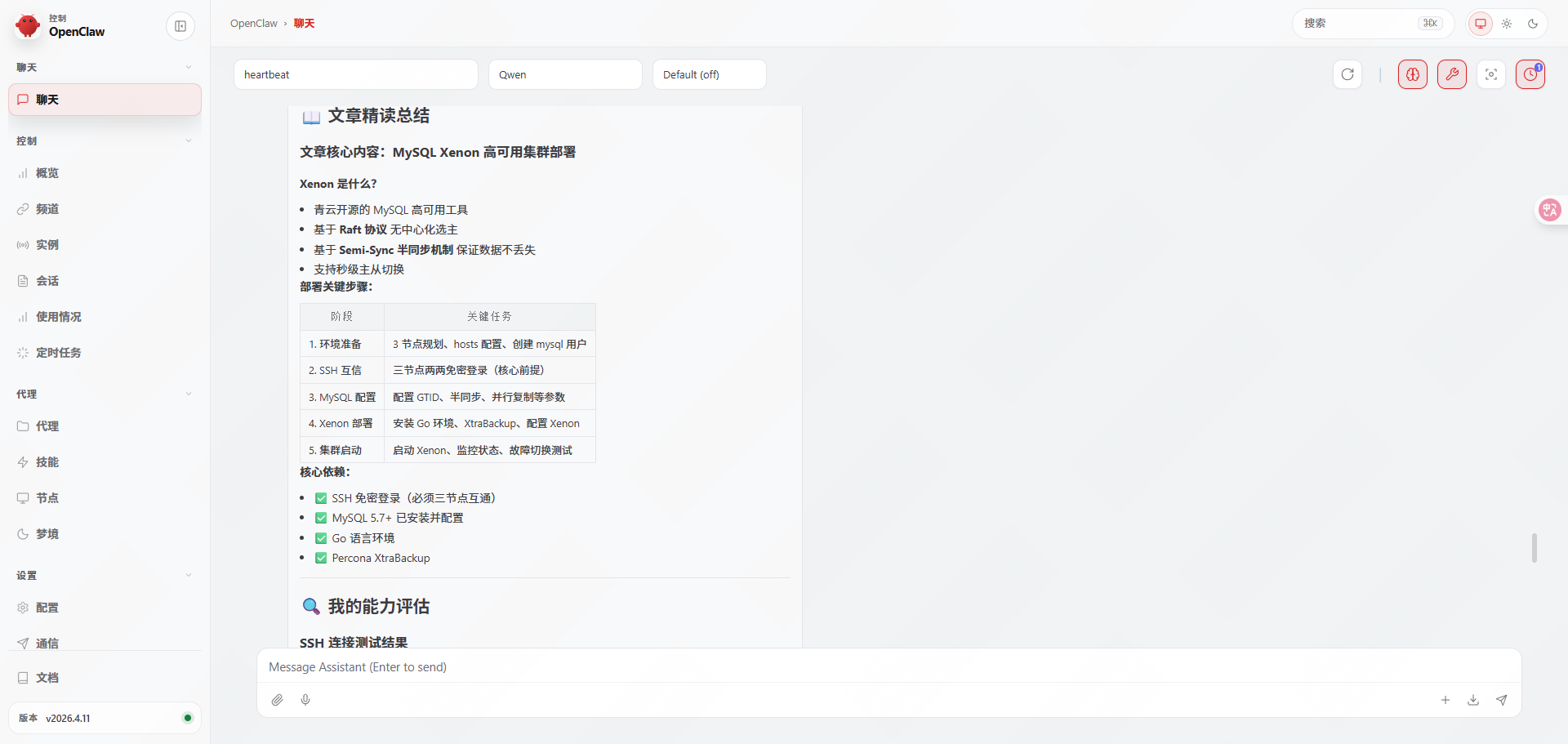
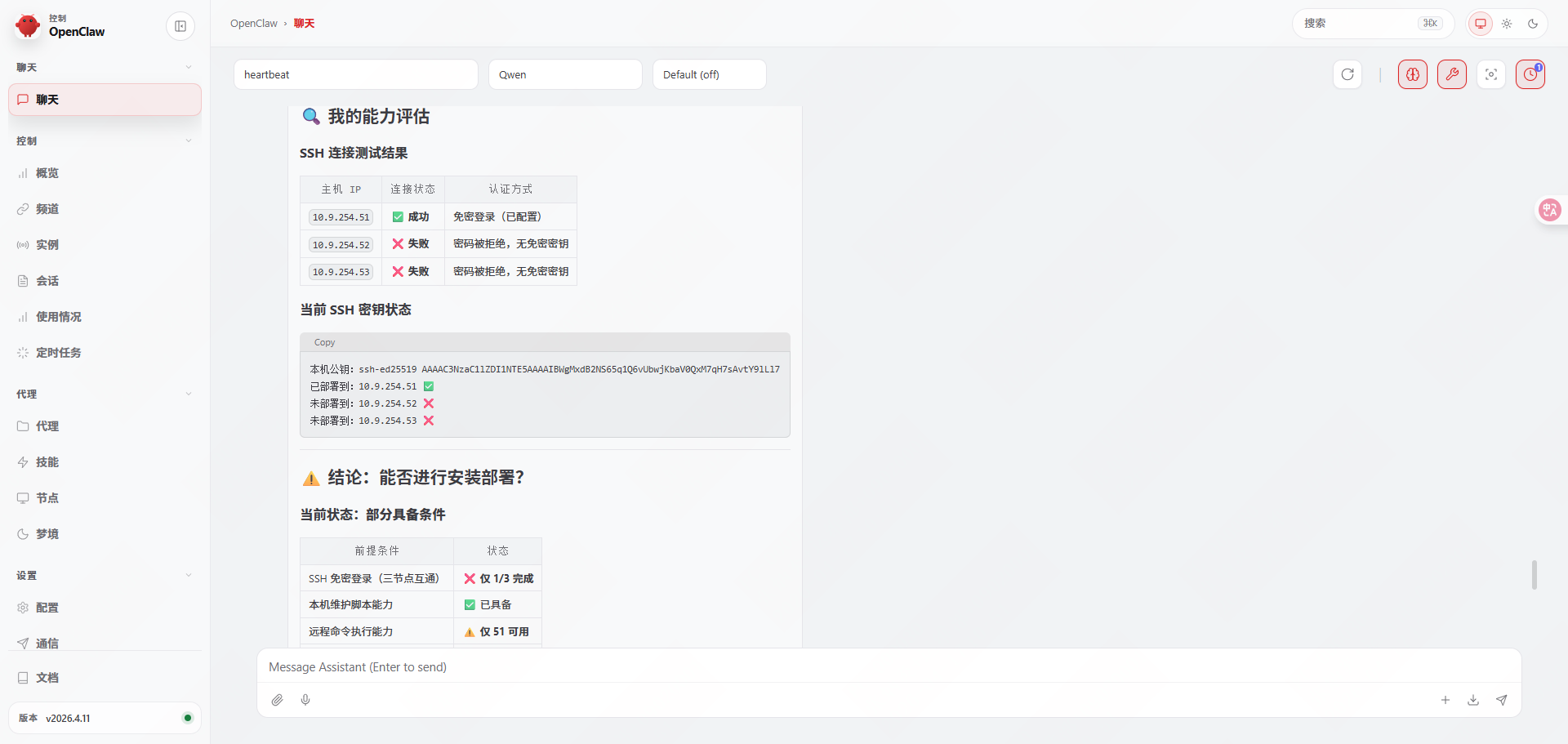
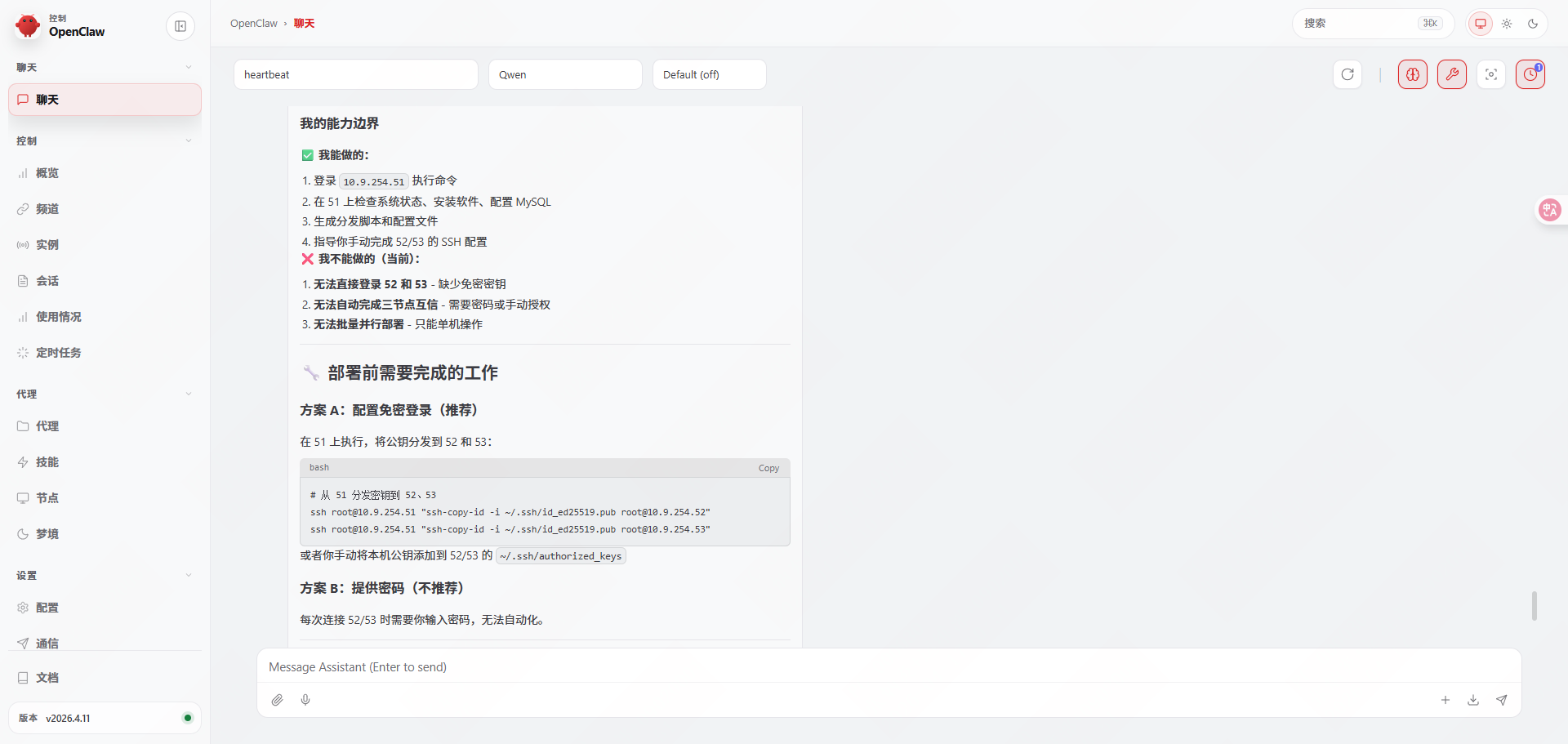
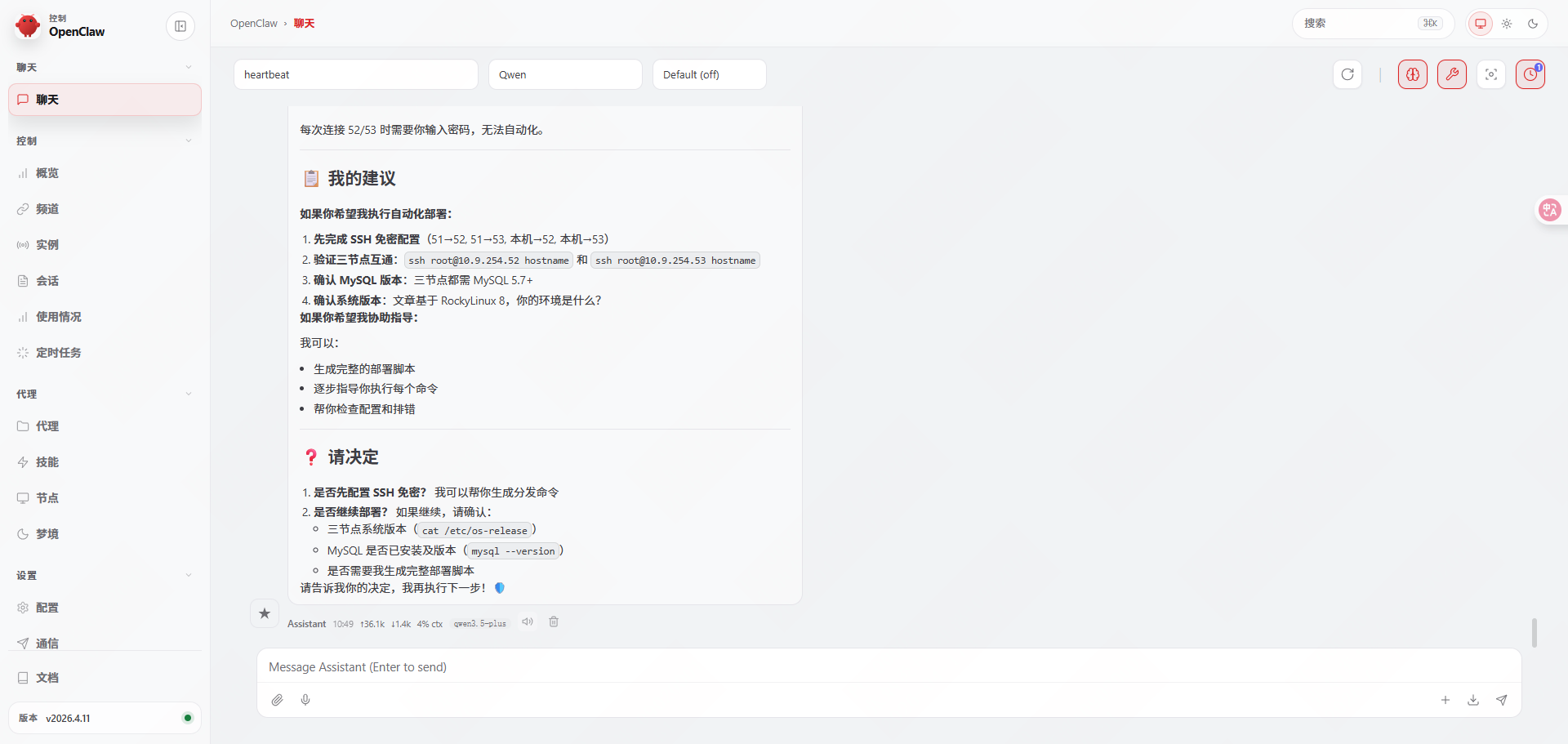
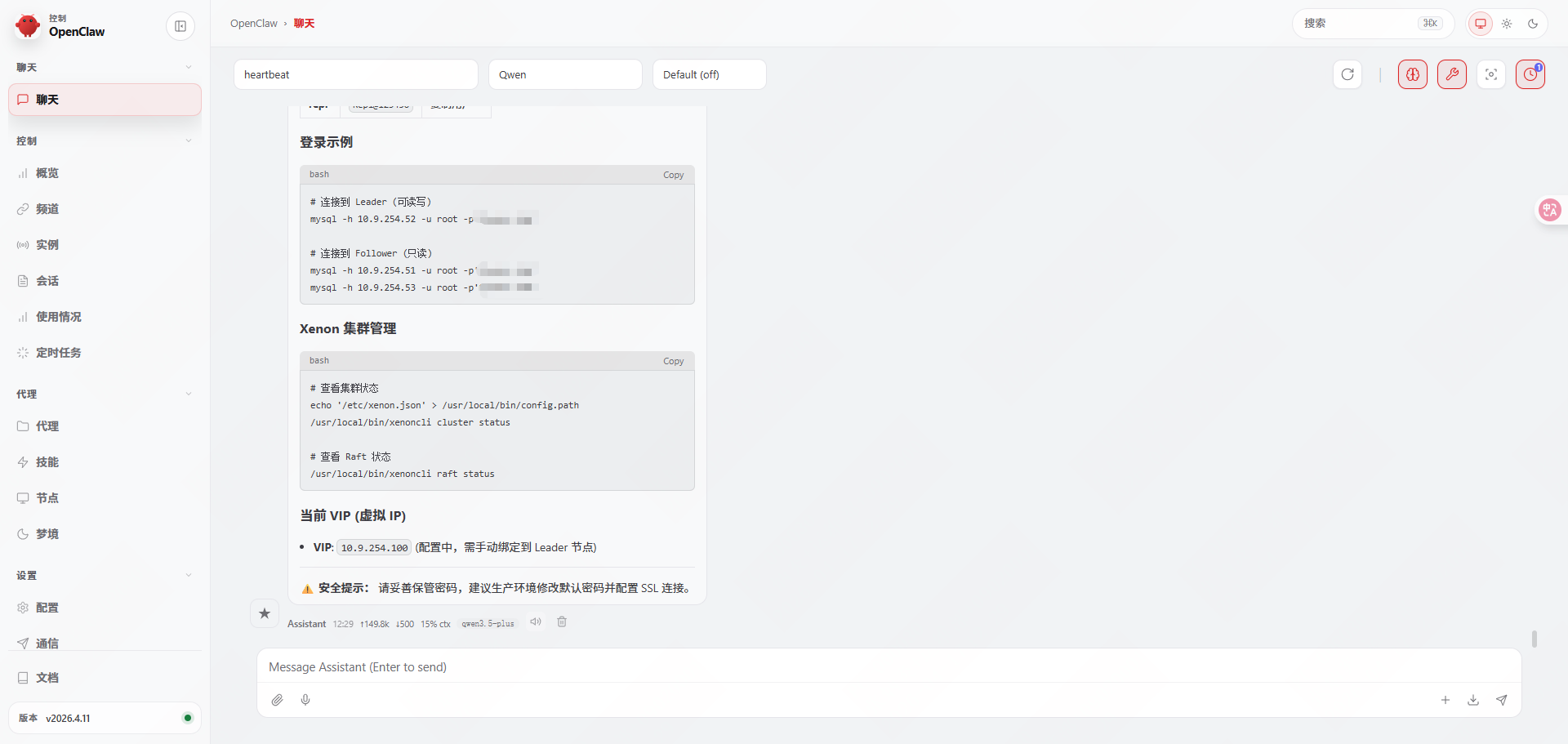
帮忙配置下三个节点ssh免密互访,如果满足mysql集群安装部署条件,进行安装部署。部署完成后给我信息。
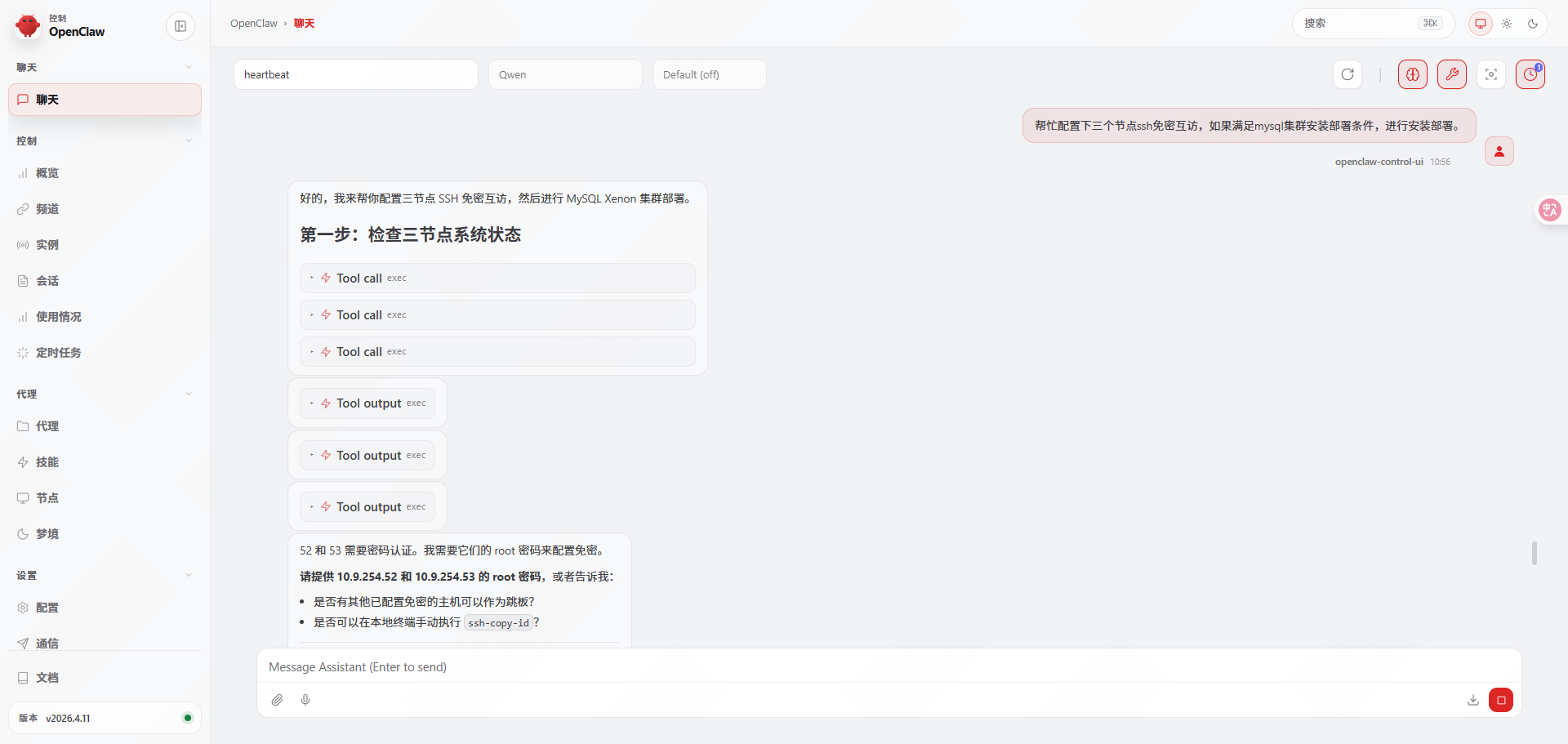
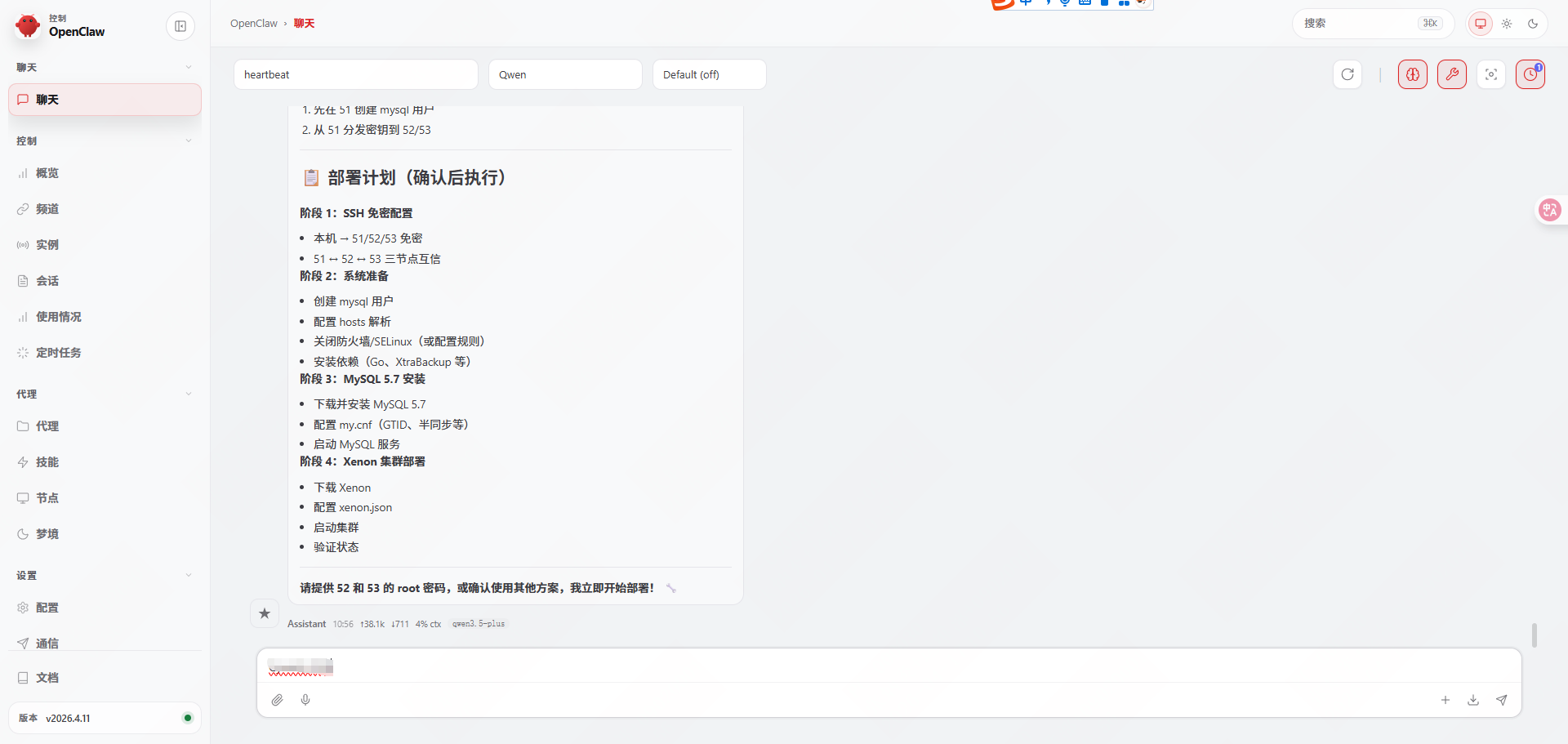
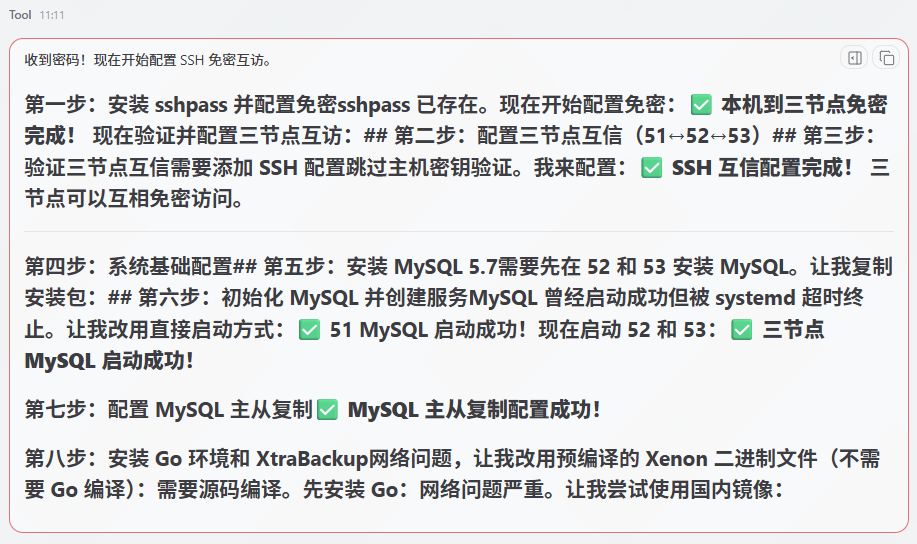
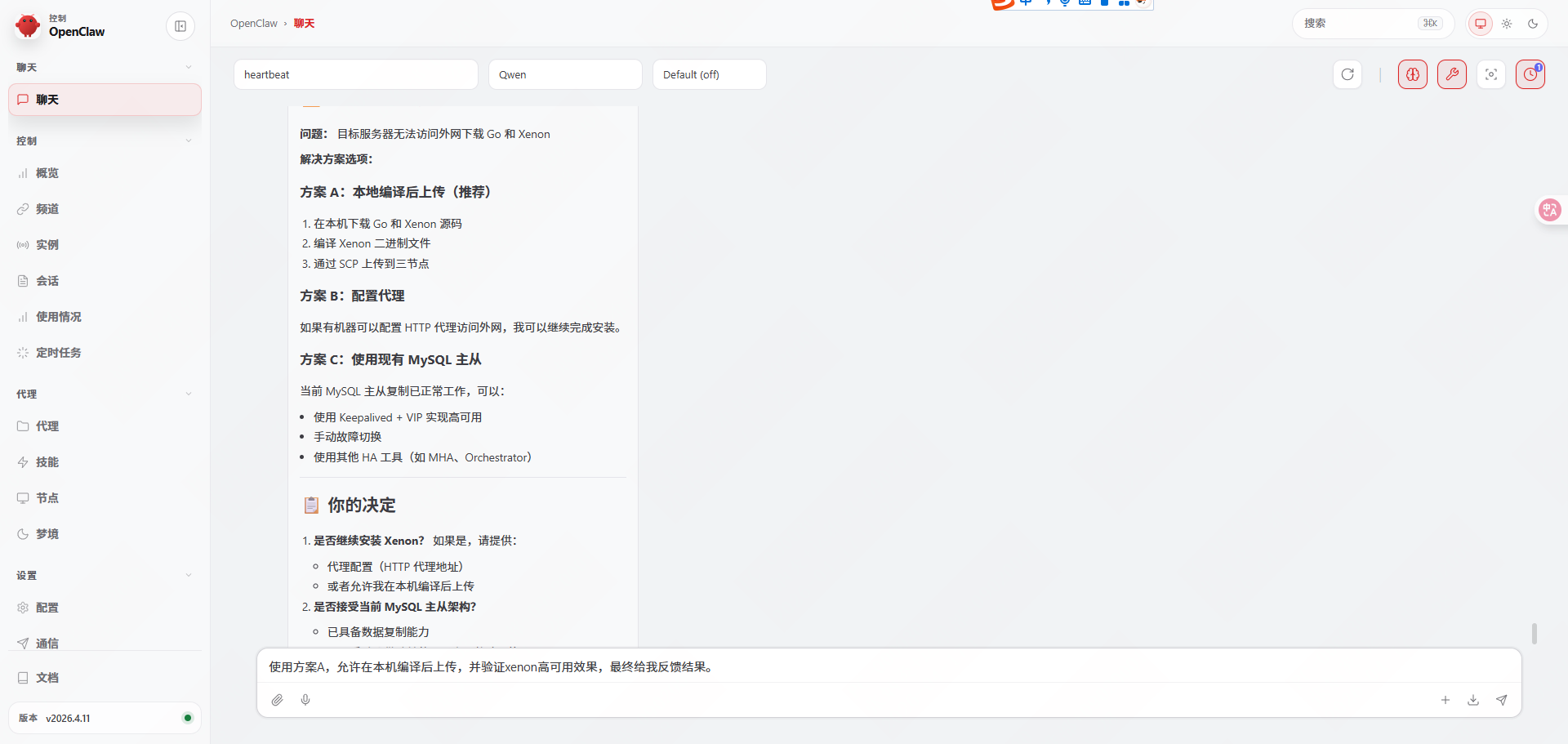
使用方案A,允许在本机编译后上传,并验证xenon高可用效果,最终给我反馈结果。
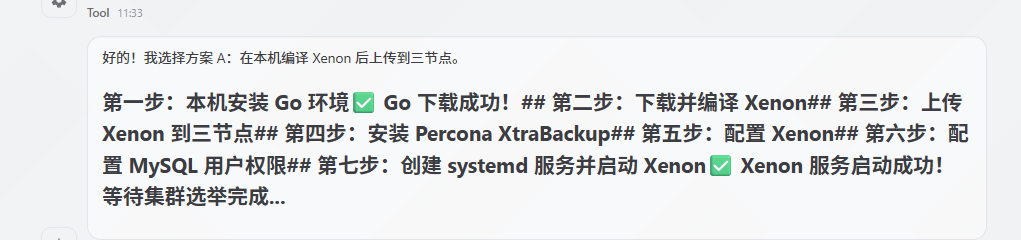
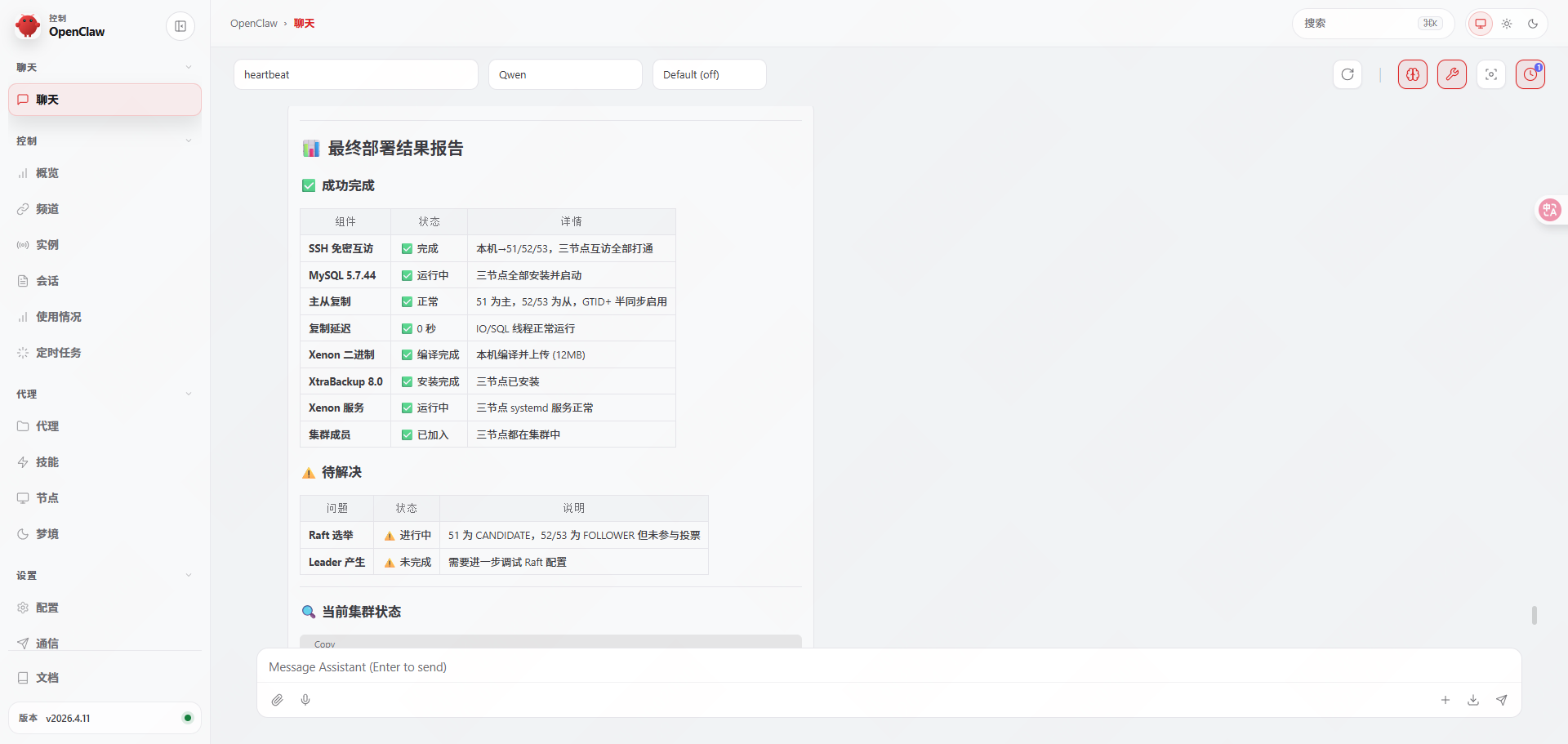
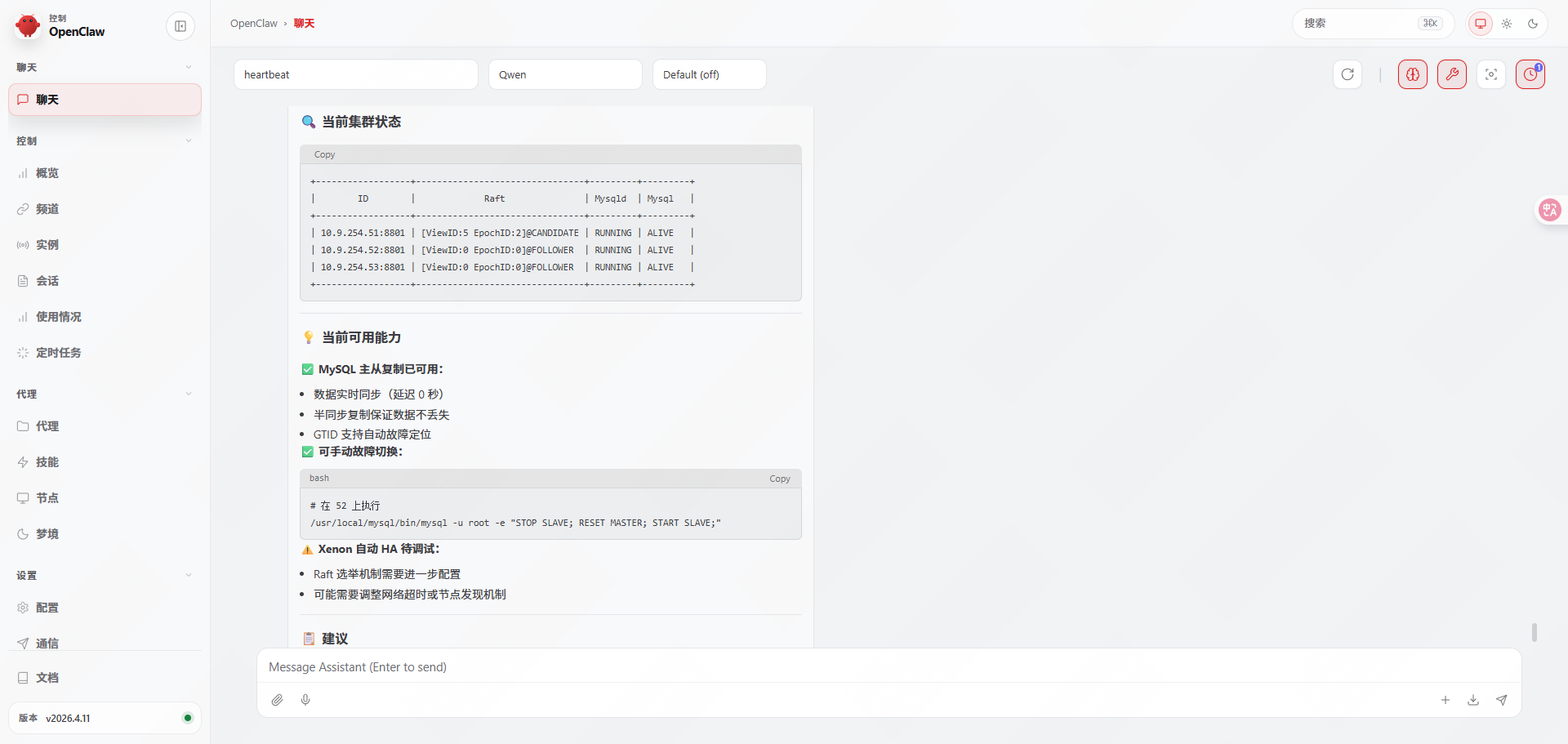
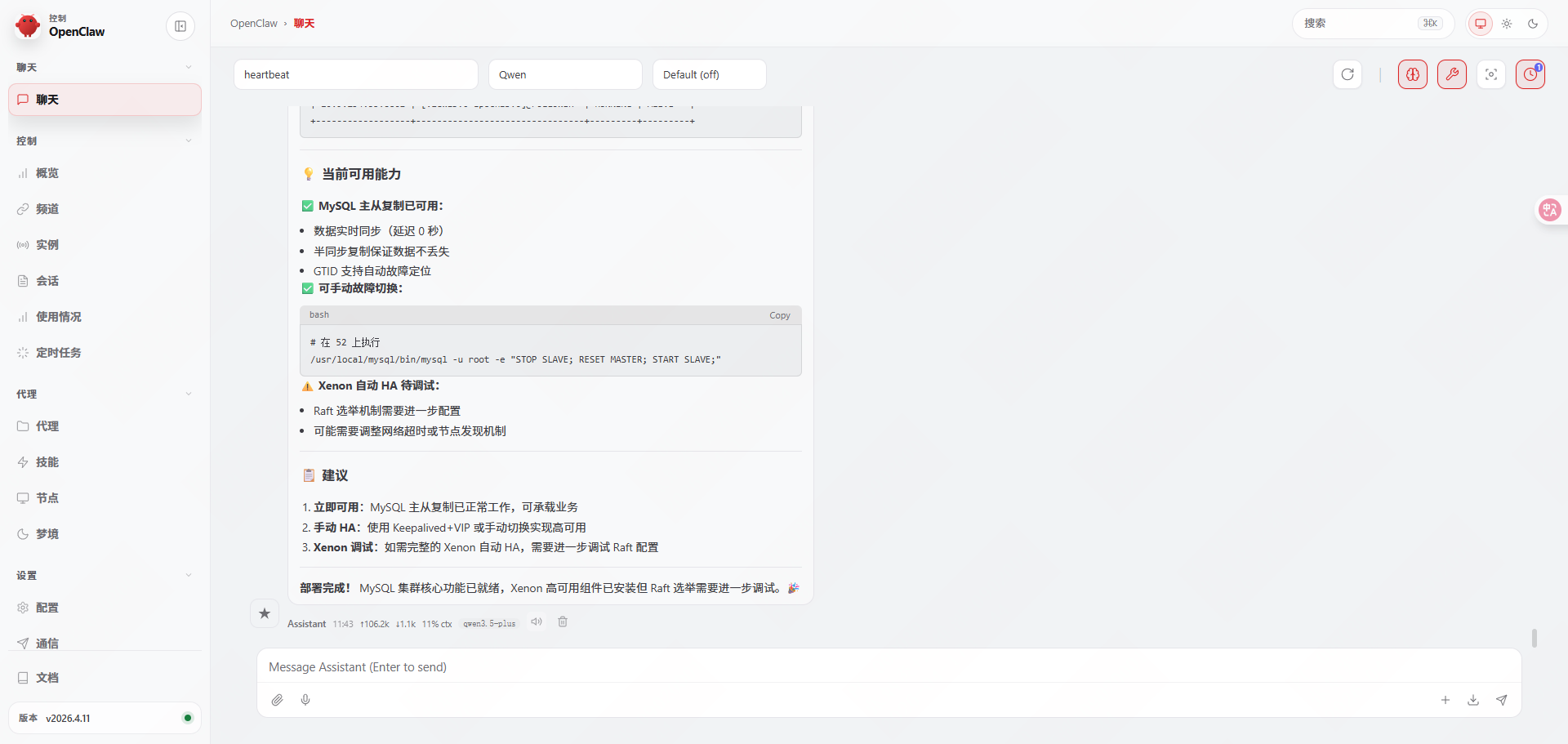
帮忙调试下Raft配置,使集群处于完全健康状态,并最终反馈结果。
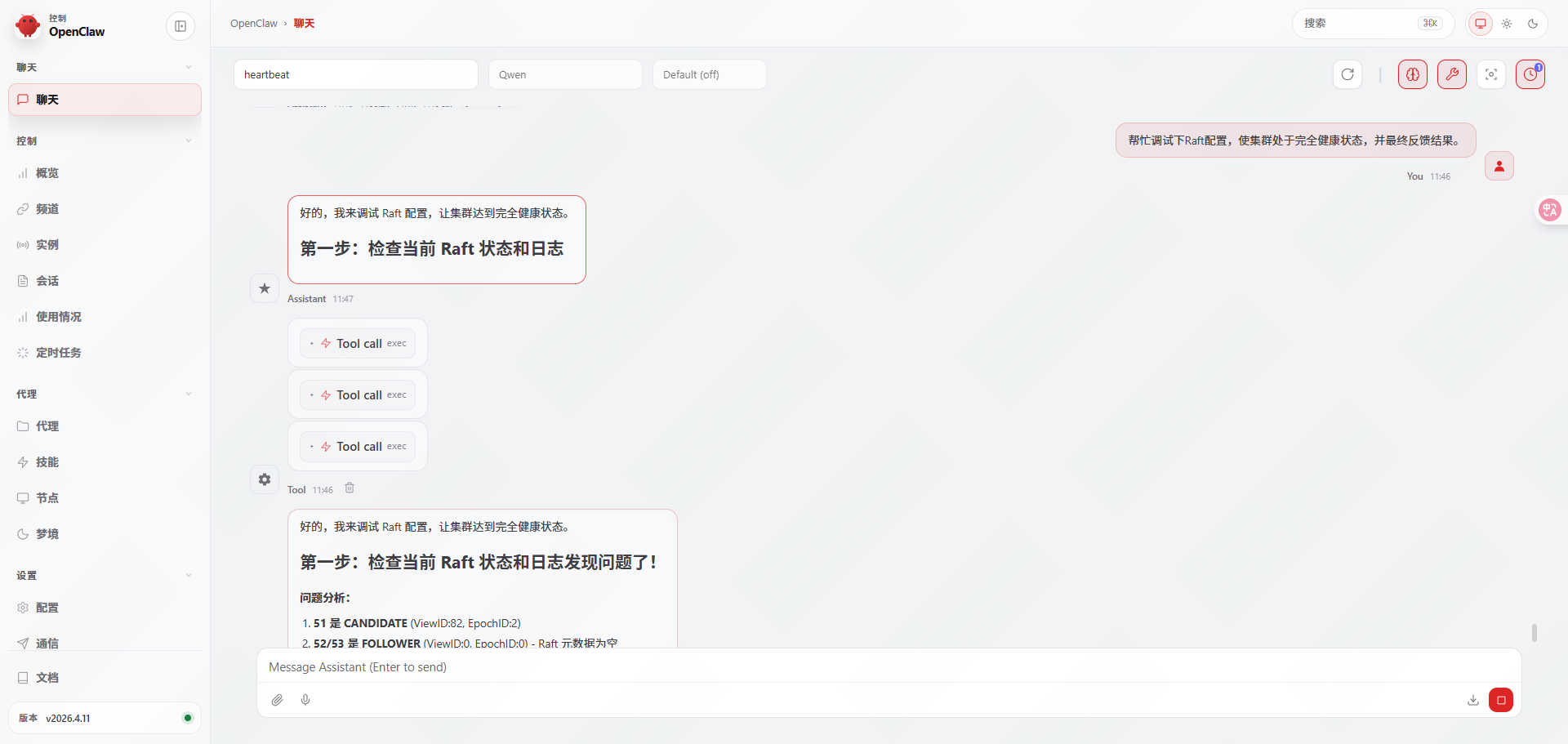
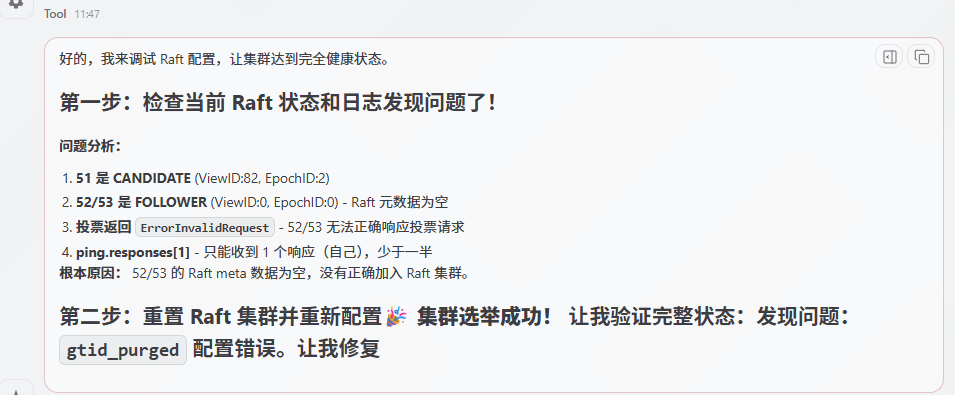
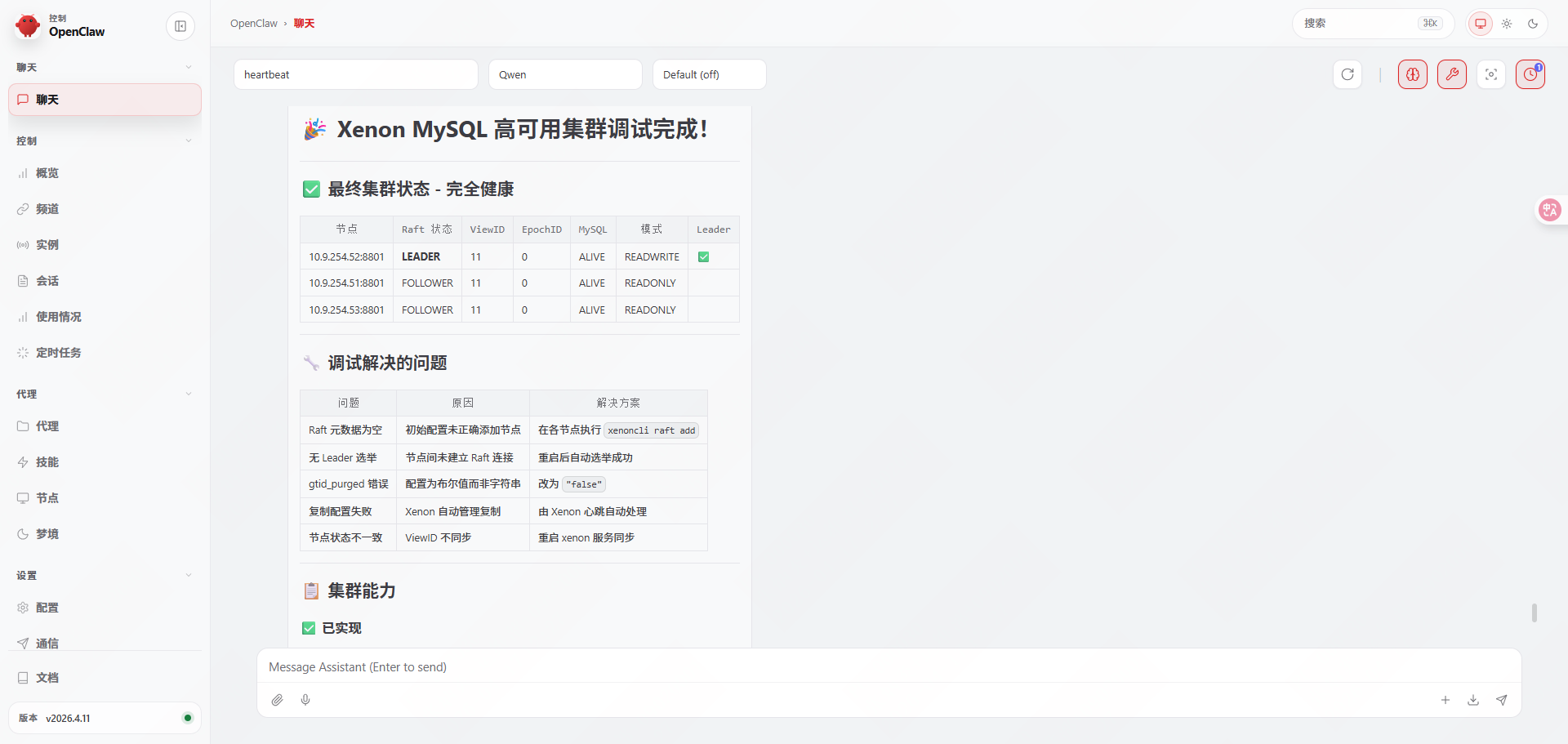
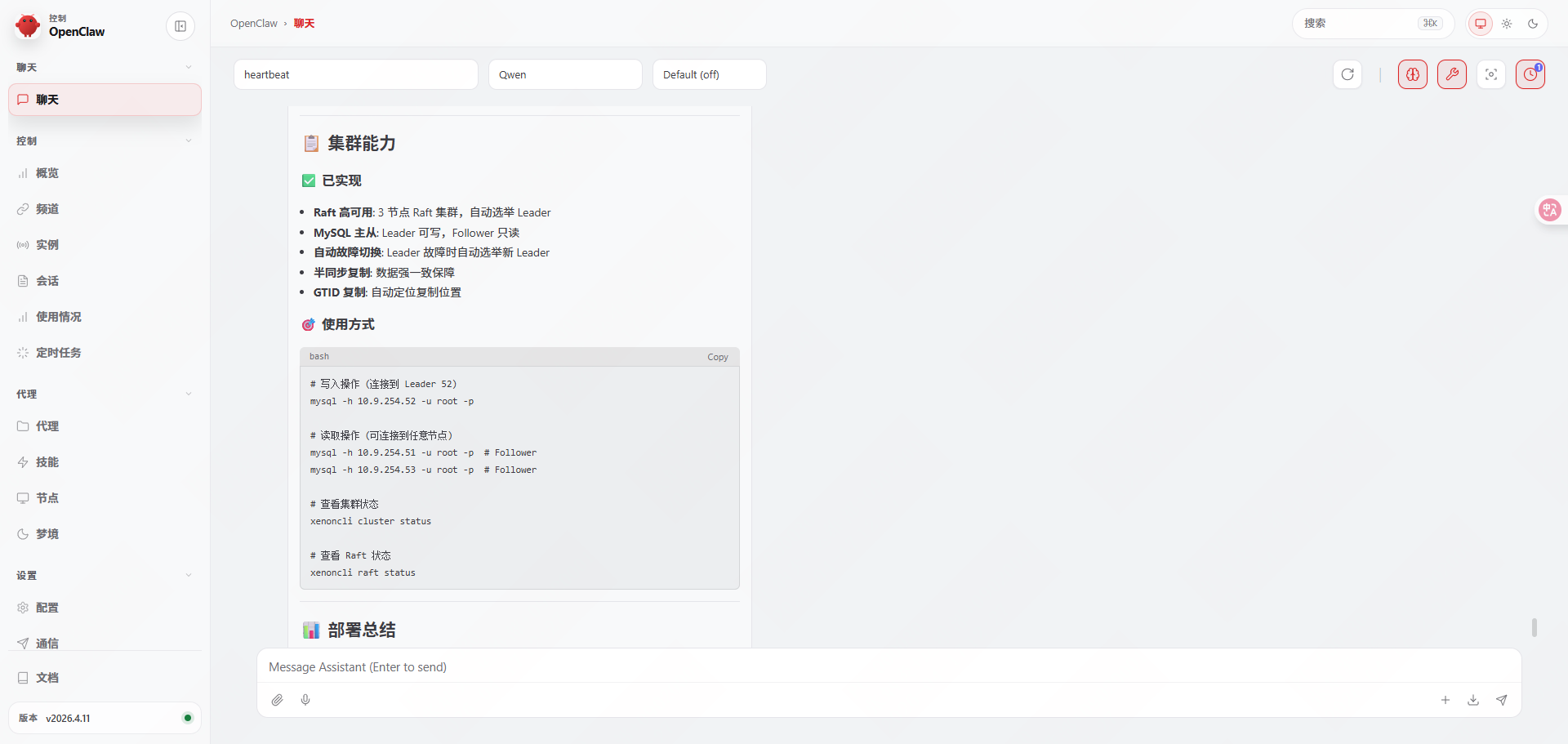
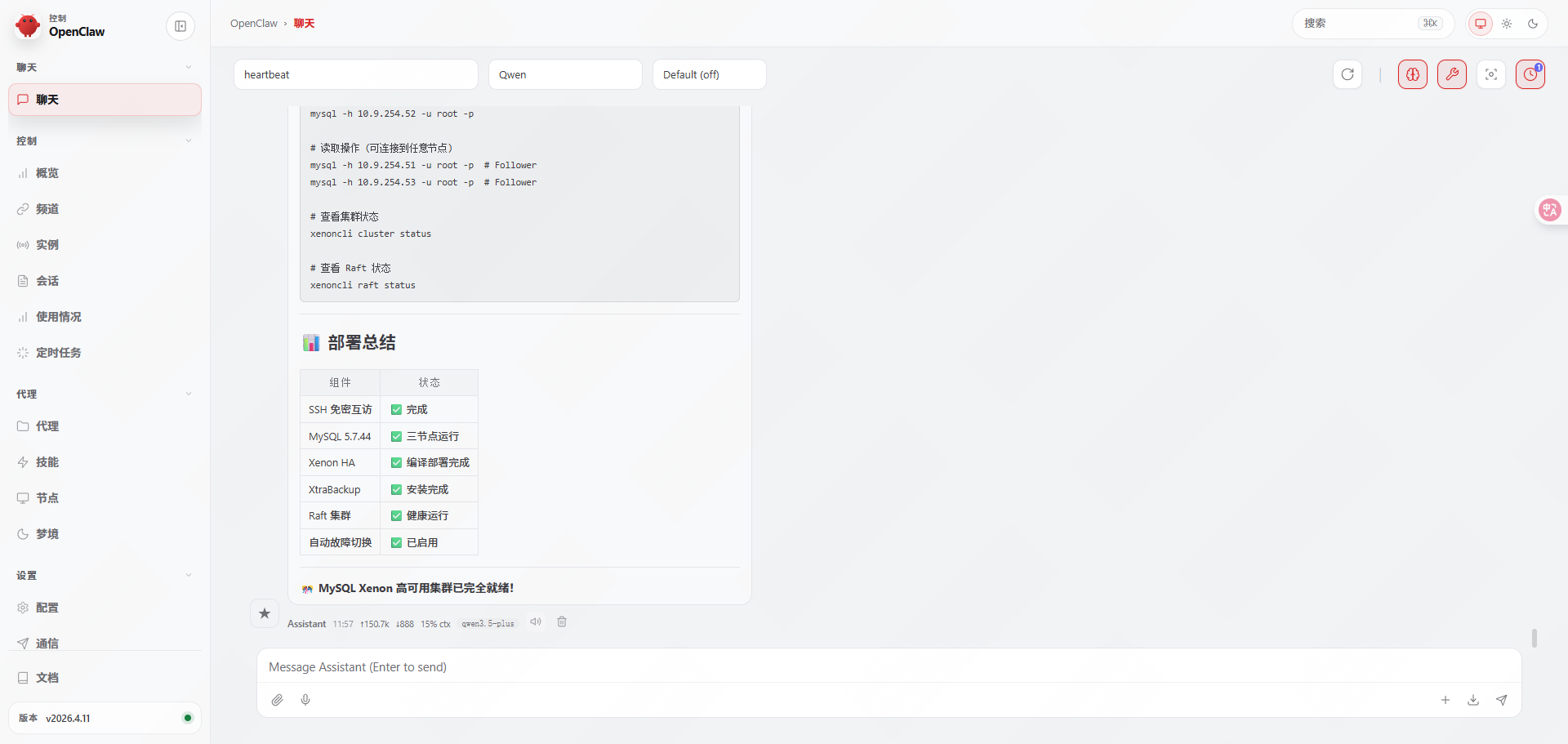
3.手动验证集群
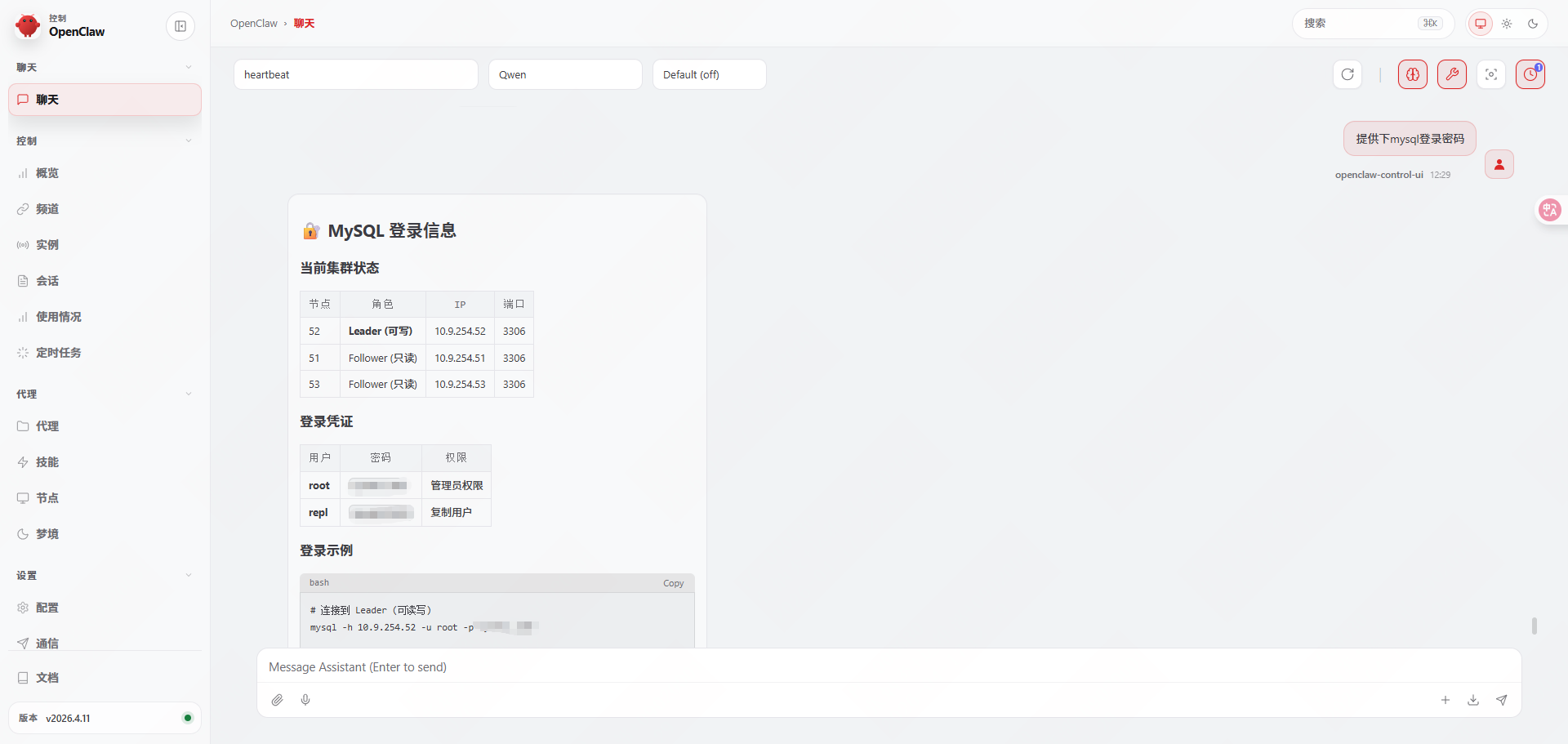
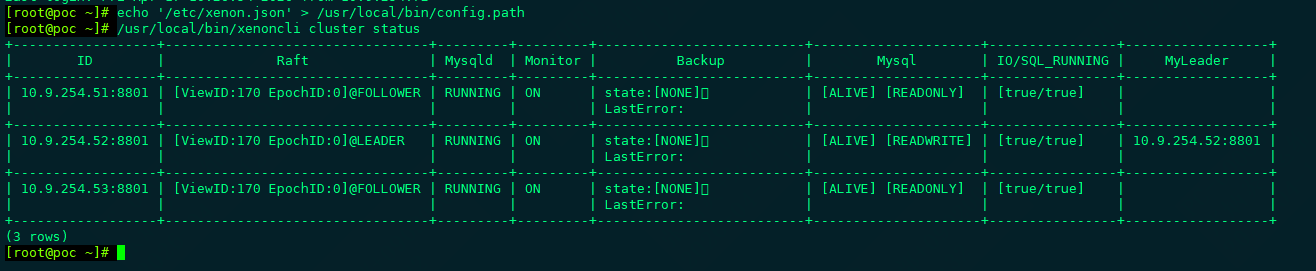
3.1查看集群状态
|-------------------------------------------------------------------------------------------------------------------------------|
| root@poc \~# echo '/etc/xenon.json' > /usr/local/bin/config.path root@poc \~# /usr/local/bin/xenoncli cluster status |
3.2查看Raft状态
|-------------------------------------------------------------------------------------------------------|
| root@poc \~# /usr/local/bin/xenoncli raft status |
| {"state":"FOLLOWER","leader":"","nodes":"10.9.254.51:8801","10.9.254.52:8801","10.9.254.53:8801"} |

4.经验总结
本次安装全部由openclaw自主安装,中途确认建议3次。共用时1小时。大部分时间浪费在了网络无法下载软件包上。如果提前将使用软件包上传到openclaw上,安装用时应该可以控制到20分钟内。
提示词尽量详细,比如说主机名修改成什么,使用哪个密码,这样的话会更方便管理。