踩坑记录12:AppStorage全局状态管理的生命周期问题
阅读时长 :9分钟 | 难度等级 :中级 | 适用版本 :HarmonyOS NEXT (API 12+)
关键词 :AppStorage、全局状态、生命周期、持久化
声明:本文基于真实项目开发经历编写,所有代码片段均来自实际踩坑场景。
欢迎加入开源鸿蒙PC社区 :https://harmonypc.csdn.net/
项目 Git 仓库 :https://atomgit.com/Dgr111-space/HarmonyOS
📖 前言导读
踩坑记录12:AppStorage 全局状态管理的生命周期问题 是 HarmonyOS 开发中的核心知识点之一。理解它不仅能让你的代码更健壮,还能帮助你建立正确的架构思维。本文基于真实项目的实践经验,提供了一套经过验证的最佳实践方案。
踩坑记录12:AppStorage 全局状态管理的生命周期问题
严重程度 :⭐⭐⭐ | 发生频率 :中
涉及模块:AppStorage、持久化存储、主题系统
一、问题现象
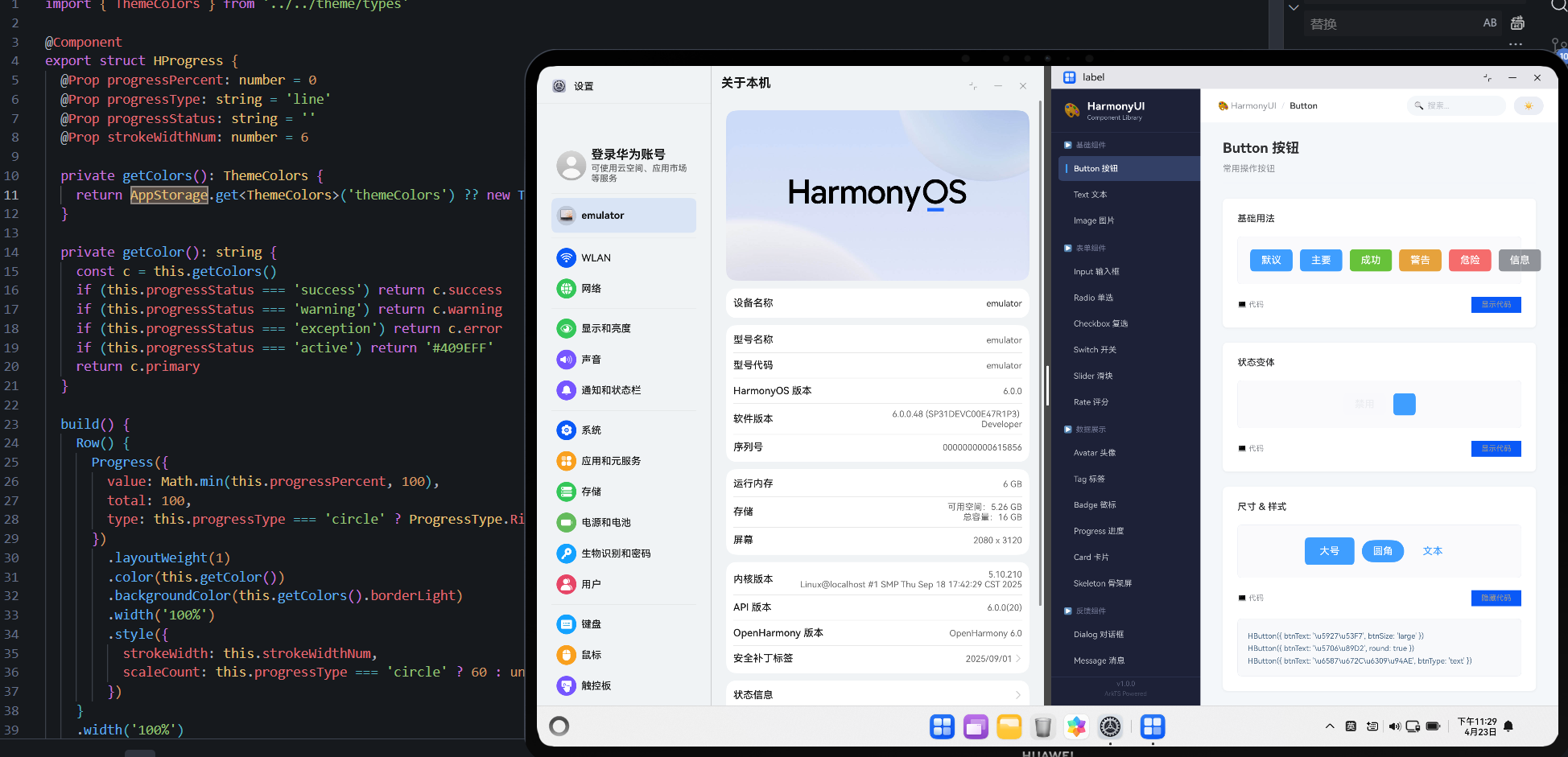
通过 AppStorage.get() 获取的主题颜色返回为 undefined 或默认值,即使之前已经 SetOrCreate 过。
typescript
// 在组件中获取时
private getColors(): ThemeColors {
  return AppStorage.get<ThemeColors>('themeColors') ?? new ThemeColors()
  // 每次都返回新的默认实例!
}
二、根因分析
AppStorage 的存储机制
$$
\text{AppStorage} \begin{cases}
\text{内存中的键值对存储} & \text{应用运行期间有效} \
\text{非持久化} & \text{应用关闭后清除} \
\text{线程安全} & \text{主线程访问} \
\text{类型擦除} & \text{get 时需要指定泛型}
\end{cases}
### 常见误区

| 假设 | 实际情况 |
|:---|:---|
| AppStorage 永久保存数据 | 应用退出即清空 |
| `get()` 返回原始引用 | 返回的是值的副本(基本类型) |
| 任何地方都能访问 | 需要在 UI 线程 / 组件上下文中 |
| `set()` 后立即全局可见 | 需要配合 `@StorageLink` 才能触发 UI 更新 |

## 三、正确的初始化与使用模式

```typescript
// ===== 1. 应用入口处初始化(必须!)=====
// entry/src/main/ets/Application.ets 或者第一个页面的 aboutToAppear
export default class EntryAbility extends UIAbility {
  onWindowStageCreate(windowStage: window.WindowStage) {
    // 初始化全局主题
    const defaultTheme = new ThemeColors()
    AppStorage.SetOrCreate<ThemeColors>('themeColors', defaultTheme)

    // 初始化其他全局状态
    AppStorage.SetOrCreate<boolean>('isDarkMode', false)
    AppStorage.SetOrCreate<string>('userToken', '')
  }
}

// ===== 2. 组件中使用 =====
@Component
export struct ThemedCard {
  // 方式 A:@StorageLink(响应式,自动刷新 UI)
  @StorageLink('themeColors') colors: ThemeColors = new ThemeColors()

  // 方式 B:手动 get(非响应式,用于计算)
  private computeAccent(): string {
    return AppStorage.get<ThemeColors>('themeColors')?.primary ?? '#409EFF'
  }

  build() {
    Column()
      .backgroundColor(this.colors.primary)  // ✅ 响应式
  }
}

// ===== 3. 修改全局状态 =====
function switchDarkMode(isDark: boolean) {
  AppStorage.SetOrCreate<boolean>('isDarkMode', isDark)

  // 如果需要同时切换主题色
  const theme = new ThemeColors(isDark ? 'dark' : 'light')
  AppStorage.SetOrCreate<ThemeColors>('themeColors', theme)
  // 使用 @StorageLink 的组件会自动重新渲染
}
四、AppStorage vs PersistentStorage vs Preferences
| 特性 | AppStorage | PersistentStorage | Preferences |
|---|---|---|---|
| 持久化 | 否 | 是 | 是 |
| 容量限制 | 无明确限制 | 10MB | 无明确限制 |
| UI 响应式 | @StorageLink 支持 |
不支持 | 不支持 |
| 适用场景 | 运行时全局状态 | 用户设置 | 结构化配置数据 |
| API 复杂度 | 低 | 中 | 中 |
持久化用户偏好的正确组合
typescript
import { preferences } from '@kit.ArkData'

// 首次启动:从 Persistence 加载 → 写入 AppStorage
async function loadUserPreferences(context: Context) {
  const dataPreferences = await preferences.getPreferences(context, 'user_prefs')
  const isDark = await dataPreferences.get('dark_mode', false) as boolean

  AppStorage.SetOrCreate<boolean>('isDarkMode', isDark)
  const theme = new ThemeColors(isDark ? 'dark' : 'light')
  AppStorage.SetOrCreate<ThemeColors>('themeColors', theme)
}

// 设置变更时:写入 AppStorage + Persistence
async function saveDarkMode(context: Context, isDark: boolean) {
  AppStorage.SetOrCreate<boolean>('isDarkMode', isDark)

  const dataPreferences = await preferences.getPreferences(context, 'user_prefs')
  await dataPreferences.put('dark_mode', isDark)
  await dataPreferences.flush()
}
五、调试技巧
typescript
// 开发环境下监听所有 AppStorage 变化
if (BuildProfile.Profile?.debug) {
  const watcher = (name: string) => {
    console.log(`[AppStorage Changed] key=${name}, value=${JSON.stringify(AppStorage.get(name))}`)
  }
  // ArkTS 提供的订阅 API
  AppStorage.registerWatcher(watcher)
}
参考资源与延伸阅读
官方文档
> 系列导航:本文是「HarmonyOS 开发踩坑记录」系列的第 12 篇。该系列共 30 篇,涵盖 ArkTS 语法、组件开发、状态管理、网络请求、数据库、多端适配等全方位实战经验。
工具与资源### 工具与资源
- DevEco Studio 官方下载 --- HarmonyOS 官方IDE
- HarmonyOS 开发者社区 --- 技术问答与经验分享
👇 如果这篇对你有帮助,欢迎点赞、收藏、评论!
你的支持是我持续输出高质量技术内容的动力 💪