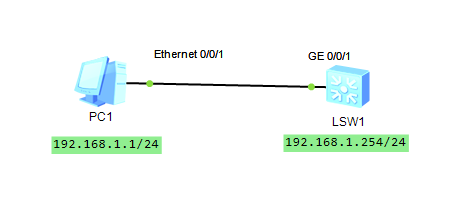
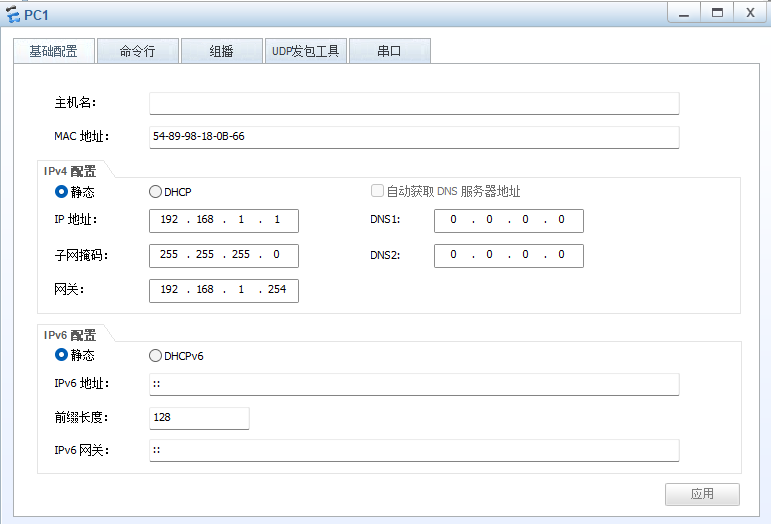
一、实验拓扑
二、配置步骤
步骤 1:基础配置与创建 VLAN
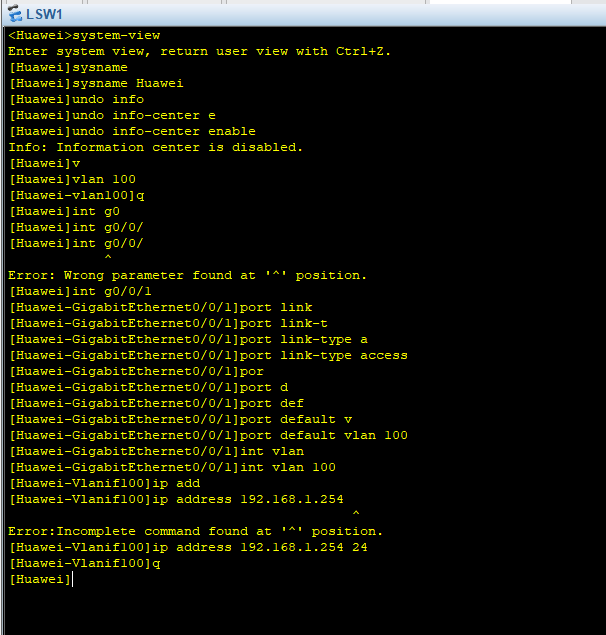
<Huawei>system-view
Huaweisysname Huawei
Huaweiundo info-center enable # 关闭信息中心,避免刷屏
Huaweivlan 100 # 创建 VLAN 100
Huawei-vlan100quit
说明 :
undo info-center enable可防止配置过程中系统信息干扰命令行。
步骤 2:配置接口为 Access 并划入 VLAN
Huaweiinterface GigabitEthernet0/0/1
Huawei-GigabitEthernet0/0/1port link-type access # 设置端口类型为 Access
Huawei-GigabitEthernet0/0/1port default vlan 100 # 将端口划入 VLAN 100
Huawei-GigabitEthernet0/0/1quit
说明:Access 端口默认只允许 VLAN 1 untag 通过,配置后该端口属于 VLAN 100。
步骤 3:配置 VLANIF(三层接口)
Huaweiinterface Vlanif 100 # 进入三层 VLAN 接口
Huawei-Vlanif100ip address 192.168.1.254 24 # 配置管理 IP(/24 = 255.255.255.0)
Huawei-Vlanif100quit
说明:VLANIF 是交换机的三层逻辑接口,用于给 VLAN 提供 IP 地址,实现网络层通信。
步骤 4:配置 Telnet 远程登录
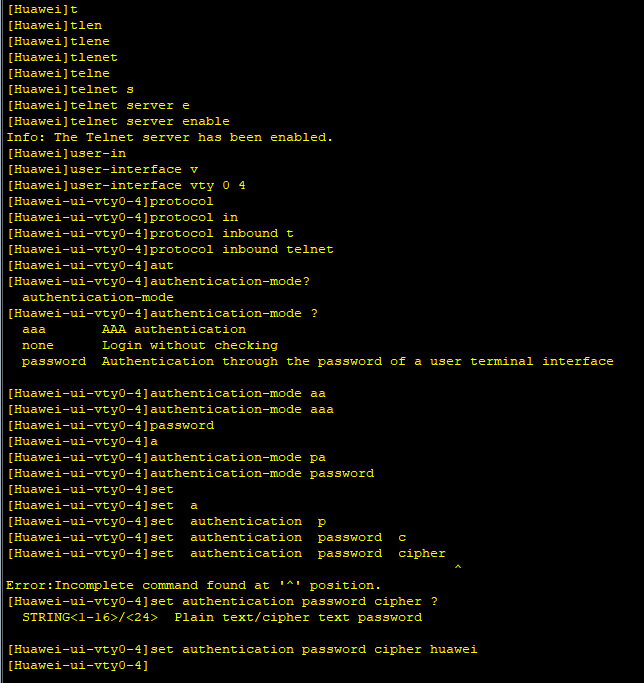
4.1 开启 Telnet 服务
Huaweitelnet server enable # 开启 Telnet 服务器
Info: The Telnet server has been enabled.
4.2 配置 VTY 线路
Huaweiuser-interface vty 0 4 # 进入 VTY 线路视图(同时允许 5 个用户)
Huawei-ui-vty0-4protocol inbound telnet # 允许 Telnet 协议接入
Huawei-ui-vty0-4authentication-mode password # 配置密码认证
Huawei-ui-vty0-4set authentication password cipher huawei # 设置密码为 huawei
Huawei-ui-vty0-4quit
步骤 5:验证配置
查看 VLAN 信息
Huaweidisplay vlan
查看接口配置
Huaweidisplay current-configuration interface GigabitEthernet0/0/1
查看 VLANIF 接口状态
Huaweidisplay ip interface brief Vlanif
查看 Telnet 服务状态
Huaweidisplay telnet server status
步骤 6:Telnet 客户端连接测试
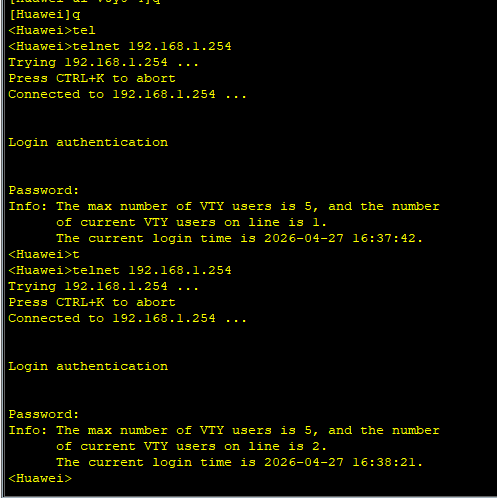
<Huawei>telnet 192.168.1.254
Trying 192.168.1.254 ...
Press CTRL+K to abort
Connected to 192.168.1.254 ...
Login authentication
Password:
Info: The max number of VTY users is 5, and the number
of current VTY users on line is 1.
The current login time is 2026-04-27 16:37:42.
<Huawei>
提示:输入密码时屏幕不显示字符,属于正常现象