目录
- [一、 预先配置](#一、 预先配置)
- [二、 错误处理](#二、 错误处理)
-
- [1. chapter_preliminaries/ndarray 数据操作](#1. chapter_preliminaries/ndarray 数据操作)
- [2. chapter_preliminaries/pandas 数据预处理](#2. chapter_preliminaries/pandas 数据预处理)
- [3. chapter_linear-networks/linear-regression 线性回归](#3. chapter_linear-networks/linear-regression 线性回归)
- [4. chapter_linear-networks/softmax-regression-concise softmax回归的简洁实现](#4. chapter_linear-networks/softmax-regression-concise softmax回归的简洁实现)
时隔一段时间回来看这些东西,遇到的问题其实基本都是非常基础的包的安装,但是对于第一次接触这些的小白,会感觉有点难度,经历过这个过程就好了
一、 预先配置
在Windows环境下配置
我已安装过anaconda,pytorch,python之类的
-
创建环境
创建一个新环境,会安装在Conda默认的
envs目录下,我是D:\Downloads\Anaconda\envs\d2l-zh1shell# 创建环境 conda create -n d2l-zh python=3.8 pip//改成3.9 # 激活环境 conda activate d2l-zh # 安装需要的包 pip install -y jupyter d2l torch torchvision # 下载压缩包 powershell -Command "Invoke-WebRequest -Uri 'https://zh-v2.d2l.ai/d2l-zh.zip' -OutFile 'D:\Downloads\Anaconda\pkgs\d2l-zh\d2l-zh.zip'"下载好慢啊,估计是要梯子,建议浏览器搜索https://zh-v2.d2l.ai/d2l-zh.zip直接下载,解压到自己想存放的位置,到存放位置目录手动解压
-
为后面的jupyter添加内核
shell# 安装 IPython 内核 pip install ipykernel # 将环境注册为 Jupyter 内核 python -m ipykernel install --user --name=d2l-zh --display-name= d2l-zh # 切换到目标目录运行jupyter Notebook D: D:\Downloads\Anaconda\pkgs\d2l-zh # 启动Jupyter Notebook jupyter notebook目录中四个文件夹是不同的版本
二、 错误处理
1. chapter_preliminaries/ndarray 数据操作
点开/pytorch/index.ipynb,下面几个链接按顺序看就行
错误处理
-
错误1
运行import torch报错显示
shellModuleNotFoundError Traceback (most recent call last) Cell In[1], line 1 ----> 1 import torch ModuleNotFoundError: No module named 'torch'原因:环境没安装pytorch
解决:在jupyter notebook的随便一个目录下右上角新建一个d2l-zh内核的文件
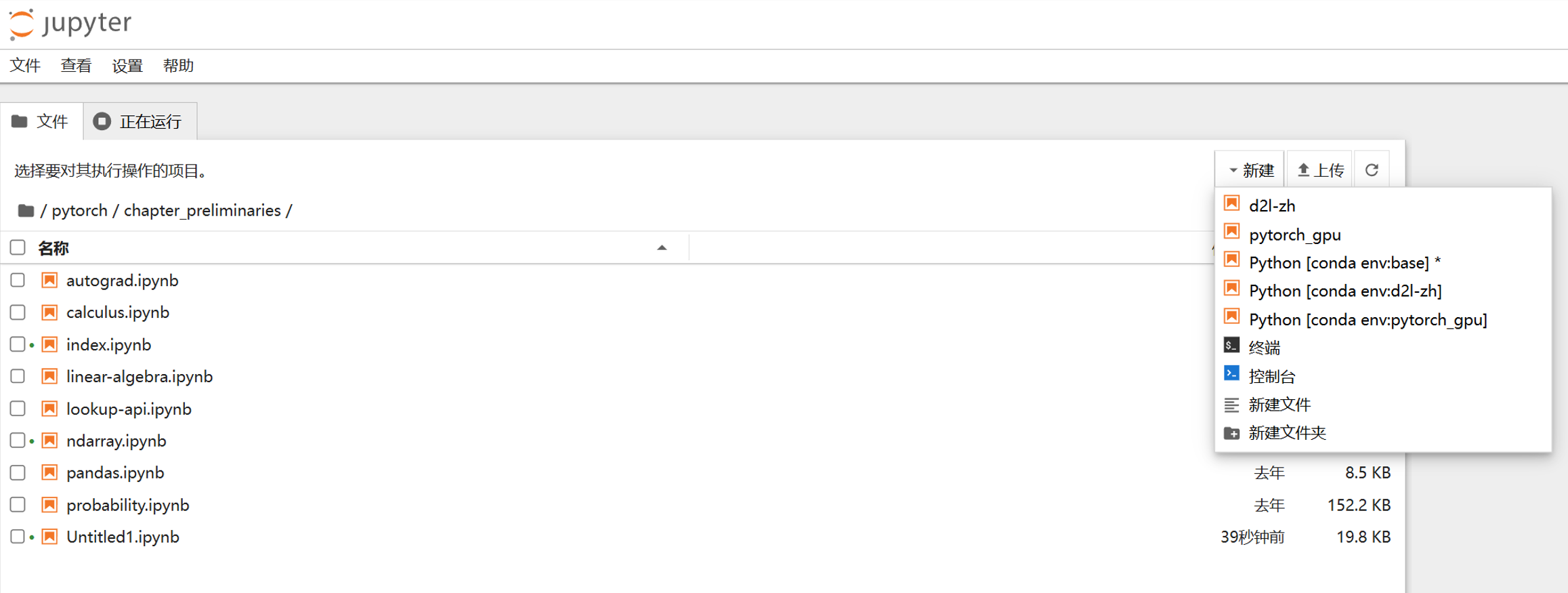
运行命令
shell!pip list发现没有torch包,要安装torch
运行命令
shell!pip install torch要关掉或者打开梯子,并稍等一会
再运行
shell!pip list检查发现已安装
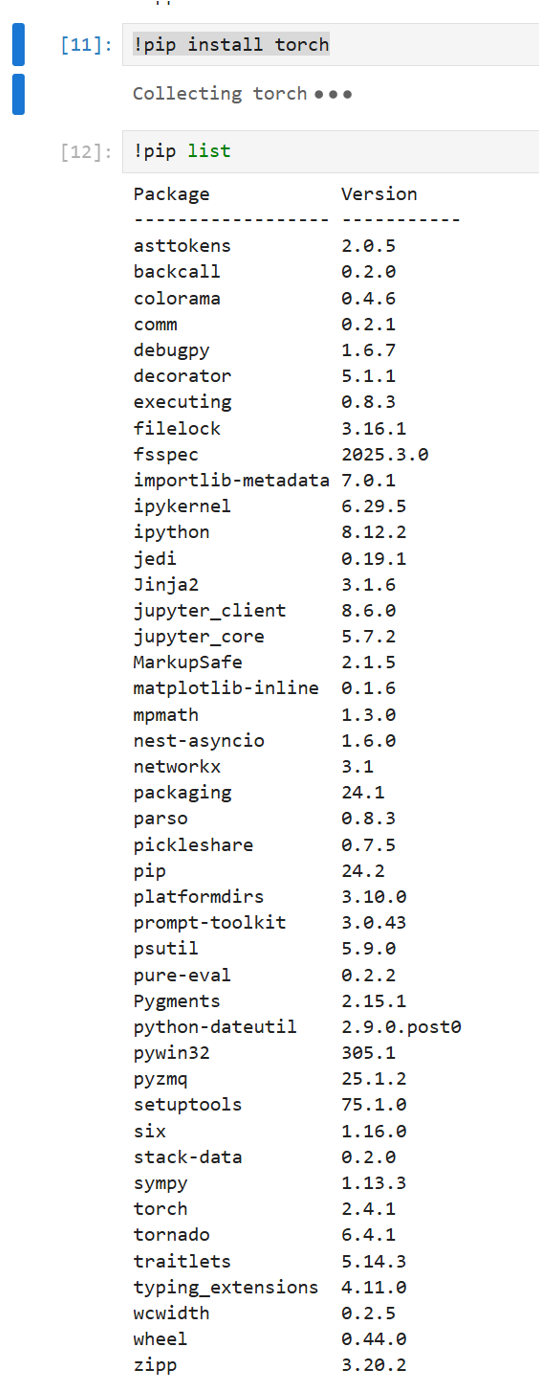
-
错误2
运行import torch报错显示

网上说可能是numpy版本冲突
-
新建文件
-
卸载numpy
shellconda uninstall numpy显示
shellNote: you may need to restart the kernel to use updated packages. PackagesNotFoundError: The following packages are missing from the target environment: - numpy貌似没有环境里numpy
-
安装numpy
shellconda install numpy -
重启jupyter notebook,解决
-
2. chapter_preliminaries/pandas 数据预处理
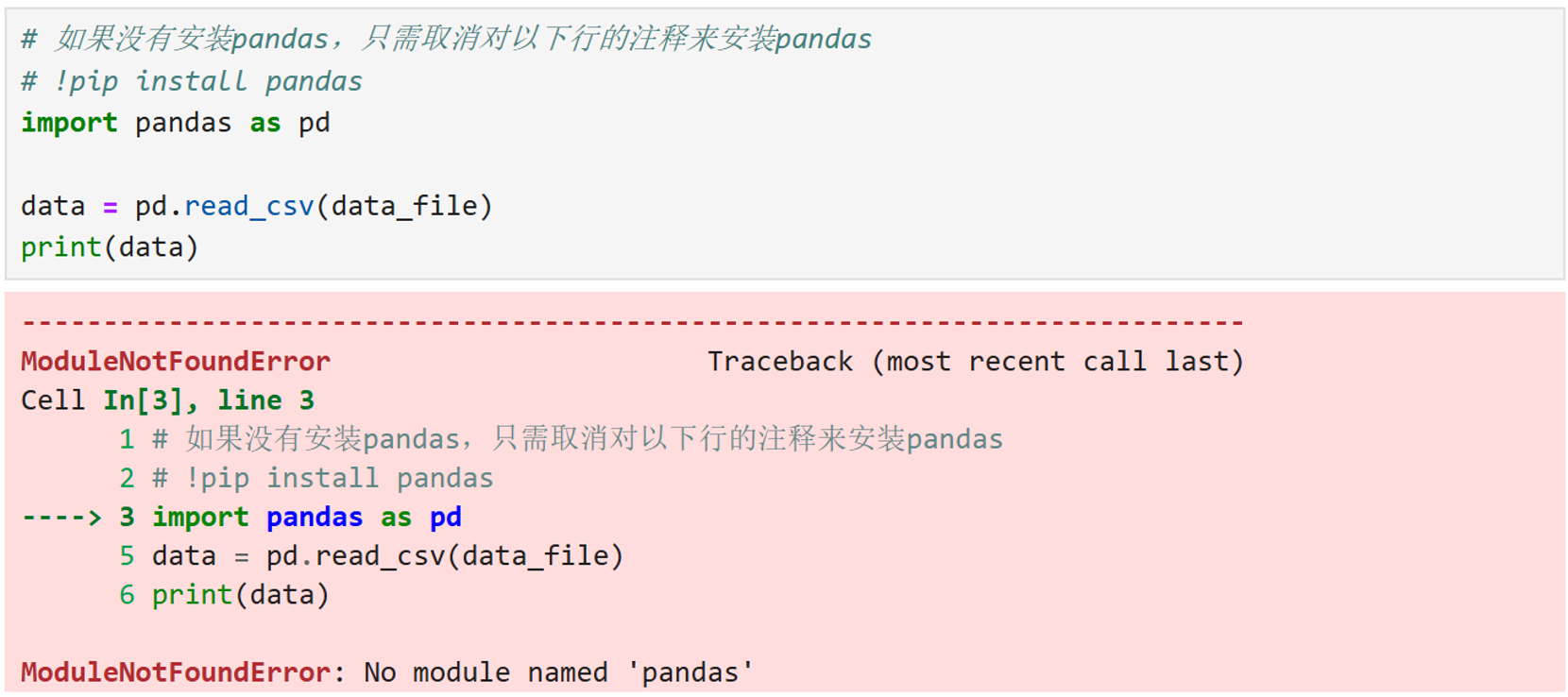
没装pandas,取消第二行的注释即可
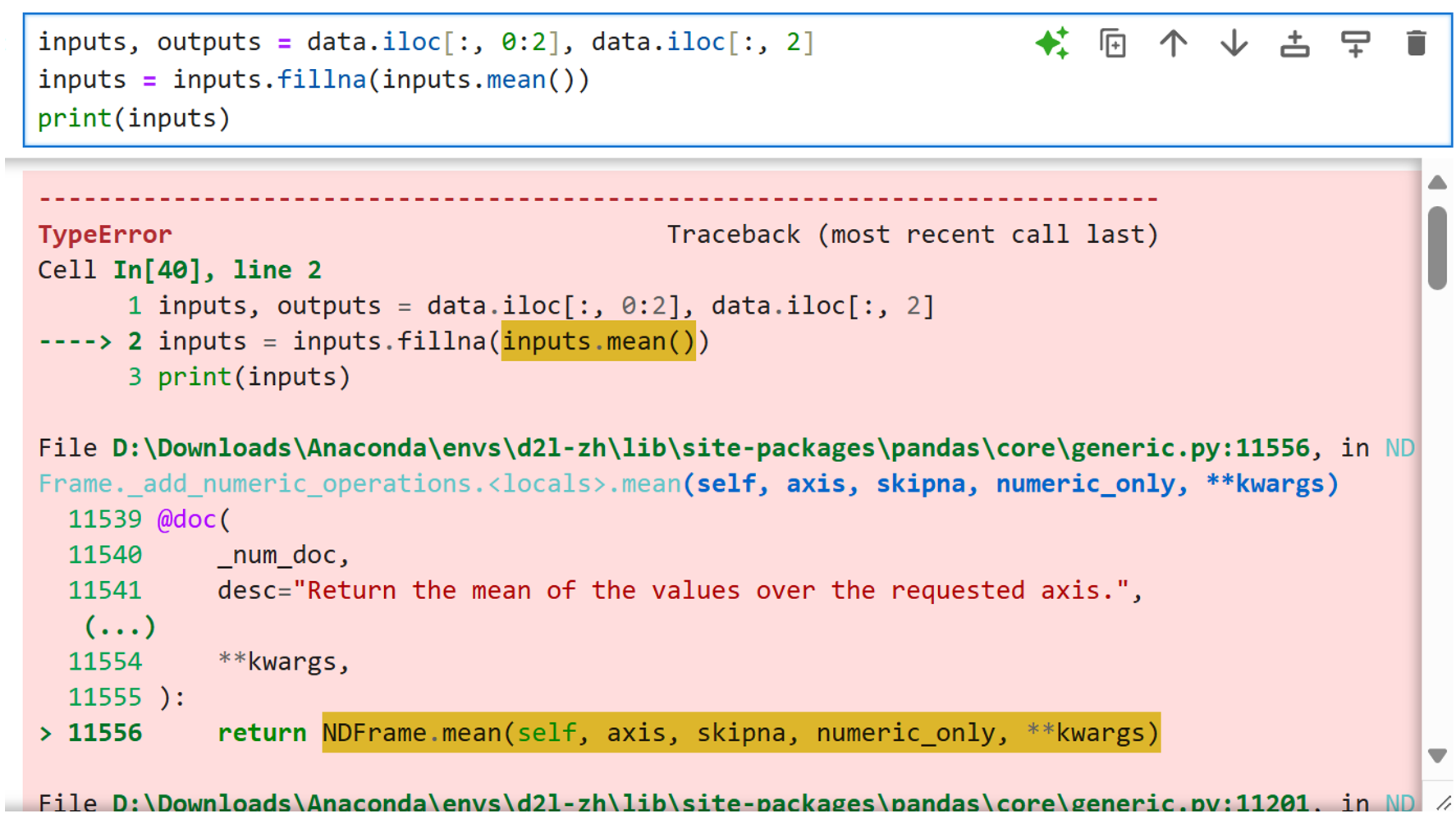
不知道为什么第一次可以,后面不行了,遇到了这个错误
解决方式:改成inputs = inputs.fillna(inputs.mean(numeric_only=True))
3. chapter_linear-networks/linear-regression 线性回归
-
错误1
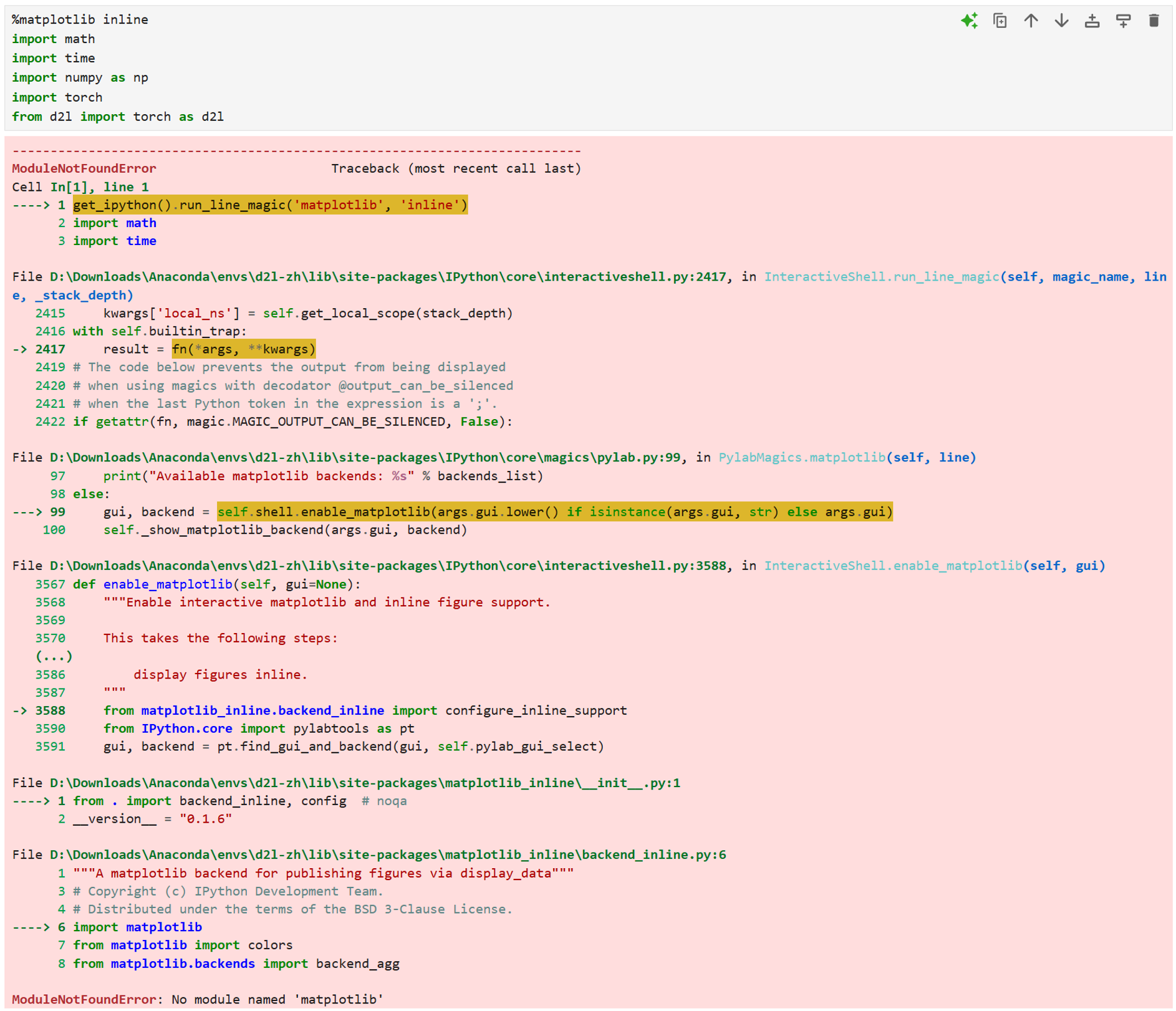
原因: Python 环境中没有安装 matplotlib 库
解决:
-
在jupyter notebook运行命令
shell!pip install matplotlib
开梯子会报错,不开梯子又太慢了,放弃
2. 打开终端,激活d2l-zhshellpip install matplotlib卡在某个进度条,速度很慢
改用下载清华源镜像
shellpip install matplotlib -i https://pypi.tuna.tsinghua.edu.cn/simple但是不知道为什么提示说都已经安装过了,奇奇怪怪
-
-
错误2
安装d2l库时, 下载清华源镜像
shell pip install d2l -i https://pypi.tuna.tsinghua.edu.cn/simple会报错,要求python版本≥3.9
运行
shell python --version发现python版本为3.8.20,之前安装时安装版本过低
升级一下python版本
shellconda install python=3.9然后再重新安装一下d2l
shellpip install d2l -i https://pypi.tuna.tsinghua.edu.cn/simple有两个警告说文件无法移除,应该没什么影响
-
错误3
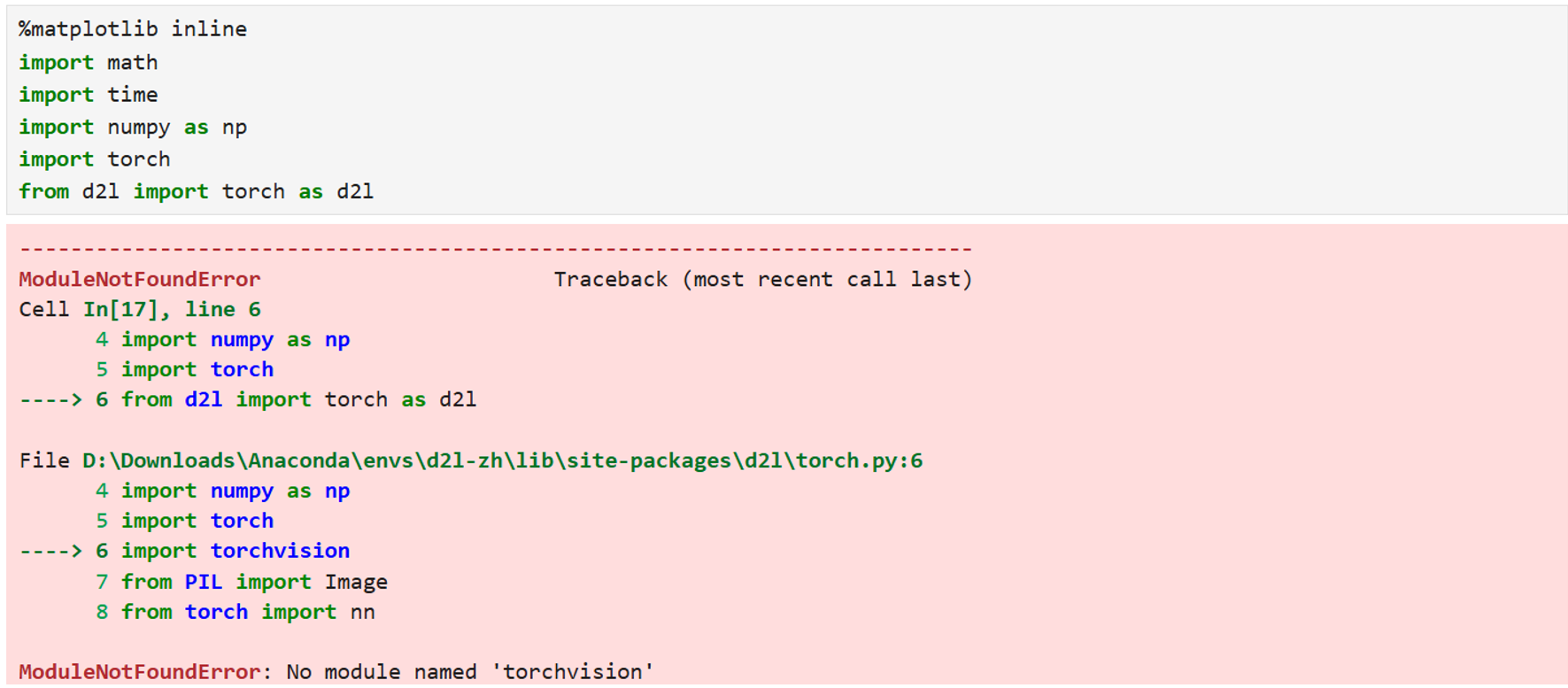
安装torchvision
shellpip install torchvision -i https://pypi.tuna.tsinghua.edu.cn/simple有一个警告说文件无法移除,应该没什么影响
-
错误4
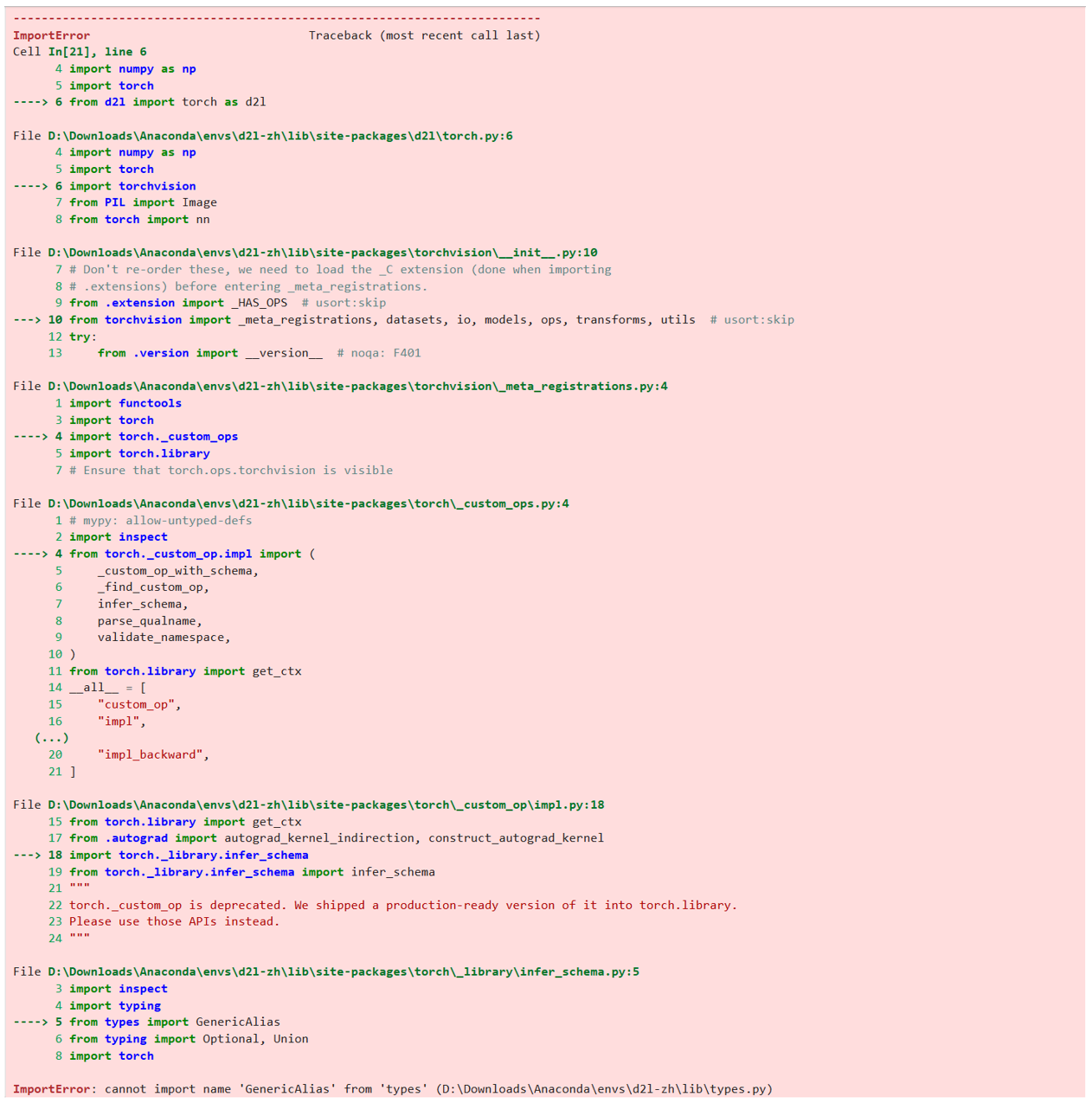
摆烂重装
shellconda deactivate conda remove -n d2l-zh --all conda create -n d2l-zh python=3.9 pip //关掉梯子 conda activate d2l-zh pip install --trusted-host pypi.org --trusted-host pypi.python.org --trusted-host=files.pythonhosted.org d2l-zh //下载好慢 pip install torch pip install --user d2l //之前安装的d2l-zh没有用,这个飞快 pip install torchvision服了,终于成功了
4. chapter_linear-networks/softmax-regression-concise softmax回归的简洁实现
最后一行d2l.train_ch3(net, train_iter, test_iter, loss, num_epochs, trainer)
报错提示:
AttributeError: module 'd2l' has no attribute 'train_ch3
解决:
C:\Users\Forest\AppData\Roaming\Python\Python39\site-packages\d2l\torch.py文件夹(要先启动jupyter notebook打开d2l-zh内核才会显示)中加入上一节的如下函数,def前注意不要空格,然后重启jupyter notebook
python
def evaluate_accuracy(net, data_iter)
def train_epoch_ch3(net, train_iter, loss, updater)
def train_ch3(net, train_iter, test_iter, loss, num_epochs, updater)
def predict_ch3(net, test_iter, n=6)