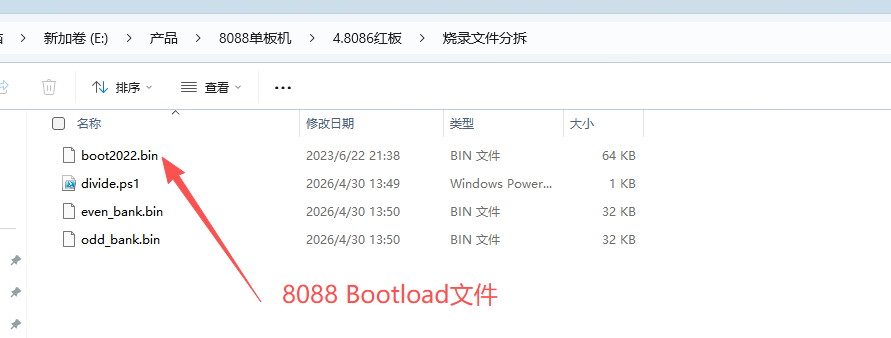
1.准备8088 Bootloader 文件
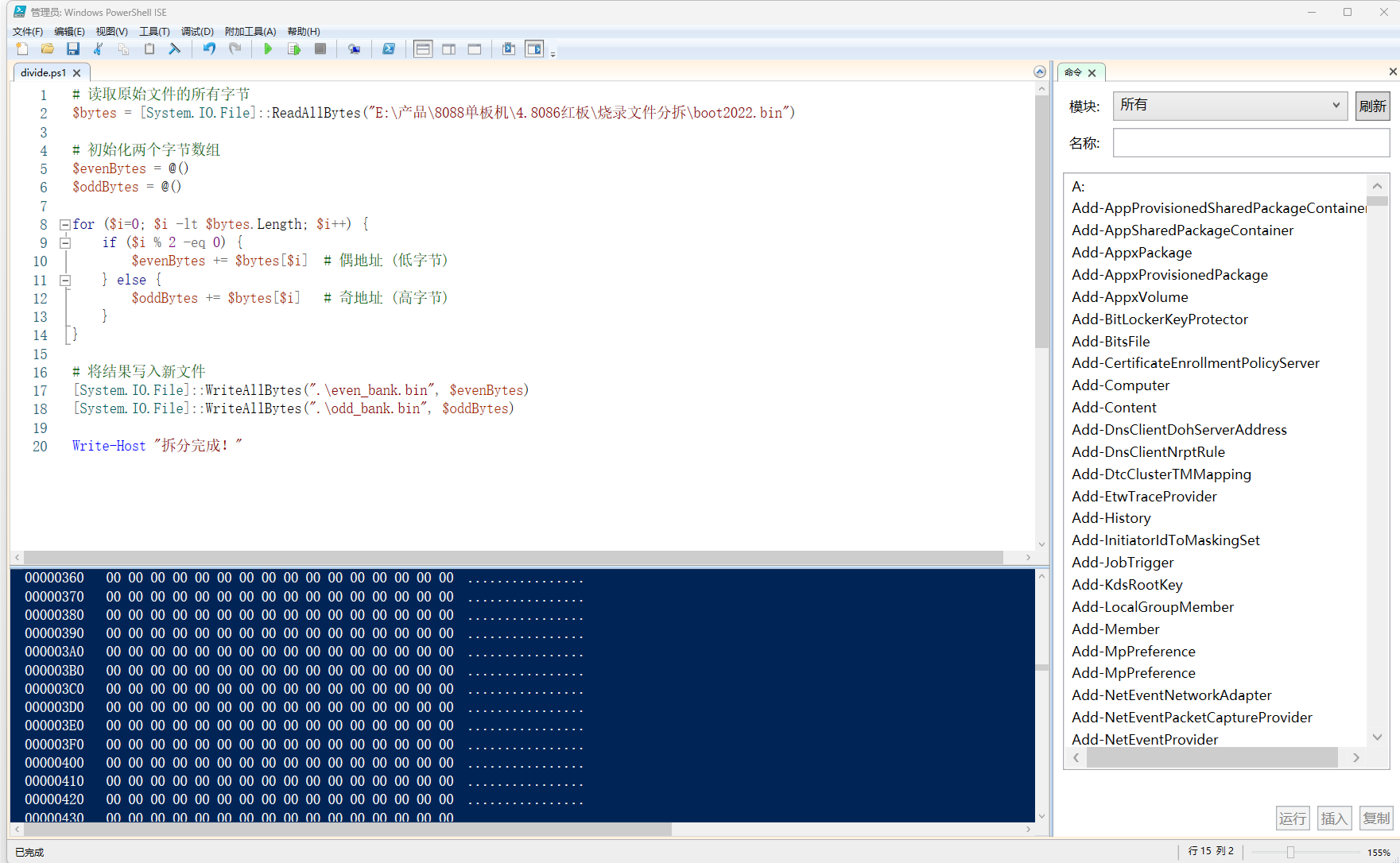
2.打开Windows PowerShell ISE,建立分拆脚本文件
bash
# 读取原始文件的所有字节
$bytes = [System.IO.File]::ReadAllBytes("E:\产品\8088单板机\4.8086红板\烧录文件分拆\boot2022.bin")

# 初始化两个字节数组
$evenBytes = @()
$oddBytes = @()

for ($i=0; $i -lt $bytes.Length; $i++) {
    if ($i % 2 -eq 0) {
        $evenBytes += $bytes[$i]  # 偶地址 (低字节)
    } else {
        $oddBytes += $bytes[$i]   # 奇地址 (高字节)
    }
}

# 将结果写入新文件
[System.IO.File]::WriteAllBytes(".\even_bank.bin", $evenBytes)
[System.IO.File]::WriteAllBytes(".\odd_bank.bin", $oddBytes)

Write-Host "拆分完成!"
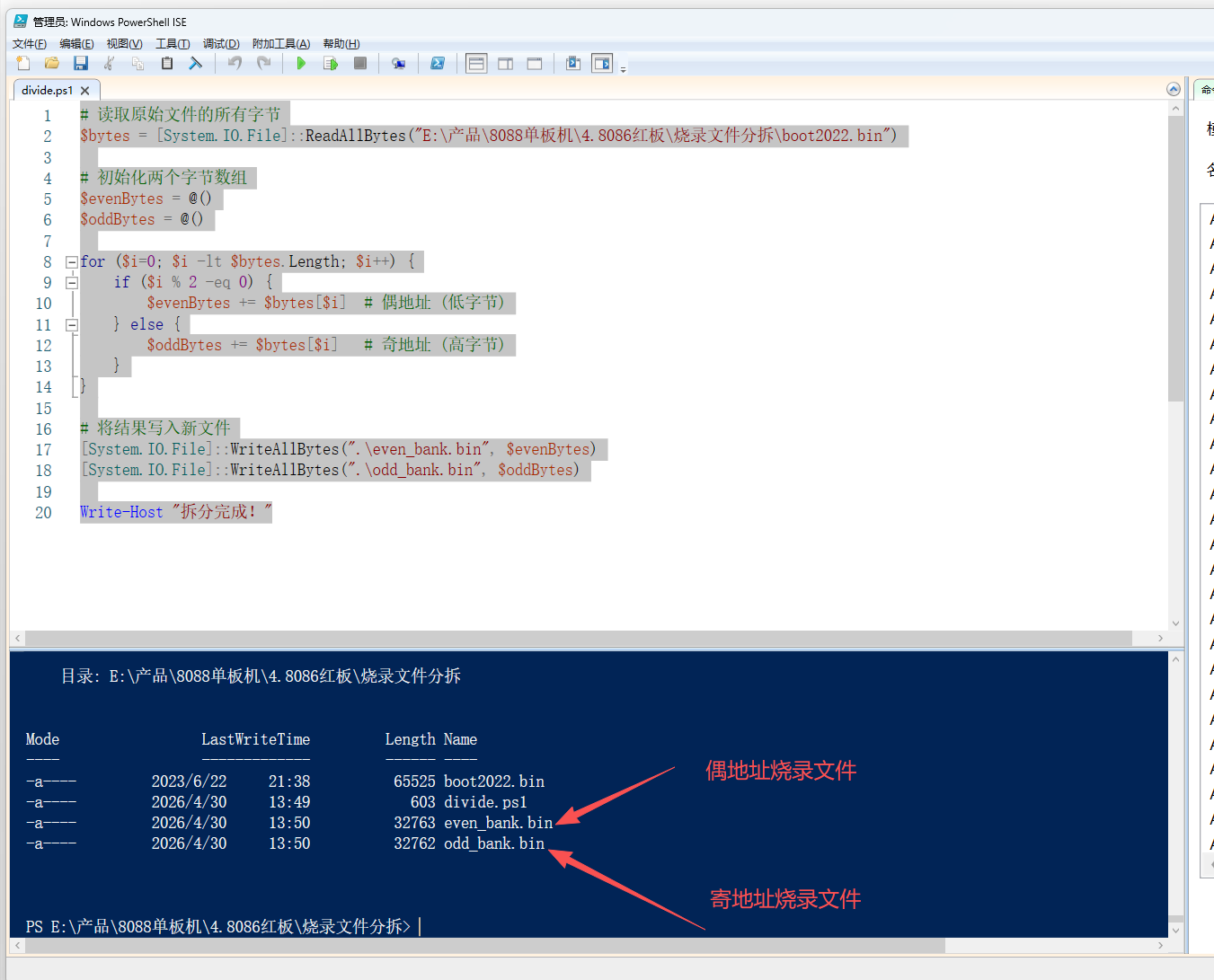
3.运行Powershell脚本,获得分拆文件
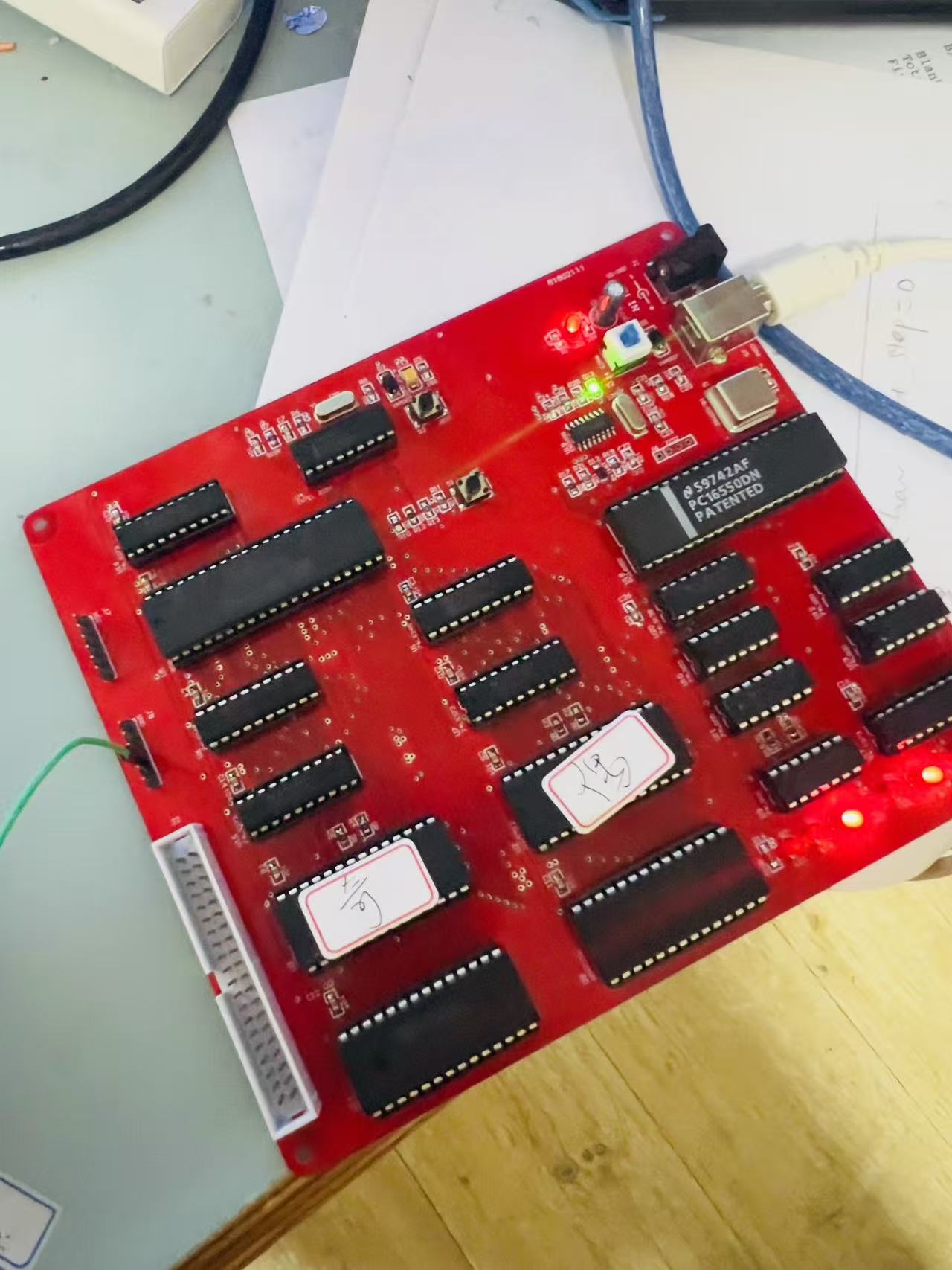
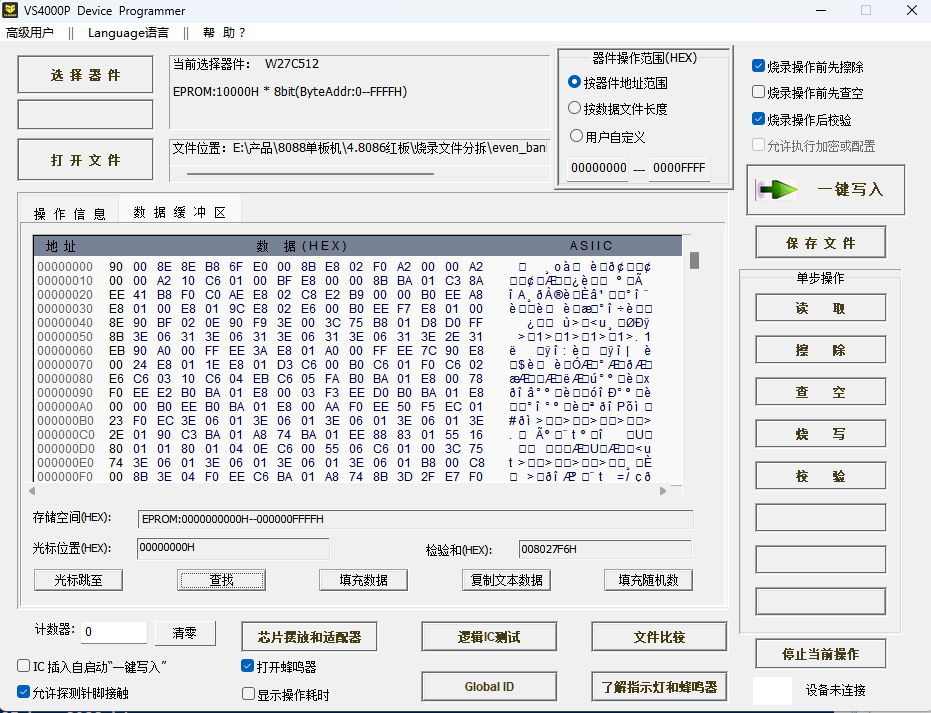
4.编程器烧录EPROM
5.安装到8086母版上测试