借助gitee仓库构建私有图床
架构和准备
- 创建gitee服务端仓库
- 创建gitee图床仓库
- 日常图片存储gitee仓库,通过git提交,保障本地电脑和云上备份双份
- 创建spring-boot服务端应用,实现预览图片路径为gitee图床
- 创建spring-boot客户端应用,实现远程服务端同步git pull命令
- 部署服务通过nginx域名代理
- 服务端部署
具体实现细节
仓库和源码地址
gitee 图片仓库https://gitee.com/kcnf_open/wiki
gitee 服务端仓库https://gitee.com/kcnf_open/kcnf-wiki
服务端
<dependencies>
    <dependency>
        <groupId>org.springframework.boot</groupId>
        <artifactId>spring-boot-starter-web</artifactId>
    </dependency>
</dependencies>
yaml配置
#app
server:
  port: 8086
  servlet:
    context-path: /
#spring
spring:
  main:
    allow-bean-definition-overriding: true
  devtools:
    restart:
      enabled: false
  profiles:
    active: dev
  web:
    resources:
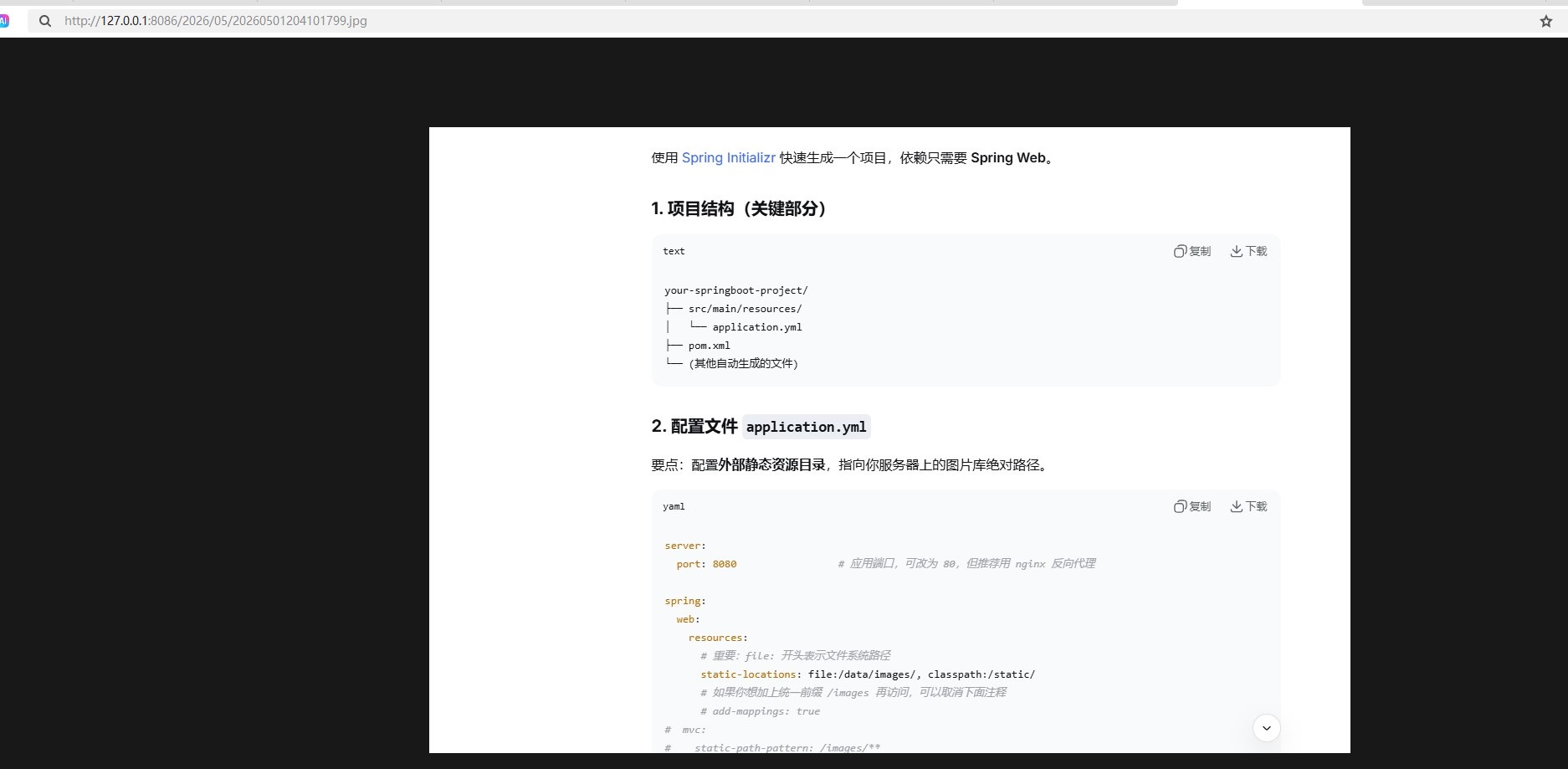
      static-locations: file:${IMAGE_BASE_PATH:/data/wiki}/, classpath:/static/
启动类
package com.jysemel.kcnf;

import lombok.extern.slf4j.Slf4j;
import org.springframework.beans.factory.annotation.Autowired;
import org.springframework.boot.CommandLineRunner;
import org.springframework.boot.SpringApplication;
import org.springframework.boot.autoconfigure.SpringBootApplication;
import org.springframework.context.ApplicationContext;
import org.springframework.scheduling.annotation.EnableScheduling;

/**
 * @author jysemel
 */
@Slf4j
@EnableScheduling
@SpringBootApplication
public class WikiApplication implements CommandLineRunner {

	@Autowired
	private ApplicationContext context;

	public static void main(String[] args) {
		log.info("砍材农夫	开始启动........................................");
		SpringApplication.run(WikiApplication.class, args);
		log.info("砍材农夫	启动成功........................................");
	}


	@Override
	public void run(String... args) throws Exception {
		// 更简单的方法:直接输出配置值
		String path = context.getEnvironment().getProperty("IMAGE_BASE_PATH");
		log.info(">>> IMAGE_BASE_PATH {}", path);
		log.info(">>> static-locations {}" , context.getEnvironment().getProperty("spring.web.resources.static-locations"));
	}

}
同步git 云图
package com.jysemel.kcnf.controller;

import lombok.SneakyThrows;
import lombok.extern.slf4j.Slf4j;
import org.springframework.beans.factory.annotation.Autowired;
import org.springframework.context.ApplicationContext;
import org.springframework.web.bind.annotation.GetMapping;
import org.springframework.web.bind.annotation.RestController;

import java.io.IOException;

@Slf4j
@RestController
public class GitController {

    @Autowired
    private ApplicationContext context;


    @SneakyThrows
    @GetMapping("/admin/pull")
    public String pull() throws IOException {
        String path = context.getEnvironment().getProperty("IMAGE_BASE_PATH");
        log.info(">>> IMAGE_BASE_PATH {}", path);
        Process process = Runtime.getRuntime().exec("git -C "+ path +" pull");
        int code = process.waitFor();
        return code == 0 ? "success" : "failed";
    }
}
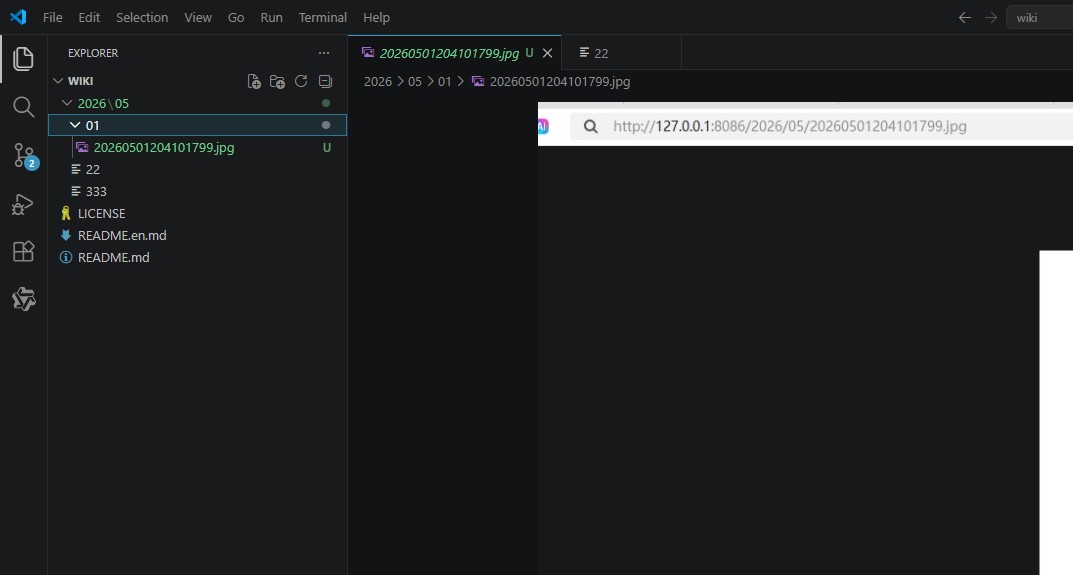
演示